

Sorry, this item is out of stock
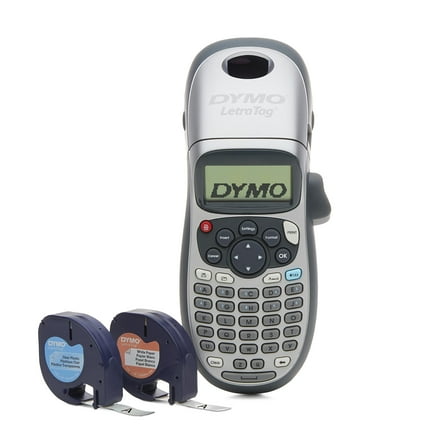
DYMO LetraTag 100H Plus Handheld Label Maker for Office or Home $72.99 Was $84.99
 $7299current price $72.99, Was $84.99$84.99
DYMO LetraTag 100H Plus Handheld Label Maker for Office or Home
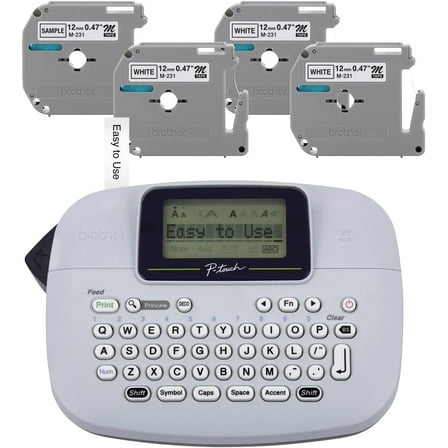
Brother PT-M95 P-Touch Monochrome Label Maker Bundle (4 Label Tapes Included), $44.99
 $4499current price $44.99
Brother PT-M95 P-Touch Monochrome Label Maker Bundle (4 Label Tapes Included),
2654 out of 5 Stars. 265 reviewsBottle Labeling Machine 4x2.8x3inch Black Bottles Label Makers Pine Wood Labeler Wooden Labeling Wizard Tools Labels Stickers Applicator Tool for Jars Essential Oils $10.92
 $1092current price $10.92
Bottle Labeling Machine 4x2.8x3inch Black Bottles Label Makers Pine Wood Labeler Wooden Labeling Wizard Tools Labels Stickers Applicator Tool for Jars Essential Oils
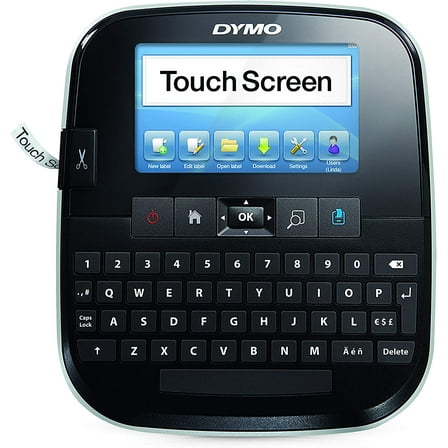
Restored DYMO LabelManager 500TS Touch Screen Thermal Label Printer – Handheld Desktop Label Maker for Office, Shipping, and Organization Labels (Refurbished) $290.00
 $29000current price $290.00
Restored DYMO LabelManager 500TS Touch Screen Thermal Label Printer – Handheld Desktop Label Maker for Office, Shipping, and Organization Labels (Refurbished)
Clearance Manual Embossing Label Maker, Qiopertar Under $5 Manual Embossing Label Maker,Mini Manual Printers,Small Embossed Tape Printers Ledger $9.19 Was $10.49
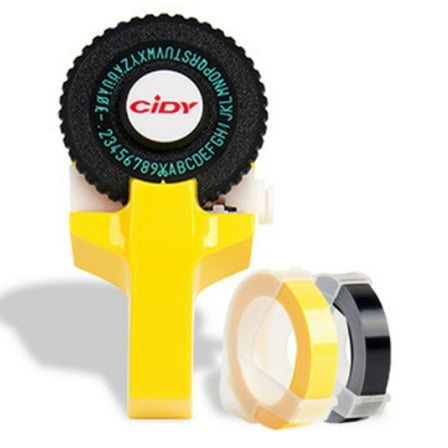 Options from$919– $949$10.49+$2.29 shipping
Manual Embossing Label Maker, Qiopertar Under $5 Manual Embossing Label Maker,Mini Manual Printers,Small Embossed Tape Printers Ledger
FACEGA Label Maker 3D Printed Unique Appearance Label Maker for Machine with Tape Color Coded Label Option Label Maker for Machine Brown $11.35
 $1135current price $11.35
FACEGA Label Maker 3D Printed Unique Appearance Label Maker for Machine with Tape Color Coded Label Option Label Maker for Machine Brown
Dymo Rhino 4200 Basic Industrial Handheld Label Maker 1 Line 4 3/50x8 23/50x2 6/25 1801611/2175088 $163.79
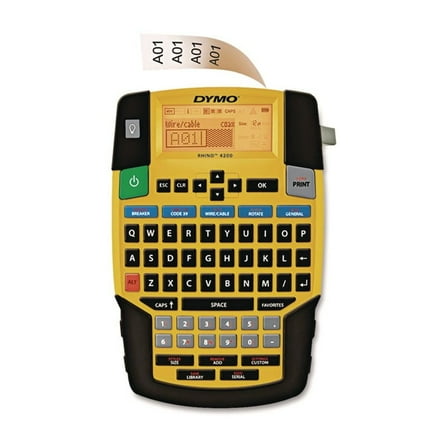 $16379current price $163.79
Dymo Rhino 4200 Basic Industrial Handheld Label Maker 1 Line 4 3/50x8 23/50x2 6/25 1801611/2175088
65 out of 5 Stars. 6 reviewsCase Compatible with DYMO Label Maker LabelManager 160/280 Portable Label Maker- Gray $17.99
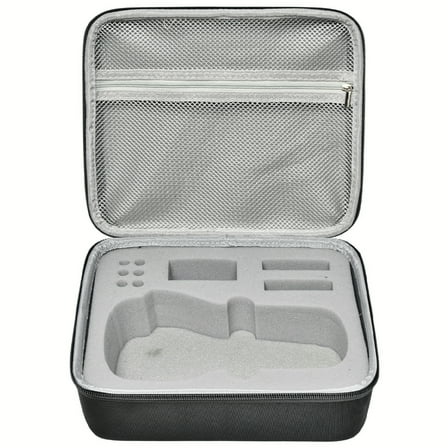 $1799current price $17.99
Case Compatible with DYMO Label Maker LabelManager 160/280 Portable Label Maker- Gray
15 out of 5 Stars. 1 reviewsZORVEX Label Maker Machine with Tape, N12 Portable Bluetooth Label Printer, Wireless Mini Label Makers Thermal Sticker with Multiple Templates, Black $21.72
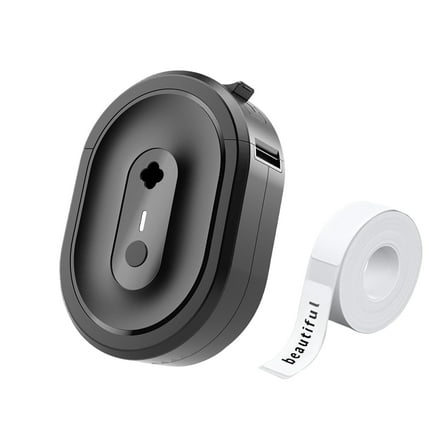 Options from$2172– $2413
ZORVEX Label Maker Machine with Tape, N12 Portable Bluetooth Label Printer, Wireless Mini Label Makers Thermal Sticker with Multiple Templates, Black
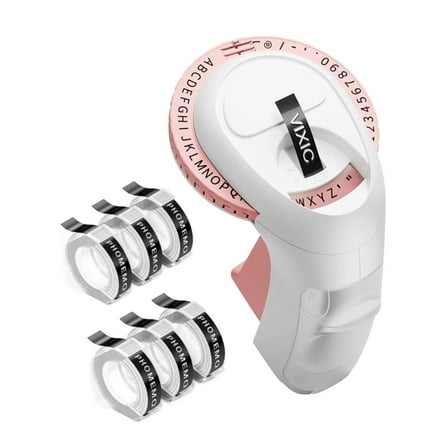
Reduced price E975 Labelling Device Handheld Manual Label Maker for DIY Labels Kitchen Items $22.54 Was $25.67
 More options from$1758$25.67
E975 Labelling Device Handheld Manual Label Maker for DIY Labels Kitchen Items
Brother PT-E110BP Contractor Kit: P-Touch Handheld Industrial Label Printer Plus 3 Tapes (up to 12mm Labels) $93.94
 $9394current price $93.94
Brother PT-E110BP Contractor Kit: P-Touch Handheld Industrial Label Printer Plus 3 Tapes (up to 12mm Labels)
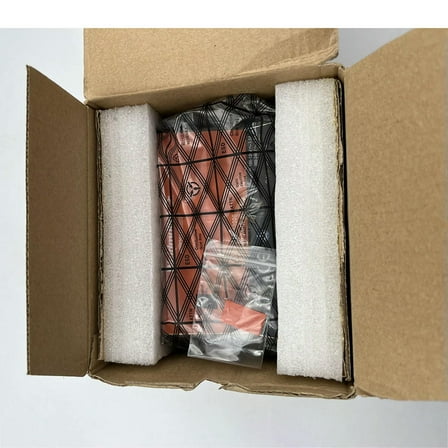
3D DIY Manual Label Maker 9mm For 1880 Embossing Plastic pvc Label Manual Label printer $56.38
 $5638current price $56.38
3D DIY Manual Label Maker 9mm For 1880 Embossing Plastic pvc Label Manual Label printer
Manual Label Maker under $5! CQCYD Manual Label Maker, Embossing Label Printing Machine, Handheld Price Tag Maker, Portable Label Printer with Tape $22.99
 $2299current price $22.99
Manual Label Maker under $5! CQCYD Manual Label Maker, Embossing Label Printing Machine, Handheld Price Tag Maker, Portable Label Printer with Tape
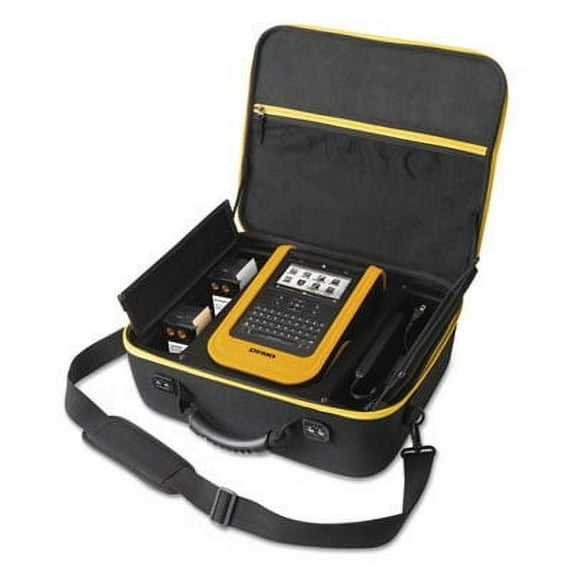
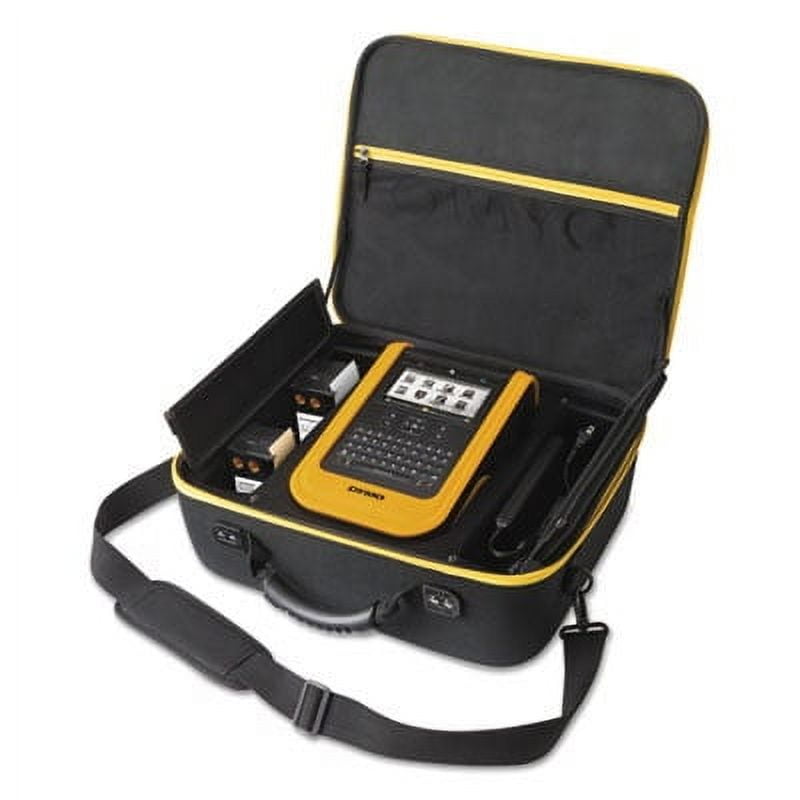
DYMO XTL 500 Industrial Label Maker Kit, 28mm/Second, 16 1/8w x 5 3/4d x 14 3/8h
Key item features
- Visual Labeling: Features a life-like on-screen print preview and color display, showing how labels will appear on various surfaces like cables and pipes.
- Intuitive Operation: Simplifies labeling with built-in applications and a color touchscreen for efficient positioning of text, barcodes, and images.
- Diverse Labeling: Prints pre-sized and continuous labels from 6 mm to 54 mm, including safety signage and heat-shrink tubes.
- Material Versatility: Utilizes a full range of UL-rated materials and colors for various labeling needs.
- Data Integration: Offers PC connectivity and free DYMO ID software for importing data directly from Microsoft Excel or databases.
- System Compatibility: Compatible with Windows 7, 8, and 10 operating systems.
- Physical Dimensions: Measures 16 1/8 inches wide, 5 3/4 inches deep, and 14 3/8 inches high.
Specs
- Label maker typeDesktop Label Makers
- Maximum label width2 in
- Maximum print resolution300 dpi
- Label maker featuresDigital Display
- Power typeBattery
- BrandDYMO
How do you want your item?
Popular items in this category
Best selling items that customers love
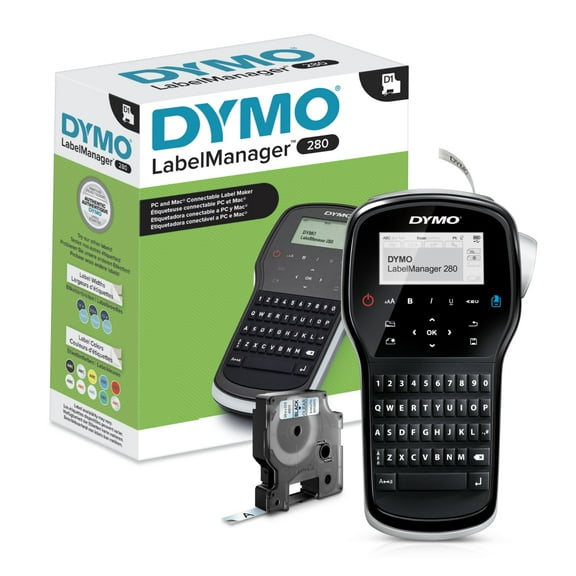
DYMO Label Maker | LabelManager 280 Rechargeable Portable Label Maker, Easy-to-Use, One-Touch Smart Keys, QWERTY Keyboard, PC and Mac Connectivity, For Home & Office Organization $118.13
 $11813current price $118.13
DYMO Label Maker | LabelManager 280 Rechargeable Portable Label Maker, Easy-to-Use, One-Touch Smart Keys, QWERTY Keyboard, PC and Mac Connectivity, For Home & Office Organization
433.4 out of 5 Stars. 43 reviewsShipping, arrives in 3+ daysDYMO 2174540 LetraTag 100T 2 Line 6.7 in. x 2.8 in. x 5.7 in. Label Maker $40.00
 $4000current price $40.00
DYMO 2174540 LetraTag 100T 2 Line 6.7 in. x 2.8 in. x 5.7 in. Label Maker
624.8 out of 5 Stars. 62 reviewsShipping, arrives in 3+ daysDYMO 2175085 LabelManager 210D 2 Lines 6.1 in. x 6.5 in. x 2.5 in. Label Maker $81.83
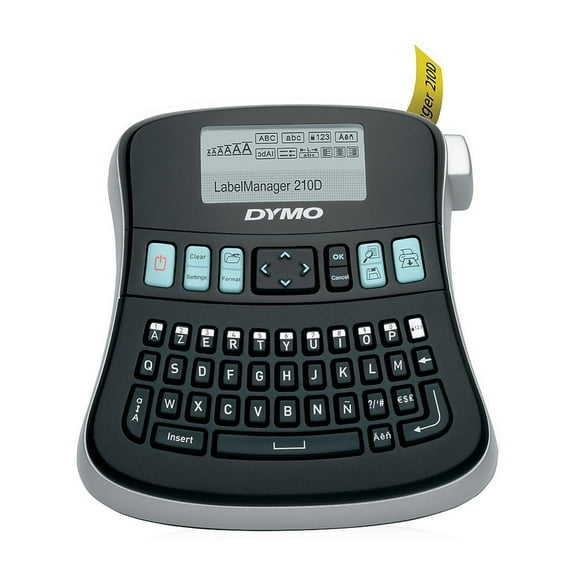 $8183current price $81.83
DYMO 2175085 LabelManager 210D 2 Lines 6.1 in. x 6.5 in. x 2.5 in. Label Maker
85 out of 5 Stars. 8 reviewsShipping, arrives in 3+ daysBest seller DYMO Letratag 100H Handheld Label Maker $24.97
Best seller 2 optionsAvailable in additional 2 options$2497current price $24.97Options from $24.97 – $43.00
DYMO Letratag 100H Handheld Label Maker
10974.4 out of 5 Stars. 1097 reviewsSave with Pickup todayDelivery todayShipping, arrives in 3+ days
DYMO Label Maker | LetraTag 100H Handheld Label Maker, Easy-to-Use, 13 Character LCD Screen, Great for Home & Office Organization $35.00 Was $43.37
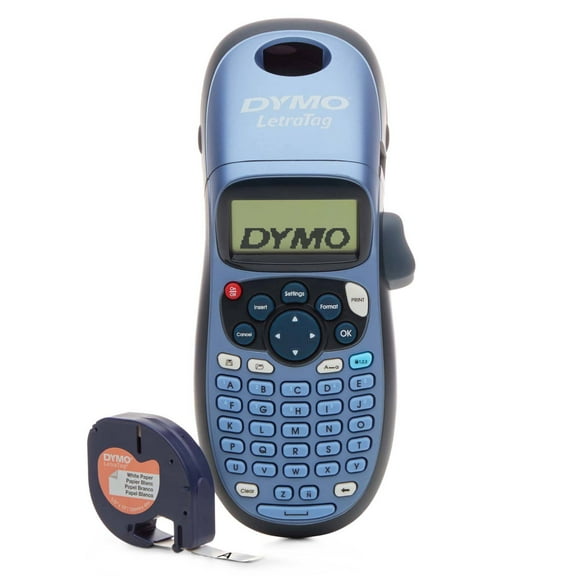 Now$3500current price Now $35.00, Was $43.37$43.37
DYMO Label Maker | LetraTag 100H Handheld Label Maker, Easy-to-Use, 13 Character LCD Screen, Great for Home & Office Organization
9284.3 out of 5 Stars. 928 reviewsShipping, arrives in 3+ daysDYMO Exclusive Hot Keys Industrial Label Maker See price in cart
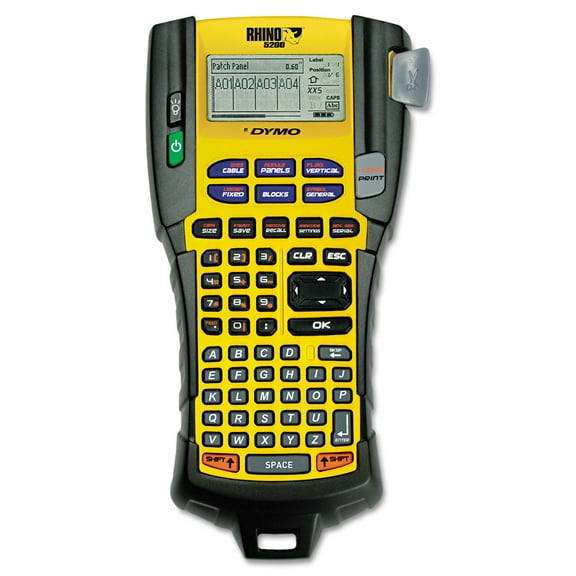 See price in cartcurrent price See price in cart
DYMO Exclusive Hot Keys Industrial Label Maker
213.9 out of 5 Stars. 21 reviewsShipping, arrives in 3+ daysDYMO LabelManager 280 Rechargeable Hand-Held Label Maker (1815990) Machine $102.99
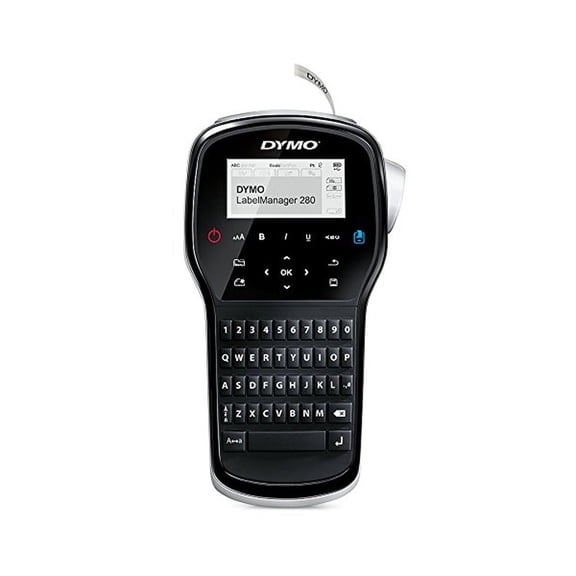 $10299current price $102.99
DYMO LabelManager 280 Rechargeable Hand-Held Label Maker (1815990) Machine
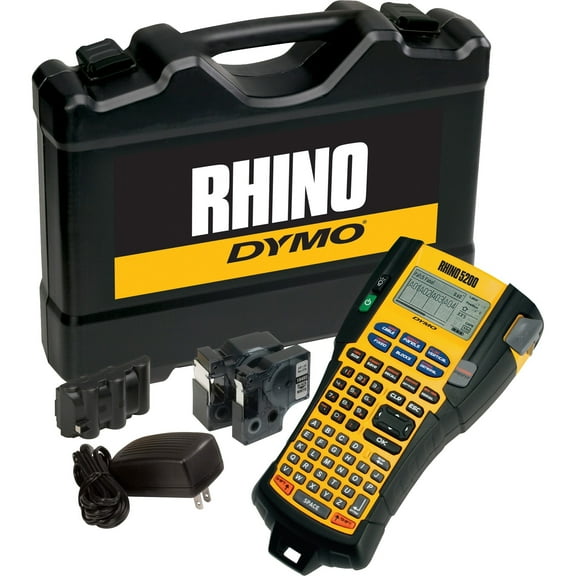
Shipping, arrives in 3+ daysDymo, DYM1756589, Rhino 5200 Labelmaker Kit, 1 Each, Black $282.81
 $28281current price $282.81
Dymo, DYM1756589, Rhino 5200 Labelmaker Kit, 1 Each, Black
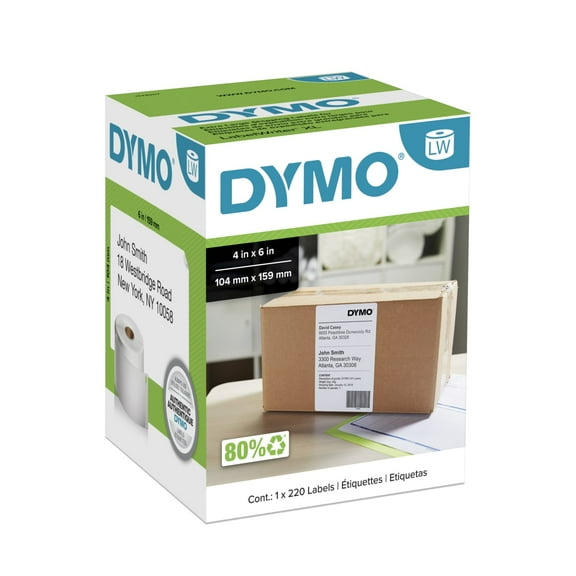
184.3 out of 5 Stars. 18 reviewsShipping, arrives in 3+ daysDYMO Authentic LW Extra-Large Shipping Labels, DYMO Labels for LabelWriter 5XL and 4XL Label Printers Only, White, 4" x 6", 1 Roll of 220 $22.61 $22.61/count
 $2261current price $22.61$22.61/count
DYMO Authentic LW Extra-Large Shipping Labels, DYMO Labels for LabelWriter 5XL and 4XL Label Printers Only, White, 4" x 6", 1 Roll of 220
234.1 out of 5 Stars. 23 reviewsSave withShipping, arrives in 3+ days

About this item
Product details
Specifications
Label maker type
Maximum label width
Maximum print resolution
Label maker features
Warranty
Warranty information
Warranty url
Warnings
Ingestion Hazard
Customer ratings & reviews
Filtered and sorted results would be available on the new 'Customer ratings & reviews' page.
Showing 1-3 of 3 reviews
The BOSS of label makers. Not a toy but fun as one
This is the BOSS of label makers. Seriously. I do a variety of Network designs which include hundreds of labels for equipment, racks, wires on both ends, cover plates, etc. Hand typing labeling these is REAL time-consuming task. With this, its typed once. I export the data from AutoCAD to a spreadsheet. Import the spreadsheet and make a label template. Arrange as necessary, print away. You can sort the spreadsheet to print both ends of the wires. Patch panels, equipment, everything white or clear all sizes. Here you go guys, labels! Saves time, no mistakes, looks super professional. On one job it paid for itself in labor savings. If a label needs to be reprinted, that's a snap too! Definitely a good tool to have in your arsenal.
Badly supported product
In the beginning it worked great but after a while some tapes (randomly) stopped to be recognized by the XTL500 even though they were newly bought. As a reference, older tapes that had worked before kept on working flawlessly. I suspect Dymo ran into trouble with the ID-chip. And now Dymo seems to be killing it off by only offering White tapes. (for now) This experience makes me very reluctant to invest in future Dymo products.
Hi Tom. We sincerely apologize for the inconvenience caused. To solve a label cartridge not recognized error, please follow the short guide below: 1. Clean the EEPROM chip (4 small golden stripes on the side of the cassette) and EEPROM detector inside the printer using a dry sponge on the cleaning tool or with a dry cotton bud. 2. Make sure that the EEPROM chip is not damaged and it is properly placed on the cassette. 3. Check if the issue occurs with other cassettes. 4. If all these steps above did not help. Open the main menu, press the Settings (cogwheel icon) and choose Restore to factory defaults. WARNING! That function will erase all the saved labels! 5. When the reset is complete, restart the printer. We hope you found this short guide helpful. If you are still having issues (If you have more questions or feedback), please reach out to us via our website or through LiveChat. We’re available Mon.-Fri. 9am - 5pm Eastern Time. Thank you! DYMO® Consumer Care
Innocent EEPROM, Scam 500 series- 2" label missing
after covid, this new catride doesn't work (ALWAYS MISSING-(tape)BRAIN maybe) and that solution from the DYMO clean EEPROM just gimmick it absolutely not work. some idiot on making case catride are the culprit, my solution using OLD CASE, break it half and adding new material from new catride in it and don't forget the innocent EEPROM from new catride too (don't worry EEPROM not the suspect) and VIOLA!!!! it will work. i hope you'd fired your "case catride label" division (all of it) for your lossing your customer who get love letter: missing label from they XTL. Why would i'd buy the 500 ALMIGHTY BIGGGGERRRRR if dymo discontinue the 2" label?????, it's just scam, for new buyer don't buy 500 after all you don't get or buy 2" label anymore.
Hello. Thank you for contacting us. We sincerely apologize for the inconvenience caused. Thank you for sharing your feedback with us. Please be aware that this information will be forwarded to the appropriate department for further review If you are still having issues (If you have more questions or feedback), please reach out to us via our website or through LiveChat. We’re available Mon.-Fri. 9am - 5pm Eastern Time. Thank you! DYMO® Consumer Care Thank you! DYMO® Consumer Care
