

Financial Calculators Near Me: Find Desktop & Handheld Models













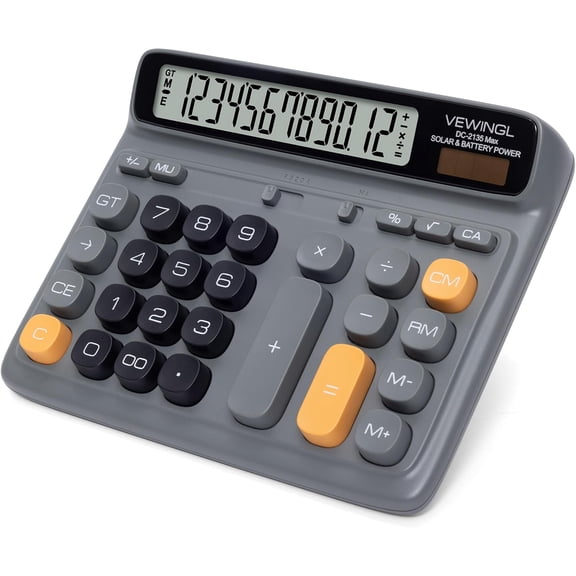

About Financial Calculators Near Me: Find Desktop & Handheld Models - Walmart.com
Financial/business calculators help you handle amortization, cash flow, and tax math with fewer manual steps. You can compare financial, business, accounting, and desktop styles to match your classwork or daily office tasks.
Choosing the right financial/business calculators
Start with calculator type, because your work decides which functions you'll use most often. You may need dedicated finance keys, an accounting calculator layout, or a desktop format for quick entries.
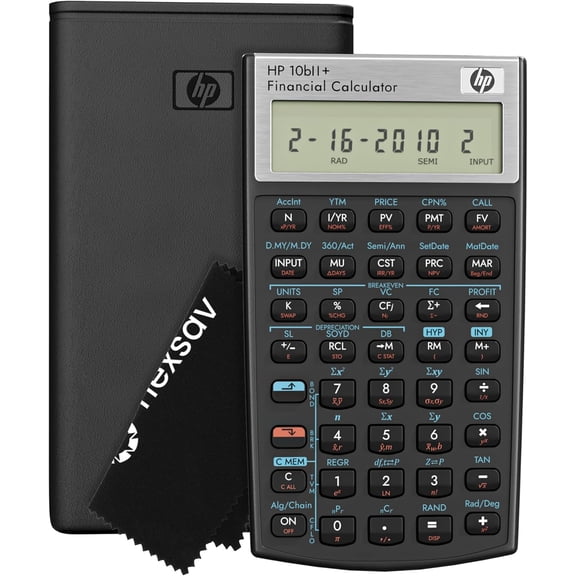
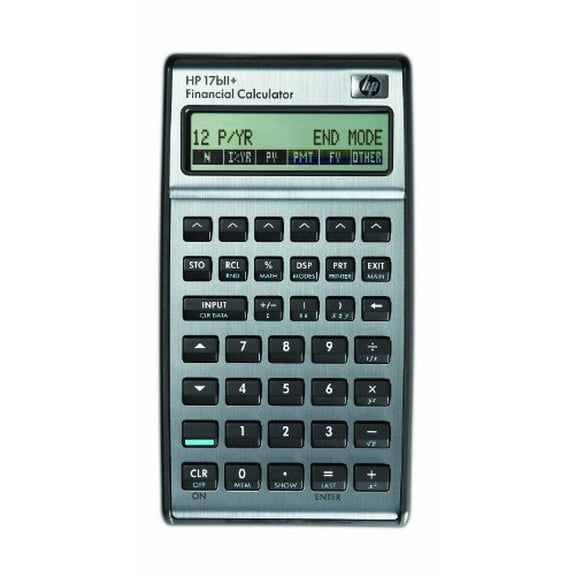
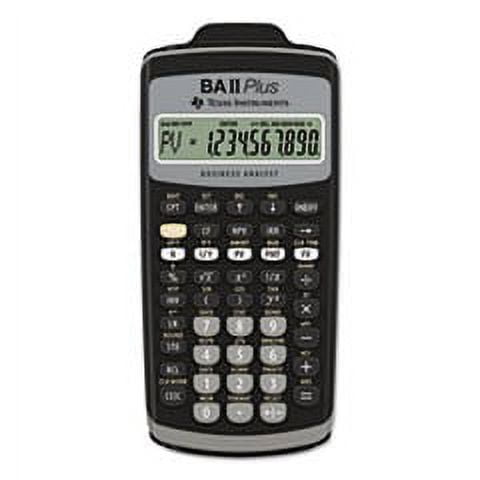
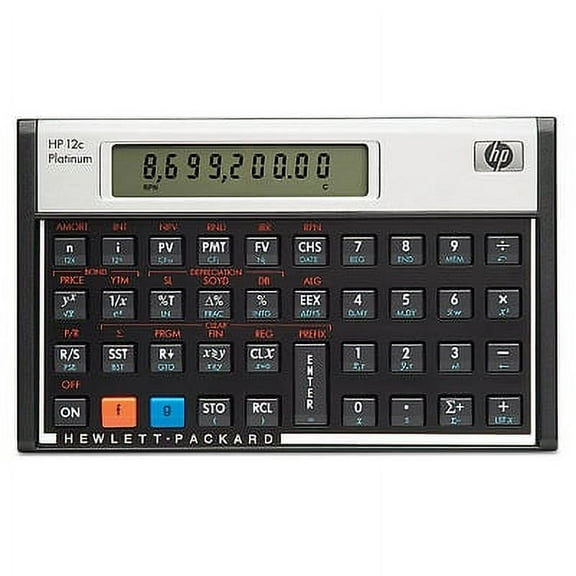
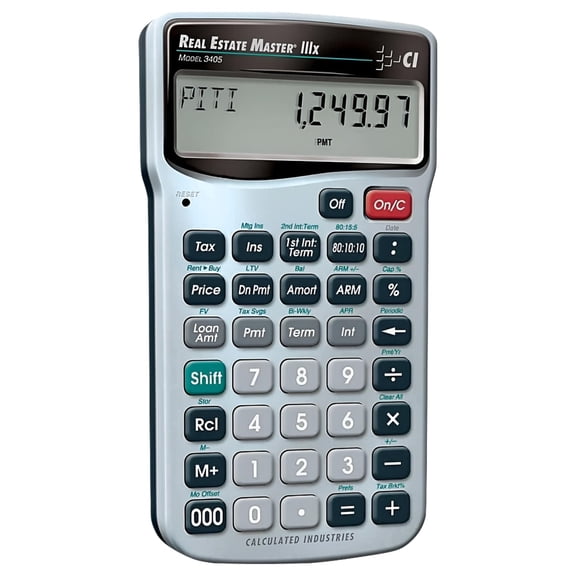
If you work with loans or investments, you should look for financial models with time-value-of-money functions. You'll use those keys for present value, future value, payment, and interest rate calculations.
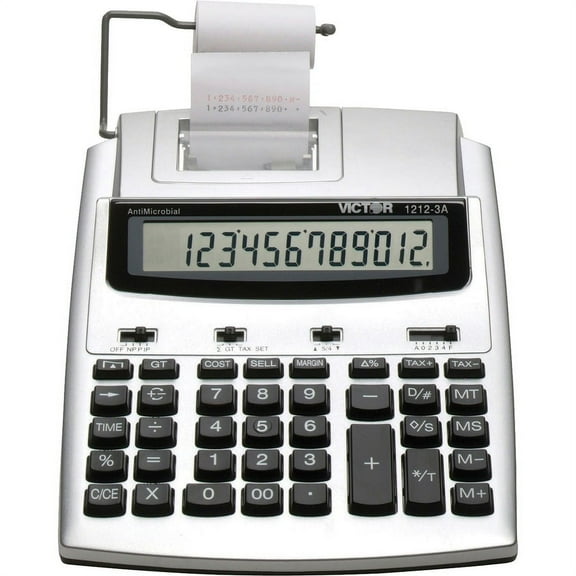
When you manage ledgers or repeated totals, you may prefer an accounting calculator with clear tax and markup functions. You can move through profit, cost, and margin steps with less re-entry.
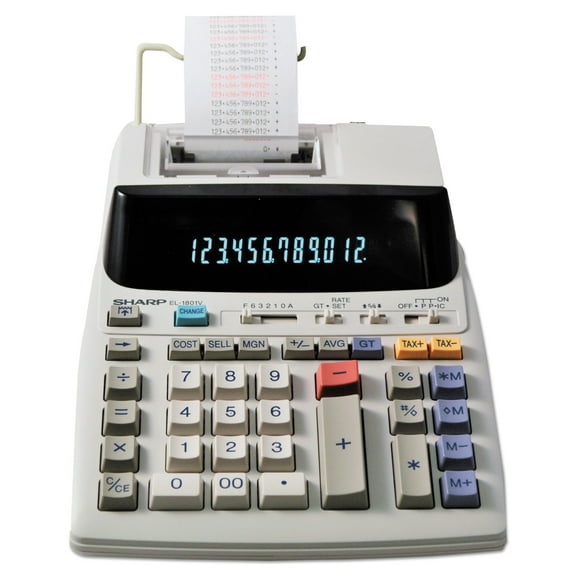
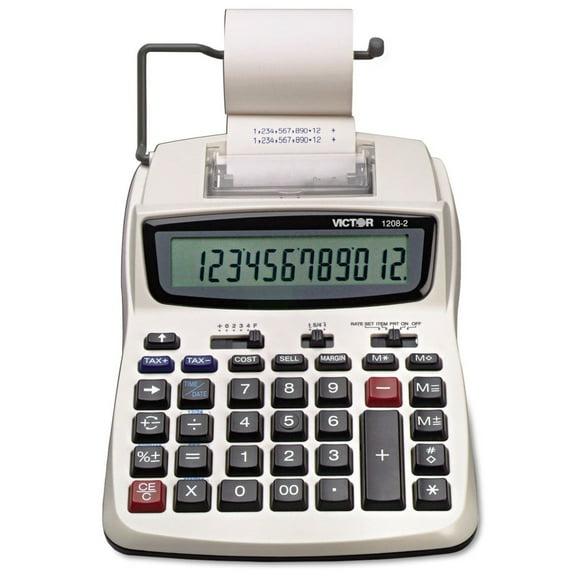
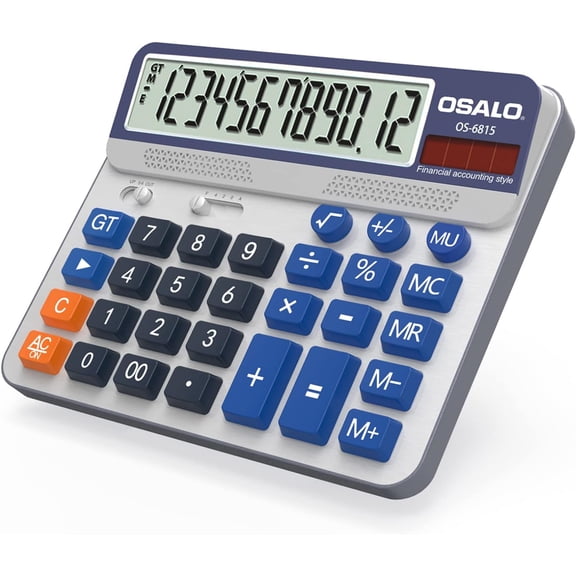
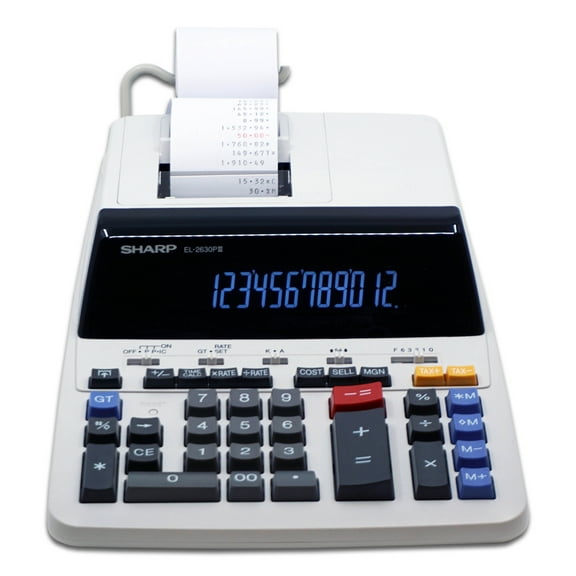
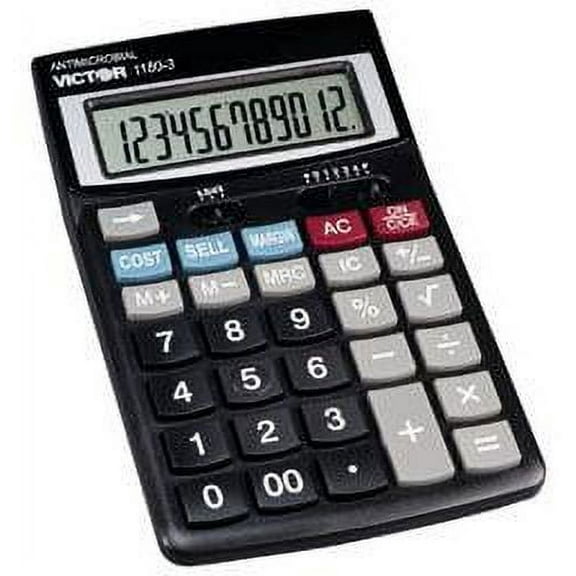
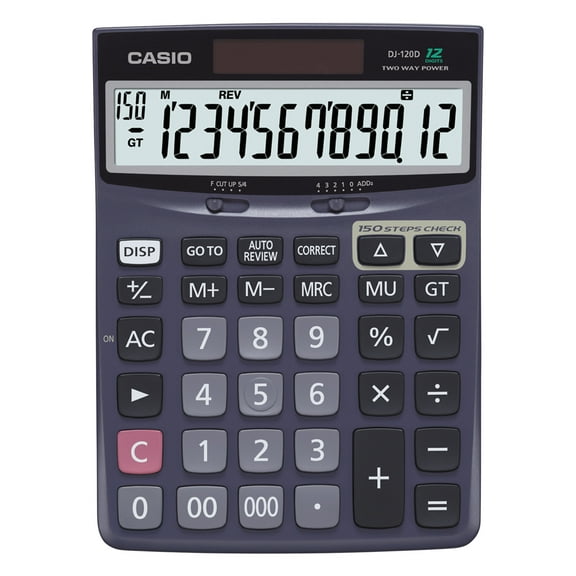
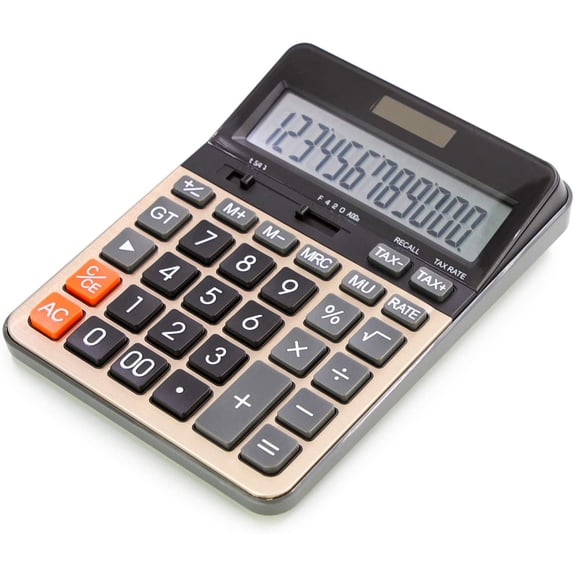
For front-desk or office tasks, you might choose basic office and desktop-style models with tax keys and decimal selectors. You can set fixed decimal places and switch tax calculations faster during invoices or receipts.
What you gain from the right calculator type
You can work through finance formulas with dedicated keys instead of long manual sequences. That means you spend more time checking assumptions and less time rebuilding every equation.
- You can calculate loan payments, amortization schedules, and interest figures with fewer keystrokes.
- You can review cash flow inputs for business planning, investment coursework, or property analysis.
- You can total invoices, apply tax rates, and manage decimal settings during routine office work.
- You can keep classroom, office, and client-facing calculations organized with purpose-built key layouts.
Because key labels vary by calculator type, you can pick a layout that matches the way you already work. You'll notice that familiar keys help you enter data with fewer pauses.
If you study business or finance, you can move from lecture examples to homework without changing tools. You can also keep one device ready for exams, coursework, and practice sessions.
Key features to compare before you choose
Look first at the functions you need every week, not just the button count. You should compare amortization, cash flow, bond, depreciation, and interest calculation options.
Amortization tools matter when you review payment breakdowns over time. You can check principal and interest patterns for mortgages, auto loans, or business equipment financing.
Cash flow functions help you enter uneven payments and evaluate return-focused scenarios. You can use them for class assignments, business cases, or real estate worksheets.
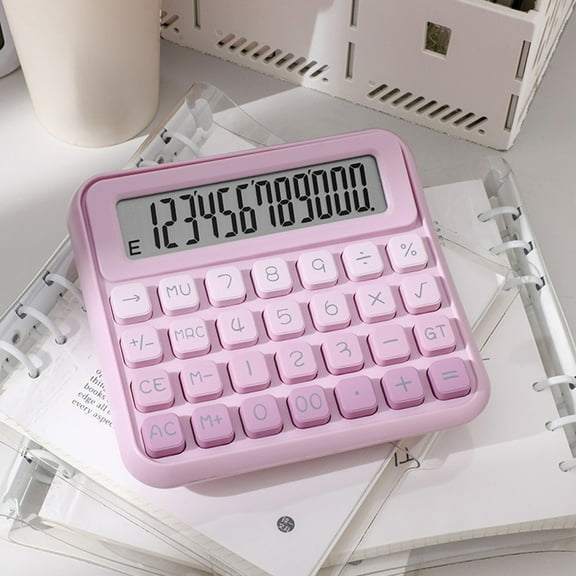
Display style also affects how easily you read long calculations. You may want a large desktop screen for office entries or a compact handheld format for meetings.
Decimal selector settings are especially useful for repeated bookkeeping tasks. You can lock the number of decimal places, which helps your totals stay consistent across line items.
Tax keys are another decision-critical feature for office and accounting work. You can add or remove sales tax quickly, and you can repeat similar calculations with fewer steps.
Power source and portability can shape your daily routine as well. You may want battery operation for travel or a dual-power setup for desk use under steady lighting.
How to match calculator types to your work
If you support a small office, you may want business or desktop models for receipts, invoices, and margin checks. You can keep tax keys and decimal selectors ready for repeated transaction work.
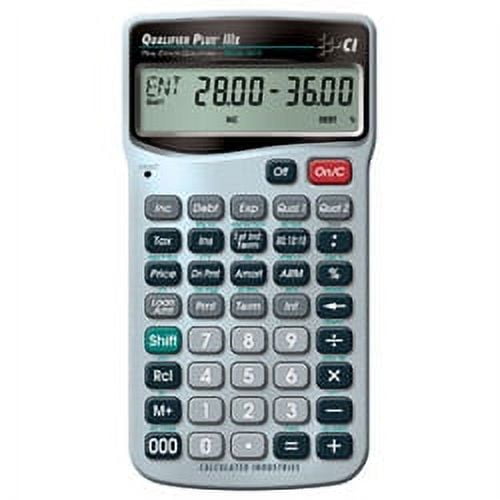
When you take finance, accounting, or real estate courses, you may need functions beyond a basic calculator. You can solve present value, payment, and cash flow problems without switching devices.
For property analysis, you can use finance-focused functions to estimate payments and compare financing scenarios. You can also review amortization patterns when you test different loan terms.
If you prepare reports or reconcile figures, an accounting calculator can fit your workflow well. You can process totals, percentages, tax entries, and markup calculations with a familiar keypad.
You might also compare a scientific model if your work mixes formulas with business math. You should still confirm that finance keys or office features match your actual tasks.
Some shoppers need one calculator for class and another for the front desk. You can separate exam-focused finance functions from high-visibility desktop use for smoother daily work.
Choosing with confidence
When you compare calculator type, finance functions, and office features together, you can narrow your options quickly. You'll end up with a calculator that fits your formulas, your workflow, and your everyday number entry.