Docking Station
Key item features
Specs
- Maximum number of monitors2
- Resolution4K 60Hz
- Usb versionUSB 3.2 Gen 2
- Input/output quantity1
- BrandStarTech.com
- Model name129N-USBC-KVM-DOCK
- Free shipping
Free 30-day returns
(Only one option can be selected at a time)
How do you want your item?
More seller options (13)
Try Walmart+ for just $1 & get a year for $75
About this item
Product details
Specifications
Compatibility
Maximum number of monitors
Inputs/Outputs
Resolution
Warranty
Warranty information
Please be aware that the warranty terms on items offered for sale by third party Marketplace sellers may differ from those displayed in this section (if any). To confirm warranty terms on an item offered for sale by a third party Marketplace seller, please use the 'Contact seller' feature on the third party Marketplace seller's information page and request the item's warranty terms prior to purchase.
Similar items you might like
Based on what customers bought
StarTech Thunderbolt 4 Multi-Display Docking Station 132N-TB4USB4DOCK $248.99
$24899current price $248.99StarTech Thunderbolt 4 Multi-Display Docking Station 132N-TB4USB4DOCK
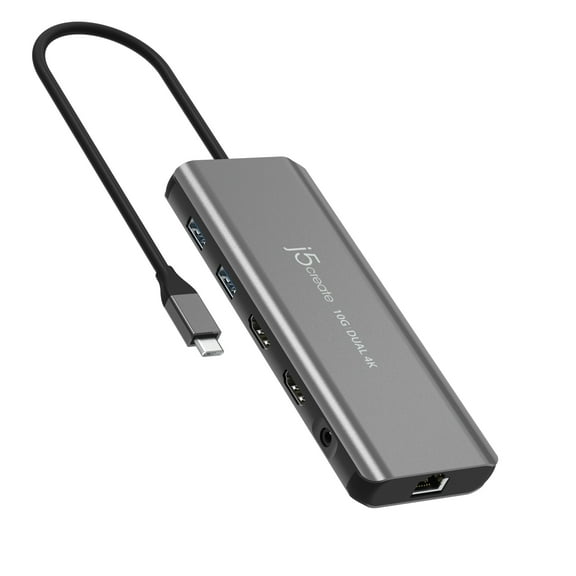
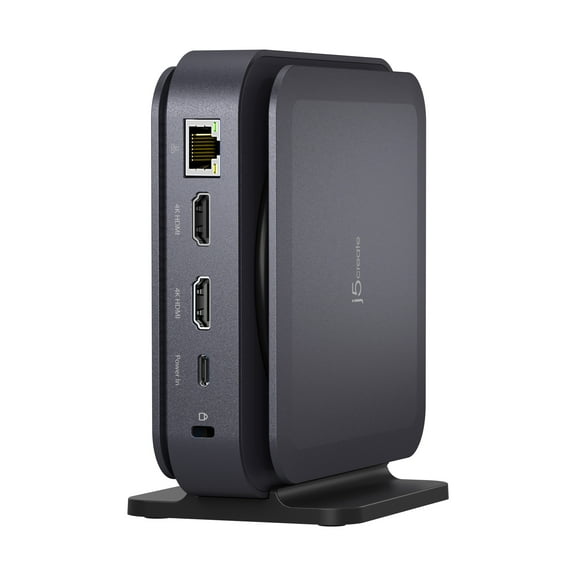
Best seller j5create USB-C Dual 4K HDMI 10Gbps Mini Dock (2.24x5.8in and 4oz) 100W, JCD398 $54.99
Best seller
$5499current price $54.99j5create USB-C Dual 4K HDMI 10Gbps Mini Dock (2.24x5.8in and 4oz) 100W, JCD398
1494 out of 5 Stars. 149 reviewsLenovo ThinkPad Universal Thunderbolt 4 Dock $224.89
$22489current price $224.89Lenovo ThinkPad Universal Thunderbolt 4 Dock
4634.2 out of 5 Stars. 463 reviewsLenovo ThinkPad Universal USB-C Dock $132.99 Was $239.99
$13299current price $132.99, Was $239.99$239.99Lenovo ThinkPad Universal USB-C Dock
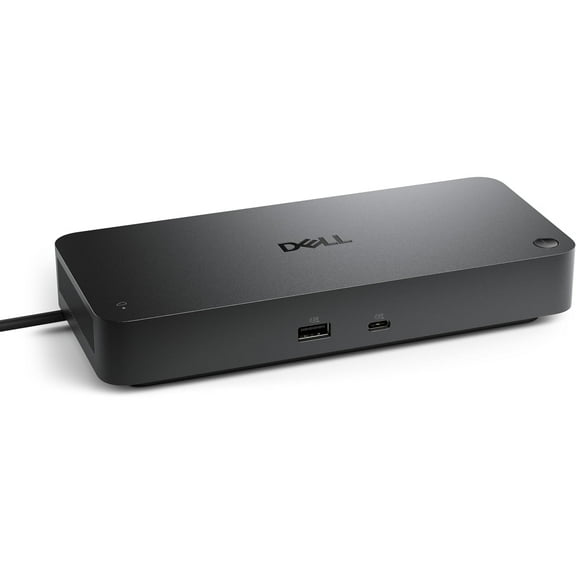
6954.4 out of 5 Stars. 695 reviewsDell Universal 10-in-1 Docking Station UD22, Black $124.99 Was $145.11
$12499current price $124.99, Was $145.11$145.11Dell Universal 10-in-1 Docking Station UD22, Black
194.7 out of 5 Stars. 19 reviewsPiDOCK 400--Raspberry Pi 400 Compatible Dock & Display $239.99
$23999current price $239.99PiDOCK 400--Raspberry Pi 400 Compatible Dock & Display
Dell Pro Smart Dock SD25 $184.00
2 optionsAvailable in additional 2 options$18400current price $184.00Dell Pro Smart Dock SD25
114.4 out of 5 Stars. 11 reviewsStartech 4 Bay Hdd Ssd Dock $141.04 Was $206.09
$14104current price $141.04, Was $206.09$206.09Startech 4 Bay Hdd Ssd Dock
Lenovo ThinkPad Hybrid USB-C with USB-A Dock $134.97
$13497current price $134.97Lenovo ThinkPad Hybrid USB-C with USB-A Dock
5554.4 out of 5 Stars. 555 reviewsUrban Factory HUBEE Docking Station $99.00
$9900current price $99.00Urban Factory HUBEE Docking Station
StarTech.com USB 3.0 with UASP HDD Universal Docking Station $111.23
$11123current price $111.23StarTech.com USB 3.0 with UASP HDD Universal Docking Station
Best seller j5create USB-C Dual 4K HDMI Dock Without PD 3.1 Pass Through Charging (5.12x5.12 in and 14.7 oz), JCD3198 $69.50 Was $99.00
Best seller
$6950current price $69.50, Was $99.00$99.00j5create USB-C Dual 4K HDMI Dock Without PD 3.1 Pass Through Charging (5.12x5.12 in and 14.7 oz), JCD3198
1754 out of 5 Stars. 175 reviewsRocstor Y10P028S1 Dual Display Portable Dock $87.92
$8792current price $87.92Rocstor Y10P028S1 Dual Display Portable Dock
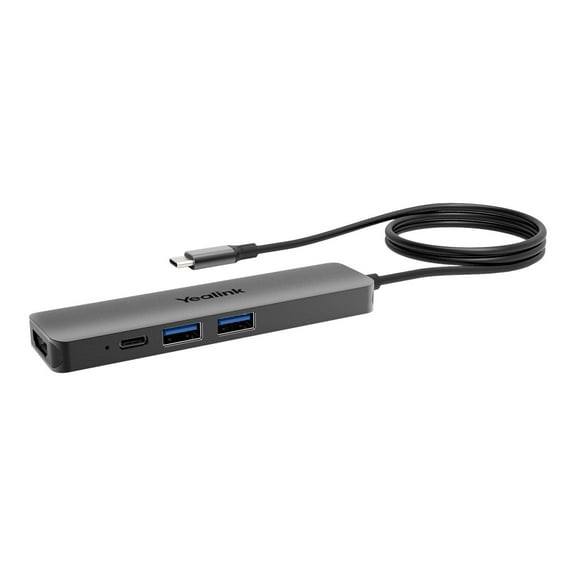
Yealink Docking Station $159.90
$15990current price $159.90Yealink Docking Station
SKILCRAFT Universal Docking Station $319.53
$31953current price $319.53SKILCRAFT Universal Docking Station
Kensington Docking Station $127.49
$12749current price $127.49Kensington Docking Station
1 x Docking Station-Silver $9.08
$908current price $9.081 x Docking Station-Silver
Kensington SD5910T Docking Station $289.99
$28999current price $289.99Kensington SD5910T Docking Station
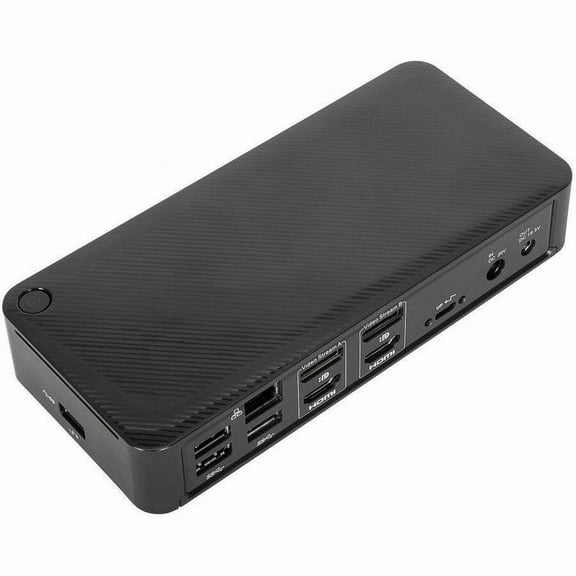
Targus USB-C Universal DV4K Docking Station with 100W Power Delivery $109.35 Was $329.99
$10935current price $109.35, Was $329.99$329.99Targus USB-C Universal DV4K Docking Station with 100W Power Delivery
224.2 out of 5 Stars. 22 reviewsThunderbolt 4 Dual 4K Docking Station with 90W PD $230.39
$23039current price $230.39Thunderbolt 4 Dual 4K Docking Station with 90W PD
Check out these related products
StarTech.com DK30CH2DEP Triple-Monitor 4K USB-C Dock with 5x USB 3.0 Ports 100W PD - Black & Silver $140.99 Was $172.00
$14099current price $140.99, Was $172.00$172.00StarTech.com DK30CH2DEP Triple-Monitor 4K USB-C Dock with 5x USB 3.0 Ports 100W PD - Black & Silver
203.1 out of 5 Stars. 20 reviewsSIIG Dual Host USB-C KVM MST Docking Station - USB C Docking Station, Allows you to connect two laptops of Windows, Mac or Chromebook to up to dual 4K Displays with DisplayPort and HDMI, Dual Host,... $131.20
$13120current price $131.20SIIG Dual Host USB-C KVM MST Docking Station - USB C Docking Station, Allows you to connect two laptops of Windows, Mac or Chromebook to up to dual 4K Displays with DisplayPort and HDMI, Dual Host,...
StarTech Dual Monitor Hybrid Universal Laptop Docking Station DK30C2DPEP $264.00
$26400current price $264.00StarTech Dual Monitor Hybrid Universal Laptop Docking Station DK30C2DPEP
42.8 out of 5 Stars. 4 reviewsKensington SD5500T and SD5550T Thunderbolt 3 and USB-C Dual 4K Hybrid Docking Station $59.99
$5999current price $59.99Kensington SD5500T and SD5550T Thunderbolt 3 and USB-C Dual 4K Hybrid Docking Station
2X 4K UNIVERSAL LAPTOP DOCKING $241.99 Was $262.00
$24199current price $241.99, Was $262.00$262.002X 4K UNIVERSAL LAPTOP DOCKING
15 out of 5 Stars. 1 reviewsStarTech Thunderbolt 4 Multiport Dock Dual Monitor 4K TB4CDOCK $195.99 Was $274.33
$19599current price $195.99, Was $274.33$274.33StarTech Thunderbolt 4 Multiport Dock Dual Monitor 4K TB4CDOCK
25 out of 5 Stars. 2 reviewsStarTech.com Thunderbolt 3 Dock w/USB-C Host Compatibility - Dual 4K 60Hz DP 1.4 or HDMI TB3/USB-C Docking Station - 1x 8K - 96W PD/5xUSB $204.60
$20460current price $204.60StarTech.com Thunderbolt 3 Dock w/USB-C Host Compatibility - Dual 4K 60Hz DP 1.4 or HDMI TB3/USB-C Docking Station - 1x 8K - 96W PD/5xUSB
24 out of 5 Stars. 2 reviewsPlugable USB C Docking Station Dual Monitor 2 HDMI Ports, Power Delivery Dock, Dual 4K Monitor (ud-msth2) $119.95 Was $139.95
$11995current price $119.95, Was $139.95$139.95Plugable USB C Docking Station Dual Monitor 2 HDMI Ports, Power Delivery Dock, Dual 4K Monitor (ud-msth2)
15 out of 5 Stars. 1 reviewsStarTech USB-C Multiport Dual-Monitor USB-C to 4K DisplayPort Adapter $74.48
$7448current price $74.48StarTech USB-C Multiport Dual-Monitor USB-C to 4K DisplayPort Adapter
42.8 out of 5 Stars. 4 reviewsStarTech USB-C USB-A Dock Hybrid Universal Laptop Docking Station DK30A2DHU $98.99
$9899current price $98.99StarTech USB-C USB-A Dock Hybrid Universal Laptop Docking Station DK30A2DHU
53.6 out of 5 Stars. 5 reviewsDual-4K Monitor Docking Station $162.99
$16299current price $162.99Dual-4K Monitor Docking Station
213.2 out of 5 Stars. 21 reviewsDUAL MONITOR DOCKING STATION $106.75
$10675current price $106.75DUAL MONITOR DOCKING STATION
94.4 out of 5 Stars. 9 reviewsWavlink Docking Station Quad 4K@60Hz Display, Dual 5K@60Hz, 4xDisplay, 4xHDMI, 2.5G Ethernet, max 100W Power Delivery for MacBook and Windows, USB 3.1-A 10Gbps Charge, USB-C(PD30W), SD/TF Slot(SD 4.0) $299.99
$29999current price $299.99Wavlink Docking Station Quad 4K@60Hz Display, Dual 5K@60Hz, 4xDisplay, 4xHDMI, 2.5G Ethernet, max 100W Power Delivery for MacBook and Windows, USB 3.1-A 10Gbps Charge, USB-C(PD30W), SD/TF Slot(SD 4.0)
25 out of 5 Stars. 2 reviews
Customer ratings & reviews
Filtered and sorted results would be available on the new 'Customer ratings & reviews' page.
Showing 1-1 of 1 review
WORKS Great - Almost perfect even but .....
WORKS Great - Almost perfect even but has some limitations I really like the KVM dock, it's exactly what I've been looking for to be able to extend to 3 displays with my Macbook M1 (Personal) AND be able to switch monitors and accessories between that and my Dell Windows laptop (Work). I had a workaround with a KVM and a monitor remote (to change sources), but I didn't get the 3rd display for the Macbook. I could have added an option for that but then it would have made the setup even more complicated. It has allowed me to get rid of the USB hub, KVM, Mac charger, and the Dell dock & charger (both laptops charge via USB-C) The USB ports for peripherals are on the front, but it would be better to have some on the side for permanently connected devices for better cable management. There are however a couple of limitations that weren't 100% clear: 1) The open applications on the windows laptop all collapse down to the laptop screen when I switch across to the Macbook. - The FAQ documentation says to install a A DisplayPort EDID emulator, however that solution is for their other DisplayPort KVM and not the USB C KVMs. I can't find a passthrough EDID for USB C, I may try one of the 'Dummy' heads on the windows laptop to see if that works. - There is a workaround but it's not great. Before switching the KVM you need to do the following on your keyboard. "Windows Key + M" it minimizes the open apps to the task bar. When you switch the KVM back to the windows laptop, "Windows Key + Shift + M" and it will maximize the apps again in their original position. - The macbook apps, collapses down to the laptop screen but return to original positions once you return it to being the active computer. 2) Standard Hot Key switching of 'double left shift' does not work for me, so I'm left with switching between laptops using the switch directly on the KVM, so it can't be mounted out of the way and needs to be in easy reach 3) Startech.com Link Software - per documentation does not link between different versions. The version number of the application is different between MacOS and Windows, so a link cannot be established between the 2. Therefore I'm unable to configure any hotkeys using the Link Software. If you run 2 windows or 2 MacOS, you'd be unaffected, but running mixed OS's the software wont work. Couple of other things to note. - Check your monitor cables: I was originally using HDMI to HDMI but the KVM required Display Port. So order them before you unplug everything. - The USB-C cables that come with the KVM are 3ft: Depending on your set up you may need longer ones and if you order new make sure they are charging cables So all that being said, the KVM dock works and is exactly what I was looking for, however some of the additional features that I was happy to have (but didn't absolutely need) don't work.