


Epson EcoTank Pro ET-16600 Wireless Wide-format Color All-in-One Supertank Printer with Scanner, Copier, Fax and Ethernet
Key item features
- Cost Savings: Save up to 80% with low-cost replacement ink bottles compared to standard-capacity color laser toner cartridges.
- Wide-Format Printing: Print up to 13" x 19" and scan up to 11" x 17" with fast speeds up to 25 ISO ppm black print speed.
- High-Quality Prints: Epson DURABrite pigment-based inks provide crisp, vibrant, and instant-dry prints in both black-and-white and color.
- High-Yield Ink: Replacement ink bottles can print up to 7,500 pages in black and 6,000 pages in color, reducing the need for frequent replacements.
- Eco-Friendly: Zero-cartridge waste and very low energy consumption contribute to less environmental impact.
- Advanced Features: Includes a 500-sheet front tray paper capacity, rear specialty-paper feed, 4.3" color touchscreen, and hands-free voice-activated printing.
Specs
- Printing techInkjet
- Printer functionsPrint, Fax, Scan, Copy
- Pages per min.25 ppm
- Mono colorColor
- Paper sizeLegal
- Maximum print resolution4800 dpi
Reviews summary
- : Produces good quality scans for various document sizes.
- : Filling process is quick and straightforward.
- : Setup process has step-by-step instructions.
- : Can hold multiple sizes, but tray build quality varies.
- : Occasional drops and disconnections require printer restart.
- Free shipping
 Free 30-day returns

(Only one option can be selected at a time)

How do you want your item?


About this item
Product details
- 1. You can save up to 80 percent with low-cost replacement ink bottles vs. standard-capacity color laser toner cartridges1 — very low cost per page with about 2 cents per color ISO page vs. 14 cents with cartridges1
- 2. Fast, wide-format prints and scans — print up to 13" x 19"; copy and scan up to 11" x 17"; up to 25 ISO ppm black print speedƚ; powered by PrecisionCore Heat-Free Technology
- 3. Print-shop quality — Epson DURABrite Inks are pigment-based for crisp, vibrant prints in black-and-white and color that are instant-dry; borderless prints up to 11" x 17"
- 4. Set of replacement bottles includes enough ink to print up to 7,500 pages black/6,000 color2 — for fewer out of ink frustrations; you could save $1,000 with each one1
- 5. Less waste — zero-cartridge waste with high-yield ink bottles; very low energy consumption3
Specifications
Brand
Printing tech
Printer functions
Pages per min.
Similar items you might like
Based on what customers bought
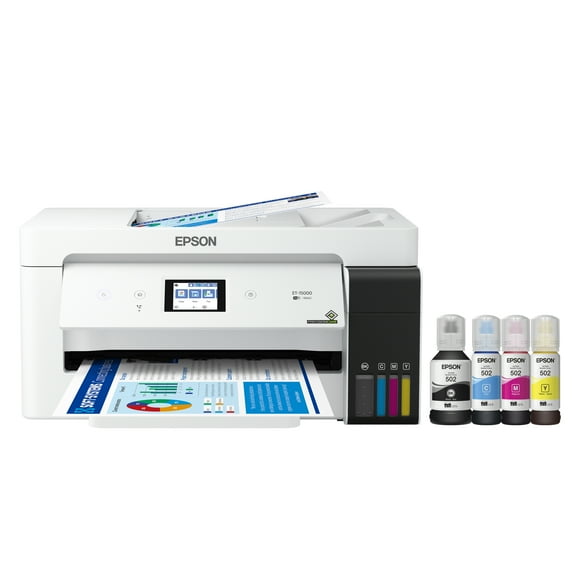
Epson EcoTank ET-15000 Wireless Color All-in-One Supertank Printer with Scanner, Copier, Fax, Ethernet and Printing up to 13 x 19 Inches $449.99 Was $699.00
 $44999current price $449.99, Was $699.00$699.00
Epson EcoTank ET-15000 Wireless Color All-in-One Supertank Printer with Scanner, Copier, Fax, Ethernet and Printing up to 13 x 19 Inches
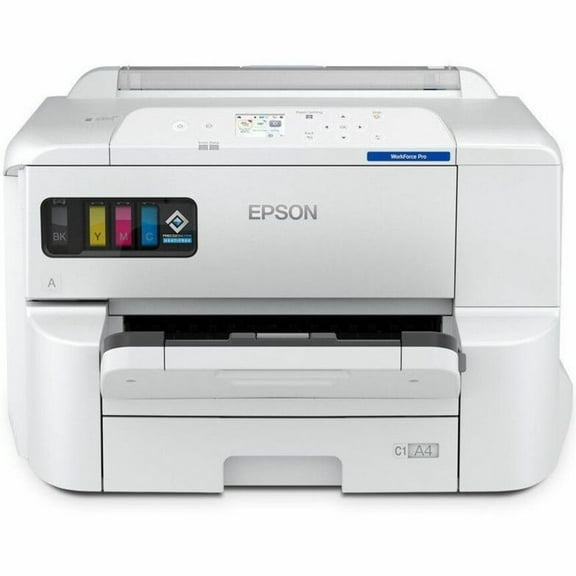
2494 out of 5 Stars. 249 reviewsEpson WorkForce Pro EP-C7000 Desktop Wired/Wireless Inkjet Printer, Color $1,632.29 Was $1,829.27
 $1,63229current price $1,632.29, Was $1,829.27$1,829.27
Epson WorkForce Pro EP-C7000 Desktop Wired/Wireless Inkjet Printer, Color
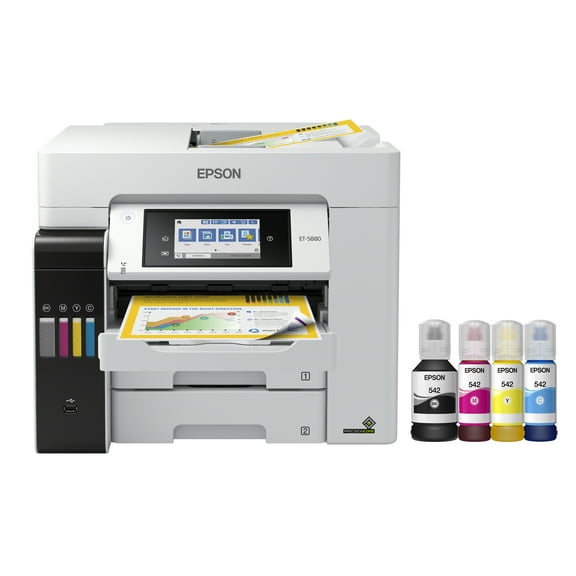
Epson EcoTank Pro ET-5880 Wireless Color All-in-One Supertank Printer with Scanner, Copier, Fax, Ethernet and PCL/PostScript $899.99
 $89999current price $899.99
Epson EcoTank Pro ET-5880 Wireless Color All-in-One Supertank Printer with Scanner, Copier, Fax, Ethernet and PCL/PostScript
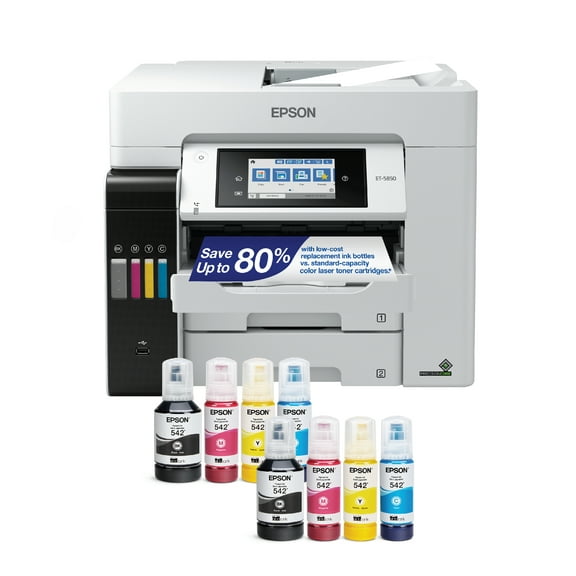
464.5 out of 5 Stars. 46 reviewsEpson EcoTank Pro ET-5850 Wireless Color All-in-One Supertank Printer with Scanner, Copier, Fax and Ethernet $749.99
 $74999current price $749.99
Epson EcoTank Pro ET-5850 Wireless Color All-in-One Supertank Printer with Scanner, Copier, Fax and Ethernet
794.3 out of 5 Stars. 79 reviewsEpson LQ-2090 Wide-Format Dot Matrix Printer $998.00
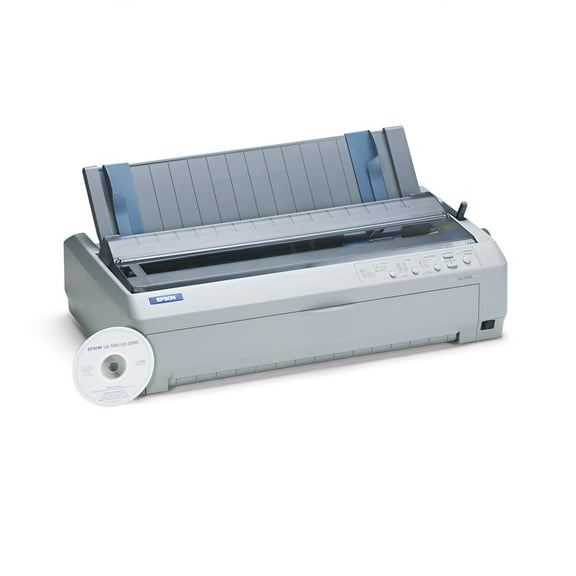 $99800current price $998.00
Epson LQ-2090 Wide-Format Dot Matrix Printer
25 out of 5 Stars. 2 reviewsEpson WorkForce Pro WF-7820 Wireless All-in-One Wide-format Printer with Auto 2-sided Print up to 13" x 19", Copy, Scan and Fax, 50-page ADF, 250-sheet Paper Capacity, and 4.3" Color Touchscreen $329.99
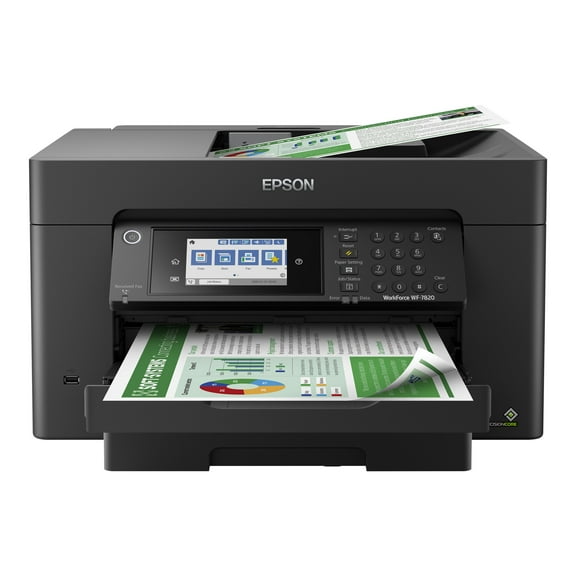 $32999current price $329.99
Epson WorkForce Pro WF-7820 Wireless All-in-One Wide-format Printer with Auto 2-sided Print up to 13" x 19", Copy, Scan and Fax, 50-page ADF, 250-sheet Paper Capacity, and 4.3" Color Touchscreen
2143.9 out of 5 Stars. 214 reviewsEpson EcoTank Photo ET-8550 Wireless Wide-Format Color All-in-One Supertank Printer with Scanner, Copier, Ethernet $599.99 Was $799.00
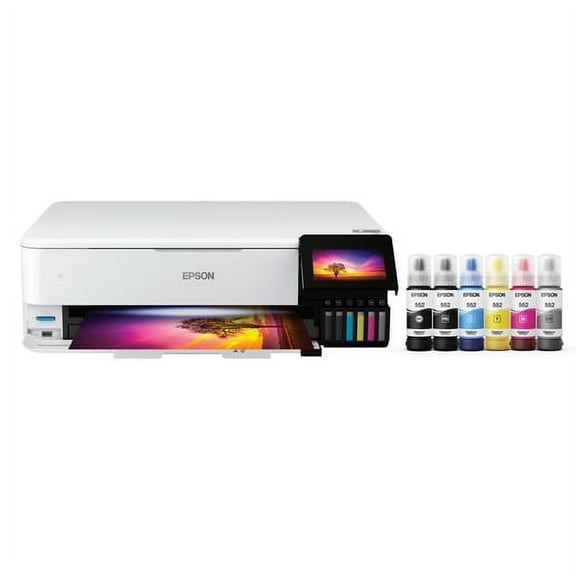 $59999current price $599.99, Was $799.00$799.00
Epson EcoTank Photo ET-8550 Wireless Wide-Format Color All-in-One Supertank Printer with Scanner, Copier, Ethernet
5104.2 out of 5 Stars. 510 reviewsEpson LQ-630 - dot matrix printers (254 x 558.8 mm, 24-pin, 5-35 °C, 10-80%, Code 39, POSTNET, $967.74
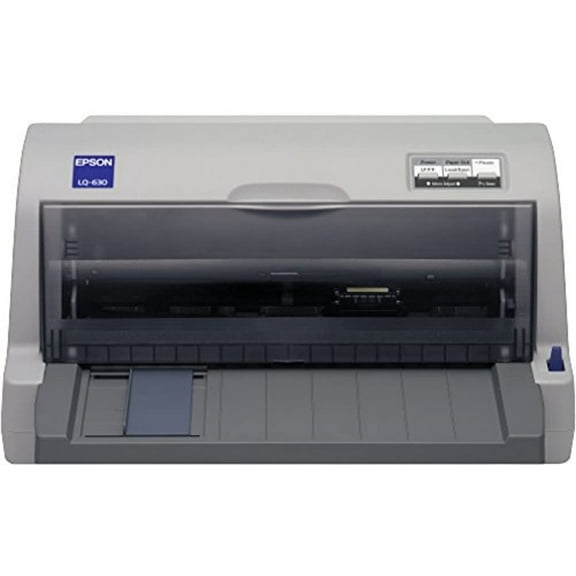 $96774current price $967.74
Epson LQ-630 - dot matrix printers (254 x 558.8 mm, 24-pin, 5-35 °C, 10-80%, Code 39, POSTNET,
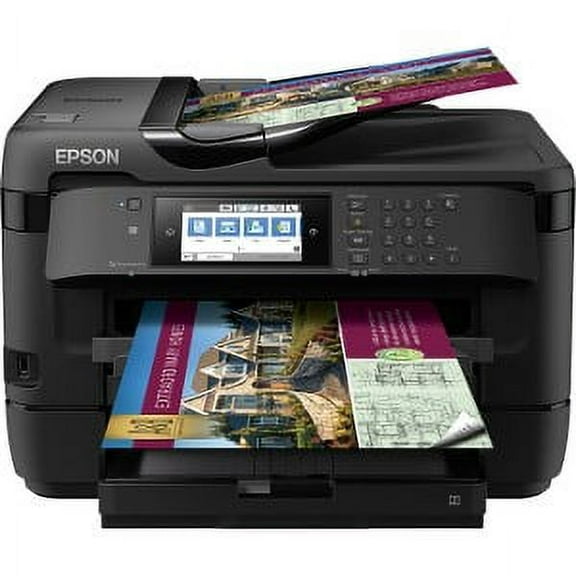
Epson WorkForce WF-7720 Wireless Wide-format Color Inkjet Printer with Copy, Scan, Fax, Wi-Fi Direct and Ethernet $999.00
 $99900current price $999.00
Epson WorkForce WF-7720 Wireless Wide-format Color Inkjet Printer with Copy, Scan, Fax, Wi-Fi Direct and Ethernet
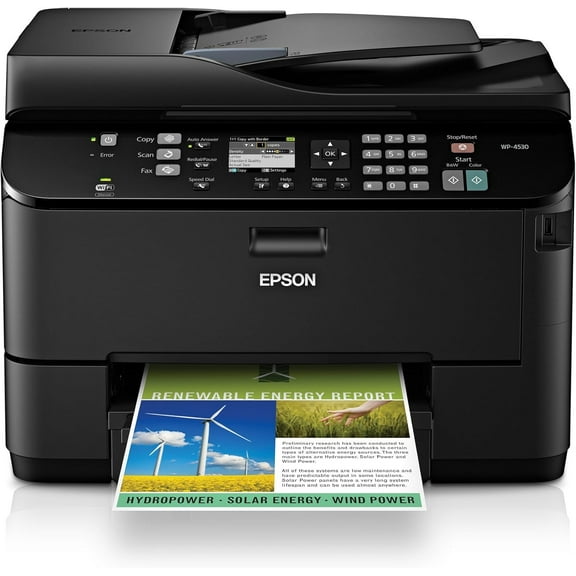
9384.1 out of 5 Stars. 938 reviewsEpson WorkForce Pro WP-4530 Wireless All-in-One Color Inkjet Printer – Copier, Scanner, Fax with Wi-Fi, Model C11CB33201 $1,250.00
 $1,25000current price $1,250.00
Epson WorkForce Pro WP-4530 Wireless All-in-One Color Inkjet Printer – Copier, Scanner, Fax with Wi-Fi, Model C11CB33201
Epson FX-890N High-Speed Networking Impact Dot Matrix Printer – 9-Pin, Parallel/USB/Ethernet, C11C524001NT $900.00
 $90000current price $900.00
Epson FX-890N High-Speed Networking Impact Dot Matrix Printer – 9-Pin, Parallel/USB/Ethernet, C11C524001NT
Lexmark MS810N Monochrome Laser Printer – High-Speed Network Printing 40G0110 $1,000.00
 $1,00000current price $1,000.00
Lexmark MS810N Monochrome Laser Printer – High-Speed Network Printing 40G0110
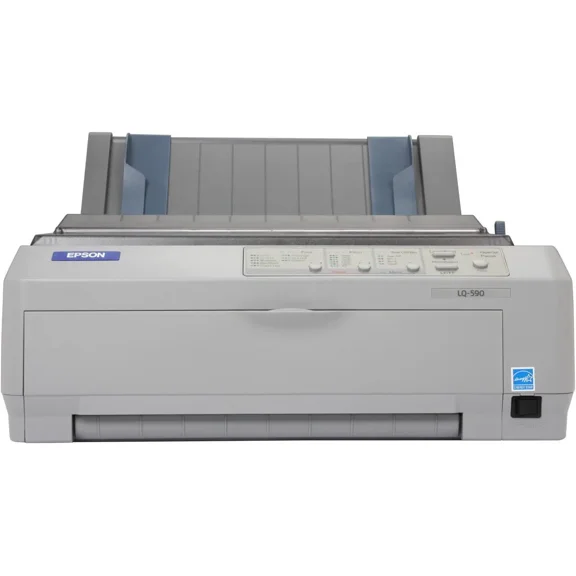
Epson LQ-590 Dot Matrix Impact Printer 24-Pin Narrow Carriage for High-Speed Printing, EPSC11C558001 $850.00
 $85000current price $850.00
Epson LQ-590 Dot Matrix Impact Printer 24-Pin Narrow Carriage for High-Speed Printing, EPSC11C558001
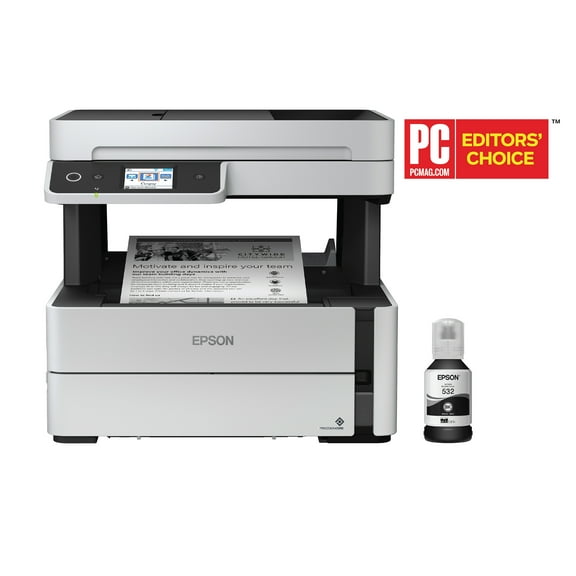
Epson EcoTank ET-M3170 Wireless Monochrome All-in-One Supertank Printer, Plus ADF, Fax and Ethernet $349.99 Was $419.99
 $34999current price $349.99, Was $419.99$419.99
Epson EcoTank ET-M3170 Wireless Monochrome All-in-One Supertank Printer, Plus ADF, Fax and Ethernet
694.4 out of 5 Stars. 69 reviewsEpson FX-2190II NT Network Impact Printer $814.25
 $81425current price $814.25
Epson FX-2190II NT Network Impact Printer
24 out of 5 Stars. 2 reviewsCanon imagePROGRAF TM-240 A0 Inkjet Large Format Printer, 24" Print Width, Color $1,299.00
 $1,29900current price $1,299.00
Canon imagePROGRAF TM-240 A0 Inkjet Large Format Printer, 24" Print Width, Color
11 out of 5 Stars. 1 reviewsEpson LQ-590 24-Pin Impact Printer, High-Speed Dot Matrix, C11C558001 $1,200.00
 $1,20000current price $1,200.00
Epson LQ-590 24-Pin Impact Printer, High-Speed Dot Matrix, C11C558001
Epson EcoTank ET-4810 Wireless All-in-One Cartridge-Free Supertank Printer with Scanner, Copier, Fax, ADF and Ethernet $298.99
 $29899current price $298.99
Epson EcoTank ET-4810 Wireless All-in-One Cartridge-Free Supertank Printer with Scanner, Copier, Fax, ADF and Ethernet
10054.2 out of 5 Stars. 1005 reviewsEpson EcoTank Photo ET-8500 Wireless Color All-in-One Supertank Printer $511.53 Was $699.00
 $51153current price $511.53, Was $699.00$699.00
Epson EcoTank Photo ET-8500 Wireless Color All-in-One Supertank Printer
1674.3 out of 5 Stars. 167 reviewsEpson EcoTank ET-4950 Wireless All-in-One Color Supertank Printer – White $349.99 Was $499.99
 $34999current price $349.99, Was $499.99$499.99
Epson EcoTank ET-4950 Wireless All-in-One Color Supertank Printer – White
804.5 out of 5 Stars. 80 reviews
Customer ratings & reviews
Reviews summary
- : Produces good quality scans for various document sizes.
- : Filling process is quick and straightforward.
- : Setup process has step-by-step instructions.
- : Can hold multiple sizes, but tray build quality varies.
- : Occasional drops and disconnections require printer restart.
Customer images



 +3 images
Showing 1-3 of 32 reviews
Verified Purchase
Thee best printer!
Brought this printer due to it's wide printing format. I use it for sublimation and it prints out great. The two trays are an added bonus. Best purchase thus far!
A big, full featured printer with a few idiosyncracies
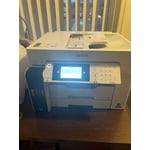
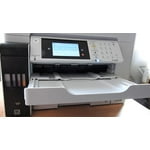
My spouse and I purchased this printer to replace an HP AIO, a Brother laser printer and an Epson XP-950 three-in-one. We used these printers for personal use and a home-based business but will be moving to a condominium and there will not be space for all three printers. This is a large and heavy printer. It was challenging to get it out of the shipping box. I did not realize until I was lifting it around our home office onto a table that there is a small sticker on the side of the printer which calls for two persons to do the lifting but there was no such warning on the shipping box itself (not that I could find). I would strongly recommend that two adults extract the printer and position it as required. There are several blue tape strips holding the various components together, so it is very important to look inside and out to remove them. There are setup instructions for connecting the printer, in step order. Filling the ink tanks was easy and the process went quickly, and the levels filled to the ½ point. The Wi-Fi set up (it can be configured with a USB or Ethernet connection as well) was straightforward. We set up both paper trays for letter and legal sizes; the legal paper tray is easily selected through software and we appreciate the legal size for printing spreadsheets. We have also been using the 11 X 17 configuration in cassette 2 to print and scan [and enlarge] oversize documents, especially drawings associated with our new condo. The included software set up CD would not run on any of our computers and I ended up downloading the software directly from Epson; I do not know why Epson bothers to include the disk. After the download, set up was relatively easy on our home network and the software was installed on three laptops and one desktop, and on two Samsung devices [phone and tablet]. Strangely, on some computers, not all of the suite of Epson software was installed and on one, only the printing software was installed. We have had to reinstall the entire software suite on three of the four computers. One important reason for choosing this printer was the number of documents, diplomas, certificates, print photos and pieces of artwork [the latter from our from our children and grandchildren] that we wanted to preserve digitally as we knew we would not have the room to store them in the condo once we moved. This printer handles the tasks easily, scanning anything up to 11 X 17. It handles printing, copying [see below for issues] and faxing very well. While faxing may not be in use much these days, we have to use it to order legal documents from the province in which we live, for our business. It also comes in handy faxing home improvement contracts and medical documents. In our six months of use, we have been generally pleased with our investment. However, we have experienced the following issues: • Colour printing is quite slow (advertised at 12 ppm); we're not sure if that is indicative of the amount of colour on a given page, Wi-Fi speed, browser issues, etc. • The Wi-Fi connection drops occasionally for some reason, resulting in a queue of documents to print; turning the printer on and off generally solves this issue, however, we have not been able to determine why this occurs. The printer is located about 30 cm from our home network router. Once we move to our condo, we plan to configure it through an Ethernet connection. • We have also experienced frustration in getting documents to copy using the automatic document feeder - in spite of the ADF light appearing on the control panel, I keep getting a message that I have to copy from the platen. We have no problem getting faxes or scans to work from the ADF – strange. • Heavier paper [eg. like that used for greeting cards, etc., also known as cardstock] does not print in either simplex or duplex, resulting in printer jams; given the size of this printer, it is a challenge to open up the necessary covers and rear duplexer to extract the damaged paper. Incidentally, my HP all-in-one handles this weight of paper without problem. • The paper type in the printer settings and those specified in the software must match EXACTLY. We have found this frustrating at times when we get an error message about the mismatch and then must determine where the settings are at odds. • The Maintenance Box tab in the Supply Status window sits at about 75%, however, I am not sure what this status bar means; is there something that has to be installed when this “box” no longer works? I note that some reviewers have needed one, and, apparently Epson does not have them, rendering their printers unusable? In six months of use, we have printed: • 1438 prints, of which 346 were black and white and 1092 were colour. • The total printing has reduced our ink levels by about 25% from when we initially filled the tanks; the levels are now at 25%. If we continue at the present rate, we will need to refill the tanks by mid-2021. We believe the advertising for this printer indicated 2 years of ink; we now believe that means if the tank is filled to capacity. I would recommend this printer for home business/home office use.
Seller Verified Purchase
Too complicated!
One person in an office might eventually get to know how to run this thing, to take advantage of all its features. Me, I'll be checking the instruction book almost every time I use it! I wanted a simpler m/c that would use wider, longer-than-standard paper, but had to settle for this one because the m/c I wanted (much simpler, cheaper) is not available for who knows how long. Really, I'm not happy.
Hello Collector, we appreciate your feedback, and we'll forward this information to the relevant department to help improve future Epson products. EcoTank Pro ET-16600 printer comes with a 1-year Limited Warranty and free lifetime technical support. If you ever need assistance, Epson provides useful information, including FAQs and self-help tools, on the product support page at www.epson.com/s/SPT_C11CH72201. You can also contact our support team at (562) 276-4382 between 7 am - 4 pm (PT), Monday - Friday. Kind Regards, Bobby - The Epson Team.
