


SAMSUNG 49 inch Class Odyssey OLED G95SC DQHD 240Hz Curved Smart Gaming Monitor - LS49CG954SNXZA
Key item features
- Pioneering OLED: This is the world's first 49-inch OLED monitor, featuring a curved screen that wraps around the user's field of view for immersive gameplay.
- Expansive Display: The 49-inch curved monitor boasts Dual QHD resolution and 110 PPI, providing maximum screen space with pin-sharp details.
- Rapid Performance: Experience a hair-raising 0.03ms (GtG) response time on the 240Hz refresh rate screen, enabling quicker reactions to in-game movements.
- Deep Contrast: Display HDR True Black 400 ensures true black and dark colors without pixel light bleed, offering supreme color and depth expression.
- Sleek Design: The monitor features a slim metal design with a height-adjustable stand, complemented by Core Sync and Core Lighting+ to enhance any setup.
- Smart Gaming: Integrated Gaming Hub allows instant access to top streaming services and favorite gaming consoles.
Specs
- Screen size49 in
- Resolution5120 x 1440
- Refresh rate240 Hz
- DisplayOLED
- Aspect32:9
- Response time0.03 ms
Reviews summary
- : Delivers exceptional image quality with deep blacks and excellent contrast.
- : Features sharp details and excellent contrast.
- Free shipping
 Free 30-day returns

(Only one option can be selected at a time)
How do you want your item?


About this item
Product details
- World’s 1st 49" OLED monitor.
- The 49” curved monitor with Dual QHD resolution and 110 PPI delivers maximum space to take in all the pin-sharp details.
- 0.03ms(GtG) response time on the 240Hz screen enables you to react to your opponent’s every move quicker than ever before.
- Display HDR True Black 400 allows you to see true black and dark colors on screen without pixel light bleed for supreme color and depth expression in every game.
- Features Slim Metal Design with height adjustable stand and Core Sync and Core Lighting+ to elevate your setup.
Specifications
Screen size
Resolution
Refresh rate
Display
Warranty
Warranty information
Warnings
 WARNING: WARNING: Reproductive Harm - www.P65Warnings.ca.gov
State Chemical Disclosure
Similar items you might like
Based on what customers bought
Rollback Samsung 27" Essential S3 (S36GD) FHD 100Hz Curved Monitor - LS27D36DGANXZA $119.00 Was $139.00
Rollback SponsoredNow$11900current price Now $119.00, Was $139.00$139.00
Samsung 27" Essential S3 (S36GD) FHD 100Hz Curved Monitor - LS27D36DGANXZA
13754.3 out of 5 Stars. 1375 reviewsSave with Pickup todayDelivery todayShipping, arrives today
Rollback Samsung 32-Inch Essential S3 FHD 100Hz Curved Monitor - LS32D39CGANXZA $169.00 Was $199.00
Rollback SponsoredNow$16900current price Now $169.00, Was $199.00$199.00
Samsung 32-Inch Essential S3 FHD 100Hz Curved Monitor - LS32D39CGANXZA
1944.3 out of 5 Stars. 194 reviewsSave withPickup todayDelivery todayShipping, arrives todaySAMSUNG 49" Odyssey G9 DQHD 240Hz 1ms(GtG) DisplayHDR 1000 Gaming Monitor - LS49CG954ENXZA $849.99 Was $1,299.99
 Now$84999current price Now $849.99, Was $1,299.99$1,299.99
SAMSUNG 49" Odyssey G9 DQHD 240Hz 1ms(GtG) DisplayHDR 1000 Gaming Monitor - LS49CG954ENXZA
2004.2 out of 5 Stars. 200 reviewsShipping, arrives in 3+ daysSAMSUNG 49" Odyssey OLED G9 (G95SD) Dual QHD 240Hz 0.03ms Curved Gaming Monitor with Glare Free and Smart Features - LS49DG956SNXGO $1,899.99
 $1,89999current price $1,899.99
SAMSUNG 49" Odyssey OLED G9 (G95SD) Dual QHD 240Hz 0.03ms Curved Gaming Monitor with Glare Free and Smart Features - LS49DG956SNXGO
1134.6 out of 5 Stars. 113 reviewsSave withShipping, arrives tomorrowSamsung 49" Odyssey G9 G95C DQHD 240Hz DisplayHDR 1000 Curved Gaming Monitor Bundle with Tech Smart USA Elite Suite 18 Standard Editing Software Bundle 1 Year CPS Enhanced Protection Pack $949.99
 $94999current price $949.99
Samsung 49" Odyssey G9 G95C DQHD 240Hz DisplayHDR 1000 Curved Gaming Monitor Bundle with Tech Smart USA Elite Suite 18 Standard Editing Software Bundle 1 Year CPS Enhanced Protection Pack
11 out of 5 Stars. 1 reviewsOdyssey OLED G9 S49CG932SN 49" Class Dual Quad HD (DQHD) Curved Screen Gaming OLED Monitor, 32:9, Silver, Light Gray $1,399.99 Was $1,499.99 $1399.99/count
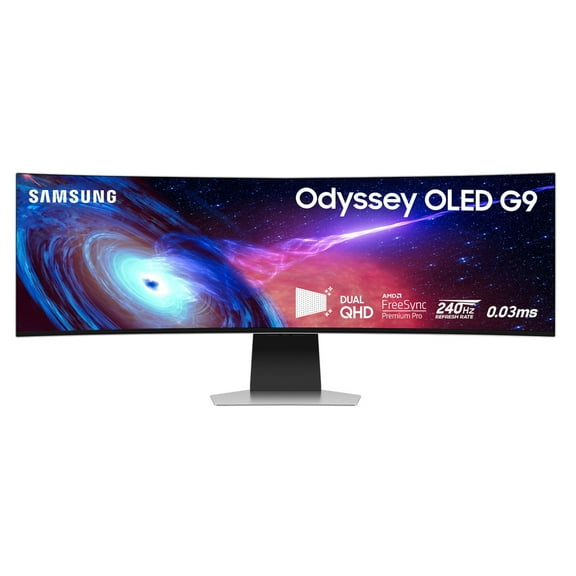 Now$1,39999current price Now $1,399.99, Was $1,499.99$1,499.99$1399.99/count
Odyssey OLED G9 S49CG932SN 49" Class Dual Quad HD (DQHD) Curved Screen Gaming OLED Monitor, 32:9, Silver, Light Gray
4524.2 out of 5 Stars. 452 reviewsShipping, arrives in 3+ daysDell 27 Plus Monitor 27" 1080p FHD 100Hz IPS Anti-glare Computer Display White, S2725HS $159.99 Was $189.00
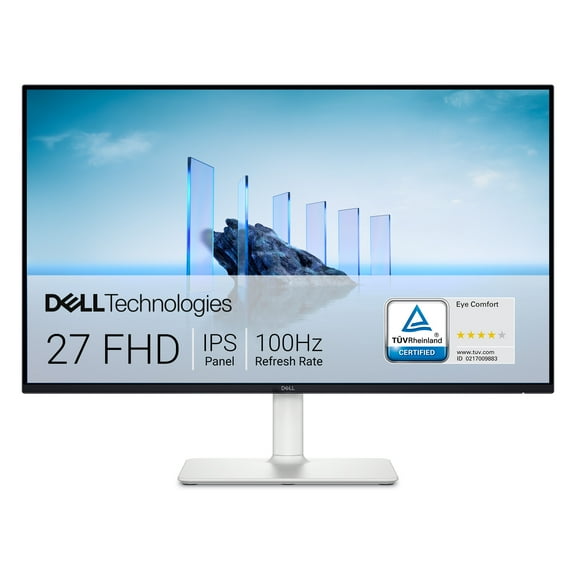 SponsoredNow$15999current price Now $159.99, Was $189.00$189.00
Dell 27 Plus Monitor 27" 1080p FHD 100Hz IPS Anti-glare Computer Display White, S2725HS
2834.7 out of 5 Stars. 283 reviewsSave withShipping, arrives tomorrowSamsung 49" Odyssey G9 QD-OLED Dual QHD 144Hz 0.03ms Curved Gaming Monitor - LS49DG910SNXZA $819.99 Was $1,299.99
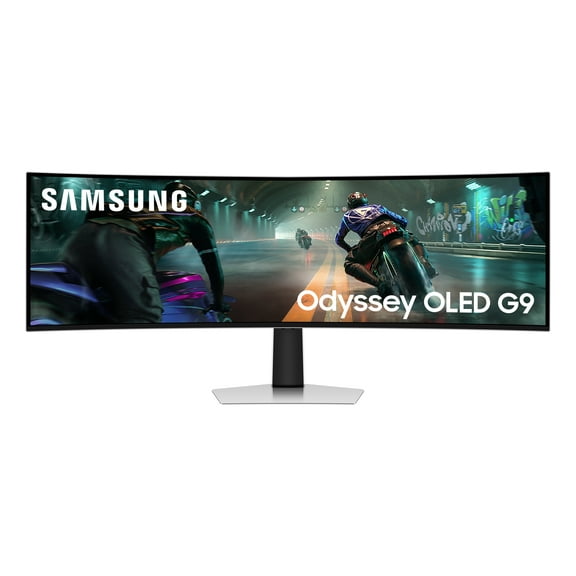 Now$81999current price Now $819.99, Was $1,299.99$1,299.99
Samsung 49" Odyssey G9 QD-OLED Dual QHD 144Hz 0.03ms Curved Gaming Monitor - LS49DG910SNXZA
964.5 out of 5 Stars. 96 reviewsShipping, arrives in 3+ daysSAMSUNG 49" Class Odyssey Neo G9 Dual QHD 240Hz 1ms G-Sync Compatible Quantum HDR2000 Curved Gaming Monitor - LS49AG952NNXZA $1,629.99 Was $2,199.99
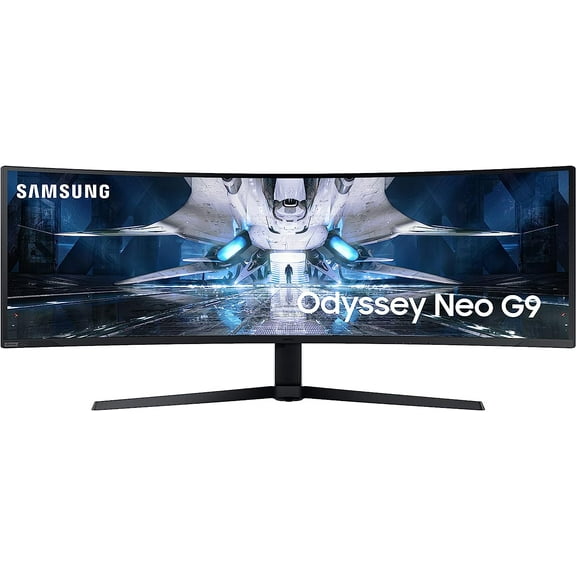 Now$1,62999current price Now $1,629.99, Was $2,199.99$2,199.99
SAMSUNG 49" Class Odyssey Neo G9 Dual QHD 240Hz 1ms G-Sync Compatible Quantum HDR2000 Curved Gaming Monitor - LS49AG952NNXZA
9094.4 out of 5 Stars. 909 reviewsShipping, arrives in 3+ daysLG UltraGear 45" OLED 5K2K (5120x2160) 330Hz G-sync Curved Gaming Monitor $1,496.99 Was $1,999.99
 Now$1,49699current price Now $1,496.99, Was $1,999.99$1,999.99
LG UltraGear 45" OLED 5K2K (5120x2160) 330Hz G-sync Curved Gaming Monitor
644.2 out of 5 Stars. 64 reviewsShipping, arrives in 3+ daysSamsung 57" Odyssey Neo G9 Dual 4K UHD Quantum Mini-LED Curved Gaming Monitor Bundle with Tech Smart USA Elite Suite 18 Standard Editing Software Bundle 2 Year CPS Enhanced Protection Pack $1,799.99
 $1,79999current price $1,799.99
Samsung 57" Odyssey Neo G9 Dual 4K UHD Quantum Mini-LED Curved Gaming Monitor Bundle with Tech Smart USA Elite Suite 18 Standard Editing Software Bundle 2 Year CPS Enhanced Protection Pack
35 out of 5 Stars. 3 reviewsShipping, arrives in 3+ daysLG 39 Inch UltraGear OLED WQHD 240Hz 0.03ms G-Sync Curved Gaming Monitor $1,599.99
 $1,59999current price $1,599.99
LG 39 Inch UltraGear OLED WQHD 240Hz 0.03ms G-Sync Curved Gaming Monitor
104.9 out of 5 Stars. 10 reviewsShipping, arrives in 3+ daysSamsung Odyssey G9 S49CG934SN 49" Class Dual Quad HD (DQHD) - 32:9 - Silver - Gaming OLED Monitor $1,853.10
 $1,85310current price $1,853.10
Samsung Odyssey G9 S49CG934SN 49" Class Dual Quad HD (DQHD) - 32:9 - Silver - Gaming OLED Monitor
Shipping, arrives in 3+ daysSAMSUNG 57" Odyssey Neo G9 Dual 4K UHD Quantum Mini-LED 240Hz 1ms HDR 1000 Curved Gaming Monitor $2,443.50
 $2,44350current price $2,443.50
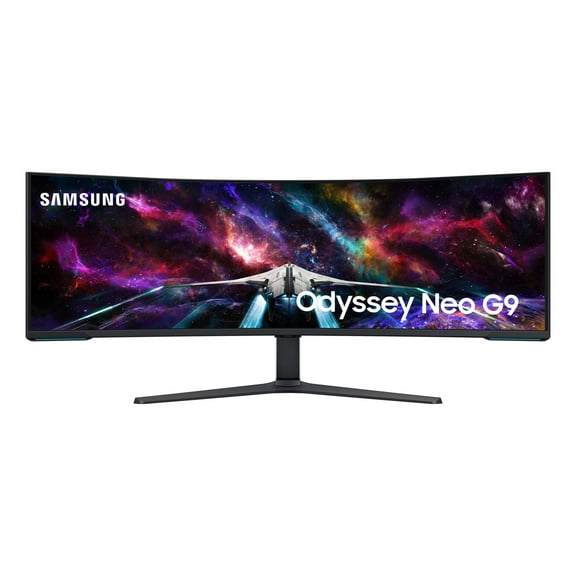
SAMSUNG 57" Odyssey Neo G9 Dual 4K UHD Quantum Mini-LED 240Hz 1ms HDR 1000 Curved Gaming Monitor
8754.5 out of 5 Stars. 875 reviewsShipping, arrives in 3+ daysSamsung 27" Odyssey QD-OLED G6 (G61SD) QHD 240Hz 0.03ms FreeSync™ Premium Pro Gaming Monitor with Sleek Metal Design - LS27DG610SNXZA $799.99
 $79999current price $799.99
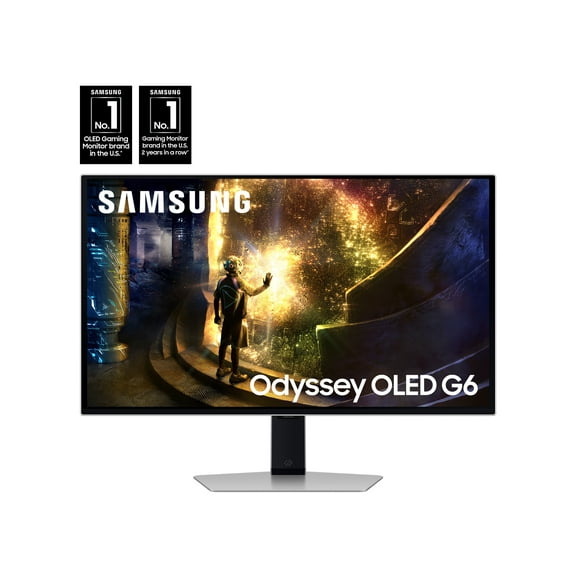
Samsung 27" Odyssey QD-OLED G6 (G61SD) QHD 240Hz 0.03ms FreeSync™ Premium Pro Gaming Monitor with Sleek Metal Design - LS27DG610SNXZA
784.7 out of 5 Stars. 78 reviewsSave withShipping, arrives tomorrowSamsung S32D396GANXZ 32 inch S39GD Series Curved FHD 100Hz Gaming Monitor with Built-In Speakers - Black $219.99
 $21999current price $219.99
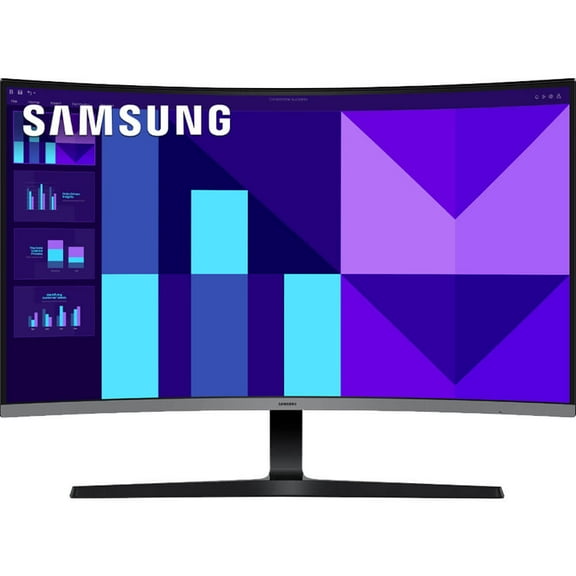
Samsung S32D396GANXZ 32 inch S39GD Series Curved FHD 100Hz Gaming Monitor with Built-In Speakers - Black
194.4 out of 5 Stars. 19 reviewsShipping, arrives in 3+ daysSAMSUNG 34" Class ViewFinity S50GC Ultra-WQHD 100Hz AMD FreeSync™ HDR10 Monitor - LS34C502GANXZA $379.99
 $37999current price $379.99
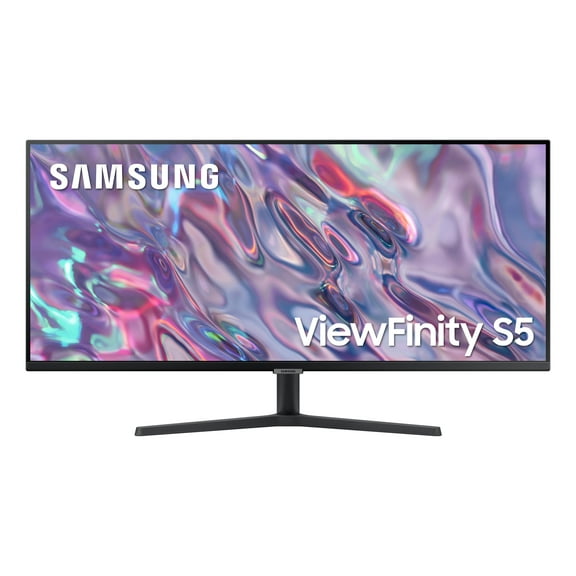
SAMSUNG 34" Class ViewFinity S50GC Ultra-WQHD 100Hz AMD FreeSync™ HDR10 Monitor - LS34C502GANXZA
1844.6 out of 5 Stars. 184 reviewsSave withMSI MPG 321CURX QD-OLED 32" Class 4K UHD Curved Screen Gaming OLED Monitor - 16:9 - Metallic Black (mpg321curxqd-oled) $929.99 Was $1,099.99
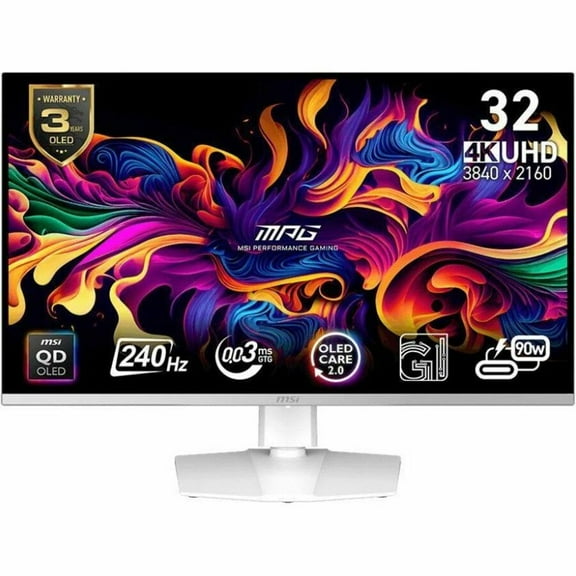 Now$92999current price Now $929.99, Was $1,099.99$1,099.99
MSI MPG 321CURX QD-OLED 32" Class 4K UHD Curved Screen Gaming OLED Monitor - 16:9 - Metallic Black (mpg321curxqd-oled)
84.5 out of 5 Stars. 8 reviewsShipping, arrives in 3+ daysRollback LG 34" Curved UltraWide WQHD HDR 10 100Hz Monitor, Black, 34WR50QK-B $219.00 Was $279.00
Rollback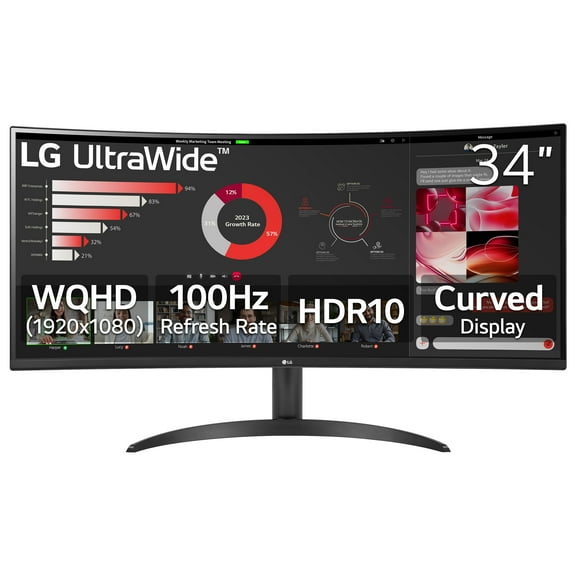 Now$21900current price Now $219.00, Was $279.00$279.00
LG 34" Curved UltraWide WQHD HDR 10 100Hz Monitor, Black, 34WR50QK-B
4494.3 out of 5 Stars. 449 reviewsSave withPickup todayDelivery todayShipping, arrives today

Frequently bought together
SAMSUNG 49 inch Class Odyssey OLED G95SC DQHD 240Hz Curved Smart Gaming Monitor - LS49CG954SNXZA $1,799.99
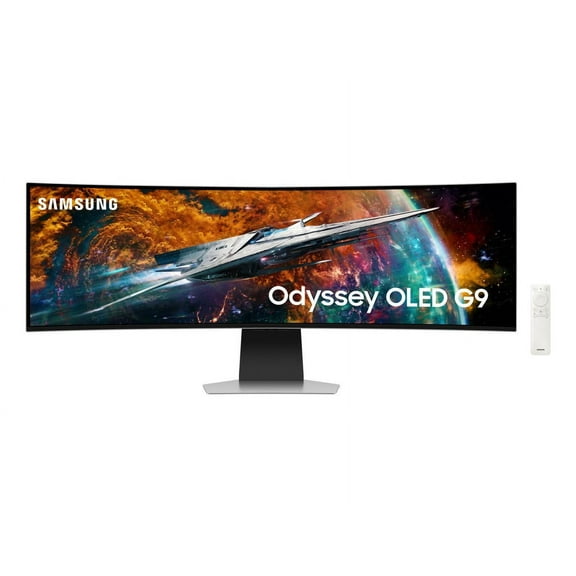
SAMSUNG 49 inch Class Odyssey OLED G95SC DQHD 240Hz Curved Smart Gaming Monitor - LS49CG954SNXZA
UHM Wireless Gaming Headset for PC/PS4/Nintendo Switch,PS5 Headset with RGB,2.4G/Bluetooth Gaming Headphones with Noise Canceling Mic,7.1 Surround Sound,60 Hour Battery Life $31.68 Was $49.99
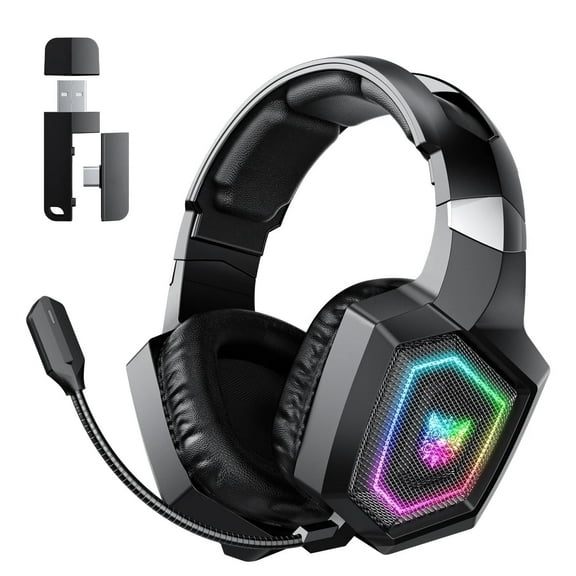
UHM Wireless Gaming Headset for PC/PS4/Nintendo Switch,PS5 Headset with RGB,2.4G/Bluetooth Gaming Headphones with Noise Canceling Mic,7.1 Surround Sound,60 Hour Battery Life
Rival 3 Wired Gen 2 $29.99

Rival 3 Wired Gen 2
Customer ratings & reviews
Reviews summary
- : Delivers exceptional image quality with deep blacks and excellent contrast.
- : Features sharp details and excellent contrast.
Customer images
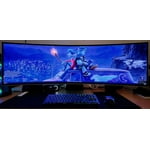

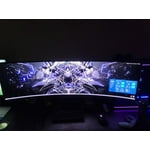
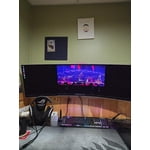
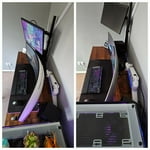

 +336 images
Showing 1-3 of 712 reviews
Finally the best 32:9 aspect ratio Super Ultrawide
Gorgeous display, OLED still the best image quality, especially on HDR. Thanks for this QD-OLED Gen 2, the text fringing is minimum now. Awesome! This monitor is great but they are something I like to highlight. 1st, please don't over tune, default value of 30 in color is way too vibrancy, I reduce to 20. Some default value should change for better suite use as a monitor. For example, Contrast Enhancer and Peak Brightness should be off as this two enhancement never make image quality better. Logo semi-transparent default value should be on to better burn-in prevention. Games HDR should be set as Advanced or Basic, why default the value is off, this make the HDR gaming looks dark and dull like missing of suppose HDR. Beside above point I like to highlight, I am truly impressive with this newer OLED G9 Super Ultrawide. Totally no regret purchased. 😊
Verified Purchase
G9 OLED 49" Monitor
Probably one of the best monitors I've ever owned. Not only does it have a built in smart feature where you can download apps like netflix and hulu and get free samsung TV channels it also comes with a remote which helps you navigate through all the features and to turn the volume up and down! This monitor is not your average monitor, the 240Hz is amazing. I can run games way above 120FPS with no screen tearing. The field of view you also get in games is very nice. With the wide width of monitor it shows extra field of view on the left and right in game. You see more of the map and whats going on around you versus a traditional monitor or TV. The .003 refresh rate is also nice and noticable. I win more gun fights in game because of this. The vibrant colors and the brightness of the screen is amazing. I do notice from time to time after playing a game the HDR trys to switch back to normal and it flickers on the screen with white lines, which is quite annoying. The only fix I found for this so far is you have to manually turn HDR off and turn it back on by hitting Windows key control B. That will turn off HDR and then hitting that same key pattern will turn it back on. I also notice after playing games for a couple hours the screen panel runs really hot. Have a fan to dispurse the heat it generates. I also found that if you want to mount this monitor to a desk the best arm to get is Secretlab Heavy duty arm. Its expensive but its the only arm that can hold this monitor up without any worries. I will be buying another one of these monitors to double stack on top of my current one.
Fantastic for gaming and work use
[This review was collected as part of a promotion.] I mammy game in fps type games like escape from tarkov, scum, and day z, but also use this for typical internet and light work use. To say wow is an understatement, this thing is fantastic. The colors and blacks in the game are insane, the refresh is fast so no blur, and the curve really immersed you. This is like using vr without the stupid headset, you are so pulled into the game. As for day to day use, the only thing I need to do is try and find my mouse pointer from time to time due to the real estate, but that's not an issue. Things like movies, streaming and YouTube are like being in a theater. I went from a samsung 34" ultrawide to this thinking it might be too big, nope it's perfect. If you have the desk or wall room, get this, now!

Popular items in this category
Best selling items that customers love
SAMSUNG 25" Class Odyssey G40B FHD IPS 240Hz 1ms G-Sync Compatible Gaming Monitor - LS25BG402ENXGO $349.99
 Sponsored$34999current price $349.99
SAMSUNG 25" Class Odyssey G40B FHD IPS 240Hz 1ms G-Sync Compatible Gaming Monitor - LS25BG402ENXGO
3584.7 out of 5 Stars. 358 reviewsSave withShipping, arrives tomorrowSamsung 32DG8 32" Odyssey G80SD 4k UHD Smart Gaming Monitor (2024) $1,049.99
 Sponsored$1,04999current price $1,049.99
Samsung 32DG8 32" Odyssey G80SD 4k UHD Smart Gaming Monitor (2024)
2364.5 out of 5 Stars. 236 reviewsShipping, arrives in 3+ daysSAMSUNG 27" Odyssey G55C QHD 165Hz 1ms(MPRT) Curved Gaming Monitor - LS27CG552ENXZA $243.97
 $24397current price $243.97
SAMSUNG 27" Odyssey G55C QHD 165Hz 1ms(MPRT) Curved Gaming Monitor - LS27CG552ENXZA
7374.7 out of 5 Stars. 737 reviewsShipping, arrives in 3+ daysBest seller SAMSUNG 27” Odyssey G55C QHD 165Hz 1ms(MPRT) Curved Gaming Monitor - LS27CG556ENXZA $249.00
Best seller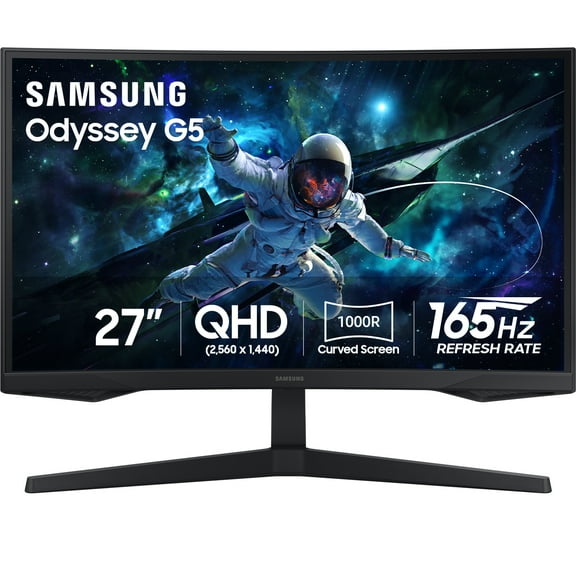 $24900current price $249.00
SAMSUNG 27” Odyssey G55C QHD 165Hz 1ms(MPRT) Curved Gaming Monitor - LS27CG556ENXZA
13914.5 out of 5 Stars. 1391 reviewsSave withPickup todayDelivery todayShipping, arrives todaySAMSUNG 32" Odyssey G55C QHD 165Hz 1ms(MPRT) Curved Gaming Monitor - LS32CG552ENXZA $319.90
 $31990current price $319.90
SAMSUNG 32" Odyssey G55C QHD 165Hz 1ms(MPRT) Curved Gaming Monitor - LS32CG552ENXZA
7684.7 out of 5 Stars. 768 reviewsSave withShipping, arrives tomorrowSAMSUNG 34" Class G85SB OLED Ultra WQHD 0.03ms 175Hz Curved Smart Gaming Monitor - LS34BG850SNXZA $969.00 Was $1,199.99
 Now$96900current price Now $969.00, Was $1,199.99$1,199.99
SAMSUNG 34" Class G85SB OLED Ultra WQHD 0.03ms 175Hz Curved Smart Gaming Monitor - LS34BG850SNXZA
3474.4 out of 5 Stars. 347 reviewsShipping, arrives in 3+ daysSamsung 32" Odyssey QD-OLED G8 G81SF 4K 240Hz Gaming Monitor - LS32FG810SNXZA $1,099.99 Was $1,299.99
 Now$1,09999current price Now $1,099.99, Was $1,299.99$1,299.99
Samsung 32" Odyssey QD-OLED G8 G81SF 4K 240Hz Gaming Monitor - LS32FG810SNXZA
1174.8 out of 5 Stars. 117 reviewsShipping, arrives in 3+ daysSamsung 27" Odyssey G7 (G70D) 4K UHD IPS 144Hz 1ms(GtG) Smart Gaming Monitor - LS27DG702ENXZA $499.99
 $49999current price $499.99
Samsung 27" Odyssey G7 (G70D) 4K UHD IPS 144Hz 1ms(GtG) Smart Gaming Monitor - LS27DG702ENXZA
464.7 out of 5 Stars. 46 reviewsShipping, arrives in 3+ daysSamsung 32" Odyssey G7 (G70D) 4K UHD IPS 144Hz 1ms(GtG) Smart Gaming Monitor - LS32DG702ENXZA $799.99
 $79999current price $799.99
Samsung 32" Odyssey G7 (G70D) 4K UHD IPS 144Hz 1ms(GtG) Smart Gaming Monitor - LS32DG702ENXZA
474.7 out of 5 Stars. 47 reviewsShipping, arrives in 3+ daysSAMSUNG 32" Class Odyssey Neo G8 4K UHD 240Hz 1ms Curved Gaming Monitor - LS32BG852NNXGO $1,499.99
 $1,49999current price $1,499.99
SAMSUNG 32" Class Odyssey Neo G8 4K UHD 240Hz 1ms Curved Gaming Monitor - LS32BG852NNXGO
2994.4 out of 5 Stars. 299 reviewsSave withShipping, arrives tomorrowSamsung 25" Odyssey FHD IPS 240Hz G-Sync Gaming Monitor - LS25BG400ENXGO $279.99
 $27999current price $279.99
Samsung 25" Odyssey FHD IPS 240Hz G-Sync Gaming Monitor - LS25BG400ENXGO
3614.7 out of 5 Stars. 361 reviewsSave withShipping, arrives in 2 daysSamsung 27" Odyssey OLED G6 G60SF QHD 500Hz Gaming Monitor $899.99
 $89999current price $899.99
Samsung 27" Odyssey OLED G6 G60SF QHD 500Hz Gaming Monitor
234.9 out of 5 Stars. 23 reviewsShipping, arrives in 3+ daysSamsung 27" Odyssey OLED G8 G81SF 4K 240Hz Gaming Monitor $894.99
 $89499current price $894.99
Samsung 27" Odyssey OLED G8 G81SF 4K 240Hz Gaming Monitor
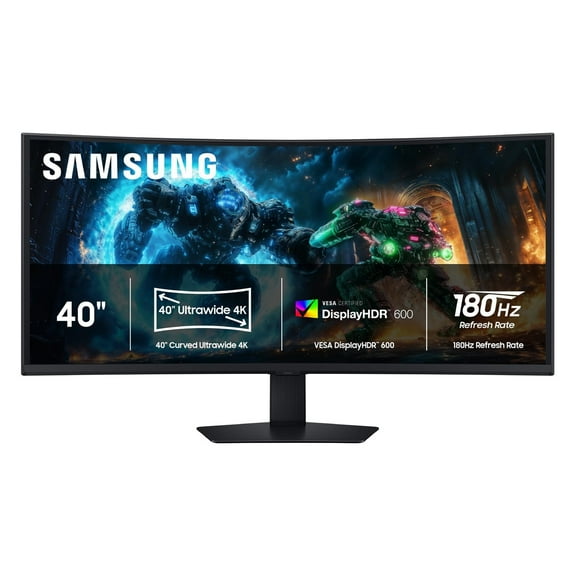
1204.8 out of 5 Stars. 120 reviewsShipping, arrives in 3+ daysSamsung Odyssey G7 G75F 40" 4K HDR 180 Hz Curved Ultrawide Gaming Monitor $747.99
 $74799current price $747.99
Samsung Odyssey G7 G75F 40" 4K HDR 180 Hz Curved Ultrawide Gaming Monitor
224.8 out of 5 Stars. 22 reviewsShipping, arrives in 3+ daysSAMSUNG 32" Class Odyssey G70B Curved Gaming Monitor - LS32BG702ENXGO $799.99
 $79999current price $799.99
SAMSUNG 32" Class Odyssey G70B Curved Gaming Monitor - LS32BG702ENXGO
34.3 out of 5 Stars. 3 reviewsSave withShipping, arrives in 2 daysSAMSUNG 27" Curved Odyssey G55A WQHD 165Hz 1ms AMD FreeSync Premium Gaming Monitor LS27AG552ENXZA $279.00
 $27900current price $279.00
SAMSUNG 27" Curved Odyssey G55A WQHD 165Hz 1ms AMD FreeSync Premium Gaming Monitor LS27AG552ENXZA
1644.3 out of 5 Stars. 164 reviewsSave withShipping, arrives tomorrowSAMSUNG 27" Class Curved Odyssey G55A WQHD 165Hz 1ms AMD FreeSync Premium Gaming Monitor LS27AG550ENXZA $249.00
$24900current price $249.00SAMSUNG 27" Class Curved Odyssey G55A WQHD 165Hz 1ms AMD FreeSync Premium Gaming Monitor LS27AG550ENXZA
5744.6 out of 5 Stars. 574 reviewsShipping, arrives in 3+ daysSAMSUNG 27" Odyssey G3 (G30D) FHD 180Hz 1ms Gaming Monitor with Ergonomic Stand - LS27DG302ENXZA $229.99
 3 optionsAvailable in additional 3 options$22999current price $229.99Options from $229.99 – $241.20
SAMSUNG 27" Odyssey G3 (G30D) FHD 180Hz 1ms Gaming Monitor with Ergonomic Stand - LS27DG302ENXZA
5944.8 out of 5 Stars. 594 reviewsSave withShipping, arrives tomorrow