

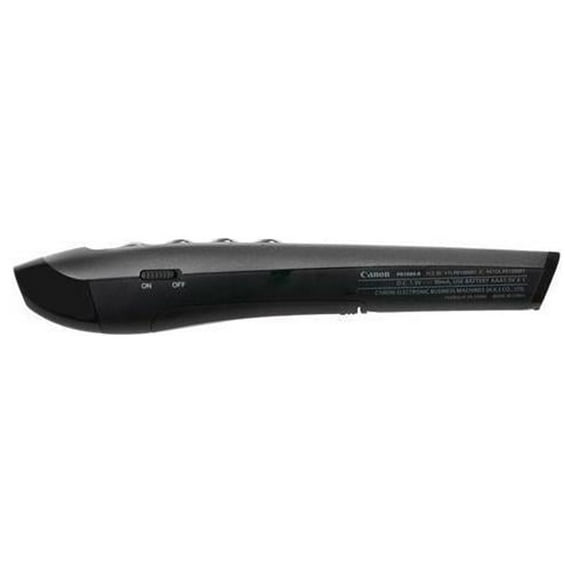
Canon, CNMPR1000R, PR1000-R Wireless Presenter, 1, Black
Key item features
- Red laser shines on any projector screen for display on bright surfaces
- Intuitive controls allow easy navigation through pages for complete control
- Volume control buttons allow you to quickly adjust level of audio as you go
- 50' range lets you present with confidence throughout the room
- Easy-to-use design doesn't require installation of software for simple use
Specs
 BrandCanon
 Wireless2.4 GHz
 ColorBlack
 Weight0.06 lb
How do you want your item?
About this item
Product details
Canon PR1000-R Wireless Presenter, Black
- Red laser shines on any projector screen for display on bright surfaces
- Intuitive controls allow easy navigation through pages for complete control
- Volume control buttons allow you to quickly adjust level of audio as you go
- 50' range lets you present with confidence throughout the room
- Easy-to-use design doesn't require installation of software for simple use
Specifications
Brand
Wireless
Color
Weight
Warranty
Warranty information
Please be aware that the warranty terms on items offered for sale by third party Marketplace sellers may differ from those displayed in this section (if any). To confirm warranty terms on an item offered for sale by a third party Marketplace seller, please use the 'Contact seller' feature on the third party Marketplace seller's information page and request the item's warranty terms prior to purchase.
Warnings
Warning Text
Similar items you might like
Based on what customers bought
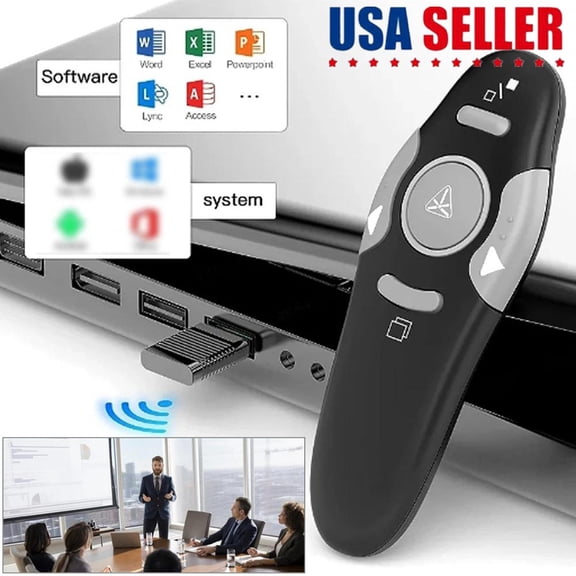
Wireless USB Presenter Remote & PowerPoint Clicker with Laser Pointer For PPT Computer Laptop, RF 2.4GHz Wireless Control – Presentation Tool For Business, School $14.99
 Sponsored$1499current price $14.99
Wireless USB Presenter Remote & PowerPoint Clicker with Laser Pointer For PPT Computer Laptop, RF 2.4GHz Wireless Control – Presentation Tool For Business, School
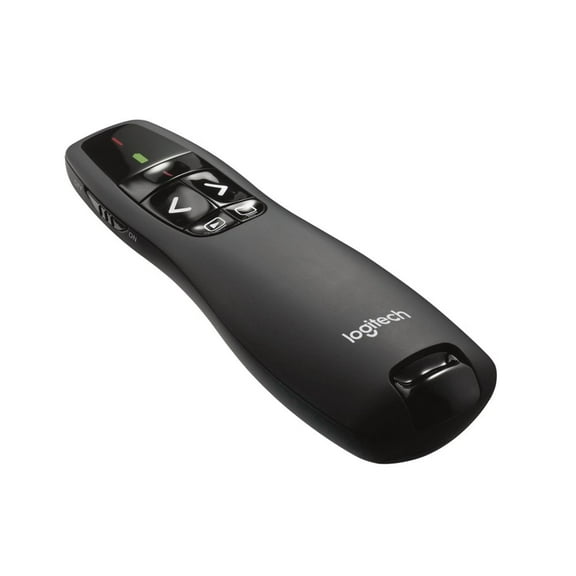
Shipping, arrives in 3+ daysLogitech Wireless Presenter R400, Wireless Presentation Remote Clicker with Laser Pointer, Black $33.99
 $3399current price $33.99
Logitech Wireless Presenter R400, Wireless Presentation Remote Clicker with Laser Pointer, Black
2064.6 out of 5 Stars. 206 reviewsR400 Wireless Presentation Remote, 2.4 Ghz, Usb-receiver, Red Laser Pointer, 15-meter Operating Range, 6 Buttons Pc - Black $22.33
 $2233current price $22.33
R400 Wireless Presentation Remote, 2.4 Ghz, Usb-receiver, Red Laser Pointer, 15-meter Operating Range, 6 Buttons Pc - Black
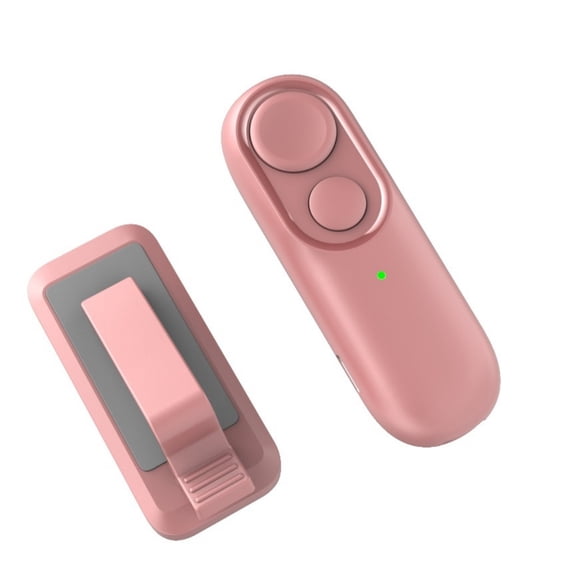
Wireless Remote Page Turner for Reading Novels Ergonomic Clickers Control with Strap Remote Control Page Turner $22.69
 $2269current price $22.69
Wireless Remote Page Turner for Reading Novels Ergonomic Clickers Control with Strap Remote Control Page Turner
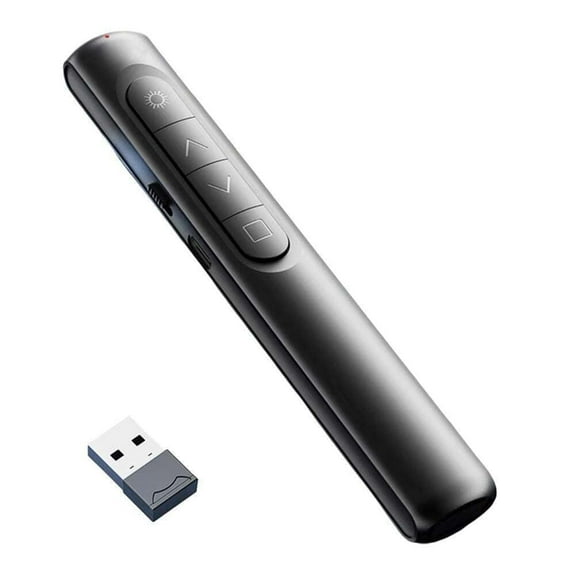
New S12 Wireless Presentation Remote with Laser Page Turning Pen $12.59
 $1259current price $12.59
New S12 Wireless Presentation Remote with Laser Page Turning Pen
Logitech R400 2.4 GHz Wireless Presenter $39.99
 $3999current price $39.99
Logitech R400 2.4 GHz Wireless Presenter
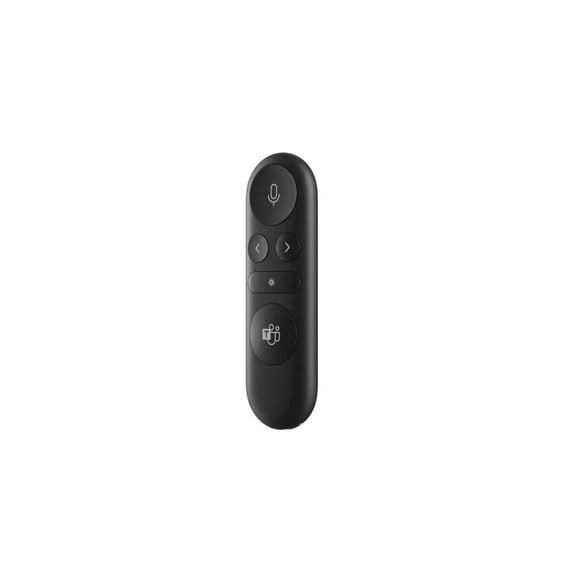
404.6 out of 5 Stars. 40 reviewsMicrosoft Presenter Wireless Presentation Remote Control Matte Black (IX7-00001) IX700001 $34.95 Was $39.99
 $3495current price $34.95, Was $39.99$39.99
Microsoft Presenter Wireless Presentation Remote Control Matte Black (IX7-00001) IX700001
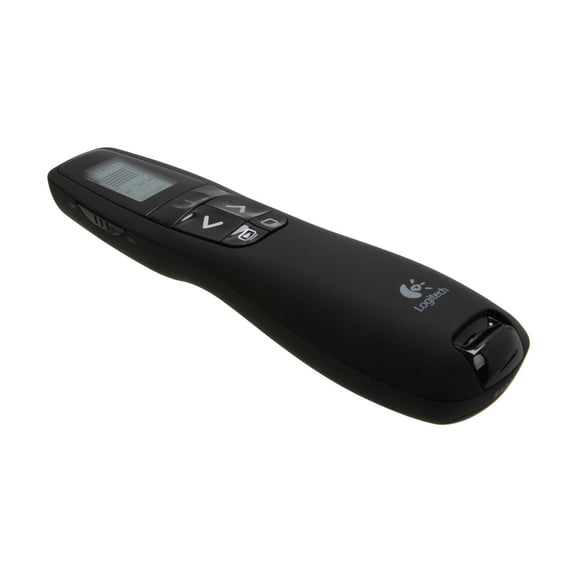
74.7 out of 5 Stars. 7 reviewsLogitech Professional Wireless Presenter R800 with Green Laser Pointer, 100ft Projection, Black $34.99 Was $49.99
 $3499current price $34.99, Was $49.99$49.99
Logitech Professional Wireless Presenter R800 with Green Laser Pointer, 100ft Projection, Black
174.7 out of 5 Stars. 17 reviewsPresentation Clicker for PowerPoint, RF 2.4GHz USB Wireless Presenter Remote with Volume Control, PowerPoint Clicker Slide Advancer for Mac, Windows, Laptop, Keynote $11.98
 3 optionsAvailable in additional 3 options$1198current price $11.98
Presentation Clicker for PowerPoint, RF 2.4GHz USB Wireless Presenter Remote with Volume Control, PowerPoint Clicker Slide Advancer for Mac, Windows, Laptop, Keynote
Logitech R500s Wireless Presentation Remote $26.99 Was $39.99
 $2699current price $26.99, Was $39.99$39.99
Logitech R500s Wireless Presentation Remote
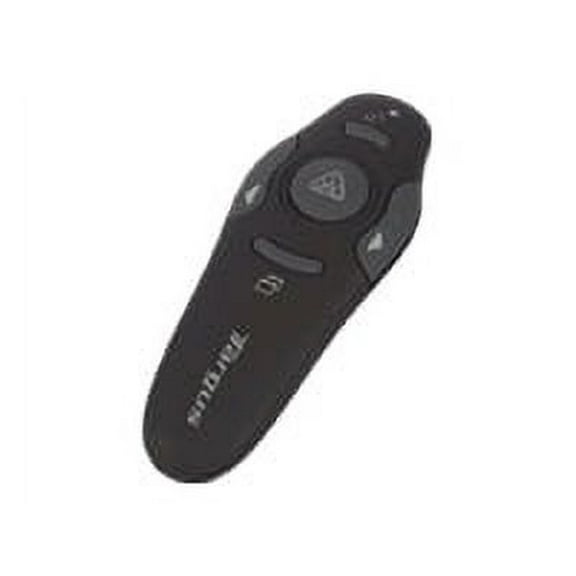
274.7 out of 5 Stars. 27 reviewsTargus Wireless Presenter with Laser Pointer $38.50 Was $44.00
 $3850current price $38.50, Was $44.00$44.00
Targus Wireless Presenter with Laser Pointer
464.2 out of 5 Stars. 46 reviewsWrongduck Presentation Clicker for PowerPoint, Wireless Presenter Remote with Red Laser Pointer, USB Receiver, Volume & Hyperlink Control, Compatible with Windows, Mac, Linux, and Google Slides $12.98
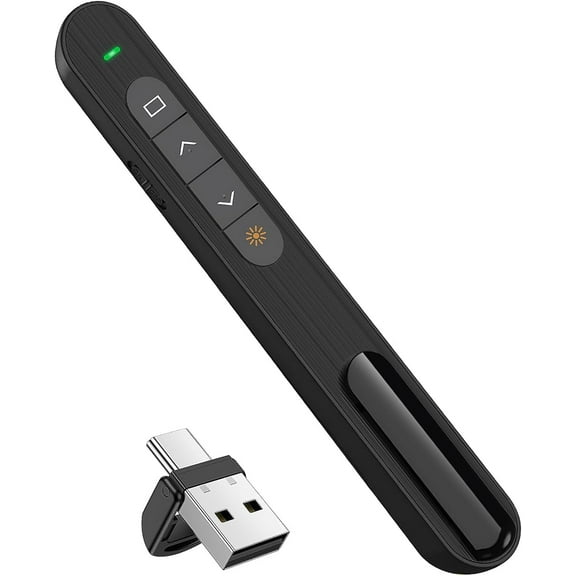 2 optionsAvailable in additional 2 options$1298current price $12.98
Wrongduck Presentation Clicker for PowerPoint, Wireless Presenter Remote with Red Laser Pointer, USB Receiver, Volume & Hyperlink Control, Compatible with Windows, Mac, Linux, and Google Slides
Wireless Presenter - Nano Receiver - Wireless Presenter Remote $55.19
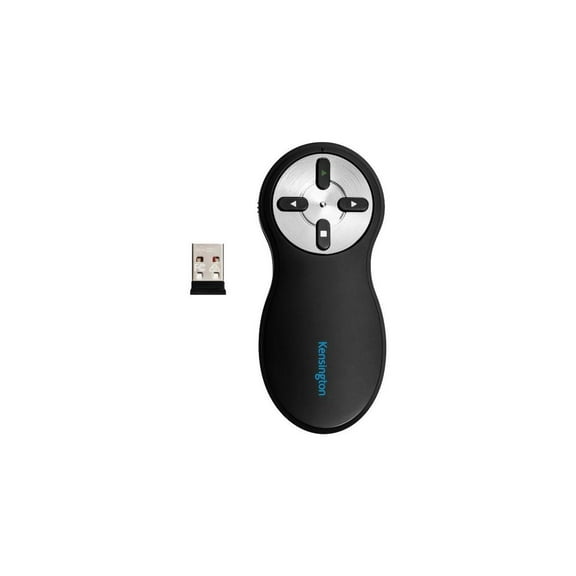 $5519current price $55.19
Wireless Presenter - Nano Receiver - Wireless Presenter Remote
GJX 2026 New Wireless Presenter Remote,For Office,Classroom,Meetings,Presentation Laser Pointer Clicker,Presentation Clicker Wireless Presenter Remote Clicker $9.62
 $962current price $9.62
GJX 2026 New Wireless Presenter Remote,For Office,Classroom,Meetings,Presentation Laser Pointer Clicker,Presentation Clicker Wireless Presenter Remote Clicker
ZIQIAN Volume Control Hyperlink Wireless Presentation Remote $14.99 Was $19.99
 3 optionsAvailable in additional 3 options$1499current price $14.99, Was $19.99$19.99
ZIQIAN Volume Control Hyperlink Wireless Presentation Remote
204.7 out of 5 Stars. 20 reviewsPowerpoint Pen Wireless Presentation Clicker Type-C Rechagable Remote Control Pen for Office Teaching Projector PPT Presenter $18.99
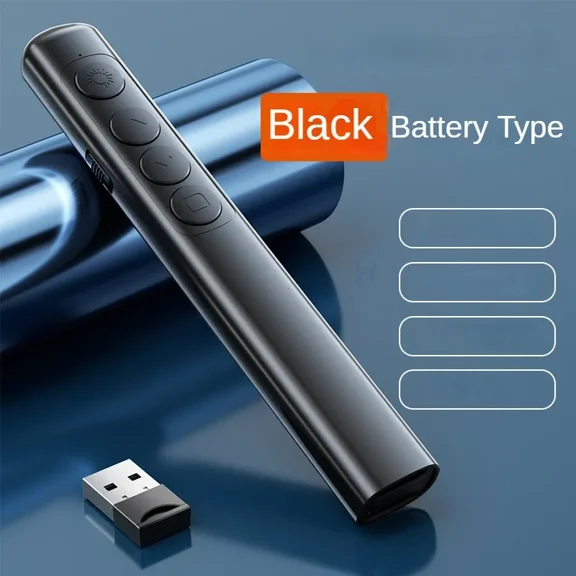 3 optionsAvailable in additional 3 options$1899current price $18.99
Powerpoint Pen Wireless Presentation Clicker Type-C Rechagable Remote Control Pen for Office Teaching Projector PPT Presenter
Kensington Presenter Expert™ Wireless with Red Laser - Rose Gold (K75772WW) $30.84
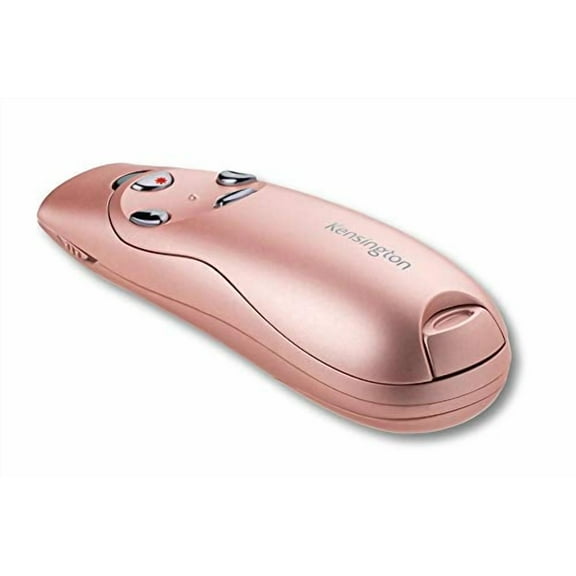 $3084current price $30.84
Kensington Presenter Expert™ Wireless with Red Laser - Rose Gold (K75772WW)
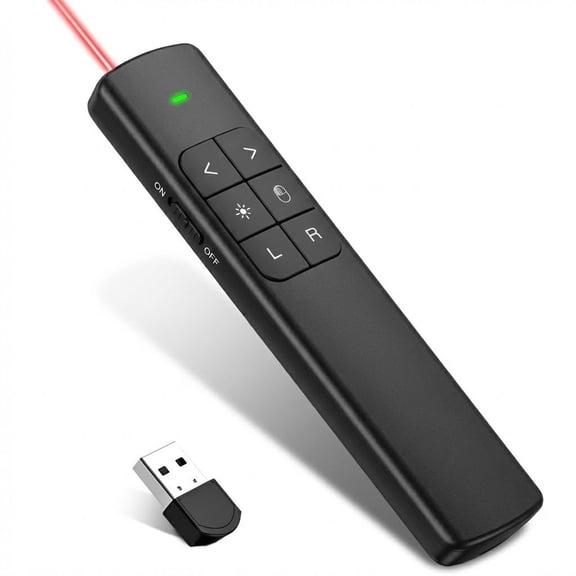
Topkech Wireless Presenter with Air Mouse & Digital Ink, 2.4GHz USB PowerPoint Clicker with Laser Pointer, Presentation Remote for Interactive Teaching & Business Meetings $24.94
 2 optionsAvailable in additional 2 options$2494current price $24.94
Topkech Wireless Presenter with Air Mouse & Digital Ink, 2.4GHz USB PowerPoint Clicker with Laser Pointer, Presentation Remote for Interactive Teaching & Business Meetings
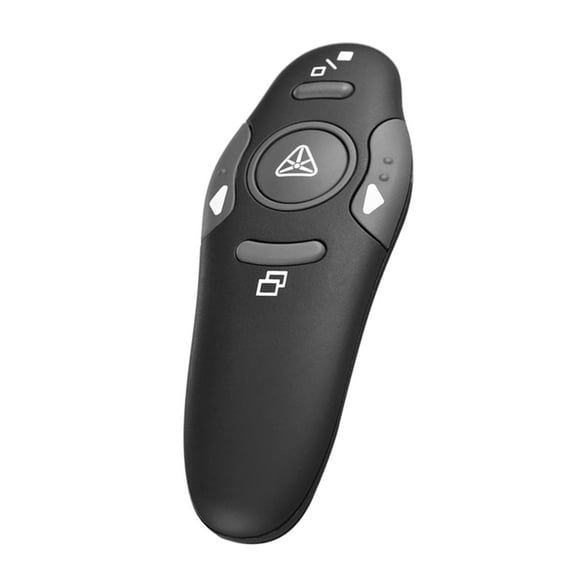
Wireless Presenter 2.4GHz PPT Pen Powerpoint Clicker Control Yuk N2025 $8.29
 $829current price $8.29
Wireless Presenter 2.4GHz PPT Pen Powerpoint Clicker Control Yuk N2025


Customer ratings & reviews
Filtered and sorted results would be available on the new 'Customer ratings & reviews' page.
Showing 1-3 of 23 reviews
So lightweight and easy to use!
I was sent a free sample in exchange for an honest review of this product. I really like the Canon PR1000-R Presenter Remote. It is lightweight and so easy to use. No need to hassle with difficult buttons or software. You plug in the dongle in the computer you are using to do your presentation, then turn ON the remote, and voila! You got your remote ready and set to go. I recommend this product for anyone that needs a quality and easy to use laser pointer.
Works right out of the box!
I was in awe at how easy it was to use the Canon PR1000-R Presenter Remote. I should mention that I received this as a free sample to review, and was somewhat skeptical that it would work as advertised. However, it didn't take long for me to realize how useful it could be and how easy it was to get started. It worked right out of the box! All I had to do was place the dongle into my computer, point and click at my laptop. I couldn't wait to use it during my next class on the large screen. I am a college professor, and offered this remote as an option for students who wanted to try it out when they presented their semester projects. Those who choose to use it were able to walk about the room while sharing their Powerpoint slides. They simply opened up their Powerpoint Presentations on the classroom computer, picked up the remote and clicked through their slides. They loved it! It took no practice or explanation on how to use it...this remote was just that easy to use! I really liked the sleek design of this remote as well. It is about the size of a thick marker and fit in my hand comfortably. It is also very lightweight and looks professional. I highly recommend this Canon remote for its ease of use and the freedom it gives me to present material in a new way.
More than use a laser pointer!
So glad I had the opportunity to get this as a free sample to review! Definitely more than just a laser pointer. It was very easy to use and connect. Also let me add that I am extremely happy about the battery being included. It would have been months for me to use it had the battery not already been in the package. The pointer is lightweight and easy to navigate. You can go from one slide to another and also go back with ease. I`ve used presenters that had one button to do a multitude of functions which made it difficult, especially if you`re already nervous about presenting in front of people. The laser showed up very well on the screen and I was able to walk around and still go through slides. I didn`t have to used the volume button but I like that if I had sound its an option. Overall I am very satisfied and will be using this in the future.

Related pages
- Panasonic BTS Projectors & Presentation Equipment
- Wireless Video Presentation System
- Bell Howell 8mm Projector
- Brand: Hart Sharp Video
- Laser Hologram
- Kensington Projectors & Presentation Equipment
- Video Conferencing
- Projector Parts and Supplies
- Projector Bulbs
- Epson Office Projectors
- Epson Projectors
- Video Presenters