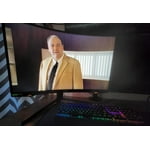
Things that other reviews complain about that I'm not seeing:
- No dead pixels or shipping damage
- Not seeing distortion
- No flickering with GSYNC enabled (must be fixed with latest firmware which I did flash to)
- No apparent quality misses
My two cents:
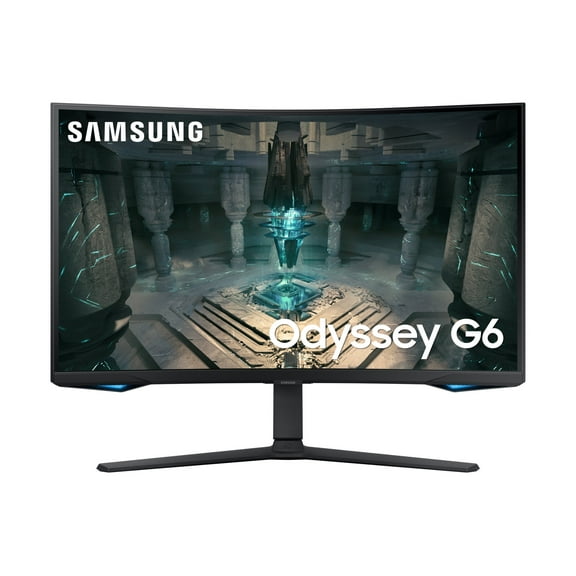
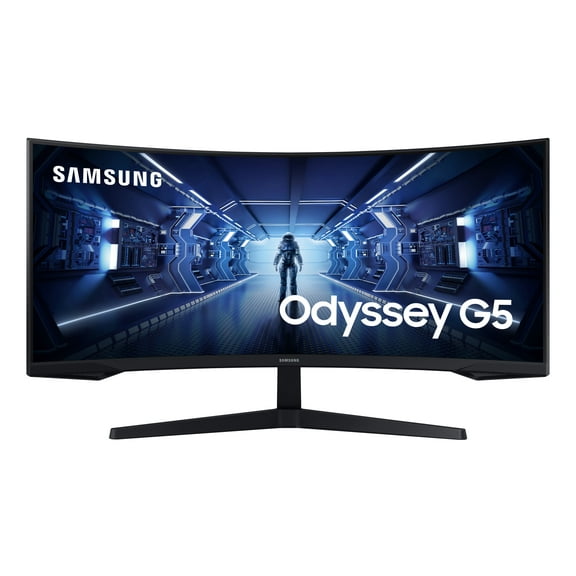
This is my first curved monitor. I was worried that it was going to bend text or be hard to use for work as a software engineer but it's actually fine. The curve is trying to make the distance to your eyes equivalent no matter which part of the screen you are looking at, and basically looks like a normal monitor once you get used to that.
Am I blown away by the HDR? Not really. I moved off of a 144hz 1080p monitor and gotta say it doesn't feel like I entered a new world or anything. It's certainly more emersive and more colorful and I am going to keep it. The resolution is great, but my hardware (2080/9900k) can't really push later gen games at 2k 240hz so you won't get much benefit there until your hardware can do that kind of framerate on late gen games, or can view that playing older gen games such as CSGO (which I will try soon).
I'm not using this monitor for it's sound as I always use headphones, so I don't have an opinion on the monitor's speakers if it has any.
Couple side notes:
VESA mounting: If you are vesa mounting this like I did, the back of the monitor itself is NOT vesa 100. However, there is an adapter/bracket inside the box that you can use to connect to the location the stand goes to convert that into a vesa 100 compliant mount location. Once I installed that, I was able to install this monitor on a vesa 100 arm mount and had no issues.
MAC resolution: I connect this monitor to a macbook pro, and only had a USB to USB-C adapter. When doing USB, the MAC only shows 1080p or some other odd resolution. Open System Preferences -> Displays -> Scaled -> Hold Option and click Scaled again to reveal more resolutions -> You should now see 1440p option and be able to use that. I'm not sure the refresh rate will go above 60hz without a DisplayPort cable. I'd order a DisplayPort 1.4 -> USB-C cable if you need that kind of refresh rate on a MAC.
DisplayPort cable: Order a 1.4 DisplayPort cable that is VESA certified and use that over the cable that came in the box. It will support 1440p@240hz. From what I've read, if you go over 6 feet on the cable length, you may run into issues with reliability so try to keep the cable at 6FT or less.



 WARNING: