

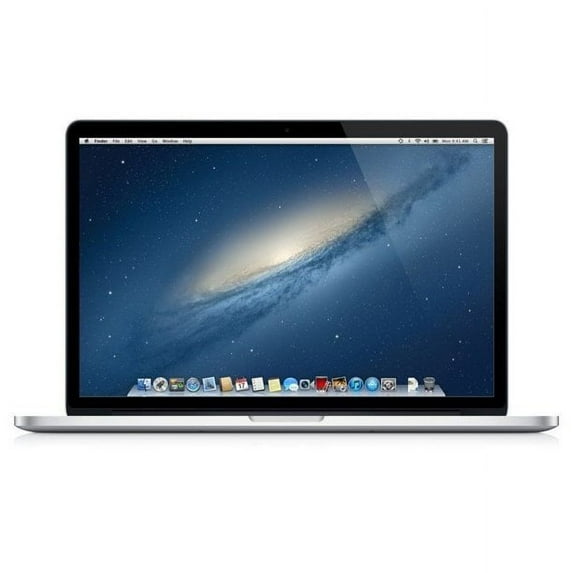
Restored Apple MacBook Pro MJLU2LL/A 15.4" 16GB 1TB Intel Core i7-4770HQ, Silver (Refurbished)
Key item features
- Vivid Display: Features a 15.4-inch (2880 x 1800) LCD Retina Display, offering a high-resolution visual experience with 220 pixels per inch.
- Powerful Processing: Equipped with an Intel Core i7-4770HQ Quad-Core processor clocked at 2.8GHz, complemented by 16GB DDR3 System Memory for efficient multitasking.
- Ample Storage: Includes a spacious 1TB PCIe Solid State Drive (SSD), providing fast data access and ample storage capacity.
- Dual Graphics: Boasts a Hybrid AMD Radeon R9 M370X Graphics card with 2.1GB dedicated video memory, alongside an integrated Intel Iris 5200 Pro graphics processor.
- Connectivity Options: Offers two USB 3.0 ports, one HDMI port, two Thunderbolt 2 ports, 802.11ac Wi-Fi, and Bluetooth 4.0 for versatile connections.
- Integrated Peripherals: Features a 1MP Webcam, an integrated microphone, a backlit standard keyboard, and a new advanced Force Touch trackpad.
- Portable Design: Weighs 4.5 lbs and measures 0.7" x 14.1" x 9.7" (HxWxD), making it a relatively lightweight and compact device.
- Operating System: Runs on macOS 10.15, providing a familiar and user-friendly operating environment.
Specs
- BrandApple
- Proc. brandIntel
- ProcessorIntel Core i7-4770HQ
- OSmacOS 10.15
- RAM memory16 GB
- Screen size15.4 in
How do you want your item?
About this item
Product details
- 15.4-inch (2880 x 1800) LCD Display
- Intel Core i7-4770HQ Processor (Quad-Core, 2.8GHz, 6MB Cache)
- 16GB DDR3 System Memory
- 1TB PCIe Solid State Drive (SSD)
- Hybrid AMD Radeon R9 M370X Graphics (2.1GB Dedicated Video Memory)
- No Optical Drive
- 2 x USB 3.0, 1 x HDMI
- Backlit Standard Keyboard and Multi-touch Trackpad
- 1MP Webcam and Integrated Microphone
- No Ethernet, IEEE 802.11ac and Bluetooth 4.0 + HS
- 4-cell Lithium-Polymer Battery with up to 9 hours of use
- Ope System: macOS 10.15
- 0.7" x 14.1" x 9.7" (HxWxD); 4.5lbs
- Gold EPEAT
What is Walmart Restored?
This Walmart Restored product has been professionally inspected, tested, and cleaned by a performance managed seller or supplier. Restored items are offered in 4 conditions: Premium, Like New, Good, and Fair. Restored: Like New, Good, and Fair products come with a 90-day free return. Restored: Premium products come with a minimum 1-year warranty (except select vacuum cleaners where noted on product page).


Shop refurbished smartphones, computers, laptops, tablets, home and kitchen appliances and much more atWalmart Restored.
Specifications
Brand
Proc. brand
Processor
OS
Warranty
Warranty information
Similar items you might like
Based on what customers bought
MacBook Pro 13" Touch Bar MPXV2LL/A Core i5 3.1Ghz 8GB RAM 256GB SSD $279.00 Was $299.00
 $27900current price $279.00, Was $299.00$299.00
MacBook Pro 13" Touch Bar MPXV2LL/A Core i5 3.1Ghz 8GB RAM 256GB SSD
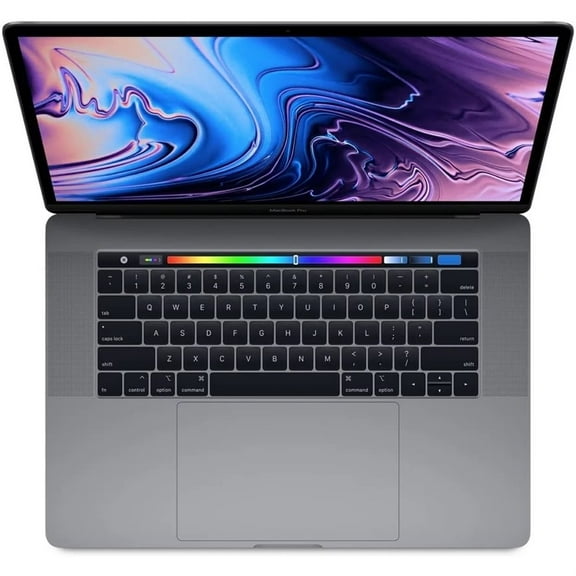
64 out of 5 Stars. 6 reviewsRestored Apple Macbook Pro A1990 15" - Intel Core I7-8850H - 16GB RAM 256GB Storage - Grey - 2019 (Refurbished) $418.00 Was $759.00
 $41800current price $418.00, Was $759.00$759.00
Restored Apple Macbook Pro A1990 15" - Intel Core I7-8850H - 16GB RAM 256GB Storage - Grey - 2019 (Refurbished)
1083.7 out of 5 Stars. 108 reviewsBest seller Restored Apple MacBook Air Laptop Apple M1 8-Core CPU 7-Core GPU 8GB RAM 128GB SSD 13 Space Gray MGN53LL/A (2020) (Refurbished) $389.00
Best seller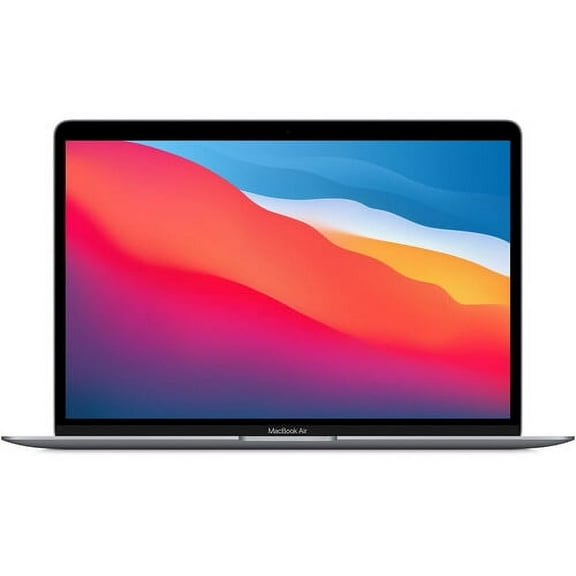 2 optionsAvailable in additional 2 options$38900current price $389.00
Restored Apple MacBook Air Laptop Apple M1 8-Core CPU 7-Core GPU 8GB RAM 128GB SSD 13 Space Gray MGN53LL/A (2020) (Refurbished)
1333.5 out of 5 Stars. 133 reviewsRestored Apple 16-inch MacBook Pro Touch Bar, 2.6 GHz Intel Core i7 6-Core, 16GB RAM, 512GB SSD - Space Gray (Refurbished) $428.99
 $42899current price $428.99
Restored Apple 16-inch MacBook Pro Touch Bar, 2.6 GHz Intel Core i7 6-Core, 16GB RAM, 512GB SSD - Space Gray (Refurbished)
1074 out of 5 Stars. 107 reviewsRestored Apple MacBook Air 13.3" (2020) M1 CPU @ 3.20GHz A2337 8GB RAM 128GB SSD Silver (Refurbished) $359.92
 $35992current price $359.92
Restored Apple MacBook Air 13.3" (2020) M1 CPU @ 3.20GHz A2337 8GB RAM 128GB SSD Silver (Refurbished)
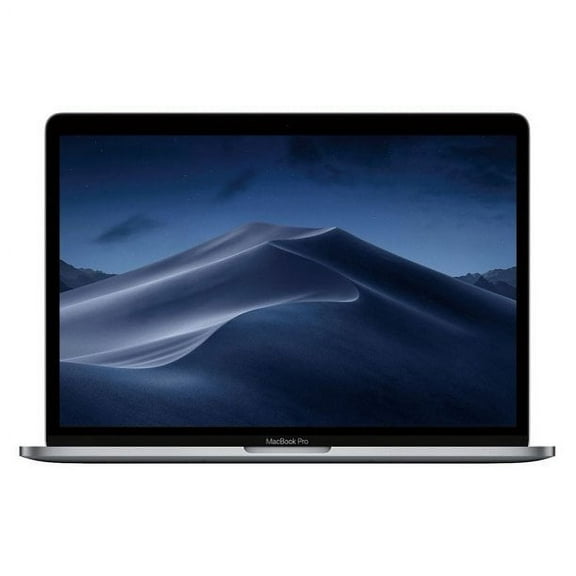
Apple MacBook Pro Laptop, FHD 15" Retina Display with Touch Bar OR Touch ID45, Intel Core i7, 16GB RAM, 256GB SSD, MacOSx Catalina, Silver, MPTT2LL/A $299.00
 $29900current price $299.00
Apple MacBook Pro Laptop, FHD 15" Retina Display with Touch Bar OR Touch ID45, Intel Core i7, 16GB RAM, 256GB SSD, MacOSx Catalina, Silver, MPTT2LL/A
15 out of 5 Stars. 1 reviewsRestored Apple 13.3" MacBook Pro Touch Bar, 1.4 GHz 8th Gen Intel Core i5 Quad-Core, 8GB RAM, 256GB SSD - Space Gray (Refurbished) $349.00
 $34900current price $349.00
Restored Apple 13.3" MacBook Pro Touch Bar, 1.4 GHz 8th Gen Intel Core i5 Quad-Core, 8GB RAM, 256GB SSD - Space Gray (Refurbished)
213.8 out of 5 Stars. 21 reviewsApple 15.4" MacBook Pro with Touch Bar (Mid 2018) MR972LL/A, 2.6GHz Intel Core i7, 16 GB RAM, macOS, 512 GB SSD, Silver $376.32
 2 optionsAvailable in additional 2 options$37632current price $376.32
Apple 15.4" MacBook Pro with Touch Bar (Mid 2018) MR972LL/A, 2.6GHz Intel Core i7, 16 GB RAM, macOS, 512 GB SSD, Silver
24 out of 5 Stars. 2 reviewsApple MacBook Air Laptop Core i5 1.6GHz 16GB RAM 256GB SSD 13" Space Gray MVFJ2LL/A (2019) $254.00 Was $279.01
 $25400current price $254.00, Was $279.01$279.01
Apple MacBook Air Laptop Core i5 1.6GHz 16GB RAM 256GB SSD 13" Space Gray MVFJ2LL/A (2019)
Apple MacBook Pro 15.4" (Mid 2017) Core i7-7700HQ 2.80GHz 16GB 256GB (Fair) $299.00
 $29900current price $299.00
Apple MacBook Pro 15.4" (Mid 2017) Core i7-7700HQ 2.80GHz 16GB 256GB (Fair)
11 out of 5 Stars. 1 reviewsRestored 2020 Apple MacBook Air 13.3" Core i5 1.1GHz 8GB RAM 512GB SSD MVH22LL/A (Refurbished) $329.99
 $32999current price $329.99
Restored 2020 Apple MacBook Air 13.3" Core i5 1.1GHz 8GB RAM 512GB SSD MVH22LL/A (Refurbished)
84.4 out of 5 Stars. 8 reviewsRestored Apple MacBook Pro with 2.3GHz Intel Core i5 (13.3 inch, 8GB RAM, 256GB SSD) Silver (Refurbished) $252.83
 $25283current price $252.83
Restored Apple MacBook Pro with 2.3GHz Intel Core i5 (13.3 inch, 8GB RAM, 256GB SSD) Silver (Refurbished)
Pre-Owned Restored 2020 Apple MacBook Air Apple M1 Chip 13-inch, 8GB RAM, 128GB SSD Storage Gray $379.00
 $37900current price $379.00
Pre-Owned Restored 2020 Apple MacBook Air Apple M1 Chip 13-inch, 8GB RAM, 128GB SSD Storage Gray
34.7 out of 5 Stars. 3 reviewsApple MacBook Pro 15.4" Touch Bar A1707 2.9GHz Core i7 16GB 1TB SSD, 2017, OS X Big Spur, $499.99 Was $539.99
 $49999current price $499.99, Was $539.99$539.99
Apple MacBook Pro 15.4" Touch Bar A1707 2.9GHz Core i7 16GB 1TB SSD, 2017, OS X Big Spur,
15 out of 5 Stars. 1 reviews2016 Apple MacBook Pro 15.4" Core i7 2.9GHz 16GB RAM 1TB SSD MLH32LL/A $398.00
 $39800current price $398.00
2016 Apple MacBook Pro 15.4" Core i7 2.9GHz 16GB RAM 1TB SSD MLH32LL/A
43 out of 5 Stars. 4 reviewsRestored MacBook Pro 13" with TouchBar (2020) Core i5 1.4GHz 8GB 256GB (Fair) (Refurbished) $999.99
 $99999current price $999.99
Restored MacBook Pro 13" with TouchBar (2020) Core i5 1.4GHz 8GB 256GB (Fair) (Refurbished)
Restored Apple MacBook Pro Core i7 Retina 3.1GHz 16GB RAM 1TB SSD Touch 15" MPTT2LL/A 2017 (Refurbished) $449.99
 $44999current price $449.99
Restored Apple MacBook Pro Core i7 Retina 3.1GHz 16GB RAM 1TB SSD Touch 15" MPTT2LL/A 2017 (Refurbished)
404.4 out of 5 Stars. 40 reviews
Check out these related products
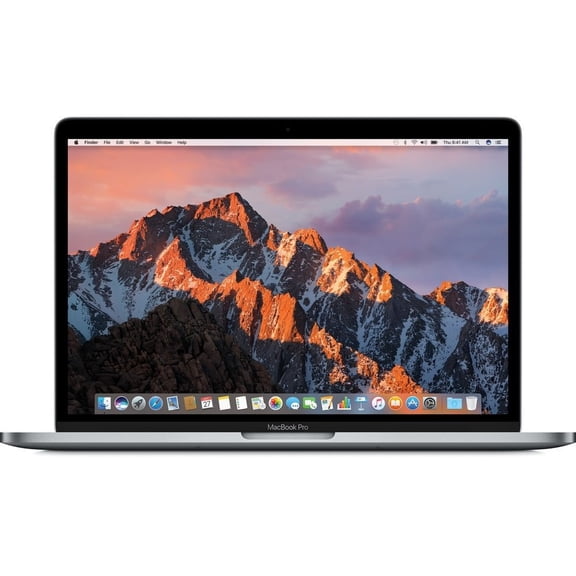
Restored Apple MacBook Pro MPXV2LL/A 13.3" 8GB 256GB Intel Core i5-6267U X2 3.1GHz, Space Gray (Refurbished) $319.97
 $31997current price $319.97
Restored Apple MacBook Pro MPXV2LL/A 13.3" 8GB 256GB Intel Core i5-6267U X2 3.1GHz, Space Gray (Refurbished)
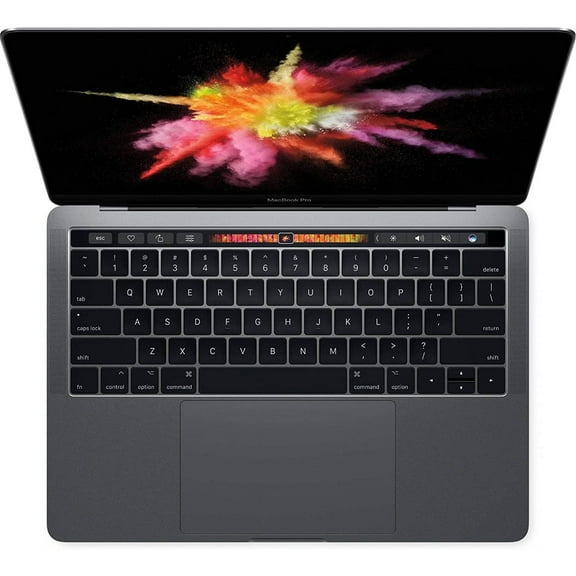
Used Apple MacBook Pro MPXV2LL/A 13.3" 8GB 256GB Intel Core i5-7267U, Space Gray $298.00
 $29800current price $298.00
Used Apple MacBook Pro MPXV2LL/A 13.3" 8GB 256GB Intel Core i5-7267U, Space Gray
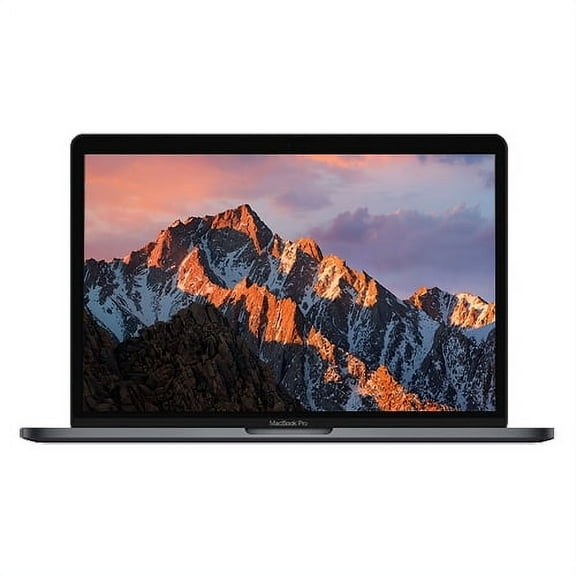
2016 Apple MacBook Pro 15.4" Core i7 2.7GHz 16GB RAM 512GB SSD MLH42LL/A $308.00 Was $329.00
 $30800current price $308.00, Was $329.00$329.00
2016 Apple MacBook Pro 15.4" Core i7 2.7GHz 16GB RAM 512GB SSD MLH42LL/A
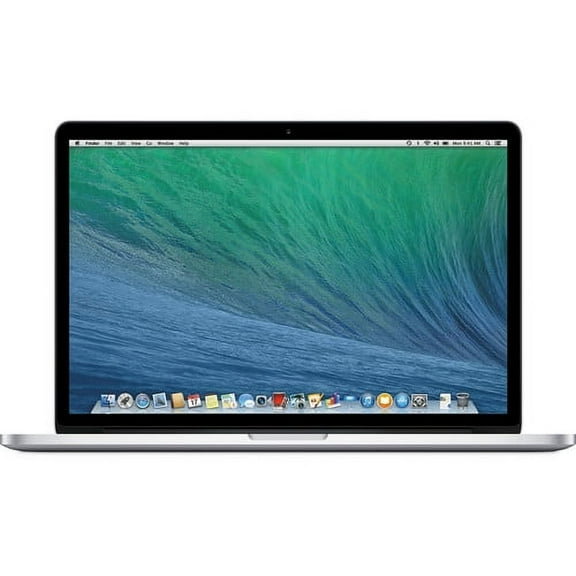
24.5 out of 5 Stars. 2 reviewsRestored Apple - MacBook Pro 15.4-inch Intel Core i7, 8GB RAM - 256GB SSD (ME293LL/A) Late 2013 $362.00
 $36200current price $362.00
Restored Apple - MacBook Pro 15.4-inch Intel Core i7, 8GB RAM - 256GB SSD (ME293LL/A) Late 2013
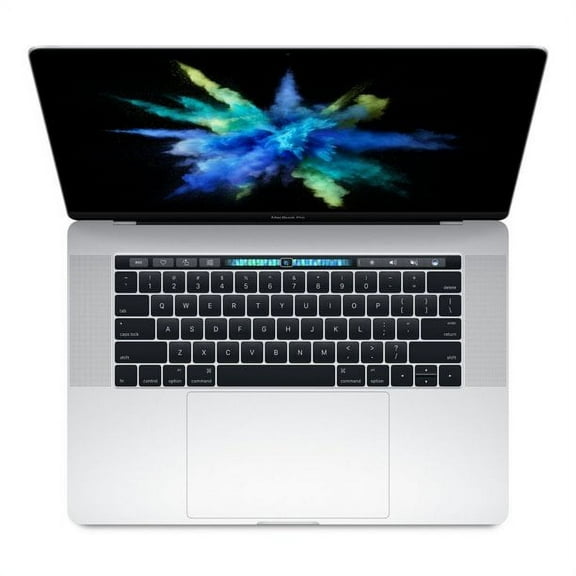
25 out of 5 Stars. 2 reviewsRestored Apple MacBook Pro MLH42LL/A 15.4" 16GB 512GB SSD Core™ i7-6820HQ 2.7GHz macOS, Silver (Refurbished) $317.20
 $31720current price $317.20
Restored Apple MacBook Pro MLH42LL/A 15.4" 16GB 512GB SSD Core™ i7-6820HQ 2.7GHz macOS, Silver (Refurbished)
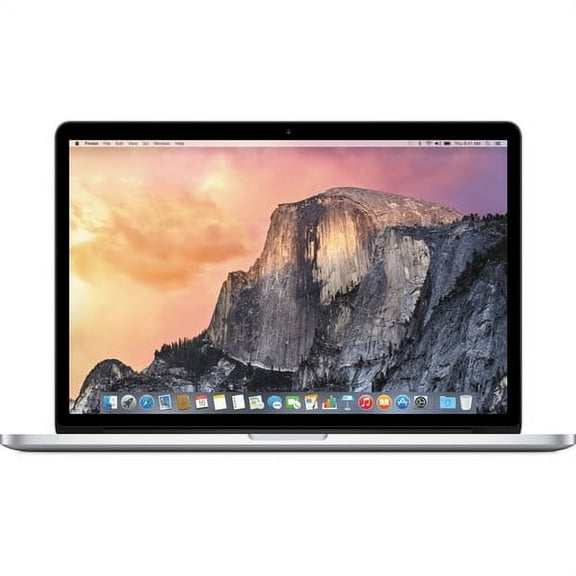
Restored Apple MacBook Pro 15.4" 2.2GHz Intel Core i7 16GB RAM, 256GB SSD Mid 2015 Silver (Refurbished) $273.99 Was $289.99
 $27399current price $273.99, Was $289.99$289.99
Restored Apple MacBook Pro 15.4" 2.2GHz Intel Core i7 16GB RAM, 256GB SSD Mid 2015 Silver (Refurbished)
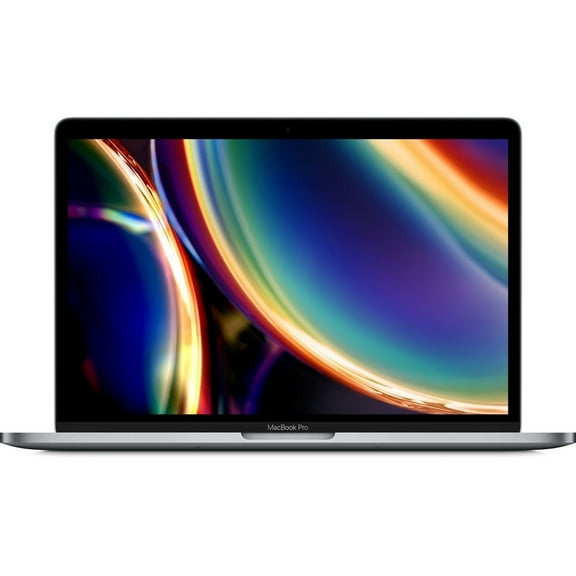
493.9 out of 5 Stars. 49 reviewsRestored Apple MacBook Pro MXK32LL/A 13.3" 8GB 256GB Intel Core i5-8257U, Space Gray (Refurbished) $286.50 Was $349.00
 $28650current price $286.50, Was $349.00$349.00
Restored Apple MacBook Pro MXK32LL/A 13.3" 8GB 256GB Intel Core i5-8257U, Space Gray (Refurbished)
Customer ratings & reviews
Filtered and sorted results would be available on the new 'Customer ratings & reviews' page.
Showing 1-1 of 1 review
Verified Purchase
extremely pleased!
If you already purchased one and are having technical issues, scroll on down to rest of my review, I added step by step instructions on how to fix. so I was bit skeptical thinking it was to good to be true. but I'm so glad I was wrong. I'll start with the good. It came with everything promised and looked brand new. couldn't be happier. Now the bad. when I first got it and turned it on , it had the old OS installed on it and it would not allow me to download anything from App Store and would not let me go on most websites. and I was afraid I would have to return it. But I was able to chat with Apple support on another device and he was super nice , I was afraid he wouldn't help since I didn't purchase it through their site. But he completely walked me through the process and restored it and downloaded the new OS Monterey and now it not only looks brand new but acts it too. if you purchase one of these Macs through Walmart site and are having the same problems I did this is what you do to fix it. and if you are still having problems go to apple's website to their tech support and they will help you fix any issues. First press Command,option,R. as soon as you turn it on. you should see a rotating globe while it is loading. This will take you to OS utilities menu. it should give you options to restore, install Monterey ,safari, and disk utility. First you want to choose the disk utilities and on that page you will click where it says View in the upper middle options. Then choose show all devices. In the list on the left, under where it says internal, there should be an Apple SSD or something similar. Then just click Erase Now. this should on take a short moment. once finished close out Disk Utility by clicking the red bubble that closes your page. This will take you back to the main menu. then just choose to install Monterey or whichever OS it shows there that's compatible on your device.and just follow install process that comes up. your Mac does need to be plugged in because it might take a while to install , I think it took around 30 min. with my internet. but once it is finished it will automatically restart and take you to the new setup process and your finished! brand new Mac at HUGE fraction of the price! I could not be more pleased and if you are on the fence about buying one , Don't be. I definitely recommend you go for it. I needed a new reliable computer for work and planning on going back to school and just could not afford new Mac prices right now. This was best decision ever.
