


Logitech Advanced Keyboard with Creative Input Dial
Key item features
• Backlit keys automatically adjust brightness to suit changing lighting conditions
• 10 m wireless
• Wireless encryption
• On/Off power switch
• 3 connection indicator lights
• Battery indicator light
• Rechargeable with USB type C
• Compatible with Logitech Flow enabled mice
Specs
- Keyboard techMembrane
- FeaturesBacklit Keys
- WirelessY
- Computer keyboard typeStandard Keyboards
- BrandLogitech
- ColorGray
How do you want your item?
About this item
Product details
COMPLETE CREATIVE CONTROL
Craft is a wireless keyboard with a premium typing experience and a versatile input dial that adapts to what you're making - keeping you focused and in your creative flow.
CONTROL YOU NEED, THE MOMENT YOU NEED IT
The creative input dial adapts to the app you're using - giving you instant access to specific functions for the task at hand.
The touch-sensitive control lets you feel your way through your creation - for a more efficient and immersive workflow.
TOUCH, TAP, AND TURN IN YOUR FAVORITE APPS
In Windows or macOS , adjust brightness in Adobe Photoshop CC, change stroke weight in Adobe Illustrator CC, and more with a turn of the dial. Windows users can also enlarge text in Microsoft PowerPoint, instantly create charts in Microsoft Excel, and more.
- The Bluetooth/RF wireless connectivity offers more freedom to people who need to operate the devices and play games from a far distance
- Enjoy the Jog Dial for snug navigation
• Backlit keys automatically adjust brightness to suit changing lighting conditions
• 10 m wireless
• Wireless encryption
• On/Off power switch
• 3 connection indicator lights
• Battery indicator light
• Rechargeable with USB type C
• Compatible with Logitech Flow enabled mice
Specifications
Keyboard tech
Features
Wireless
Computer keyboard type
Warranty
Warranty information
Warranty url
Warnings
Ingestion Hazard
Warning Text
Similar items you might like
Based on what customers bought
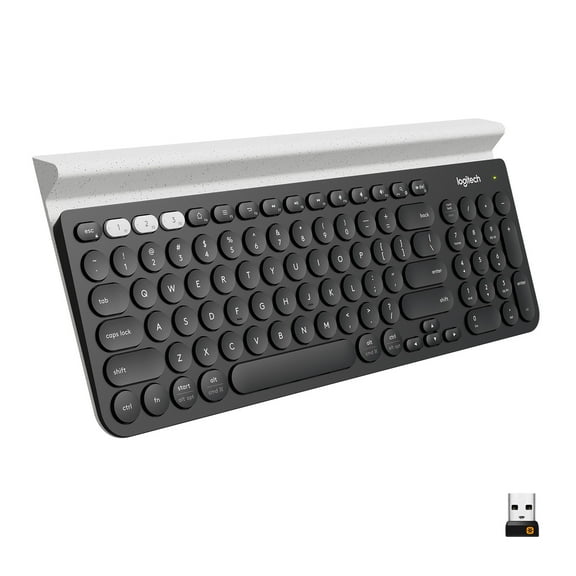
Logitech K780 Multi-Device, Full USB Standard Keyboards with USB Wireless Receiver, Black, 1 Pack $69.99
 $6999current price $69.99
Logitech K780 Multi-Device, Full USB Standard Keyboards with USB Wireless Receiver, Black, 1 Pack
664.5 out of 5 Stars. 66 reviewsMacally BLMINIZKEYSG, Backlit Compact USB Wired Keyboard $39.99 Was $49.99
 SponsoredNow$3999current price Now $39.99, Was $49.99$49.99You save $10.00You save$10.00
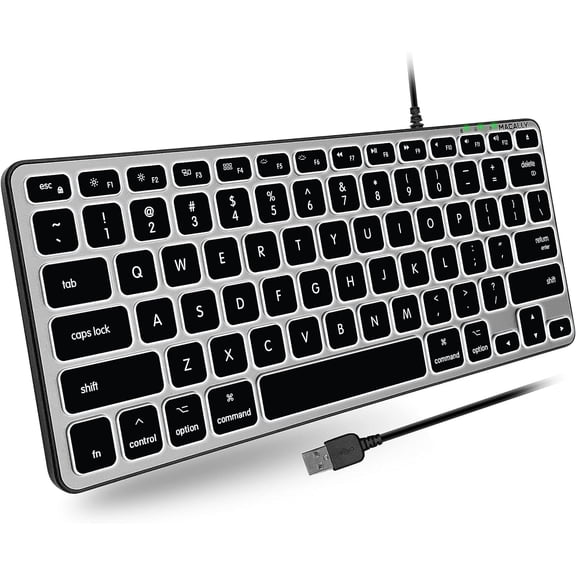
Macally BLMINIZKEYSG, Backlit Compact USB Wired Keyboard
64.5 out of 5 Stars. 6 reviewsSave with Shipping, arrives in 2 days
Macally Backlit Bluetooth Keyboard for Mac - Compatible Apple Keyboard Wireless - Multi-Device for MacBook Pro/Air, iMac, iMac Pro, Mac Mini/Pro $59.99
 Sponsored$5999current price $59.99
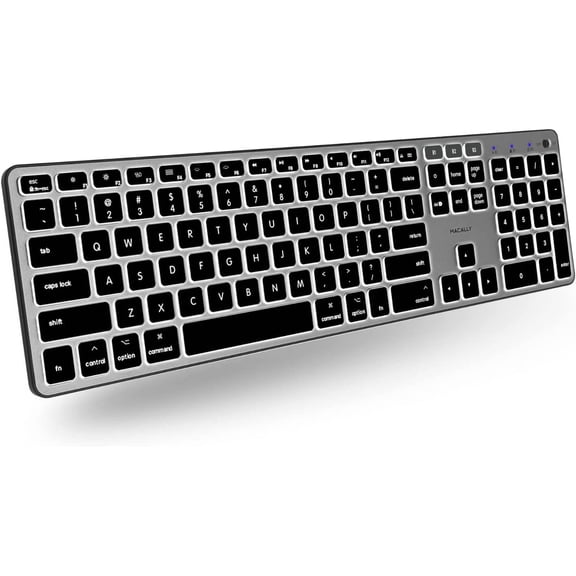
Macally Backlit Bluetooth Keyboard for Mac - Compatible Apple Keyboard Wireless - Multi-Device for MacBook Pro/Air, iMac, iMac Pro, Mac Mini/Pro
25 out of 5 Stars. 2 reviewsShipping, arrives in 3+ daysLogitech G915 LIGHTSPEED Wireless RGB Mechanical Gaming Keyboard-GL Clicky $249.00
 $24900current price $249.00
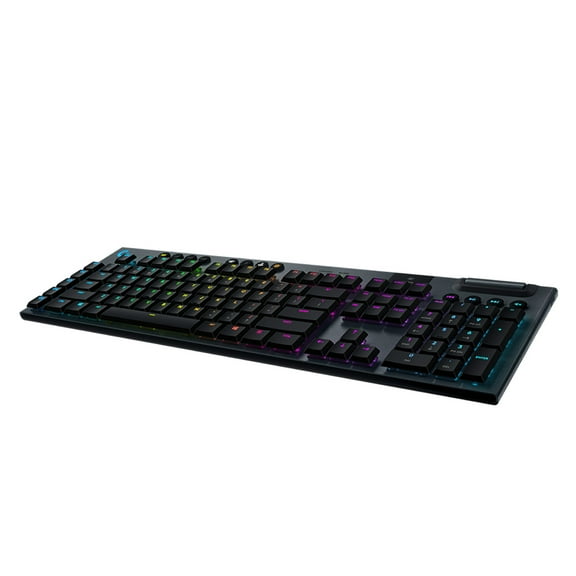
Logitech G915 LIGHTSPEED Wireless RGB Mechanical Gaming Keyboard-GL Clicky
434.2 out of 5 Stars. 43 reviewsLogitech G512 Lightsync RGB Mechanical Gaming Keyboard 920009342 $89.00 Was $99.00
 $8900current price $89.00, Was $99.00$99.00
Logitech G512 Lightsync RGB Mechanical Gaming Keyboard 920009342
994.5 out of 5 Stars. 99 reviewsLogitech G915 X LIGHTSPEED Tactile Wireless Full-Size Gaming Keyboard $259.99
 $25999current price $259.99
Logitech G915 X LIGHTSPEED Tactile Wireless Full-Size Gaming Keyboard
444.2 out of 5 Stars. 44 reviewsLogitech MX Keys S for Mac, Wireless Keyboard, Fluid, Precise Laptop-Like Typing, Programmable Keys, Backlit, Bluetooth $129.99
 $12999current price $129.99
Logitech MX Keys S for Mac, Wireless Keyboard, Fluid, Precise Laptop-Like Typing, Programmable Keys, Backlit, Bluetooth
354.8 out of 5 Stars. 35 reviewsLogitech G915 Lightspeed Low Profile Wireless Mechanical Gaming Keyboard Black $159.00
 $15900current price $159.00
Logitech G915 Lightspeed Low Profile Wireless Mechanical Gaming Keyboard Black
25 out of 5 Stars. 2 reviewsLogitech 920-009512 G915 TKL Tenkeyless Lightspeed Wireless RGB Mechanical Gaming Keyboard Linear - Carbon $190.00 Was $229.99
 $19000current price $190.00, Was $229.99$229.99
Logitech 920-009512 G915 TKL Tenkeyless Lightspeed Wireless RGB Mechanical Gaming Keyboard Linear - Carbon
204.8 out of 5 Stars. 20 reviewsLogitech Signature K650 Wireless Keyboard, Graphite $48.98
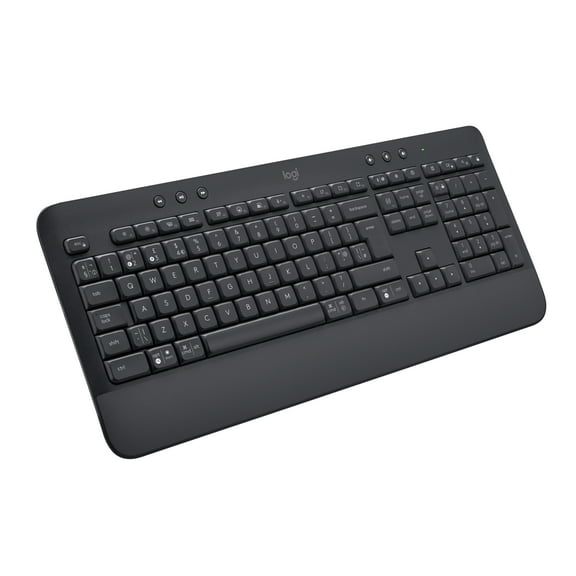 $4898current price $48.98
Logitech Signature K650 Wireless Keyboard, Graphite
254.2 out of 5 Stars. 25 reviewsLogitech MX Keys Mini Wireless Keyboard for Business, Graphite $89.99 Was $109.00
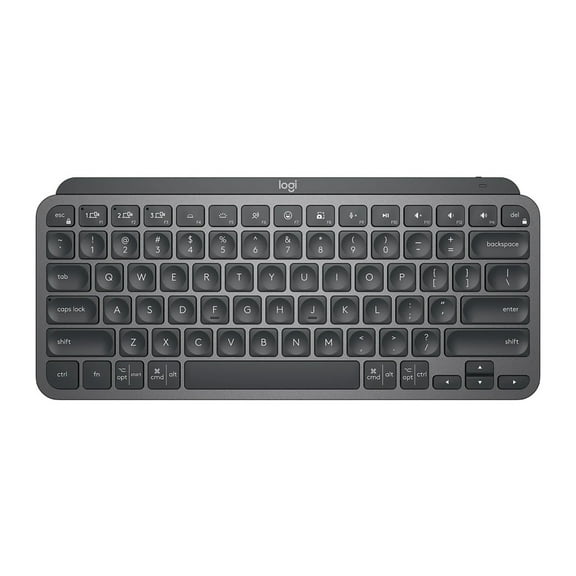 $8999current price $89.99, Was $109.00$109.00
Logitech MX Keys Mini Wireless Keyboard for Business, Graphite
274.7 out of 5 Stars. 27 reviewsLogitech Signature Slim Solar K980 Wireless Keyboard for Mac, Graphite $125.78
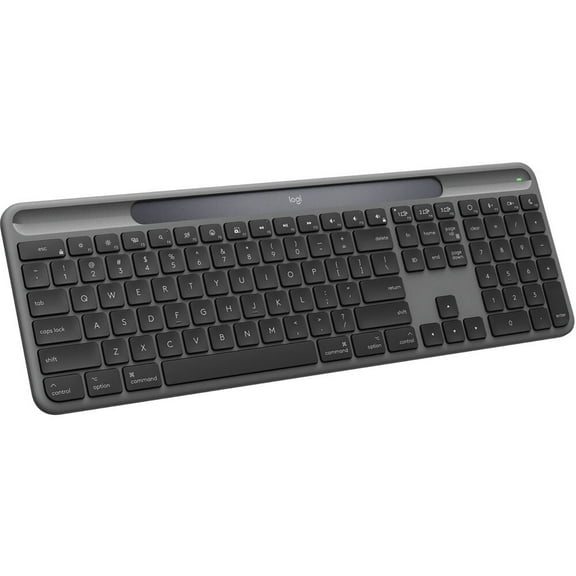 $12578current price $125.78
Logitech Signature Slim Solar K980 Wireless Keyboard for Mac, Graphite
74.7 out of 5 Stars. 7 reviewsLogitech MX Keys Advanced Wireless Illuminated Keyboard, Tactile Responsive Typing, Backlighting, Bluetooth, USB-C, Apple macOS, Microsoft Windows, Linux, iOS, Android, Metal Build, Black $136.89
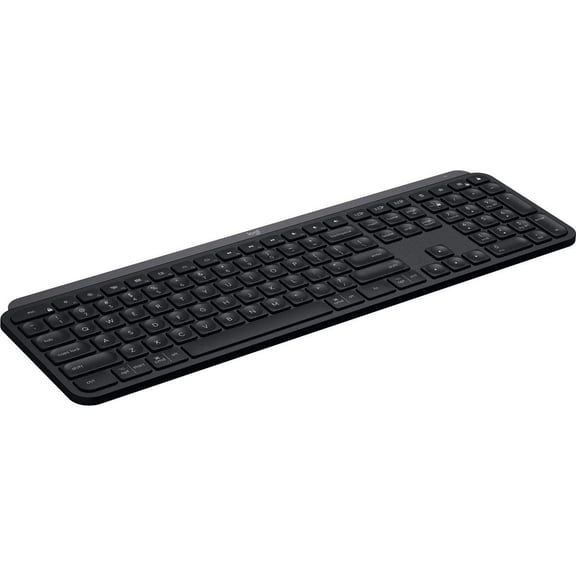 $13689current price $136.89
Logitech MX Keys Advanced Wireless Illuminated Keyboard, Tactile Responsive Typing, Backlighting, Bluetooth, USB-C, Apple macOS, Microsoft Windows, Linux, iOS, Android, Metal Build, Black
534.6 out of 5 Stars. 53 reviewsAdesso WKB-3100UB Wireless Keyboard - USB - 87 Keys $50.23
 $5023current price $50.23
Adesso WKB-3100UB Wireless Keyboard - USB - 87 Keys
25 out of 5 Stars. 2 reviewsLogitech G915 TKL Lightspeed Wireless RGB Mechanical Gaming Keyboard $179.00 Was $229.99
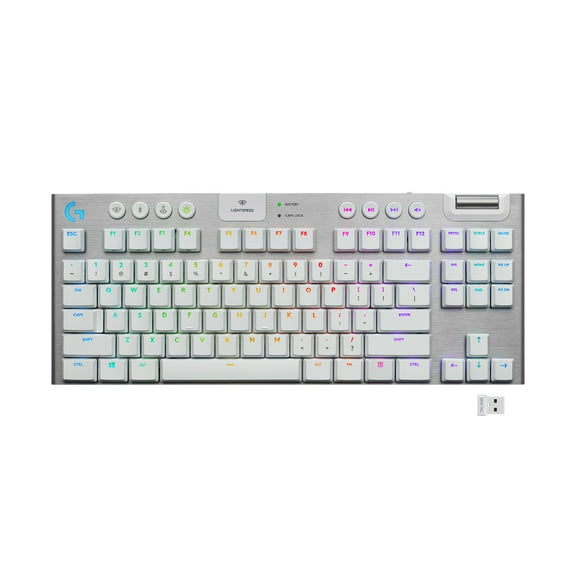
 $17900current price $179.00, Was $229.99$229.99
Logitech G915 TKL Lightspeed Wireless RGB Mechanical Gaming Keyboard
664.7 out of 5 Stars. 66 reviewsDas Keyboard 4 Professional 104-Key MX Brown Mechanical Keyboard DASK4MKPROSIL $209.00
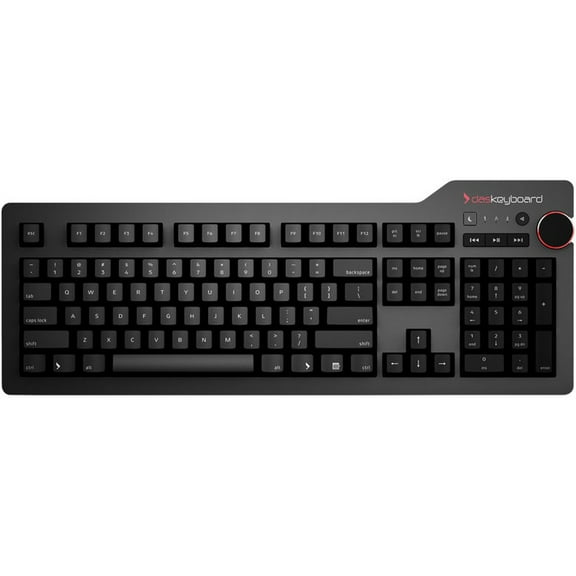 $20900current price $209.00
Das Keyboard 4 Professional 104-Key MX Brown Mechanical Keyboard DASK4MKPROSIL
25 out of 5 Stars. 2 reviewsLogitech Signature K650 Comfort Full-Size Wireless Keyboard with Wrist Rest, BLE Bluetooth or Logi Bolt USB receiver, Deep-Cushioned Keys, Numpad, White $49.99
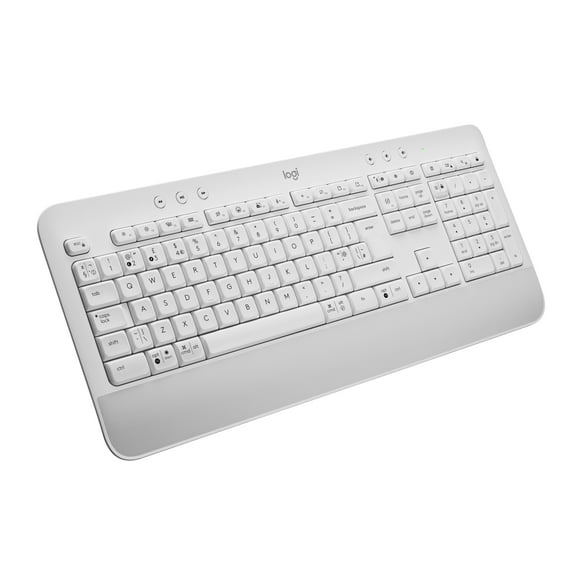 $4999current price $49.99
Logitech Signature K650 Comfort Full-Size Wireless Keyboard with Wrist Rest, BLE Bluetooth or Logi Bolt USB receiver, Deep-Cushioned Keys, Numpad, White
134.6 out of 5 Stars. 13 reviewsMacally Wired Ergonomic Keyboard for Mac, USB Hub, Backlit $89.99
 $8999current price $89.99
Macally Wired Ergonomic Keyboard for Mac, USB Hub, Backlit
13 out of 5 Stars. 1 reviewsLogitech K780 Multi-Device Wireless Keyboard $88.67
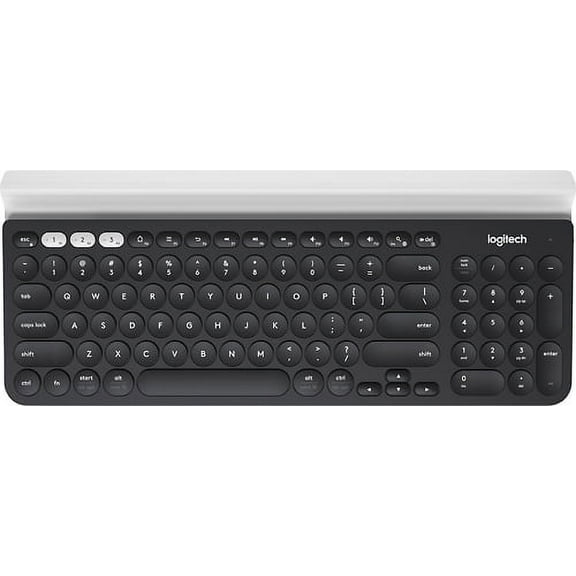 $8867current price $88.67
Logitech K780 Multi-Device Wireless Keyboard
834.2 out of 5 Stars. 83 reviewsLogitech K120 Standard USB Wired Desktop Keyboard - 920-002478 $15.99 Was $22.74
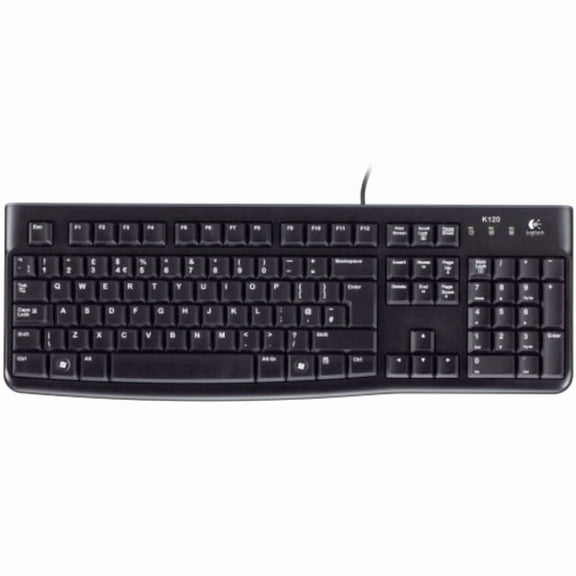 $1599current price $15.99, Was $22.74$22.74
Logitech K120 Standard USB Wired Desktop Keyboard - 920-002478
394.8 out of 5 Stars. 39 reviews

Customer ratings & reviews
Filtered and sorted results would be available on the new 'Customer ratings & reviews' page.
Showing 1-3 of 52 reviews
Logitech Pro
[This review was collected as part of a promotion.] The Logitech Craft keyboard features a unique Crown dial, comfortable typing, and multi-device support. It's well-built but lacks adjustable incline and has limited customization. Battery life varies, and it's bulky. Great for creative professionals despite minor drawbacks.
Verified Purchase
Best keyboard ever
Awesome keyboard, super functional, I like the flow function which switches flawlessly between my mac and pc without a problem.
So far it's been great!
[This review was collected as part of a promotion.] The Craft has helped increase my workflow in several of the Adobe design programs I use. Because of the advanced features, one thing to be aware of is the battery drains quickly compared to OEM wireless keyboards. Well worth it though. I just keep the USB cord handy so I can plug it in quickly when needed.
