


Hero image 0 of cciyu 12 Gang Switch Panel RGB Toggle Momentary Strobe Switch Pod with Backlit Off Auto Dimmable Universal Mounting Bracket Auxiliary Switch Panel for Offroad Truck Car ATV UTV, 0 of 5
cciyu 12 Gang Switch Panel RGB Toggle Momentary Strobe Switch Pod with Backlit Off Auto Dimmable Universal Mounting Bracket Auxiliary Switch Panel for Offroad Truck Car ATV UTV
(No ratings yet)
Key item features
- 【12 Gang Specifcation】: Voltage: 12V/24V DC ; Power : 960W at 12V/1920W at 24V ; Maximum Current : 80A ; Operating Temperature : - 40°C ~ + 85°C
- 【Switch Panel Installation】: 1.Align the bracket with hole position; 2.Tighten the flat head screws; 3.Installation finished; 4.Align the base plate with hole position; 5.Tighten the base plate screws; 6.Put on the bracket; 7.Tighten the bracket screws; 8.Installation finished
- 【Control Box Installation】: 1.Align the bracket with hole position; 2.Tighten the screws; 3.Installation finished; 4.Align the bracket with hole position; 5.Tighten the screws; 6.Installation finished
- 【MOMENTARY MODE】: ①Long press the brightness adjustment button for 1 second. When the red backlight flashes, it enters the Momentary setting state; ②Press the button you want to set (you can choose between 12 buttons for Momentary Mode), then press the ON/OFF button to confirm, now the setting is successful; ③Press the ON/OFF button again to exit the setting mode
- 【STROBE MODE】: ①Long press the brightness adjustment button for 1 second, and the red backlight flashes(note: this is the Momentary setting state, please refer to its specific steps); ②Then short press the brightness adjustment button. When the blue backlight flashes, it enters the Strobe setting state; ③Press the button you want to set (you can choose between 12 buttons for Strobe Mode), then press the ON/OFF button to confirm, now the setting is successful
Specs
- Manufacturer part number178887-5210-1114410891
- Compatible carsTruck Car ATV UTV
- Vehicle fitment typeUniversal
- BrandCCiYU
- FeaturesEasy Installation
- Volts12 V, 24 V
Current price is USD$59.01
Price when purchased online
Out of stock
How do you want your item?
Out of stock
About this item
Product details
FREQUENTLY ASKED QUESTIONS:
Q1: What is the maximum running current?
A1: The RGB 12 gang switch panel is 80A.
Q2: When connect the battery, the power indicator is always on, will it cause battery loss?
A2: No. The standby current of this product is less than 3mA.
A 60AH battery provides 833 days of standby power for the switch panel without charging it.
Q3: Can I connect negative wire to the common cathode?
A3: Yes.
Q5: What is the function of the control box switch?
A5: Connect ACC or Battery. It is suggested to obtain power from battery.
Way1: Sliding switch to the side of the power indicator, means obtain power from battery.
Way2: Sliding switch to the side of the 2-PIN terminal, means obtain power from ACC.
Q6: What type of Add-a-Circuit Fuse Tap?
A6: Small fuse tap
Q1: What is the maximum running current?
A1: The RGB 12 gang switch panel is 80A.
Q2: When connect the battery, the power indicator is always on, will it cause battery loss?
A2: No. The standby current of this product is less than 3mA.
A 60AH battery provides 833 days of standby power for the switch panel without charging it.
Q3: Can I connect negative wire to the common cathode?
A3: Yes.
Q5: What is the function of the control box switch?
A5: Connect ACC or Battery. It is suggested to obtain power from battery.
Way1: Sliding switch to the side of the power indicator, means obtain power from battery.
Way2: Sliding switch to the side of the 2-PIN terminal, means obtain power from ACC.
Q6: What type of Add-a-Circuit Fuse Tap?
A6: Small fuse tap
- 【12 Gang Specifcation】: Voltage: 12V/24V DC ; Power : 960W at 12V/1920W at 24V ; Maximum Current : 80A ; Operating Temperature : - 40°C ~ + 85°C
- 【Switch Panel Installation】: 1.Align the bracket with hole position; 2.Tighten the flat head screws; 3.Installation finished; 4.Align the base plate with hole position; 5.Tighten the base plate screws; 6.Put on the bracket; 7.Tighten the bracket screws; 8.Installation finished
- 【Control Box Installation】: 1.Align the bracket with hole position; 2.Tighten the screws; 3.Installation finished; 4.Align the bracket with hole position; 5.Tighten the screws; 6.Installation finished
- 【MOMENTARY MODE】: ①Long press the brightness adjustment button for 1 second. When the red backlight flashes, it enters the Momentary setting state; ②Press the button you want to set (you can choose between 12 buttons for Momentary Mode), then press the ON/OFF button to confirm, now the setting is successful; ③Press the ON/OFF button again to exit the setting mode
- 【STROBE MODE】: ①Long press the brightness adjustment button for 1 second, and the red backlight flashes(note: this is the Momentary setting state, please refer to its specific steps); ②Then short press the brightness adjustment button. When the blue backlight flashes, it enters the Strobe setting state; ③Press the button you want to set (you can choose between 12 buttons for Strobe Mode), then press the ON/OFF button to confirm, now the setting is successful
info:
We aim to show you accurate product information. Manufacturers, suppliers and others provide what you see here, and we have not verified it.
Specifications
Manufacturer part number
178887-5210-1114410891
Compatible cars
Truck Car ATV UTV
Vehicle fitment type
Universal
Brand
CCiYU
Warranty
Warranty information
Please be aware that the warranty terms on items offered for sale by third party Marketplace sellers may differ from those displayed in this section (if any). To confirm warranty terms on an item offered for sale by a third party Marketplace seller, please use the 'Contact seller' feature on the third party Marketplace seller's information page and request the item's warranty terms prior to purchase.
Similar items you might like
Based on what customers bought
For MOZA R3/R5/R9/R12 V2 /R16/R21 Game Extension Rod For Turn Signal Wiper Lever Combination Switch ; Dimmer Headlight Switch Racing Simulator Console $88.99
 $8899current price $88.99
For MOZA R3/R5/R9/R12 V2 /R16/R21 Game Extension Rod For Turn Signal Wiper Lever Combination Switch ; Dimmer Headlight Switch Racing Simulator Console
Bluewater 9800-006-10 On/off Switch Battery Switch - Panel Mount - Red $31.40
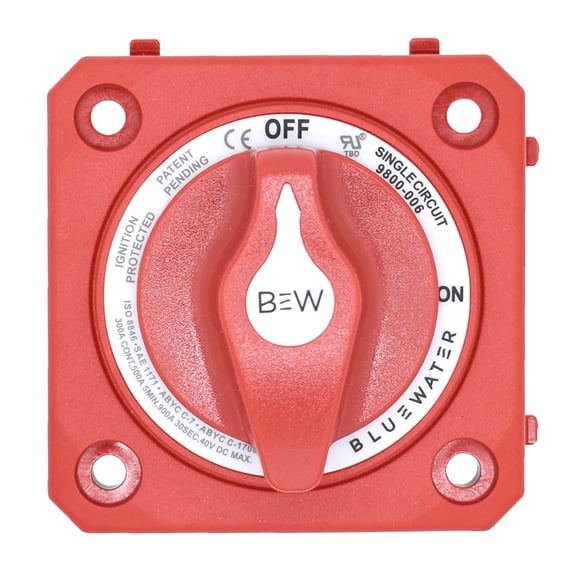 $3140current price $31.40
Bluewater 9800-006-10 On/off Switch Battery Switch - Panel Mount - Red
For 1999-2002 Chevy Silverado For GMC Sierra Headlight Dash Light Dimmer Switch $38.50
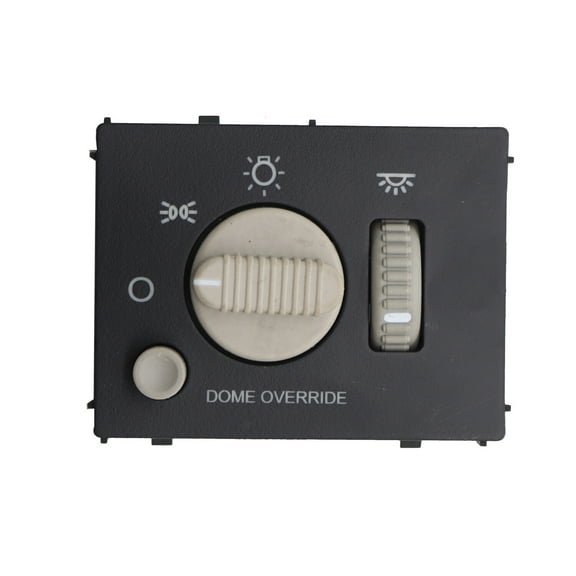 $3850current price $38.50
For 1999-2002 Chevy Silverado For GMC Sierra Headlight Dash Light Dimmer Switch
Car Turn Signal Lighting System Multifunction Combination Lever Switch for Kenworth 480796 B489522 $49.97
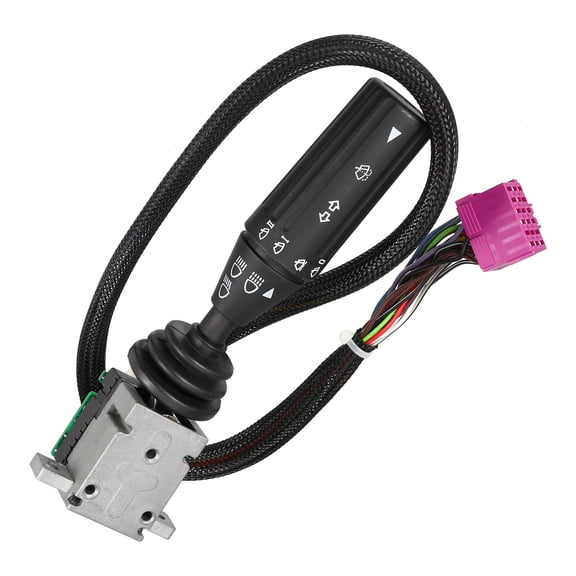 $4997current price $49.97
Car Turn Signal Lighting System Multifunction Combination Lever Switch for Kenworth 480796 B489522
Headlamp Toggle Switch For Kenworth T2000 P27-1002-11 901-5402 $21.30 Was $29.39
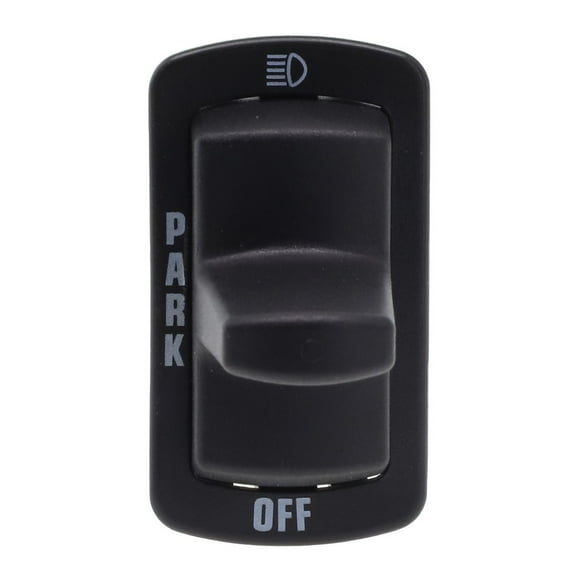 $2130current price $21.30, Was $29.39$29.39
Headlamp Toggle Switch For Kenworth T2000 P27-1002-11 901-5402
Waywe 3 Gang Rocker Switch Panel with Aluminum Holder, 5 Pin On/Off Toggle Switches, Pre-Wired Red Backlit, 12V/24V Dash Control for Car, Truck, Boat, RV $15.99 $38.07/lb
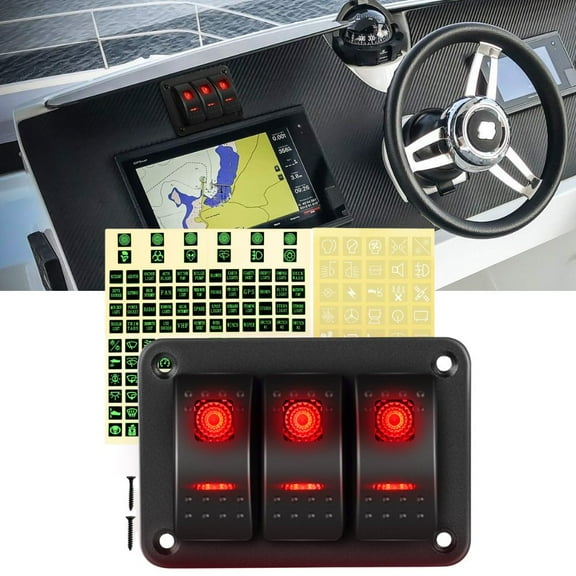 $1599current price $15.99$38.07/lb
Waywe 3 Gang Rocker Switch Panel with Aluminum Holder, 5 Pin On/Off Toggle Switches, Pre-Wired Red Backlit, 12V/24V Dash Control for Car, Truck, Boat, RV
Toggle Switch 12V, 2 Pin SPST ON/Off 30A 12VDC 2 Way Heavy Duty Waterproof Toggle Switch with Mounting Panel for Auto Boat Marine $15.99
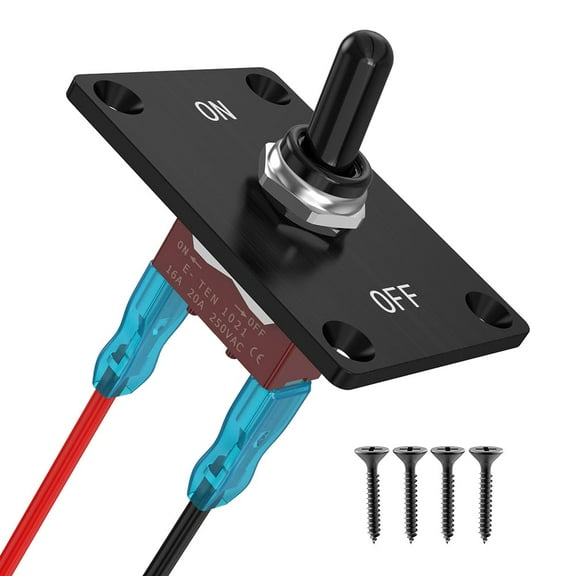 $1599current price $15.99
Toggle Switch 12V, 2 Pin SPST ON/Off 30A 12VDC 2 Way Heavy Duty Waterproof Toggle Switch with Mounting Panel for Auto Boat Marine
Reverse Polarity Toggle Switch, 4 Pin DPDT 30A/12VDC (ON)-Off-(ON) Momentary 3 Way Heavy Duty Waterproof Toggle Switch with Mounting Panel for Auto Boat Marine $15.99
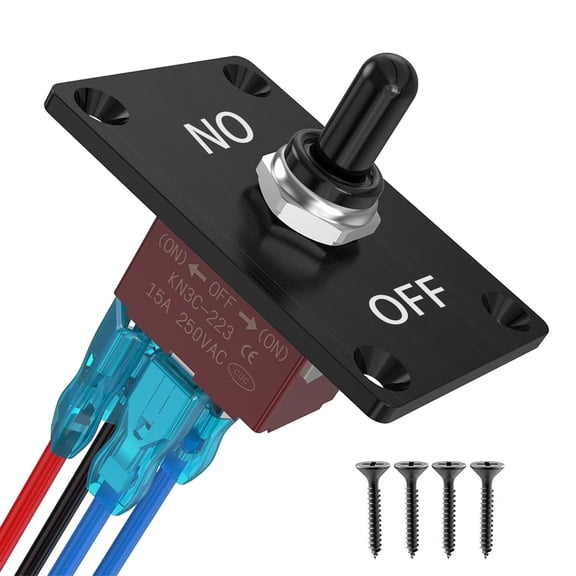 $1599current price $15.99
Reverse Polarity Toggle Switch, 4 Pin DPDT 30A/12VDC (ON)-Off-(ON) Momentary 3 Way Heavy Duty Waterproof Toggle Switch with Mounting Panel for Auto Boat Marine
Headlight Switch Headlight Dimmer Switch, Headlight switch with light sensor module match to your vehicle. $32.47 Was $37.47
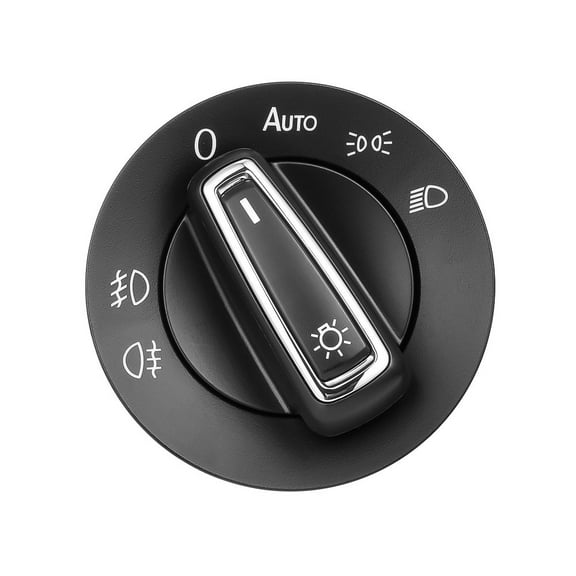 $3247current price $32.47, Was $37.47$37.47
Headlight Switch Headlight Dimmer Switch, Headlight switch with light sensor module match to your vehicle.
Momentary 30A Toggle Switch Waterproof 12V (ON)/Off/(ON) 3 Pin SPDT with UP/Down Mounting Plate for RV Motor Control $8.37
 $837current price $8.37
Momentary 30A Toggle Switch Waterproof 12V (ON)/Off/(ON) 3 Pin SPDT with UP/Down Mounting Plate for RV Motor Control
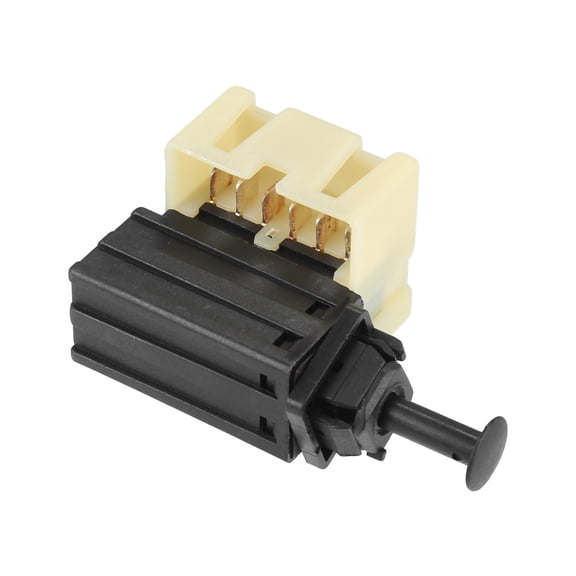
Stop Lamp Switch Stoplight Switch Assembly for Dodge Charger 2006-2010 No.56042691AA $18.59
 $1859current price $18.59
Stop Lamp Switch Stoplight Switch Assembly for Dodge Charger 2006-2010 No.56042691AA
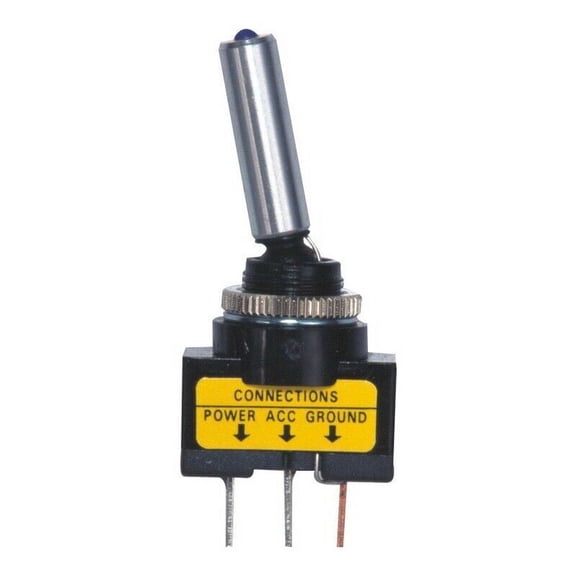
Billet Toggle Switch Blue LED Illuminated 12v 20A 3 Pin Universal Power On Off $10.99
 $1099current price $10.99
Billet Toggle Switch Blue LED Illuminated 12v 20A 3 Pin Universal Power On Off
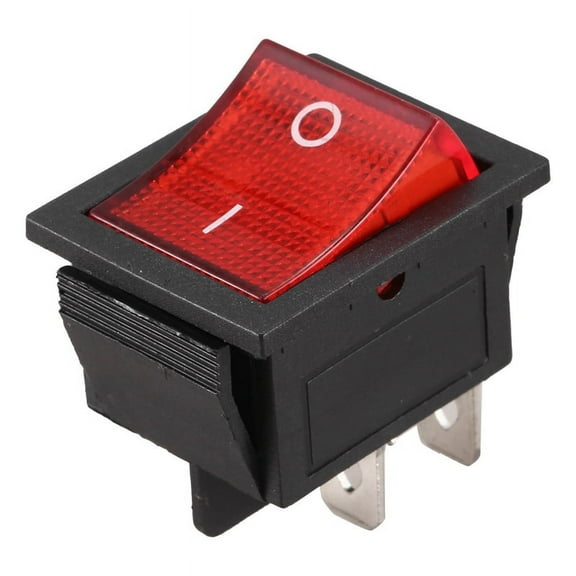
Red Light Illuminated 4 Pin DPST ON/OFF Snap in Rocker Switch 16A 20A 250V AC $6.24
 $624current price $6.24
Red Light Illuminated 4 Pin DPST ON/OFF Snap in Rocker Switch 16A 20A 250V AC
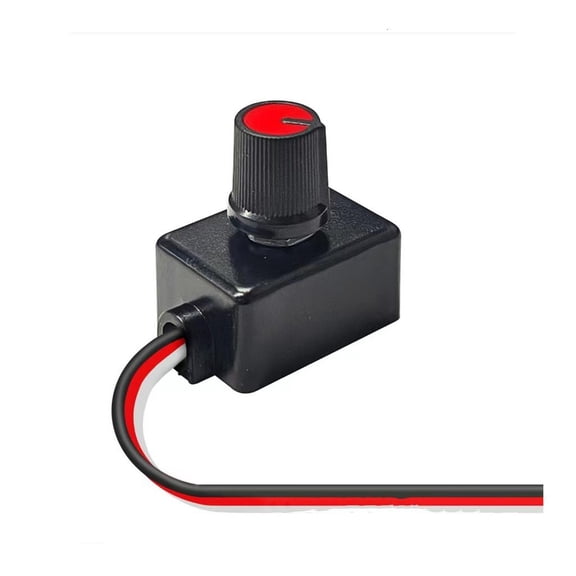
SDFGTstore Universals Knob Type Turn Off Dimmer Switches for LED Light Spotlights Easy to Use $10.78
 2 optionsAvailable in additional 2 options$1078current price $10.78
SDFGTstore Universals Knob Type Turn Off Dimmer Switches for LED Light Spotlights Easy to Use
12V LED 6 Gang On/Off Rocker Switch Panel Car Truck Boat Marine Inline Fuse Box $39.99
 $3999current price $39.99
12V LED 6 Gang On/Off Rocker Switch Panel Car Truck Boat Marine Inline Fuse Box
Luwecf Harvester Headlight Combination Switch Easy Installation Tractor Switch $13.99
 $1399current price $13.99
Luwecf Harvester Headlight Combination Switch Easy Installation Tractor Switch
Headlight Switch & Fog Light Switch Button for 03-07 Chevy Silverado GMC Sierra $37.80
 $3780current price $37.80
Headlight Switch & Fog Light Switch Button for 03-07 Chevy Silverado GMC Sierra
Furulu Turn Signal Switch Headlamp Dimmer Switch 8414026140 For Toyota Camry 1997-2001 $23.67
 $2367current price $23.67
Furulu Turn Signal Switch Headlamp Dimmer Switch 8414026140 For Toyota Camry 1997-2001
1x LED Spotlight Switch Far and Near Three Line Headlight Driving Light Switch $9.01
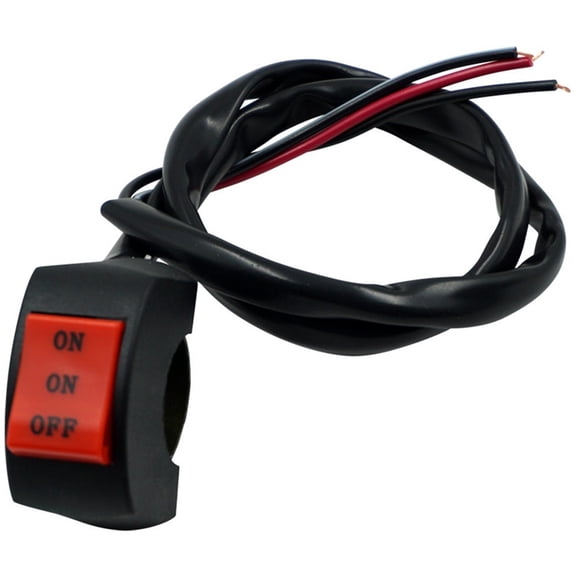 $901current price $9.01
1x LED Spotlight Switch Far and Near Three Line Headlight Driving Light Switch

Customer ratings & reviews
0 ratings|0 reviews
This item does not have any reviews yet
