

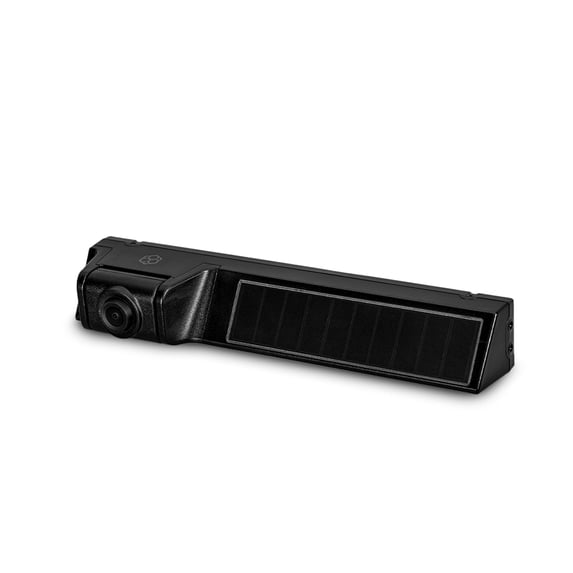
YADA 1080P Full HD Wireless Portable Backup Camera, App Controlled via Bluetooth and Wi-Fi on Phone, Solar Powered Wireless Charging, Universally Compatible, Easy Installation, Black
Key item features
- Full HD Clarity: Watch your surroundings in 1080P Full HD with the YADA portable backup camera, universally compatible with cars, trucks, buses, and RVs.
- Wide Angle & Night Vision: The 120° wide-angle lens and built-in automatic night vision ensure clear visibility of everything behind your vehicle, even in the dark.
- Solar Powered: The camera features a solar panel for continuous charging, eliminating the need for frequent recharging. It can also be charged via micro-USB when necessary.
- Durable Design: Built with IP67 material, the camera is designed to withstand harsh conditions like rain, snow, and heat, ensuring long-lasting performance.
- Smartphone Integration: Use the YADA Drive app to view real-time rearview video on your smartphone, keeping your hands on the wheel and enhancing driving safety.
- Easy Installation: The wire-free installation and mounting process make it simple to attach the camera to your license plate without running long cables through your vehicle.
Specs
- Automotive backup camera system typeWireless
- Resolution1080p
- Compatible carsUniversal
- Weight1 lb
Reviews summary
Pros
- : Provides clear and smooth video.
- : Setup process is relatively fast.
- : Image quality is clear and smooth.
Neutral
- : Can be secure with proper installation, but may require adjustments.
Cons
- : Connection to the camera can be slow or inconsistent.
How do you want your item?
About this item
Product details
- [Watch your Six, in 1080P Full HD] Vehicle did not come with a built-in backup cam? This YADA portable FHD camera is exactly what you need. It’s universally compatible with cars, trucks, buses and RVs. It’s conveniently attached to your license plate, and the visual transmission to your mobile device is completely wireless so there’s no need to run a long cable through your vehicle.
- [Wide Angle View & Night Vision] With its 120° wide angle lens, the portable rearview cam will cover the entirety of what’s behind your vehicle. Paired with the built-in automatic night vision, you will be able to see every single detail with clarity even when in the dark, significantly reducing the chance of accidents while backing up your vehicle. Less dents, more safety.
- [No Charging Required, Ever] The Wireless Backup Camera features a Solar Panel that will always keep your device fully charged, all year long. However, when sunlight isn't sufficient, or when you'd like to charge faster, you may also recharge the portable camera with any micro-USB cable.
- [More Durable, More Reliable] The portable backup camera is engineered with extremely durable IP67 material that’s built to withstand any kind of condition; rain, snow, or heat… it’ll stay securely attached to the back of your vehicle.
- [Smartphone Display] Keep your hands on the steering wheel at all times; with the YADA Drive app and the Backup Cam, you'll be able to see what's going on behind your vehicle in real-time, allowing you to back into your garage or driveway with full confidence.
Specifications
Automotive backup camera system type
Resolution
Compatible cars
Weight
Warranty
Warranty information
Warranty url
Warnings
Ingestion Hazard
 WARNING: Warning: Cancer and Reproductive Harm - www.P65warnings.ca.gov
Similar items you might like
Based on what customers bought
Best seller FAMKIT Mirror Dash Cam, 10" 1080P Rear View Mirror Dashcam Cameras with Full Touch Screen, Front and Rear View Camera with Super Night Vision, G-Sensor, Wide Angle View, 24H Parking Monitor $22.99
Best seller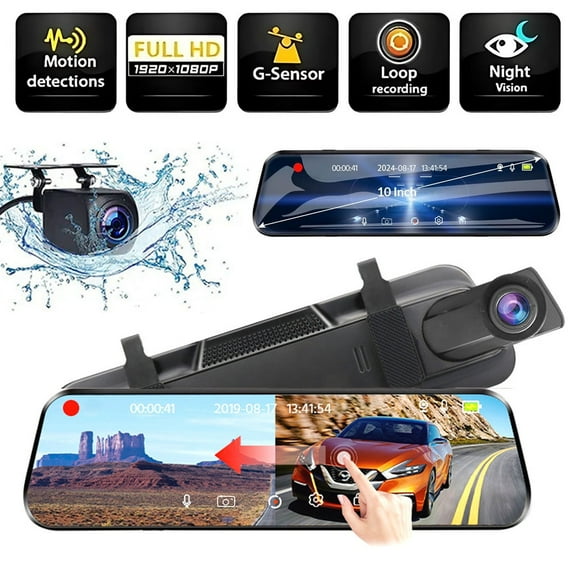 $2299current price $22.99
FAMKIT Mirror Dash Cam, 10" 1080P Rear View Mirror Dashcam Cameras with Full Touch Screen, Front and Rear View Camera with Super Night Vision, G-Sensor, Wide Angle View, 24H Parking Monitor
484 out of 5 Stars. 48 reviewsBest seller Dual Electronics XCAM200 Waterproof Full Color Backup Camera, Wide Viewing Angle Lens $23.33
Best seller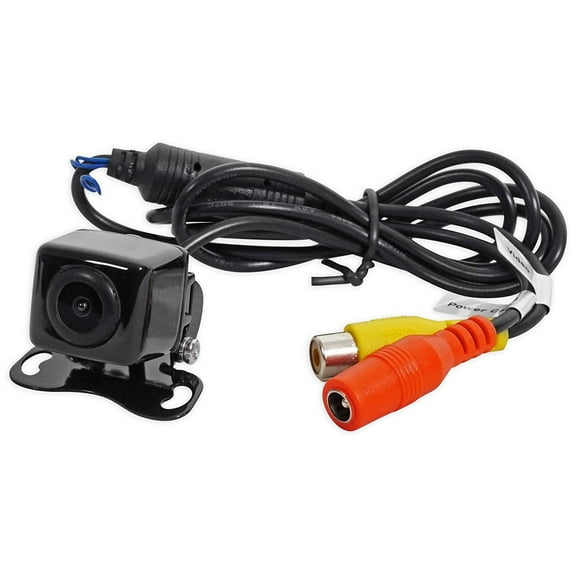 2 optionsAvailable in additional 2 options$2333current price $23.33
Dual Electronics XCAM200 Waterproof Full Color Backup Camera, Wide Viewing Angle Lens
3254.1 out of 5 Stars. 325 reviewsWiFi Car Wireless Backup Camera, 5G 720P HD Car License Plate Rear/Front View Reverse Camera for iPhone iPad Android Smart Phones Tablets Which Support Double Band WiFi $37.04
 $3704current price $37.04
WiFi Car Wireless Backup Camera, 5G 720P HD Car License Plate Rear/Front View Reverse Camera for iPhone iPad Android Smart Phones Tablets Which Support Double Band WiFi
123.5 out of 5 Stars. 12 reviewsHD Wireless Car Rear View Backup Camera Fit For iPhone Android 175° Wide View $24.65
 $2465current price $24.65
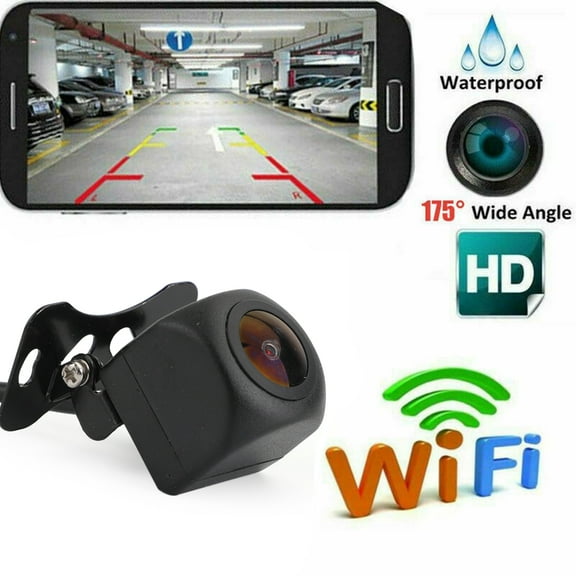
HD Wireless Car Rear View Backup Camera Fit For iPhone Android 175° Wide View
14 out of 5 Stars. 1 reviewsBest seller eRapta Backup Camera with Monitor 4.3 inch License Plate Wired Back up Camera for Car or Truck Pickup SUV Rear View Camera Backing Reverse Camera IP69 Waterproof Nice Night Vision ERT01 $39.99 Was $45.99
Best seller $3999current price $39.99, Was $45.99$45.99
eRapta Backup Camera with Monitor 4.3 inch License Plate Wired Back up Camera for Car or Truck Pickup SUV Rear View Camera Backing Reverse Camera IP69 Waterproof Nice Night Vision ERT01
1774.2 out of 5 Stars. 177 reviewsYADA BT532926 1080P Full HD Wireless Portable Backup Camera Black $42.00
 $4200current price $42.00
YADA BT532926 1080P Full HD Wireless Portable Backup Camera Black
INSEETECH 1080P WiFi Magnetic Hitch Wireless Backup Camera,90 Days Standby Rechargeable Battery,Waterproof Rear/Front View Camera for Horse Boat Trailer Pickup Truck RV Camper Car iPhone iPad Android $76.32
 2 optionsAvailable in additional 2 options$7632current price $76.32
INSEETECH 1080P WiFi Magnetic Hitch Wireless Backup Camera,90 Days Standby Rechargeable Battery,Waterproof Rear/Front View Camera for Horse Boat Trailer Pickup Truck RV Camper Car iPhone iPad Android
15 out of 5 Stars. 1 reviewsClearance HBYJLZYG Car Accessories Wifi Camera Wireless Backup Camera for Car with App Intelligent Video Recording/Sharing Forward-Looking Camera Android and Phone High Definition Night Vision $21.19 Was $23.59
Clearance
 $2119current price $21.19, Was $23.59$23.59
HBYJLZYG Car Accessories Wifi Camera Wireless Backup Camera for Car with App Intelligent Video Recording/Sharing Forward-Looking Camera Android and Phone High Definition Night Vision
Clearance 2026 Newly Upgraded WiFi Wireless Car Mounted Reverse View Large Wide-angle Night Vision Right Blind Location Camera $17.33 Was $19.36
Clearance $1733current price $17.33, Was $19.36$19.36
2026 Newly Upgraded WiFi Wireless Car Mounted Reverse View Large Wide-angle Night Vision Right Blind Location Camera
Audiovox ACAM4 HD Wide Angle License Plate Mounted Backup Camera $49.99
 $4999current price $49.99
Audiovox ACAM4 HD Wide Angle License Plate Mounted Backup Camera
Car and Driver Hardwired Rear Camera | Waterproof Rearview Backup Camera | Rear Camera for Model Intellidash DU900 $39.99
 $3999current price $39.99
Car and Driver Hardwired Rear Camera | Waterproof Rearview Backup Camera | Rear Camera for Model Intellidash DU900
CAM103 Backup Camera License Plate HD Night Vision Rear View 170° Angle Waterproof Compatible with Alpine Car Radio X009-GM2 ILX-107 ILX-207 iLX-F409 iLX-F409 ILX-F509 ILX-W650 ILX-W650 INE-W960 $49.99
 $4999current price $49.99
CAM103 Backup Camera License Plate HD Night Vision Rear View 170° Angle Waterproof Compatible with Alpine Car Radio X009-GM2 ILX-107 ILX-207 iLX-F409 iLX-F409 ILX-F509 ILX-W650 ILX-W650 INE-W960
Absolute USA CAM104 Backup Camera License Plate HD Night Vision Rear View 170° Angle Waterproof Compatible with Alpine Car Radio $49.99
 $4999current price $49.99
Absolute USA CAM104 Backup Camera License Plate HD Night Vision Rear View 170° Angle Waterproof Compatible with Alpine Car Radio
Wireless Backup Camera, 1080P 5G WiFi Night Vision Rear View Camera for iOS/Android IP67 Waterproof Reverse Camera for Car SUV Pickup $38.59
 $3859current price $38.59
Wireless Backup Camera, 1080P 5G WiFi Night Vision Rear View Camera for iOS/Android IP67 Waterproof Reverse Camera for Car SUV Pickup
14 out of 5 Stars. 1 reviewsWireless Backup Camera Kit, Reverse Camera with 7 Inch 1080P IPS Monitor 2 Cameras, Support DIY Parking Line BSD Image Flip IR Night Vision Waterproof Rear View Camera $78.99
 $7899current price $78.99
Wireless Backup Camera Kit, Reverse Camera with 7 Inch 1080P IPS Monitor 2 Cameras, Support DIY Parking Line BSD Image Flip IR Night Vision Waterproof Rear View Camera
WiFi Backup Camera, Yannianjz WiFi Camera Wireless Backup Camera for Car, APP Intelligent Video Recording and Sharing, Forward Looking Camera with High Definition Night Vision, Easy to Use $22.99

 $2299current price $22.99
WiFi Backup Camera, Yannianjz WiFi Camera Wireless Backup Camera for Car, APP Intelligent Video Recording and Sharing, Forward Looking Camera with High Definition Night Vision, Easy to Use
Kieccall Wireless WiFi Backup Car Camera With APP - Intelligent Video Recording/Sharing, Front-Facing Lens & HD Night Vision For Parking & Reversing Safety $16.99

 $1699current price $16.99
Kieccall Wireless WiFi Backup Car Camera With APP - Intelligent Video Recording/Sharing, Front-Facing Lens & HD Night Vision For Parking & Reversing Safety
CAM116 Backup Camera Frame License Plate HD Night Vision Rear View 170° Angle Waterproof Compatible with Clarion, Dual, BOSS, Jensen, Stinger, Pioneer, SoundStream, Sony, Kenwood, JVC, Rockford $49.99
$4999current price $49.99CAM116 Backup Camera Frame License Plate HD Night Vision Rear View 170° Angle Waterproof Compatible with Clarion, Dual, BOSS, Jensen, Stinger, Pioneer, SoundStream, Sony, Kenwood, JVC, Rockford
HD Wireless Car Rear View Backup Camera Fit For iPhone Android 175 Wide View $24.65
$2465current price $24.65HD Wireless Car Rear View Backup Camera Fit For iPhone Android 175 Wide View
41.8 out of 5 Stars. 4 reviewseRapta Magnetic Solar Wireless Backup Camera, Compatible for AWTCM501/AWTCM701/AWTCM702 $79.99
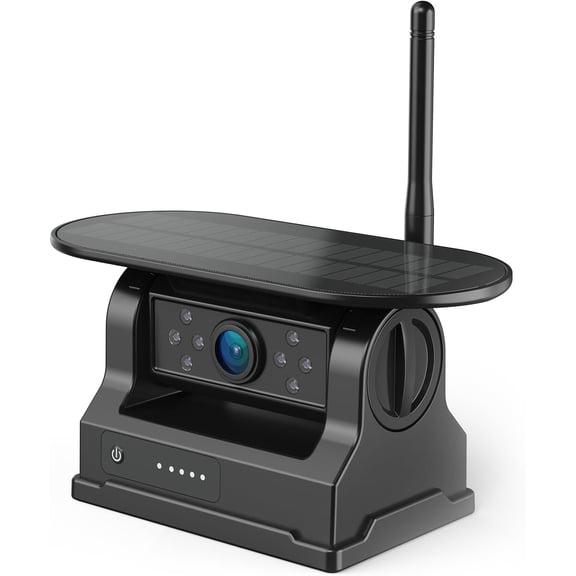 $7999current price $79.99
eRapta Magnetic Solar Wireless Backup Camera, Compatible for AWTCM501/AWTCM701/AWTCM702
Customer ratings & reviews
Reviews summary
Pros
- : Provides clear and smooth video.
- : Setup process is relatively fast.
- : Image quality is clear and smooth.
Neutral
- : Can be secure with proper installation, but may require adjustments.
Cons
- : Connection to the camera can be slow or inconsistent.
Customer photos


 +74 images
Showing 1-3 of 78 reviews
Verified Purchase
fast and easy installation
Verified Purchase
set up took less than one minute. app linked up and was running immediately. just what i needed.
Verified Purchase
Works reasonably well, the app could be better
I bought this camera for my daughter's vehicle, an older model Escape that doesn't have a good rear view or any backup sensors. I wanted something I that didn't require adding an additional screen to the vehicle or messing with the electrical system. The vehicle has a liftgate which makes wiring something in even more difficult. So far, I'm pretty pleased with it. Installation was easy. The video quality is good enough. There's a lag but that was expected given the WiFi nature of the connection. The app is easy to use but it's where this camera falls short. When you turn on the app it makes you choose which camera you want to activate. There are FOUR options including a baby camera, a dashcam, the backup camera and something called "BEON", So, you have to click backup camera every time. Then it attempts to negotiate a WiFi connection with the camera and when it finds it, it asks you to pair it. All of this takes time, just to back up out of a parking spot. It would be MUCH better if you paired the camera with the app ONCE upon setup and then when you opened the app it would automatically connect with your paired camera instead taking two unnecessary steps. If you want to do something else, it should allow you to do that AFTER you've connected with your primary camera. Still testing and learning.
