

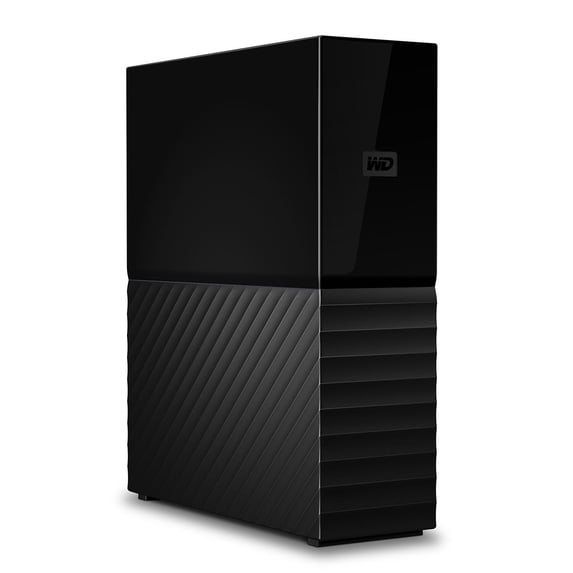
WD My Book Duo Desktop RAID Storage
Key item features
- My Book Duo Desktop RAID Storage
- Massive Capacity: The My Book™ Duo drive has up to 36TB capacity with a single cable. Free up valuable space on all your computers. Store and back up your photo, video and music collections, and important documents in one reliable place.
- RAID-0 Ready Out of the Box: Ready to perform at maximum speed and capacity in default mode, RAID-0. Reconfigure the drive to RAID-1 for redundancy (data mirroring), or use it as two independent drives (JBOD) with the included WD Drive Utilities™ software.
- RAID-Optimized WD Drives: The My Book™ Duo drive comes with RAID-optimized WD drives inside to deliver high-speed, quality storage to rely on. RAID-optimized firmware is perfect for two-disk array systems with auto management of drive operations to help ensure read/write cycle data integrity.
- USB 3.1 Ready, Plus USB 3.0 Hub Ports: Compatible with USB 3.1 and USB 3.0/2.0, the My Book™ Duo drive works to deliver high-speed connectivity no matter the interface. Includes both USB Type-C™ to Type-C and Type-C to Type-A cables.
- The My Book™ Duo drive can serve as a quasi-docking station with 2x USB 3.0 Type-A hub ports for accessories, including additional storage, keyboard, and mouse, card readers, USBs, or phone sync and charge.
- 256-Bit AES Hardware Encryption and Password Protection: The My Book™ Duo drive comes with 256-bit AES Hardware Encryption with WD Security™ software built in to help keep private content secure. Set a personalized password to activate hardware encryption and data protection.
Specs
- Internal/externalInternal
- Interface typeUSB 3.0
- Hard drive form factor3.5
- Read speed360MB/s
- Rec. useDesktop Replacement
- Model nameWDBFBE0360JBK
How do you want your item?
About this item
Product details
- My Book Duo Desktop RAID Storage
- Massive Capacity: The My Book™ Duo drive has up to 36TB capacity with a single cable. Free up valuable space on all your computers. Store and back up your photo, video and music collections, and important documents in one reliable place.
- RAID-0 Ready Out of the Box: Ready to perform at maximum speed and capacity in default mode, RAID-0. Reconfigure the drive to RAID-1 for redundancy (data mirroring), or use it as two independent drives (JBOD) with the included WD Drive Utilities™ software.
- RAID-Optimized WD Drives: The My Book™ Duo drive comes with RAID-optimized WD drives inside to deliver high-speed, quality storage to rely on. RAID-optimized firmware is perfect for two-disk array systems with auto management of drive operations to help ensure read/write cycle data integrity.
- USB 3.1 Ready, Plus USB 3.0 Hub Ports: Compatible with USB 3.1 and USB 3.0/2.0, the My Book™ Duo drive works to deliver high-speed connectivity no matter the interface. Includes both USB Type-C™ to Type-C and Type-C to Type-A cables.
- The My Book™ Duo drive can serve as a quasi-docking station with 2x USB 3.0 Type-A hub ports for accessories, including additional storage, keyboard, and mouse, card readers, USBs, or phone sync and charge.
- 256-Bit AES Hardware Encryption and Password Protection: The My Book™ Duo drive comes with 256-bit AES Hardware Encryption with WD Security™ software built in to help keep private content secure. Set a personalized password to activate hardware encryption and data protection.
Specifications
HD capacity
Brand
Internal/external
Interface type
Warranty
Warranty information
Please be aware that the warranty terms on items offered for sale by third party Marketplace sellers may differ from those displayed in this section (if any). To confirm warranty terms on an item offered for sale by a third party Marketplace seller, please use the 'Contact seller' feature on the third party Marketplace seller's information page and request the item's warranty terms prior to purchase.
Similar items you might like
Based on what customers bought
In 100+ people's carts Seagate Backup Plus Slim, Portable Hard Drive - USB 3.0 $119.00
In 100+ people's carts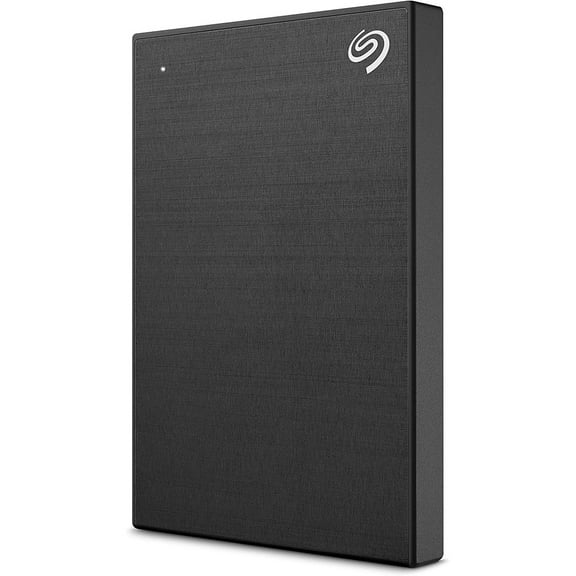 3 optionsAvailable in additional 3 options$11900current price $119.00
Seagate Backup Plus Slim, Portable Hard Drive - USB 3.0
45254.4 out of 5 Stars. 4525 reviewsBest seller WD 4TB My Book Desktop External Hard Drive - WDBBGB0040HBK-NEWM $168.99
Best seller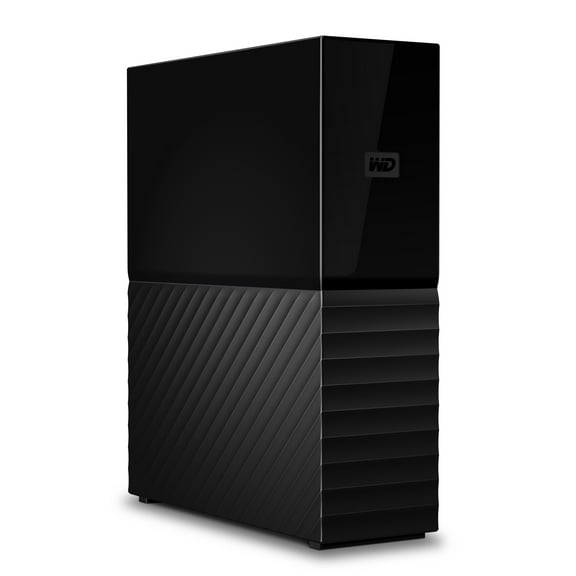 3 optionsAvailable in additional 3 options$16899current price $168.99
WD 4TB My Book Desktop External Hard Drive - WDBBGB0040HBK-NEWM
5744.2 out of 5 Stars. 574 reviewsWestern Digital 24TB WD My Book, USB 3.2 Gen 1, External Hard Drive HDD - WDBBGB0240HBK-NESN $923.52
 6 optionsAvailable in additional 6 options$92352current price $923.52
Western Digital 24TB WD My Book, USB 3.2 Gen 1, External Hard Drive HDD - WDBBGB0240HBK-NESN
5744.2 out of 5 Stars. 574 reviewsSeagate IronWolf Pro ST24000NT002 24TB 7200 RPM 512MB Cache SATA 6.0Gb/s 3.5" Internal Hard Drive $799.00
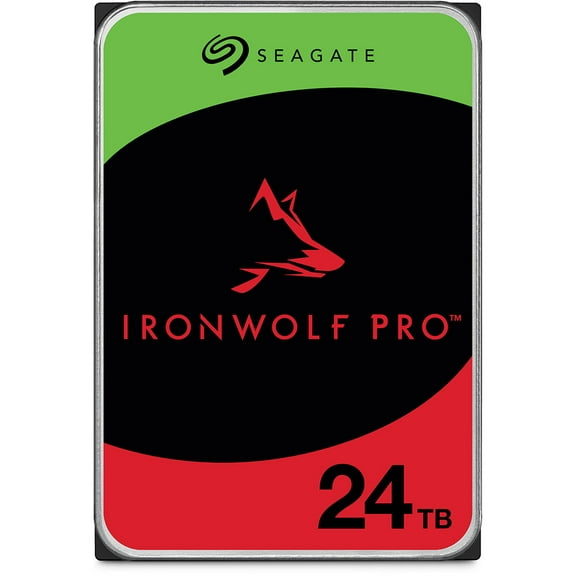 $79900current price $799.00
Seagate IronWolf Pro ST24000NT002 24TB 7200 RPM 512MB Cache SATA 6.0Gb/s 3.5" Internal Hard Drive
83.8 out of 5 Stars. 8 reviewsSeagate IronWolf Pro ST16000NT001 16TB NAS Internal Hard Drive with Rescue Data Recovery Services $579.99
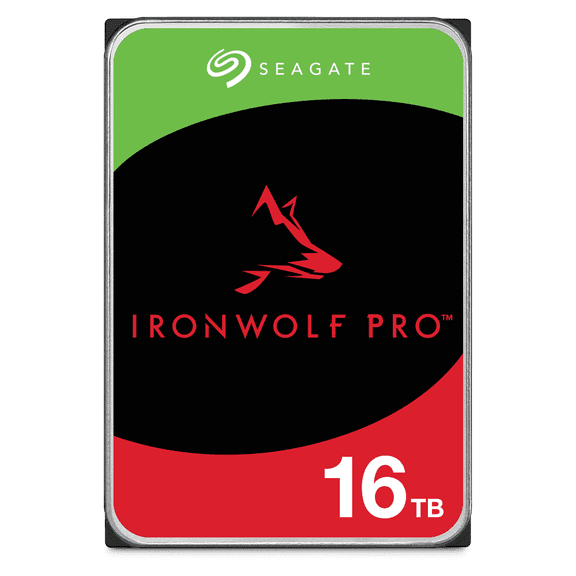 $57999current price $579.99
Seagate IronWolf Pro ST16000NT001 16TB NAS Internal Hard Drive with Rescue Data Recovery Services
125 out of 5 Stars. 12 reviewsWestern Digital 6TB WD Elements Portable USB 3.2 Gen 1, Compatible with PC, Mac, PS4 & Xbox, External Hard Drive HDD - WDBHJS0060BBK-WESN $239.99
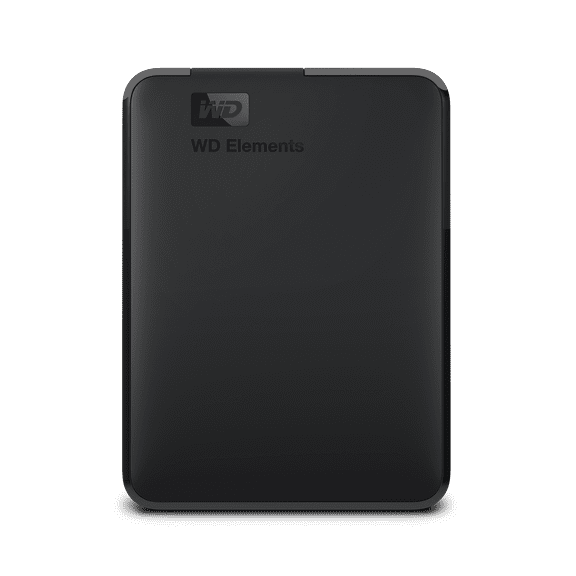 $23999current price $239.99
Western Digital 6TB WD Elements Portable USB 3.2 Gen 1, Compatible with PC, Mac, PS4 & Xbox, External Hard Drive HDD - WDBHJS0060BBK-WESN
74.3 out of 5 Stars. 7 reviewsSeagate Expansion 22TB Desktop External Hard Drive STKP22000400 – USB 3.0 – High-Capacity Storage – Black $499.99
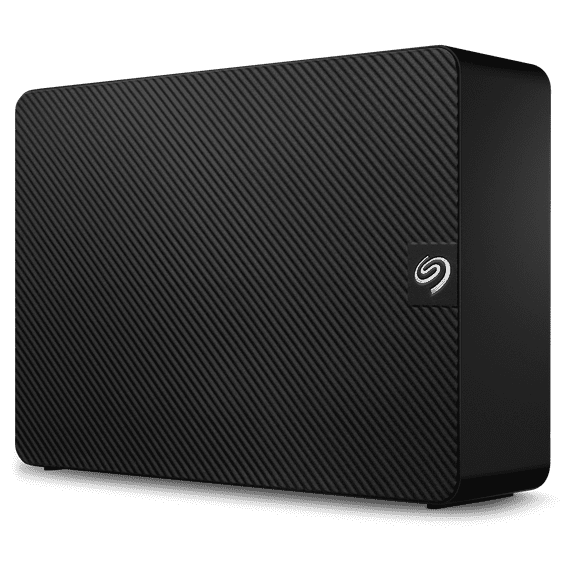 $49999current price $499.99
Seagate Expansion 22TB Desktop External Hard Drive STKP22000400 – USB 3.0 – High-Capacity Storage – Black
2354.4 out of 5 Stars. 235 reviewsNovus 20TB External USB-C Rugged Desktop Hard Drive $599.00
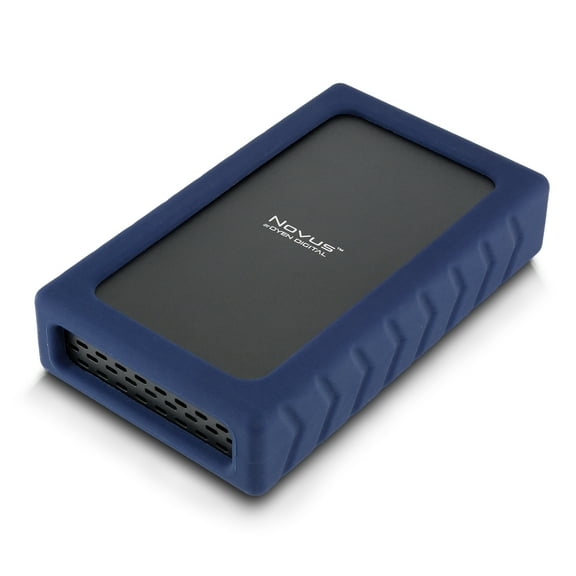 $59900current price $599.00
Novus 20TB External USB-C Rugged Desktop Hard Drive
24.5 out of 5 Stars. 2 reviewsWD3200BUCT-63TWBY0, DCM EEMTJGN, Western Digital 320GB SATA 2.5 Hard Drive $110.54
 $11054current price $110.54
WD3200BUCT-63TWBY0, DCM EEMTJGN, Western Digital 320GB SATA 2.5 Hard Drive
Synology HAT3310 16TB Plus Series SATA III 3.5" Internal NAS HDD (HAT3310-16T) $195.11
 3 optionsAvailable in additional 3 options$19511current price $195.11
Synology HAT3310 16TB Plus Series SATA III 3.5" Internal NAS HDD (HAT3310-16T)
33.7 out of 5 Stars. 3 reviewsSeagate LaCie 2big Dock 20TB External HDD DAS Storage System STLG20000400 $1,556.75
 $1,55675current price $1,556.75
Seagate LaCie 2big Dock 20TB External HDD DAS Storage System STLG20000400
ACASIS EC-7352 30TB USB 3.2 2.5"/3.5" External Hard Disk Drive with 100cm C to A C Data Cable Screwdriver Chinese-English Instruction Manual $23.99
 2 optionsAvailable in additional 2 options$2399current price $23.99
ACASIS EC-7352 30TB USB 3.2 2.5"/3.5" External Hard Disk Drive with 100cm C to A C Data Cable Screwdriver Chinese-English Instruction Manual
223.6 out of 5 Stars. 22 reviewsLaCie d2 Professional 3.5" 10TB External Desktop Drive, 7200RPM, USB 3.1 Type C $379.99
 $37999current price $379.99
LaCie d2 Professional 3.5" 10TB External Desktop Drive, 7200RPM, USB 3.1 Type C
134.8 out of 5 Stars. 13 reviewsSeagate Expansion 10TB External USB 3.0 Desktop Hard Drive with Rescue Data Recovery Services (STKP10000400) $369.00
 4 optionsAvailable in additional 4 options$36900current price $369.00
Seagate Expansion 10TB External USB 3.0 Desktop Hard Drive with Rescue Data Recovery Services (STKP10000400)
3914.4 out of 5 Stars. 391 reviewsAvolusion PRO-5X Series 16TB USB 3.0 External Hard Drive for WindowsOS Desktop PC / Laptop (White) - 2 Year Warranty $389.99
 $38999current price $389.99
Avolusion PRO-5X Series 16TB USB 3.0 External Hard Drive for WindowsOS Desktop PC / Laptop (White) - 2 Year Warranty
23 out of 5 Stars. 2 reviewsWD 1TB Elements Portable USB 3.2 Gen 1 Hard Drive HDD - WDBUZG0010BBK- $103.97
 $10397current price $103.97
WD 1TB Elements Portable USB 3.2 Gen 1 Hard Drive HDD - WDBUZG0010BBK-
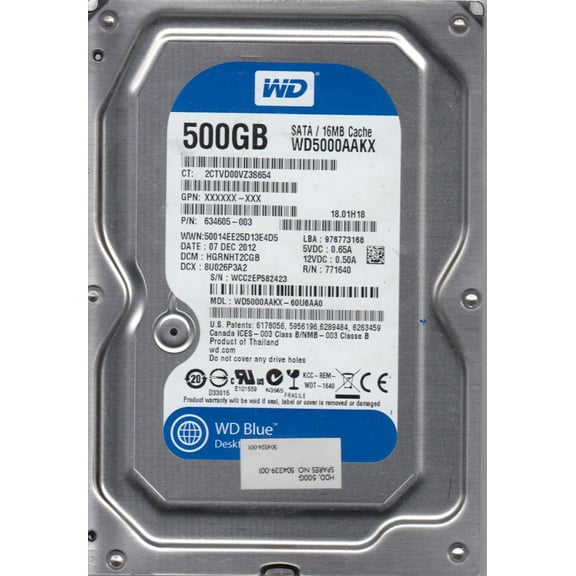
WD5000AAKX-60U6AA0, DCM HGRNHT2CGB, Western Digital 500GB SATA 3.5 Hard Drive $63.13
 $6313current price $63.13
WD5000AAKX-60U6AA0, DCM HGRNHT2CGB, Western Digital 500GB SATA 3.5 Hard Drive
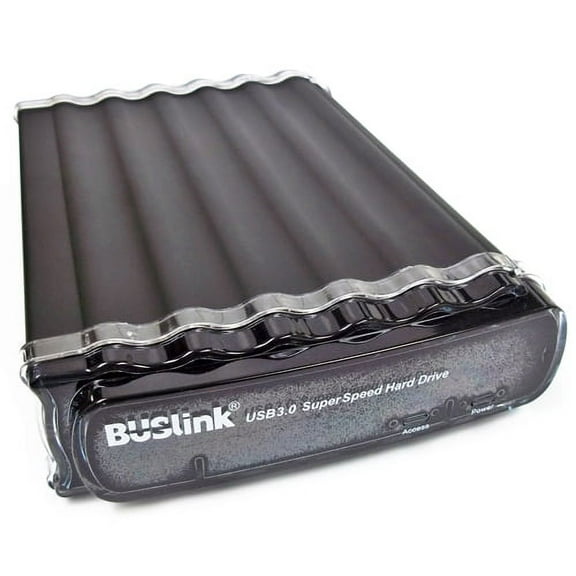
Buslink U3-24TS 24TB HDD - USB 3.2 Gen 1 (3.0)/eSATA - External Desktop Drive $799.99
 $79999current price $799.99
Buslink U3-24TS 24TB HDD - USB 3.2 Gen 1 (3.0)/eSATA - External Desktop Drive
WD1600BEVT-22ZCT0, DCM HBNTJBB, Western Digital 160GB SATA 2.5 Hard Drive $23.80
 $2380current price $23.80
WD1600BEVT-22ZCT0, DCM HBNTJBB, Western Digital 160GB SATA 2.5 Hard Drive
WD5000AAKS-00D2B0, DCM EBNNNT2CB, Western Digital 500GB SATA 3.5 Hard Drive $25.99
 $2599current price $25.99
WD5000AAKS-00D2B0, DCM EBNNNT2CB, Western Digital 500GB SATA 3.5 Hard Drive
Customer ratings & reviews
Filtered and sorted results would be available on the new 'Customer ratings & reviews' page.
Showing 1-3 of 3 reviews
Seller Verified Purchase
Great Product
excellant what i need for all my files with large capacity
Seller Verified Purchase
Great Product
I needed a lot of storage and WD delivers with its 36TB model. The drive is easy to setup and use. Data transfers are quick and reliable. I only detract a star because of the amount of noise and vibration it puts out when in use, but that is probably unavoidable with a spinning hard drive. I look forward to the day when they make a 36TB SSD at a similar price.
Loud, slow and fails every time
Every time i'm using it on a mac it stops and disappears, my mac can't detect it and i have to restart all several times. Also it makes weird noises. For the price not worth it at all.
Hello, We're sorry to hear about your user experience with the WD My Book Duo Hard Drive and appreciate your time for providing this review. Please let us confirm that WD My Book Duo Hard Drive is a plug and play device which comes preformatted in the NTFS file system for Windows operating system. If you are using a Mac computer, then the drive needs to be formatted in the HFS+J file system for operation. If you want to use it on a Cross-Platform (Windows or MacOS) then it should be Formatted into EXfat to use it. Critical: The instructions in the article below are designed to help repartition and format a hard drive. This process is Data Destructive and cannot be undone. Once the process begins, ALL THE DATA ON THE DRIVE WILL BE LOST! "How to Partition and Format a WD Drive on Windows and macOS" https://support-en.wd.com/app/answers/detail/a_id/8200 If the issue persists then you can open a support ticket on the link provided, the customer support team will contact you as soon as possible. Please see the mentioned link: https://support-en.wd.com/app/ask/session/ We will be happy to assist you. All our products must pass our stringent quality standards before leaving our factory to be free from defects in materials and craftsmanship. We stand behind our products throughout the device's factory warranty period. Please contact us via the phone with reference to the review to ensure an overall good experience with Western Digital. Need Help? Please see our "'Contact Us" page for information.
