

Epson EcoTank Pro ET-16600 Wireless Wide-format Color All-in-One Supertank Printer with Scanner, Copier, Fax and Ethernet
Key item features
- Cost Savings: Save up to 80% with low-cost replacement ink bottles compared to standard-capacity color laser toner cartridges.
- Wide-Format Printing: Print up to 13" x 19" and scan up to 11" x 17" with fast speeds up to 25 ISO ppm black print speed.
- High-Quality Prints: Epson DURABrite pigment-based inks provide crisp, vibrant, and instant-dry prints in both black-and-white and color.
- High-Yield Ink: Replacement ink bottles can print up to 7,500 pages in black and 6,000 pages in color, reducing the need for frequent replacements.
- Eco-Friendly: Zero-cartridge waste and very low energy consumption contribute to less environmental impact.
- Advanced Features: Includes a 500-sheet front tray paper capacity, rear specialty-paper feed, 4.3" color touchscreen, and hands-free voice-activated printing.
Specs
- Printing techInkjet
- Printer functionsPrint, Fax, Scan, Copy
- Pages per min.25 ppm
- Mono colorColor
- Paper sizeLegal
- Maximum print resolution4800 dpi
Reviews summary
Pros
- : Quickly scans documents with good quality results.
- : Uses less ink overall.
Neutral
- : Can be vibrant, but may lack accuracy and consistency.
- : Can handle multiple sizes, but tray build quality varies.
- : Can be vibrant and true, but also inconsistent in color representation.
Cons
- : Printer's wi-fi connection drops occasionally, causing print queues.
- Free shipping
 Free 30-day returns

(Only one option can be selected at a time)

How do you want your item?


Try 30 days of Walmart+ for just $1!
About this item
Product details
- 1. You can save up to 80 percent with low-cost replacement ink bottles vs. standard-capacity color laser toner cartridges1 — very low cost per page with about 2 cents per color ISO page vs. 14 cents with cartridges1
- 2. Fast, wide-format prints and scans — print up to 13" x 19"; copy and scan up to 11" x 17"; up to 25 ISO ppm black print speedƚ; powered by PrecisionCore Heat-Free Technology
- 3. Print-shop quality — Epson DURABrite Inks are pigment-based for crisp, vibrant prints in black-and-white and color that are instant-dry; borderless prints up to 11" x 17"
- 4. Set of replacement bottles includes enough ink to print up to 7,500 pages black/6,000 color2 — for fewer out of ink frustrations; you could save $1,000 with each one1
- 5. Less waste — zero-cartridge waste with high-yield ink bottles; very low energy consumption3
Specifications
Brand
Printing tech
Printer functions
Pages per min.
Similar items you might like
Based on what customers bought
Rollback Epson EcoTank ET-4810 Wireless All-in-One Cartridge-Free Supertank Printer with Scanner, Copier, Fax, ADF and Ethernet $249.00 Was $299.00
Rollback Sponsored$24900current price $249.00, Was $299.00$299.00
Epson EcoTank ET-4810 Wireless All-in-One Cartridge-Free Supertank Printer with Scanner, Copier, Fax, ADF and Ethernet
11034.2 out of 5 Stars. 1103 reviewsEpson EcoTank Photo ET-8550 Wireless Wide-Format Color All-in-One Supertank Printer with Scanner, Copier, Ethernet $749.99 Was $799.00
 $74999current price $749.99, Was $799.00$799.00
Epson EcoTank Photo ET-8550 Wireless Wide-Format Color All-in-One Supertank Printer with Scanner, Copier, Ethernet
6044.2 out of 5 Stars. 604 reviewsEpson EcoTank ET-15000 Wireless Color All-in-One Supertank Printer with Scanner, Copier, Fax, Ethernet and Printing up to 13 x 19 Inches $549.99 Was $699.00
 $54999current price $549.99, Was $699.00$699.00
Epson EcoTank ET-15000 Wireless Color All-in-One Supertank Printer with Scanner, Copier, Fax, Ethernet and Printing up to 13 x 19 Inches
2823.9 out of 5 Stars. 282 reviewsEpson ET-8500 Wireless Inkjet Creatives Multifunction Printer - Color - Copier/Printer/Scanner - 5760 x 1440 dpi Print - Automatic Duplex Print - 100 sheets Input - Color Flatbed Scanner $711.53
 $71153current price $711.53
Epson ET-8500 Wireless Inkjet Creatives Multifunction Printer - Color - Copier/Printer/Scanner - 5760 x 1440 dpi Print - Automatic Duplex Print - 100 sheets Input - Color Flatbed Scanner
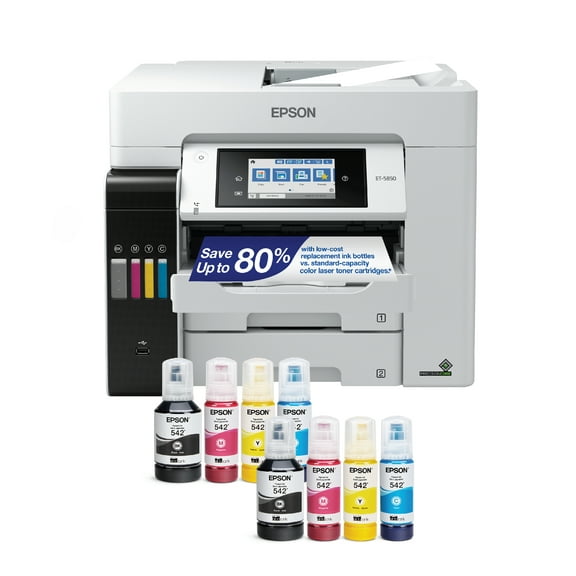
1784.3 out of 5 Stars. 178 reviewsEpson EcoTank Pro ET-5850 Wireless Color All-in-One Supertank Printer with Scanner, Copier, Fax and Ethernet $949.99
 $94999current price $949.99
Epson EcoTank Pro ET-5850 Wireless Color All-in-One Supertank Printer with Scanner, Copier, Fax and Ethernet
814.3 out of 5 Stars. 81 reviewsEpson WorkForce Pro EP-C7000 Desktop Wired/Wireless Inkjet Printer, Color $1,549.99
 $1,54999current price $1,549.99
Epson WorkForce Pro EP-C7000 Desktop Wired/Wireless Inkjet Printer, Color
Canon imagePROGRAF TM-240 A0 Inkjet Large Format Printer, 24" Print Width, Color $1,294.00
 $1,29400current price $1,294.00
Canon imagePROGRAF TM-240 A0 Inkjet Large Format Printer, 24" Print Width, Color
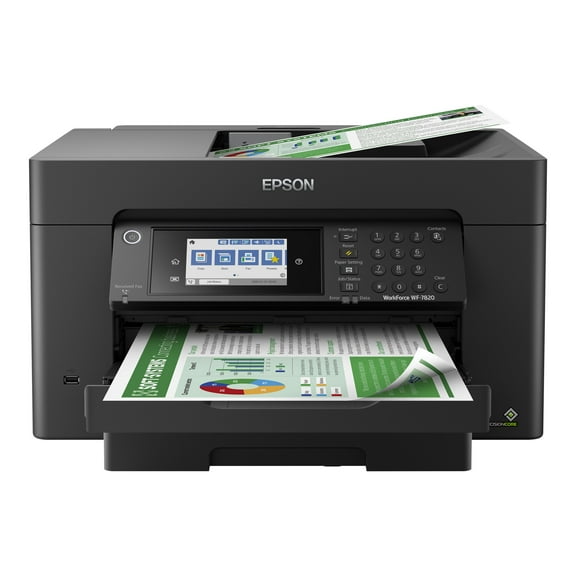
11 out of 5 Stars. 1 reviewsEpson WorkForce Pro WF-7820 Wireless All-in-One Wide-format Printer with Auto 2-sided Print up to 13" x 19", Copy, Scan and Fax, 50-page ADF, 250-sheet Paper Capacity, and 4.3" Color Touchscreen $229.99 Was $329.99
 $22999current price $229.99, Was $329.99$329.99
Epson WorkForce Pro WF-7820 Wireless All-in-One Wide-format Printer with Auto 2-sided Print up to 13" x 19", Copy, Scan and Fax, 50-page ADF, 250-sheet Paper Capacity, and 4.3" Color Touchscreen
2323.8 out of 5 Stars. 232 reviewsEpson ET-M3170 Wireless Inkjet Multifunction Printer, Monochrome $419.99
 $41999current price $419.99
Epson ET-M3170 Wireless Inkjet Multifunction Printer, Monochrome
704.4 out of 5 Stars. 70 reviewsEpson EcoTank ET-3950 Wireless All-in-One Color Supertank Printer – White $419.99
 $41999current price $419.99
Epson EcoTank ET-3950 Wireless All-in-One Color Supertank Printer – White
1404.2 out of 5 Stars. 140 reviewsEpson EcoTank ET-4950 Wireless All-in-One Color Supertank Printer – White $449.99 Was $499.99
 $44999current price $449.99, Was $499.99$499.99
Epson EcoTank ET-4950 Wireless All-in-One Color Supertank Printer – White
1164.4 out of 5 Stars. 116 reviewsEpson WorkForce Pro WP-4530 Wireless All-in-One Color Inkjet Printer – Copier, Scanner, Fax with Wi-Fi, Model C11CB33201 $1,500.00
 $1,50000current price $1,500.00
Epson WorkForce Pro WP-4530 Wireless All-in-One Color Inkjet Printer – Copier, Scanner, Fax with Wi-Fi, Model C11CB33201
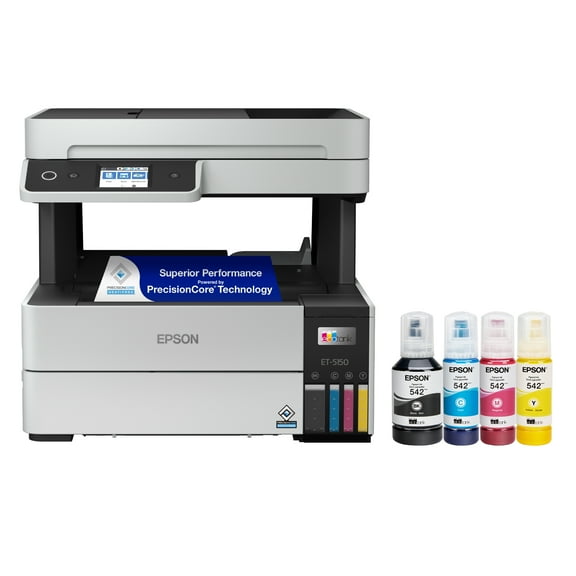
EcoTank® Pro ET-5150 Wireless All-in-One Supertank Printer $449.99 Was $529.99
 $44999current price $449.99, Was $529.99$529.99
EcoTank® Pro ET-5150 Wireless All-in-One Supertank Printer
994.2 out of 5 Stars. 99 reviewsEpson FX-2190II NT Network Impact Printer $907.54
 $90754current price $907.54
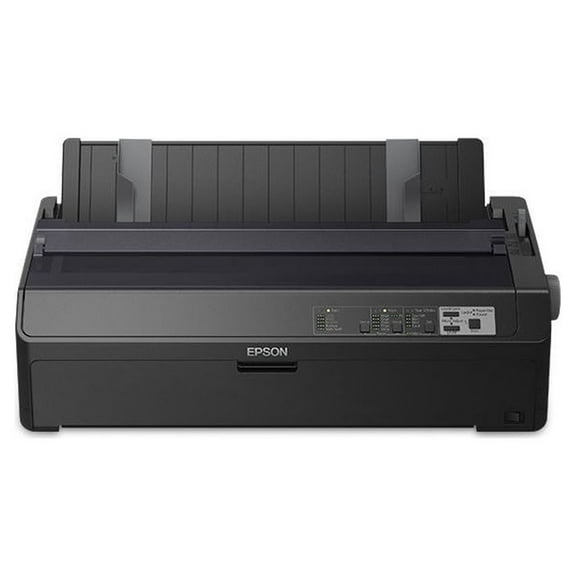
Epson FX-2190II NT Network Impact Printer
24 out of 5 Stars. 2 reviewsEpson EcoTank ET-4950 Wireless All-in-One Color Supertank Printer – Black $449.99
 $44999current price $449.99
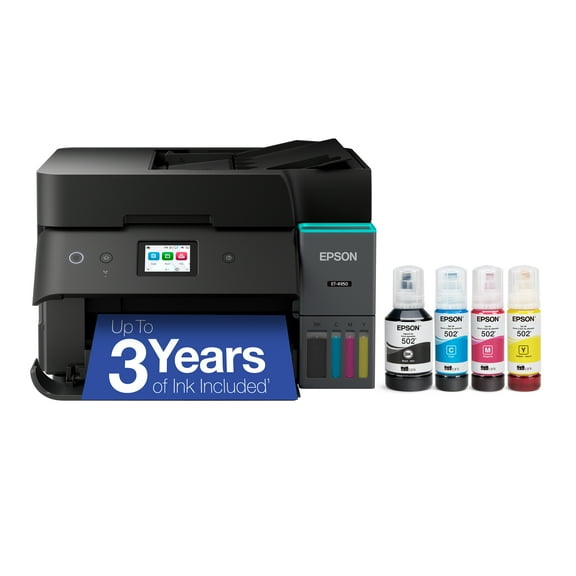
Epson EcoTank ET-4950 Wireless All-in-One Color Supertank Printer – Black
1224.3 out of 5 Stars. 122 reviewsEpson LQ-630 - dot matrix printers (254 x 558.8 mm, 24-pin, 5-35 °C, 10-80%, Code 39, POSTNET, $918.68
 $91868current price $918.68
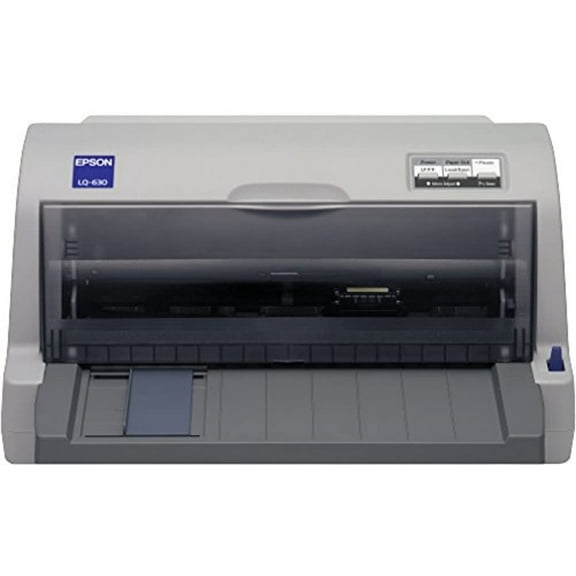
Epson LQ-630 - dot matrix printers (254 x 558.8 mm, 24-pin, 5-35 °C, 10-80%, Code 39, POSTNET,
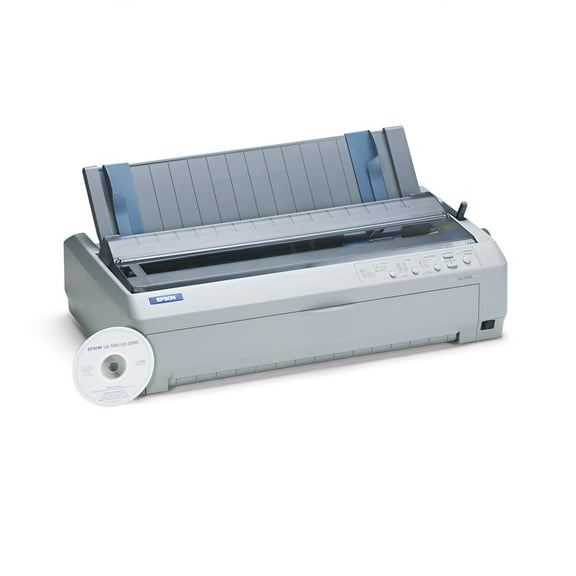
Epson LQ-2090 Wide-Format Dot Matrix Printer $1,099.99
 $1,09999current price $1,099.99
Epson LQ-2090 Wide-Format Dot Matrix Printer
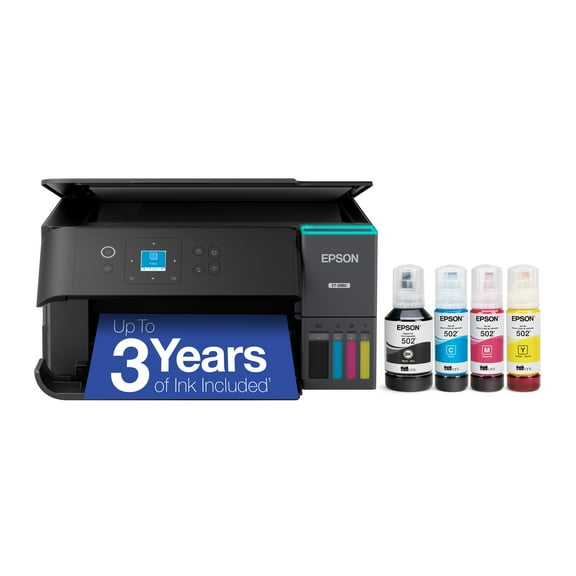
25 out of 5 Stars. 2 reviewsEpson ET‑2980 EcoTank Wireless All‑in‑One Printer with Ink, Auto 2-Sided Printing, 15PPM 1.44", Black $269.99 Was $329.99
 $26999current price $269.99, Was $329.99$329.99
Epson ET‑2980 EcoTank Wireless All‑in‑One Printer with Ink, Auto 2-Sided Printing, 15PPM 1.44", Black
1814.1 out of 5 Stars. 181 reviewsEpson LQ-590 24-Pin Impact Printer, High-Speed Dot Matrix, C11C558001 $1,440.00
 $1,44000current price $1,440.00
Epson LQ-590 24-Pin Impact Printer, High-Speed Dot Matrix, C11C558001
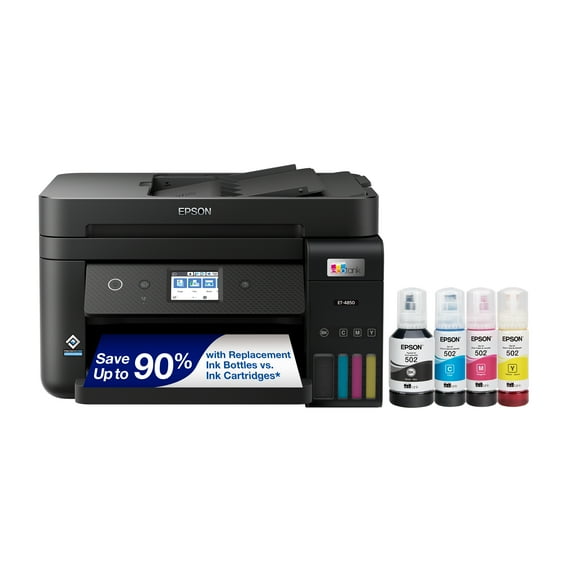
Epson EcoTank ET-4850 Wireless All-in-One Cartridge-Free Supertank Printer with Scanner, Copier, Fax, ADF and Ethernet $499.99 Was $590.08
 $49999current price $499.99, Was $590.08$590.08
Epson EcoTank ET-4850 Wireless All-in-One Cartridge-Free Supertank Printer with Scanner, Copier, Fax, ADF and Ethernet
1114 out of 5 Stars. 111 reviews
Customer ratings & reviews
Reviews summary
Pros
- : Quickly scans documents with good quality results.
- : Uses less ink overall.
Neutral
- : Can be vibrant, but may lack accuracy and consistency.
- : Can handle multiple sizes, but tray build quality varies.
- : Can be vibrant and true, but also inconsistent in color representation.
Cons
- : Printer's wi-fi connection drops occasionally, causing print queues.
Customer photos



 +3 images
Showing 1-3 of 35 reviews
A big, full featured printer with a few idiosyncracies
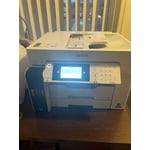
My spouse and I purchased this printer to replace an HP AIO, a Brother laser printer and an Epson XP-950 three-in-one. We used these printers for personal use and a home-based business but will be moving to a condominium and there will not be space for all three printers. This is a large and heavy printer. It was challenging to get it out of the shipping box. I did not realize until I was lifting it around our home office onto a table that there is a small sticker on the side of the printer which calls for two persons to do the lifting but there was no such warning on the shipping box itself (not that I could find). I would strongly recommend that two adults extract the printer and position it as required. There are several blue tape strips holding the various components together, so it is very important to look inside and out to remove them. There are setup instructions for connecting the printer, in step order. Filling the ink tanks was easy and the process went quickly, and the levels filled to the ½ point. The Wi-Fi set up (it can be configured with a USB or Ethernet connection as well) was straightforward. We set up both paper trays for letter and legal sizes; the legal paper tray is easily selected through software and we appreciate the legal size for printing spreadsheets. We have also been using the 11 X 17 configuration in cassette 2 to print and scan [and enlarge] oversize documents, especially drawings associated with our new condo. The included software set up CD would not run on any of our computers and I ended up downloading the software directly from Epson; I do not know why Epson bothers to include the disk. After the download, set up was relatively easy on our home network and the software was installed on three laptops and one desktop, and on two Samsung devices [phone and tablet]. Strangely, on some computers, not all of the suite of Epson software was installed and on one, only the printing software was installed. We have had to reinstall the entire software suite on three of the four computers. One important reason for choosing this printer was the number of documents, diplomas, certificates, print photos and pieces of artwork [the latter from our from our children and grandchildren] that we wanted to preserve digitally as we knew we would not have the room to store them in the condo once we moved. This printer handles the tasks easily, scanning anything up to 11 X 17. It handles printing, copying [see below for issues] and faxing very well. While faxing may not be in use much these days, we have to use it to order legal documents from the province in which we live, for our business. It also comes in handy faxing home improvement contracts and medical documents. In our six months of use, we have been generally pleased with our investment. However, we have experienced the following issues: • Colour printing is quite slow (advertised at 12 ppm); we're not sure if that is indicative of the amount of colour on a given page, Wi-Fi speed, browser issues, etc. • The Wi-Fi connection drops occasionally for some reason, resulting in a queue of documents to print; turning the printer on and off generally solves this issue, however, we have not been able to determine why this occurs. The printer is located about 30 cm from our home network router. Once we move to our condo, we plan to configure it through an Ethernet connection. • We have also experienced frustration in getting documents to copy using the automatic document feeder - in spite of the ADF light appearing on the control panel, I keep getting a message that I have to copy from the platen. We have no problem getting faxes or scans to work from the ADF – strange. • Heavier paper [eg. like that used for greeting cards, etc., also known as cardstock] does not print in either simplex or duplex, resulting in printer jams; given the size of this printer, it is a challenge to open up the necessary covers and rear duplexer to extract the damaged paper. Incidentally, my HP all-in-one handles this weight of paper without problem. • The paper type in the printer settings and those specified in the software must match EXACTLY. We have found this frustrating at times when we get an error message about the mismatch and then must determine where the settings are at odds. • The Maintenance Box tab in the Supply Status window sits at about 75%, however, I am not sure what this status bar means; is there something that has to be installed when this “box” no longer works? I note that some reviewers have needed one, and, apparently Epson does not have them, rendering their printers unusable? In six months of use, we have printed: • 1438 prints, of which 346 were black and white and 1092 were colour. • The total printing has reduced our ink levels by about 25% from when we initially filled the tanks; the levels are now at 25%. If we continue at the present rate, we will need to refill the tanks by mid-2021. We believe the advertising for this printer indicated 2 years of ink; we now believe that means if the tank is filled to capacity. I would recommend this printer for home business/home office use.
Seller Verified Purchase
Too complicated!
One person in an office might eventually get to know how to run this thing, to take advantage of all its features. Me, I'll be checking the instruction book almost every time I use it! I wanted a simpler m/c that would use wider, longer-than-standard paper, but had to settle for this one because the m/c I wanted (much simpler, cheaper) is not available for who knows how long. Really, I'm not happy.
Hello Collector, we appreciate your feedback, and we'll forward this information to the relevant department to help improve future Epson products. EcoTank Pro ET-16600 printer comes with a 1-year Limited Warranty and free lifetime technical support. If you ever need assistance, Epson provides useful information, including FAQs and self-help tools, on the product support page at www.epson.com/s/SPT_C11CH72201. You can also contact our support team at (562) 276-4382 between 7 am - 4 pm (PT), Monday - Friday. Kind Regards, Bobby - The Epson Team.
Seller Verified Purchase
Photo quality isues
The wireless sometimes stops responding and have to be shutdown and restarted to work, But themain issue is the quality of the pigment print of pictures, tried all kinds of professional paper in 4x6 but the quality is abysmal, inkjets have more vibrant and true colors. The positive points are the wide format and the speed of printing, but not enough to justify. I wonder if I should have bought the 15000.
Hello rmorgent, we apologize for the disappointing experience that you've encountered with the Epson XP-16600. Your business is important to us, and we're here to help. Epson provides information in the FAQs at https://epson.com/Support/Printers/All-In-Ones/ET-Series/Epson-ET-16600/s/SPT_C11CH72201#questions to help you address most issues with connectivity and print quality. Your EcoTank printer also includes free lifetime tech support, so if you need further assistance, our support team can be reached at (562) 276-4382 between 7 am - 4 pm (PT), Monday - Friday. Sincerely, Kevin - The Epson Team.
