

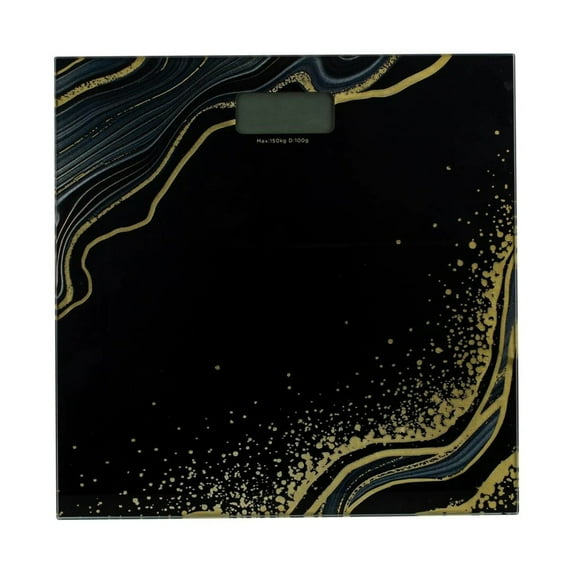
Hero image 0 of Bath Bliss Glass Bathroom Body Weight Scale in Black & Gold, Battery Powered, 330 lb Capacity, 0 of 7
Bath Bliss Glass Bathroom Body Weight Scale in Black & Gold, Battery Powered, 330 lb Capacity
Current price is USD$19.99
Price when purchased online
Out of stock
How do you want your item?
Out of stock
About this item
 WARNING:
 Customer ratings & reviews
3 out of 5 stars
stars1 rating0 reviews
How item rating is calculated
- 0 ratings are rated 5 stars, 0% of all ratings
- 0 ratings are rated 4 stars, 0% of all ratings
- 1 rating are rated 3 stars, 100% of all ratings
- 0 ratings are rated 2 stars, 0% of all ratings
- 0 ratings are rated 1 star, 0% of all ratings
Sort by |
This item does not have any reviews yet
