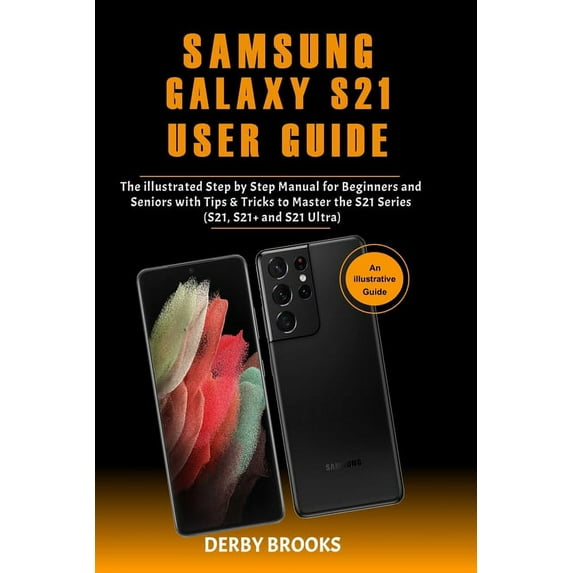
A Comprehensive User Guide with illustrated images to Guide you in Mastering your Samsung Galaxy S21, S21 Plus and S21 Ultra This user guide has all the tricks and tips you need to know to familiarize yourself with the Galaxy S21, S21 Plus or S21 Ultra.There is a whole lot to know about these new Galaxy S devices, and we have combined all this information into this easy to understand and well-illustrated user guide.
Here is a preview of what you will get from this user guide: - How to Set up the Samsung Galaxy S21
- Latest Features and Updates
- Maximizing the Latest Camera Settings
- The Stylus Pen-how to mazimize it's features
- Set Up and Use Music Share
- Attend to Calls from Your Connected Devices
- Link Your Phone to Your Computer
- Enable Caller ID and Spam Protection
- Enable Digital WellbeingUsing Samsung Finder
- Maximize Battery Life of your Phone
- Enable Fast ChargingWireless PowerShare
- Customize the Home Screen and Lock ScreenManage Google Assistant on S21Add a Trippy Audio TrackExtend the TimerShoot 8K VideosCustomize Slow Motion VideosAdd a Filter to your Videos/ PhotosEnable Scene OptimizerActivate Shot SuggestionLive Focus ModesExplore the Food ModeAutomatically Correct Wide-Angle ShotsAnd lots more
Bonus Guide on How to Use the Latest Samsung Stylus Pen.
Click the BUY NOW WITH 1-CLICK Button to get started