

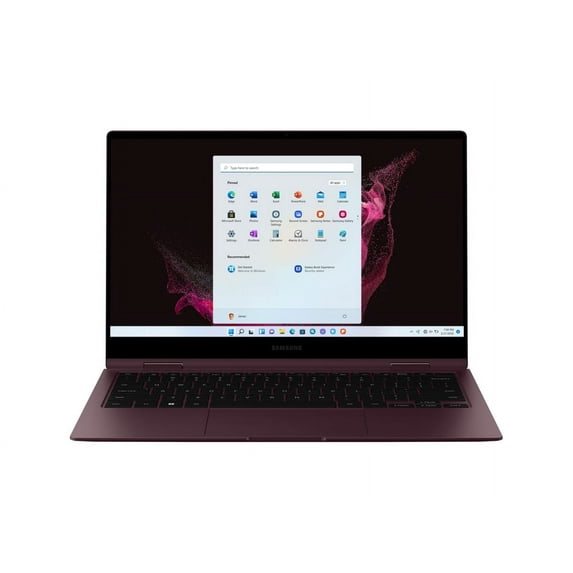
Restored Samsung Galaxy Book2 Pro 360 - Flip design - Intel Core i7 - 1260P / up to 4.7 GHz - Evo - Win 11 Home - Intel Iris Xe Graphics - 16 GB RAM - 1 TB SSD NVMe - 15.6" AMOLED touchscreen 1920 x 1080 (Full HD) - Wi-Fi 6 - burgundy
Key item features
- Processor 12Th Gen Intel Core I7-1260P Speed (Ghz) 2.10 Turbo Boost (Ghz) 4.60 18 Mb L3 Cache)
- Hard Drive 2Tb M.2 Pcie Nvme Solid Upgrade. Save Files Fast And Store More Data. With Massive Amounts Of Storage And Advanced
- Memory 16 Gb Lpddr5 Memory For Full-Power Multitasking Plenty Of High-Bandwidth Ram To Smoothly Run Your Games And Photo- And Video-Editing Applications
- Display 15.6'' Fhd Amoled Display (1920 X 1080) With Touch Screen Panel
Specs
- BrandSamsung
- Proc. brandIntel
- ProcessorIntel Core i7
- OSWindows 11 Home
- RAM memory16 GB
- Screen size15.6 in
How do you want your item?
About this item
Product details
- Processor 12Th Gen Intel Core I7-1260P Speed (Ghz) 2.10 Turbo Boost (Ghz) 4.60 18 Mb L3 Cache)
- Hard Drive 2Tb M.2 Pcie Nvme Solid Upgrade. Save Files Fast And Store More Data. With Massive Amounts Of Storage And Advanced
- Memory 16 Gb Lpddr5 Memory For Full-Power Multitasking Plenty Of High-Bandwidth Ram To Smoothly Run Your Games And Photo- And Video-Editing Applications
- Display 15.6'' Fhd Amoled Display (1920 X 1080) With Touch Screen Panel
Specifications
Brand
Proc. brand
Processor
OS
Warranty
Warranty information
Similar items you might like
Based on what customers bought
In 50+ people's carts ASUS Vivobook S 14 Copilot PC 14" WUXGA OLED Windows Laptop Intel Core Ultra 7 Series 2 258V AI PC Intel Evo 32GB RAM 1TB SSD Black S5406SA-WH79 $899.00
In 50+ people's carts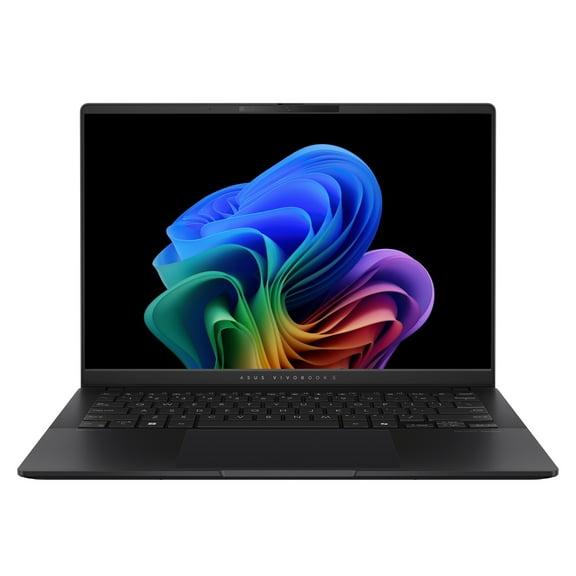 $89900current price $899.00
ASUS Vivobook S 14 Copilot PC 14" WUXGA OLED Windows Laptop Intel Core Ultra 7 Series 2 258V AI PC Intel Evo 32GB RAM 1TB SSD Black S5406SA-WH79
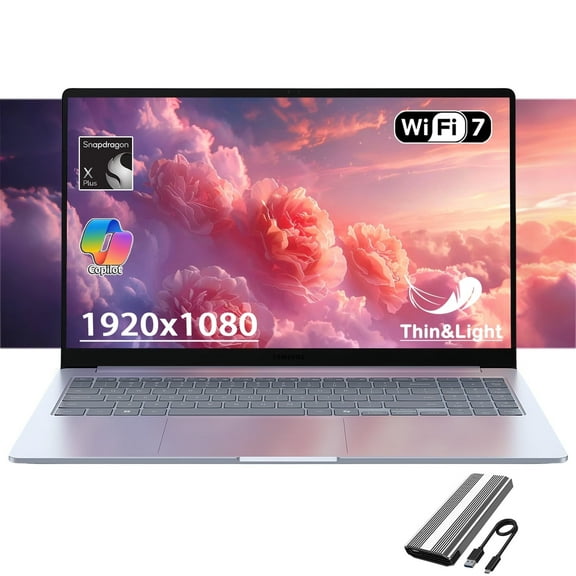
2964.6 out of 5 Stars. 296 reviewsSamsung Galaxy Book4 Edge Business Laptop, Copilot AI PC Computer, 15.6" LED Anti-Glare Display, Snapdragon x Plus, 16G RAM-640G SSD, Long-Lasting Battery, Wifi 7 $778.88
 3 optionsAvailable in additional 3 options$77888current price $778.88
Samsung Galaxy Book4 Edge Business Laptop, Copilot AI PC Computer, 15.6" LED Anti-Glare Display, Snapdragon x Plus, 16G RAM-640G SSD, Long-Lasting Battery, Wifi 7
15 out of 5 Stars. 1 reviewsIn 25+ people's carts HP Omnibook 5 16 inch Touch Windows 11 Laptop Intel Core Ultra 7 AI PC 16GB RAM 1TB SSD Silver $799.00
In 25+ people's carts $79900current price $799.00
HP Omnibook 5 16 inch Touch Windows 11 Laptop Intel Core Ultra 7 AI PC 16GB RAM 1TB SSD Silver
16004.2 out of 5 Stars. 1600 reviewsBest seller ASUS Vivobook 15.6” FHD Laptop with Intel i5-1334U, Intel UHD Graphics, 8GB RAM, 512GB SSD, Cool Silver $399.00
Best seller 2 optionsAvailable in additional 2 options$39900current price $399.00
ASUS Vivobook 15.6” FHD Laptop with Intel i5-1334U, Intel UHD Graphics, 8GB RAM, 512GB SSD, Cool Silver
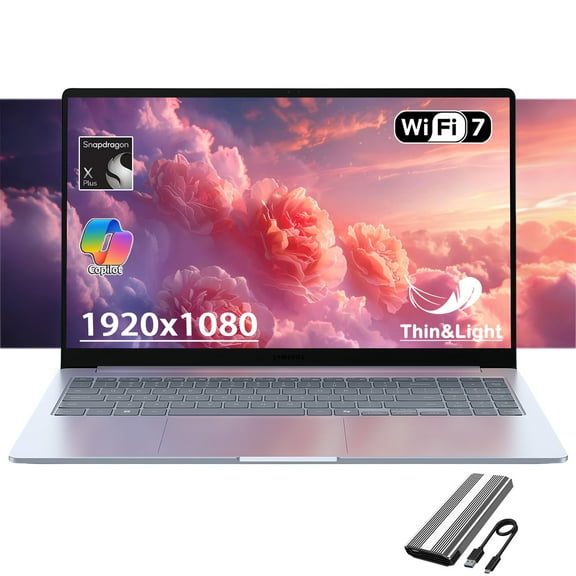
2224.1 out of 5 Stars. 222 reviewsSAMSUNG Galaxy Book4 Edge Laptop, Copilot AI PC, 15.6" LED Display, Snapdragon X Plus Processor, Long-Lasting Battery, WiFi 7, Win 11 Pro, w/128GB PSD $829.99
 $82999current price $829.99
SAMSUNG Galaxy Book4 Edge Laptop, Copilot AI PC, 15.6" LED Display, Snapdragon X Plus Processor, Long-Lasting Battery, WiFi 7, Win 11 Pro, w/128GB PSD
Best seller HP 15.6 inch Windows 11 Touch Laptop Intel Core i3-N305 8GB RAM 256GB SSD Moonlight Blue $339.00
Best seller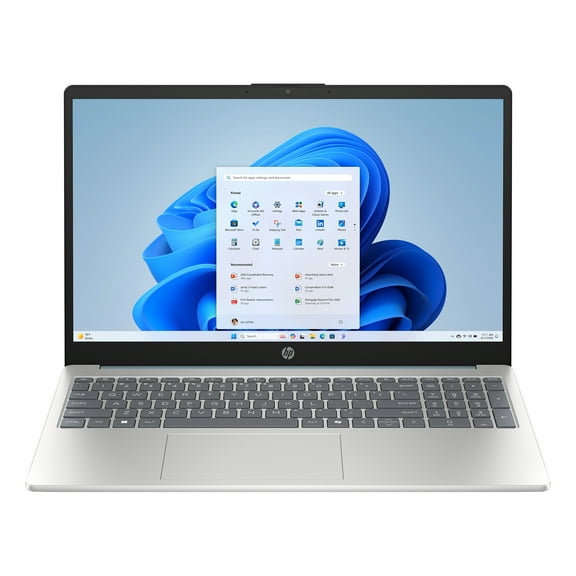 $33900current price $339.00
HP 15.6 inch Windows 11 Touch Laptop Intel Core i3-N305 8GB RAM 256GB SSD Moonlight Blue
20514.3 out of 5 Stars. 2051 reviewsIn 100+ people's carts RNRUO 15.6" Windows 11 Laptop, Dual 8GB RAM, 256GB SSD, AMD 3020e with 2 Cores up to 2.6GHz, With Office 2024, 1920x1080 Display WiFi5 BT5.0 for Student, Home Office, Business $199.89
In 100+ people's carts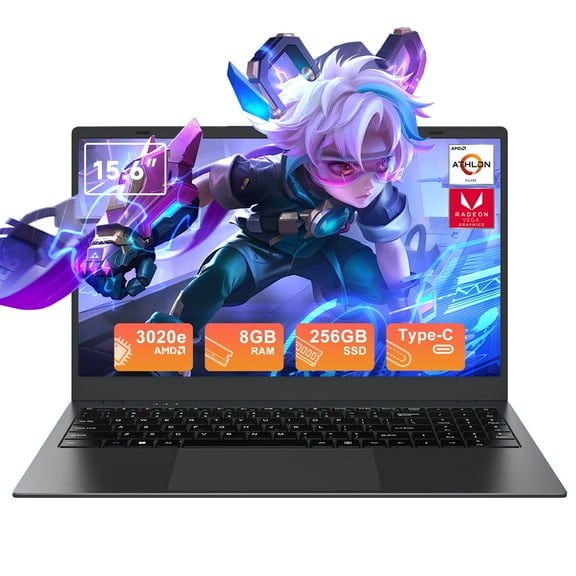 2 optionsAvailable in additional 2 options$19989current price $199.89
RNRUO 15.6" Windows 11 Laptop, Dual 8GB RAM, 256GB SSD, AMD 3020e with 2 Cores up to 2.6GHz, With Office 2024, 1920x1080 Display WiFi5 BT5.0 for Student, Home Office, Business
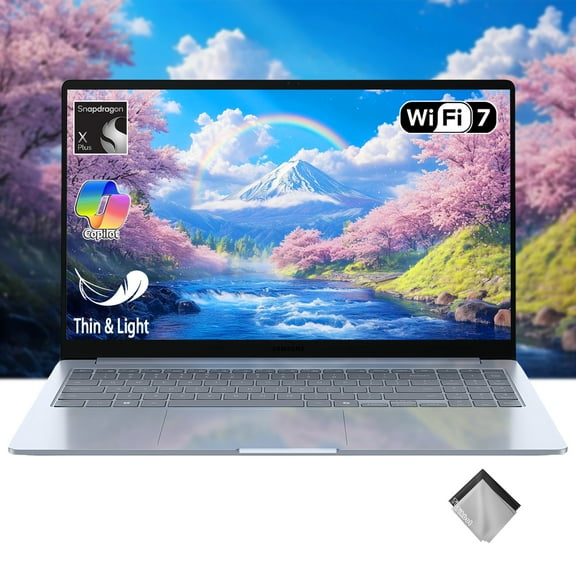
5033.8 out of 5 Stars. 503 reviewsSAMSUNG Galaxy Book4 Edge Copilot AI Business Laptop, 15.6" FHD LED Anti-Glare Display, Snapdragon X Plus Processor, Long-Lasting Battery, WiFi 7, w/Cloth $769.99
 2 optionsAvailable in additional 2 options$76999current price $769.99
SAMSUNG Galaxy Book4 Edge Copilot AI Business Laptop, 15.6" FHD LED Anti-Glare Display, Snapdragon X Plus Processor, Long-Lasting Battery, WiFi 7, w/Cloth
Samsung Galaxy Book4 Business Laptop, 15.6" FHD LED Display, Intel 10-core 7 150U, Copilot AI PC, Long-Lasting Battery, Backlit Keyboard, Fingerprint , Windows 11H, w/128GB PSD $659.99
 4 optionsAvailable in additional 4 options$65999current price $659.99
Samsung Galaxy Book4 Business Laptop, 15.6" FHD LED Display, Intel 10-core 7 150U, Copilot AI PC, Long-Lasting Battery, Backlit Keyboard, Fingerprint , Windows 11H, w/128GB PSD
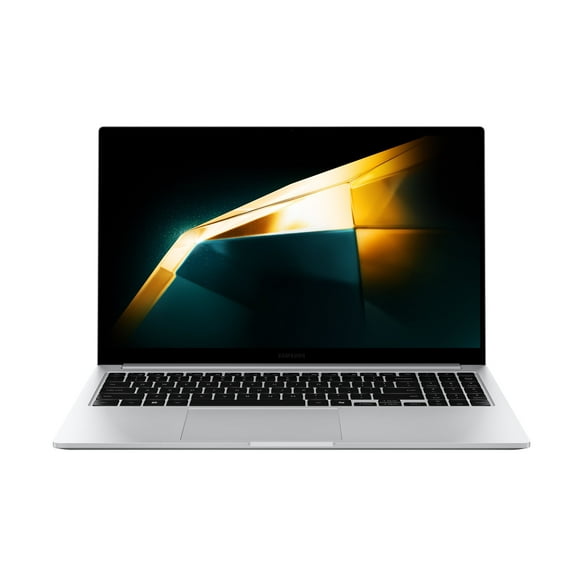
15 out of 5 Stars. 1 reviewsBook4 15.6" I5120U Silver $649.97
 $64997current price $649.97
Book4 15.6" I5120U Silver
Best seller HP Newest 15 15.6" HD Touchscreen Business Laptop Computer, 12th Gen Intel Core i3-1215U, 8GB RAM, 256GB PCIe SSD, Long Battery Life, Wi-Fi 5, Bluetooth, Natural Silver $409.97
Best seller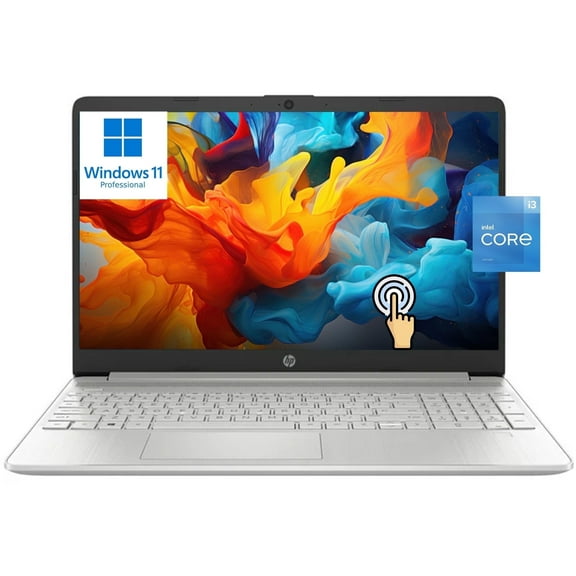 $40997current price $409.97
HP Newest 15 15.6" HD Touchscreen Business Laptop Computer, 12th Gen Intel Core i3-1215U, 8GB RAM, 256GB PCIe SSD, Long Battery Life, Wi-Fi 5, Bluetooth, Natural Silver
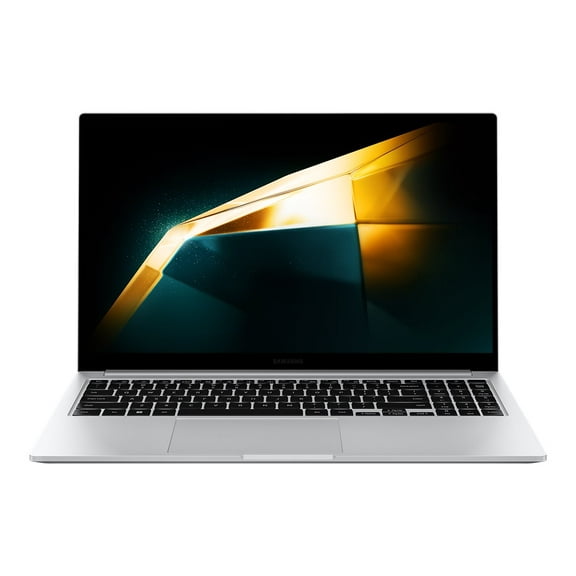
3984.1 out of 5 Stars. 398 reviewsSamsung Galaxy Book4 15.6" Laptop, Intel Core 5 120U, 512GB SSD, NP754XGK-LS2US $629.97
 $62997current price $629.97
Samsung Galaxy Book4 15.6" Laptop, Intel Core 5 120U, 512GB SSD, NP754XGK-LS2US
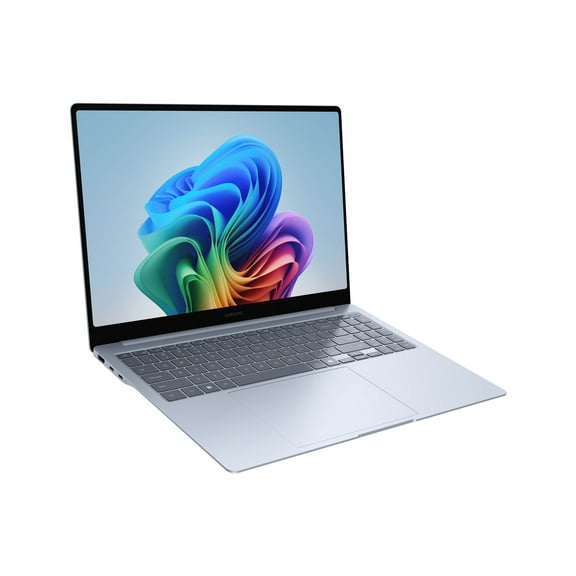
Samsung Galaxy Book4 Edge 15" Laptop, 512GB SSD, Windows 11 Home, NP750XQA-KB2US $749.67
 $74967current price $749.67
Samsung Galaxy Book4 Edge 15" Laptop, 512GB SSD, Windows 11 Home, NP750XQA-KB2US
2174.4 out of 5 Stars. 217 reviewsBest seller HP 15.6 inch FHD IPS Touch Windows 11 Laptop Intel Core i5-1334U 8GB 512GB SSD Natural Silver $442.97
Best seller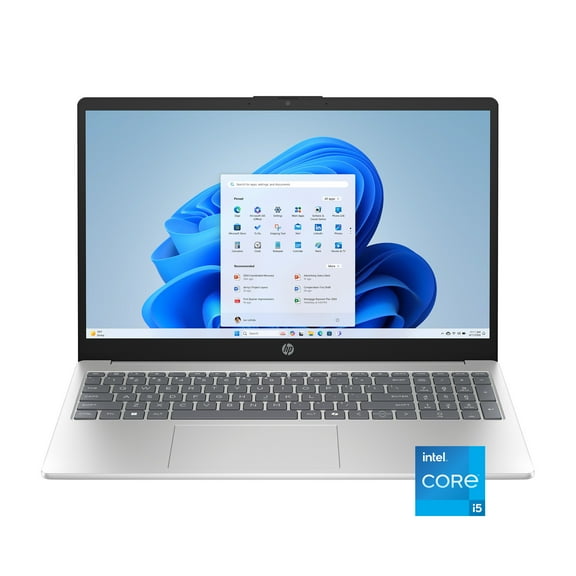 2 optionsAvailable in additional 2 options$44297current price $442.97
HP 15.6 inch FHD IPS Touch Windows 11 Laptop Intel Core i5-1334U 8GB 512GB SSD Natural Silver
12554.1 out of 5 Stars. 1255 reviewsSamsung Galaxy Book4 Copilot AI PC Business Laptop, 15.6" FHD LED Display, Intel 10-core 7-150U (Beats i7-1335U), Long-Lasting Battery, Backlit Keyboard, Windows 11 Pro, w/128GB SD $719.99
 4 optionsAvailable in additional 4 options$71999current price $719.99
Samsung Galaxy Book4 Copilot AI PC Business Laptop, 15.6" FHD LED Display, Intel 10-core 7-150U (Beats i7-1335U), Long-Lasting Battery, Backlit Keyboard, Windows 11 Pro, w/128GB SD
ASUS Vivobook 15.6” FHD IPS PC Laptop Intel Core 5 120U 16GB RAM, 512GB SSD, Silver $449.00 Was $499.99
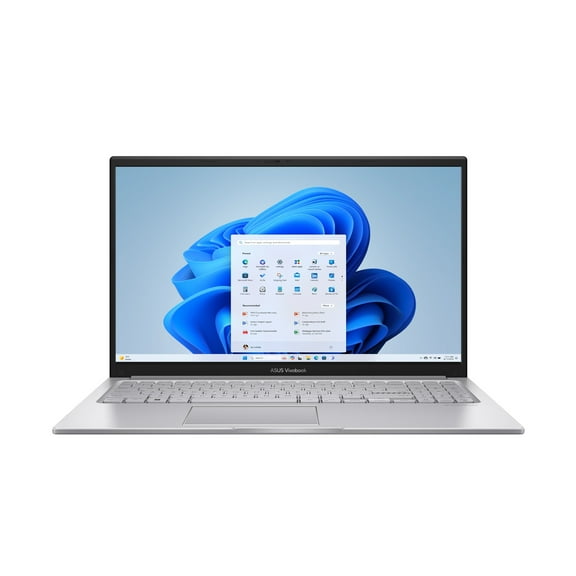 $44900current price $449.00, Was $499.99$499.99
ASUS Vivobook 15.6” FHD IPS PC Laptop Intel Core 5 120U 16GB RAM, 512GB SSD, Silver
2904.3 out of 5 Stars. 290 reviewsASUS Vivobook S 15.6 inch 3K OLED 120Hz Windows Laptop Intel Core Ultra 7-155H Intel Evo Edition AI PC 16GB RAM 1TB SSD Mist Blue $799.00 Was $949.00
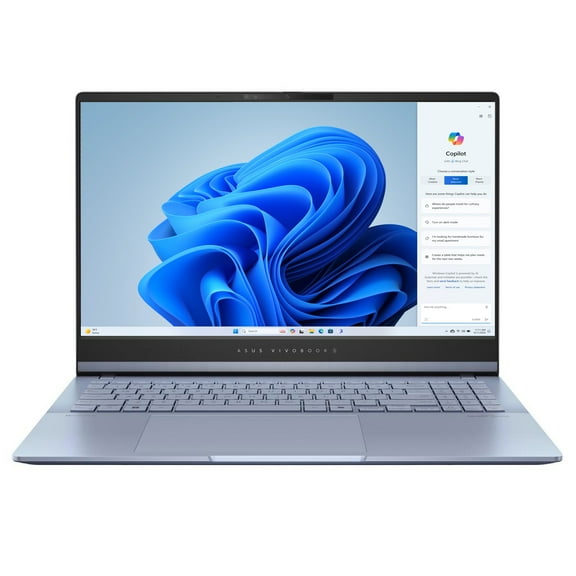 $79900current price $799.00, Was $949.00$949.00
ASUS Vivobook S 15.6 inch 3K OLED 120Hz Windows Laptop Intel Core Ultra 7-155H Intel Evo Edition AI PC 16GB RAM 1TB SSD Mist Blue
4384.3 out of 5 Stars. 438 reviewsBest seller HP 17.3" Touchscreen Laptop, Intel Core i3, 8GB RAM, 512GB SSD 128GB eMMC, Windows 11 H, Silver $468.89 Was $559.55
Best seller 14 optionsAvailable in additional 14 options$46889current price $468.89, Was $559.55$559.55
HP 17.3" Touchscreen Laptop, Intel Core i3, 8GB RAM, 512GB SSD 128GB eMMC, Windows 11 H, Silver
5264.3 out of 5 Stars. 526 reviewsNew HP 17.3" HD Touchscreen Laptop Intel Core i7-1355U,16GB RAM,1TB SSD,Backlit Keyboard, Bluetooth, Windows 11 Pro,Silver $859.00
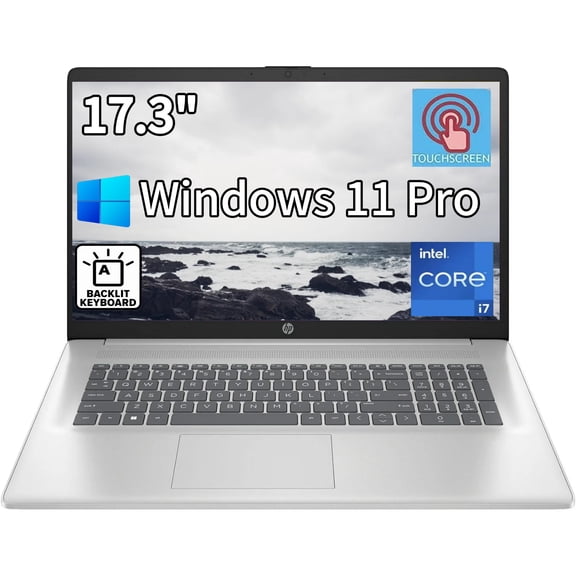 8 optionsAvailable in additional 8 options$85900current price $859.00
New HP 17.3" HD Touchscreen Laptop Intel Core i7-1355U,16GB RAM,1TB SSD,Backlit Keyboard, Bluetooth, Windows 11 Pro,Silver
533.8 out of 5 Stars. 53 reviewsLenovo ThinkPad E14 Gen 2 Intel Laptop, 14.0" FHD IPS 250 nits, i5-1135G7, Iris Xe Graphics, 8GB, 256GB SSD, Win 10 Pro $799.99
 $79999current price $799.99
Lenovo ThinkPad E14 Gen 2 Intel Laptop, 14.0" FHD IPS 250 nits, i5-1135G7, Iris Xe Graphics, 8GB, 256GB SSD, Win 10 Pro
5104.6 out of 5 Stars. 510 reviews
Customer ratings & reviews
Customer photos



 +60 images
Showing 1-3 of 276 reviews
Overall amazing laptop for students!
Been a week or 2 and I'm very happy with Samsung as usual, I have a lot of their products and owning one of their top tier laptops has made things easier such as using quick share to get files from family members etc! I am a student and do recommend others this laptop, one thing you may want to do is buy a laptop holder with a mesh design because this laptop does require a good ventilated area in order to keep cool but other than that the amount of power this holds despite its weight and size is incredible. Favourite thing about the laptop: The display is truly exceptional and its almost as good as my phone display! Watching Kdramas and scrolling through educational websites are smooth and loads up faster than my friend's M2 Macbook!
Very Good but i7 12th Gen Boot times disappoint.
Everything about the Galaxy Book Pro 2 360 is good, but I have noticed that the i7 12th edition Evo feels slower than the i5 11th Edition Evo. Running both of my Galaxy Pro 360s side by side I have found that the i7 12th Gen (16gb and 512ssd) takes 13 seconds to boot but the i5 11th Gen (8gb and 256ssd) takes 6 seconds. Nobody at Samsung or Intel has offered a reason why this should be the case so I must admit that I feel somewhat cheated and I would ask for a refund on the i7 Pro 2 if it was possible.
A mixed bag, but overall disappointed.
I bought the 13" version of the Galaxy Book2 Pro 360 as a replacement to a 4 year old HP Spectre x360. I loved the latter, but the battery life was reduced to a point where it would only last half an hour away from a charging point. I'm torn on this new laptop. It doesn't offer any improved functionality versus what I had - the touchscreen and the ability to flip the device is cool, but IMHO rarely used, so it's more of a gimmick (and I felt that way with my previous laptop that did the same). The look of the device is pretty average. It doesn't look ugly, but equally it's not amazing. I feel like my x360 was a more attractive device. Set aside half an hour when you get the device to remove all of the Samsung apps that come with it that you will never use. One man's add-ons is anothers bloatware. What really frustrates me is the battery life. Reviews online quoted a 10 - 12hour life, but it lasts little more than 90 minutes for me. I've changed the settings to the use-very-little-battery-power mode, and it's still somewhat rubbish. It seems to lose a lot of power when the lid is closed and it's in my bag, even though I've set it to fully hibernate. Looking at the stats I lost about 25% of battery life over a period of two days when the laptop was shut down and in my bag. So overall a mixed bag - I needed a replacement laptop and this seemed like a reasonable option, but the battery life is very disappointing. Would I buy a Samsung laptop again? Probably not.
Thank you for taking the time to share your feedback with us, Alan. We are very sorry to read that you are disappointed with the design of your Galaxy Book2 Pro 360 and find that the rotating display is not as useful to you as it may be to others, along with certain apps that come pre-installed. When it comes to the battery life, we are certainly surprised that with use, you are only getting approximately 90 minutes from a full charge, and we would like to ensure that this issue is resolved as efficiently as possible. Within the first two weeks of purchase, the Galaxy Book will be getting to know your usage patterns and adapting itself to them, this can cause a more rapid drain of the battery than usual for the first few days. It will also be useful to check your Galaxy Books Battery Usage. You can do this in Settings > System > Battery Saver > Battery Use. There you can see what you are using that is using the most battery. If it is an app that was not downloaded from the Microsoft Store, we recommend uninstalling it and monitoring the battery life. If this does not help, please ensure that your Galalxy Book is running on the latest software. To check this and update if necessary, please go to Settings > Update & Security > Check for Updates. If these suggestions have not solved the battery drain you are experiencing, please don't hesitate to reach out to us directly so we may look into this in more detail. You can find all our contact methods and their opening times here: https://bit.ly/SamsungUKSupport. ^CR at Samsung Support
