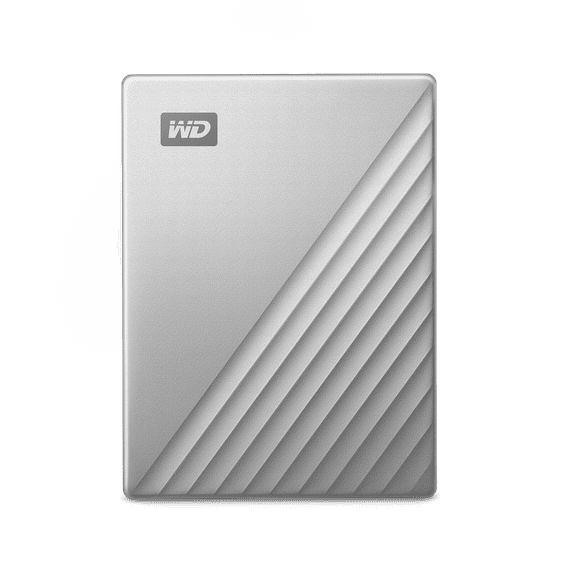
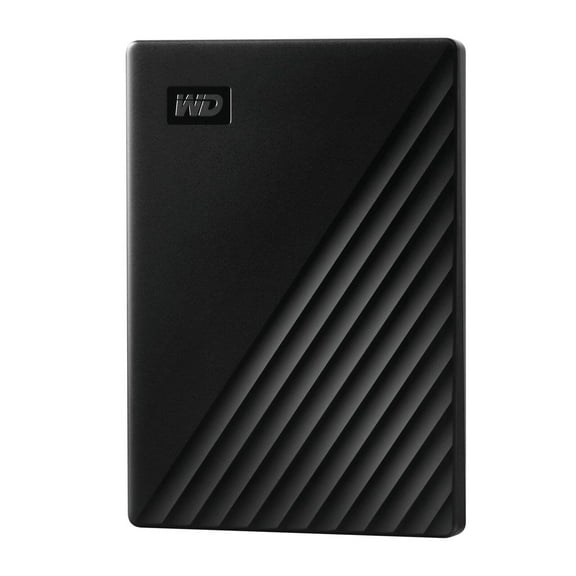
WD My Passport WDBYFT0030BYL - Hard drive - encrypted - 3 TB - external (portable) - USB 3.0 - 256-bit AES - yellow
Hero image 0 of WD My Passport WDBYFT0030BYL - Hard drive - encrypted - 3 TB - external (portable) - USB 3.0 - 256-bit AES - yellow, 0 of 7

WD My Passport WDBYFT0030BYL - Hard drive - encrypted - 3 TB - external (portable) - USB 3.0 - 256-bit AES - yellow

3 stars out of 1 review
(3.0)|
1 rating

Key item features


WD 3TB My Passport Portable External Hard Drive:

  • Auto backup with included WD Backup software
  • Password protection with hardware encryption
  • Reimagined design
  • USB 3.0 port; USB 2.0 compatible
  • 3-year limited warranty
Price when purchased online
Not Available

How do you want your item?

How do you want your item?
Not available
Report an issue with this seller

About this item

Product details

Specifications

Warranty

Customer ratings & reviews

3 out of 5 stars
stars1 rating1 review
How item rating is calculated
Filtered and sorted results would be available on the new 'Customer ratings & reviews' page.
Sort by |

Showing 1-1 of 1 review

Jun 17, 2021
Sydney
3 out of 5 stars review

Seller Verified Purchase

Looks nice, kind of difficult.

I like the look of this hard drive but it has given me some trouble since purchasing. The conversions that have to happen for it to work well with a Mac has been confusing. Maybe I didn't do it correctly but if my computer closes, or goes to sleep the hard drive disconnects even when my projects are still pulled up. I'm not sure how to fix this but it's been very aggravating.

Review from Western Digital
Helpful?3WL5INDY2QLG54297002
reply from Supplier Response

Hi Sydney. We're sorry to hear about your experience with WD My Passport Portable External Hard Drive and appreciate your time for providing the review. There can a few causes due to which the drive has stopped working. Such causes include the faulty USB port of the drive or the computer, faulty USB cable of the drive or the drive itself may not be getting enough power to spin up and register on the computer to show up. Unsafe ejection of the drive during any read or write operation can also result in the corruption of the drive's partition. The best practice is to run diagnostics with WD Drive Utilities when a drive does not perform as expected or is behaving abnormally. We recommend avoiding USB hubs for external hard drives and therefore connect the drive directly to a USB 3.0 port on the computer. Please refer to the WD support page to know more. "Setting up and using WD Security and WD Drive Utilities": Search for knowledge base article:13880 "Windows or macOS Cannot Find My Drive": Search for knowledge base article:12455 If the test is inconclusive and the drive is under warranty, you can replace the drive by creating RMA with Western Digital. To know the steps to create an RMA, you can refer to the WD support page. "How to Get an RMA to Replace a Defective Product, Obtain a Power Supply, or USB Cable for a WD Product": Search for knowledge base article: 10336 We would like the chance to work with you directly to help address your concerns and help provide a good overall user experience. You can contact us by phone below and provide your details. Need Help? Please see our "'Contact Us" page for information