

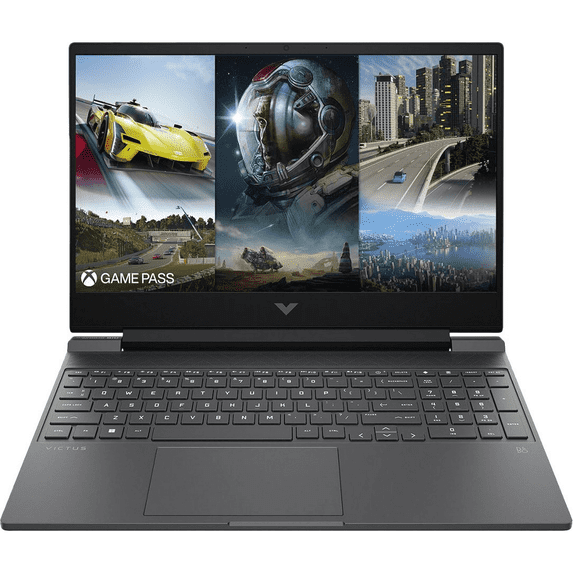
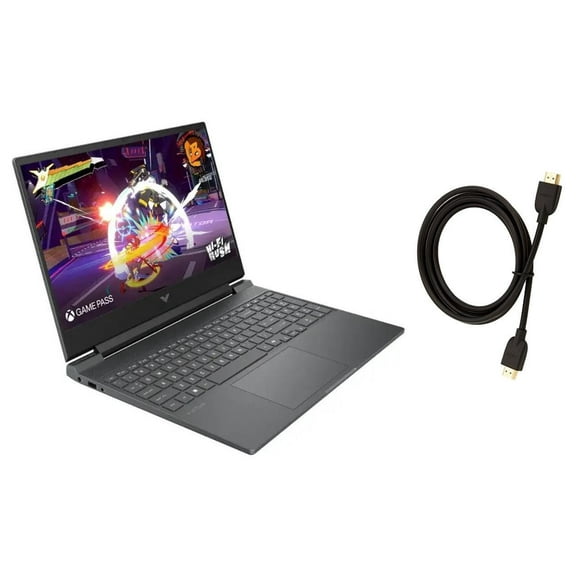
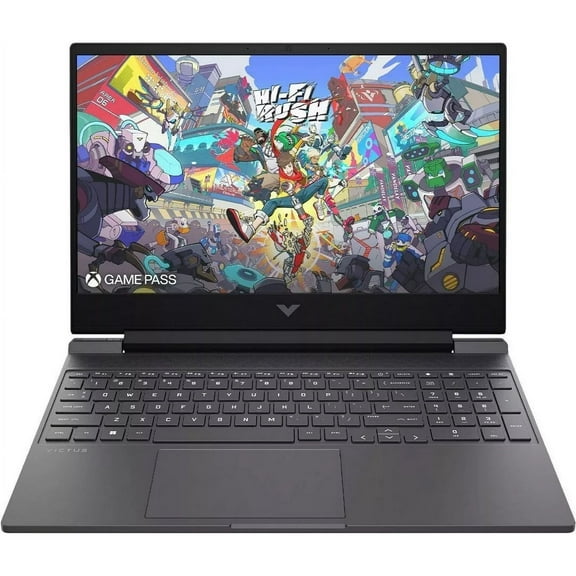
Hero image 0 of Newest HP Victus 15.6" FHD Gaming Laptop,AMD Ryzen 5 7535HS,8GB RAM,512GB SSD,NVIDIA GeForce RTX 2050,Wi-Fi,Bluetooth,Webcam,Backlit Keyboard,Windows 11 Pro,Mica Silver, 0 of 6
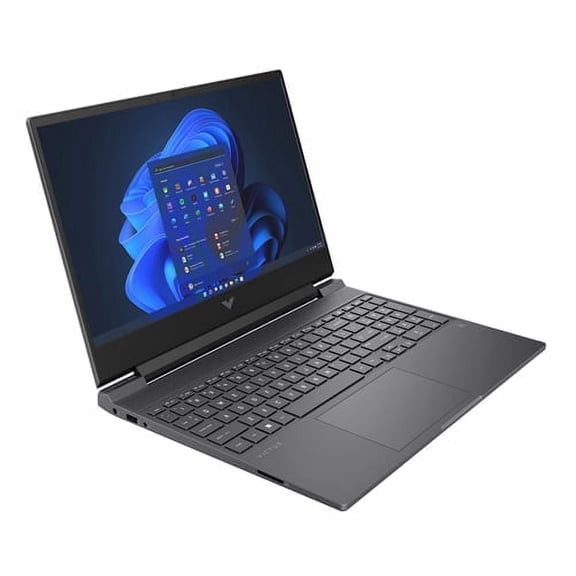
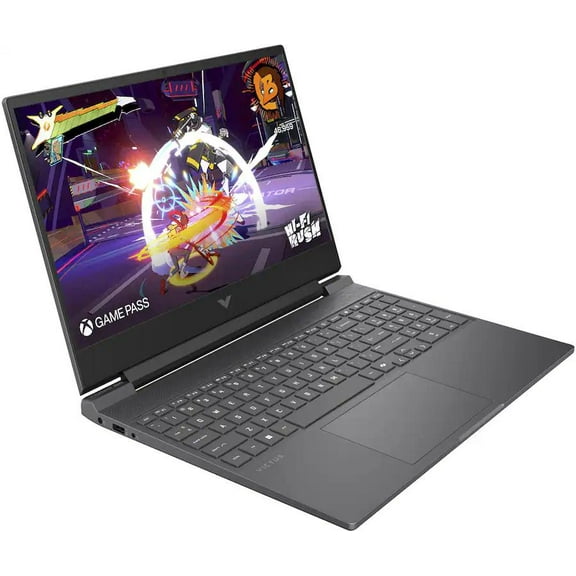
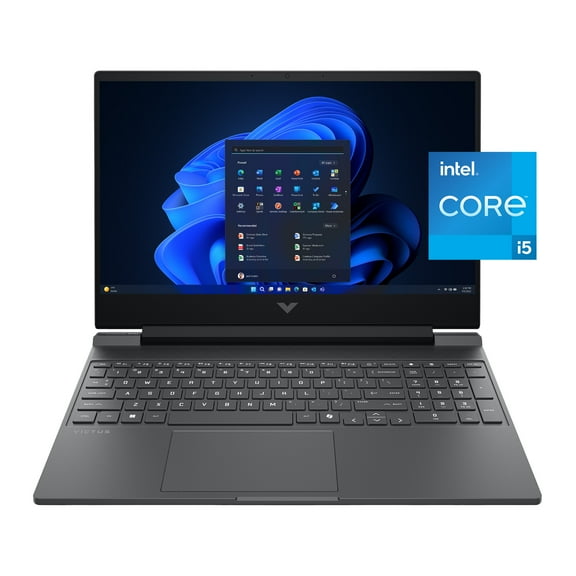
Newest HP Victus 15.6" FHD Gaming Laptop,AMD Ryzen 5 7535HS,8GB RAM,512GB SSD,NVIDIA GeForce RTX 2050,Wi-Fi,Bluetooth,Webcam,Backlit Keyboard,Windows 11 Pro,Mica Silver
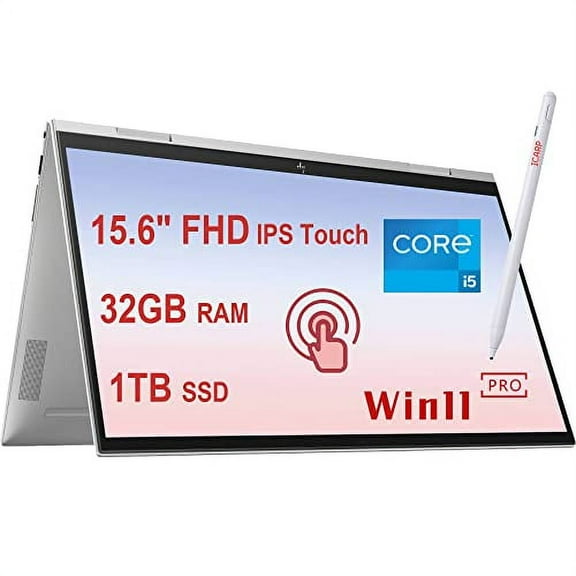
Newest HP Victus 15.6" FHD Gaming Laptop,AMD Ryzen 5 7535HS,8GB RAM,512GB SSD,NVIDIA GeForce RTX 2050,Wi-Fi,Bluetooth,Webcam,Backlit Keyboard,Windows 11 Pro,Mica SilverNewest HP Victus 15 6 FHD Gaming Laptop AMD Ryzen 5 7535HS 8GB RAM 512GB SSD NVIDIA GeForce RTX 2050 Wi Fi Bluetooth Webcam Backlit Keyboard WindowsHP Newest 15 6 HD Touchscreen Laptop 12th Gen Intel Core i3 1215U Processor 8GB RAM 512GB SSD Webcam HDMI Bluetooth Wi Fi Windows 11 Pro S Mode SilveNew HP OmniBook 5 Copilot AI Laptop 16 1920x1200 Touch IPS Intel 16 Core Ultra 9 285H Beat AMD Ryzen9 8945H 32GB LPDDR5 2TB SSD Windows 11 Pro BackliNew HP OmniBook 5 Copilot AI Laptop 16 1920x1200 Touch IPS Intel 16 Core Ultra 9 285H Beat AMD Ryzen9 8945H 32GB LPDDR5 4TB SSD Windows 11 Pro BackliHP Envy x360 15 i5 2 in 1 Touch 8GB 512GB SilverHP Newest 15 6 HD Touchscreen Laptop 12th Gen Intel Core i3 1215U Processor 32GB RAM 1TB SSD Webcam HDMI Bluetooth Wi Fi Windows 11 Pro S Mode SilverNew HP OmniBook 5 Copilot AI Laptop 16 1920x1200 Touch IPS Intel 16 Core Ultra 9 285H Beat AMD Ryzen9 8945H 32GB LPDDR5 1TB SSD Windows 11 Pro Backli
Price when purchased online
Not Available
How do you want your item?
Not available
About this item





Customer ratings & reviews
How item rating is calculated
Customer photos
- +27 images



Sort by |
Showing 1-3 of 297 reviews
Dec 28, 2025
DaniDF
5 out of 5 stars review
Seller Verified Purchase
Worth the money
Review from hp.com
Helpful?
Nov 6, 2025
Walmart customer
5 out of 5 stars review
Seller Verified Purchase
HP OmniDesk Desktop Review
Review from hp.com
Helpful?
Nov 5, 2025
Oregon Old Timer
5 out of 5 stars review
Seller Verified Purchase
Computer Good: Windows 11 Bad
Review from hp.com
Helpful?
