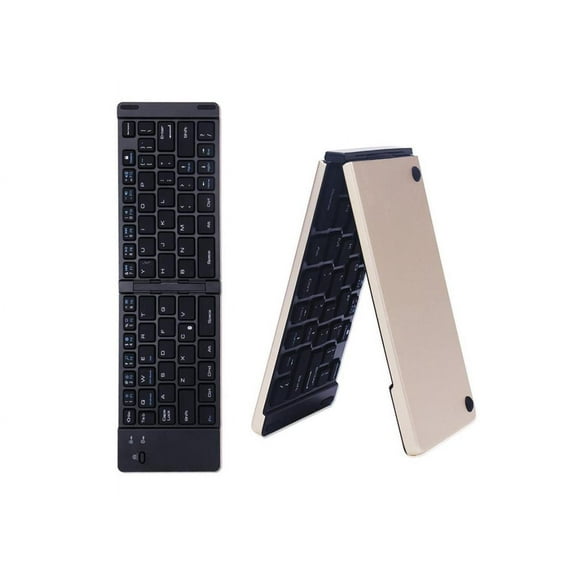
Features 1. Two-fold thin design, aluminum alloy metal shell material, fashionable feel, open when in use and closed when not in use, convenient for application and easy to carry; 2. Intelligent magnetic induction switch, and has a Bluetooth selfie function shortcut button, ABS plastic middle frame oil spray surface treatment, waterproof chocolate silicone button, good and durable use; 3. It supports Apple ios system, Android android system and Microsoft windows system, and is common to most smart phones and smart tablets, with powerful functions. System Support: Support all Apple iOS system, Android system, Windows system, universal Bluetooth keyboard, suitable for most smart phones and smart tablets Bluetooth connection method: 1. Turn on the power switch, turn on (unfold) the folding keyboard, and the power is turned on. After the power is turned on normally, the blue indicator light will turn on (it will automatically turn off after about 3 seconds) 2. Turn on the power and then press the Fn+c Bluetooth pairing switch. After the Bluetooth is turned on, the indicator light will flash blue and flash, which means that the Bluetooth can be paired and connected normally. 3. After the keyboard bluetooth is turned on, then turn on the bluetooth on the machine (usually in the settings), after the machine's bluetooth is turned on, search for the bluetooth of the bluetooth keyboard (usually it will display bluetooth Keyboard English) and then click connect to connect ( No need to enter the pairing password. If the connection is successful, the machine will display connected, indicating that the connection is successful and the Bluetooth keyboard can be used.)


 WARNING: