

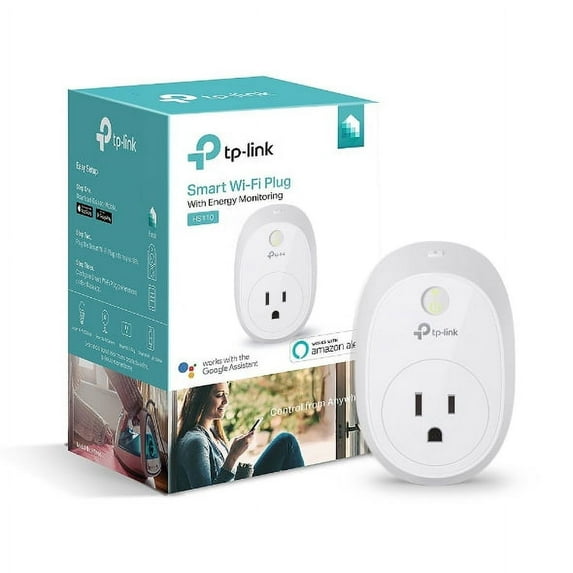
TP-Link HS110 Smart Plug with Energy Monitoring, No Hub Required
Key item features
- No Hub Required + Remote Access – Control devices connected to the Smart Plug wherever you have Internet using the free Kasa app on your smartphone.
- Scheduling – Schedule the Smart Plug to automatically power electronics on and off as needed, like setting lights to come on at dusk or turn off at sunrise.
- Energy Monitoring – Analyze a device's real-time and historical power consumption.
- Away Mode – Turns your devices on and off at different times to give the appearance that someone is home.
- Voice Control – Pair to Amazon Alexa or The Google Assistant to enable voice control
Specs
- Amps0.0001
- Volts120 V, 230 V
- FeaturesRemote Controlled
- ColorMulticolor
Reviews summary
Pros
- : Requires minimal effort and proximity to router.
- : Allows easy setup and control of devices with features.
- : Offers cost-effective solution for smart home automation.
- : Can be controlled using a smartphone.
How do you want your item?
About this item
Product details
- No Hub Required + Remote Access – Control devices connected to the Smart Plug wherever you have Internet using the free Kasa app on your smartphone.
- Scheduling – Schedule the Smart Plug to automatically power electronics on and off as needed, like setting lights to come on at dusk or turn off at sunrise.
- Energy Monitoring – Analyze a device's real-time and historical power consumption.
- Away Mode – Turns your devices on and off at different times to give the appearance that someone is home.
- Voice Control – Pair to Amazon Alexa or The Google Assistant to enable voice control
Specifications
Amps
Volts
Features
Brand
Warranty
Warranty information
Warnings
Warning Text
Similar items you might like
Based on what customers bought
Kasa Smart Plug Smart Plug WiFi With Remote Control & Timer Function Work With & Assitant 10A Smart Socket No Hub Required 2.4G Wi-Fi-ly $11.06

 $1106current price $11.06
Kasa Smart Plug Smart Plug WiFi With Remote Control & Timer Function Work With & Assitant 10A Smart Socket No Hub Required 2.4G Wi-Fi-ly
TP-Link HS100 Smart Plug, 1-Pack $16.99 Was $20.99
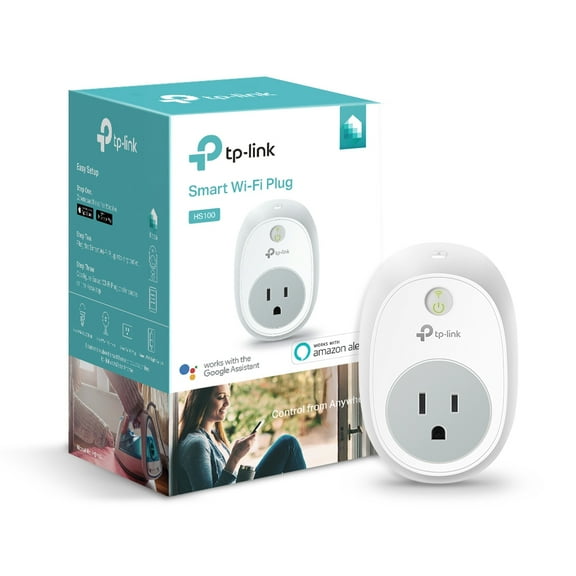 $1699current price $16.99, Was $20.99$20.99
TP-Link HS100 Smart Plug, 1-Pack
194.4 out of 5 Stars. 19 reviewsWYJ 16A WiFi Air Conditioner Wall Plug Socket Outlet Compatible Better Than IR Remote Controller Smart Life APP Compatible with Home-0614 $24.99
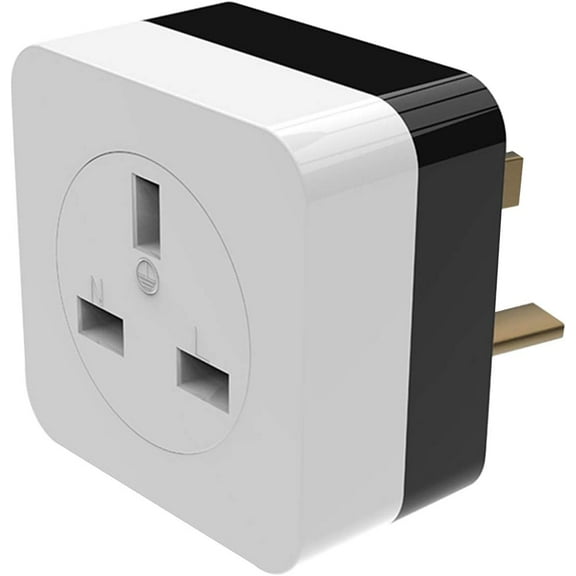 $2499current price $24.99
WYJ 16A WiFi Air Conditioner Wall Plug Socket Outlet Compatible Better Than IR Remote Controller Smart Life APP Compatible with Home-0614
11 out of 5 Stars. 1 reviewsVIVOSUN GrowHub Outlet Controller A10, Smart WiFi Outlet, Smart Plug, 15A 1800W, Remote Control, Compatible with Vivosun App for Grow Tent $19.99
 $1999current price $19.99
VIVOSUN GrowHub Outlet Controller A10, Smart WiFi Outlet, Smart Plug, 15A 1800W, Remote Control, Compatible with Vivosun App for Grow Tent
15 out of 5 Stars. 1 reviewskkbbma under $5 Smart Plug Outlet, Smart WiFi Plug Outlet,Remote Control Timer Smart Socket,10A Voice Control Smart Plug,2.4GHz Home Automation Plug,No Hub Required Smart Electrical Outlet $10.99
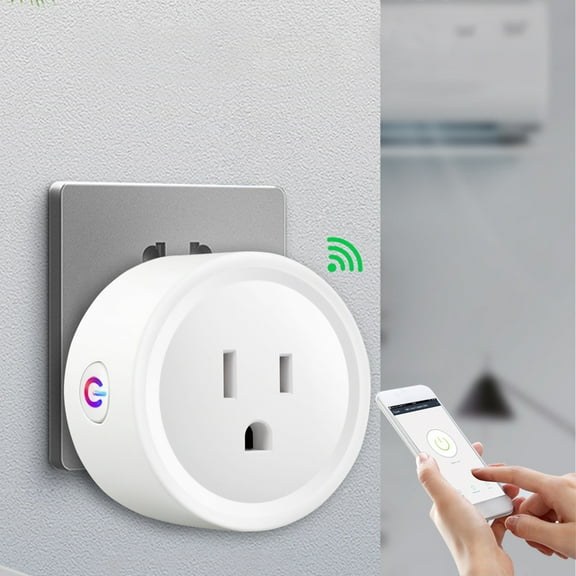 $1099current price $10.99
kkbbma under $5 Smart Plug Outlet, Smart WiFi Plug Outlet,Remote Control Timer Smart Socket,10A Voice Control Smart Plug,2.4GHz Home Automation Plug,No Hub Required Smart Electrical Outlet
Clearance SIYTUAU Smart Wi-Fi Plug Remote Control Plug Timer Plug Smart Socket Energy Monitor Plug Wireless Smart Plug Outlet Home Automation Plug Smart Home Plug White $7.69 Was $8.64
Clearance $769current price $7.69, Was $8.64$8.64
SIYTUAU Smart Wi-Fi Plug Remote Control Plug Timer Plug Smart Socket Energy Monitor Plug Wireless Smart Plug Outlet Home Automation Plug Smart Home Plug White
Viflosae Smart Socket WiFi Smart Plug 16A Power Mornitor Socket Energy Socket Smart Life Vocation Control USA Standard Electronics Gadgets $8.99
 $899current price $8.99
Viflosae Smart Socket WiFi Smart Plug 16A Power Mornitor Socket Energy Socket Smart Life Vocation Control USA Standard Electronics Gadgets
GJX Dual Smart Plug Wifi Outlet with Smartlife App & Remote Control $18.87
 $1887current price $18.87
GJX Dual Smart Plug Wifi Outlet with Smartlife App & Remote Control
(Huayusheng)--WiFi Smart Plug Outlet Wireless Smart Socket APP Remote Voice Control Timer Alexa Google **--(l[./ ) $25.80
 $2580current price $25.80
(Huayusheng)--WiFi Smart Plug Outlet Wireless Smart Socket APP Remote Voice Control Timer Alexa Google **--(l[./ )
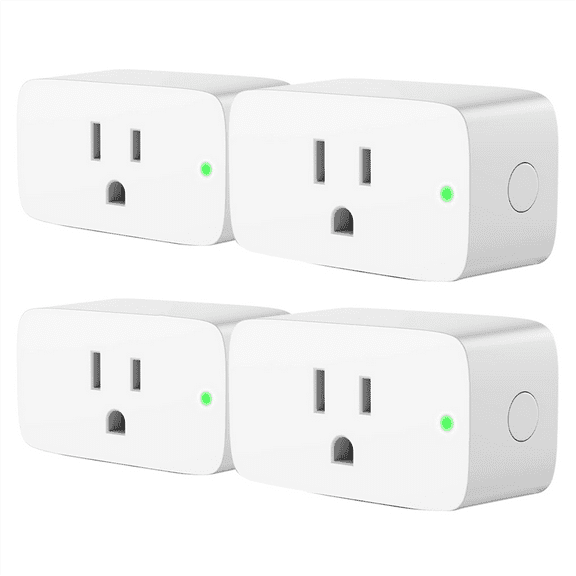
Smart Plug, Work with , , , ,Smart Home Automation, APP Remote Control,Schedule,4 Pack US Plug,4 * smart plugs,As Shown $25.69
 $2569current price $25.69
Smart Plug, Work with , , , ,Smart Home Automation, APP Remote Control,Schedule,4 Pack US Plug,4 * smart plugs,As Shown
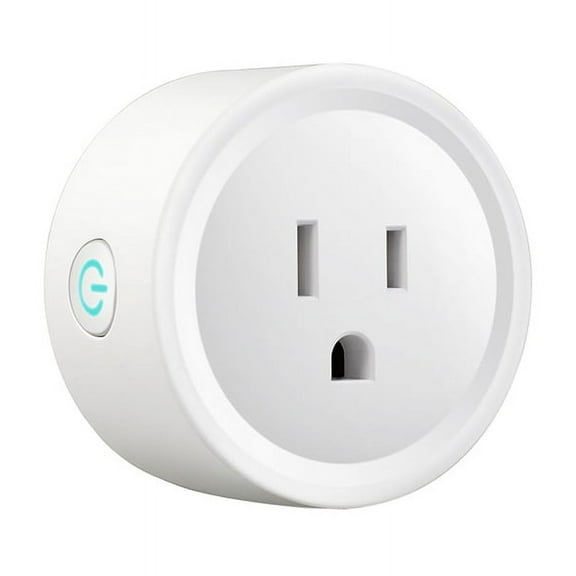
3PcsTuya WIFI Smart Socket US Plug 16A with Power Monitoring Timing Function Smart Life App Outlets Works with ,3 * Socket $20.49
 $2049current price $20.49
3PcsTuya WIFI Smart Socket US Plug 16A with Power Monitoring Timing Function Smart Life App Outlets Works with ,3 * Socket
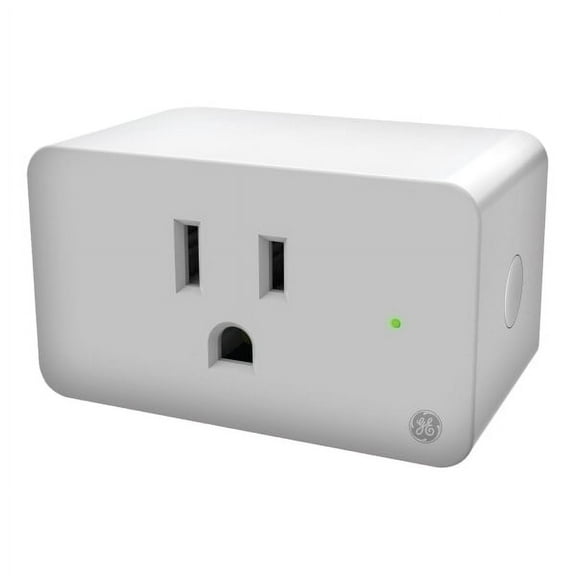
Open Box GE Cync Indoor Smart Plug - Makes Devices and Lamps Smart $28.00
 $2800current price $28.00
Open Box GE Cync Indoor Smart Plug - Makes Devices and Lamps Smart
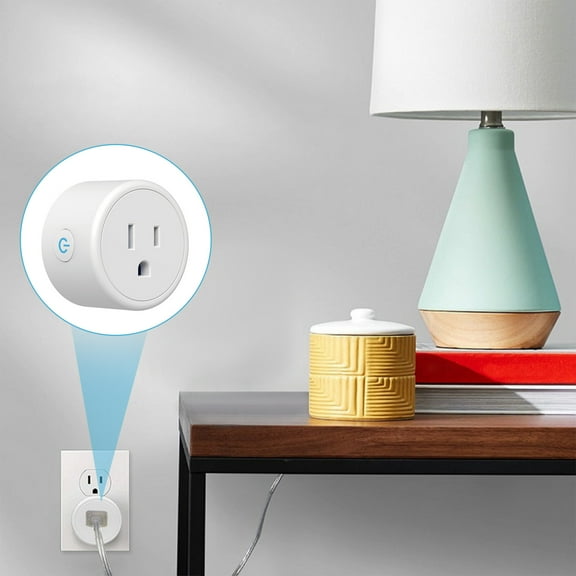
1094.5 out of 5 Stars. 109 reviewsXqxayjr under $5 Smart Plug, Smart Plug, WiFi Smart Socket, Remote Control Plug, Timer Function Smart Plug, Alexa Google Assistant Compatible, No Hub Required Smart Plug, 2.4G WiFi Smart Plug $11.99
 $1199current price $11.99
Xqxayjr under $5 Smart Plug, Smart Plug, WiFi Smart Socket, Remote Control Plug, Timer Function Smart Plug, Alexa Google Assistant Compatible, No Hub Required Smart Plug, 2.4G WiFi Smart Plug
Clearance KQJQS WiFi Smart Plug with Remote Control & Timer – Works with Alexa/Google Home, Energy Monitoring, 10A Compact Design for Home Automation $7.29 Was $21.27
Clearance
 $729current price $7.29, Was $21.27$21.27
KQJQS WiFi Smart Plug with Remote Control & Timer – Works with Alexa/Google Home, Energy Monitoring, 10A Compact Design for Home Automation
Smart Outlet Plug,Smart Plugs,Smart Socket US Standard Wifi Version Mobile APP Control Voice Control Wirelessly Control Your Lights And Appliances(1pc 2*1in) $11.98
 $1198current price $11.98
Smart Outlet Plug,Smart Plugs,Smart Socket US Standard Wifi Version Mobile APP Control Voice Control Wirelessly Control Your Lights And Appliances(1pc 2*1in)
Omilife Electric plugs, Smart Plug Mini 4-Pack, Wi-Fi Outlets for Smart Home, Remote Control Lights and Devices from Anywhere $16.99
 $1699current price $16.99
Omilife Electric plugs, Smart Plug Mini 4-Pack, Wi-Fi Outlets for Smart Home, Remote Control Lights and Devices from Anywhere
Smart Outlet Plug,Smart Plugs,Smart Plug WiFi With Remote Control & Timer Function Work With & Assitant 10A Smart Socket No Hub Required 2.4G Wi--ly(1pc 2*1in) $11.75
$1175current price $11.75Smart Outlet Plug,Smart Plugs,Smart Plug WiFi With Remote Control & Timer Function Work With & Assitant 10A Smart Socket No Hub Required 2.4G Wi--ly(1pc 2*1in)
ZZkhGO Smart WiFi Plug with Timer, Remote Control Smart Socket with Voice Control $9.19
$919current price $9.19ZZkhGO Smart WiFi Plug with Timer, Remote Control Smart Socket with Voice Control
Smart Plug Mini 4-Pack, Wi-Fi Outlets for Smart Home Wi-Fi with Alexa/Google Home/Smart Life, Smart Home hubTimer on/Off Plug, Schedule Built-in app, Mini Wireless Outlet, no hub Required $37.59
 $3759current price $37.59
Smart Plug Mini 4-Pack, Wi-Fi Outlets for Smart Home Wi-Fi with Alexa/Google Home/Smart Life, Smart Home hubTimer on/Off Plug, Schedule Built-in app, Mini Wireless Outlet, no hub Required
Ematic PL220D Smart Plug, No Hub Required, 2 Pack $29.99
 $2999current price $29.99
Ematic PL220D Smart Plug, No Hub Required, 2 Pack
124.8 out of 5 Stars. 12 reviews
Customer ratings & reviews
Reviews summary
Pros
- : Requires minimal effort and proximity to router.
- : Allows easy setup and control of devices with features.
- : Offers cost-effective solution for smart home automation.
- : Can be controlled using a smartphone.
Customer photos

Showing 1-3 of 28 reviews
Convenient & Easy Setup
I purchased this plug to try the whole 'Smart Home' thing and integrate it with my Echo. And if you are ever on the fence or remotely considering controlling your home appliances/lights . I can tell you that You Need this ! Just like the Echo - Its one of those things you didn't know you wanted until you actually own it . I am now in the process of getting more to control more stuff in my home Size -------- The size of this plug is definitely larger than what I expected and what looked like a cute little plug in pictures is certainly not little (cute maybe). It will cover adjacent ports on power strips or wall outlets . Your best bet is to mount it on the upper of the two outlets or an extension cord of you plan to use multiple outlets Construction & Build Quality --------------------------------------------- -The plug is well built with nice thick ABS plastic materials . - There is a small WiFi indicator light on the front face that glows green when connected and flashes red-green during the setup process. WiFi authentication errors are indicated by a Red light - The Plug can only use the 2.4 Ghz WiFi band for connecting to your network and in my opinion is a good thing as it gives you the flexibility of installing your plug at a greater range from your router. A modern router should be able to bridge your 2.4Ghz and 5Ghz bands anyway for network visibility. (If not , then you probably need to update your router) There is a very distinct click sound when the plug is operated On/Off via the app or Echo and this means only one thing - The plug uses a physical ElectroMechanical Relay for switch actuation. Now using electromechanical relays has its ups and downs (there are quite a few differences but I'm focusing mainly the differences in the context of my use case of a Smart Home) Ups: - Cheaper to produce , keeps overall cost low - Able to handle higher currents and thus even works for larger appliances Downs: - Just like any mechanical component , it will wear out eventually ( the two year warranty should give some peace of mind) - Slightly higher idle power consumption Initial Setup & The TP-Link Kasa App ---------------------------------------------------------- - The setup process if very simple and straightforward once you download the Kasa App & signup for a TP-Link Account. The app walks you through the setup process asks you to enter your device name like 'Living Room Lamp' etc - The app itself is simple and elegantly designed , and gives you the option to turn On/Off your appliance via it - It also gives you a total runtime for the day , week and month on how long your device was switched on . Not very useful but good to know anyway - The more useful feature is the scheduling and the Away feature which is just another glorified scheduling feature which allows you to program your lights/devices to turn off/On on set times and days - You WILL have to enable the 'Allow Remote Control' option if you want control your devices via Echo or while away from home Echo Integration ----------------------------- After a a brief <1 Minute setup you can start controlling your smart plug via Echo/Alexa . The process is simple and straightforward : - Make sure you have Remote control enabled on the Kasa App for the plug you want to control - Enable the TP-Link Kasa skill and enter your TP-Link account information for the Skill in the Amazon Alexa app - Ask Alexa to discover devices , & volia thats it ! - Once you have more plugs, devices you can form them into groups via the Alexa App otherwise it works just with "Alexa , Turn Off/On " Overall thoughts --------------------------- I love this smart plug and how simple and straightforward it is to convert your dumb Lamps and appliances around your home into 'smart' devices. I also like the fact that its less expensive than the WeMo Plugs/switches, However while ~$30 may not seem much at the beginning , but I promise you that you will come back for more soon wanting to control more devices via your voice/phone just like me and then you will start looking into Smart Bulbs like the Philips hue, connected thermostats, IFTTT etc. - And that, my friends, is a slippery slope & an expensive indulgence :)
TPLink Smart Energy Monitor Plug with KASA Control
Controlled via free KASA app, Google Home, or Amazon Alexa. KASA shows current power of device plugged in, and daily average as well as total consumption today, over last 7 days, and over past 30 days. Can schedule on/off times for individual days or the week, Can set AWAY mode to set random on/off between selected times or sunrise/sunset times. Can also turn on/off manually at switch. Only drawback is that its size blocks second plug if used in standard wall outlet.
Can't be simpler!
Super easy to set up - I had a Kasa plug before - so all I had to do was open the app and add the + button to add a new device and in a couple of minutes I was controlling my dehumidifier wirelessly and figuring out how much power it was consuming! Yay

Related pages
- Deco Gear Wifi Smart Plug
- 5ghz Smart Plug
- Xiaomi Wifi Plug
- Google Home Mini Power Outlet
- Wink Compatible Devices
- Link Wifi Switch
- Wifi Controlled Outlet
- WeMo Compatible Devices
- Kasa Smart Plugs
- Smart Outlets & Switches that work with Alexa
- Smart Outlets & Switches that work with Google Assistant
- Smart Plugs & Smart Outlets