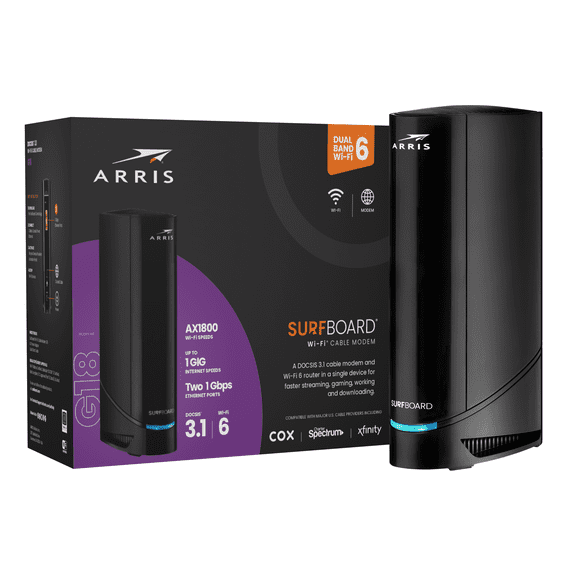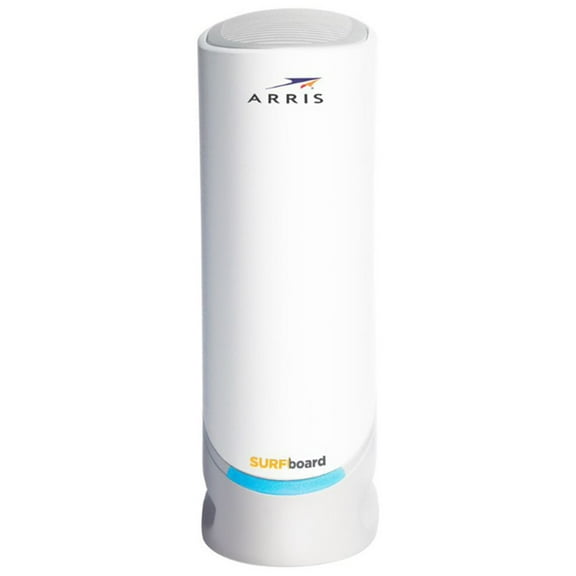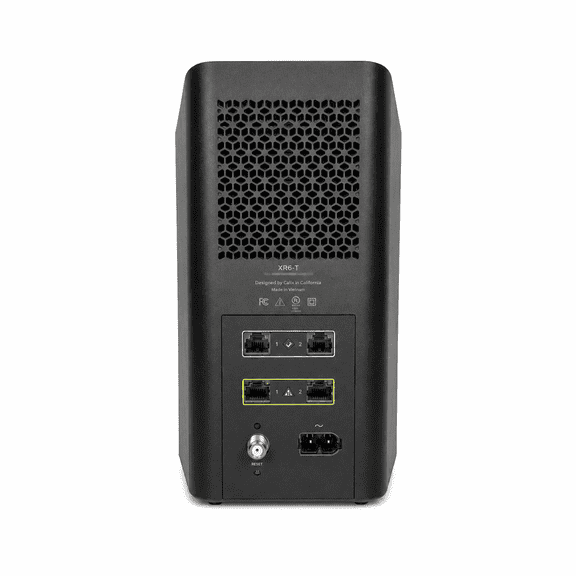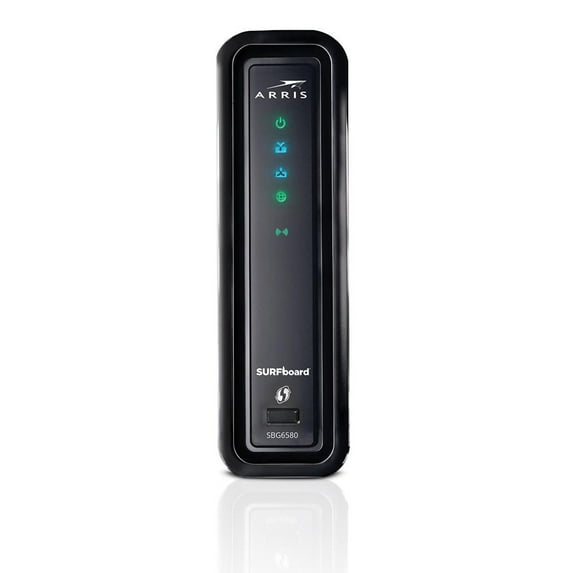
Arris SURFboard SBG6580 - Wireless router - cable modem - 4-port switch - GigE - 802.11a/b/g/n - Dual Band
Hero image 0 of Arris SURFboard SBG6580 - Wireless router - cable modem - 4-port switch - GigE - 802.11a/b/g/n - Dual Band, 0 of 8

Arris SURFboard SBG6580 - Wireless router - cable modem - 4-port switch - GigE - 802.11a/b/g/n - Dual Band

Key item features

Key Features and Benefits:

  • Fast Wi-Fi speeds
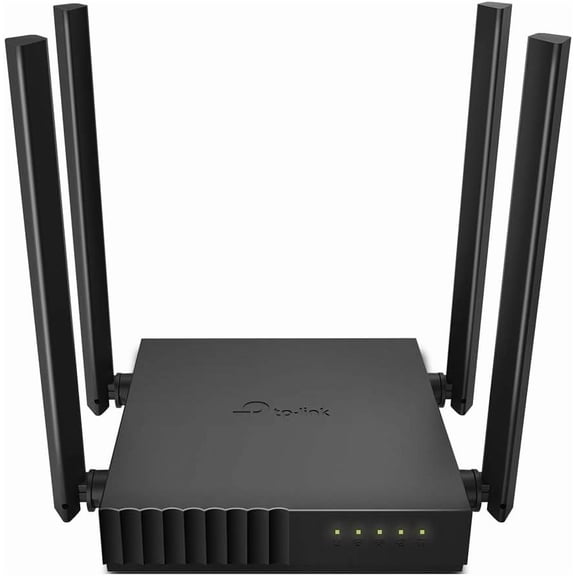
  • Omni-directional antenna

What's Included:

  • Arris SURFboard SBG6580
  • External power adapter
Price when purchased online
Not Available

How do you want your item?

How do you want your item?
Not available

About this item
Product details

Specifications

Customer ratings & reviews

3.6 out of 5 stars
stars129 ratings122 reviews
How item rating is calculated

Customer photos

Filtered and sorted results would be available on the new 'Customer ratings & reviews' page.
Sort by |

Showing 1-3 of 122 reviews

Jan 20, 2017
jwjohnny
5 out of 5 stars review

Verified Purchase

Happy

Received my modem, shipping was very fast. Was hesitant to purchase a refurbished unit. Followed the direction, plugged in, was up and running in a couple minutes. Works every bit as fast as my Xfinity rental unit, saving $ 10. a month, im happy.

Helpful?7L10R8M9OXWJ44684750
Feb 8, 2017
Frank
5 out of 5 stars review

Verified Purchase

works as expected

Switched from satellite tv to cable. Cable technician installed it and it works fine. lots cheaper than a new one. saves money on rental fees. plus got a two year warranty very cheap.

Helpful?7L10R8M9OXWJ44684750
Dec 30, 2016
NOLA5007
5 out of 5 stars review

Verified Purchase

Replacement for TWC leased modem

I purchased this modem/router as a replacement for my TWC leased modem. It took a while to find the proper channel for this modem, apparently there is heavy traffic on channel 1 in my neighborhood, but once I made the adjustment the modem has worked perfectly. If you're using a Roku streaming stick then make sure the modem is 3' away from other electronic devices (i.e. modems, etc.) to reduce interference.

Helpful?7L10R8M9OXWJ44684750