

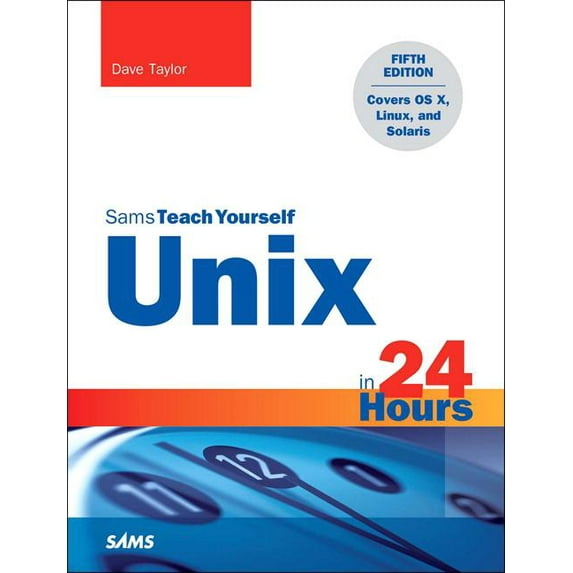
Sams Teach Yourself: Unix in 24 Hours, Sams Teach Yourself: Covers OS X, Linux, and Solaris (Paperback)
(No ratings yet)
Key item features
Learn to use Unix, OS X, or Linux quickly and easily!
In just 24 lessons of one hour or less, Sams Teach Yourself Unix in 24 Hours helps you get up and running with Unix and Unix-based operating systems such as Mac OS X and Linux. Designed for beginners with no previous experience using Unix, this book's straightforward, step-by-step approach makes it easy to learn. Each lesson clearly explains essential Unix tools and techniques from the ground up, helping you to become productive as quickly and efficiently as possible.
HOUR 1: What Is This Unix Stuff? HOUR 2: Getting onto the System and Using the Command Line HOUR 3: Moving About the File System HOUR 4: Listing Files and Managing Disk Usage HOUR 5: Ownership and Permissions HOUR 6: Creating, Moving, Renaming, and Deleting Files and Directories HOUR 7: Looking into Files HOUR 8: Filters, Pipes, and Wildcards! HOUR 9: Slicing and Dicing Command-Pipe Data HOUR 10: An Introduction to the vi Editor HOUR 11: Advanced vi Tricks, Tools, and Techniquess HOUR 12: An Overview of the emacs Editor HOUR 13: Introduction to Command Shells HOUR 14: Advanced Shell Interaction HOUR 15: Job Control HOUR 16: Shell Programming Overview HOUR 17: Advanced Shell Programming HOUR 18: Printing in the Unix Environment HOUR 19: Archives and Backups HOUR 20: Using Email to Communicate HOUR 21: Connecting to Remote Systems Using SSH and SFTP HOUR 22: Searching for Information and Files HOUR 23: Perl Programming in Unix HOUR 24: GNOME and the GUI Environment Appendix A: Common Unix Questions and Answers
In just 24 lessons of one hour or less, Sams Teach Yourself Unix in 24 Hours helps you get up and running with Unix and Unix-based operating systems such as Mac OS X and Linux. Designed for beginners with no previous experience using Unix, this book's straightforward, step-by-step approach makes it easy to learn. Each lesson clearly explains essential Unix tools and techniques from the ground up, helping you to become productive as quickly and efficiently as possible.
- Step-by-step instructions carefully walk you through the most common Unix tasks.
- Practical, hands-on examples show you how to apply what you learn.
- Quizzes and exercises help you test your knowledge and stretch your skills.
- Notes and tips point out shortcuts and solutions
- Pick the command shell that's best for you
- Organize the Unix file system (and why)
- Manage file and directory ownership and permissions
- Maximize your productivity with power filters and pipes
- Use the vi and emacs editors
- Create your own commands and shell scripts
- Connect to remote systems using SSH and SFTP
- Troubleshoot common problems
- List files and manage disk usage
- Get started with Unix shell programming
- Set up printing in a Unix environment
- Archive and back up files
- Search for information and files
- Use Perl as an alternative Unix programming language
- Set up, tweak, and make use of the GNOME graphical environment
HOUR 1: What Is This Unix Stuff? HOUR 2: Getting onto the System and Using the Command Line HOUR 3: Moving About the File System HOUR 4: Listing Files and Managing Disk Usage HOUR 5: Ownership and Permissions HOUR 6: Creating, Moving, Renaming, and Deleting Files and Directories HOUR 7: Looking into Files HOUR 8: Filters, Pipes, and Wildcards! HOUR 9: Slicing and Dicing Command-Pipe Data HOUR 10: An Introduction to the vi Editor HOUR 11: Advanced vi Tricks, Tools, and Techniquess HOUR 12: An Overview of the emacs Editor HOUR 13: Introduction to Command Shells HOUR 14: Advanced Shell Interaction HOUR 15: Job Control HOUR 16: Shell Programming Overview HOUR 17: Advanced Shell Programming HOUR 18: Printing in the Unix Environment HOUR 19: Archives and Backups HOUR 20: Using Email to Communicate HOUR 21: Connecting to Remote Systems Using SSH and SFTP HOUR 22: Searching for Information and Files HOUR 23: Perl Programming in Unix HOUR 24: GNOME and the GUI Environment Appendix A: Common Unix Questions and Answers
Specs
- Book formatPaperback
- Fiction/nonfictionNon-Fiction
- GenreComputing & Internet
- Publication dateOctober, 2015
- Pages496
- Series titleSams Teach Yourself
Current price is USD$29.65
Price when purchased online
Out of stock
How do you want your item?
Out of stock
About this item
Product details
Learn to use Unix, OS X, or Linux quickly and easily!
In just 24 lessons of one hour or less, Sams Teach Yourself Unix in 24 Hours helps you get up and running with Unix and Unix-based operating systems such as Mac OS X and Linux. Designed for beginners with no previous experience using Unix, this book's straightforward, step-by-step approach makes it easy to learn. Each lesson clearly explains essential Unix tools and techniques from the ground up, helping you to become productive as quickly and efficiently as possible.
HOUR 1: What Is This Unix Stuff? HOUR 2: Getting onto the System and Using the Command Line HOUR 3: Moving About the File System HOUR 4: Listing Files and Managing Disk Usage HOUR 5: Ownership and Permissions HOUR 6: Creating, Moving, Renaming, and Deleting Files and Directories HOUR 7: Looking into Files HOUR 8: Filters, Pipes, and Wildcards! HOUR 9: Slicing and Dicing Command-Pipe Data HOUR 10: An Introduction to the vi Editor HOUR 11: Advanced vi Tricks, Tools, and Techniquess HOUR 12: An Overview of the emacs Editor HOUR 13: Introduction to Command Shells HOUR 14: Advanced Shell Interaction HOUR 15: Job Control HOUR 16: Shell Programming Overview HOUR 17: Advanced Shell Programming HOUR 18: Printing in the Unix Environment
In just 24 lessons of one hour or less, Sams Teach Yourself Unix in 24 Hours helps you get up and running with Unix and Unix-based operating systems such as Mac OS X and Linux. Designed for beginners with no previous experience using Unix, this book's straightforward, step-by-step approach makes it easy to learn. Each lesson clearly explains essential Unix tools and techniques from the ground up, helping you to become productive as quickly and efficiently as possible.
- Step-by-step instructions carefully walk you through the most common Unix tasks.
- Practical, hands-on examples show you how to apply what you learn.
- Quizzes and exercises help you test your knowledge and stretch your skills.
- Notes and tips point out shortcuts and solutions
- Pick the command shell that's best for you
- Organize the Unix file system (and why)
- Manage file and directory ownership and permissions
- Maximize your productivity with power filters and pipes
- Use the vi and emacs editors
- Create your own commands and shell scripts
- Connect to remote systems using SSH and SFTP
- Troubleshoot common problems
- List files and manage disk usage
- Get started with Unix shell programming
- Set up printing in a Unix environment
- Archive and back up files
- Search for information and files
- Use Perl as an alternative Unix programming language
- Set up, tweak, and make use of the GNOME graphical environment
HOUR 1: What Is This Unix Stuff? HOUR 2: Getting onto the System and Using the Command Line HOUR 3: Moving About the File System HOUR 4: Listing Files and Managing Disk Usage HOUR 5: Ownership and Permissions HOUR 6: Creating, Moving, Renaming, and Deleting Files and Directories HOUR 7: Looking into Files HOUR 8: Filters, Pipes, and Wildcards! HOUR 9: Slicing and Dicing Command-Pipe Data HOUR 10: An Introduction to the vi Editor HOUR 11: Advanced vi Tricks, Tools, and Techniquess HOUR 12: An Overview of the emacs Editor HOUR 13: Introduction to Command Shells HOUR 14: Advanced Shell Interaction HOUR 15: Job Control HOUR 16: Shell Programming Overview HOUR 17: Advanced Shell Programming HOUR 18: Printing in the Unix Environment
Learn to use Unix, OS X, or Linux quickly and easily!
In just 24 lessons of one hour or less, Sams Teach Yourself Unix in 24 Hours helps you get up and running with Unix and Unix-based operating systems such as Mac OS X and Linux. Designed for beginners with no previous experience using Unix, this book's straightforward, step-by-step approach makes it easy to learn. Each lesson clearly explains essential Unix tools and techniques from the ground up, helping you to become productive as quickly and efficiently as possible.
HOUR 1: What Is This Unix Stuff? HOUR 2: Getting onto the System and Using the Command Line HOUR 3: Moving About the File System HOUR 4: Listing Files and Managing Disk Usage HOUR 5: Ownership and Permissions HOUR 6: Creating, Moving, Renaming, and Deleting Files and Directories HOUR 7: Looking into Files HOUR 8: Filters, Pipes, and Wildcards! HOUR 9: Slicing and Dicing Command-Pipe Data HOUR 10: An Introduction to the vi Editor HOUR 11: Advanced vi Tricks, Tools, and Techniquess HOUR 12: An Overview of the emacs Editor HOUR 13: Introduction to Command Shells HOUR 14: Advanced Shell Interaction HOUR 15: Job Control HOUR 16: Shell Programming Overview HOUR 17: Advanced Shell Programming HOUR 18: Printing in the Unix Environment HOUR 19: Archives and Backups HOUR 20: Using Email to Communicate HOUR 21: Connecting to Remote Systems Using SSH and SFTP HOUR 22: Searching for Information and Files HOUR 23: Perl Programming in Unix HOUR 24: GNOME and the GUI Environment Appendix A: Common Unix Questions and Answers
In just 24 lessons of one hour or less, Sams Teach Yourself Unix in 24 Hours helps you get up and running with Unix and Unix-based operating systems such as Mac OS X and Linux. Designed for beginners with no previous experience using Unix, this book's straightforward, step-by-step approach makes it easy to learn. Each lesson clearly explains essential Unix tools and techniques from the ground up, helping you to become productive as quickly and efficiently as possible.
- Step-by-step instructions carefully walk you through the most common Unix tasks.
- Practical, hands-on examples show you how to apply what you learn.
- Quizzes and exercises help you test your knowledge and stretch your skills.
- Notes and tips point out shortcuts and solutions
- Pick the command shell that's best for you
- Organize the Unix file system (and why)
- Manage file and directory ownership and permissions
- Maximize your productivity with power filters and pipes
- Use the vi and emacs editors
- Create your own commands and shell scripts
- Connect to remote systems using SSH and SFTP
- Troubleshoot common problems
- List files and manage disk usage
- Get started with Unix shell programming
- Set up printing in a Unix environment
- Archive and back up files
- Search for information and files
- Use Perl as an alternative Unix programming language
- Set up, tweak, and make use of the GNOME graphical environment
HOUR 1: What Is This Unix Stuff? HOUR 2: Getting onto the System and Using the Command Line HOUR 3: Moving About the File System HOUR 4: Listing Files and Managing Disk Usage HOUR 5: Ownership and Permissions HOUR 6: Creating, Moving, Renaming, and Deleting Files and Directories HOUR 7: Looking into Files HOUR 8: Filters, Pipes, and Wildcards! HOUR 9: Slicing and Dicing Command-Pipe Data HOUR 10: An Introduction to the vi Editor HOUR 11: Advanced vi Tricks, Tools, and Techniquess HOUR 12: An Overview of the emacs Editor HOUR 13: Introduction to Command Shells HOUR 14: Advanced Shell Interaction HOUR 15: Job Control HOUR 16: Shell Programming Overview HOUR 17: Advanced Shell Programming HOUR 18: Printing in the Unix Environment HOUR 19: Archives and Backups HOUR 20: Using Email to Communicate HOUR 21: Connecting to Remote Systems Using SSH and SFTP HOUR 22: Searching for Information and Files HOUR 23: Perl Programming in Unix HOUR 24: GNOME and the GUI Environment Appendix A: Common Unix Questions and Answers
info:
We aim to show you accurate product information. Manufacturers, suppliers and others provide what you see here, and we have not verified it.
Specifications
Book format
Paperback
Fiction/nonfiction
Non-Fiction
Genre
Computing & Internet
Publication date
October, 2015
Warranty
Warranty information
Please be aware that the warranty terms on items offered for sale by third party Marketplace sellers may differ from those displayed in this section (if any). To confirm warranty terms on an item offered for sale by a third party Marketplace seller, please use the 'Contact seller' feature on the third party Marketplace seller's information page and request the item's warranty terms prior to purchase.
Similar items you might like
Based on what customers bought
The Modern Linux Mastery Linux Mint Cinnamon Edition: A Complete Guide for Beginners and Advanced Users, (Paperback) $14.77
 $1477current price $14.77
The Modern Linux Mastery Linux Mint Cinnamon Edition: A Complete Guide for Beginners and Advanced Users, (Paperback)
Expert's Voice Pro Hibernate 3, (Paperback) $31.98
 $3198current price $31.98
Expert's Voice Pro Hibernate 3, (Paperback)
Linux Unveiled: From Novice to Guru, (Paperback) $26.99
 $2699current price $26.99
Linux Unveiled: From Novice to Guru, (Paperback)
Linux Mint 22 User Guide for Beginners: The Fast Track to Confident, Smooth Computing, (Paperback) $21.99
 $2199current price $21.99
Linux Mint 22 User Guide for Beginners: The Fast Track to Confident, Smooth Computing, (Paperback)
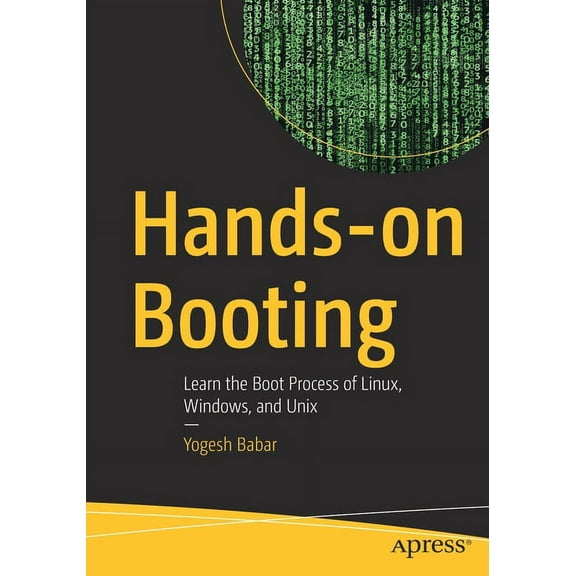
Hands-On Booting: Learn the Boot Process of Linux, Windows, and UNIX, (Paperback) $24.00
 $2400current price $24.00
Hands-On Booting: Learn the Boot Process of Linux, Windows, and UNIX, (Paperback)
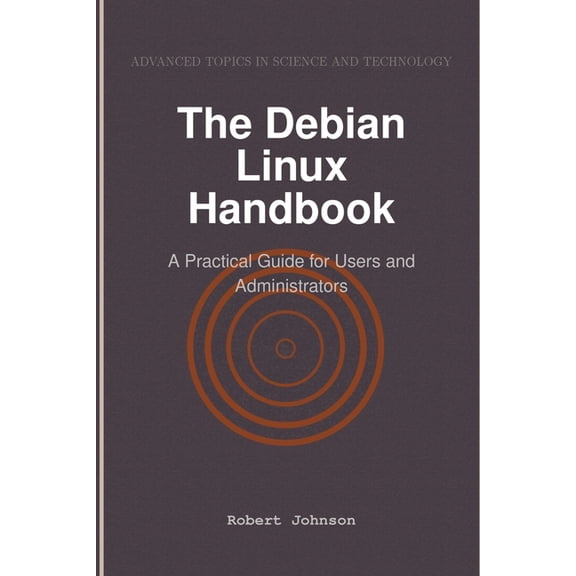
The Debian Linux Handbook: A Practical Guide for Users and Administrators, (Paperback) $31.09
 $3109current price $31.09
The Debian Linux Handbook: A Practical Guide for Users and Administrators, (Paperback)
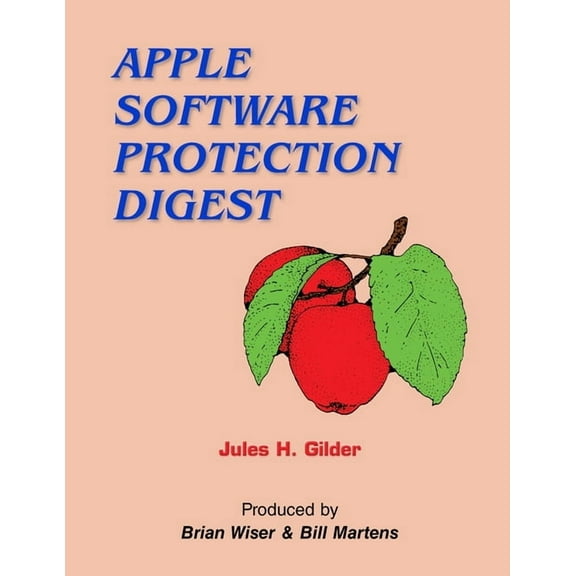
Apple Software Protection Digest (Paperback) $25.91
 $2591current price $25.91
Apple Software Protection Digest (Paperback)
Linux: The Ultimate Beginners Bible to Learn Linux Command Line, Administration and Shell Scripting Step by Step, (Paperback) $28.63
 $2863current price $28.63
Linux: The Ultimate Beginners Bible to Learn Linux Command Line, Administration and Shell Scripting Step by Step, (Paperback)
Teach Yourself Linux Virtualization and High Availability, (Paperback) $16.77
 $1677current price $16.77
Teach Yourself Linux Virtualization and High Availability, (Paperback)
Proudly Serving My Corporate Masters: What I Learned in Ten Years as a Microsoft Programmer (Paperback) $20.73
 $2073current price $20.73
Proudly Serving My Corporate Masters: What I Learned in Ten Years as a Microsoft Programmer (Paperback)
OpenBSD Mastery: Filesystems, (Paperback) $25.73 Was $29.99
 $2573current price $25.73, Was $29.99$29.99
OpenBSD Mastery: Filesystems, (Paperback)
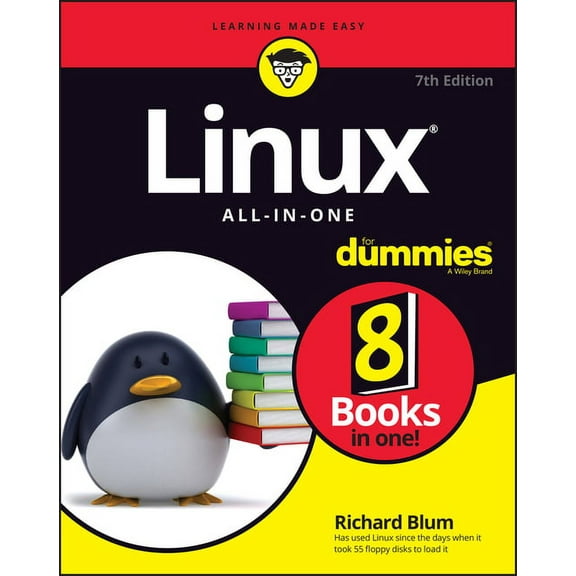
Linux All-In-One for Dummies, (Paperback) $22.99 Was $29.41
 $2299current price $22.99, Was $29.41$29.41
Linux All-In-One for Dummies, (Paperback)
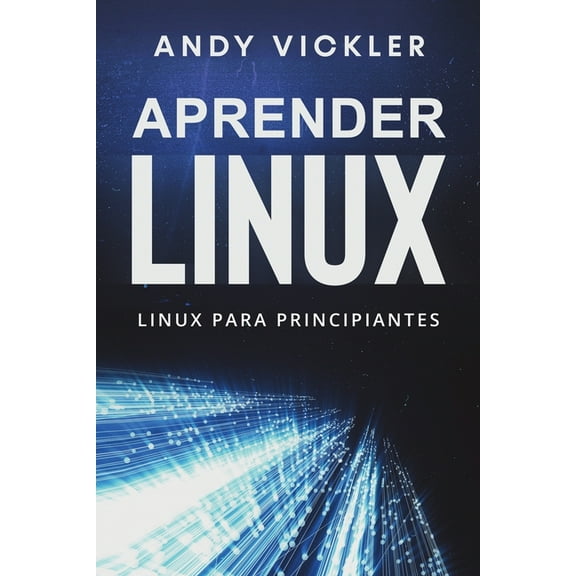
Aprender Linux Aprender Linux: Linux para principiantes, Book 1, (Paperback) $14.99
 $1499current price $14.99
Aprender Linux Aprender Linux: Linux para principiantes, Book 1, (Paperback)
Sams Teach Yourself Visual Basic 2015 in 24 Hours, Sams Teach Yourself, (Paperback) $28.65
 $2865current price $28.65
Sams Teach Yourself Visual Basic 2015 in 24 Hours, Sams Teach Yourself, (Paperback)
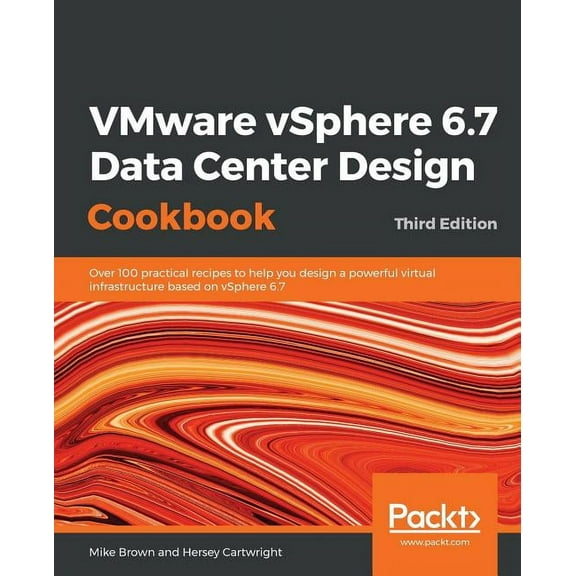
VMware vSphere 6.7 Data Center Design Cookbook - Third Edition, (Paperback) $65.99
 $6599current price $65.99
VMware vSphere 6.7 Data Center Design Cookbook - Third Edition, (Paperback)
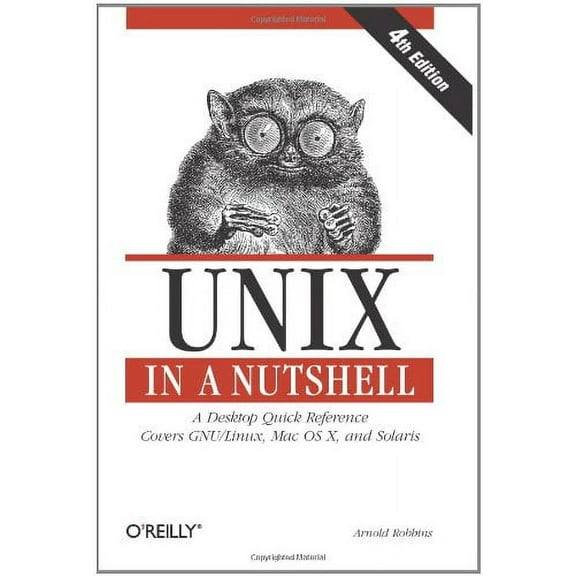
UNIX in a Nutshell: A Desktop Quick Reference - Covers Gnu/Linux, Mac OS X, and Solaris (Paperback) $18.88 $8.74/lb
 $1888current price $18.88$8.74/lb
UNIX in a Nutshell: A Desktop Quick Reference - Covers Gnu/Linux, Mac OS X, and Solaris (Paperback)
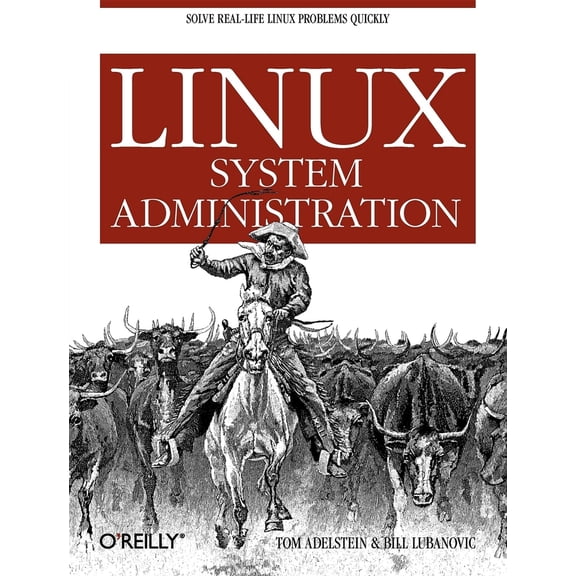
Pre-Owned Linux System Administration: Solve Real-Life Linux Problems Quickly (Paperback) 0596009526 9780596009526 $7.52
 $752current price $7.52
Pre-Owned Linux System Administration: Solve Real-Life Linux Problems Quickly (Paperback) 0596009526 9780596009526


Customer ratings & reviews
0 ratings|0 reviews
This item does not have any reviews yet
