reply from Supplier Response
Hi NickFreeman,
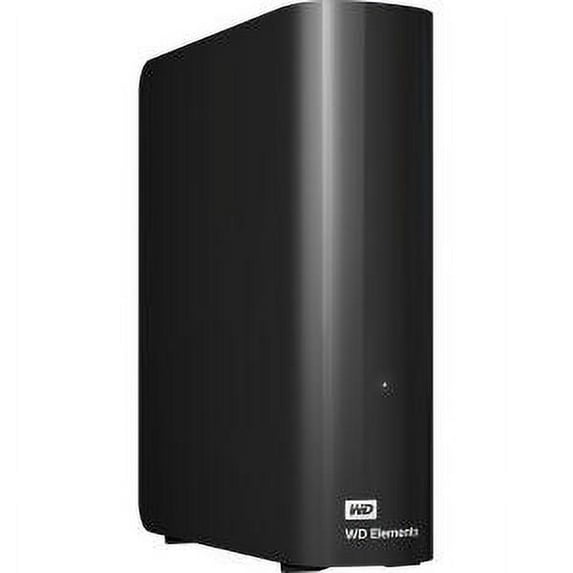
We are sorry to hear about your experience with WD Elements Desktop drive and appreciate your time providing this review and bringing this matter to our attention.
The best practice is to run the extended test on the drive using Data Lifeguard Diagnostics for Windows or First Aid using Disk Utility on a Mac computer when a drive does not perform as expected or is behaving abnormally. Please refer to the WD support page and follow the instructions to perform an extended test using Data Lifeguard Diagnostics or First Aid using Disk Utility on Mac.
"Testing a drive for problems using Data Lifeguard Diagnostics for Windows":
Search for knowledge base article: 6226
"How to test a drive for defects or problems on a Mac":
Search for knowledge base article: 14800
If the test result is inconclusive or failed, you can create an RMA through the WD support website and replace the drive, if it is under warranty.
"How to Get an RMA to Replace a Defective Product, Obtain a Power Supply, or USB Cable for a WD Product":
Search for knowledge base article: 10336
We would like to work with you directly to help discover the root cause of the drive's abnormal behavior. This way, we can provide the best possible resolution and improve your experience with Western Digital. Please contact us via the phone provided below. We'd be happy to help.
Need Help? Please see our "'Contact Us" page for information