





Results for "PlayStation 4 (PS4) Consoles"
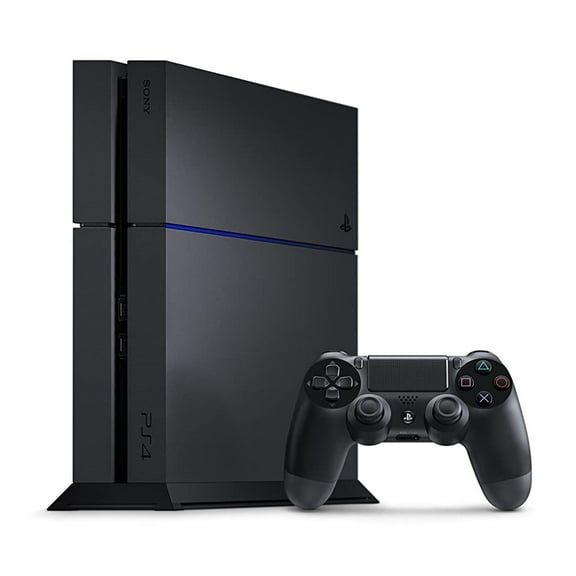
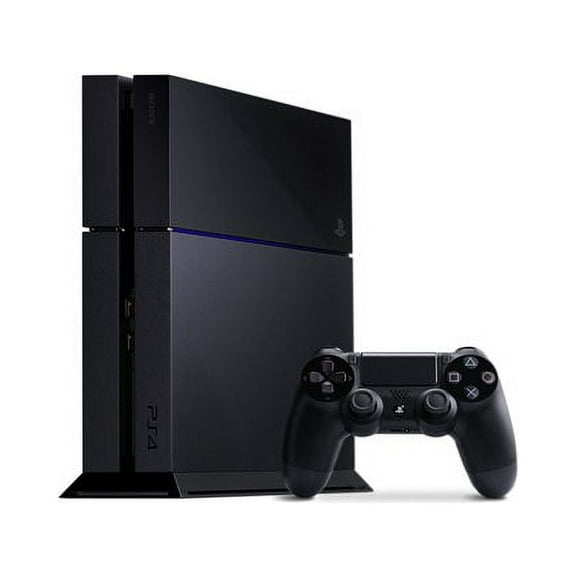


















![PlayStation 4 20th Anniversary Limited Edition Console [Only 12,300 Produced Worldwide]](https://i5.walmartimages.com/seo/PlayStation-4-20th-Anniversary-Limited-Edition-Console-Only-12-300-Produced-Worldwide_1a665667-af97-4250-80ae-a8b35f22f3ba_1.839baa8c4f0bf430dd108e1badf3dc90.jpeg?odnHeight=576&odnWidth=576&odnBg=FFFFFF)
About
PlayStation 4 consoles give you a flexible way to play disc-based favorites, stream apps, and compare hardware around your screen, storage, and setup. You can review Slim, Pro, and Original options in one place, so your next console choice feels clear.
How to choose playstation 4 consoles by model
When you compare playstation 4 consoles, you should start with model type because performance and size can shape your setup. You can look at Slim, Pro, and Original options based on display needs and storage plans.
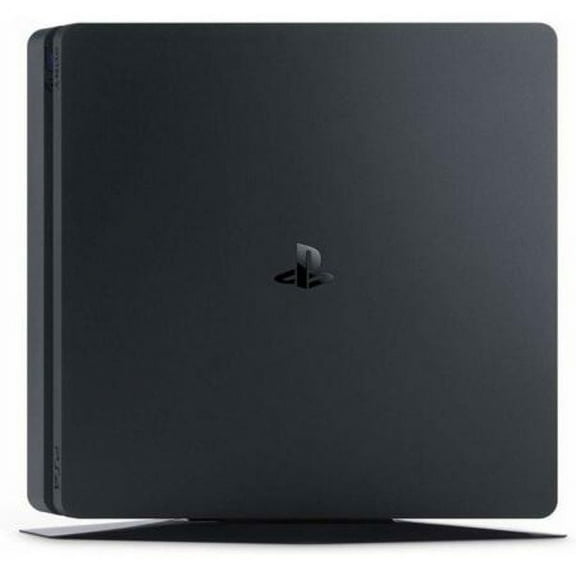
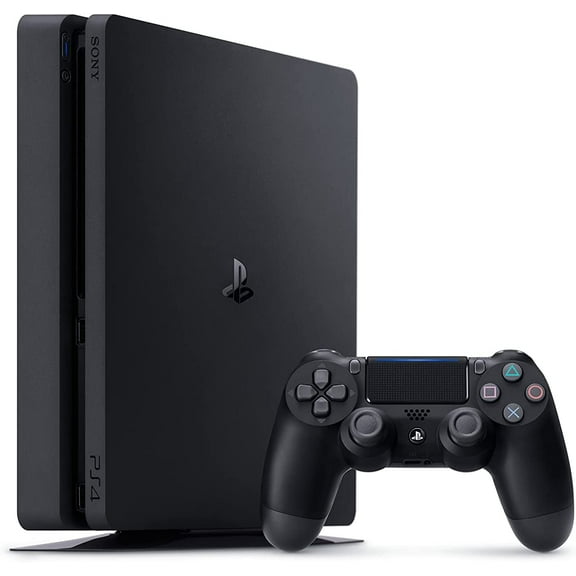
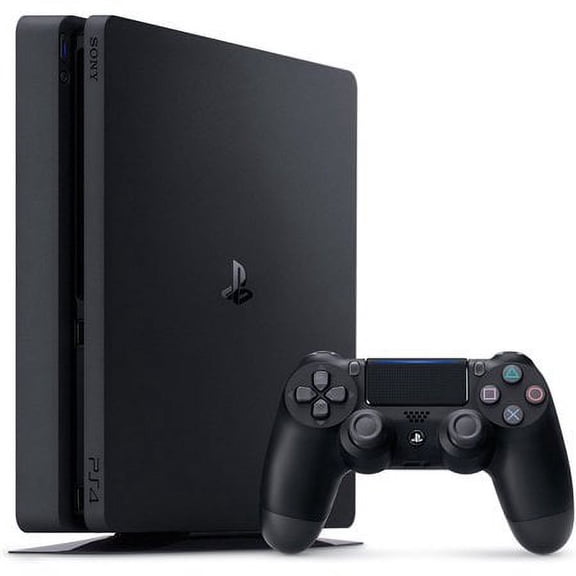
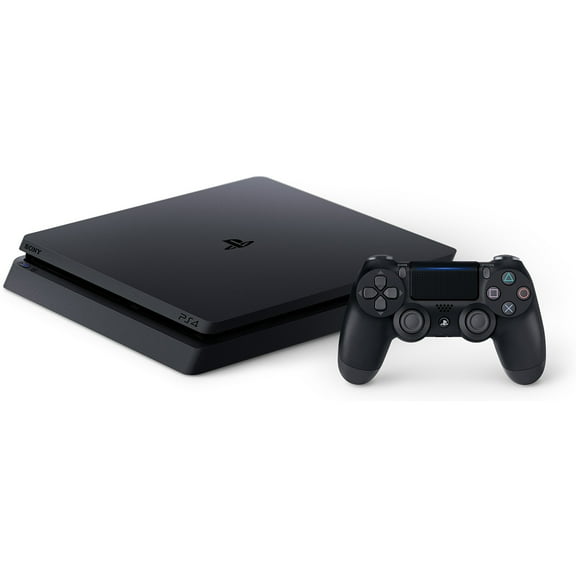
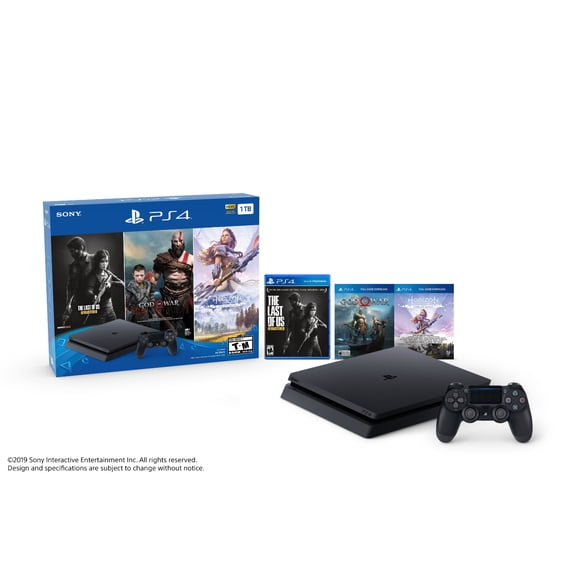
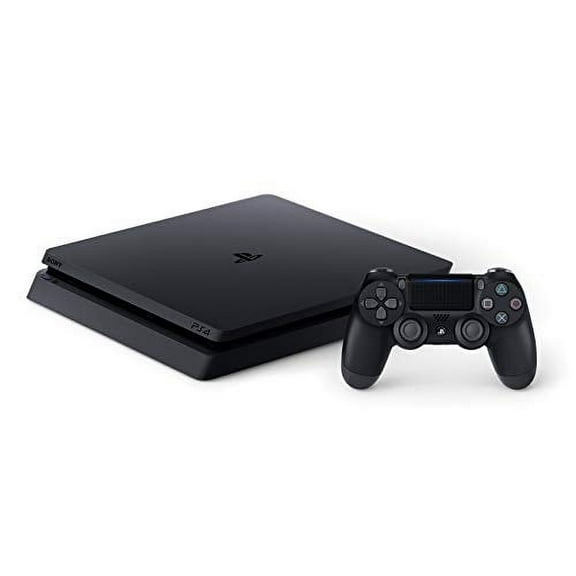
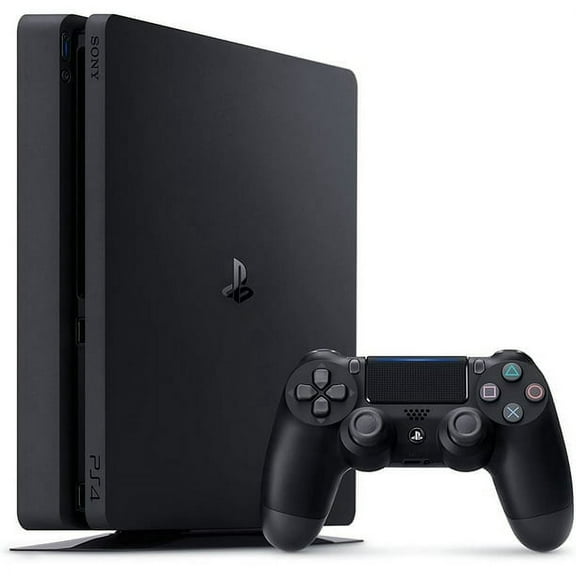
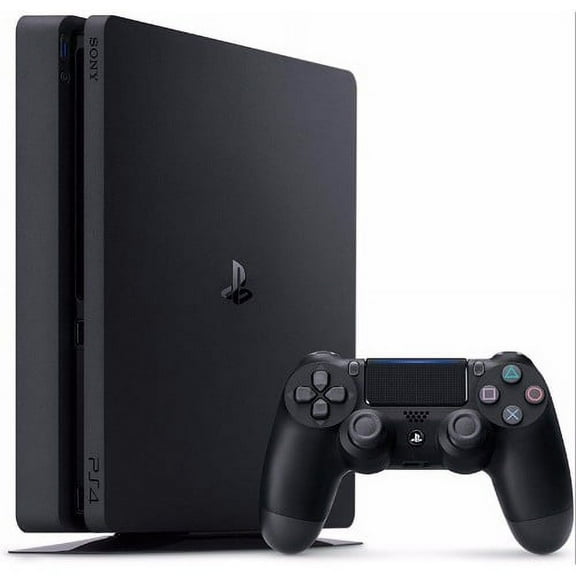
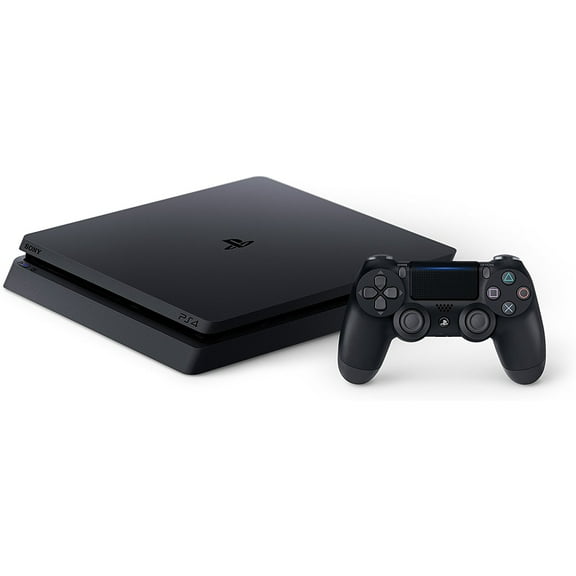
If you want a compact setup, you may prefer a playstation 4 slim because it fits neatly into tighter media spaces. You can expect everyday gaming, streaming apps, and disc playback in a smaller footprint.
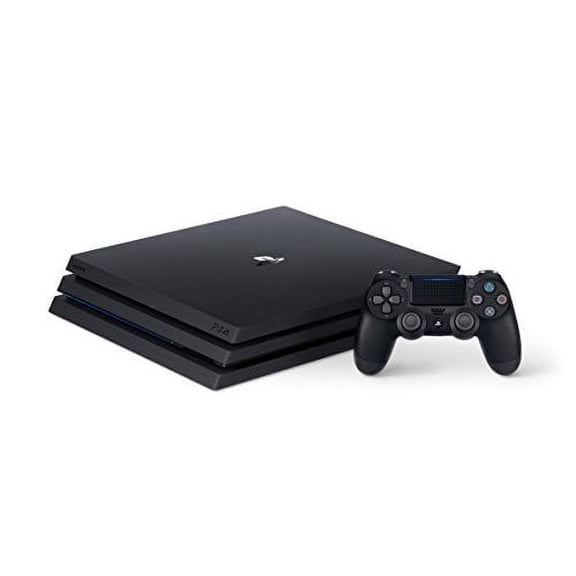
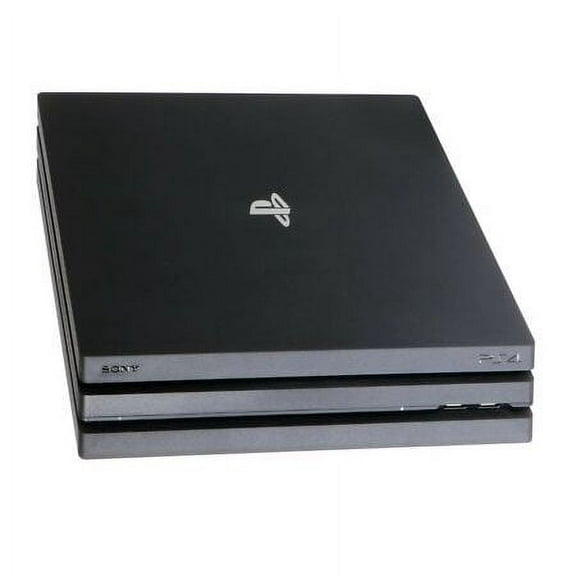
If your TV supports 4K output, you may consider a playstation 4 pro for enhanced visual detail and steadier frame rates in supported games. You can also look for HDR support, which can add richer contrast on compatible displays.
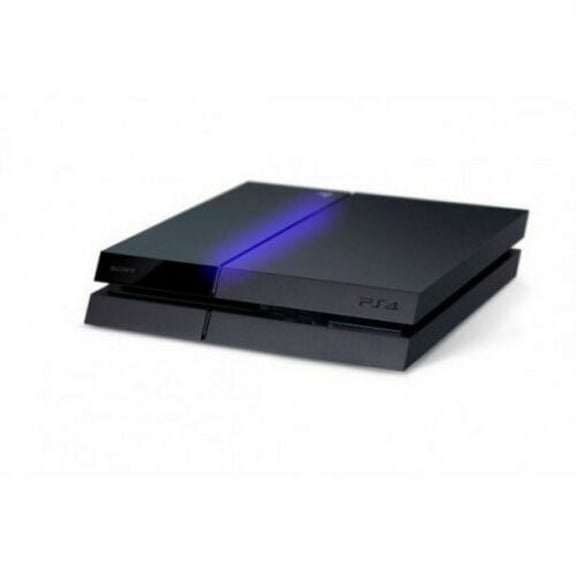
If you want a classic setup, you might choose an Original model when you prioritize access to the PS4 library. You can compare dimensions, finish, and ports before you pick the right fit.
- You can choose Slim when you want a smaller console for shelves, dorm rooms, or shared entertainment centers.
- You can choose Pro when you want stronger graphics output for compatible 4K TVs and supported HDR content.
- You can choose Original when you want a familiar PS4 format with broad game compatibility.
- You can compare model size, output options, and included items before you commit to a setup.
Choosing storage, condition, and package type
You should compare storage capacity early because your digital library can fill space quickly. You can often start with 500GB for lighter use, while a ps4 1tb console gives you more room.
If you mainly play a few sports, racing, or family titles, you may find 500GB easier to manage. You can keep core favorites installed and rotate larger downloads as needed.
If you download many full-size games, a ps4 1tb console usually gives you more breathing room for updates and add-ons. You can spend less time clearing space when your library grows.
You should also compare condition because a refurbished playstation 4 can suit shoppers who want inspected hardware and clear product details. You can review listing notes, included parts, and warranty information before choosing restored or pre-owned options.
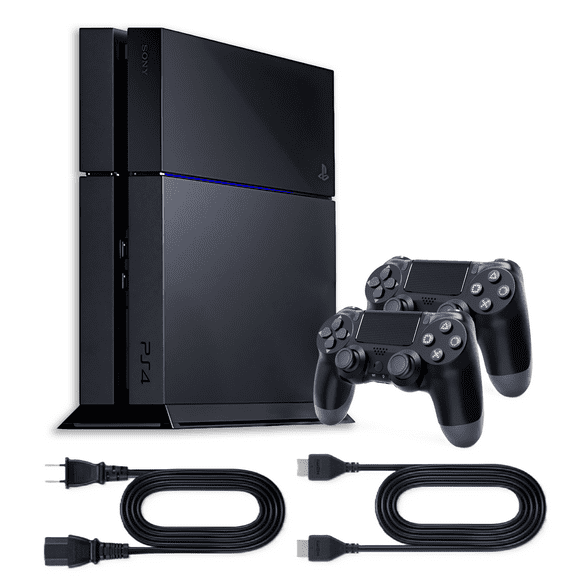
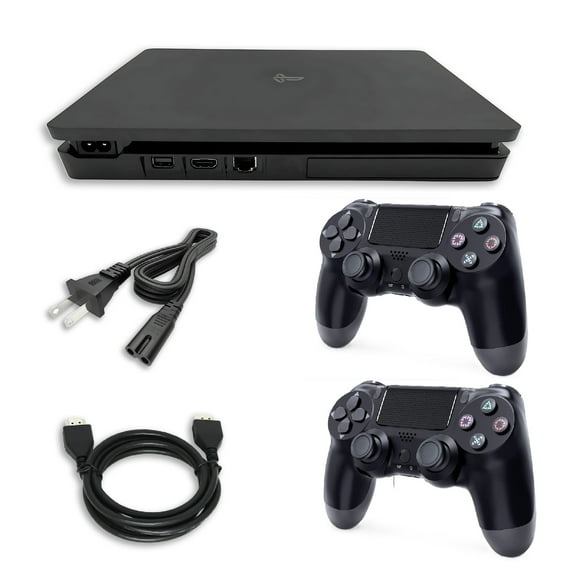
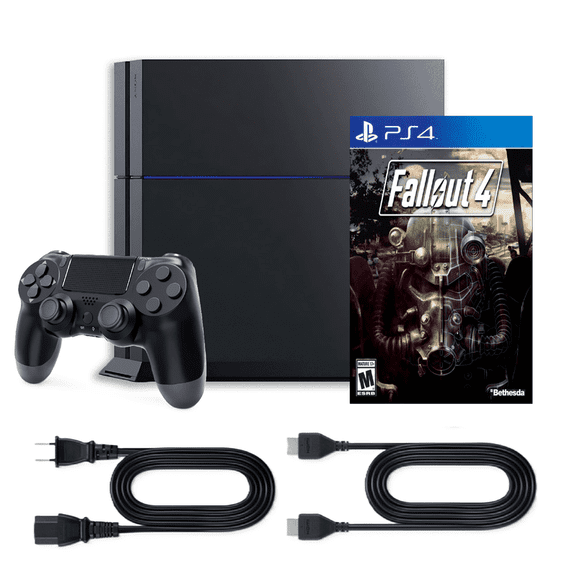
When you review Restored choices, you should check whether your console includes a controller, power cord, HDMI cable, and charging accessories. You can also confirm cosmetic grade details and coverage terms listed on the product page.
You may prefer a new console if you want unopened packaging and current retail presentation. You can consider pre-owned units when you prioritize model availability and included extras.
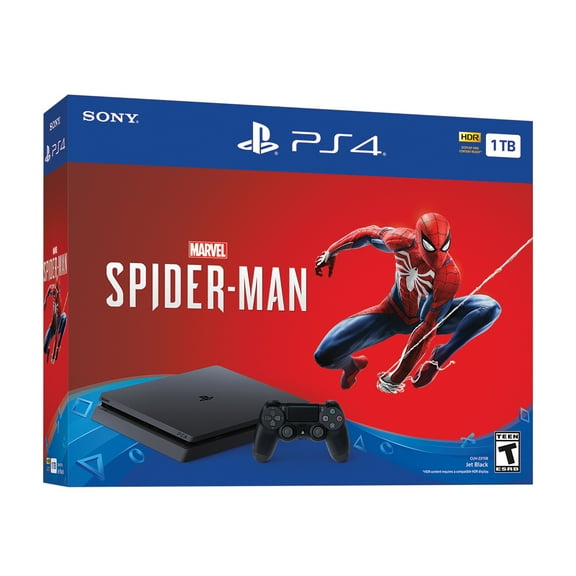
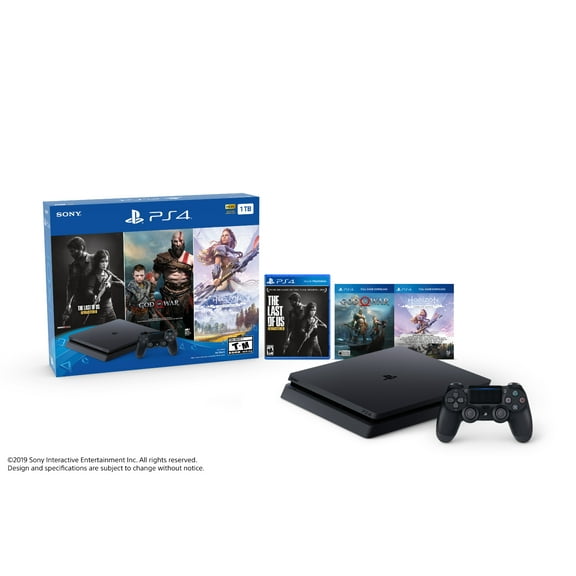
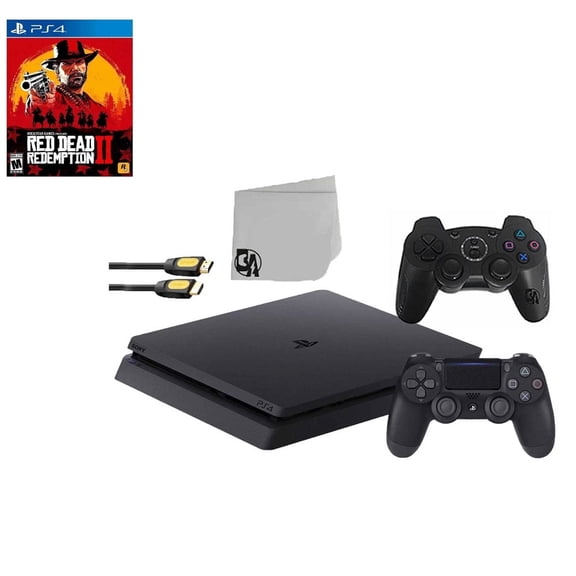
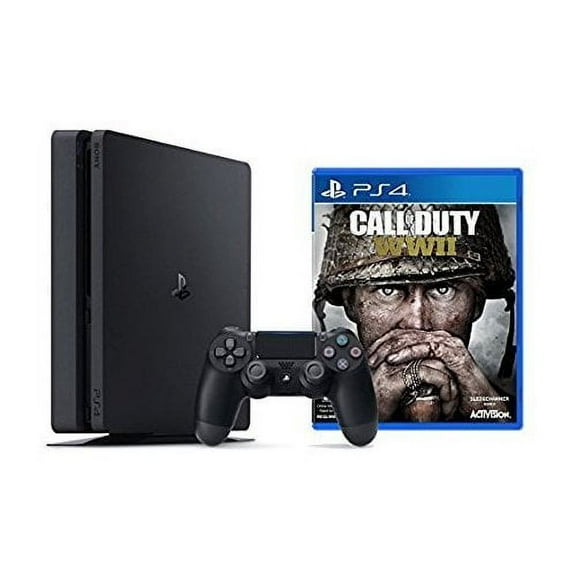
Package type matters because you might want console-only hardware or a playstation 4 bundle with controllers, games, or starter accessories. You should compare every box detail, since bundled contents can vary by listing.
What to look for in a ps4 console
When you evaluate a ps4 console, you should focus on decision points that affect daily use instead of model names alone. You can compare resolution support, frame-rate stability, storage size, and included accessories.
If you play on a Full HD TV, you may feel comfortable with Slim or Original systems for many game libraries. You can step up to Pro when you want sharper output on supported 4K displays.
You should check whether your listing includes one controller or extra controllers for local multiplayer. You can also compare bundles with games if you want a more complete setup from the start.
Disc support is another key factor because you may own physical games, movies, or older favorites you still want to access. You can verify drive condition and included cables before you choose restored hardware.
You may also want to compare network options, USB ports, and system condition notes if you use headsets, external storage, or charging docks. You can avoid surprises when you read those details carefully.
Matching your setup to real gaming needs
If you game in a bedroom, apartment, or dorm, you may lean toward a playstation 4 slim because space can be limited. You can place it more easily beside a monitor or under a smaller TV.
If you play story-driven titles on a larger screen, you may prefer a playstation 4 pro for supported visual upgrades. You can pair it with a 4K TV when picture detail matters to your setup.
If you share your console with family, you may want a playstation 4 bundle that includes extra controllers or games. You can get everyone started faster when the package covers the basics.
If you buy for a returning player, you may look at a refurbished playstation 4 with inspected hardware and standard accessories. You can get back into the PS4 library without guessing which model fits casual play.
During gift-giving seasons, you may compare bundles, storage sizes, and model types more closely because preferences can differ by player. You can choose 1TB when your recipient downloads many games or keeps several installed.
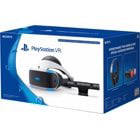
You can complete your setup more smoothly when you also consider PS4 games, controllers, and PlayStation VR accessories that match your system. You can build a setup that fits your screen, your library, and your play style.
With clear choices in model type, condition, storage, and package contents, you can narrow playstation 4 consoles with more confidence. You can pick a setup that matches your TV, your game library, and your everyday routine.