

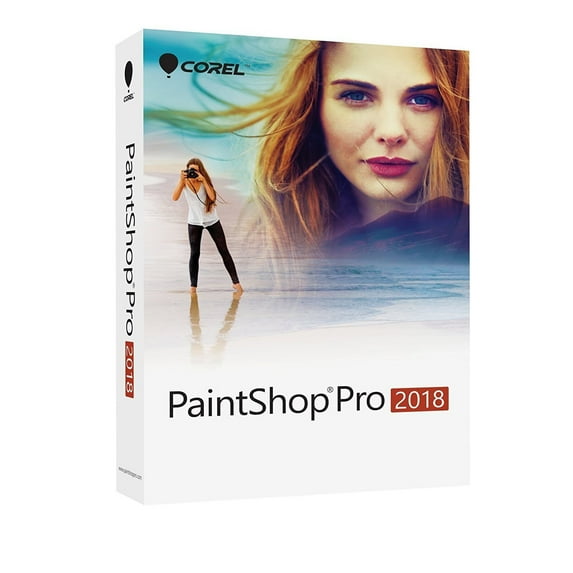
Hero image 0 of PaintShop Pro2018 En Minibox, 0 of 2
PaintShop Pro2018 En Minibox
(No ratings yet)
Key item features
- Essentials and Complete workspaces Essentials - a streamlined workspace with core features. With larger user interface elements, this workspace is perfect for users, people who work with a core set of tools, and it makes it easier to work with a stylus and touch screen. Complete - based on the classic PaintShop Pro workspace, the Complete workspace includes the full set of editing and design tools - everything you need to take your projects to the next level.
- Quick customize Customize your Tools toolbar by showing all the tools you use regularly and hiding the ones you don't. A Quick Customize feature allows you to pick and choose the tools on your Tools toolbar, and search for any tool using a handy alphabetical search. And in a click, you can restore a tool's default settings.
- Customization and control Now, you'll have more control over features, functionality, and customization. Scroll bar too small? Make it bigger. Node size not right? Customize it. Lines not visible? Enlarge them. Be more productive with larger, easier-to-see icons.
- Welcome tab Feel right at home when you launch PaintShop Pro. You can choose a workspace, start a project, or access recent files. Explore tutorial videos, keyboard shortcuts, free and premium plugins, applications, scripts, brushes and more - all updated dynamically so you'll never run out of learning and creative content.
- Tool performance Enjoy faster editing features, including a more responsive Depth of Field. Because it's 4 times faster than before, you can now create an area of focus in your photo nearly instantaneously. Text Wrapping is also significantly speedier, especially when using a gradient, pattern or texture as text.
- Launch time Corel has decreased PaintShop Pro's launch time by over half. Cutting boot time in half means you can get editing faster than ever.
- Crop tool Corel's most popular editing tool just got better. Now you can choose from Grid, Diagonal, Golden Ratio and Golden Spiral composition guides, along with other Crop tool enhancements, to help you bring out the best in your image.
- Text tool Text is the key to any design workflow. Text tool enhancements help save you design time with the superscript, subscript, and text justification options, all conveniently located in the Tool Options palette. You can also use Paste-to-Fit to paste text into a shape and watch the text size dynamically adjust to the shape size.
- Clone overlay Now when you use the Clone Brush tool, you'll have a look on a preview of the source pixels that you're about to apply, so you can get the results you want the first time. For seamless editing, you can hide or show the overlay with a simple shortcut key.
- Dropper tool A Sample and Fill icon in the Tool Options palette allows you to copy the color and opacity of sampled pixels. The Dropper tool instantly turns into the Flood Fill tool, allowing you to apply the copied properties to another area with a single click.
- Gradient fill tool Explore 30 gradients to enhance your creative designs, and enjoy better results with improvements to the Gradient Fill tool. Now you can recall your gradient line to edit an existing gradient and adjusting the transparency is a breeze.
- Eraser tool Users wanted a more refined Eraser tool; the eraser tool has improved opacity control for better results.
- Quick preview Get a better look! Preview the thumbnails in your Organizer palette with Quick Preview. Simply select a thumbnail and press the space bar to get a larger view of an image.
- Document-aware slider values Tool sizes are now document-aware, so the maximum size of the tool is relative to the size of your document, making it easier to set the tool size you need for your project.
- Product Type: Box pack
- Category: Creativity application - graphics & image editing
- License Qty: 1 user
- Platform: Windows
- Language: English
- Distribution Media: (mini-box)
Specs
- Operating SystemWindows
- BrandCorel
- Number of Users1
- Version2018
- ModelPSP2018ENMBAM
- Languages SupportedEnglish
Current price is USD$80.76$80.76/ea
Price when purchased online
Out of stock
How do you want your item?
Out of stock
About this item
Product details
Every feature and enhancement was created for more speed, flexibility and creativity. With more customization options than ever before, focused enhancements to key tools, and impressive performance gains, PaintShop Pro 2018 delivers an unparalleled creative experience.
- Essentials and Complete workspaces Essentials - a streamlined workspace with core features. With larger user interface elements, this workspace is perfect for users, people who work with a core set of tools, and it makes it easier to work with a stylus and touch screen. Complete - based on the classic PaintShop Pro workspace, the Complete workspace includes the full set of editing and design tools - everything you need to take your projects to the next level.
- Quick customize Customize your Tools toolbar by showing all the tools you use regularly and hiding the ones you don't. A Quick Customize feature allows you to pick and choose the tools on your Tools toolbar, and search for any tool using a handy alphabetical search. And in a click, you can restore a tool's default settings.
- Customization and control Now, you'll have more control over features, functionality, and customization. Scroll bar too small? Make it bigger. Node size not right? Customize it. Lines not visible? Enlarge them. Be more productive with larger, easier-to-see icons.
- Welcome tab Feel right at home when you launch PaintShop Pro. You can choose a workspace, start a project, or access recent files. Explore tutorial videos, keyboard shortcuts, free and premium plugins, applications, scripts, brushes and more - all updated dynamically so you'll never run out of learning and creative content.
- Tool performance Enjoy faster editing features, including a more responsive Depth of Field. Because it's 4 times faster than before, you can now create an area of focus in your photo nearly instantaneously. Text Wrapping is also significantly speedier, especially when using a gradient, pattern or texture as text.
- Launch time Corel has decreased PaintShop Pro's launch time by over half. Cutting boot time in half means you can get editing faster than ever.
- Crop tool Corel's most popular editing tool just got better. Now you can choose from Grid, Diagonal, Golden Ratio and Golden Spiral composition guides, along with other Crop tool enhancements, to help you bring out the best in your image.
- Text tool Text is the key to any design workflow. Text tool enhancements help save you design time with the superscript, subscript, and text justification options, all conveniently located in the Tool Options palette. You can also use Paste-to-Fit to paste text into a shape and watch the text size dynamically adjust to the shape size.
- Clone overlay Now when you use the Clone Brush tool, you'll have a look on a preview of the source pixels that you're about to apply, so you can get the results you want the first time. For seamless editing, you can hide or show the overlay with a simple shortcut key.
- Dropper tool A Sample and Fill icon in the Tool Options palette allows you to copy the color and opacity of sampled pixels. The Dropper tool instantly turns into the Flood Fill tool, allowing you to apply the copied properties to another area with a single click.
- Gradient fill tool Explore 30 gradients to enhance your creative designs, and enjoy better results with improvements to the Gradient Fill tool. Now you can recall your gradient line to edit an existing gradient and adjusting the transparency is a breeze.
- Eraser tool Users wanted a more refined Eraser tool; the eraser tool has improved opacity control for better results.
- Quick preview Get a better look! Preview the thumbnails in your Organizer palette with Quick Preview. Simply select a thumbnail and press the space bar to get a larger view of an image.
- Document-aware slider values Tool sizes are now document-aware, so the maximum size of the tool is relative to the size of your document, making it easier to set the tool size you need for your project.
- Product Type: Box pack
- Category: Creativity application - graphics & image editing
- License Qty: 1 user
- Platform: Windows
- Language: English
- Distribution Media: (mini-box)
info:
We aim to show you accurate product information. Manufacturers, suppliers and others provide what you see here, and we have not verified it.
Specifications
Computer Software Type
Image, Video & Audio Software
Operating System
Windows
Brand
Corel
Number of Users
1
Warranty
Warranty information
90 Day
Please be aware that the warranty terms on items offered for sale by third party Marketplace sellers may differ from those displayed in this section (if any). To confirm warranty terms on an item offered for sale by a third party Marketplace seller, please use the 'Contact seller' feature on the third party Marketplace seller's information page and request the item's warranty terms prior to purchase.
Please be aware that the warranty terms on items offered for sale by third party Marketplace sellers may differ from those displayed in this section (if any). To confirm warranty terms on an item offered for sale by a third party Marketplace seller, please use the 'Contact seller' feature on the third party Marketplace seller's information page and request the item's warranty terms prior to purchase.
Warnings
Warning Text
proposition 65 reasons:titanium dioxide, other chemicals
Check out these related products
MOHO PRO: 13.5 Computer Animation Software (PC Disc) $119.95
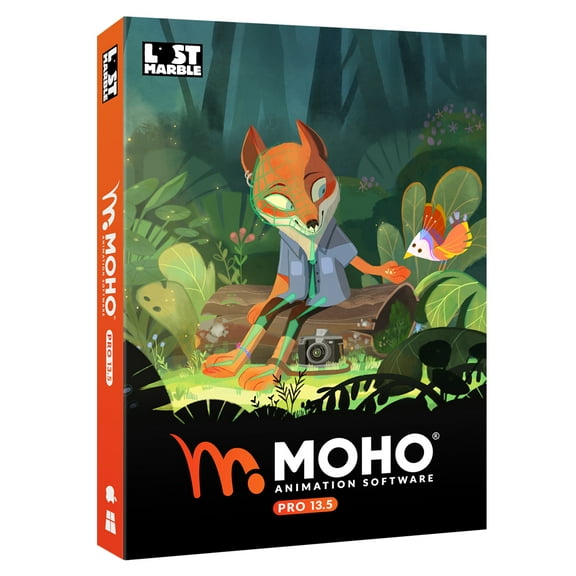 $11995current price $119.95
MOHO PRO: 13.5 Computer Animation Software (PC Disc)
45 out of 5 Stars. 4 reviewsMoho Pro 14 | Professional animation software for PC and macOS - Perpetual $399.99
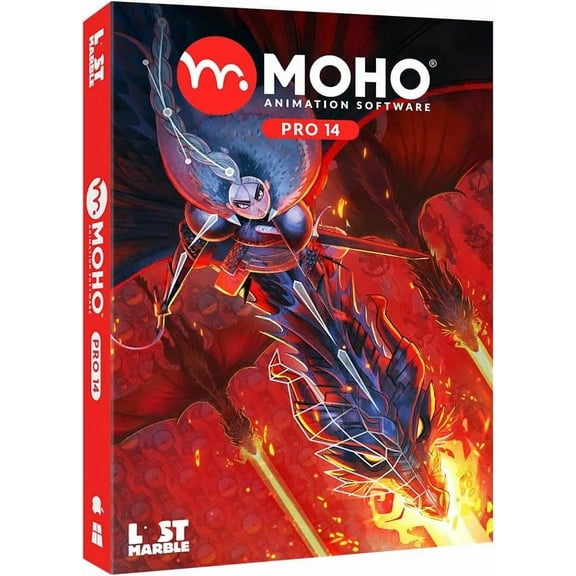 $39999current price $399.99
Moho Pro 14 | Professional animation software for PC and macOS - Perpetual
15 out of 5 Stars. 1 reviewsCLIP STUDIO PAINT PRO - Version 1 - Perpetual License - for Microsoft Windows and MacOS $18.98
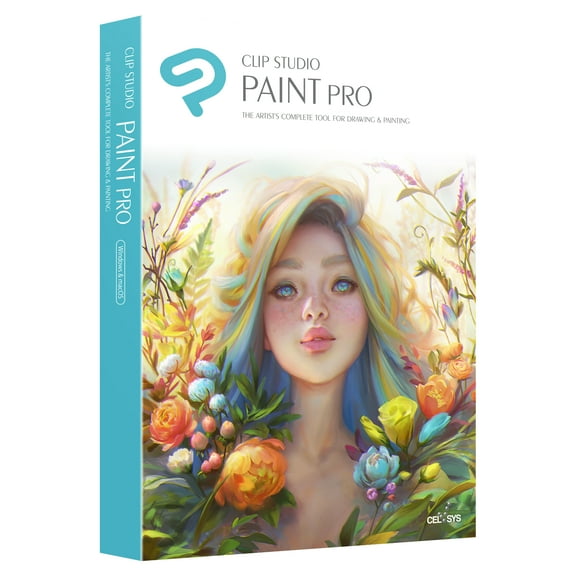 $1898current price $18.98
CLIP STUDIO PAINT PRO - Version 1 - Perpetual License - for Microsoft Windows and MacOS
84.9 out of 5 Stars. 8 reviewsCorel Esdptrx3enpcma Painter X3 (edu) Es $97.35
 $9735current price $97.35
Corel Esdptrx3enpcma Painter X3 (edu) Es
QuarkXPress 2016 - License - 1 user - academic - ESD - Win, Mac $89.00
 $8900current price $89.00
QuarkXPress 2016 - License - 1 user - academic - ESD - Win, Mac
Adobe 65228343 Framemaker V12 $999.00
 $99900current price $999.00
Adobe 65228343 Framemaker V12
Customer ratings & reviews
0 ratings|0 reviews
This item does not have any reviews yet
