


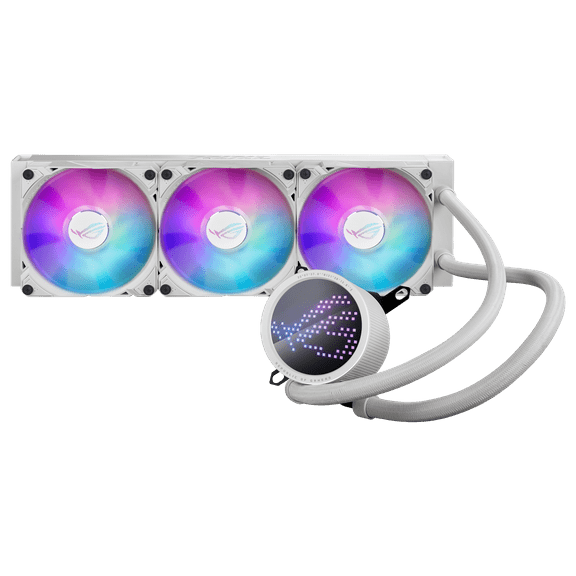
ASUS ROG Ryuo III 360 All-in-One Cooling Fan Asetek 8th Generation Pump Solution ROG RYUO III 360 ARGB WHT Domestic Product
Key item features
Specs
- Computer cooling typeCPU Fans
- BrandASUS
- Fan speed1600 rpm
- Size360 mm
- ColorWhite
- Model nameROG RYUO III 360 ARGB WHT
- Free shipping
 Free 30-day returns

(Only one option can be selected at a time)
How do you want your item?


About this item
Product details
Specifications
Computer cooling type
Brand
Fan speed
Size
Warranty
Warranty information
Similar items you might like
Based on what customers bought
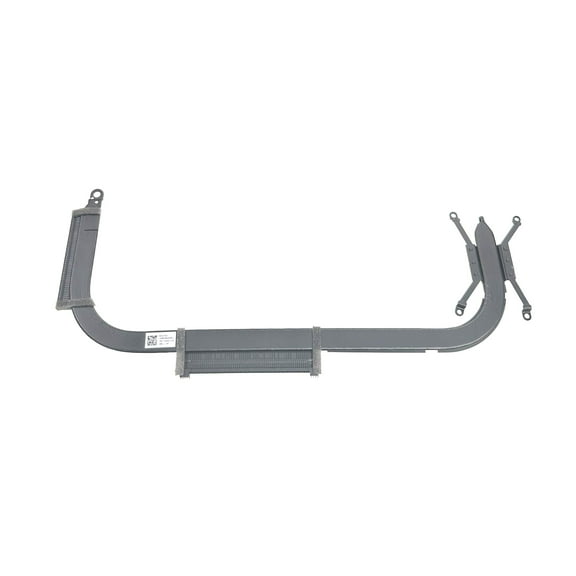
New Genuine Asus Vivobook F16 F1605VA-AB74 Heatsink 13N1-EDA0G12 13NB0VX0AM0821 $49.95
 $4995current price $49.95
New Genuine Asus Vivobook F16 F1605VA-AB74 Heatsink 13N1-EDA0G12 13NB0VX0AM0821
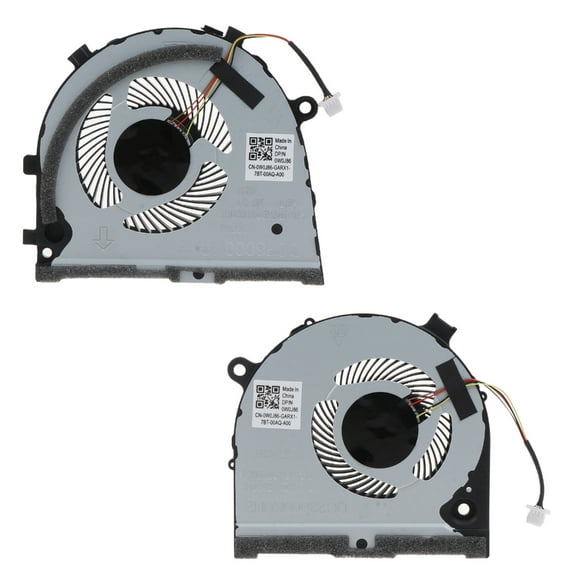
for DellG3 G3-3579 3779 15 5587 Series Notebook CPU GPU Cooling Fans DC5V $15.17
 $1517current price $15.17
for DellG3 G3-3579 3779 15 5587 Series Notebook CPU GPU Cooling Fans DC5V
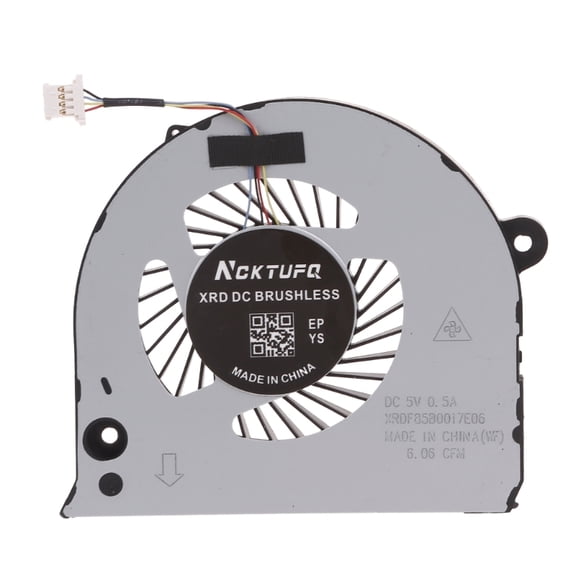
Notebook CPU GPU Cooling Fans Cooler For Inspiron G7 15 7577 7588 0H98CT 02PH36 $9.55
 2 optionsAvailable in additional 2 options$955current price $9.55
Notebook CPU GPU Cooling Fans Cooler For Inspiron G7 15 7577 7588 0H98CT 02PH36
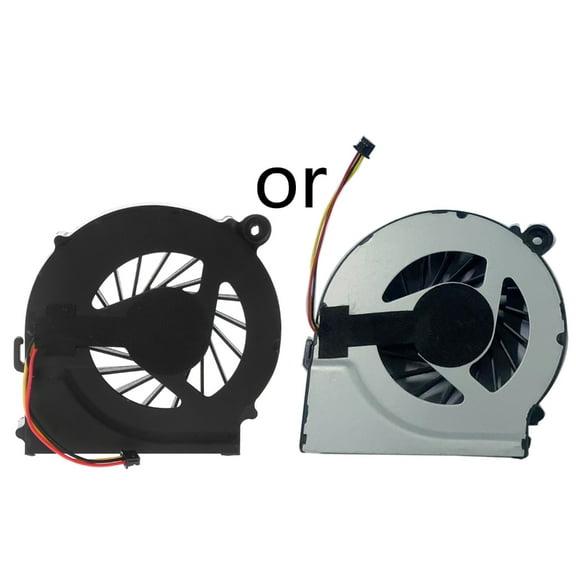
for HP Pavilion G6 G6-1000 G6-1100 G6-1200 G6-1300 CPU Cooling Fan 5V 0.5A 3-pin Portable Laptop CPU Radiator $7.67
 $767current price $7.67
for HP Pavilion G6 G6-1000 G6-1100 G6-1200 G6-1300 CPU Cooling Fan 5V 0.5A 3-pin Portable Laptop CPU Radiator
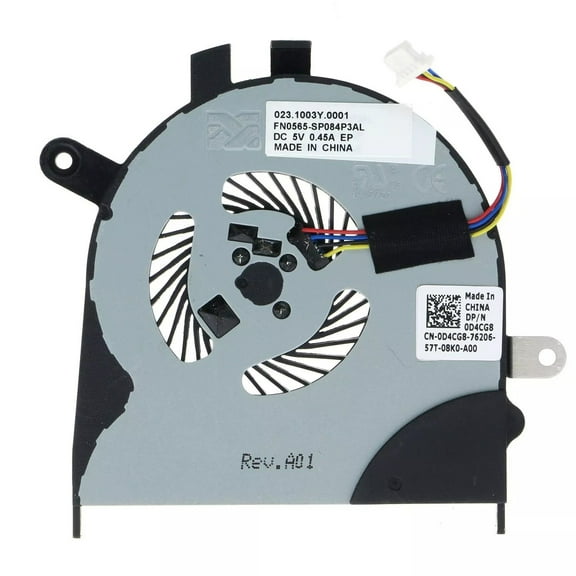
Laptop CPU Cooling Fan For Dell Inspiron 13 7353 7359 7453 P57G i7353 i7359 $12.99
 $1299current price $12.99
Laptop CPU Cooling Fan For Dell Inspiron 13 7353 7359 7453 P57G i7353 i7359
Clearance New For MSI GE66 GP66 MS-1542 Laptop CPU GPU Fan PABD08008SH N453 N454 $29.70 Was $33.00
Clearance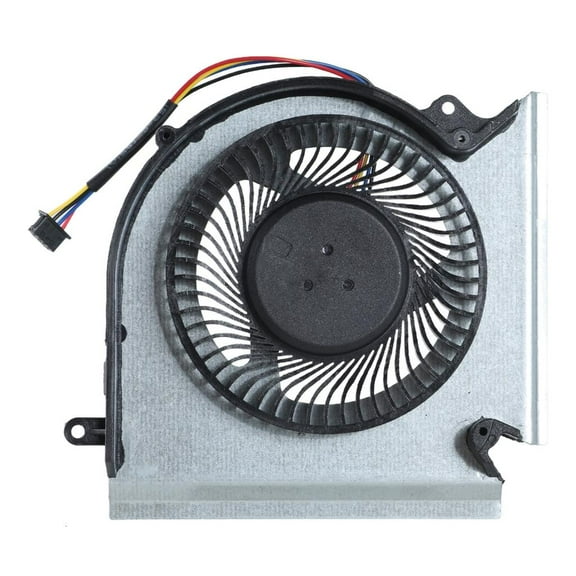 2 optionsAvailable in additional 2 options$2970current price $29.70, Was $33.00$33.00
New For MSI GE66 GP66 MS-1542 Laptop CPU GPU Fan PABD08008SH N453 N454
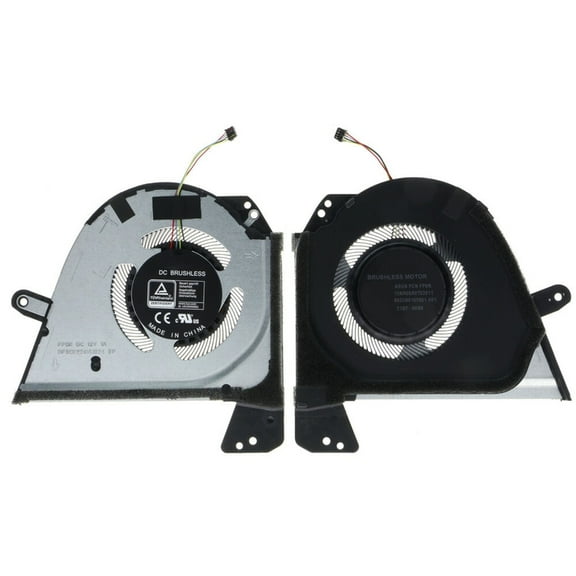
CPU GPU Fan Laptop Cooling Fan 12V 1A 4 pin Radiator for ROG Zephyrus M16 $27.78
 $2778current price $27.78
CPU GPU Fan Laptop Cooling Fan 12V 1A 4 pin Radiator for ROG Zephyrus M16
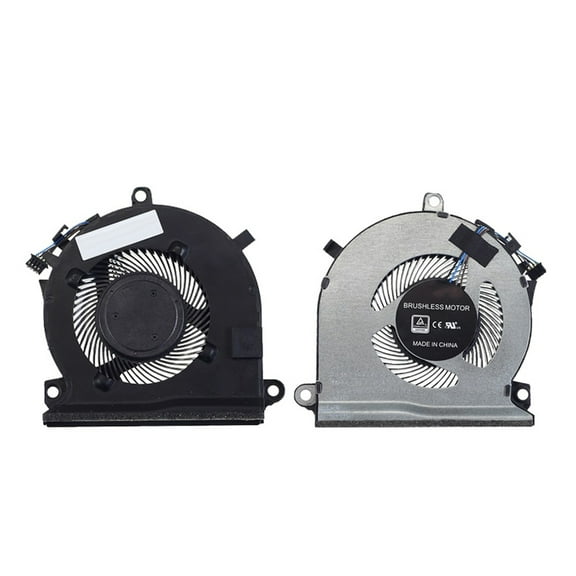
GENEMA Original Laptop CPU Cooling Fan For HP Pavilion Gaming 16-A DC5V 4pin 4-wires Laptop Cooler Fan L77560-001 $14.63 Was $26.00
 $1463current price $14.63, Was $26.00$26.00
GENEMA Original Laptop CPU Cooling Fan For HP Pavilion Gaming 16-A DC5V 4pin 4-wires Laptop Cooler Fan L77560-001
Laptop Cooling Fan for ROG Zephyrus-G15 GA503 GA503Q 13NR04J0T04011 Notebook Cooler VGA Radiator 12V 1A 4pin 4 wire $12.89 Was $16.28
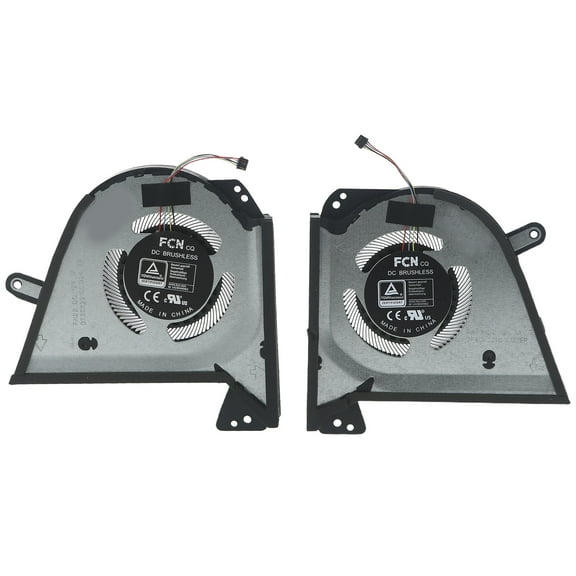 3 optionsAvailable in additional 3 options$1289current price $12.89, Was $16.28$16.28
Laptop Cooling Fan for ROG Zephyrus-G15 GA503 GA503Q 13NR04J0T04011 Notebook Cooler VGA Radiator 12V 1A 4pin 4 wire
GPU Cooling Fan Laptop Cooler for DellInspiron G7 7790 G5-5590 Fan 5V Radiator $10.05
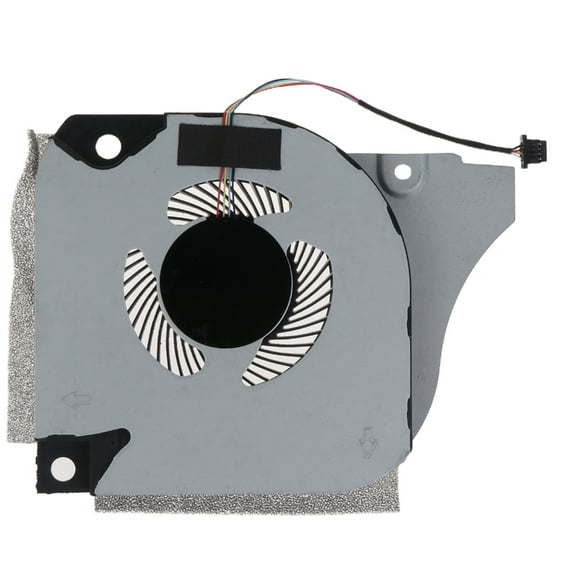 2 optionsAvailable in additional 2 options$1005current price $10.05
GPU Cooling Fan Laptop Cooler for DellInspiron G7 7790 G5-5590 Fan 5V Radiator
15 out of 5 Stars. 1 reviewsReplacement Internal Fan Laptop CPU Cooling Fan For E14 Gen 2 / E15 Gen 2 Laptop C-271C-1 Efficient $15.34
 $1534current price $15.34
Replacement Internal Fan Laptop CPU Cooling Fan For E14 Gen 2 / E15 Gen 2 Laptop C-271C-1 Efficient
95mm 6pin Cooling Fan T129215su 0.5a 12v Gpu Fan For Asus Rtx 3050 3060 Phoenix $21.55
 $2155current price $21.55
95mm 6pin Cooling Fan T129215su 0.5a 12v Gpu Fan For Asus Rtx 3050 3060 Phoenix
ZPAQI DC5V 0.5A 4Pin Laptops Coolers Fan for 15 7570 7573 7580 Series CPU Cooling Fan $10.80
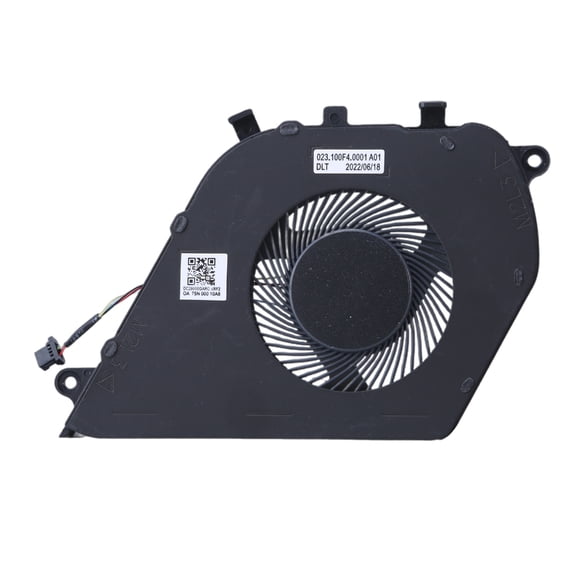 $1080current price $10.80
ZPAQI DC5V 0.5A 4Pin Laptops Coolers Fan for 15 7570 7573 7580 Series CPU Cooling Fan
Laptop Cooling Fan for MSI GE66 GP66 GL66 Series 5V 1A 4 pin 4-wire PABD08008SH $15.72
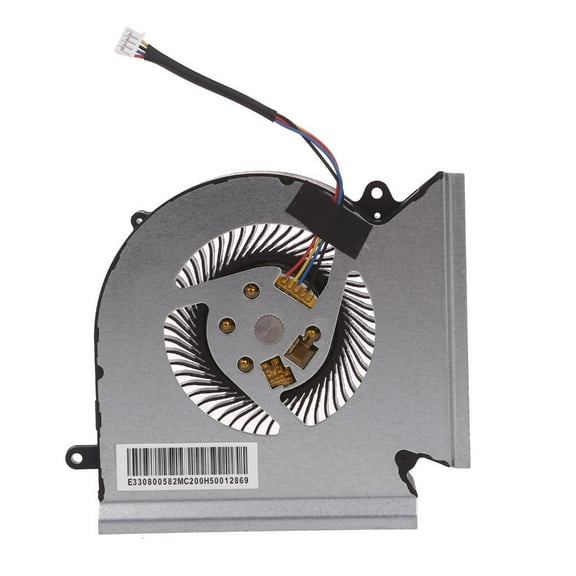 $1572current price $15.72
Laptop Cooling Fan for MSI GE66 GP66 GL66 Series 5V 1A 4 pin 4-wire PABD08008SH
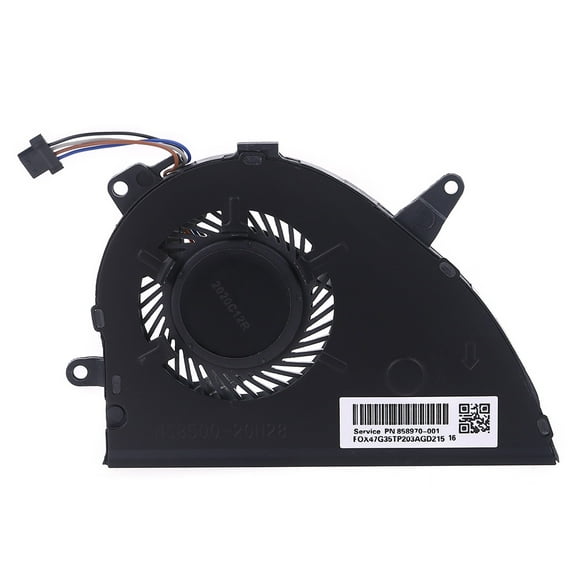
Necvior NS85B00-17K24 Fans DC5V 0.5A Laptop CPU Cooling Fan 4P for Pavilion 15-CS L25584 $11.50 Was $13.38
 $1150current price $11.50, Was $13.38$13.38
Necvior NS85B00-17K24 Fans DC5V 0.5A Laptop CPU Cooling Fan 4P for Pavilion 15-CS L25584
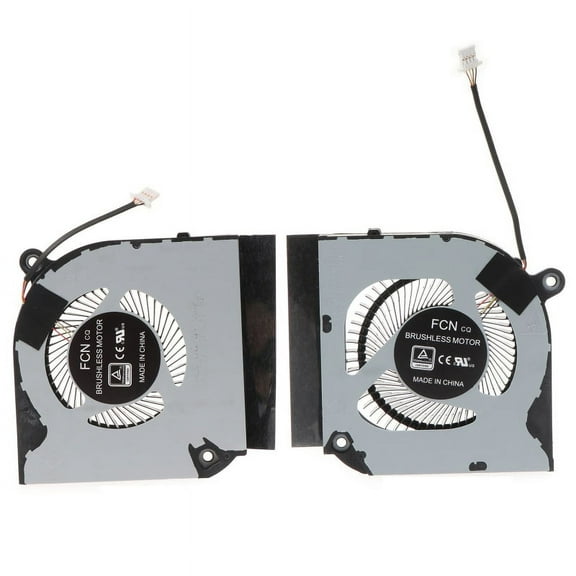
3 pin Notebook CPU GPU Cooling Fan Laptop Radiator for Acer Predator Helios 300 $21.49
 $2149current price $21.49
3 pin Notebook CPU GPU Cooling Fan Laptop Radiator for Acer Predator Helios 300
4Pin Laptop CPU Cooling Fan For Intel NUC NUC8i7BEH BSC0805HA-00 DC 5V Efficient Internal Cooling Fan Heat Dissipation CPU Cooler Fan Replacement Easy Installation $11.95
 $1195current price $11.95
4Pin Laptop CPU Cooling Fan For Intel NUC NUC8i7BEH BSC0805HA-00 DC 5V Efficient Internal Cooling Fan Heat Dissipation CPU Cooler Fan Replacement Easy Installation
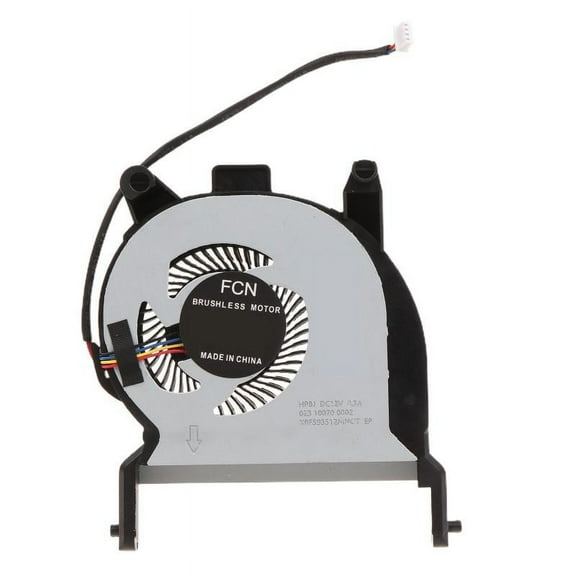
MANNYA 100% Tested CPU Cooler Fan For Elitedesk 800 G3 800 G4 800 G5 600 G4 400 G4 405 Laptop Replacement Repair Cooling Fan $8.25 Was $9.38
 $825current price $8.25, Was $9.38$9.38
MANNYA 100% Tested CPU Cooler Fan For Elitedesk 800 G3 800 G4 800 G5 600 G4 400 G4 405 Laptop Replacement Repair Cooling Fan
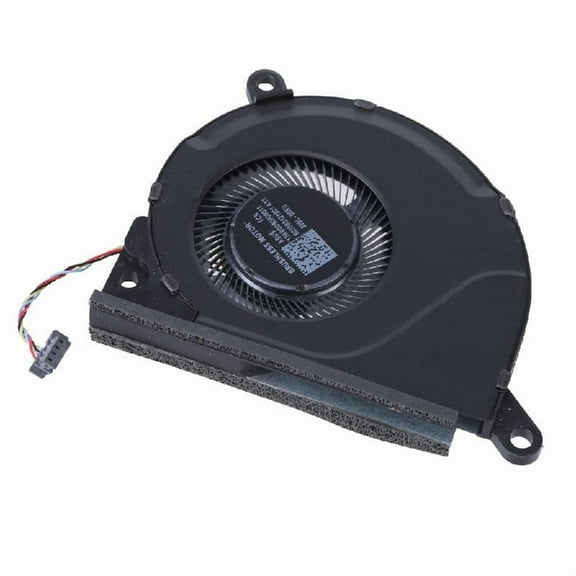
Laptop Cooling Fan For ROG Strix 16 G614 G634 CPU GPU Metal Radiator Fan $20.36
 3 optionsAvailable in additional 3 options$2036current price $20.36
Laptop Cooling Fan For ROG Strix 16 G614 G634 CPU GPU Metal Radiator Fan
RYUJNDK Internal Cooling Fan For E14 Gen 2 / E15 Gen 2 Laptop C-271C-1 Laptops Ensures Optimaled Performances 5F10Z5824 $14.99
 $1499current price $14.99
RYUJNDK Internal Cooling Fan For E14 Gen 2 / E15 Gen 2 Laptop C-271C-1 Laptops Ensures Optimaled Performances 5F10Z5824
Check out these related products
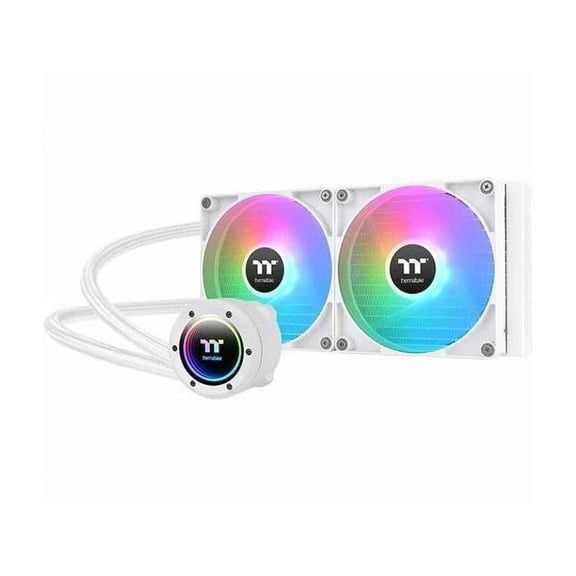
Thermaltake TH280 V2 ARGB Sync CPU Cooling Fan/Radiator/Pump, Snow $109.99
 $10999current price $109.99
Thermaltake TH280 V2 ARGB Sync CPU Cooling Fan/Radiator/Pump, Snow
ASUS ROG RYUO III 360 ARGB White Edition All-in-one AIO Liquid CPU Cooler 360mm Radiator, Asetek 8th gen pump solution, Anime Matrix™ LED Display and ROG AF 12S ARGB fan $208.64
 $20864current price $208.64
ASUS ROG RYUO III 360 ARGB White Edition All-in-one AIO Liquid CPU Cooler 360mm Radiator, Asetek 8th gen pump solution, Anime Matrix™ LED Display and ROG AF 12S ARGB fan
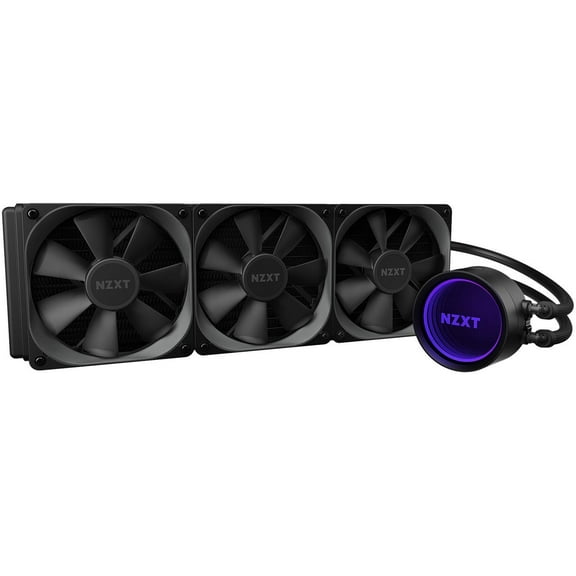
103.9 out of 5 Stars. 10 reviewsNZXT Kraken X73 360mm - RL-KRX73-01 - AIO RGB CPU Liquid Cooler - Rotating Infinity Mirror Design - Powered By CAM V4 - RGB Connector - 3 x Aer P120 120mm Radiator Fans LGA 1700 Compatible $299.99
 $29999current price $299.99
NZXT Kraken X73 360mm - RL-KRX73-01 - AIO RGB CPU Liquid Cooler - Rotating Infinity Mirror Design - Powered By CAM V4 - RGB Connector - 3 x Aer P120 120mm Radiator Fans LGA 1700 Compatible
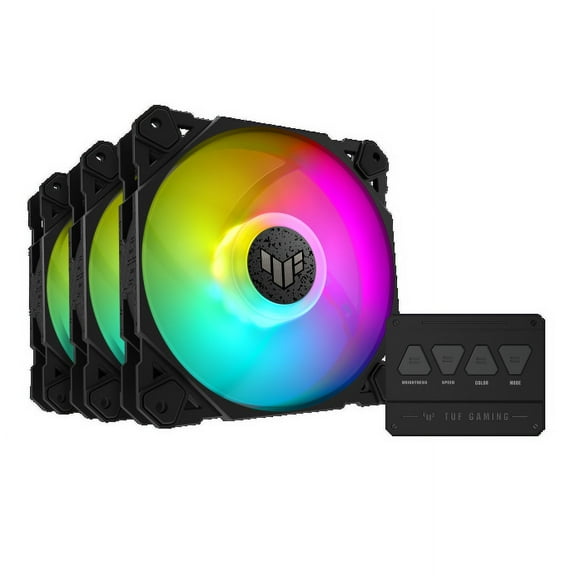
15 out of 5 Stars. 1 reviewsTUF TUF Gaming TF120 ARGB Fan - Triple Fan Kit with ARGB Controller - 3 Pack $59.99 Was $81.76 $59.99/lb
 $5999current price $59.99, Was $81.76$81.76$59.99/lb
TUF TUF Gaming TF120 ARGB Fan - Triple Fan Kit with ARGB Controller - 3 Pack
74.9 out of 5 Stars. 7 reviews23IN NEBS RACKMOUNT FOR ME PRODUCTS X $64.25
 $6425current price $64.25
23IN NEBS RACKMOUNT FOR ME PRODUCTS X
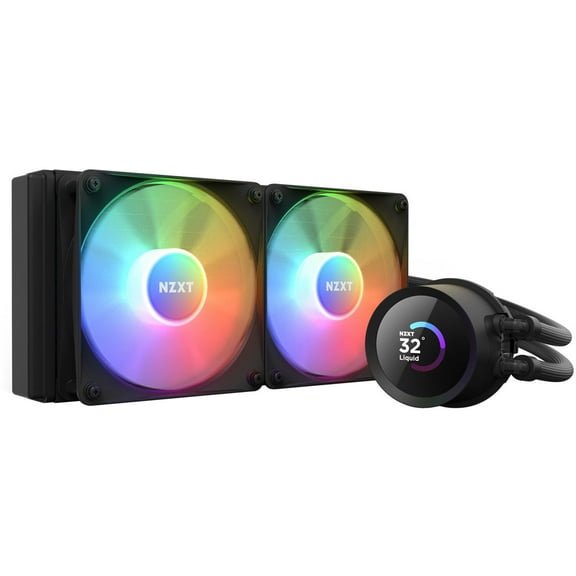
NZXT Kraken RGB 240mm - RL-KR240-B1 - AIO RGB CPU Liquid Cooler - LCD Display - 2 x F120RGB Core Fans Radiator Fans Black LGA 1700 / AM5 Compatible $149.99
 $14999current price $149.99
NZXT Kraken RGB 240mm - RL-KR240-B1 - AIO RGB CPU Liquid Cooler - LCD Display - 2 x F120RGB Core Fans Radiator Fans Black LGA 1700 / AM5 Compatible
Customer ratings & reviews
Filtered and sorted results would be available on the new 'Customer ratings & reviews' page.
Showing 1-2 of 2 reviews
Seller Verified Purchase
Very good cooling for a hot CPU
I recently built an Intel Core i9 13900k based PC using an Asus motherboard and air cooler. I soon discovered that whilst the CPU was fine running many Windows apps the cooler struggled to keep it cool on the more intensive tasks. What I needed was a White AIO water cooling solution. I saw Asus were about to produce a new range of white AIO solutions but being white they tended to cost more and it might have been months before the new range reach the market. On further investigation I found the ROG RYUO III 360 ARGB WHITE EDITION which would fit my white Lian Li Lancool case whilst knowing this would be a great match for all the other components in the build. Fitting the new AIO was straight forward I took care to clean away the existing compound on the top of the CPU and started to fit the radiator to the roof panel of the case. My only minor gripe here was that I found the mounting screws contained for this purpose were long and would have impacted the cooling fins and possibly worse, so I found shorter ones of my own that were just shorter and did not reach the cooling fins. The Lian Li case is very accommodating for all the cables and I soon had the AIO fitted and running. Whilst the display on the top of the pump is not as detailed as some of the new Asus next gen AIOs it still offers a range of settings and can all be managed from Armoury crate. In terms of cooling this proved to be excellent when running Cinebench the CPU achieved the top score at the time well above that of Threadripper. So now able to carry out intensive tasks where this CPU can show its best. A very good cooling solution easy to fit and at a reasonable price point, with the usual Asus quality of build.
Seller Verified Purchase
Can't be identified by ASUS software.
Honestly the fan works but the LCD screen doesn't work, my computer doesn't recognize the device through ASUS own software, but at least the fans work. Just sucks to see a lot of people have the same problem all over the internet and there doesn't seem to be any solution
Dear Mike1092, Thank you forr reaching out. We do understand your disappointment with the product and the inconvenience this may have caused if the LCD screen on the AIO is not working. To resolve this, enusre you are running the most current version of the Armoury Crate utility software posted at: https://rog.asus.com/cooling/cpu-liquid-coolers/rog-ryuo/rog-ryuo-iii-360-argb-white-edition-model/helpdesk_download/ . Check in the Device Manager if the AOI is being detected inside USB devices. If not detected, check if the USB cable is working and properly connected from the AIO to the motherboard's header. Should you need further assistance with the product, please email me at cl-rodel@asus.com and I would be more than happy to help. Or, you are most welcome to call Product Support Hotline at: 1(888) 678-3688. Also, you can chat with an ASUS live support agent from the link: https://www.asus.com/us/support/article/1135/. Thank you for choosing an ASUS product. Regards, Rodel ASUS Customer Loyalty
