

Sorry, this item is out of stock
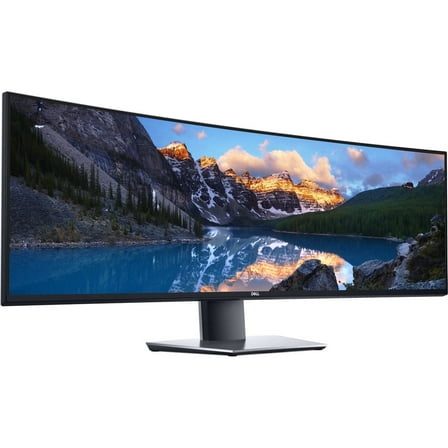
Dell UltraSharp U4919DW Widescreen LCD Monitor $1,459.00
 $1,45900current price $1,459.00
Dell UltraSharp U4919DW Widescreen LCD Monitor
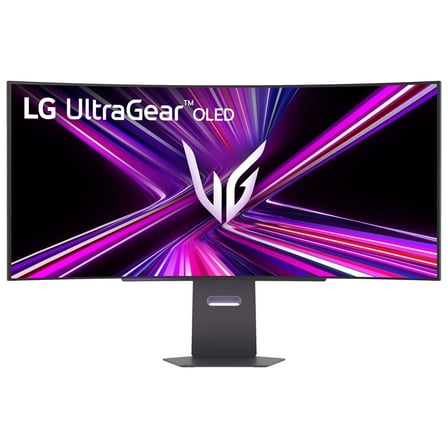
34.7 out of 5 Stars. 3 reviewsLG 39 Inch UltraGear OLED WQHD 240Hz 0.03ms 800R Curved Gaming Monitor $996.99
 $99699current price $996.99+$21.53 shipping
LG 39 Inch UltraGear OLED WQHD 240Hz 0.03ms 800R Curved Gaming Monitor
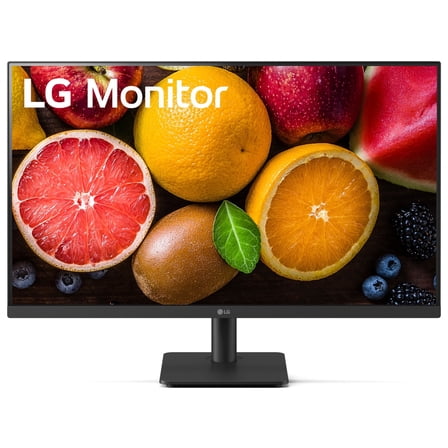
154.7 out of 5 Stars. 15 reviewsOpen Box LG 27MS540W-B.AUS 27" IPS FHD 100 Hz Borderless Design Monitor, Black $55.00 Was $62.00
 $5500current price $55.00, Was $62.00$62.00
Open Box LG 27MS540W-B.AUS 27" IPS FHD 100 Hz Borderless Design Monitor, Black
21 out of 5 Stars. 2 reviewsRollback LG 34" Curved UltraWide WQHD HDR 10 100Hz Monitor, Black, 34WR50QK-B $219.00 Was $279.00
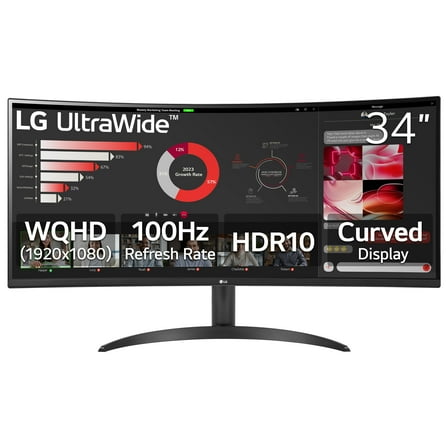 $21900current price $219.00, Was $279.00$279.00
LG 34" Curved UltraWide WQHD HDR 10 100Hz Monitor, Black, 34WR50QK-B
4594.3 out of 5 Stars. 459 reviewsLG 39 Inch UltraGear OLED WQHD 240Hz 0.03ms G-Sync Curved Gaming Monitor $899.99 Was $1,599.99
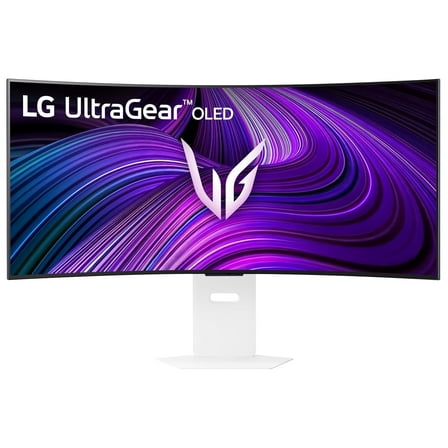 $89999current price $899.99, Was $1,599.99$1,599.99
LG 39 Inch UltraGear OLED WQHD 240Hz 0.03ms G-Sync Curved Gaming Monitor
104.9 out of 5 Stars. 10 reviewsLG 40WP95C 40 inch IPS HDR Ultrawide Curved Monitor - Silver/White $1,474.95
 $1,47495current price $1,474.95
LG 40WP95C 40 inch IPS HDR Ultrawide Curved Monitor - Silver/White
533.6 out of 5 Stars. 53 reviewsLG UltraGear 45" OLED 5K2K (5120x2160) 330Hz G-sync Curved Gaming Monitor $1,996.99
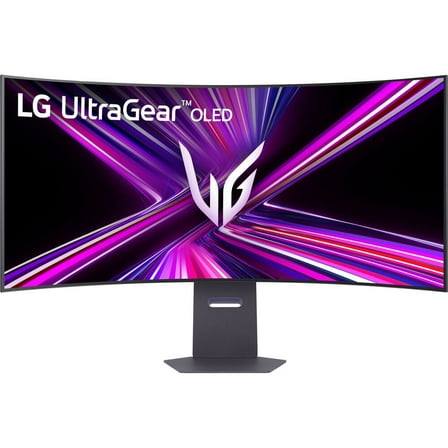 $1,99699current price $1,996.99
LG UltraGear 45" OLED 5K2K (5120x2160) 330Hz G-sync Curved Gaming Monitor
644.2 out of 5 Stars. 64 reviewsLG Electronics 49XS4PB 49" High Brightness 4000nit LCD Monitor $1,667.06
 $1,66706current price $1,667.06
LG Electronics 49XS4PB 49" High Brightness 4000nit LCD Monitor
LG 43" 4K UHD LCD Digital Signage Display - Black $406.93
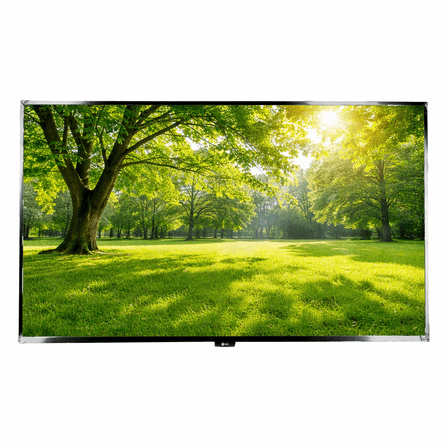 $40693current price $406.93
LG 43" 4K UHD LCD Digital Signage Display - Black
Restored LG 27MS500 27" 16:9 Full HD 100Hz IPS LCD Monitor (Refurbished) $79.99 Was $93.99
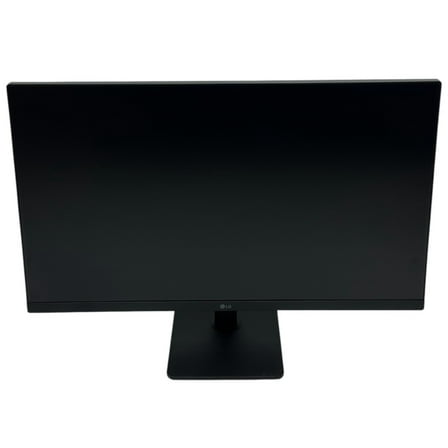 $7999current price $79.99, Was $93.99$93.99
Restored LG 27MS500 27" 16:9 Full HD 100Hz IPS LCD Monitor (Refurbished)
LG 75UM340E0UZ Digital Signage Display $900.44 Was $1,122.01
 $90044current price $900.44, Was $1,122.01$1,122.01
LG 75UM340E0UZ Digital Signage Display
LG 45 Inch UltraGear OLED WQHD 240Hz 0.03ms G-Sync Curved Gaming Monitor $949.99
 $94999current price $949.99
LG 45 Inch UltraGear OLED WQHD 240Hz 0.03ms G-Sync Curved Gaming Monitor
174.8 out of 5 Stars. 17 reviewsLG 32" 4K UHD IPS Touchscreen Smart Monitor Swing with Rolling Stand, 32U889SA-W $799.99 Was $1,299.99
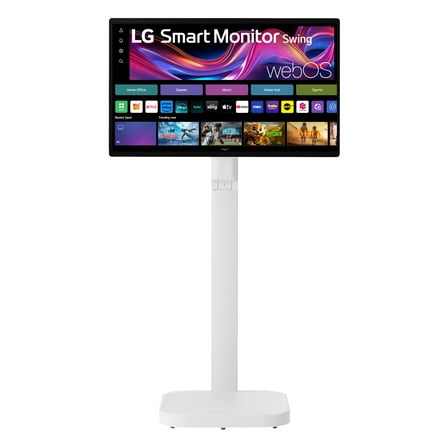 $79999current price $799.99, Was $1,299.99$1,299.99
LG 32" 4K UHD IPS Touchscreen Smart Monitor Swing with Rolling Stand, 32U889SA-W
264.5 out of 5 Stars. 26 reviewsLG 24U411A-B 23.8" 16:9 Full HD 120Hz IPS LCD HDR Monitor, Black $99.99
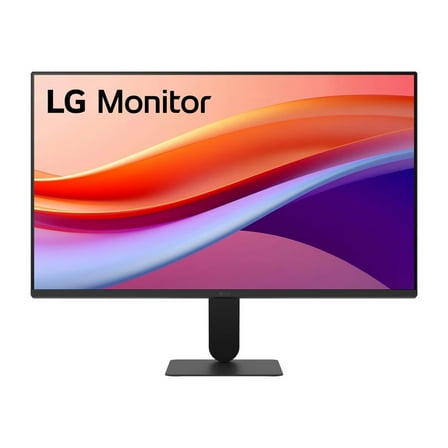 $9999current price $99.99
LG 24U411A-B 23.8" 16:9 Full HD 120Hz IPS LCD HDR Monitor, Black
2464.3 out of 5 Stars. 246 reviewsLG 49'' UV5N-E UHD Digital Signage with BrightSignOS™ 49UV5NE $865.40
 $86540current price $865.40
LG 49'' UV5N-E UHD Digital Signage with BrightSignOS™ 49UV5NE
Viewsonic E655 $50.00
 $5000current price $50.00+$5.00 shipping
Viewsonic E655
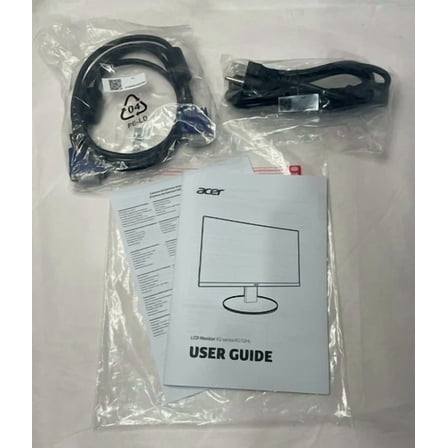
YANI- Acer K272Hl 27" Lcd Widescreen Monitor - Black $50.13
 $5013current price $50.13
YANI- Acer K272Hl 27" Lcd Widescreen Monitor - Black
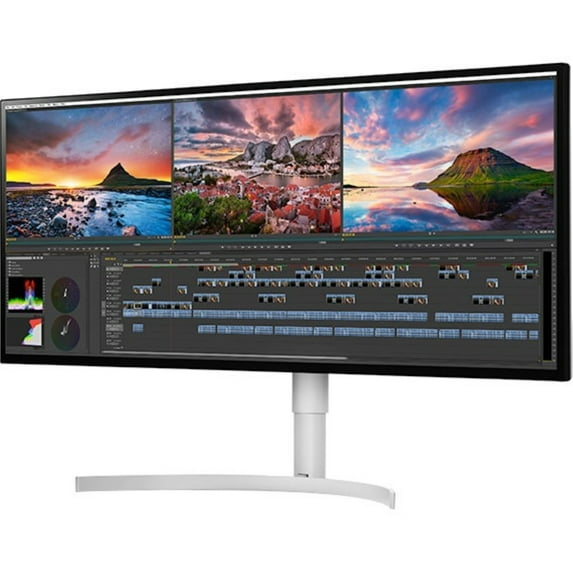
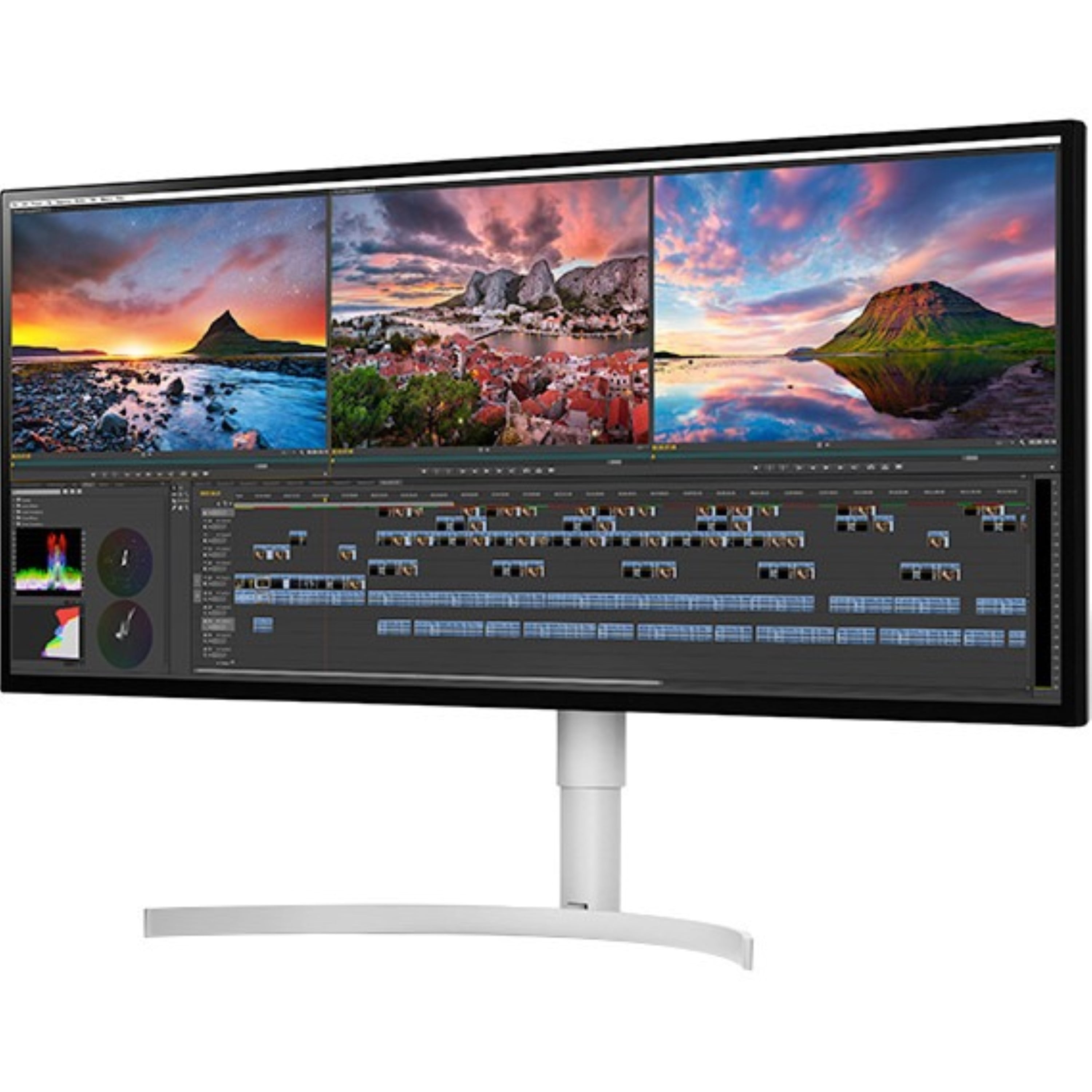
LG 34WK95U-W Widescreen LCD Monitor
Key item features
- Awarded Recognition: Named Best Monitor at CES 2018 by The Verge, highlighting its industry acknowledgment.
- Expansive Display: Features a 34-inch UltraWide Nano IPS Display with a 21:9 aspect ratio for an immersive viewing experience.
- Stunning Resolution: Boasts a 5K WUHD (5120 x 2160) resolution, providing exceptional clarity and detail for professional use.
- Vivid Color: Offers DCI-P3 98% color gamut and HDR 600, ensuring accurate and vibrant color reproduction.
- Seamless Connectivity: Equipped with Thunderbolt 3, DisplayPort, and HDMI for versatile and high-speed connections.
- Advanced Panel: Utilizes In-plane Switching (IPS) Technology for wide viewing angles and consistent color.
Specs
- Screen size34 in
- Resolution5K WUHD
- Refresh rate60 Hz
- DisplayLED
- Aspect21:9
- Response time5.00 ms
Reviews summary
- : Colors are accurate with a wide color gamut.
- : Features a high pixel density for sharp text and images.
- : Can support high resolutions, but may be limited by device or cable compatibility.
- : Fails to maintain stable connections, especially with mac devices.
How do you want your item?
About this item
Product details
LG 34WK95U-W LG’s UltraWide® goes UHD! The 34WK95U is a multi-taskers dream. The Nano IPS clarity & color accuracy of HDR 600 at WUHD (5120 x 2160) resolution allows media professionals to see their work in a whole new way. Add the speed & versatility of Thunderbolt™ 3 & it’s clear that this monitor will be the choice of content creators everywhere.
LG 34WK95U-W Widescreen LCD Monitor
- 2018 Consumer Electronics Show Sign up to receive the latest information and pricing for our new TVs, home electronics, smartphones, appliances featured at the 2018 Consumer Electronics Show.
- Named Best Monitor at CES 2018 by The Verge
- 34” UltraWide® Nano IPS Display
- 5K WUHD (5120 x 2160) Resolution
- Thunderbolt™ 3
- DCI-P3 98%
- HDR 600
- Product Type LCD Monitor
- Number of Screens 1
- Screen Size Class 34"
- Screen Mode 5K UHD
- Nano Panel Technology In-plane Switching (IPS) Technology
- Aspect Ratio 21:9
- Maximum Resolution 5120 x 2160
- Contrast Ratio 600:1
- DisplayPort
- HDMI
Specifications
Screen size
Resolution
Refresh rate
Display
Warranty
Warranty information
Please be aware that the warranty terms on items offered for sale by third party Marketplace sellers may differ from those displayed in this section (if any). To confirm warranty terms on an item offered for sale by a third party Marketplace seller, please use the 'Contact seller' feature on the third party Marketplace seller's information page and request the item's warranty terms prior to purchase.
Warranty url
Warnings
Warning Text
Popular items in this category
Best selling items that customers love
LG 27U411A-B 27" 16:9 Full HD 120Hz IPS LCD HDR Monitor, Black $109.99
 Sponsored$10999current price $109.99
LG 27U411A-B 27" 16:9 Full HD 120Hz IPS LCD HDR Monitor, Black
2444.3 out of 5 Stars. 244 reviewsShipping, arrives in 3+ daysLG Electronics 27MR400B 27" Full HD IPS Monitor $89.99 Was $130.00
 Now$8999current price Now $89.99, Was $130.00$130.00
LG Electronics 27MR400B 27" Full HD IPS Monitor
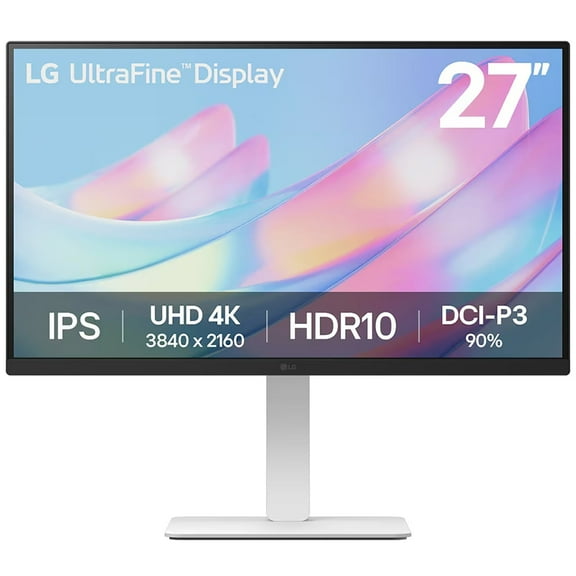
2704.4 out of 5 Stars. 270 reviewsShipping, arrives in 3+ daysLG 27" 4K 3840x2160 UHD UltraFine HDR10, IPS, Borderless Design, PC Monitor 27US550 $296.99 Was $349.99
 Now$29699current price Now $296.99, Was $349.99$349.99
LG 27" 4K 3840x2160 UHD UltraFine HDR10, IPS, Borderless Design, PC Monitor 27US550
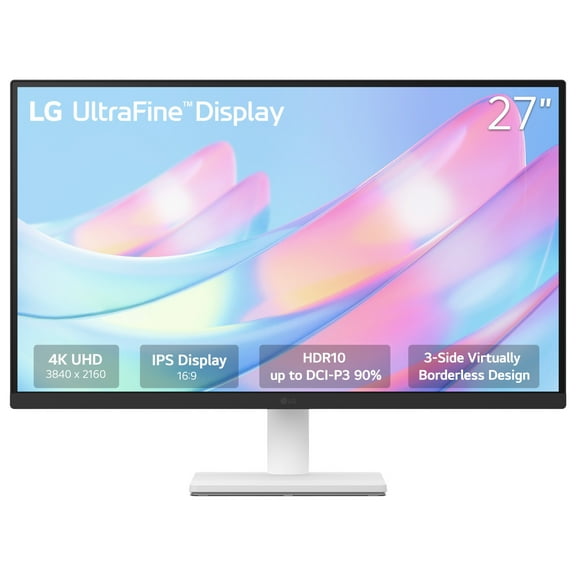
444.2 out of 5 Stars. 44 reviewsShipping, arrives in 3+ daysLG 27" UltraFine 4K UHD HDR10 IPS Monitor, White, 27US500-W $240.00
 $24000current price $240.00
LG 27" UltraFine 4K UHD HDR10 IPS Monitor, White, 27US500-W
424.2 out of 5 Stars. 42 reviewsShipping, arrives in 3+ daysLG 45GR65DC 45" UltraGear WQHD $724.99
 $72499current price $724.99
LG 45GR65DC 45" UltraGear WQHD
Save with Shipping, arrives in 3+ days
LG UltraFine 27UP850K-W 27" 16:9 4K Ultra HD USB-C IPS LCD HDR Monitor, White $399.00
 $39900current price $399.00
LG UltraFine 27UP850K-W 27" 16:9 4K Ultra HD USB-C IPS LCD HDR Monitor, White
834.3 out of 5 Stars. 83 reviewsShipping, arrives in 2 daysLG UltraGear 27GS50F-B 27" 16:9 Full HD 180Hz VA HDR Gaming Monitor $151.99 Was $182.00
 SponsoredNow$15199current price Now $151.99, Was $182.00$182.00
LG UltraGear 27GS50F-B 27" 16:9 Full HD 180Hz VA HDR Gaming Monitor
1344.5 out of 5 Stars. 134 reviewsShipping, arrives in 3+ daysLG 24GS50F 24 inch UltraGear LCD FHD 180Hz Gaming Monitor with AMD FreeSync $141.44
 $14144current price $141.44
LG 24GS50F 24 inch UltraGear LCD FHD 180Hz Gaming Monitor with AMD FreeSync
1334.5 out of 5 Stars. 133 reviewsShipping, arrives in 3+ daysLG 24 Inch FHD 3-Side Borderless IPS 100Hz Monitor with FreeSync $79.99 Was $129.99
 Now$7999current price Now $79.99, Was $129.99$129.99
LG 24 Inch FHD 3-Side Borderless IPS 100Hz Monitor with FreeSync
2774.3 out of 5 Stars. 277 reviewsShipping, arrives in 3+ daysPre-Owned LG 24" 1920x1080 HDMI DP 144hz 1ms TN FHD Gaming Monitor - 24GN50W-B $99.90
 $9990current price $99.90
Pre-Owned LG 24" 1920x1080 HDMI DP 144hz 1ms TN FHD Gaming Monitor - 24GN50W-B
Shipping, arrives in 3+ daysRollback LG 27" FHD IPS Smart Monitor with webOS 100Hz, White, 27U55WSA-W $165.00 Was $184.00
Rollback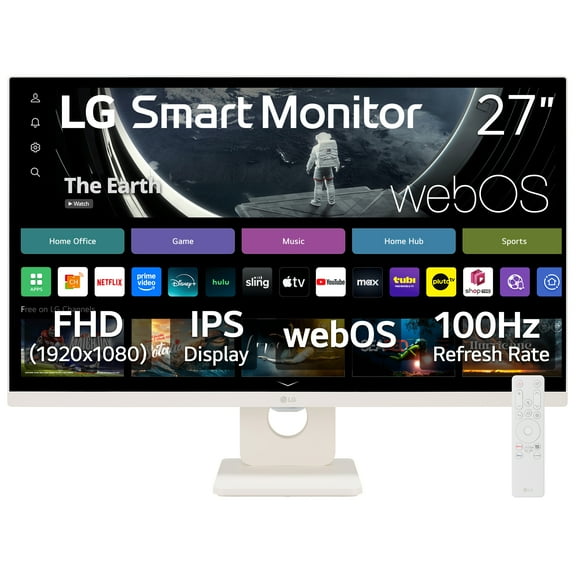 Now$16500current price Now $165.00, Was $184.00$184.00
LG 27" FHD IPS Smart Monitor with webOS 100Hz, White, 27U55WSA-W
1484.4 out of 5 Stars. 148 reviewsSave withPickup todayDelivery todayShipping, arrives in 3+ days

Customer ratings & reviews
Reviews summary
- : Colors are accurate with a wide color gamut.
- : Features a high pixel density for sharp text and images.
- : Can support high resolutions, but may be limited by device or cable compatibility.
- : Fails to maintain stable connections, especially with mac devices.
Customer images


- +19 images
Showing 1-3 of 89 reviews
Intended for strategy games, used for home office
I bought it to play strategy games, but now use it predominantly for home office - and definitely do not miss my two 1k Eizo monitors at office. Switching between my home computer (display port) and my work laptop (USB-C) is a bit tricky, but I now have the sequence and timing memorized. 150% scaling would be ideal, but I use 125% scaling to get the equivalent of 4K. I personally would prefer a slight curve of the screen; I usually sit slightly to the right and work there and display additional information left. Unfortunately Total War was not programmed for 5K, but that is no fault of the monitor.
WOW Absolutely amazing
I swapped the Acer Predator Z35 35 inch Widescreen Curved Monitor on the LG 5k nano IPS What a difference in the quality of the screen!!! Operate under windows 10 @ Nvidia 2080ti Please note: Apple users. Simply do not blame monitor if your display hardware is a problem with poor graphic cards
Great Screen, but it struggles with Burn-In
[This review was collected as part of a promotion.] Love the monitor. It looks great. Amazing workflow. I don't know if I have the colors setup perfectly on it, but it does feel a little cold in color. My biggest struggle has been burn-in. I work in music production/mixing/editing/Etc. so I may leave the same window up for hours. This monitor doesn't do well with that. It leaves some phantom images of that up... I mean. It's super subtle. You have to take like a dark “Finder” window and hold it over the edges of the screen, but then you can tell it's still ghosting you with some burn-in. I really do love the monitor. It's been extremely advantageous to my workflow, but this one issue annoys me to no end!
