The bells and whistles aren't enough.
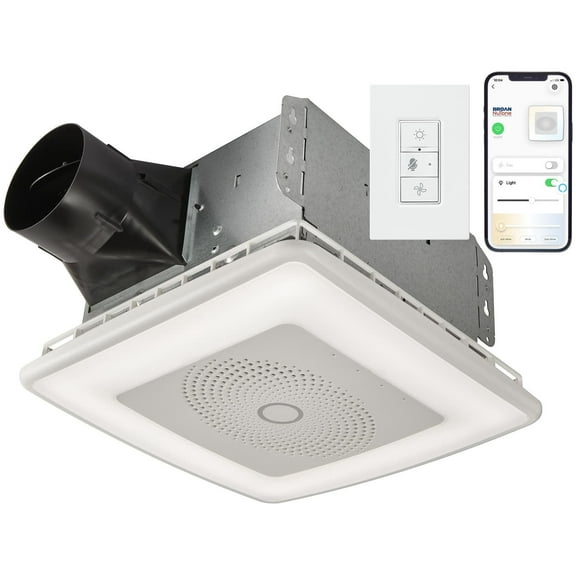
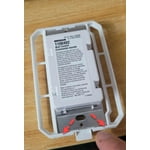
I installed this fan 2 years ago. It is now dead. The switch will not turn the fan or lights on. Yes, I changed the batteries. I've discovered There is some weird trick to getting your switch to re-access the fan by turning the breaker off outside, then running back inside and holding the light button down for 5 seconds. (You have 3-5 minutes to do this before it won't work and you must trip the breaker again) I've done this, and it works to turn the fan and lights on, but now, 2 years later, I have to flip the breaker to turn it off. Everything stays on no matter what you do. It just started happening and I most likely will have to replace the unit.
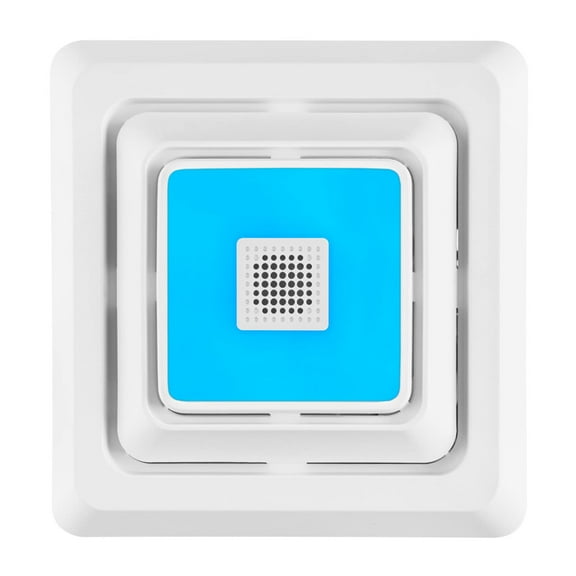
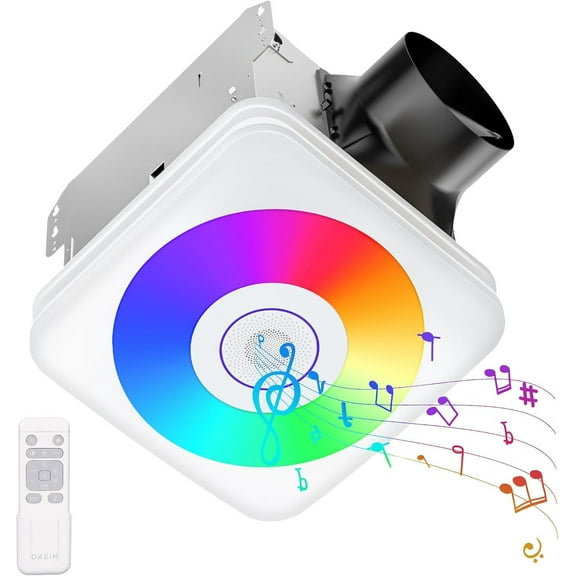
On a side note, the fan becomes very loud and it really doesn't vent a lot of steam from the shower. I've resealed the duct to the exhaust fan, it didn't change anything. To be honest, this fan has not been a great purchase. The Bluetooth can't get loud enough to really enjoy in the shower, I still use a standard Bluetooth speaker because this one is weak. Changing of the lights isn't bad, but usually stick to standard white anyway.
reply from Broan-NuTone Customer Service
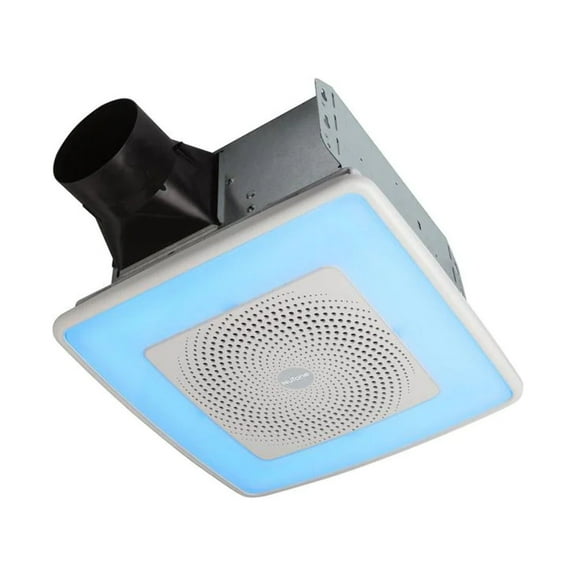
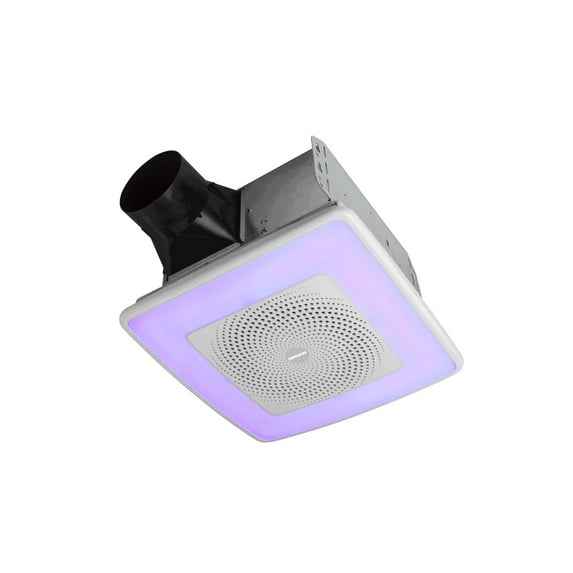
We are sorry to learn of your experience with the SPK110RGBL model. You are correct. To pair the switch to the housing, the power needs to be turned off. When the power is turned back on, the top, white light button needs to be pressed and held for 5 seconds. This will re-link the units.
Regarding the speaker, there is a thin,protective film that needs to be removed after installation. If you have an iPhone and the speaker is not loud enough, you can try this on your phone: Go to Settings>Sounds>Headphone Safety>Reduce loud audio and Turn off 'reduce loud audio' which will make the speaker significantly louder. Samsung phones have a similar option: Settings, Sounds & Vibrations, tap Volume, then tap More Options and tap Media Volume Limit.
Finally, we recommend checking the duct work to be sure it is free and clear of obstructions and not crushed anywhere in the run. The wall or roof cap should be inspected and any debris blocking the opening should be removed. If this has been done, we gladly will assist you with troubleshooting your fan. Our Product Support team can be reached at 800-637-1453 for more assistance. We are here to support you and your product and we do hope you will give us this opportunity to do so.




 WARNING: