


IRIS 457486 (001) IRIS IRISCard Anywhere 5 - brack.ch
Key item features
Part Number: 457486 (001)
Document Feeding Single sheet feed
Resolution 300 dpi
Scan Area 4.0 x 6.0" (10.16 x 15.24)
4.13 x 5.83" (10.5 x 14.8 cm)
Output File Format JPEG
Scan Speed Up to 800 business cards/hour
Internal Memory 512 MB
External Memory SD, xD, MS, MS Pro, MMC memory cards
USB host (type-A) for flash drive
Connectivity USB type-B Mini
OS Compatibility Microsoft: Windows 7, Vista, XP, 2000
Apple: OS X 10.4 or above (compatible with Mac OS X Lion), iPad
Unix
Linux
Windows System Requirements Processor: Intel Pentium or equivalent
Memory: 256 MB RAM
Disk Space: 300 MB
Interface: CD-ROM drive & USB port
Mac System Requirements Processor: PowerPC G4 or Intel
Disk Space: 160 MB
Interface: CD-ROM drive & USB port
Power Requirements Lithium-ion polymer rechargeable battery
Charging Method USB cable
Battery Life Up to 150 4.0x6.0" documents
Dimensions (WxHxL) 2.12 x 1.69 x 6.22" (5.4 x 4.3 x 15.8 cm)
Weight 8.8 oz (250g)
Note:
Picture may not match actual product. Please ensure that your original part number matches this exactly, or check with the manufactuer for compatiblity. Customers are responsible for compatiblity.
Specs
How do you want your item?
About this item
Product details
Part Number: 457486 (001)
Document Feeding Single sheet feed
Resolution 300 dpi
Scan Area 4.0 x 6.0" (10.16 x 15.24)
4.13 x 5.83" (10.5 x 14.8 cm)
Output File Format JPEG
Scan Speed Up to 800 business cards/hour
Internal Memory 512 MB
External Memory SD, xD, MS, MS Pro, MMC memory cards
USB host (type-A) for flash drive
Connectivity USB type-B Mini
OS Compatibility Microsoft: Windows 7, Vista, XP, 2000
Apple: OS X 10.4 or above (compatible with Mac OS X Lion), iPad
Unix
Linux
Windows System Requirements Processor: Intel Pentium or equivalent
Memory: 256 MB RAM
Disk Space: 300 MB
Interface: CD-ROM drive & USB port
Mac System Requirements Processor: PowerPC G4 or Intel
Disk Space: 160 MB
Interface: CD-ROM drive & USB port
Power Requirements Lithium-ion polymer rechargeable battery
Charging Method USB cable
Battery Life Up to 150 4.0x6.0" documents
Dimensions (WxHxL) 2.12 x 1.69 x 6.22" (5.4 x 4.3 x 15.8 cm)
Weight 8.8 oz (250g)
Note:
Picture may not match actual product. Please ensure that your original part number matches this exactly, or check with the manufactuer for compatiblity. Customers are responsible for compatiblity.
Specifications
Brand
Similar items you might like
Based on what customers bought
Kodak Slide N SCAN Color Computer Scanner, with Accessories Included $189.99 $189.99/count
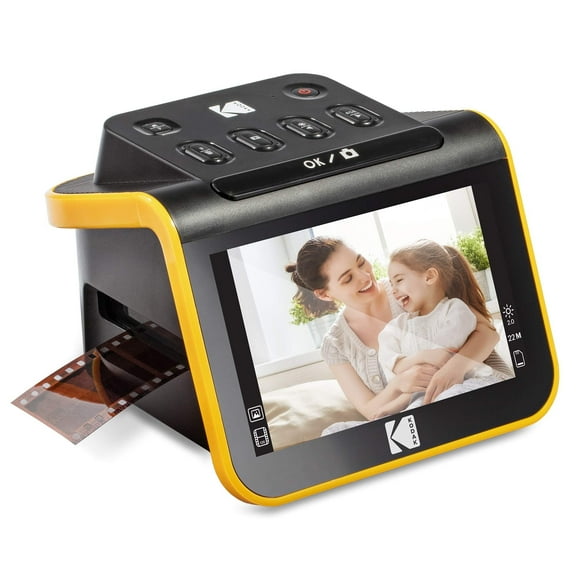 $18999current price $189.99$189.99/count
Kodak Slide N SCAN Color Computer Scanner, with Accessories Included
484.2 out of 5 Stars. 48 reviewsAmbir Photo Scanner w/ PictureStudio - PS400-NA - Black Color - Scan Photos in 3 Seconds at 300dpi $199.95
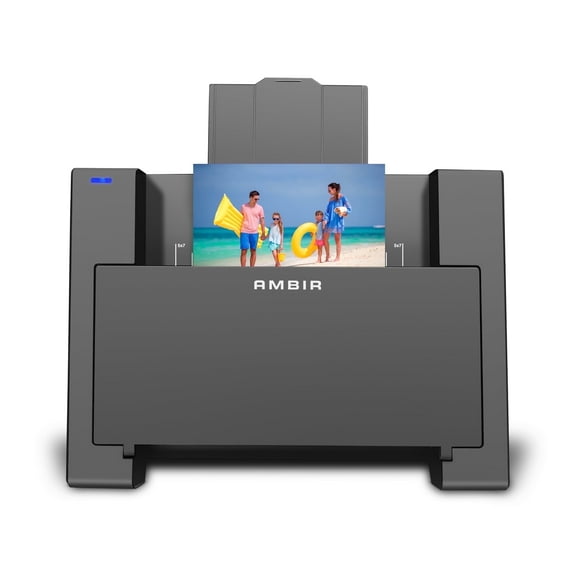 $19995current price $199.95
Ambir Photo Scanner w/ PictureStudio - PS400-NA - Black Color - Scan Photos in 3 Seconds at 300dpi
193.9 out of 5 Stars. 19 reviewsBest seller Brother Portable DS-635 Monochrome/Color Compact Mobile Document Scanner $94.95 Was $114.99 $93.09/lb
Best seller $9495current price $94.95, Was $114.99$114.99$93.09/lb
Brother Portable DS-635 Monochrome/Color Compact Mobile Document Scanner
2254.2 out of 5 Stars. 225 reviewsPlustek Photo Scanner ePhoto Z300, Scans 4x6 inch Photos in 2 Seconds $219.99
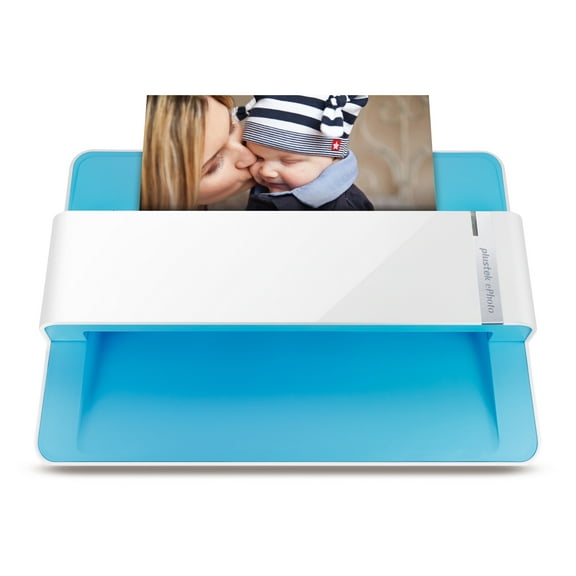 $21999current price $219.99
Plustek Photo Scanner ePhoto Z300, Scans 4x6 inch Photos in 2 Seconds
1114.6 out of 5 Stars. 111 reviewsKodak Slide N SCAN Film and Slide Scanner with 7" LCD Screen $209.99
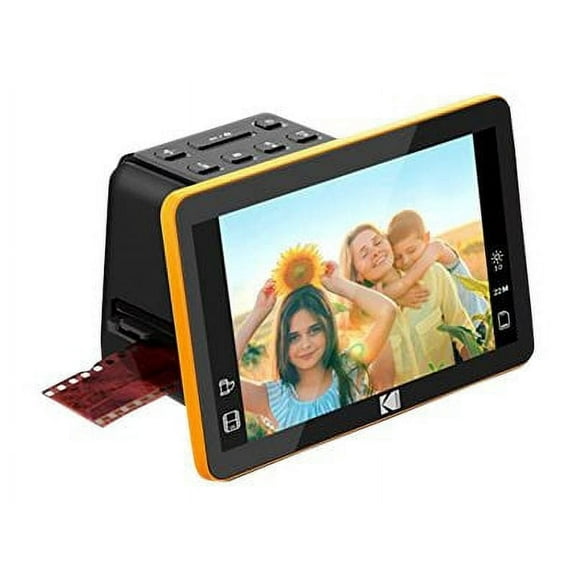 $20999current price $209.99
Kodak Slide N SCAN Film and Slide Scanner with 7" LCD Screen
134.1 out of 5 Stars. 13 reviewsBrother ADS-1300 Compact Color Desktop Scanner, up to 30ppm, Single Pass Double-Sided Scanning $254.99 $254.99/count
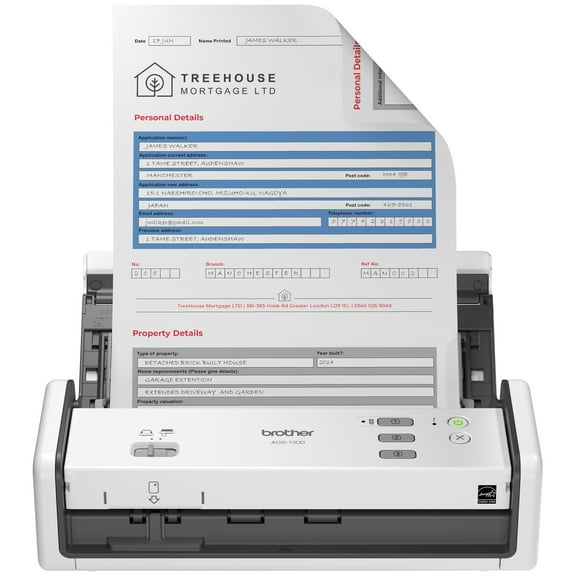 $25499current price $254.99$254.99/count
Brother ADS-1300 Compact Color Desktop Scanner, up to 30ppm, Single Pass Double-Sided Scanning
434 out of 5 Stars. 43 reviewsBest seller Epson WorkForce ES-50 Portable Sheet-fed Document Scanner for PC and Mac $129.99 Was $159.99
Best seller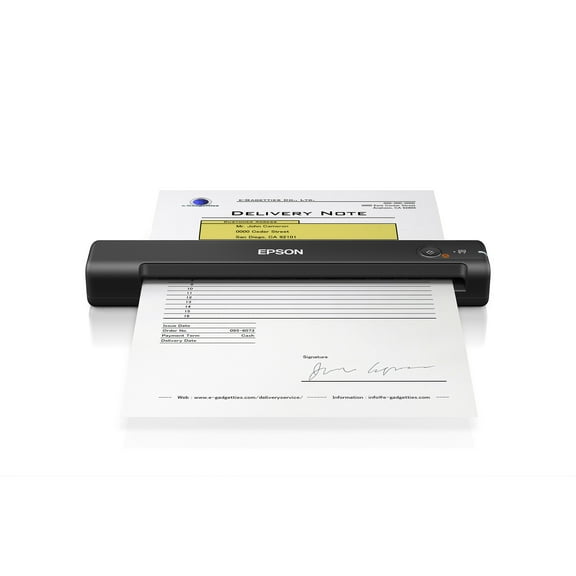 $12999current price $129.99, Was $159.99$159.99
Epson WorkForce ES-50 Portable Sheet-fed Document Scanner for PC and Mac
2334.2 out of 5 Stars. 233 reviewsI.R.I.S. IRIScan Desk 7 Pro Overhead Scanner - 4912 x 3680 dpi Optical (464415) $258.63
 $25863current price $258.63
I.R.I.S. IRIScan Desk 7 Pro Overhead Scanner - 4912 x 3680 dpi Optical (464415)
15 out of 5 Stars. 1 reviewsIRIS IRIScan Pro 5 Duplex Desktop Scanner $235.93
 $23593current price $235.93
IRIS IRIScan Pro 5 Duplex Desktop Scanner
23 out of 5 Stars. 2 reviewsEpson® RapidReceipt™ Mobile Receipt And Color Document Scanner, RR-60 $179.99 Was $229.99
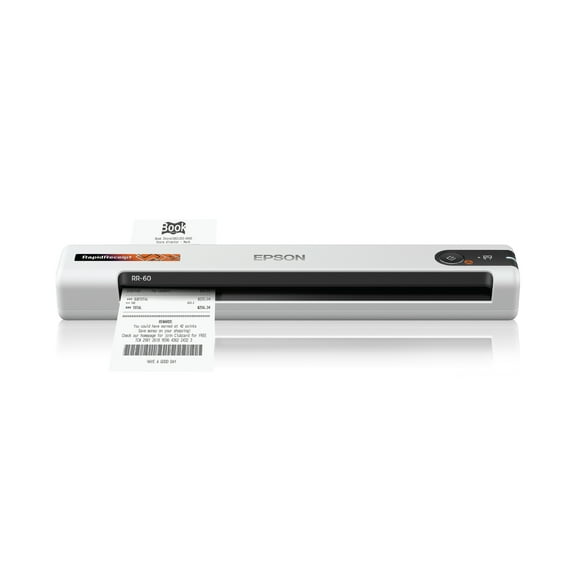 $17999current price $179.99, Was $229.99$229.99
Epson® RapidReceipt™ Mobile Receipt And Color Document Scanner, RR-60
884.7 out of 5 Stars. 88 reviewsEpson WorkForce ES-60W Wireless Portable Document Scanner $169.99 Was $199.99
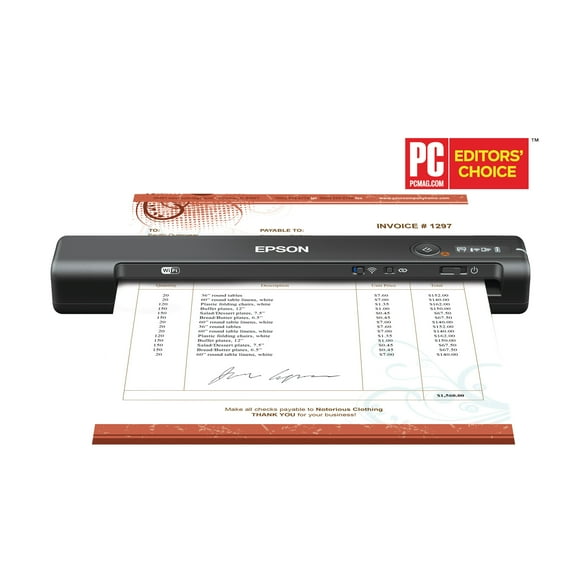 $16999current price $169.99, Was $199.99$199.99
Epson WorkForce ES-60W Wireless Portable Document Scanner
3384.2 out of 5 Stars. 338 reviewsBest seller Epson Perfection V39 II Color Photo and Document Flatbed Scanner $119.99
Best seller $11999current price $119.99
Epson Perfection V39 II Color Photo and Document Flatbed Scanner
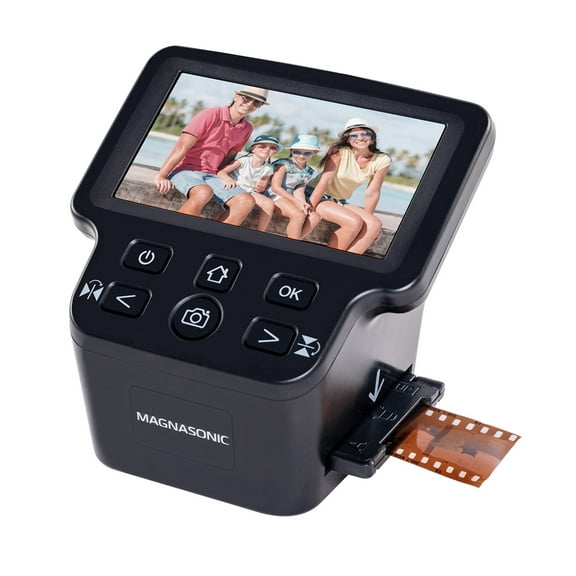
1323.3 out of 5 Stars. 132 reviewsMagnasonic All-In-One 24MP Film Scanner with Large 5" Display & HDMI, Converts 35mm/126/110/Super 8 Film & 135/126/110 Slides into Digital Photos, Built-in Memory (FS71) $129.99
 $12999current price $129.99
Magnasonic All-In-One 24MP Film Scanner with Large 5" Display & HDMI, Converts 35mm/126/110/Super 8 Film & 135/126/110 Slides into Digital Photos, Built-in Memory (FS71)
6194.3 out of 5 Stars. 619 reviewsIRIScan Desk 6 Pro $182.97
 $18297current price $182.97
IRIScan Desk 6 Pro
11 out of 5 Stars. 1 reviews468 Simplex Document Scanner (DP468) $152.08
 $15208current price $152.08
468 Simplex Document Scanner (DP468)
Digital Film Slide Scanner - 35mm, 126, 110, Super 8, 8mm to JPEG Converter $193.99
 $19399current price $193.99
Digital Film Slide Scanner - 35mm, 126, 110, Super 8, 8mm to JPEG Converter
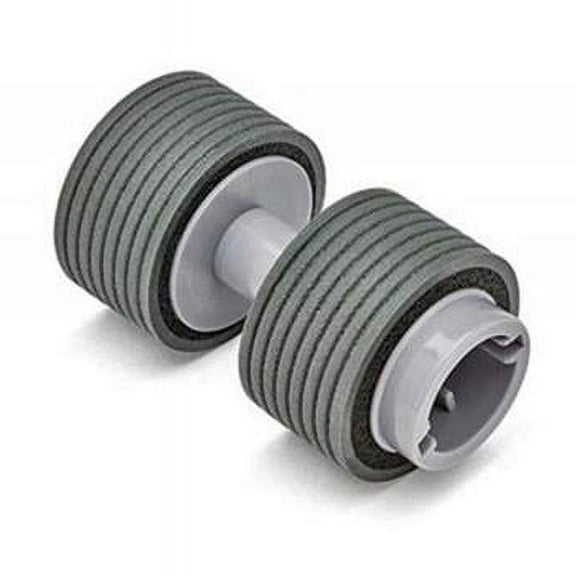
Fujitsu Ricoh Consumable Brake Roller with FI-7600 & FI-7700 Scanners $75.86
 $7586current price $75.86
Fujitsu Ricoh Consumable Brake Roller with FI-7600 & FI-7700 Scanners
Epson Perfection 1260 Photo Flatbed Color Scanner — USB 2.0, 8.5″×11.7″ Scanning Area, 1200–2400 dpi Slide/Film Adapter $300.00
 $30000current price $300.00
Epson Perfection 1260 Photo Flatbed Color Scanner — USB 2.0, 8.5″×11.7″ Scanning Area, 1200–2400 dpi Slide/Film Adapter
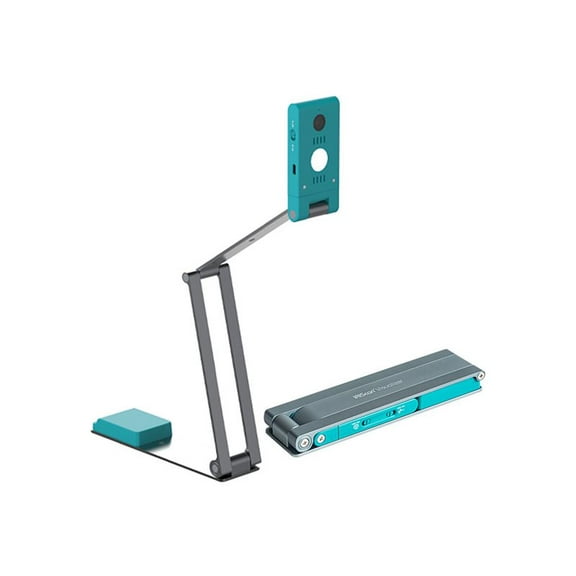
Iris Inc 464665 IRIScan Visualizer 7 Dyslexic Document Camera $152.59 Was $170.15
 $15259current price $152.59, Was $170.15$170.15
Iris Inc 464665 IRIScan Visualizer 7 Dyslexic Document Camera
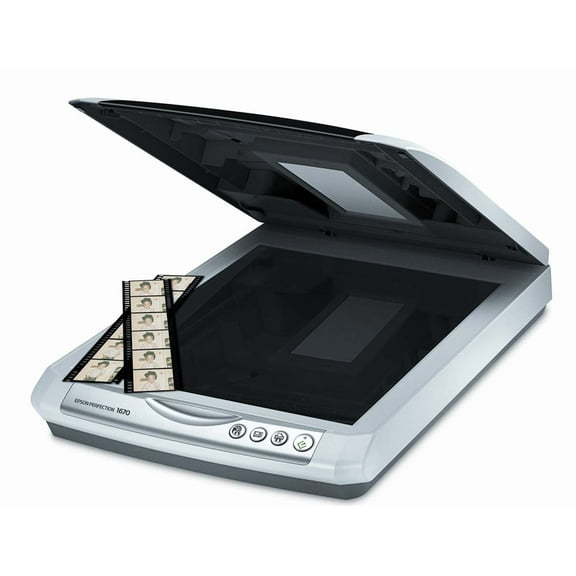
Epson Perfection 1670 Photo Flatbed Scanner – Color CCD Scanner with USB, 8.5"×11.7" Scan Area $486.00
 $48600current price $486.00
Epson Perfection 1670 Photo Flatbed Scanner – Color CCD Scanner with USB, 8.5"×11.7" Scan Area
Customer ratings & reviews
Filtered and sorted results would be available on the new 'Customer ratings & reviews' page.
Showing 1-1 of 1 review
Works well
I did some research and read reviews on other sites (incl. US) before buying this unit since I'm not a techie or an expert. This is the first other business card scanner I've used. I chose this one mainly for the software (Cardiris 5.5) as the other one (Bizcard) offered in comparable scanners didn't suit my needs. I bought mine on sale at a local retailer (not Walmart). Feedback is based on scanning 1000+ cards so far: Scanner pros: - Small, portable size - Adjustable guide really helps for different sized cards - Simple instructions and user-friendly - Vertical cards are automatically rotated and are recognized (auto-filling fields) - Clear scans even for dark colours* - Recognition is fairly accurate* - Has 512 MB of internal memory. - Also accepts USB card and SD card for extra memory. - Software allows both front and back of card (via manual scan) which is great for bilingual/extra info./maps on the back. These images can also be interchanged - Easily exports into MS Outlook Contacts with an option to include the card image Scanner cons: - *Recognition (auto-filling fields) is a hit and miss deal for card with logos, diff. fonts or very dark background colours - Some cards seem to have the edge cut off even though the jpeg shows it scanned as whole - Unit loses power fairly quickly. When this happens, it loses connectivity even when powered via USB. I kept recharging via electrical outlet using a BlackBerry plug I own (for USB) - Images in preview can sometimes show older scans. So, don't delete them thinking they're the wrong scans! Just open in Win. Explorer to check them - Blinking lights are a bit confusing. The manual (you will need a magnifying glass to read it) explains why/how. - Some cards didn't get scanned even when the green light wasn't blinking. This meant a lot of double checking. - Not TWAIN Cardiris 5.5 (included software) pros: - Allows adding of custom fields and categories - Views can be sorted by all cards/new cards/indexed cards/verified cards. I liked the F-key function to index and/or verify - Detects duplicates but this isn't automatic and could be confusing - Fairly accurate recognition Cardiris 5.5 (included software) cons: - No auto-complete or auto-prompts. IMO, it's an essential feature for any such software that requires repetitive input. Note: Upon further reading, it seems the software Cardiris (available for purchase on IRIScan's site) will work as a standalone if you already own a flatbed scanner. For more info., check the tutorial on IRIScan's website.
