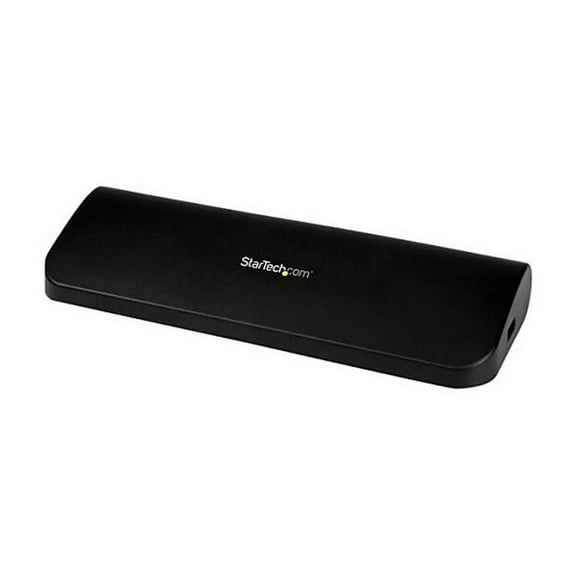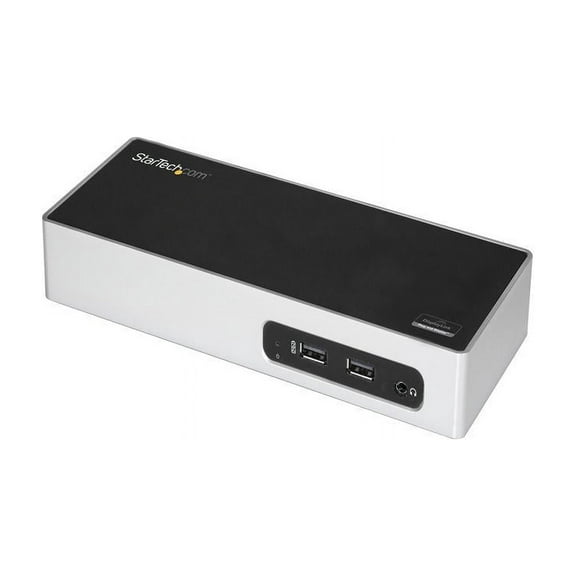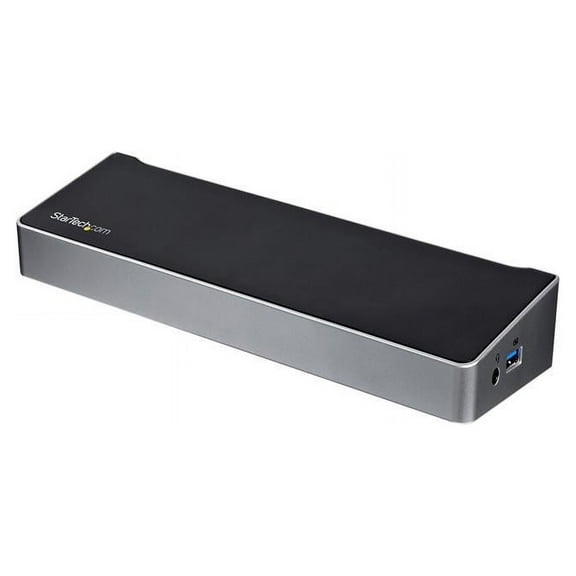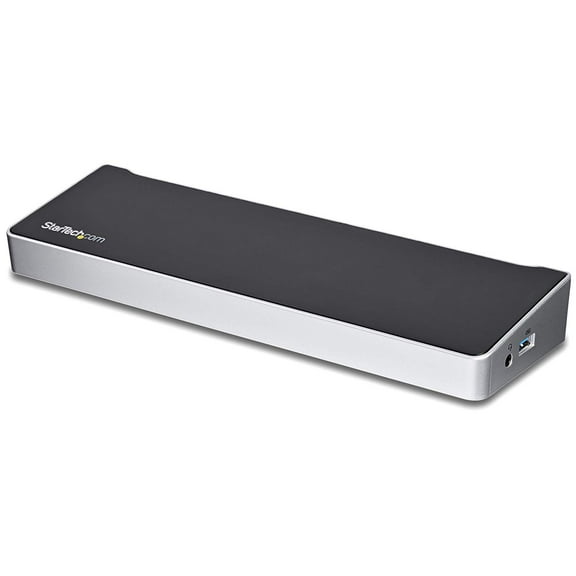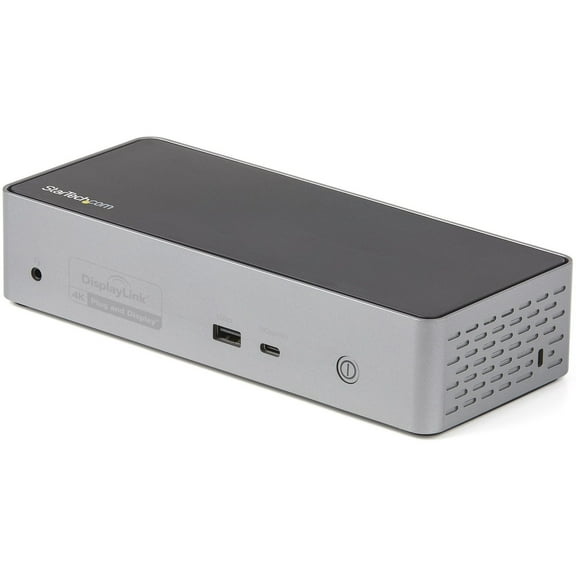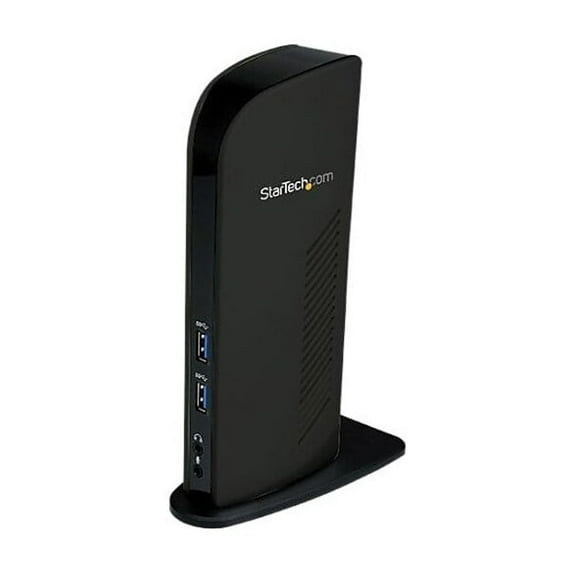
StarTech Universal USB 3.0 Laptop Docking Station
Hero image 0 of StarTech Universal USB 3.0 Laptop Docking Station, 0 of 6

StarTech Universal USB 3.0 Laptop Docking Station

|8 ratings

Key item features

0
Current price is $69.99
Price when purchased online
  • Free shipping
  • Free 30-day returns
Walmart Accident Plan by Allstate

(Only one option can be selected at a time)

How do you want your item?

Try 30 days of Free Shipping with Walmart+! Choose plan at checkout.
How do you want your item?
Columbus, 43215
Arrives by Wed, Apr 29
Sold and shipped by Walmart.com
Free 30-day returns - in store or online
This item is gift eligible

More seller options (1)

Starting from $101.99

walmart plus

Get free delivery, shipping and more*

*Restrictions apply

About this item
Product details

Specifications

Warranty

Warnings

Customer ratings & reviews

3.4 out of 5 stars
stars8 ratings8 reviews
How item rating is calculated

Customer photos

Filtered and sorted results would be available on the new 'Customer ratings & reviews' page.
Sort by |

Showing 1-3 of 8 reviews

Jan 9, 2015
pier4125
5 out of 5 stars review

Have been using this device for over 2 months and haven't had a single issue with it. Setup was extremely easy. Just follow the simple instructions. Had it up and running in 15 minutes. My setup includes dual monitors, VOIP soft phone (phone works through my laptop) and video conferencing. No throughput issues with all of this traffic running through the Startech dock.

Review from startech.com
Helpful?3XQNAANFTJWY26819611
May 9, 2022
Mark1
5 out of 5 stars review

2 monitors on a 2017 MacBook air running

I bought this to run a second monitor using the USB3 port. My MacBook Air runs the latest Monterey 12.3.1. Once all was plugged in, which was all of 3 cables, plugged in the Power, the USB cable and an HDMI cable, I simply downloaded the drivers for the Mac 12.x and installed. Once the security permissions were granted the 2nd monitor sprang into life. One small issues (not much of an inconvenience), when I boot the laptop from cold I do have to run the DisplayLink Manager app for the second monitor to work. Like I said not really an inconvenience a I added the app icon to the taskbar.

Review from startech.com
Helpful?3XQNAANFTJWY26819611
reply from Supplier Response

Thank you for taking the time to leave a review for our USB3SDOCKHD. Within the DisplayLink manager application, please select “Launch automatically after logging-in” for the software to start automatically every time you log-in.

Oct 11, 2017
ITGUY17
5 out of 5 stars review

Works great if you install the drivers

you have to install the drivers for this to work...

Review from startech.com
Helpful?3XQNAANFTJWY26819611