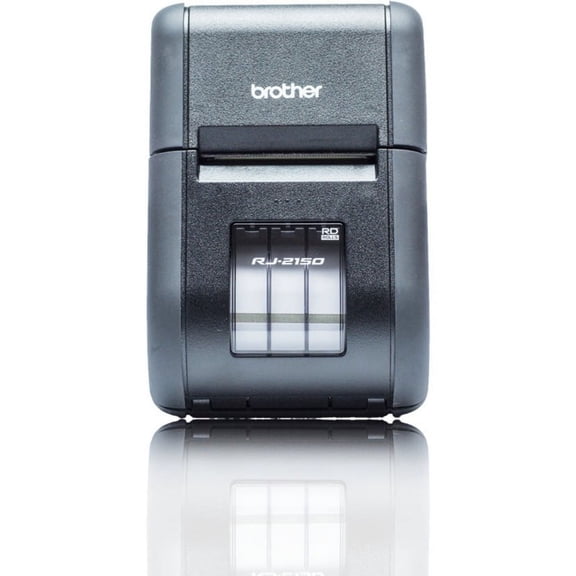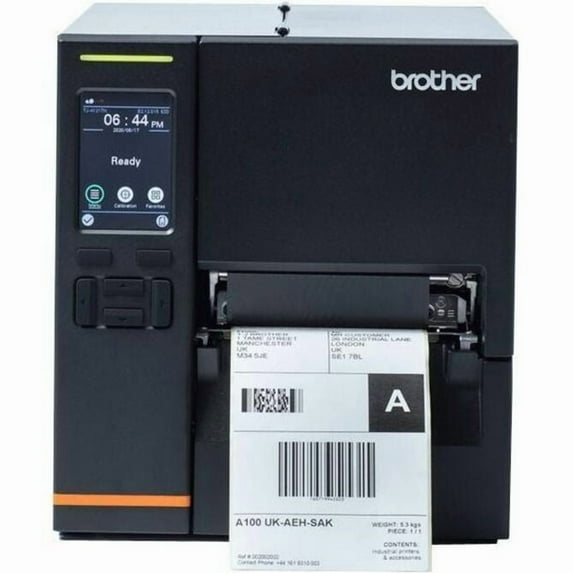
Brother TJ-4021TN Industrial Barcode Label Printer with Touch Panel
Hero image 0 of Brother TJ-4021TN Industrial Barcode Label Printer with Touch Panel, 0 of 9

Brother TJ-4021TN Industrial Barcode Label Printer with Touch Panel

1 star out of 1 review
(1.0)|
1 rating

Key item features

  • Rapid Printing: Prints barcode and shipping labels at speeds up to 10 inches per second, enhancing operational efficiency.
  • High Resolution: Features 203dpi thermal print technology for producing top-quality labels.
  • Extended Capacity: Supports high-volume printing with a ribbon capacity of up to 450 meters.
  • Network Connectivity: Offers Ethernet/LAN connectivity for shared use and remote management across multiple users.
  • Intuitive Interface: Equipped with a 3.5-inch, full-color HVGA touch panel display for easy navigation.
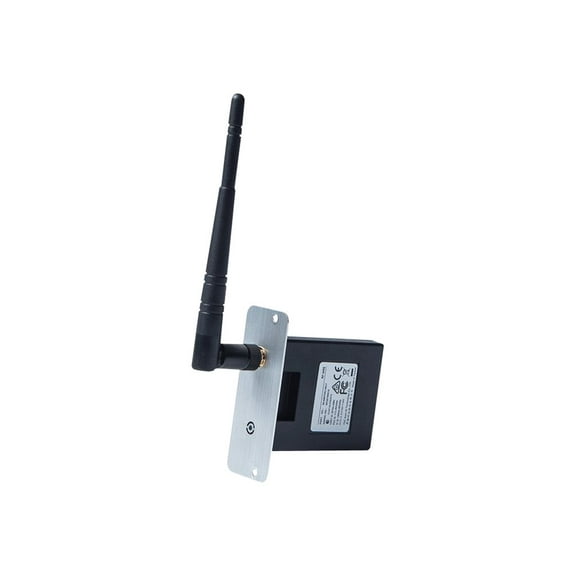
  • Customizable Options: Provides field-upgradeable options including Wi-Fi, a label cutter, and a label peeler.
  • Seamless Integration: Designed for easy integration with WMS and ERP systems, including emulations, SDKs, and drivers.
Generated by AI
Current price is $806.61
Price when purchased online
  • Free shipping
  • Free 90-day returns
Walmart Protection Plan by Allstate

(Only one option can be selected at a time)

How do you want your item?

Try 30 days for just $1! Choose a plan at checkout.
How do you want your item?
Columbus, 43215
Arrives by Fri, Feb 27
.
Order within 10 min
Sold and shipped by Walmart.com
Free 90-day returns
This item is gift eligible

More seller options (2)

Starting from $1,025.66

walmart plus

Try 30 days of Walmart+ for just $1!

T&C apply.

About this item
Product details

Specifications

Warranty

Customer ratings & reviews

1 out of 5 stars
stars1 rating1 review
How item rating is calculated
Filtered and sorted results would be available on the new 'Customer ratings & reviews' page.
Sort by |

Showing 1-1 of 1 review

Dec 21, 2020
Walmart customer
1 out of 5 stars review

pay the extra for the zt 600 series

printer configuration will not stick no matter what, touchscreen interface is beyond limited and requires everything to be done through the web, but settings will not save

Review from brother-usa.com
Helpful?58YN7R420FM8251354195