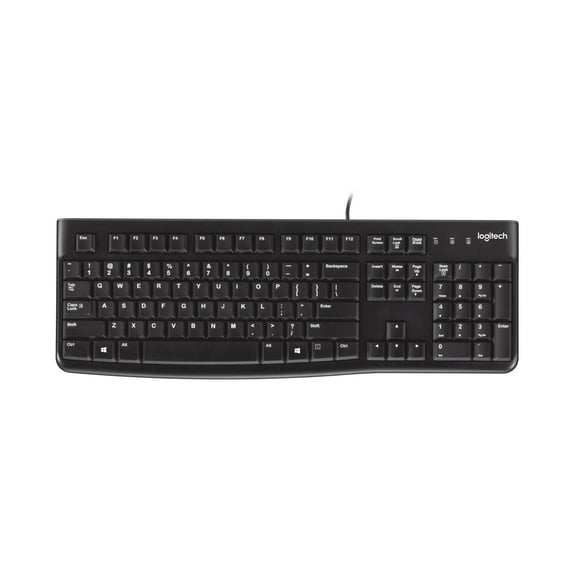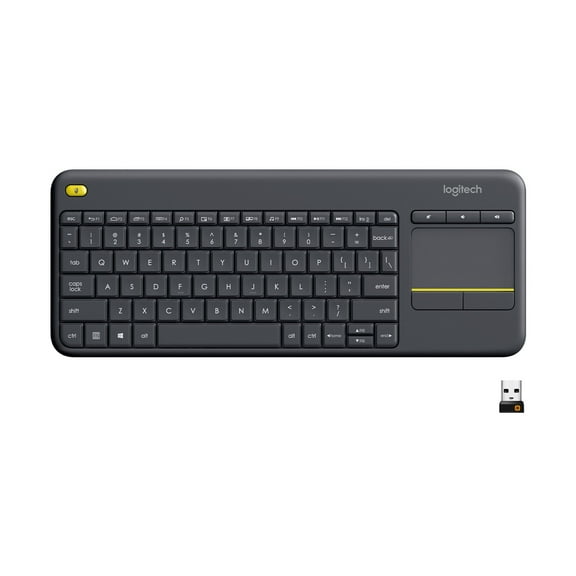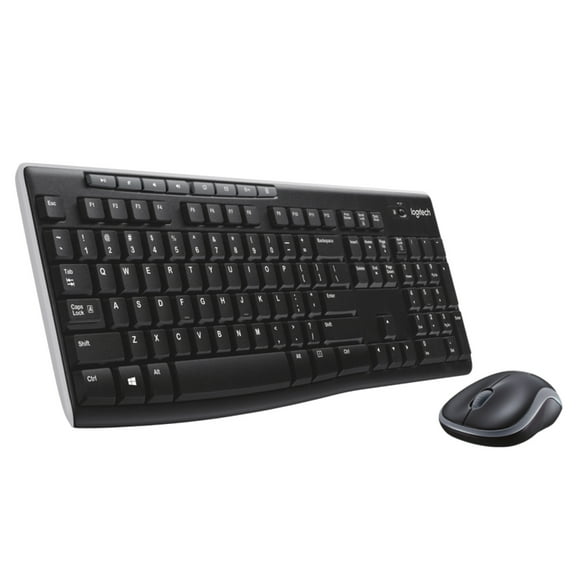
Logitech K360 Wireless Keyboard for Windows, Black
Hero image 0 of Logitech K360 Wireless Keyboard for Windows, Black, 0 of 6

Logitech K360 Wireless Keyboard for Windows, Black

Key item features

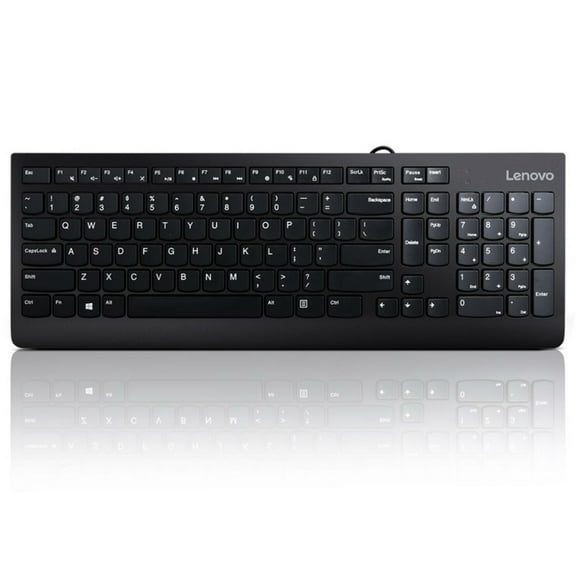
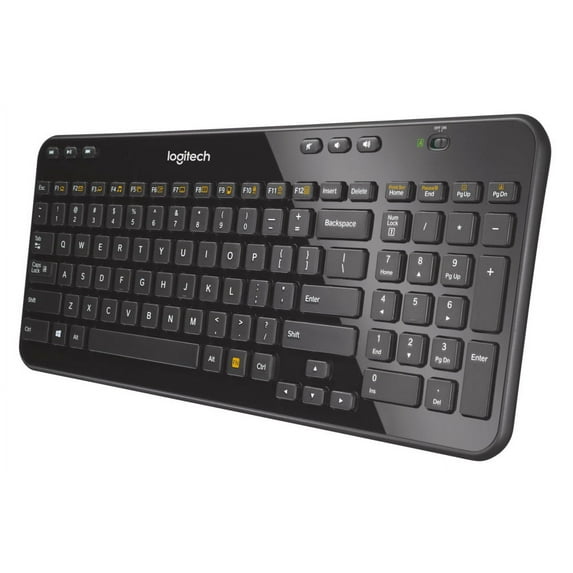
  • Compact Design: This wireless keyboard offers compact comfort, serving as an ideal laptop companion while occupying minimal space.
  • Extended Power: Enjoy an impressive three-year battery life, providing hassle-free and long-lasting operation.
  • Customizable Controls: Features six dedicated hot keys and twelve programmable F-keys for instant access to various functions like music and email.
  • Reliable Wireless: Utilizes advanced, long-range 2.4 GHz wireless connectivity for a stable connection.
  • Effortless Setup: Boasts a plug-and-play setup with a tiny Logitech Unifying receiver that can be left in your device.
  • Comfortable Typing: Equipped with whisper-quiet, framed keys designed for a more comfortable typing experience.
  • Adjustable Ergonomics: Includes sturdy, built-in adjustable-tilt legs to enhance typing comfort.
Generated by AI
Current price is Now $25.12
You save $50.73
was $75.85
Price when purchased online
Out of stock

How do you want your item?

How do you want your item?
Out of stock

About this item

Product details

Specifications

Warranty

Warnings

Customer ratings & reviews

4.5 out of 5 stars
stars632 ratings362 reviews
How item rating is calculated

Reviews summary

Pros

  • : Offers great value at its cost.
  • : Ideal for small spaces and easy to carry.
  • : Installation takes only a few minutes with automatic detection.
  • : Lasts with aa or aaa batteries.

Neutral

  • : Can be firm and responsive, but also prone to wear.
Generated by AI

Customer photos

  • +4 images
Filtered and sorted results would be available on the new 'Customer ratings & reviews' page.
Sort by |

Showing 1-3 of 362 reviews

Jul 24, 2020
Todd
5 out of 5 stars review

Verified Purchase

Just buy it already

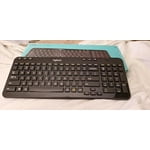
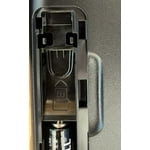
Simple, no set up required (batteries came installed) other than plugging in the USB device. my Dell laptop and docking station recognized the keyboard instantly. Key feedback is very good and the bottom edge of the keyboard is completely straight, so it fits nicely up against the keyboard tray pads.

Helpful?6PW6METU00OW21141661
reply from Logitech

Hi Todd,Thank you for your five-star review! It is greatly appreciated. Continue to enjoy your device. If you ever need assistance, please contact Logitech Support on the website. LaShonda from Logitech

Jan 25, 2017
Rob99
5 out of 5 stars review

Verified Purchase

Great Space Saving Keyboard

While not as large as other keyboards and an overall feel similar to that of a laptop keyboard, this is a great space saving keyboard. Nothing is left out – all of the keys you would expect are there including separate buttons for audio control. Function keys are preprogramed to launch your email, music, calculator, and other applications. These keys can be reprogramed via available SetPoint software you can download from the Logitech site. This model comes with the Logitech Unifying dongle allowing you to use one usb port to link several Logitech Unifying products to your PC. Setup is simple and additional Logitech products can be linked / delinked via downloadable Unifiying software. If you are interested in using the Unifying feature you need to make sure the K360 you purchase is Unifying ready. There are other merchants selling an older version of this product as a standalone item or in a package with the K185 mouse that are not Unifying ready. Walmart delivers the true, Unifying ready keyboard.

Helpful?6PW6METU00OW21141661
Apr 16, 2020
Ava
Top Reviewer
5 out of 5 stars review

Verified Purchase

Great Keyboard

Great Keyboard. I like the design and the glossy sleek black coating. It doesn't pair with The USB for other Logitech Items only the one that comes with the keyboard. It's apx. 15 inches long. The volume controls are right at the top so you don't have to use function keys to adjust the volume. Over-all it's a perfect keyboard. The only thing I would suggest is not to play with the adjustable legs on the bottom as they are delicate. better to either raise them or lay flat. Going back and forth with adjusting the keyboard height is not recommended due to legs on it are not that strong. In other words, set it at the height you want and leave it that way. I really like mine and will order another one for my den.

Helpful?6PW6METU00OW21141661
reply from Logitech

Hi! Glad to see you're enjoying your K360 keyboard! If you have any questions, check out the Logitech Support page at https://support.logi.com/hc/en-us/articles/360024149974