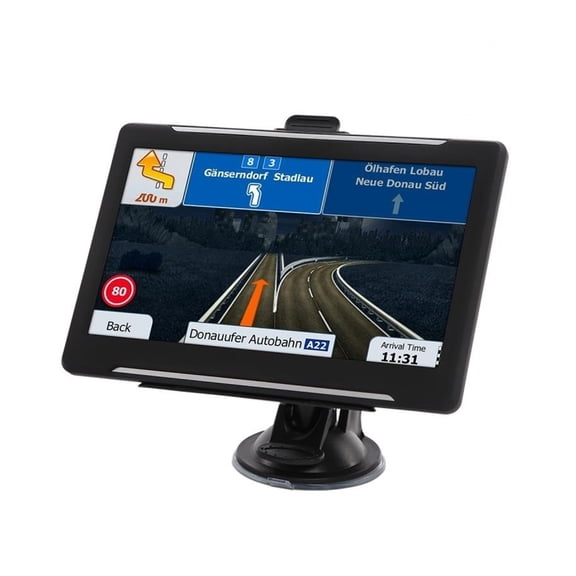
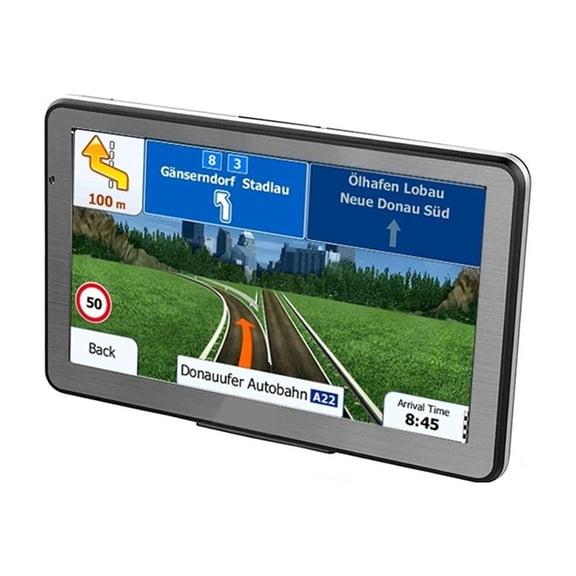
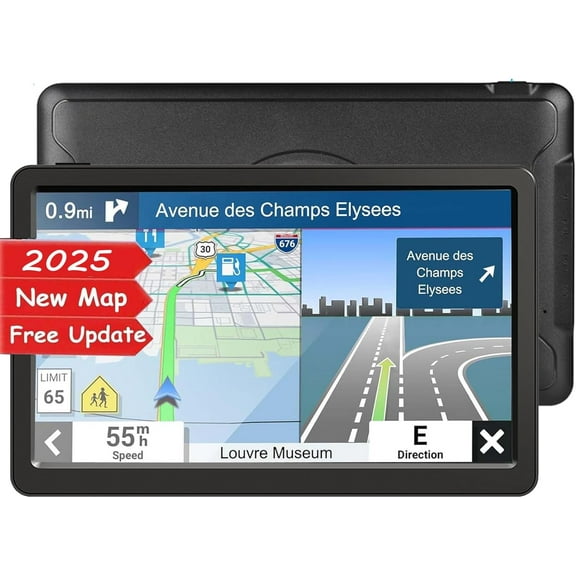
Hi All: I Recieved My Navibox 2 This Past Saturday And Had It Up And Going In About An Hour, Including The Time It Took To Run The Antenna Wire. I Mounted The Module In The Pocket That Comes With The Installation Kit, Drilled A Hole In The Back For The Jack, Slipped The Module In And It Fit Like A Charm. You Can't Even See It With The Touch Panel In Place, But You Can Access The SD Card Easy. It Works Like A Charm, Already Went On Two Long Trips And It Got Me Right To The Front Door. I Was A Little Worried At First Because The Manual Doesn't Say Anything About Listening To Audio Source While In NAV Screen, But You Can. Just Set Your Audio Source, (CD, Flash Drive, Radio, Or SD Card) Then Hit NAV Button On Remote. Walla, Your Listening To Music While Looking At The NAV Screen. You Can Also Change Tracks And Volumn With The Remote, And Still Use Touch Screen For NAV Features. I Could Go On And On About What I Like With This NAV System. It Doesnt Have Voice Guided Turns Or Spoken Street Names, But As Big As The Display Is I Can Read The Map And See The Names Clearly And Including The Price Of The Head Unit This System Didn't Set Me Back $1600 To $2000. There's Really Nothing I Don't Like About This System. It Has So many POI's That I Had To Disable Over Half Of Them, I Even Searched For A Business In POI Search Menu That I Didn't Think It Would Find, And Damned If It Didn't. They Could Have Added A Couple More Features Like Traffic Or Auto Pilot, But That Makes For A Lazy Driver. They Can't Do It All For You. Besides That Would Be Like Trying To Buy A Porche On A Chrysler 300 Budget.