

![Pinnacle Studio 25 Plus | Powerful Video Editing & Screen Recording Software [PC Disc]](https://i5.walmartimages.com/seo/Pinnacle-Studio-25-Plus-Powerful-Video-Editing-Screen-Recording-Software-PC-Disc_447f66ad-9d5a-4099-9c32-1ab7f3e8cacb.a713b78dc7a5eb20ce6e00d3e030d53d.jpeg?odnHeight=573&odnWidth=573&odnBg=FFFFFF)
Hero image 0 of Pinnacle Studio 25 Plus | Powerful Video Editing & Screen Recording Software [PC Disc], 0 of 10
Pinnacle Studio 25 Plus | Powerful Video Editing & Screen Recording Software [PC Disc]
(No ratings yet)
Key item features
Key Features and Benefits:
- Create with inspiration edit with pinnacle
Enjoy powerful video editing that breathes life into nascent creative concepts and delivers mesmerizing results with the help of pro-caliber tools, incredible effects, and exceptional precision built inside Pinnacle Studio 25 Plus. - Passion, power, precision
Edit and improvise with confidence. Learn the ropes quickly. Transcend to pro-level proficiency. - Take your productions closer to pro
Embrace pro-level editing when creative ideas strike and leverage powerful tools like Motion Tracking, Blend Modes, MultiCam Editing, Split Screen Video, advanced Audio Editor, and more. - Mesmerize your audience with incredible creative transformations
Realize your unique vision and stylize your productions with hundreds of artistic effects and filters, enhanced Title Editor, and even basic Color Grading controls - all to achieve cinema-grade results. - Edit with unparalleled precision, control, and frame-accurate customization
Go beyond traditional keyframing and fine-tune every parameter of your edit - positioning, size, speed, overlays, transitions, effects, and more. Adjust your workspace to your personal editing preferences: set custom tool shortcuts, group and edit clips simultaneously, and explore a streamlined workflow for your most intuitive editing experience. - Pro-caliber editing power that doesn't break the bank
Dive into powerful tools you'd expect to only find in professional editing software. - Blend modes
Improvise on the fly with?Blend Modes?and choose?how?one clip blends with another - from creating a superimposed?effect, to blending masked areas?or creating light bleeds or other?color and exposure effects. Each Blend Mode uses a different?formula to combine the color and?brightness values in a selected clip?with the values in an underlying?clip. Blend Modes?boost your creativity and?help to bring an artistic touch to your films. - Make your story cinematic
Why limit your creative vision by grounding it in reality? You choose the story you want to tell - whether fantasy, documentary, or love story - and Pinnacle Studio will help deliver the incredible pro-level results you're seeking, all with its breadth of remarkable features and precise controls. - Pure creativity
Enjoy incredible, powerful special effects. - Stylize your film
Use special effects to introduce atmosphere and character to your production - make it look like an old movie or an indie film, transform scenes from rain to shine, and so much more. - Play with filters and surprise your audience
Would you like sections of your movie to look like an old painting or pencil sketch? Pinnacle filters will make that magical transformation a reality in just one click. - MultiCam
Capture and edit video across up to four cameras to show a scene from various perspectives and with a different level of detail. - Screen recording
Easily record your screen and seamlessly blend it with webcam footage and audio overlays to produce engaging tutorials, gaming videos, or to record webinars. Leverage this go-to tool for vlogging, channel content creation, or business video production. - Split screen video
Combine two or more actions filmed separately - on one screen. Use this popular video editing technique to create promo videos or comparison videos, to show different gaming strategies, or to better illustrate any of your stories. - Video stabilization
Eliminate shaky footage altogether! Whether it was captured while riding a bike or skiing the slopes, you can easily fix it with the Video Stabilization tool available inside Pinnacle Studio. - Stop motion animation
Stop motion animation is a mainstream filmmaking tool. Support your digital storytelling with this amazing functionality that enables you to animate people and objects inside your productions. - Lens correction
Explore built-in lens correction tools to remove lens distortion from your footage. - 3D title editor
Make your video more cinematic with the enhanced Title Editor. Leverage stylish 3D typography presets and tell your story your way. - Green screen
Create all kinds of incredible effects while "traveling" without actually going anywhere - just rely on green screen post-production for compositing two video streams together and making your preferred destination a reality. - Selective color
Experiment with selective color to highlight a single hue and draw focus to an important facet of your scenery.
Specs
- Operating SystemWindows
- BrandCorel
- Number of Users1
- Delivery MethodDownload
- Physical Media FormatDVD
- Version25 Plus
Current price is USD$123.67
Price when purchased online
Out of stock
How do you want your item?
Out of stock
About this item
Product details
Pinnacle Studio 25 Plus , Powerful Video Editing & Screen Recording Software [PC Disc]
Key Features and Benefits:
- Create with inspiration edit with pinnacle
Enjoy powerful video editing that breathes life into nascent creative concepts and delivers mesmerizing results with the help of pro-caliber tools, incredible effects, and exceptional precision built inside Pinnacle Studio 25 Plus. - Passion, power, precision
Edit and improvise with confidence. Learn the ropes quickly. Transcend to pro-level proficiency. - Take your productions closer to pro
Embrace pro-level editing when creative ideas strike and leverage powerful tools like Motion Tracking, Blend Modes, MultiCam Editing, Split Screen Video, advanced Audio Editor, and more. - Mesmerize your audience with incredible creative transformations
Realize your unique vision and stylize your productions with hundreds of artistic effects and filters, enhanced Title Editor, and even basic Color Grading controls - all to achieve cinema-grade results. - Edit with unparalleled precision, control, and frame-accurate customization
Go beyond traditional keyframing and fine-tune every parameter of your edit - positioning, size, speed, overlays, transitions, effects, and more. Adjust your workspace to your personal editing preferences: set custom tool shortcuts, group and edit clips simultaneously, and explore a streamlined workflow for your most intuitive editing experience. - Pro-caliber editing power that doesn't break the bank
Dive into powerful tools you'd expect to only find in professional editing software. - Blend modes
Improvise on the fly with?Blend Modes?and choose?how?one clip blends with another - from creating a superimposed?effect, to blending masked areas?or creating light bleeds or other?color and exposure effects. Each Blend Mode uses a different?formula to combine the color and?brightness values in a selected clip?with the values in an underlying?clip. Blend Modes?boost your creativity and?help to bring an artistic touch to your films. - Make your story cinematic
Why limit your creative vision by grounding it in reality? You choose the story you want to tell - whether fantasy, documentary, or love story - and Pinnacle Studio will help deliver the incredible pro-level results you're seeking, all with its breadth of remarkable features and precise controls. - Pure creativity
Enjoy incredible, powerful special effects. - Stylize your film
Use special effects to introduce atmosphere and character to your production - make it look like an old movie or an indie film, transform scenes from rain to shine, and so much more. - Play with filters and surprise your audience
Would you like sections of your movie to look like an old painting or pencil sketch? Pinnacle filters will make that magical transformation a reality in just one click. - MultiCam
Capture and edit video across up to four cameras to show a scene from various perspectives and with a different level of detail. - Screen recording
Easily record your screen and seamlessly blend it with webcam footage and audio overlays to produce engaging tutorials, gaming videos, or to record webinars. Leverage this go-to tool for vlogging, channel content creation, or business video production. - Split screen video
Combine two or more actions filmed separately - on one screen. Use this popular video editing technique to create promo videos or comparison videos, to show different gaming strategies, or to better illustrate any of your stories. - Video stabilization
Eliminate shaky footage altogether! Whether it was captured while riding a bike or skiing the slopes, you can easily fix it with the Video Stabilization tool available inside Pinnacle Studio. - Stop motion animation
Stop motion animation is a mainstream filmmaking tool. Support your digital storytelling with this amazing functionality that enables you to animate people and objects inside your productions. - Lens correction
Explore built-in lens correction tools to remove lens distortion from your footage. - 3D title editor
Make your video more cinematic with the enhanced Title Editor. Leverage stylish 3D typography presets and tell your story your way. - Green screen
Create all kinds of incredible effects while "traveling" without actually going anywhere - just rely on green screen post-production for compositing two video streams together and making your preferred destination a reality. - Selective color
Experiment with selective color to highlight a single hue and draw focus to an important facet of your scenery.
info:
We aim to show you accurate product information. Manufacturers, suppliers and others provide what you see here, and we have not verified it.
Specifications
Computer Software Type
Image, Video & Audio Software
Operating System
Windows
Brand
Corel
Number of Users
1
Warranty
Warranty information
N/A
Please be aware that the warranty terms on items offered for sale by third party Marketplace sellers may differ from those displayed in this section (if any). To confirm warranty terms on an item offered for sale by a third party Marketplace seller, please use the 'Contact seller' feature on the third party Marketplace seller's information page and request the item's warranty terms prior to purchase.
Please be aware that the warranty terms on items offered for sale by third party Marketplace sellers may differ from those displayed in this section (if any). To confirm warranty terms on an item offered for sale by a third party Marketplace seller, please use the 'Contact seller' feature on the third party Marketplace seller's information page and request the item's warranty terms prior to purchase.
Warnings
Ingestion Hazard
This product contains a battery. Death or serious injury can occur if ingested. A swallowed battery can cause Internal Chemical Burn in as little as 2 hours. Keep new and used batteries OUT OF REACH OF CHILDREN. Seek Immediate medical attention if a battery is suspected to be swallowed or inserted inside any part of the body.
 WARNING: WARNING: Cancer and Reproductive Harm - www.P65Warnings.ca.gov.
Check out these related products
Pinnacle Studio Plus - (v. 20) - box pack - 1 user - Win - English, French $25.81 Was $28.68
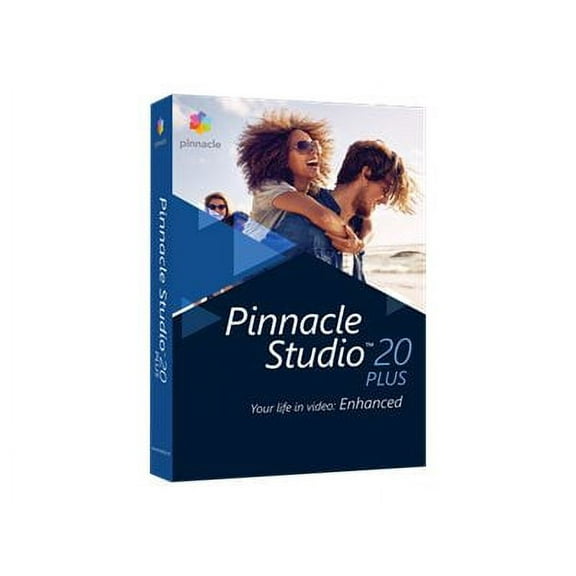 $2581current price $25.81, Was $28.68$28.68
Pinnacle Studio Plus - (v. 20) - box pack - 1 user - Win - English, French
11 out of 5 Stars. 1 reviewsCorel : Pinnacle Studio, 20 Ultimate Video Editing Software (PC Download) 1 User $127.48
 $12748current price $127.48
Corel : Pinnacle Studio, 20 Ultimate Video Editing Software (PC Download) 1 User
Cyberlink Pdr-0d00-iwu0-00 Powerdirector $81.55
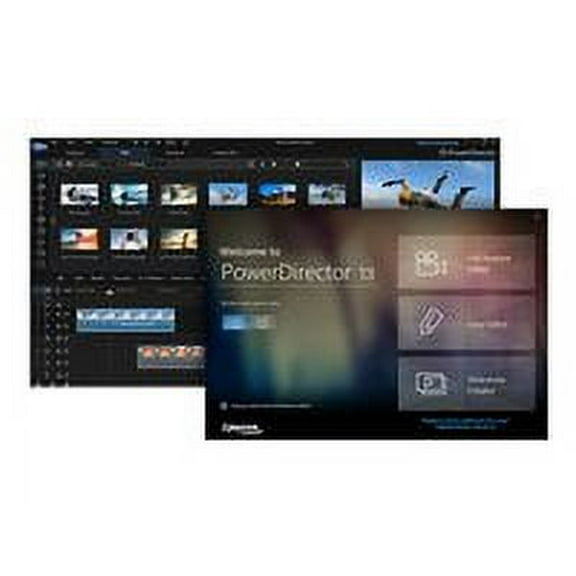 $8155current price $81.55
Cyberlink Pdr-0d00-iwu0-00 Powerdirector
Cyberlink Corp Pdr-0c00-iwm0-00 Powerdi $118.53
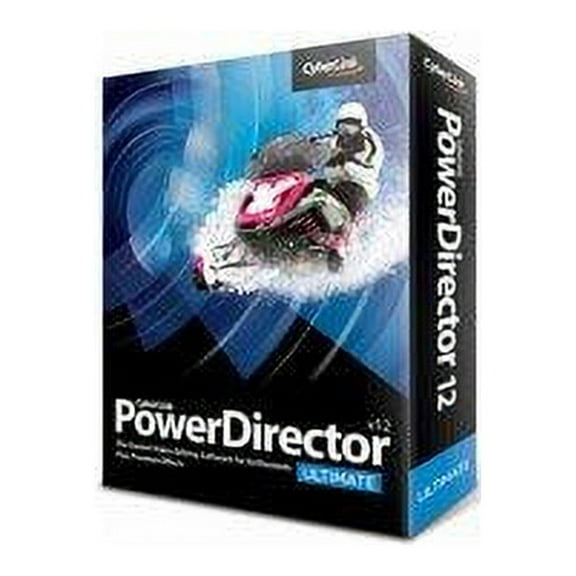 $11853current price $118.53
Cyberlink Corp Pdr-0c00-iwm0-00 Powerdi
12 out of 5 Stars. 1 reviewsPowerDVD Standard - (v. 15) - license - 1 user - ESD - Win $59.95
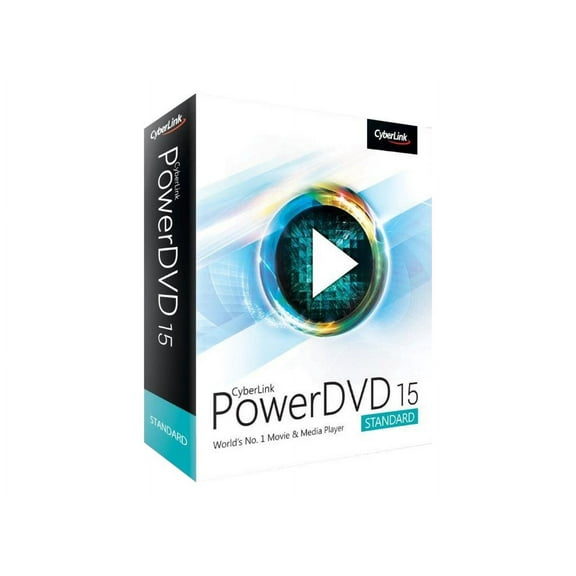 $5995current price $59.95
PowerDVD Standard - (v. 15) - license - 1 user - ESD - Win
23 out of 5 Stars. 2 reviewsMAGIX Acid Pro 11 Academic for Students & Teachers $49.75
 $4975current price $49.75
MAGIX Acid Pro 11 Academic for Students & Teachers
Customer ratings & reviews
0 ratings|0 reviews
This item does not have any reviews yet
