


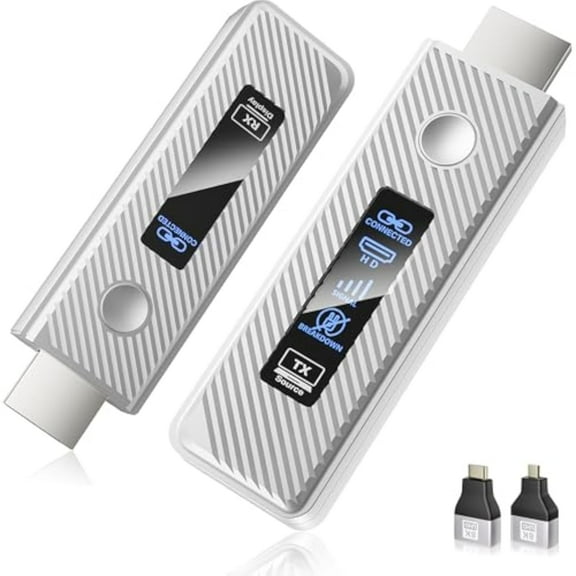
Hero image 0 of Lemorele P20 1080P 60Hz Wireless HDMI Transmitter and Receiver Set, 164ft Transmission Range, 5G Support 8 TX to 1RX Screen Sharing, Plug and Play for TV, Projector, Monitor, PC, Switch, 0 of 9
Lemorele P20 1080P 60Hz Wireless HDMI Transmitter and Receiver Set, 164ft Transmission Range, 5G Support 8 TX to 1RX Screen Sharing, Plug and Play for TV, Projector, Monitor, PC, Switch
(No ratings yet)
Key item features
- Wireless HDMI Transceiver: This wireless audio and video transmitter and receiver set allows wireless connection between HDMI-enabled devices like computers, cameras, set-top boxes, Nintendo Switch, Xbox, and Steam docks, and large-screen devices like TVs, projectors, and monitors.Extremely Long Transmission Range: The Lemorele Wireless HDMI Adapter offers a wireless transmission range of up to 164 feet, making it suitable for large classrooms and conference rooms. Note: Transmission range may be reduced when passing through walls.Wireless 1080P Streaming: Wirelessly transmits clear, high-definition video and audio, supporting 1080P 60Hz resolution and screens up to 100 inches, making it ideal for large rooms and open spaces.Plug-and-Play: No software or drivers required; simply connect, power on, and start sharing in seconds. It works with PCs, Macs, Nintendo Switch, Xbox, cameras, set-top boxes, and other devices, seamlessly connecting to TVs, projectors, and monitors.Screen Sharing: Wireless transmission can connect up to eight transmitters to a single receiver, making it ideal for group presentations, classroom teaching, and collaborative meetings. It is widely used in office meetings, education and teaching, and other places where screen sharing is required.Installation: Use the receiver and transmitter together.a. Connect the Type-C port of the receiver RX to a power adapter or USB power port (5V/2A), and the HDMI port to a TV, monitor, or projector. b. Plug the transmitter TX into the desired signal source device and power it using the power adapter or USB power port. c. Adjust the monitor's HD source to the corresponding HD port, wait for the monitor's startup screen to display a successful connection, and then wait for the device to project the screen.Pairing Instructions: The product is paired at the factory. If pairing fails due to improper operation or other reasons, re-pairing steps are as follows:a. Press and hold the function button on the receiver RX for 5 seconds. A prompt will pop up: "Release the button to pair with EZCast TX." Wait for the transmitter TX to enter pairing mode. b: Press and hold the function button on the transmitter TX for more than 5 seconds. The indicator light will flash rapidly to indicate pairing. Wait for the transmitter indicator to light steadily to indicate a successful connection.
- Extremely Long Transmission Range: The Lemorele Wireless HDMI Adapter offers a wireless transmission range of up to 164 feet, making it suitable for large classrooms and conference rooms. Note: Transmission range may be reduced when passing through walls.
- Wireless 1080P Streaming: Wirelessly transmits clear, high-definition video and audio, supporting 1080P 60Hz resolution and screens up to 100 inches, making it ideal for large rooms and open spaces.
- Plug-and-Play: No software or drivers required; simply connect, power on, and start sharing in seconds. It works with PCs, Macs, Nintendo Switch, Xbox, cameras, set-top boxes, and other devices, seamlessly connecting to TVs, projectors, and monitors.
- Screen Sharing: Wireless transmission can connect up to eight transmitters to a single receiver, making it ideal for group presentations, classroom teaching, and collaborative meetings. It is widely used in office meetings, education and teaching, and other places where screen sharing is required.
- Installation: Use the receiver and transmitter together.
- a. Connect the Type-C port of the receiver RX to a power adapter or USB power port (5V/2A), and the HDMI port to a TV, monitor, or projector. b. Plug the transmitter TX into the desired signal source device and power it using the power adapter or USB power port. c. Adjust the monitor's HD source to the corresponding HD port, wait for the monitor's startup screen to display a successful connection, and then wait for the device to project the screen.
- Pairing Instructions: The product is paired at the factory. If pairing fails due to improper operation or other reasons, re-pairing steps are as follows:
- a. Press and hold the function button on the receiver RX for 5 seconds. A prompt will pop up: "Release the button to pair with EZCast TX." Wait for the transmitter TX to enter pairing mode. b: Press and hold the function button on the transmitter TX for more than 5 seconds. The indicator light will flash rapidly to indicate pairing. Wait for the transmitter indicator to light steadily to indicate a successful connection.
Specs
- Inputs/OutputsHDMI, Type-C
- BrandLemorele
- Input/output quantity2
- StreamersFacebook, Google TV, Hulu, Netflix, Prime Video, Spotify, TikTok, YouTube
- Wireless2.4G, 5.8G
- FeaturesBuilt-in Preamplifier
Current price is USD$89.99
Price when purchased online
Out of stock
How do you want your item?
Out of stock
About this item
Product details
Say goodbye to cable clutter with the Lemorele P20 Wireless HDMI Set! This transmitter and receiver set delivers high-quality 1080P @ 60Hz audio and video transmission up to 50 meters (164 feet) in open space. Equipped with a powerful dual-band 2.4G/5.8G WiFi module, it ensures stable, low-interference transmission from your PC, laptop, Nintendo Switch, Xbox, camera, or streaming media to an HDMI display. The wireless transmission system supports eight transmitters and one receiver, making it ideal for multi-screen collaboration, classroom teaching, home theater, and more. Wireless HDMI Receiver and Transmitter Specifications: Transmitter TX Ports: 1 HDMI, 1 Type-C. Receiver RX Ports: 1 HDMI, 1 Type-C. Resolution: 1920 × 1080 @ 60 Hz Wireless Transmission Range: 164 feet (50 meters) in open space. Power Supply: 5V/2A. Memory: 1Gbit. Color: Black. Material: ABS. Dimensions: 4.25" × 1.3" × 0.51". Box Dimensions: 7.09" × 5.31" × 1.3". Weight (Box): 0.5 lb. Package Contents: Transmitter x1, Receiver x1, Micro to HDMI Adapter x1, Mini to HDMI Adapter x1, Manual x1, Power Cord x2.
- Wireless HDMI Transceiver: This wireless audio and video transmitter and receiver set allows wireless connection between HDMI-enabled devices like computers, cameras, set-top boxes, Nintendo Switch, Xbox, and Steam docks, and large-screen devices like TVs, projectors, and monitors.Extremely Long Transmission Range: The Lemorele Wireless HDMI Adapter offers a wireless transmission range of up to 164 feet, making it suitable for large classrooms and conference rooms. Note: Transmission range may be reduced when passing through walls.Wireless 1080P Streaming: Wirelessly transmits clear, high-definition video and audio, supporting 1080P 60Hz resolution and screens up to 100 inches, making it ideal for large rooms and open spaces.Plug-and-Play: No software or drivers required; simply connect, power on, and start sharing in seconds. It works with PCs, Macs, Nintendo Switch, Xbox, cameras, set-top boxes, and other devices, seamlessly connecting to TVs, projectors, and monitors.Screen Sharing: Wireless transmission can connect up to eight transmitters to a single receiver, making it ideal for group presentations, classroom teaching, and collaborative meetings. It is widely used in office meetings, education and teaching, and other places where screen sharing is required.Installation: Use the receiver and transmitter together.a. Connect the Type-C port of the receiver RX to a power adapter or USB power port (5V/2A), and the HDMI port to a TV, monitor, or projector. b. Plug the transmitter TX into the desired signal source device and power it using the power adapter or USB power port. c. Adjust the monitor's HD source to the corresponding HD port, wait for the monitor's startup screen to display a successful connection, and then wait for the device to project the screen.Pairing Instructions: The product is paired at the factory. If pairing fails due to improper operation or other reasons, re-pairing steps are as follows:a. Press and hold the function button on the receiver RX for 5 seconds. A prompt will pop up: "Release the button to pair with EZCast TX." Wait for the transmitter TX to enter pairing mode. b: Press and hold the function button on the transmitter TX for more than 5 seconds. The indicator light will flash rapidly to indicate pairing. Wait for the transmitter indicator to light steadily to indicate a successful connection.
- Extremely Long Transmission Range: The Lemorele Wireless HDMI Adapter offers a wireless transmission range of up to 164 feet, making it suitable for large classrooms and conference rooms. Note: Transmission range may be reduced when passing through walls.
- Wireless 1080P Streaming: Wirelessly transmits clear, high-definition video and audio, supporting 1080P 60Hz resolution and screens up to 100 inches, making it ideal for large rooms and open spaces.
- Plug-and-Play: No software or drivers required; simply connect, power on, and start sharing in seconds. It works with PCs, Macs, Nintendo Switch, Xbox, cameras, set-top boxes, and other devices, seamlessly connecting to TVs, projectors, and monitors.
- Screen Sharing: Wireless transmission can connect up to eight transmitters to a single receiver, making it ideal for group presentations, classroom teaching, and collaborative meetings. It is widely used in office meetings, education and teaching, and other places where screen sharing is required.
- Installation: Use the receiver and transmitter together.
- a. Connect the Type-C port of the receiver RX to a power adapter or USB power port (5V/2A), and the HDMI port to a TV, monitor, or projector. b. Plug the transmitter TX into the desired signal source device and power it using the power adapter or USB power port. c. Adjust the monitor's HD source to the corresponding HD port, wait for the monitor's startup screen to display a successful connection, and then wait for the device to project the screen.
- Pairing Instructions: The product is paired at the factory. If pairing fails due to improper operation or other reasons, re-pairing steps are as follows:
- a. Press and hold the function button on the receiver RX for 5 seconds. A prompt will pop up: "Release the button to pair with EZCast TX." Wait for the transmitter TX to enter pairing mode. b: Press and hold the function button on the transmitter TX for more than 5 seconds. The indicator light will flash rapidly to indicate pairing. Wait for the transmitter indicator to light steadily to indicate a successful connection.
info:
We aim to show you accurate product information. Manufacturers, suppliers and others provide what you see here, and we have not verified it.
Specifications
Inputs/Outputs
HDMI, Type-C
Brand
Lemorele
Input/output quantity
2
Streamers
Facebook, Google TV, Hulu, Netflix, Prime Video, Spotify, TikTok, YouTube
Warranty
Warranty information
Please be aware that the warranty terms on items offered for sale by third party Marketplace sellers may differ from those displayed in this section (if any). To confirm warranty terms on an item offered for sale by a third party Marketplace seller, please use the 'Contact seller' feature on the third party Marketplace seller's information page and request the item's warranty terms prior to purchase.
Warnings
 WARNING: NONE
Similar items you might like
Based on what customers bought
Clearance Lemorele Wireless HDMI Transmission Kit, 1080p HD Wireless Type-C Transmitter and HDMI Receiver, 164ft Low Latency, Plug and Play,for Laptops, Tablets, Mobile phones $55.99 Was $85.00
Clearance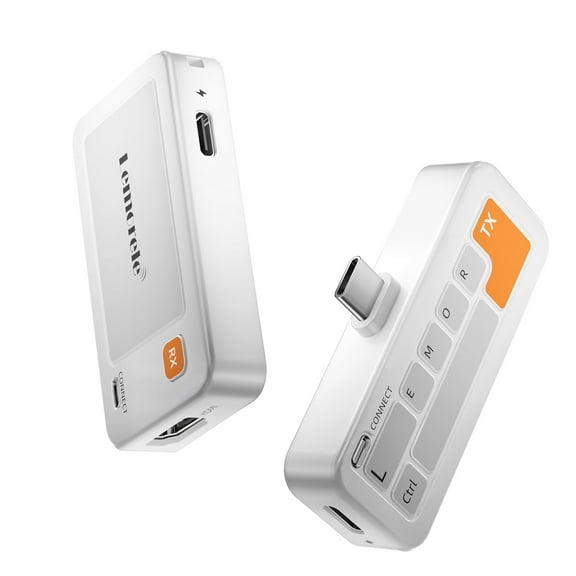 $5599current price $55.99, Was $85.00$85.00
Lemorele Wireless HDMI Transmission Kit, 1080p HD Wireless Type-C Transmitter and HDMI Receiver, 164ft Low Latency, Plug and Play,for Laptops, Tablets, Mobile phones
15 out of 5 Stars. 1 reviewsReduced price Lemorele Wireless HDMI Transmitter & Receiver Kit, 164FT 1080P Converter with Dual-Band 2.4G/5GHz WiFi, Plug & Play HDMI Extender for HD Streaming from Laptop/PC/Projector to TV/Monitor $53.99 Was $89.99
Reduced price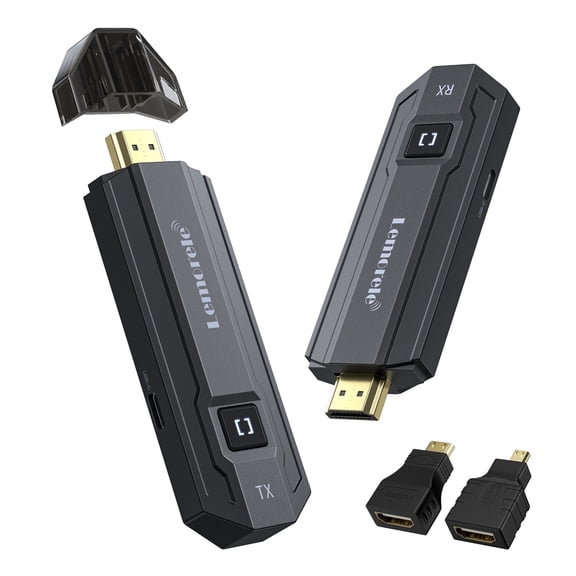 2 optionsAvailable in additional 2 options$5399current price $53.99, Was $89.99$89.99
Lemorele Wireless HDMI Transmitter & Receiver Kit, 164FT 1080P Converter with Dual-Band 2.4G/5GHz WiFi, Plug & Play HDMI Extender for HD Streaming from Laptop/PC/Projector to TV/Monitor
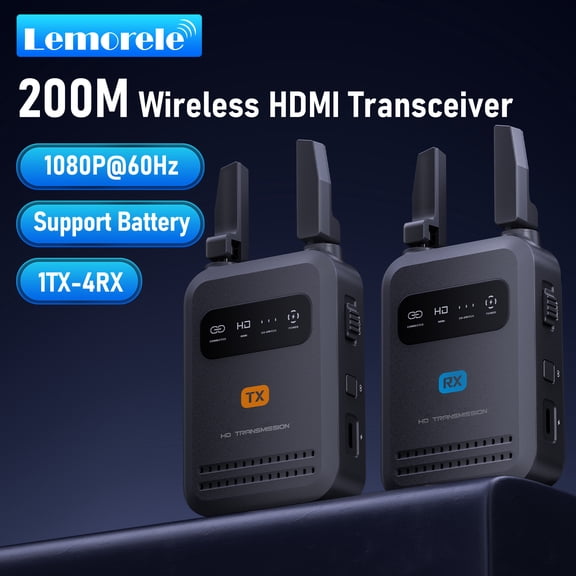
15 out of 5 Stars. 1 reviewsLemorele Wireless HDMI Transmitter and Receiver,5Ghz 1080P Wireless Extender,656FT Wireless Transmission for Camera,Video Monitoring,Filmmaking,Live Streaming,1 TX to 4 RX $49.99
 2 optionsAvailable in additional 2 options$4999current price $49.99
Lemorele Wireless HDMI Transmitter and Receiver,5Ghz 1080P Wireless Extender,656FT Wireless Transmission for Camera,Video Monitoring,Filmmaking,Live Streaming,1 TX to 4 RX
Best seller Wireless HDMI Transmitter and Receiver, 2025 Upgraded HDMI Extender 197FT/60M, 4K Decode Input 1080P Output, 2.4G/5G Plug&Play Portable HDM Wireless for Video & Audio to Monitor from PC/Laptop/TV Box $38.00 Was $42.99
Best seller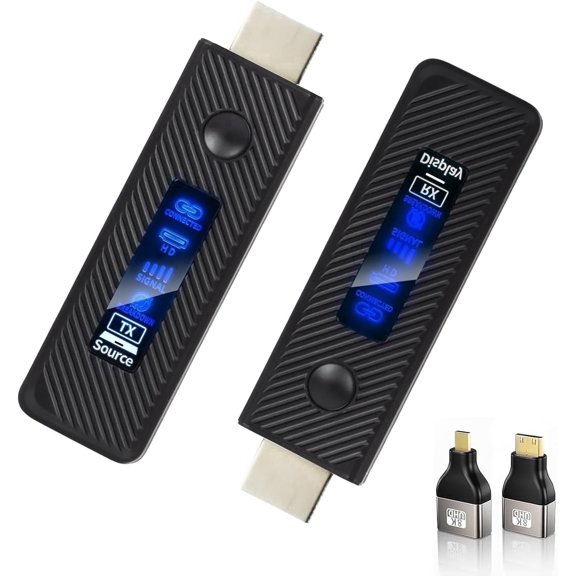 $3800current price $38.00, Was $42.99$42.99
Wireless HDMI Transmitter and Receiver, 2025 Upgraded HDMI Extender 197FT/60M, 4K Decode Input 1080P Output, 2.4G/5G Plug&Play Portable HDM Wireless for Video & Audio to Monitor from PC/Laptop/TV Box
94 out of 5 Stars. 9 reviewsBest seller Duomigo Wireless HDMI Transmitter & Receiver Kit, 4K to 1080P Converter with Dual-Band 2.4G/5GHz WiFi, Plug & Play HDMI Extender for HD Streaming from Laptop/PC/Projector to TV/Monitor $46.96 Was $59.99
Best seller $4696current price $46.96, Was $59.99$59.99
Duomigo Wireless HDMI Transmitter & Receiver Kit, 4K to 1080P Converter with Dual-Band 2.4G/5GHz WiFi, Plug & Play HDMI Extender for HD Streaming from Laptop/PC/Projector to TV/Monitor
354.3 out of 5 Stars. 35 reviewsIn 25+ people's carts Monster New Bluetooth Wireless Transmitter Receiver, Turn Devices Compatible, 1.7in 0.35 lb $32.99
In 25+ people's carts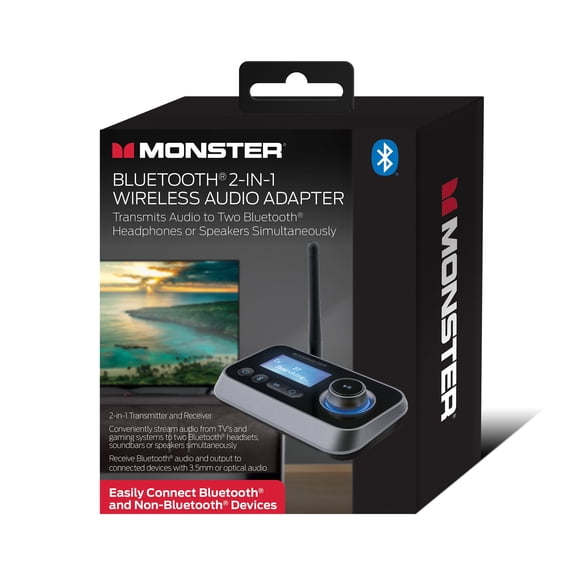 $3299current price $32.99
Monster New Bluetooth Wireless Transmitter Receiver, Turn Devices Compatible, 1.7in 0.35 lb
9604 out of 5 Stars. 960 reviewsReduced price Lemorele Wireless HDMI Extender, Wireless Video Transmission Kit,1080p 60hz 164ft Range Wireless HDMI, Wireless HDMI Receiver and Transmitter for Projector, Hdtv, Monitor,Plug and Play $46.99 Was $59.99
Reduced price $4699current price $46.99, Was $59.99$59.99
Lemorele Wireless HDMI Extender, Wireless Video Transmission Kit,1080p 60hz 164ft Range Wireless HDMI, Wireless HDMI Receiver and Transmitter for Projector, Hdtv, Monitor,Plug and Play
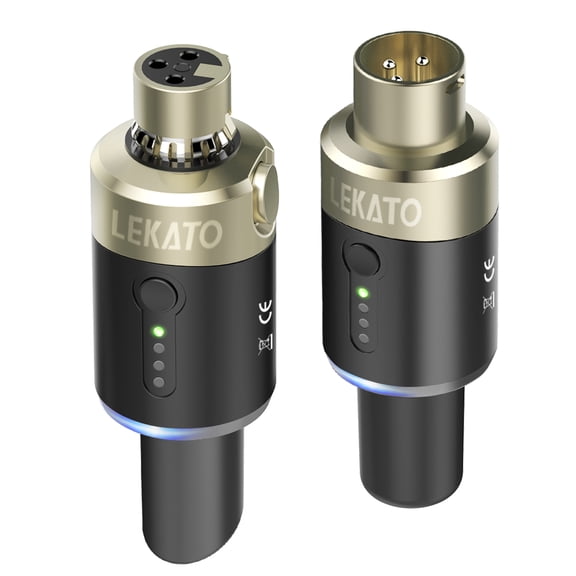
LEKATO 5.8 Ghz Wireless Microphone Transmitter Receiver Plug-on XLR Microphone Wireless System for Dynamic Microphone Audio Mixer DSLR Camera PA System $89.99
 $8999current price $89.99
LEKATO 5.8 Ghz Wireless Microphone Transmitter Receiver Plug-on XLR Microphone Wireless System for Dynamic Microphone Audio Mixer DSLR Camera PA System
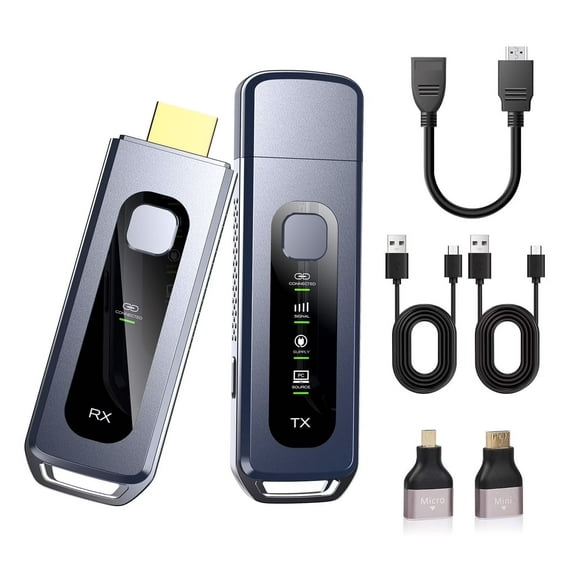
35 out of 5 Stars. 3 reviews2025 Upgraded Wireless HDMI Transmitter and Receiver 328FT/100M, Plug & Play Portable 5G 2.4G Wireless HDMI Extender Kit for 4K Decode Input 1080P Output, for Audio to Monitor from Laptop/TV Box $67.99
 $6799current price $67.99
2025 Upgraded Wireless HDMI Transmitter and Receiver 328FT/100M, Plug & Play Portable 5G 2.4G Wireless HDMI Extender Kit for 4K Decode Input 1080P Output, for Audio to Monitor from Laptop/TV Box
Wireless HDMI Transmitter and Receiver, 5.8GHz Wireless HDMI Extender Kit, Transmission Distance Up to 656ft/200m, Supports 1080P@60Hz, Suitable for Home & Office $126.70
 $12670current price $126.70
Wireless HDMI Transmitter and Receiver, 5.8GHz Wireless HDMI Extender Kit, Transmission Distance Up to 656ft/200m, Supports 1080P@60Hz, Suitable for Home & Office
15 out of 5 Stars. 1 reviewsSVBONY Wireless HDMI Receiver and Transmitter, 1080P Full HD Extender Connection Kit, 5.8 GHz Transmission for Laptop/PC/TV Box/Projector $89.99 Was $99.99
 $8999current price $89.99, Was $99.99$99.99
SVBONY Wireless HDMI Receiver and Transmitter, 1080P Full HD Extender Connection Kit, 5.8 GHz Transmission for Laptop/PC/TV Box/Projector
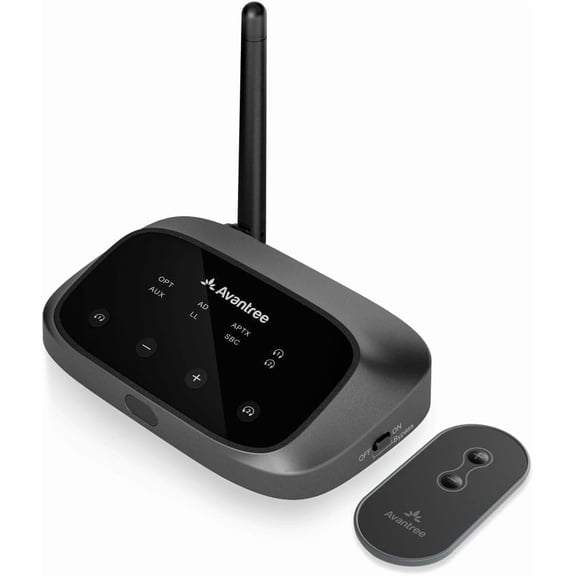
Avantree Oasis Plus 2 – Bluetooth Transmitter for TV with Remote Volume Control, Supports Two Headphones $59.99
 $5999current price $59.99
Avantree Oasis Plus 2 – Bluetooth Transmitter for TV with Remote Volume Control, Supports Two Headphones
84.5 out of 5 Stars. 8 reviewsWireless HDM Transmitter and Receiver, 4K Wireless Extender Connection Kit, Plug & Play Support 2.4G/5GHz 100Ft for Laptop/Pc/Projector/Monitor/Camera $56.99 Was $67.99
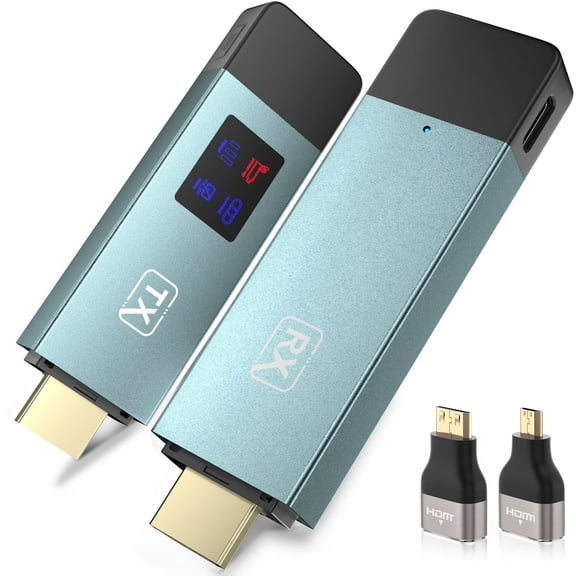 $5699current price $56.99, Was $67.99$67.99
Wireless HDM Transmitter and Receiver, 4K Wireless Extender Connection Kit, Plug & Play Support 2.4G/5GHz 100Ft for Laptop/Pc/Projector/Monitor/Camera
33.3 out of 5 Stars. 3 reviewsLemorele G500 Wireless HDMI Transmitter and Receiver Set with Charging Dock,164FT 1080P 60Hz Wireless Transmission , up to 8 Transmitters, for Meeting Room, Classroom, Home Office Projection $59.99 Was $69.99
 2 optionsAvailable in additional 2 options$5999current price $59.99, Was $69.99$69.99
Lemorele G500 Wireless HDMI Transmitter and Receiver Set with Charging Dock,164FT 1080P 60Hz Wireless Transmission , up to 8 Transmitters, for Meeting Room, Classroom, Home Office Projection
2025 Upgraded Wireless HDMI Transmitter and Receiver 328FT/100M, Plug & Play Portable 5G 2.4G Wireless HDMI Extender Kit for 4K Decode Input 1080P Output, for Audio to Monitor from Laptop/TV Box $117.46
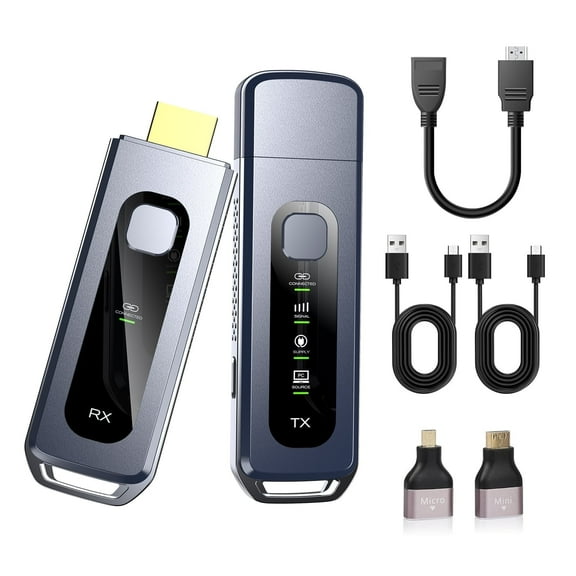 $11746current price $117.46
2025 Upgraded Wireless HDMI Transmitter and Receiver 328FT/100M, Plug & Play Portable 5G 2.4G Wireless HDMI Extender Kit for 4K Decode Input 1080P Output, for Audio to Monitor from Laptop/TV Box
Wireless HDMI Transmitter and Receiver, Long Range 150M/450Ft, 1080P HD Streaming, Plug Play $99.99 Was $139.99
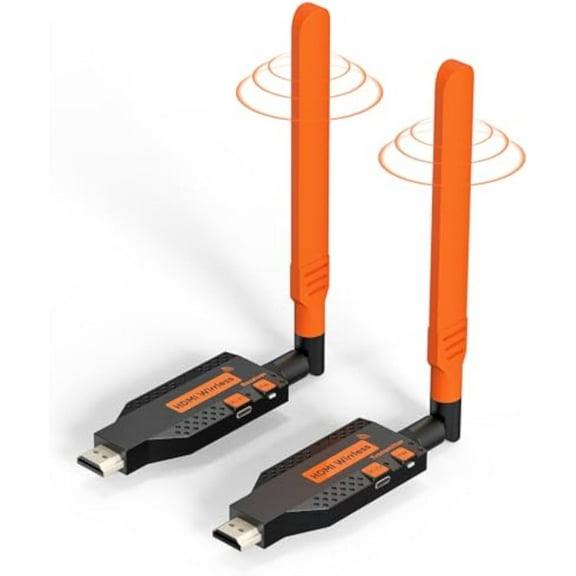 $9999current price $99.99, Was $139.99$139.99
Wireless HDMI Transmitter and Receiver, Long Range 150M/450Ft, 1080P HD Streaming, Plug Play
15 out of 5 Stars. 1 reviewsWireless HDMI Transmitter and Receiver, Portable 1080P Wireless HDMI kit,164FT/50M,Plug&Play, for PC, Laptops, TV Box, PS4/5, Cameras to Project to TV/Projector/Monitor/Video Audio Transmission $39.99
 $3999current price $39.99
Wireless HDMI Transmitter and Receiver, Portable 1080P Wireless HDMI kit,164FT/50M,Plug&Play, for PC, Laptops, TV Box, PS4/5, Cameras to Project to TV/Projector/Monitor/Video Audio Transmission
15 out of 5 Stars. 1 reviewsRollback UGREEN Bluetooth 5.0 Audio Transmitter and Receiver, Aux Bluetooth Adapter for TV Car Headphone $16.99 Was $25.99
Rollback 3 optionsAvailable in additional 3 options$1699current price $16.99, Was $25.99$25.99
UGREEN Bluetooth 5.0 Audio Transmitter and Receiver, Aux Bluetooth Adapter for TV Car Headphone
3114 out of 5 Stars. 311 reviewsReduced price Lemorele G52R1 Wireless HDMI Transmitter and Receiver Kit ,5G 1080P Wireless HDMI Adapter 165ft Long Range, Wireless Video Transmission for TV, Monitor, Projector, PC, Laptop, Streaming Devices $74.99 Was $85.59
Reduced price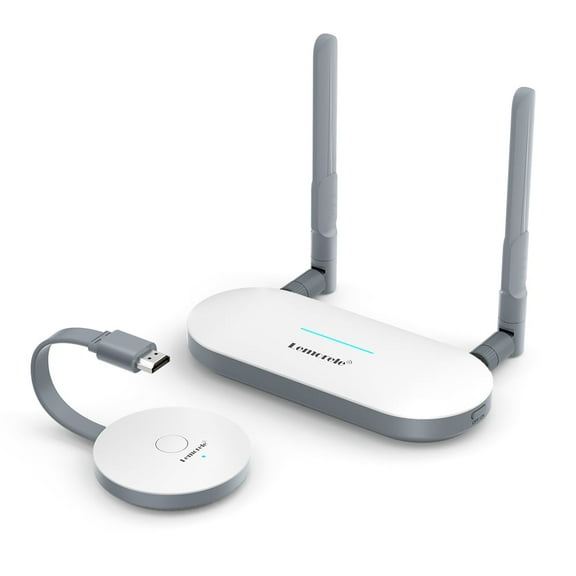 $7499current price $74.99, Was $85.59$85.59
Lemorele G52R1 Wireless HDMI Transmitter and Receiver Kit ,5G 1080P Wireless HDMI Adapter 165ft Long Range, Wireless Video Transmission for TV, Monitor, Projector, PC, Laptop, Streaming Devices
Upgraded Wireless HDMI Transmitter and Receiver, 164FT/50M Plug & Play Portable Extender, 4K Decode 1080P Output,Ultra Low Latency 5.8G 2.4G for Streaming Video Audio $40.99
 $4099current price $40.99
Upgraded Wireless HDMI Transmitter and Receiver, 164FT/50M Plug & Play Portable Extender, 4K Decode 1080P Output,Ultra Low Latency 5.8G 2.4G for Streaming Video Audio
Customer ratings & reviews
0 ratings|0 reviews
This item does not have any reviews yet
