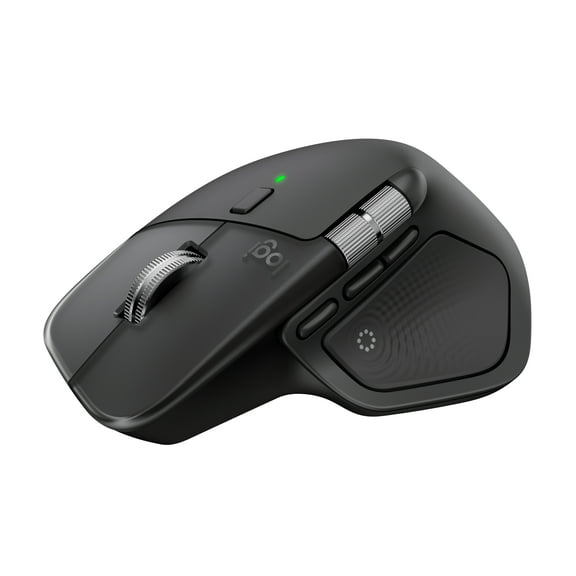
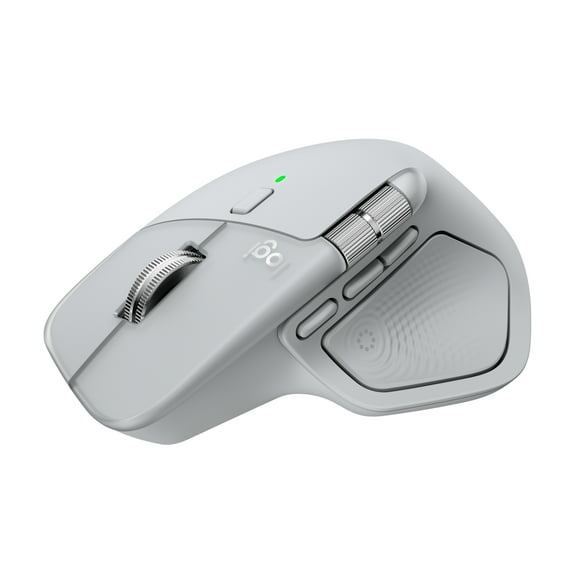
Logitech MX Master 4 for Mac, Ergonomic Bluetooth Mouse with Advanced Performance Haptic Feedback, Ultra-Fast Scrolling, USB-C Charging, Space Black
Hero image 0 of Logitech MX Master 4 for Mac, Ergonomic Bluetooth Mouse with Advanced Performance Haptic Feedback, Ultra-Fast Scrolling, USB-C Charging, Space Black, 0 of 15

Logitech MX Master 4 for Mac, Ergonomic Bluetooth Mouse with Advanced Performance Haptic Feedback, Ultra-Fast Scrolling, USB-C Charging, Space Black

4.3 stars out of 64 reviews
(4.3)|
64 ratings

Key item features

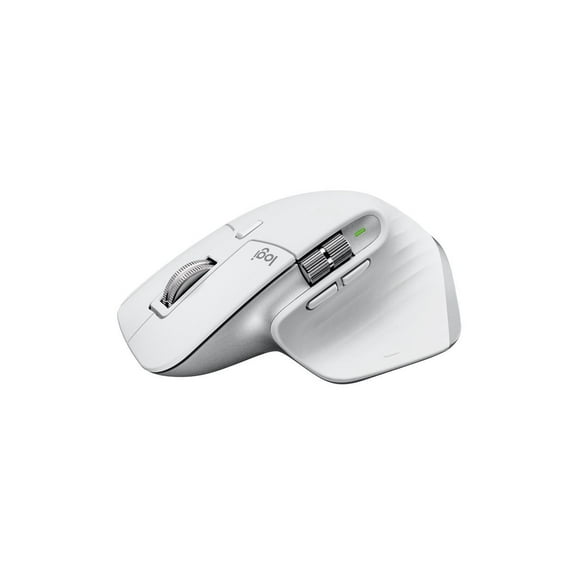
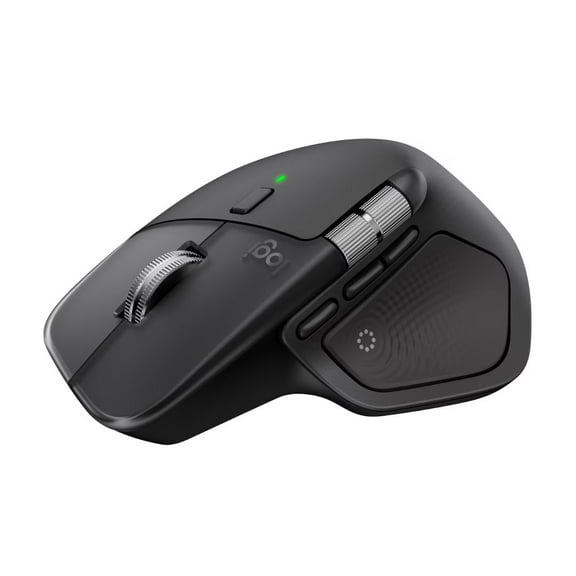
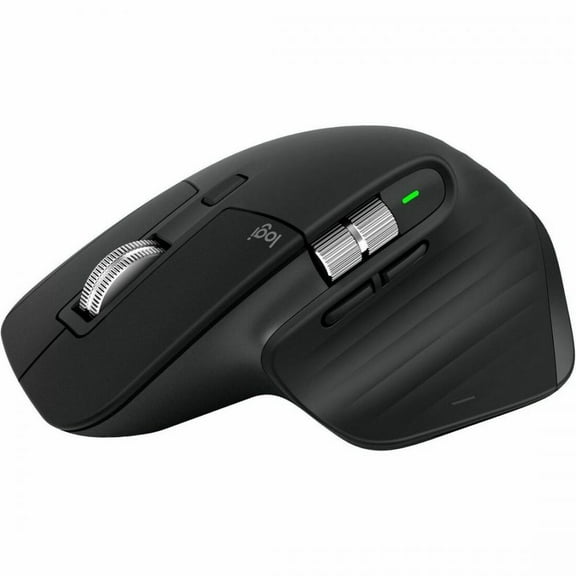
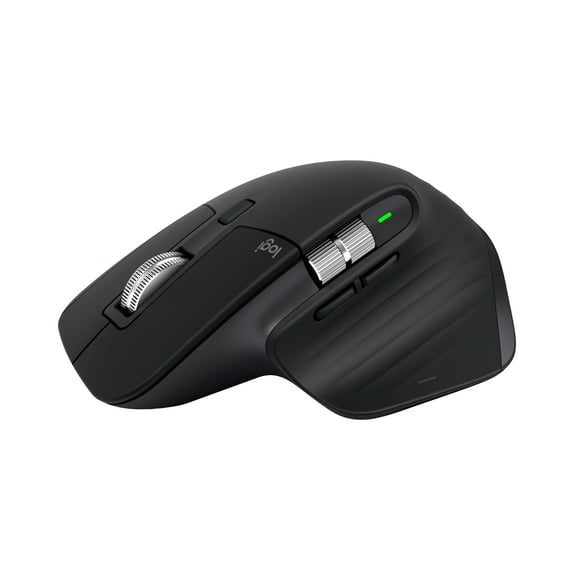
  • Mastered for Mac: With matching Apple finishes, Logi Options+ functions for macOS, USB-C charging while you work (cable not included), MX Master 4 for Mac makes for a perfect fit with your Apple setup
  • Precision you can feel with the Haptic Sense Panel; customizable haptic feedback on specific actions, shortcuts, notifications enhancing productivity on this wireless Bluetooth mouse
  • Effortlessly access favorite tools with Actions Ring on this MX Series mouse—a dynamic, customizable overlay adapts to each app, placing most used filters, adjustments, and shortcuts at your cursor
  • Scroll 1,000 lines per second and stop on a pixel with the MagSpeed scroll wheel—Logitech’s fastest, quietest, and most precise scrolling experience
  • Ergonomic mouse designed for comfort, MX Master 4 for Mac keeps you in flow with a natural tilt, intuitive buttons, and a thumb scroll wheel that reduces hand stress for fluid navigation
  • Quiet Clicks on MX Master 4 for Mac reduce noise and distractions, offering a satisfying feel with 90% less click noise —perfect for focused workflows
  • Get a complimentary 1-month Adobe Creative Cloud subscription with your purchase of MX Master 4 for Mac
  • Designed for a positive future: Plastic parts include recycled plastic - 54% Space Black; 48% White Silver; 100% recycled cobalt in the battery; Built to last with improved stain resistance
Current price is $119.99
Price when purchased online
  • Free shipping
  • Free 30-day returns
Walmart Accident Plan by Allstate

(Only one option can be selected at a time)

How do you want your item?

How do you want your item?
Columbus, 43215
Arrives by Fri, Apr 3
|
Sold and shipped by Newegg Inc.
4.600366178428762 stars out of 5, based on 6008 seller reviews(4.6)
Report an issue with this seller
Free 30-day returns

More seller options (6)

Starting from $119.99

About this item
Product details

Specifications

Warranty

Warnings

Customer ratings & reviews

4.3 out of 5 stars
stars64 ratings25 reviews
How item rating is calculated
Filtered and sorted results would be available on the new 'Customer ratings & reviews' page.
Sort by |

Showing 1-3 of 25 reviews

Mar 1, 2026
Ken B.
5 out of 5 stars review

Seller Verified Purchase

Excellent product

Really nice. should have purchased the Windows version. That is only because it would have come with a “dongle” all for the same price. It would make the Mac version of this a little more versatile! The product itself is very nice versatile app that allows for more customization.

Review from Logitech
Helpful?6JH0ODO9UG1218049902741
Nov 10, 2025
Jerry Guse
5 out of 5 stars review

Seller Verified Purchase

Greatness in quiet clicks

Hello, I am loving this mouse. It's definitely an upgrade over my last mouse the mx master 3s for Mac. It's quieter, buttons more responsive, the haptic button is programmable to single use or multiple. Also both wheels are improved. It's definitely a nice upgrade. I give it 5 stars. Check videos out about the new mouse. It was worth it to upgrade to this mouse.

Review from Logitech
Helpful?6JH0ODO9UG1218049902741
Feb 23, 2026
tburrn
4 out of 5 stars review

Seller Verified Purchase

Great function, ergonomics, so so

I have the old M720 and it's still my favorite. Had it for years now. I got the MX Master 4 because I thought it would be helpful to have the side scroll for Sketchup. It doesn't work with Sketchup without significant customization that I found too onerous compared to my tried and true workarounds. I like the heft of the MX Master, but the placement of the buttons are not as convenient as the M720, and I don't see any significant functional advantage either. Good mouse and if it fits your hand and habits.

Review from Logitech
Helpful?6JH0ODO9UG1218049902741