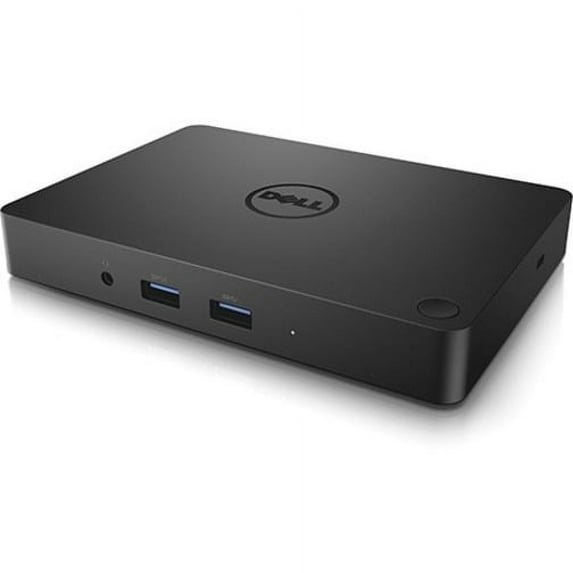
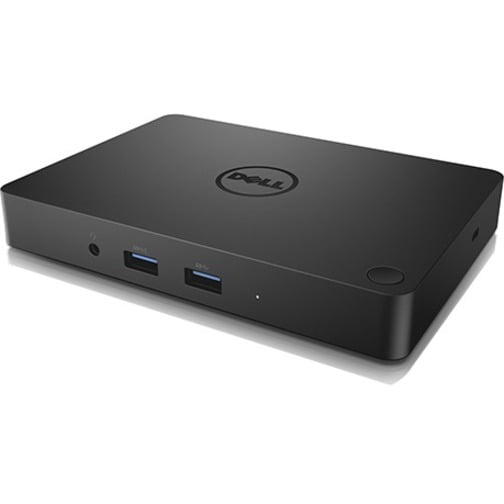
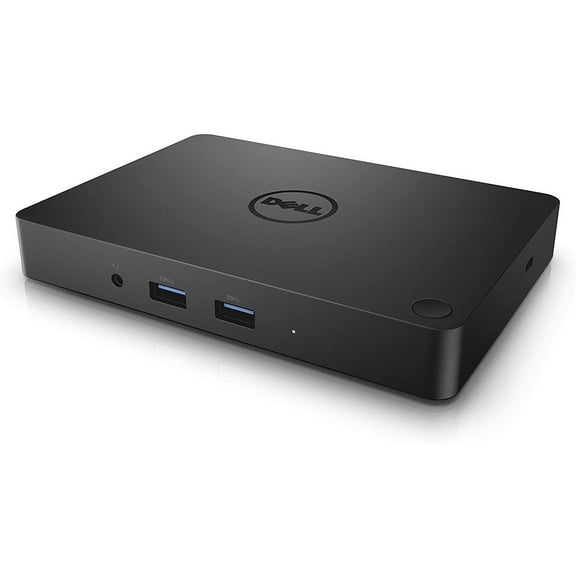
This is a review for the Dell WD15 product, and not the market place seller. I also bought this at much less than MSRP which made it a great deal, but at MSRP I think there are better options out there.
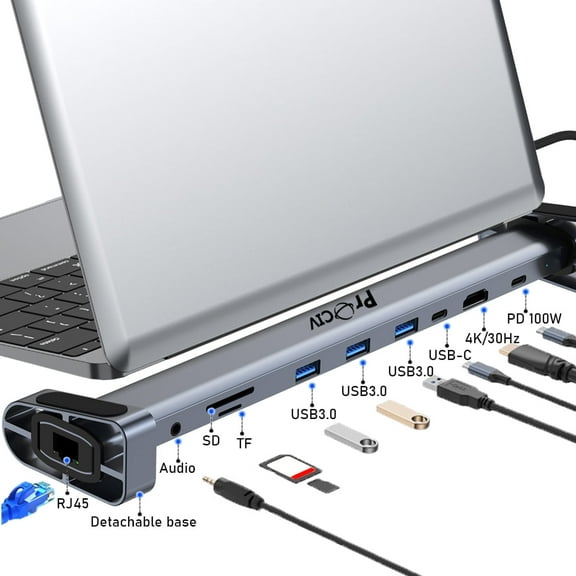
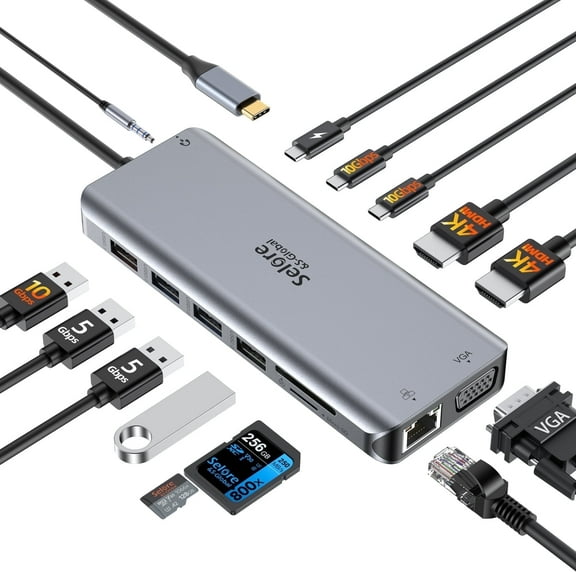
I got this Dell dock for my XPS 13 9315. Before this, I had an Anker USB-C hub that powered a wireless USB Logitech receiver, HDMI monitor, ethernet, etc. The hub was okay but often got really hot, wireless USB keyboard and mouse receivers weren't that great on it--you got better reception plugging it directly into the laptop. Plus, I'd have to open my laptop each time I wanted to power it on. It just became really annoying to have to drag all the cables across my desk and plug in the hub.
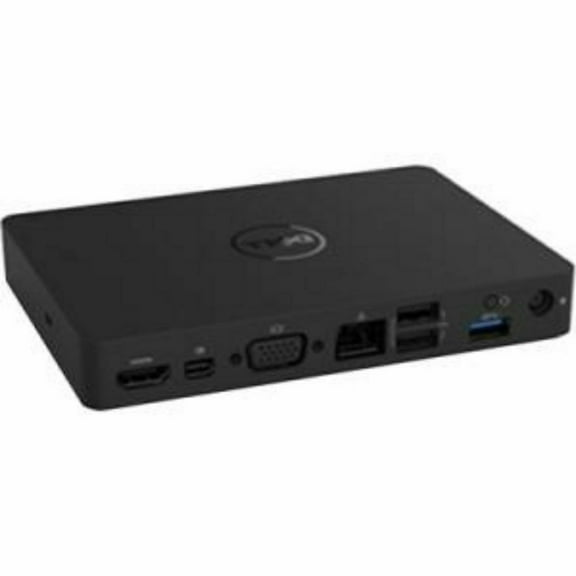
With the Dell Dock, the single power button turns on my laptop and reduces the amount of desk organizing I need to do each time I want to use the office desk. The device runs cool and really just stays out of the way once it's up and running. Support wise, the single HDMI for a 4k screen is just fine, a few 3.0 USB and ethernet ports for the occasional flash drive and solid connectivity are perfect for light office use. If you need the multiple 4k screens and lot's of external drives, etc, then you should look for higher end devices.
There are only a few downsides to this device.
Little annoyed that I can't use the display port without a dedicated dongle, but nothing that can't be fixed if really needed.
The setup takes a bit of time, and will require a reboot or two to finally get working. Then you go through the usual motions of setting the external monitor as the only display.
I kind of wish that there was a USB C port built-in, just to future proof the dock a little more, but ultimately I use the XPS's other spare USB C port in a pinch.
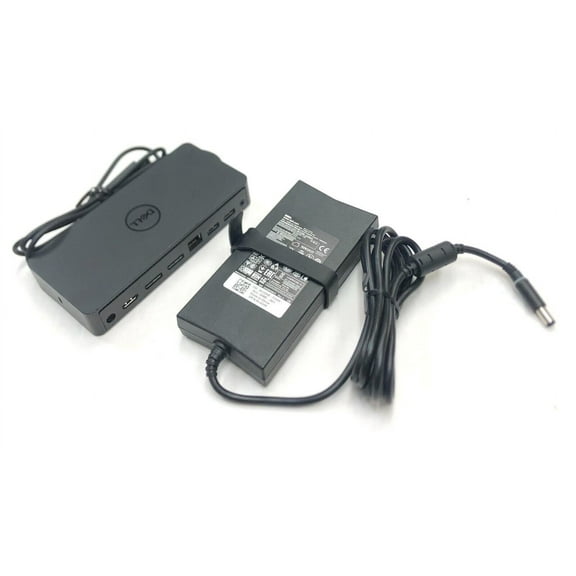
I also wish the WD15 dock was USB PD powered, and the adapter was USB C instead of the old school barrel plug. It would be a great backup adapter to have and plug into any other USB C powered device if necessary.