

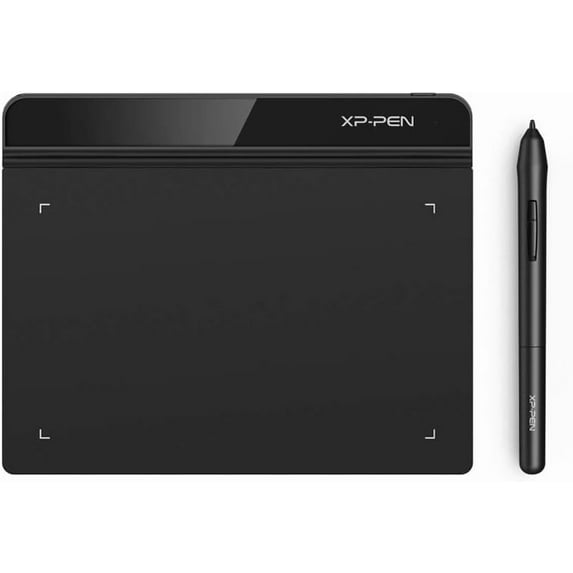
Hero image 0 of Drawing Tablet XPPen StarG640 Digital Graphic Tablet 6x4 Inch Art Tablet with Battery-Free Stylus Pen Tablet for Mac, Windows and Chromebook (Drawing/E-Learning/Remote-Working), 0 of 10
Drawing Tablet XPPen StarG640 Digital Graphic Tablet 6x4 Inch Art Tablet with Battery-Free Stylus Pen Tablet for Mac, Windows and Chromebook (Drawing/E-Learning/Remote-Working)
(No ratings yet)
Key item features
-
- Battery-Free Pen: StarG640 drawing tablet is the perfect replacement for a traditional mouse! The XPPen advanced Battery-free PN01 stylus does not require charging, allowing for constant uninterrupted Draw and Play, making lines flow quicker and smoother, enhancing overall performance
- Ideal for Online Education: XPPen G640 graphics tablet is designed for digital drawing, painting, sketching, E-signatures, online teaching, remote work, photo editing, it's compatible with Microsoft Office apps like Word, PowerPoint, OneNote, Zoom, Xsplit etc. Works perfect than a mouse, visually present your handwritten notes, signatures precisely
- Compact and Portable: The G640 art tablet is only 2 mm thick, it's as slim as all primary level graphic tablets, allowing you to carry it with you on the go
- Chromebook Supported: XPPen G640 digital drawing tablet is ready to work seamlessly with Chromebook devices now, so you can create information-rich content and collaborate with teachers and classmates on Google Jamboard’s whiteboard; Take notes quickly and conveniently with Google Keep, and effortlessly sketch diagrams with the Google Canvas
- Multipurpose Use: Designed for playing OSU! Game, digital drawing, painting, sketch, sign documents digitally, this writing tablet also compatible with Microsoft Office programs like Word, PowerPoint, OneNote and more. Create mind-maps, draw diagrams or take notes as replacement for mouse
-
- Battery-Free Pen: StarG640 drawing tablet is the perfect replacement for a traditional mouse! The XPPen advanced Battery-free PN01 stylus does not require charging, allowing for constant uninterrupted Draw and Play, making lines flow quicker and smoother, enhancing overall performance
- Ideal for Online Education: XPPen G640 graphics tablet is designed for digital drawing, painting, sketching, E-signatures, online teaching, remote work, photo editing, it's compatible with Microsoft Office apps like Word, PowerPoint, OneNote, Zoom, Xsplit etc. Works perfect than a mouse, visually present your handwritten notes, signatures precisely
- Compact and Portable: The G640 art tablet is only 2 mm thick, it's as slim as all primary level graphic tablets, allowing you to carry it with you on the go
- Chromebook Supported: XPPen G640 digital drawing tablet is ready to work seamlessly with Chromebook devices now, so you can create information-rich content and collaborate with teachers and classmates on Google Jamboard’s whiteboard; Take notes quickly and conveniently with Google Keep, and effortlessly sketch diagrams with the Google Canvas
- Multipurpose Use: Designed for playing OSU! Game, digital drawing, painting, sketch, sign documents digitally, this writing tablet also compatible with Microsoft Office programs like Word, PowerPoint, OneNote and more. Create mind-maps, draw diagrams or take notes as replacement for mouse
-
- Battery-Free Pen: StarG640 drawing tablet is the perfect replacement for a traditional mouse! The XPPen advanced Battery-free PN01 stylus does not require charging, allowing for constant uninterrupted Draw and Play, making lines flow quicker and smoother, enhancing overall performance
- Ideal for Online Education: XPPen G640 graphics tablet is designed for digital drawing, painting, sketching, E-signatures, online teaching, remote work, photo editing, it's compatible with Microsoft Office apps like Word, PowerPoint, OneNote, Zoom, Xsplit etc. Works perfect than a mouse, visually present your handwritten notes, signatures precisely
- Compact and Portable: The G640 art tablet is only 2 mm thick, it's as slim as all primary level graphic tablets, allowing you to carry it with you on the go
- Chromebook Supported: XPPen G640 digital drawing tablet is ready to work seamlessly with Chromebook devices now, so you can create information-rich content and collaborate with teachers and classmates on Google Jamboard’s whiteboard; Take notes quickly and conveniently with Google Keep, and effortlessly sketch diagrams with the Google Canvas
- Multipurpose Use: Designed for playing OSU! Game, digital drawing, painting, sketch, sign documents digitally, this writing tablet also compatible with Microsoft Office programs like Word, PowerPoint, OneNote and more. Create mind-maps, draw diagrams or take notes as replacement for mouse
-
- Battery-Free Pen: StarG640 drawing tablet is the perfect replacement for a traditional mouse! The XPPen advanced Battery-free PN01 stylus does not require charging, allowing for constant uninterrupted Draw and Play, making lines flow quicker and smoother, enhancing overall performance
- Ideal for Online Education: XPPen G640 graphics tablet is designed for digital drawing, painting, sketching, E-signatures, online teaching, remote work, photo editing, it's compatible with Microsoft Office apps like Word, PowerPoint, OneNote, Zoom, Xsplit etc. Works perfect than a mouse, visually present your handwritten notes, signatures precisely
- Compact and Portable: The G640 art tablet is only 2 mm thick, it's as slim as all primary level graphic tablets, allowing you to carry it with you on the go
- Chromebook Supported: XPPen G640 digital drawing tablet is ready to work seamlessly with Chromebook devices now, so you can create information-rich content and collaborate with teachers and classmates on Google Jamboard’s whiteboard; Take notes quickly and conveniently with Google Keep, and effortlessly sketch diagrams with the Google Canvas
- Multipurpose Use: Designed for playing OSU! Game, digital drawing, painting, sketch, sign documents digitally, this writing tablet also compatible with Microsoft Office programs like Word, PowerPoint, OneNote and more. Create mind-maps, draw diagrams or take notes as replacement for mouse
Specs
- Screen size6"
- Resolution5080 LPI
- OSWindows 7
- BrandUnbranded
- Resolution16K
- Inputs/OutputsUSB
Price when purchased online
Not Available
How do you want your item?
Not available
About this item
Product details
From the brandDraw with innovative ChipOur first smart chip X3 Pro, create artistic digitizers that give you a feeling as real and natural as working with a traditional tool.
16K Pressure LevelsMagic Drawing Pad
Artist Pro 16 Gen2 2.5K
Artist Pro 14 Gen2
Deco 640XPPen Drawing Tablet
XPPen Portable Drawing Tablet
XPPen Accessories
Product DescriptionSuper Slim and Compact DesignXPPen StarG640 Graphic Drawing Tablet is only 2mm thin, with its 6X4 inch active area for drawing, e-learning, and remote teaching.
Easy to CarryThe StarG640 drawing tablet is easy to carry, and plug and play. You can take it anywhere you want, like at home, classroom, etc.
Easy to ConnectAs long as your computer or laptop has a USB-A port, you can plug and play it. If don't have one, you can use an adapter to convert the connection.
Package List1xG640 Drawing Tablet / 1xPN01 Battery-free Pen / 20xReplacement Pen nibs / 1xUSB Cord / 1xPen nib Clip / 1xQuick Guide
Compatible with Windows 7 or bove, Mac 10.10 or above and Chrome OS 88 or above, Linux and etc.
Works with free programs like Krita, firealpaca, gimp, medibang, etc. Or other paid programs like: Photoshop, Adobe Illustrator, adobe premiere, adobe after effect, sai version 2, clip studio paint, etc.
1For Online Education2For Creators3For Signature4For OSU Games
16K Pressure LevelsMagic Drawing Pad
Artist Pro 16 Gen2 2.5K
Artist Pro 14 Gen2
Deco 640XPPen Drawing Tablet
XPPen Portable Drawing Tablet
XPPen Accessories
Product DescriptionSuper Slim and Compact DesignXPPen StarG640 Graphic Drawing Tablet is only 2mm thin, with its 6X4 inch active area for drawing, e-learning, and remote teaching.
Easy to CarryThe StarG640 drawing tablet is easy to carry, and plug and play. You can take it anywhere you want, like at home, classroom, etc.
Easy to ConnectAs long as your computer or laptop has a USB-A port, you can plug and play it. If don't have one, you can use an adapter to convert the connection.
Package List1xG640 Drawing Tablet / 1xPN01 Battery-free Pen / 20xReplacement Pen nibs / 1xUSB Cord / 1xPen nib Clip / 1xQuick Guide
Compatible with Windows 7 or bove, Mac 10.10 or above and Chrome OS 88 or above, Linux and etc.
Works with free programs like Krita, firealpaca, gimp, medibang, etc. Or other paid programs like: Photoshop, Adobe Illustrator, adobe premiere, adobe after effect, sai version 2, clip studio paint, etc.
1For Online Education2For Creators3For Signature4For OSU Games
-
- Battery-Free Pen: StarG640 drawing tablet is the perfect replacement for a traditional mouse! The XPPen advanced Battery-free PN01 stylus does not require charging, allowing for constant uninterrupted Draw and Play, making lines flow quicker and smoother, enhancing overall performance
- Ideal for Online Education: XPPen G640 graphics tablet is designed for digital drawing, painting, sketching, E-signatures, online teaching, remote work, photo editing, it's compatible with Microsoft Office apps like Word, PowerPoint, OneNote, Zoom, Xsplit etc. Works perfect than a mouse, visually present your handwritten notes, signatures precisely
- Compact and Portable: The G640 art tablet is only 2 mm thick, it's as slim as all primary level graphic tablets, allowing you to carry it with you on the go
- Chromebook Supported: XPPen G640 digital drawing tablet is ready to work seamlessly with Chromebook devices now, so you can create information-rich content and collaborate with teachers and classmates on Google Jamboard’s whiteboard; Take notes quickly and conveniently with Google Keep, and effortlessly sketch diagrams with the Google Canvas
- Multipurpose Use: Designed for playing OSU! Game, digital drawing, painting, sketch, sign documents digitally, this writing tablet also compatible with Microsoft Office programs like Word, PowerPoint, OneNote and more. Create mind-maps, draw diagrams or take notes as replacement for mouse
-
- Battery-Free Pen: StarG640 drawing tablet is the perfect replacement for a traditional mouse! The XPPen advanced Battery-free PN01 stylus does not require charging, allowing for constant uninterrupted Draw and Play, making lines flow quicker and smoother, enhancing overall performance
- Ideal for Online Education: XPPen G640 graphics tablet is designed for digital drawing, painting, sketching, E-signatures, online teaching, remote work, photo editing, it's compatible with Microsoft Office apps like Word, PowerPoint, OneNote, Zoom, Xsplit etc. Works perfect than a mouse, visually present your handwritten notes, signatures precisely
- Compact and Portable: The G640 art tablet is only 2 mm thick, it's as slim as all primary level graphic tablets, allowing you to carry it with you on the go
- Chromebook Supported: XPPen G640 digital drawing tablet is ready to work seamlessly with Chromebook devices now, so you can create information-rich content and collaborate with teachers and classmates on Google Jamboard’s whiteboard; Take notes quickly and conveniently with Google Keep, and effortlessly sketch diagrams with the Google Canvas
- Multipurpose Use: Designed for playing OSU! Game, digital drawing, painting, sketch, sign documents digitally, this writing tablet also compatible with Microsoft Office programs like Word, PowerPoint, OneNote and more. Create mind-maps, draw diagrams or take notes as replacement for mouse
-
- Battery-Free Pen: StarG640 drawing tablet is the perfect replacement for a traditional mouse! The XPPen advanced Battery-free PN01 stylus does not require charging, allowing for constant uninterrupted Draw and Play, making lines flow quicker and smoother, enhancing overall performance
- Ideal for Online Education: XPPen G640 graphics tablet is designed for digital drawing, painting, sketching, E-signatures, online teaching, remote work, photo editing, it's compatible with Microsoft Office apps like Word, PowerPoint, OneNote, Zoom, Xsplit etc. Works perfect than a mouse, visually present your handwritten notes, signatures precisely
- Compact and Portable: The G640 art tablet is only 2 mm thick, it's as slim as all primary level graphic tablets, allowing you to carry it with you on the go
- Chromebook Supported: XPPen G640 digital drawing tablet is ready to work seamlessly with Chromebook devices now, so you can create information-rich content and collaborate with teachers and classmates on Google Jamboard’s whiteboard; Take notes quickly and conveniently with Google Keep, and effortlessly sketch diagrams with the Google Canvas
- Multipurpose Use: Designed for playing OSU! Game, digital drawing, painting, sketch, sign documents digitally, this writing tablet also compatible with Microsoft Office programs like Word, PowerPoint, OneNote and more. Create mind-maps, draw diagrams or take notes as replacement for mouse
-
- Battery-Free Pen: StarG640 drawing tablet is the perfect replacement for a traditional mouse! The XPPen advanced Battery-free PN01 stylus does not require charging, allowing for constant uninterrupted Draw and Play, making lines flow quicker and smoother, enhancing overall performance
- Ideal for Online Education: XPPen G640 graphics tablet is designed for digital drawing, painting, sketching, E-signatures, online teaching, remote work, photo editing, it's compatible with Microsoft Office apps like Word, PowerPoint, OneNote, Zoom, Xsplit etc. Works perfect than a mouse, visually present your handwritten notes, signatures precisely
- Compact and Portable: The G640 art tablet is only 2 mm thick, it's as slim as all primary level graphic tablets, allowing you to carry it with you on the go
- Chromebook Supported: XPPen G640 digital drawing tablet is ready to work seamlessly with Chromebook devices now, so you can create information-rich content and collaborate with teachers and classmates on Google Jamboard’s whiteboard; Take notes quickly and conveniently with Google Keep, and effortlessly sketch diagrams with the Google Canvas
- Multipurpose Use: Designed for playing OSU! Game, digital drawing, painting, sketch, sign documents digitally, this writing tablet also compatible with Microsoft Office programs like Word, PowerPoint, OneNote and more. Create mind-maps, draw diagrams or take notes as replacement for mouse
info:
We aim to show you accurate product information. Manufacturers, suppliers and others provide what you see here, and we have not verified it.
Specifications
Screen size
6"
Resolution
5080 LPI
OS
Windows 7
Brand
Unbranded
Similar items you might like
Based on what customers bought
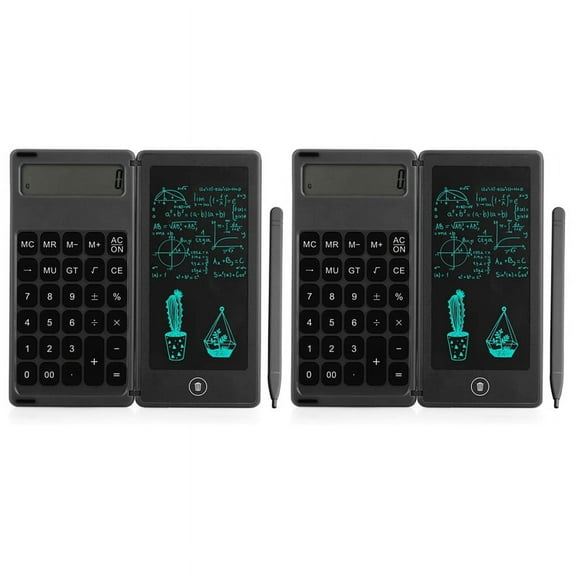
2X Calculator Notepad 6 Inch LCD Writing Tablet Digital Drawing Pad with Stylus Pen Erase Button Lock Function Black $20.69
 $2069current price $20.69
2X Calculator Notepad 6 Inch LCD Writing Tablet Digital Drawing Pad with Stylus Pen Erase Button Lock Function Black
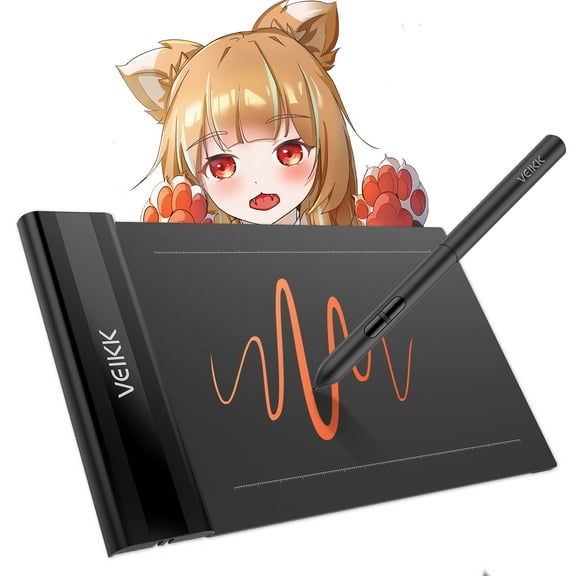
VEIKK S640 Drawing Tablet 6x4 inch OSU Tablet 8192 Level Pen for PC,Window,Mac and Android $22.79
 $2279current price $22.79
VEIKK S640 Drawing Tablet 6x4 inch OSU Tablet 8192 Level Pen for PC,Window,Mac and Android
164.6 out of 5 Stars. 16 reviewsVEIKK VK430 Drawing Tablet 4x3 inch OSU Tablet Ultra-Thin for Windows/Mac/Linux $17.99 Was $19.99
 $1799current price $17.99, Was $19.99$19.99
VEIKK VK430 Drawing Tablet 4x3 inch OSU Tablet Ultra-Thin for Windows/Mac/Linux
314.6 out of 5 Stars. 31 reviews16 Inch Color Font LCD Writing Tablet Digital Drawing Tablet $14.55
 $1455current price $14.55
16 Inch Color Font LCD Writing Tablet Digital Drawing Tablet
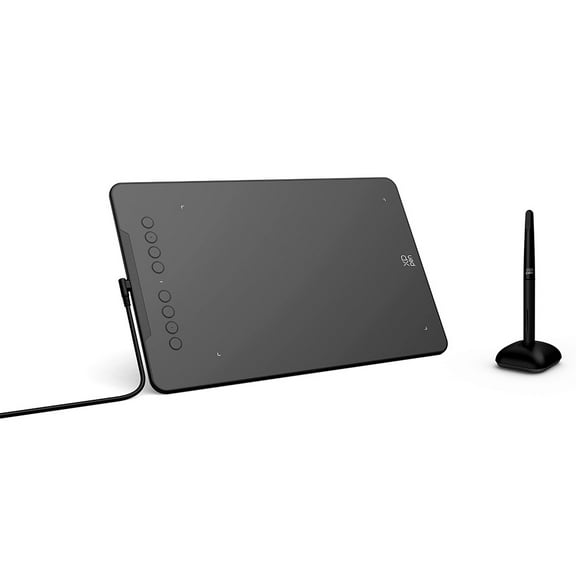
XPPen DECO 01V3 Drawing Tablet,10x6.25in Digital Art Tablet with 16384 Battery-Free Stylus,8 Hot Keys, Graphic Tablet for Design, Writing, OSU, Work with Mac, PC, Mobile $59.99
 $5999current price $59.99
XPPen DECO 01V3 Drawing Tablet,10x6.25in Digital Art Tablet with 16384 Battery-Free Stylus,8 Hot Keys, Graphic Tablet for Design, Writing, OSU, Work with Mac, PC, Mobile
Wacom Intuos Graphics Drawing Tablet, 3 Bonus Software Included, 7.9"x 6.3", Black, Small (CTL4100) $57.16 Was $69.95
 2 optionsAvailable in additional 2 options$5716current price $57.16, Was $69.95$69.95
Wacom Intuos Graphics Drawing Tablet, 3 Bonus Software Included, 7.9"x 6.3", Black, Small (CTL4100)
944.5 out of 5 Stars. 94 reviewsBest seller UGEE S640 Graphic Drawing Tablets Digital Pen Tablet with Stylus for Linux, Mac, Windows PC and Android OSU 6.3x 4 inches $28.79 Was $39.00
Best seller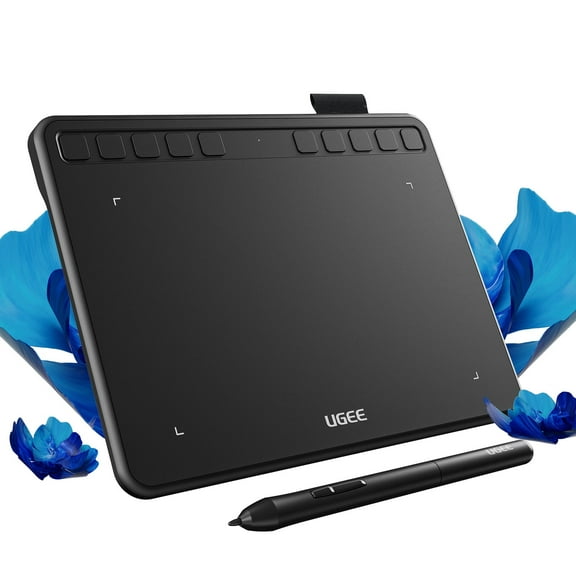 2 optionsAvailable in additional 2 options$2879current price $28.79, Was $39.00$39.00
UGEE S640 Graphic Drawing Tablets Digital Pen Tablet with Stylus for Linux, Mac, Windows PC and Android OSU 6.3x 4 inches
1634.5 out of 5 Stars. 163 reviewsCalculator Notepad 6 Inch LCD Writing Tablet Digital Drawing Pad with Stylus Pen Erase Button Lock Function Black $10.79 Was $12.70
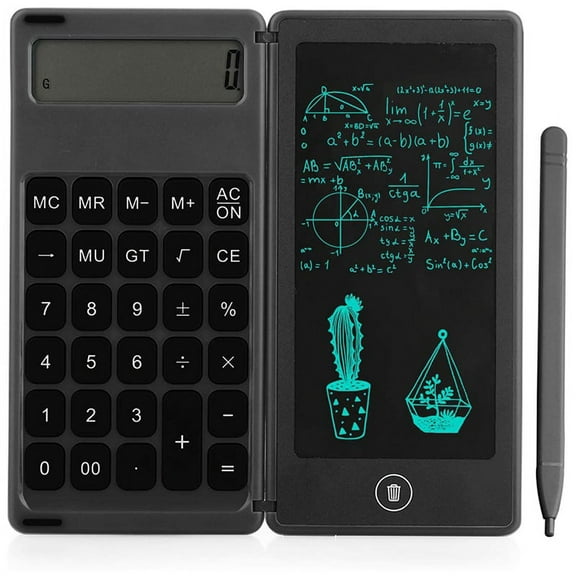 $1079current price $10.79, Was $12.70$12.70
Calculator Notepad 6 Inch LCD Writing Tablet Digital Drawing Pad with Stylus Pen Erase Button Lock Function Black
15 out of 5 Stars. 1 reviewsXPPen Latest 10"x6.25" Drawing Tablet, XP Deco Graphic Tablet with Pen, 16384 Levels Pressure/60° Tilt Function/8 Shortcut Keys, Digital Drawing Pad Art Tablet for Phone/Computer OSU/Digital Painting $45.99 Was $59.99
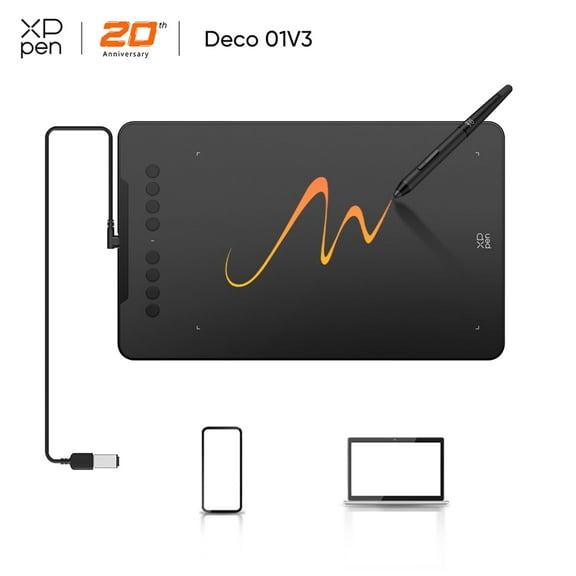 $4599current price $45.99, Was $59.99$59.99
XPPen Latest 10"x6.25" Drawing Tablet, XP Deco Graphic Tablet with Pen, 16384 Levels Pressure/60° Tilt Function/8 Shortcut Keys, Digital Drawing Pad Art Tablet for Phone/Computer OSU/Digital Painting
174.1 out of 5 Stars. 17 reviewsBest seller UGEE S640 Graphic Drawing Tablets Digital Pen Tablet for Linux, Mac, Windows PC and Android OSU, 6.3x 4 inches Purple $27.00 Was $32.99
Best seller


 $2700current price $27.00, Was $32.99$32.99
UGEE S640 Graphic Drawing Tablets Digital Pen Tablet for Linux, Mac, Windows PC and Android OSU, 6.3x 4 inches Purple
2184.5 out of 5 Stars. 218 reviewsXPPen Latest Small Deco Drawing Tablet with Pen,16384 Levels Pressure/60°Tilt Support,6x4inch Graphic Tablet Resolution 5080LPI for Phone/Computer, Portablet Drawing Pad for Digital Art/OSU Game $26.99 Was $39.99
 2 optionsAvailable in additional 2 options$2699current price $26.99, Was $39.99$39.99
XPPen Latest Small Deco Drawing Tablet with Pen,16384 Levels Pressure/60°Tilt Support,6x4inch Graphic Tablet Resolution 5080LPI for Phone/Computer, Portablet Drawing Pad for Digital Art/OSU Game
744.7 out of 5 Stars. 74 reviewsUGEE M708 10" x 6" Graphics Drawing Tablet, 8192 Pressure Sensitivity, Black $44.99 Was $49.99
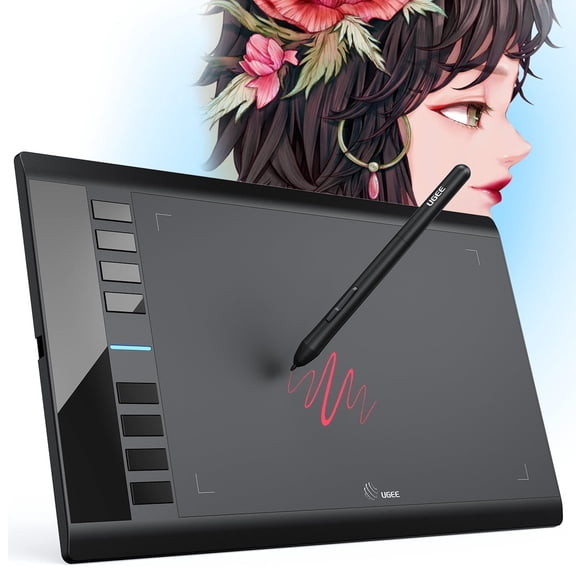 $4499current price $44.99, Was $49.99$49.99
UGEE M708 10" x 6" Graphics Drawing Tablet, 8192 Pressure Sensitivity, Black
784.7 out of 5 Stars. 78 reviewsVEIKK Graphics Drawing Tablet A30 10x6 inch Digital Art Pad for Mac,Windows,Linux and Android $37.99 Was $59.99
 $3799current price $37.99, Was $59.99$59.99
VEIKK Graphics Drawing Tablet A30 10x6 inch Digital Art Pad for Mac,Windows,Linux and Android
594.5 out of 5 Stars. 59 reviewsHuion Inspiroy H950P Graphics Drawing Tablet Battery Free Pen Stylus Tilt Function, 8.7x 5.4 Inch $39.99
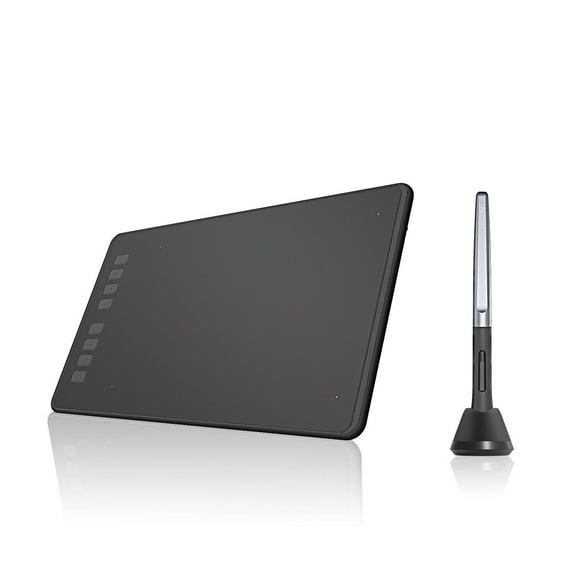 4 optionsAvailable in additional 4 options$3999current price $39.99
Huion Inspiroy H950P Graphics Drawing Tablet Battery Free Pen Stylus Tilt Function, 8.7x 5.4 Inch
744.3 out of 5 Stars. 74 reviews8.5Inch LCD Writing Tablet Pad Office Memo Home Message Kids Drawing Board, Usupdd 2025 8.5Inch LCD Writing Tablet Pad $5.69
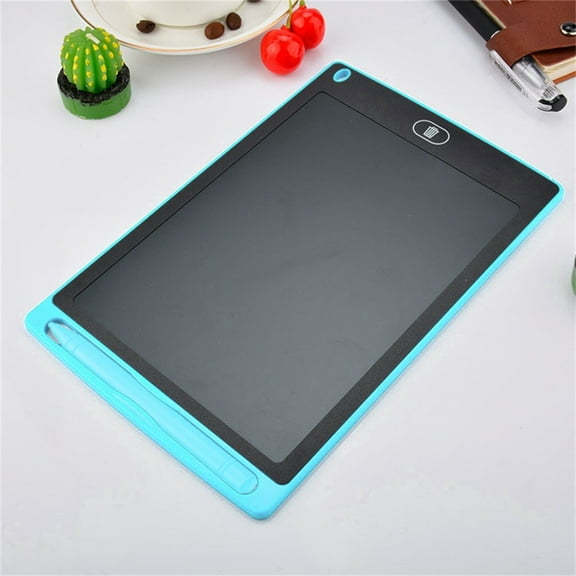

 $569current price $5.69
8.5Inch LCD Writing Tablet Pad Office Memo Home Message Kids Drawing Board, Usupdd 2025 8.5Inch LCD Writing Tablet Pad
15 out of 5 Stars. 1 reviews1 Set Digital Notepad Note Taking Tablet Electronic Notebook Kids Doodle Pad Note Tablet Scribble Pad LCD Writing Board Electronic Book Number Child Graffiti Board Plastic $24.99 Was $28.99
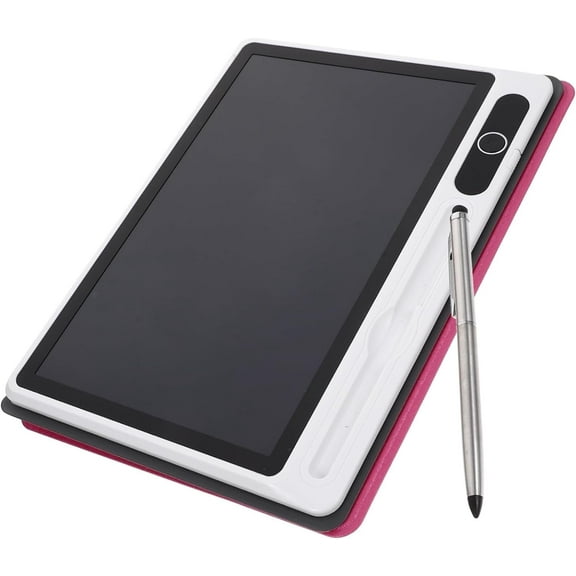 $2499current price $24.99, Was $28.99$28.99
1 Set Digital Notepad Note Taking Tablet Electronic Notebook Kids Doodle Pad Note Tablet Scribble Pad LCD Writing Board Electronic Book Number Child Graffiti Board Plastic
45 out of 5 Stars. 4 reviewsXP-Pen G430 OSU Tablet Ultrathin Graphic Tablet 4 x 3 inch Digital Tablet Drawing Pen Tablet for osu! in Black $19.99
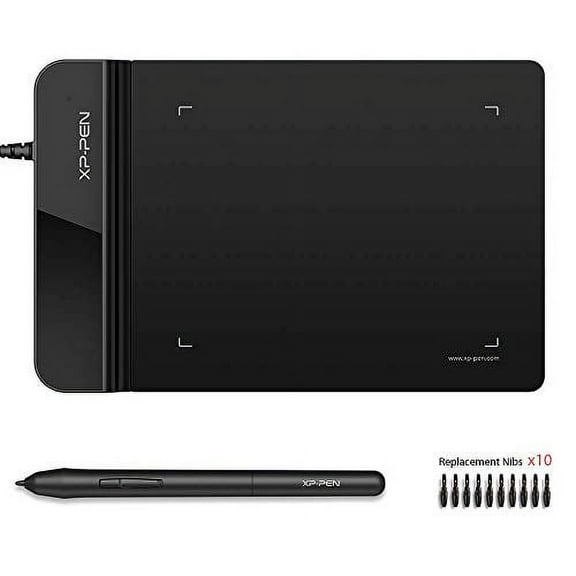 $1999current price $19.99
XP-Pen G430 OSU Tablet Ultrathin Graphic Tablet 4 x 3 inch Digital Tablet Drawing Pen Tablet for osu! in Black
414.6 out of 5 Stars. 41 reviews16 Inch Color Font LCD Writing Tablet Digital Drawing Tablet Handwriting Pads Portable y4107 $16.16
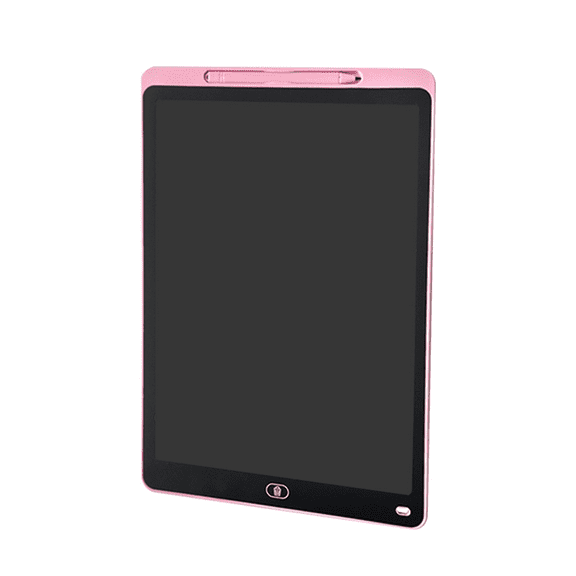 $1616current price $16.16
16 Inch Color Font LCD Writing Tablet Digital Drawing Tablet Handwriting Pads Portable y4107
Huion Inspiroy 2 Drawing Tablet 6x4 Inch Graphic Tablet with 6 Customized Keys for Linux, Mac, Windows PC and Android $42.99 Was $49.99
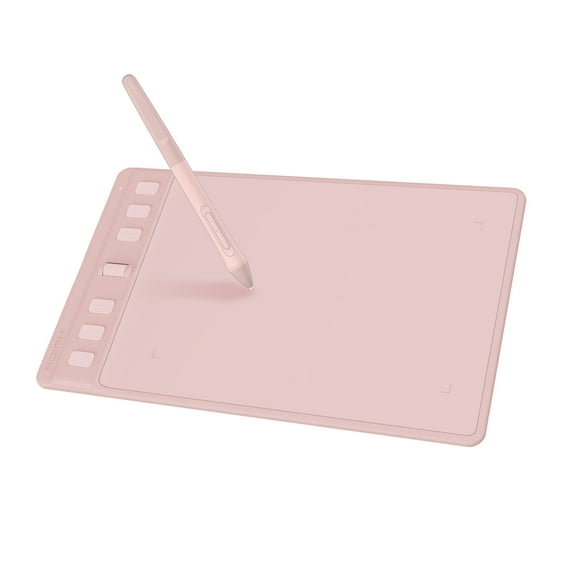 $4299current price $42.99, Was $49.99$49.99
Huion Inspiroy 2 Drawing Tablet 6x4 Inch Graphic Tablet with 6 Customized Keys for Linux, Mac, Windows PC and Android
134.7 out of 5 Stars. 13 reviewsReduced price XENX 10 Inch Graphics Drawing Tablet with 8192 Levels Pressure Sensitive Battery-Free Pen for Digital Art, Painting, Photo Editing, Online Teaching & Android, Windows, Mac $85.89 Was $95.65
Reduced price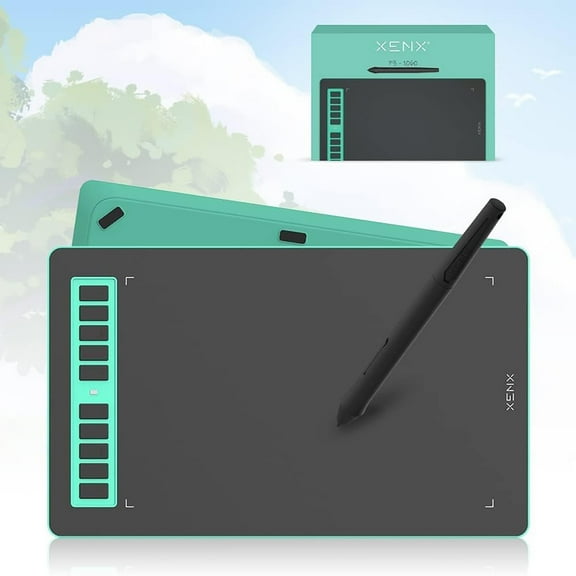 $8589current price $85.89, Was $95.65$95.65
XENX 10 Inch Graphics Drawing Tablet with 8192 Levels Pressure Sensitive Battery-Free Pen for Digital Art, Painting, Photo Editing, Online Teaching & Android, Windows, Mac
Customer ratings & reviews
0 ratings|0 reviews
This item does not have any reviews yet
