


BENCHUAN WiFi Extender 1200Mbps Signal Booster WiFi Repeater 2.4 & 5GHz (2800sq.ft) for Smart Home
Key item features
-
1200Mbps High-Speed Stable Signal:The wifi extenders signal booster with the latest dual-band technology can provide a total speed rate of about 1200Mbps. Minimizes the loss of signal so you can enjoy video streaming or casual gaming under high-speed internet!
-
Full Signal Coverage:The wifi extender is equipped with 4 high-gain external antennas, covering up to 2,800 square feet, higher penetration, and no loss signal when passing through a wall. Bedroom, restroom, garage, basement, and garden, having the whole house covered under a fast, stable network!
-
WiFi Repeater & AP Mode & 2 Ethernet Ports:Both AP and wifi repeater modes are available, the former providing wired connection while the latter wireless. There're two Ethernet ports to achieve the best performance. Simply plug in game consoles, streaming players, or other nearby wired devices using the Ethernet port for maximum speed!
-
Universal Compatibility & Easy Set Up:The wifi extender can be used with any 802.11b/g/n/ac wireless Internet router, which means it works with any standard router or gateway. It can easily be set up via browser website(192.168.188.1) on almost any device, including Windows/Android/iOS mobile platforms.
-
Safe Network Access:This wifi extenders signal booster supports WPA/WPA-PSK, WPA2/WPA2-PSK wireless security protocols, is able to maximize the network security, prevents others from stealing your net, protects your important data, and avoid the interference and privacy problems of Wi-Fi!
-
FEATURES
-Transmission Speed: 1200Mbps
-Transmission Range: Up to 2800sq.ft (Depends On the Environments)
-Antenna: 4* 2dBi External Antennas
-Work Modes: WiFi Repeater & AP/Wireless & Wired
-Dual Bands: 2.4GHz & 5GHz
-Compatible Standards: IEEE 802.11ac/n/g/b
-Wireless Security: WPA/WPA-PSK, WPA2/WPA2-PSK
-Materials: ABS
-WiFi Booster Specification: 6.7x3.5x2.1in/17x8.8x5.3cm
-WiFi Booster Weight: 109g/3.8oz
-
Instruction Video Address:
youtu.be/nP1dPlzq8i8
-
TIP 1: Where should I place my wifi extenders signal booster?
When setting up, place the wifi booster extender near the router, or the installation may fail due to a weak signal.
After the setup is completed, the ideal location to place the wifi booster extender is halfway between your wireless router and your computer, and the wifi extender MUST be within the wireless range of the wireless router.
If you have to use a different location, move the wifi extender closer to the device, but still within the wireless range of the router. Plus, make sure that your wifi extender is in a position able to receive a strong signal from the router, so the extended signal will be much stronger.
-
TIP 2: People like the WPS function for its easy operation.
However, through our tests on our wifi extenders and many other extenders on the market, we found that the setup via WPS is easy to be interrupted and not as stable as configuration by phone or computer, which explains why we don't advertise the WPS function of our products though we actually comes with this function.
-
TIP 3: WHY My Reset Fails?
Please pay more patience when resetting: Plug in the extender and wait for about 45s. Then long press the Reset button for 15-20s, after which you will see the light flashes. When the flashes stop, the reset is completed. Now you can continue with your setup.
-
TIP 4: WHY The Web: 192.168.188.1 Doesn't Pop Up?
After upgraded, this extender is able to pop up the web of 192.168.188.1 automatically. However, if your browser blocks pop-up web automatically, you may have to enter the address of 192.168.188.1 manually. After entering the web, enter the default password"admin" to continue your setup.
-
WHAT'S INCLUDED:
1x Wifi Booster Extender
1x Setup Instruction
Specs
- Number of wireless frequency bandsDual-Band
- Signal repeater typeSignal Repeater
- BrandBENCHUAN
- Antennas4
- Frequency2.4 GHz
- LAN ports2
- Free shipping
 Free 30-day returns

(Only one option can be selected at a time)
How do you want your item?


About this item
Product details
WiFi Extender 1200Mbps Signal Booster WiFi Repeater 2.4 & 5GHz (2800sq.ft) for Smart Home
Wish you a happy shopping
-
1200Mbps High-Speed Stable Signal:The wifi extenders signal booster with the latest dual-band technology can provide a total speed rate of about 1200Mbps. Minimizes the loss of signal so you can enjoy video streaming or casual gaming under high-speed internet!
-
Full Signal Coverage:The wifi extender is equipped with 4 high-gain external antennas, covering up to 2,800 square feet, higher penetration, and no loss signal when passing through a wall. Bedroom, restroom, garage, basement, and garden, having the whole house covered under a fast, stable network!
-
WiFi Repeater & AP Mode & 2 Ethernet Ports:Both AP and wifi repeater modes are available, the former providing wired connection while the latter wireless. There're two Ethernet ports to achieve the best performance. Simply plug in game consoles, streaming players, or other nearby wired devices using the Ethernet port for maximum speed!
-
Universal Compatibility & Easy Set Up:The wifi extender can be used with any 802.11b/g/n/ac wireless Internet router, which means it works with any standard router or gateway. It can easily be set up via browser website(192.168.188.1) on almost any device, including Windows/Android/iOS mobile platforms.
-
Safe Network Access:This wifi extenders signal booster supports WPA/WPA-PSK, WPA2/WPA2-PSK wireless security protocols, is able to maximize the network security, prevents others from stealing your net, protects your important data, and avoid the interference and privacy problems of Wi-Fi!
-
FEATURES
-Transmission Speed: 1200Mbps
-Transmission Range: Up to 2800sq.ft (Depends On the Environments)
-Antenna: 4* 2dBi External Antennas
-Work Modes: WiFi Repeater & AP/Wireless & Wired
-Dual Bands: 2.4GHz & 5GHz
-Compatible Standards: IEEE 802.11ac/n/g/b
-Wireless Security: WPA/WPA-PSK, WPA2/WPA2-PSK
-Materials: ABS
-WiFi Booster Specification: 6.7x3.5x2.1in/17x8.8x5.3cm
-WiFi Booster Weight: 109g/3.8oz
-
Instruction Video Address:
youtu.be/nP1dPlzq8i8
-
TIP 1: Where should I place my wifi extenders signal booster?
When setting up, place the wifi booster extender near the router, or the installation may fail due to a weak signal.
After the setup is completed, the ideal location to place the wifi booster extender is halfway between your wireless router and your computer, and the wifi extender MUST be within the wireless range of the wireless router.
If you have to use a different location, move the wifi extender closer to the device, but still within the wireless range of the router. Plus, make sure that your wifi extender is in a position able to receive a strong signal from the router, so the extended signal will be much stronger.
-
TIP 2: People like the WPS function for its easy operation.
However, through our tests on our wifi extenders and many other extenders on the market, we found that the setup via WPS is easy to be interrupted and not as stable as configuration by phone or computer, which explains why we don't advertise the WPS function of our products though we actually comes with this function.
-
TIP 3: WHY My Reset Fails?
Please pay more patience when resetting: Plug in the extender and wait for about 45s. Then long press the Reset button for 15-20s, after which you will see the light flashes. When the flashes stop, the reset is completed. Now you can continue with your setup.
-
TIP 4: WHY The Web: 192.168.188.1 Doesn't Pop Up?
After upgraded, this extender is able to pop up the web of 192.168.188.1 automatically. However, if your browser blocks pop-up web automatically, you may have to enter the address of 192.168.188.1 manually. After entering the web, enter the default password"admin" to continue your setup.
-
WHAT'S INCLUDED:
1x Wifi Booster Extender
1x Setup Instruction
Specifications
Number of wireless frequency bands
Signal repeater type
Brand
Antennas
Warranty
Warranty information
Similar items you might like
Based on what customers bought
Clearance 2.4G/5GHz WiFi Extender Wireless Dual Band WiFi Repeater 1200Mbps Signal Amplifier Extender Router Long Network for Home $25.00 Was $35.00
Clearance $2500current price $25.00, Was $35.00$35.00
2.4G/5GHz WiFi Extender Wireless Dual Band WiFi Repeater 1200Mbps Signal Amplifier Extender Router Long Network for Home
31.3 out of 5 Stars. 3 reviewsBest seller 2025 WiFi Extender-Wireless Signal Repeater Booster,Covers Up to 10000 Sq.ft - 1200Mbps Wall-Through Strong WiFi Booster,WiFi Amplifier,WiFi Extenders Signal,Dual Band 2.4GHz & 5GHz Wireless Repeate $33.39 Was $89.99
Best seller $3339current price $33.39, Was $89.99$89.99
2025 WiFi Extender-Wireless Signal Repeater Booster,Covers Up to 10000 Sq.ft - 1200Mbps Wall-Through Strong WiFi Booster,WiFi Amplifier,WiFi Extenders Signal,Dual Band 2.4GHz & 5GHz Wireless Repeate
76664.7 out of 5 Stars. 7666 reviewsIn 200+ people's carts WiFi Extender Signal Booster, 2.4GHz WiFi Signal Booster up to 9000 Sq. Ft, 300Mbps WiFi Repeater for Home, WiFi Extender with Ethernet Port, Easy Setup $19.99 Was $24.99
In 200+ people's carts $1999current price $19.99, Was $24.99$24.99
WiFi Extender Signal Booster, 2.4GHz WiFi Signal Booster up to 9000 Sq. Ft, 300Mbps WiFi Repeater for Home, WiFi Extender with Ethernet Port, Easy Setup
1053.7 out of 5 Stars. 105 reviewsBest seller NETGEAR - AC750 WiFi Range Extender and Signal Booster, Wall-plug, 750Mbps (EX3110) $30.50 Was $34.00
Best seller $3050current price $30.50, Was $34.00$34.00
NETGEAR - AC750 WiFi Range Extender and Signal Booster, Wall-plug, 750Mbps (EX3110)
28104 out of 5 Stars. 2810 reviewsRongsi WiFi Extender, WiFi Booster 1200Mbps Dual Band WiFi Extenders Signal Booster, WiFi Repeater with Ethernet Port Covers up to 12880sq. ft and 105 Devices,Internet Booster for Smart Home Devices $28.99
 2 optionsAvailable in additional 2 options$2899current price $28.99
Rongsi WiFi Extender, WiFi Booster 1200Mbps Dual Band WiFi Extenders Signal Booster, WiFi Repeater with Ethernet Port Covers up to 12880sq. ft and 105 Devices,Internet Booster for Smart Home Devices
1613.5 out of 5 Stars. 161 reviewsGintenco WiFi Extender Signal Booster 4 Antennas with Dual Band 2.4G and 5G 1200Mbps Covers Up to 10000sqft and 25 Devices WiFi Range Extender Repeaters $32.99
 $3299current price $32.99
Gintenco WiFi Extender Signal Booster 4 Antennas with Dual Band 2.4G and 5G 1200Mbps Covers Up to 10000sqft and 25 Devices WiFi Range Extender Repeaters
43 out of 5 Stars. 4 reviewsVILINICE WiFi6 Extender, Dual-Band Signal Booster with Ethernet Port, 1500Mbps Coverage up to 8800 sq ft $25.39 Was $59.99
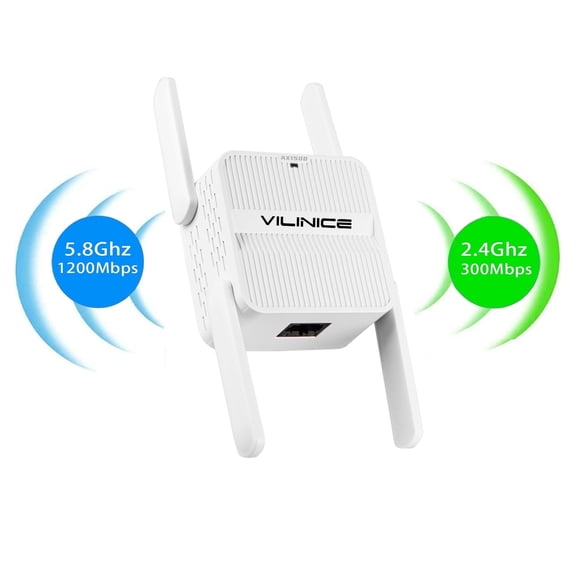 $2539current price $25.39, Was $59.99$59.99
VILINICE WiFi6 Extender, Dual-Band Signal Booster with Ethernet Port, 1500Mbps Coverage up to 8800 sq ft
633.6 out of 5 Stars. 63 reviewsVILINICE Dual Band WiFi Extender, 1200Mbps, Ethernet Port, Supports 35 Devices, 2.4GHz & 5GHz WiFi Booster $21.39 Was $49.99
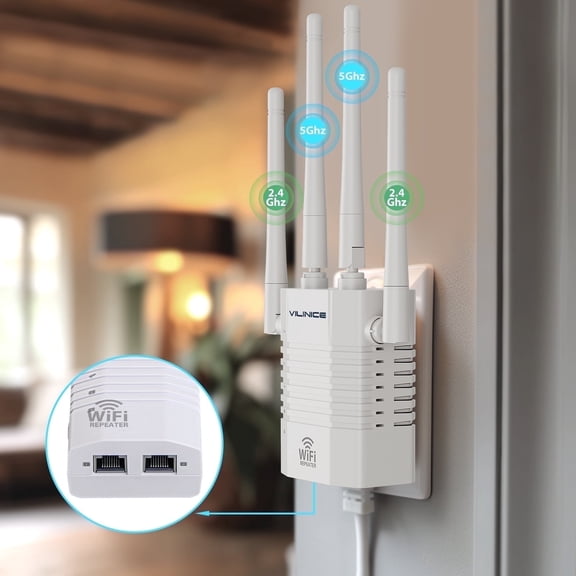 $2139current price $21.39, Was $49.99$49.99
VILINICE Dual Band WiFi Extender, 1200Mbps, Ethernet Port, Supports 35 Devices, 2.4GHz & 5GHz WiFi Booster
2713.6 out of 5 Stars. 271 reviewsKradGingo WiFi Extender Internet Booster, 10000 Sq.ft Long Range Repeater Wireless Routers Amplifier, Mesh Wi-Fi 80% Faster, Support More Network Devices at Home $26.99
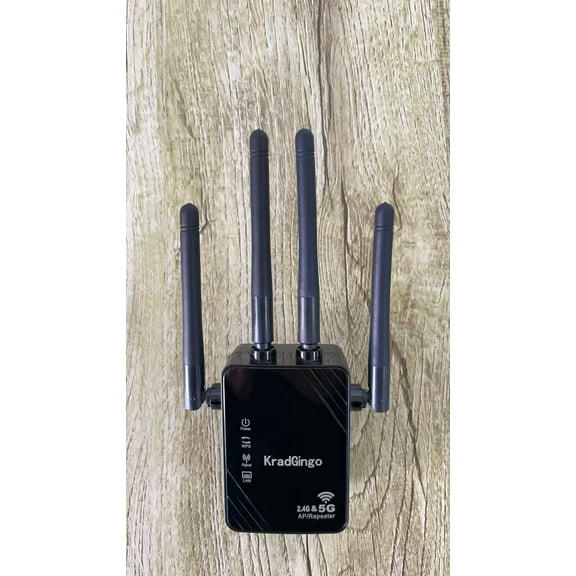 $2699current price $26.99
KradGingo WiFi Extender Internet Booster, 10000 Sq.ft Long Range Repeater Wireless Routers Amplifier, Mesh Wi-Fi 80% Faster, Support More Network Devices at Home
WiFi Extender with 6 High-Gain Antennas, 1200Mbps Dual-Band (5GHz/2.4GHz) Long Range WiFi Booster, Internet Signal Repeater for Home, AP/Repeater Modes, Ethernet Port, Compatible with Smart Devices $26.99
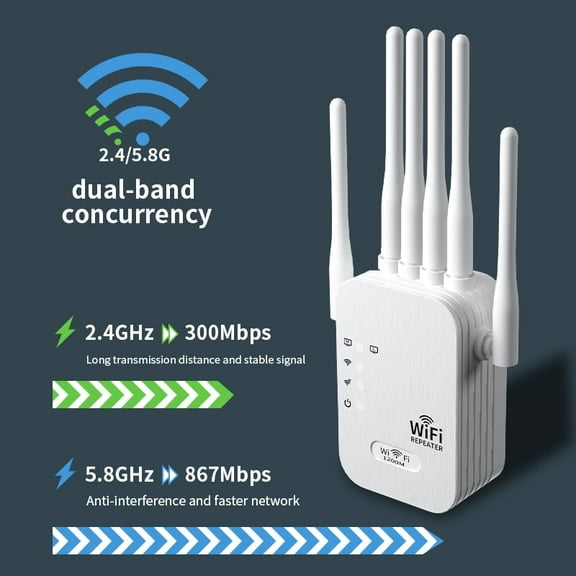 2 optionsAvailable in additional 2 options$2699current price $26.99
WiFi Extender with 6 High-Gain Antennas, 1200Mbps Dual-Band (5GHz/2.4GHz) Long Range WiFi Booster, Internet Signal Repeater for Home, AP/Repeater Modes, Ethernet Port, Compatible with Smart Devices
11 out of 5 Stars. 1 reviewsWiFi Extender, 2026 Fastest WiFi Booster 1200Mbps Dual Band (5GHz/2.4GHz) WiFi Extenders Signal Booster for Home, WiFi Repeater with Ethernet Port Covers up to 12880sq. ft and 55 Devices-Medium $24.99
 $2499current price $24.99
WiFi Extender, 2026 Fastest WiFi Booster 1200Mbps Dual Band (5GHz/2.4GHz) WiFi Extenders Signal Booster for Home, WiFi Repeater with Ethernet Port Covers up to 12880sq. ft and 55 Devices-Medium
213.4 out of 5 Stars. 21 reviewsWifi Range Extender Internet Booster Wireless Signal Repeater $36.40
 $3640current price $36.40
Wifi Range Extender Internet Booster Wireless Signal Repeater
Clearance WiFi Extender Booster for Home,WiFi Extender with Ethernet Port,1200Mbps WiFiBooster Dual Band 5GHz/2.4GHz,Internet Repeater Long Range Covers Up to 60 Devices and 9800 Sq.ft $13.39 Was $15.59
Clearance


 $1339current price $13.39, Was $15.59$15.59
WiFi Extender Booster for Home,WiFi Extender with Ethernet Port,1200Mbps WiFiBooster Dual Band 5GHz/2.4GHz,Internet Repeater Long Range Covers Up to 60 Devices and 9800 Sq.ft
22.5 out of 5 Stars. 2 reviewsWiFi Extender Up to 12000 Sq.Ft, 1200Mbps Dual Band Repeater with 6 High-Gain Antennas & Ethernet Port, AP/Repeater/Router 3-in-1 Mode, for Home and Office $29.98
 $2998current price $29.98
WiFi Extender Up to 12000 Sq.Ft, 1200Mbps Dual Band Repeater with 6 High-Gain Antennas & Ethernet Port, AP/Repeater/Router 3-in-1 Mode, for Home and Office
WiFi Extender with 6 Signal-Boosting Antennas, 1200Mbps Dual-Band Internet Range Extender for Home, 2.4GHz/5GHz WiFi Repeater, Ethernet Port, Access Point/Repeater Modes, Works with All Routers $26.98
 2 optionsAvailable in additional 2 options$2698current price $26.98
WiFi Extender with 6 Signal-Boosting Antennas, 1200Mbps Dual-Band Internet Range Extender for Home, 2.4GHz/5GHz WiFi Repeater, Ethernet Port, Access Point/Repeater Modes, Works with All Routers
WiFi Extender Signal Booster,1200Mbps Dual Band (5GHz/2.4GHz) WiFi Extenders Signal Booster for Home, WiFi Repeater with Ethernet Port Covers up to 12880 Sq.Ft and 105 Devices $34.99
 $3499current price $34.99
WiFi Extender Signal Booster,1200Mbps Dual Band (5GHz/2.4GHz) WiFi Extenders Signal Booster for Home, WiFi Repeater with Ethernet Port Covers up to 12880 Sq.Ft and 105 Devices
300Mbps 2.4GHZ WiFi Dual Band Repeater Wireless Signal Range Extender Wi-Fi Amplifier Router Long Range Signal Booster For Home $12.50
 $1250current price $12.50
300Mbps 2.4GHZ WiFi Dual Band Repeater Wireless Signal Range Extender Wi-Fi Amplifier Router Long Range Signal Booster For Home
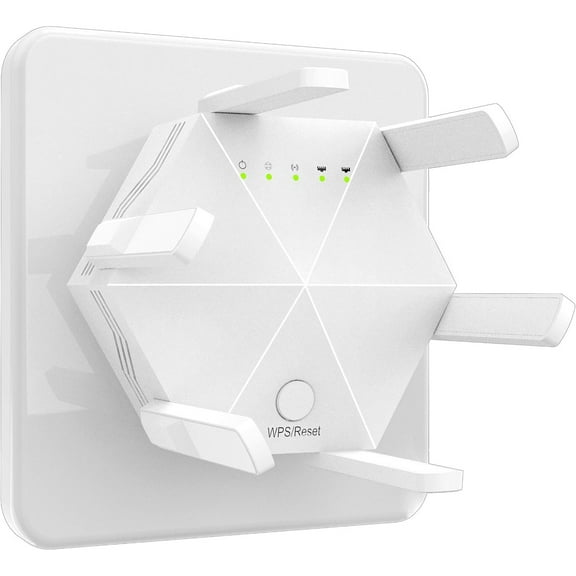
WiFi Extender Booster Repeater for Home & Outdoor, WiFi Range Extender 300Mbps(5999sq.ft), WiFi 2.4GHz Band WPS Wireless Signal Strong Penetrability with Ethernet Port, 6 Antennas 360° Full Coverage $15.50
 2 optionsAvailable in additional 2 options$1550current price $15.50
WiFi Extender Booster Repeater for Home & Outdoor, WiFi Range Extender 300Mbps(5999sq.ft), WiFi 2.4GHz Band WPS Wireless Signal Strong Penetrability with Ethernet Port, 6 Antennas 360° Full Coverage
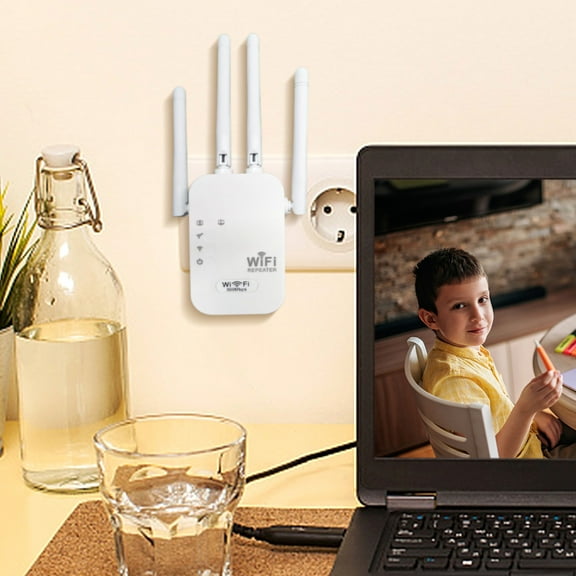
Oxodoi WiFi Extender Signal Booster,Wireless Internet Repeater with Ethernet Port,Long Range WiFi Amplifier,2.4GHz Wireless Range Extender $8.29
 $829current price $8.29
Oxodoi WiFi Extender Signal Booster,Wireless Internet Repeater with Ethernet Port,Long Range WiFi Amplifier,2.4GHz Wireless Range Extender
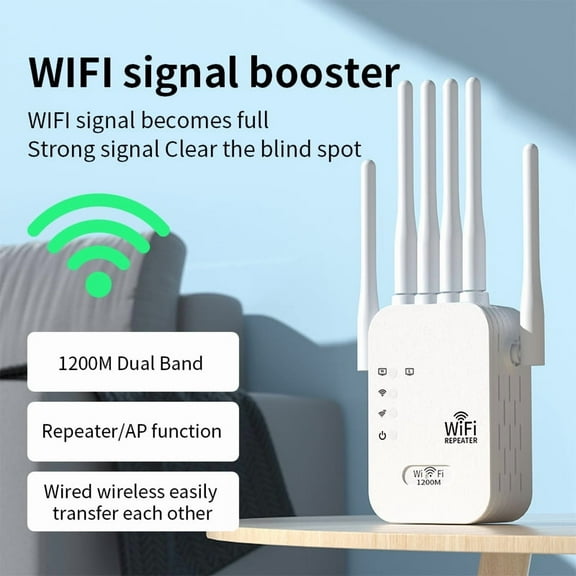
WiFi Extender with 6 High-Gain Antennas, 1200Mbps Dual Band (2.4GHz/5GHz) Internet Booster, Long Range WiFi Repeater for Home, Ethernet Port, Access Point & Repeater Modes, Works with All Routers $20.98 Was $26.99
 2 optionsAvailable in additional 2 options$2098current price $20.98, Was $26.99$26.99
WiFi Extender with 6 High-Gain Antennas, 1200Mbps Dual Band (2.4GHz/5GHz) Internet Booster, Long Range WiFi Repeater for Home, Ethernet Port, Access Point & Repeater Modes, Works with All Routers
25 out of 5 Stars. 2 reviews
