


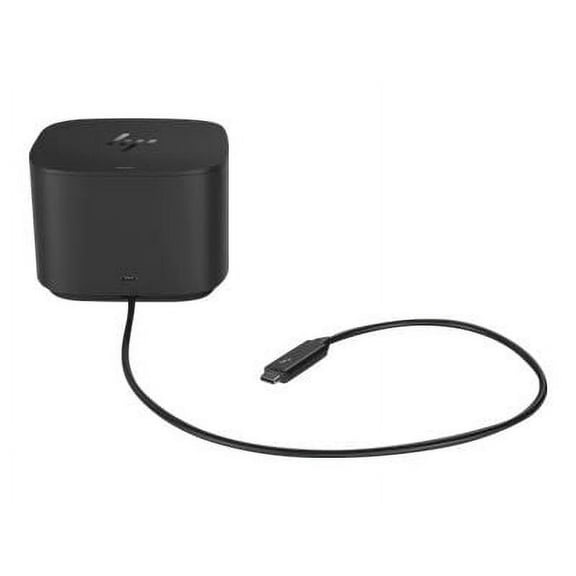
HP Thunderbolt Dock 120W G2 with Audio - for Notebook - 120 W - USB Type C - 4 x USB Ports - 3 x USB 3.0 - Network (RJ-45) - VGA - DisplayPort - Thunderbolt - Wired
Key item features
Specs
- CompatibilityHP notebooks
- Maximum number of monitors2
- Usb version3.0
- Has written warrantyNo
How do you want your item?
About this item
Product details
Specifications
Compatibility
Maximum number of monitors
Inputs/Outputs
Usb version
Warranty
Warranty information
Please be aware that the warranty terms on items offered for sale by third party Marketplace sellers may differ from those displayed in this section (if any). To confirm warranty terms on an item offered for sale by a third party Marketplace seller, please use the 'Contact seller' feature on the third party Marketplace seller's information page and request the item's warranty terms prior to purchase.
Warnings
Warning Text
Similar items you might like
Based on what customers bought
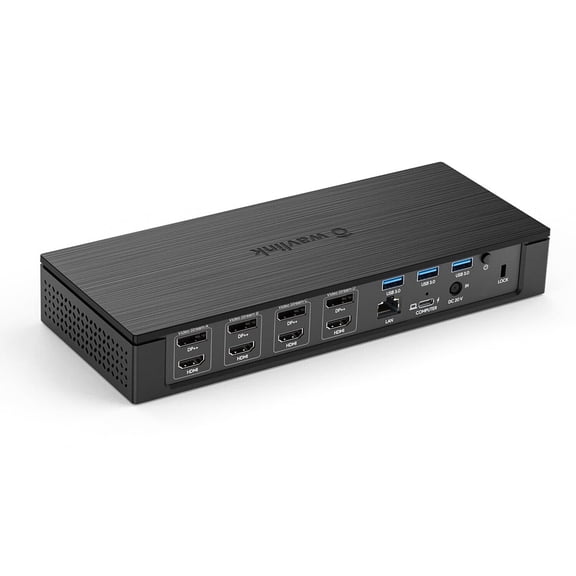
Wavlink Docking Station Quad 4K@60Hz Display, Dual 5K@60Hz, 4xDisplay, 4xHDMI, 2.5G Ethernet, max 100W Power Delivery for MacBook Neo Mac & Windows, USB 3.1-A 10Gbps, USB-C(PD30W), SD/TF Slot(SD 4.0) $299.99
 Sponsored$29999current price $299.99
Wavlink Docking Station Quad 4K@60Hz Display, Dual 5K@60Hz, 4xDisplay, 4xHDMI, 2.5G Ethernet, max 100W Power Delivery for MacBook Neo Mac & Windows, USB 3.1-A 10Gbps, USB-C(PD30W), SD/TF Slot(SD 4.0)
25 out of 5 Stars. 2 reviewsShipping, arrives in 3+ daysWAVLINK Triple Display USB Dock Station with 140W Charging, Laptop Dock with 8K HDMI & Displayport, RJ45, Up to 10Gbps USB-C Data Transmission for MacOS & Windows $189.84
 Sponsored$18984current price $189.84
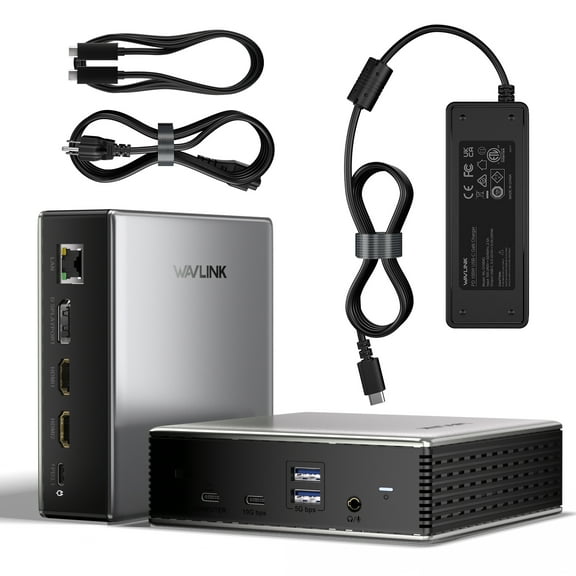
WAVLINK Triple Display USB Dock Station with 140W Charging, Laptop Dock with 8K HDMI & Displayport, RJ45, Up to 10Gbps USB-C Data Transmission for MacOS & Windows
Shipping, arrives in 3+ daysThunderbolt 4 Dock, WAVLINK Docking Station with Quad 4K@60Hz Monitors, Four Thunderbolt 4 Ports, 98W PD, 2.5G RJ45 Ethernet, SD V4.0, 10Gbps USB3.1, for MacBook Pro/Air etc $206.88
 $20688current price $206.88
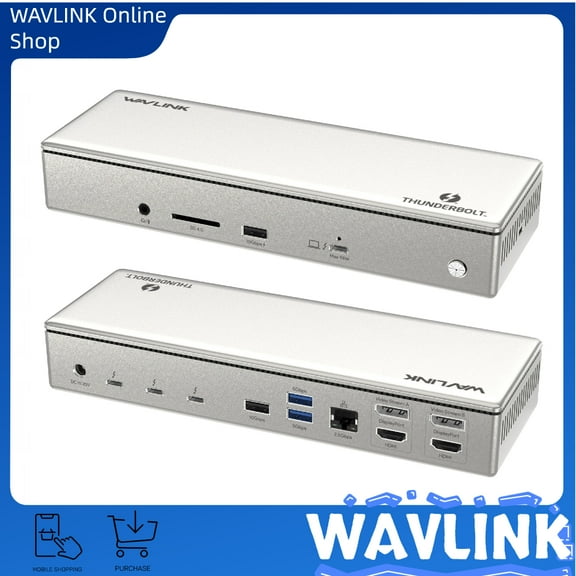
Thunderbolt 4 Dock, WAVLINK Docking Station with Quad 4K@60Hz Monitors, Four Thunderbolt 4 Ports, 98W PD, 2.5G RJ45 Ethernet, SD V4.0, 10Gbps USB3.1, for MacBook Pro/Air etc
HP USB-C/A Universal Dock G2 $139.95
 $13995current price $139.95
HP USB-C/A Universal Dock G2
54.2 out of 5 Stars. 5 reviewsWAVLINK 8K Triple Display USB C Docking with 140W Power, Laptop Dock Station with Displayport*2 HDMI, RJ45, 10G USB-C, USB 3.0*2, SD/TF Slot, Audio/Mic, for M1/M2/M3 MacOS & Windows $138.98
 $13898current price $138.98
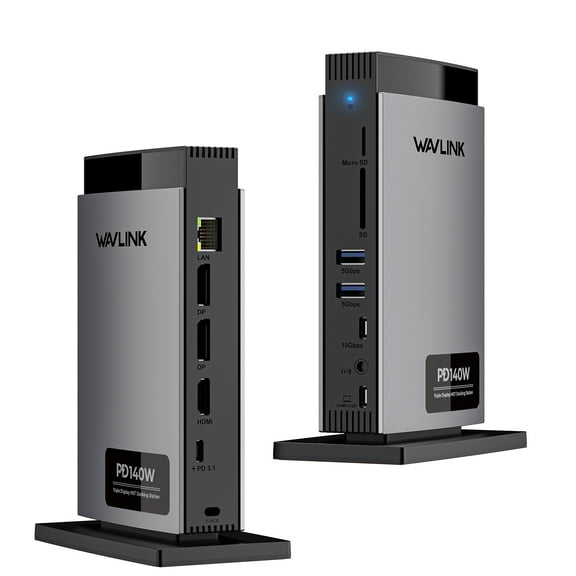
WAVLINK 8K Triple Display USB C Docking with 140W Power, Laptop Dock Station with Displayport*2 HDMI, RJ45, 10G USB-C, USB 3.0*2, SD/TF Slot, Audio/Mic, for M1/M2/M3 MacOS & Windows
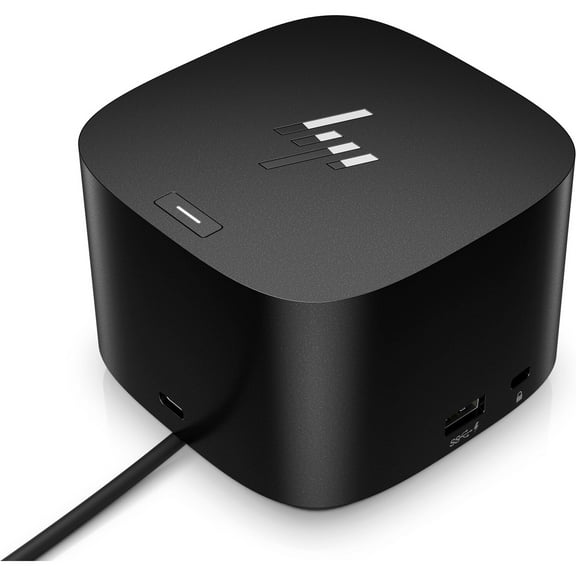
HP Thunderbolt Dock 280W G4 w/Combo Cable $299.95 Was $439.00
 $29995current price $299.95, Was $439.00$439.00
HP Thunderbolt Dock 280W G4 w/Combo Cable
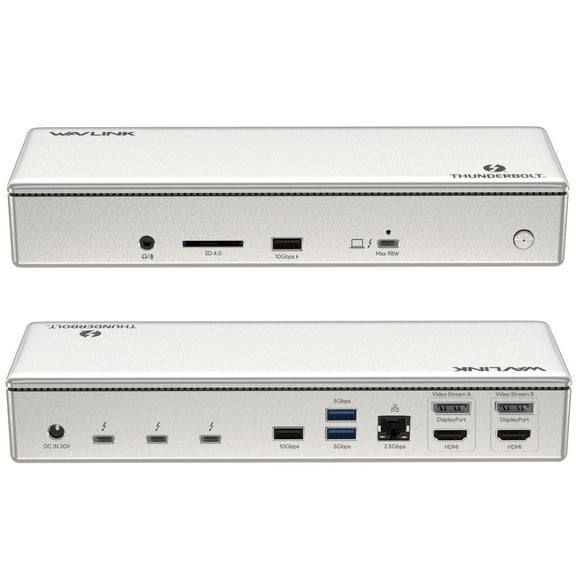
55 out of 5 Stars. 5 reviewsWAVLINK Thunderbolt 4 Quad Display Dock (15-in-1), WAVLINK 40Gbps Docking Station with 98W Laptop Charging, Single 8K@30Hz Quad 4K@60Hz, 2.5G RJ45, SD V4.0, 10Gbps USB3.1 for MacBook Pro/Air and More $250.74
 Sponsored$25074current price $250.74
WAVLINK Thunderbolt 4 Quad Display Dock (15-in-1), WAVLINK 40Gbps Docking Station with 98W Laptop Charging, Single 8K@30Hz Quad 4K@60Hz, 2.5G RJ45, SD V4.0, 10Gbps USB3.1 for MacBook Pro/Air and More
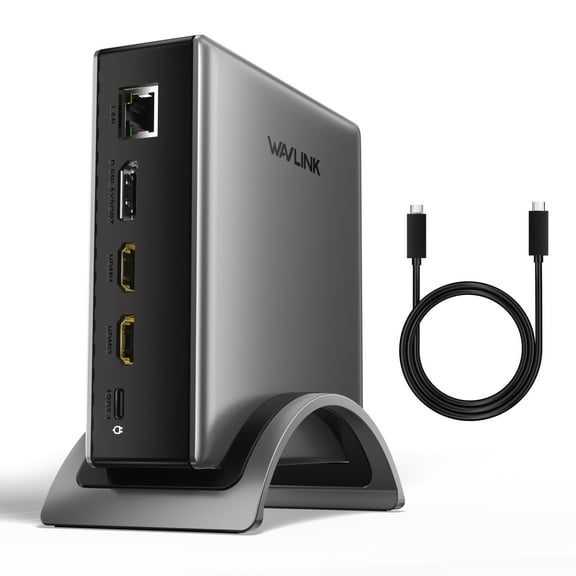
15 out of 5 Stars. 1 reviewsShipping, arrives in 3+ daysWAVLINK Triple Display Laptop Dock Station with 8K HDMI*2 8K Displayport, 140W Charging, RJ45, 10G USB-C USB C Dock for Mac OS & Windows Laptops $167.84
 Sponsored$16784current price $167.84
WAVLINK Triple Display Laptop Dock Station with 8K HDMI*2 8K Displayport, 140W Charging, RJ45, 10G USB-C USB C Dock for Mac OS & Windows Laptops
Shipping, arrives in 3+ daysHP Dock G5 USB C Triple Display Laptop Docking Station, Black $114.99
$11499current price $114.99HP Dock G5 USB C Triple Display Laptop Docking Station, Black
124.4 out of 5 Stars. 12 reviewsHP Thunderbolt 4 100W G6 Dock $228.99 Was $299.99
 $22899current price $228.99, Was $299.99$299.99
HP Thunderbolt 4 100W G6 Dock
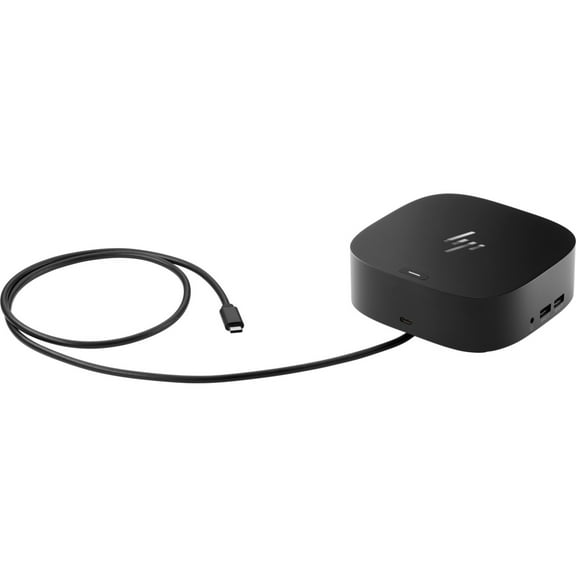
113.9 out of 5 Stars. 11 reviewsHP USB-C Dock G5 $104.00 Was $129.99
 $10400current price $104.00, Was $129.99$129.99
HP USB-C Dock G5
323.8 out of 5 Stars. 32 reviewsLenovo ThinkPad Universal USB-C Dock $135.99 Was $185.21
 $13599current price $135.99, Was $185.21$185.21
Lenovo ThinkPad Universal USB-C Dock
6974.4 out of 5 Stars. 697 reviewsThunderbolt 4 Dock, Laptop Dock Station with 98W Charge, 8K HDMI& DisplayPort, 2.5G RJ45, 10Gbps USB $249.99
 Sponsored$24999current price $249.99
Thunderbolt 4 Dock, Laptop Dock Station with 98W Charge, 8K HDMI& DisplayPort, 2.5G RJ45, 10Gbps USB
15 out of 5 Stars. 1 reviewsShipping, arrives in 3+ daysHP USB-C 100W G6 Dock (9X3V1U) $206.99 Was $231.99
 $20699current price $206.99, Was $231.99$231.99
HP USB-C 100W G6 Dock (9X3V1U)
14 out of 5 Stars. 1 reviewsHP Thunderbolt Dock 120W G2 Docking Station Port Replicator (2UK37UT#ABA) $94.89 Was $109.89
 $9489current price $94.89, Was $109.89$109.89
HP Thunderbolt Dock 120W G2 Docking Station Port Replicator (2UK37UT#ABA)
25 out of 5 Stars. 2 reviewsLenovo ThinkPad Hybrid USB-C with USB-A Dock Adapter ( USB-C to USB-A ) 4K $129.99
 $12999current price $129.99
Lenovo ThinkPad Hybrid USB-C with USB-A Dock Adapter ( USB-C to USB-A ) 4K
5564.4 out of 5 Stars. 556 reviewsWAVLINK Docking Station, Triple monitors 4K USB Laptop Dock for Mac & Windows, HDMI/DP/RJ45 SD/TF $129.99
 $12999current price $129.99
WAVLINK Docking Station, Triple monitors 4K USB Laptop Dock for Mac & Windows, HDMI/DP/RJ45 SD/TF
Best seller Restored HP USB-C G5 Dock 120W PD, Triple Display Station, Universal Laptop Compatibility (Refurbished) $49.99
Best seller $4999current price $49.99
Restored HP USB-C G5 Dock 120W PD, Triple Display Station, Universal Laptop Compatibility (Refurbished)
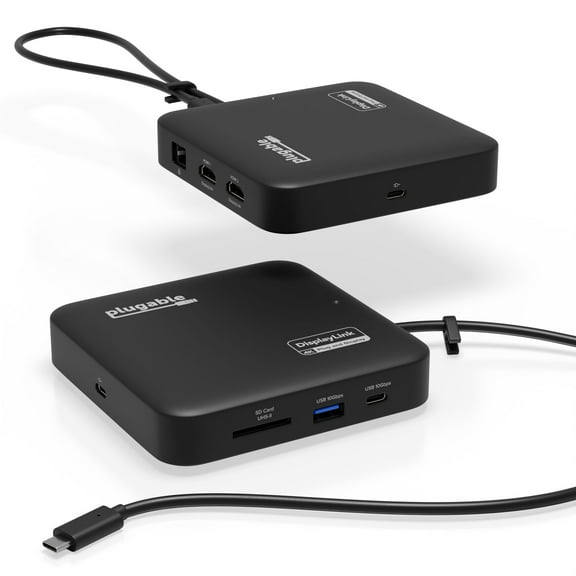
Plugable 7-in-1 USB C Docking Station Dual Monitor, Dual HDMI Dock is Compatible with Mac and Windows $139.99
 $13999current price $139.99
Plugable 7-in-1 USB C Docking Station Dual Monitor, Dual HDMI Dock is Compatible with Mac and Windows
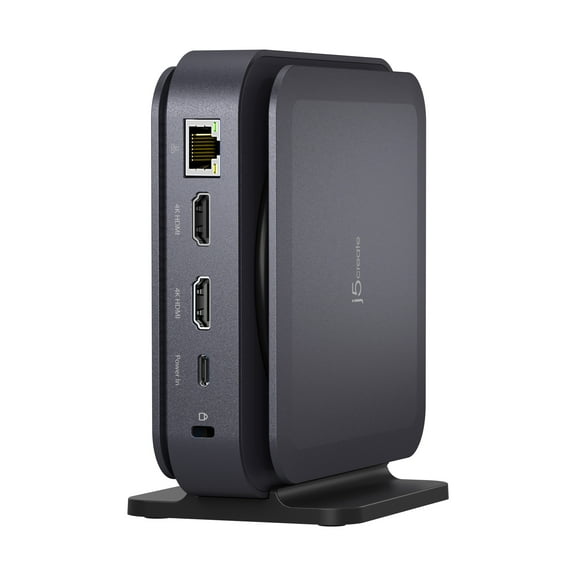
204.7 out of 5 Stars. 20 reviewsj5create USB-C Dual 4K HDMI Dock Without PD 3.1 Pass Through Charging (5.12x5.12 in and 14.7 oz), JCD3198 $54.00 Was $99.00
 $5400current price $54.00, Was $99.00$99.00
j5create USB-C Dual 4K HDMI Dock Without PD 3.1 Pass Through Charging (5.12x5.12 in and 14.7 oz), JCD3198
1843.9 out of 5 Stars. 184 reviews
Customer ratings & reviews
Customer photos





Showing 1-3 of 59 reviews
Seller Verified Purchase
Excellent Device
[This review was collected as part of a promotion.] Just finished deploying 12 of these in our office as part of a full office technology refresh and I and my users absolutely love them. We had some issues with three of them which HP's support quickly took care of by shipping out new units. Before diving into the performance of the devices, let's review what all the capabilities of the Thunderbolt Dock are first. The front of the dock has a short (~1m) Thunderbolt/USB type-C cable coming out of it that you connect to your laptop. This cable looks like it is hardwired but it is actually just plugged into a USB type-C port on the bottom of the dock that is covered with an easily removable base (1 simple Phillips-head screw). I replaced this with a longer USB type-C cable which gives a lot of flexibility with where to place your laptop. The front of the dock also contains another USB type-C port. The right side of the device has a 1/8" combination headphone jack, a traditional USB 3 type-A port that supports power delivery, and a security slot for using a locking cable to secure the device to a desk. The left side of the device is devoid of ports. The top of the device includes six (6) touch-sensitive buttons. The five (5) buttons across the front of the device provide controls for (from left-to-right): - Skype for Business/Teams Call Answer - Mute (this mutes the built-in microphone array) - Volume Down (this decreases the Windows master volume level by two) - Volume Up (this increases the Windows master volume level by two) - Skype for Business/Teams Call End The final button is located at the back of the top of the device and functions as the power button for the connected laptop. On the back side there are two full-size DisplayPort ports, two (2) Thunderbolt/USB type-C ports with power delivery, two (2) USB 3 type-A ports, a VGA port, the power connector, and a gigabit Ethernet port. Everything works great but especially the speakerphone features. I've used this for Zoom and Google Meet meetings and everyone I've met with has remarked at how clear I sound. The speaker portion is good as well and will get quite loud. BONUS: This works great with Macs as well!
Seller Verified Purchase
Exceeded Expectations
We purchased this dock about a month ago to go with our HP Elitebook X360 device. The audio system integrated perfectly with Skype for Business 2016. Our users love this feature. The thunderbolt dock supports charging a feature older USB C docks did not offer. This exceeded my expectations.
Seller Verified Purchase
GREAT! Large functionality, small footprint.
[This review was collected as part of a promotion.] Easy plug and play for my HP 840 G5 laptop and my sister's MacBook Pro 15" with touchbar. Did not have any issues setting it up. I do have an 840 G3 work laptop I was hoping to use it with, but the USB-c port on that one does not support the dock. Doesn't bother me, I am happy it works with my personal G5 laptop and am using the ultra slim dock for work. My favorite part of the dock is the desk-space I saved and that its one cable to my laptop and I am docked and charging at the same time. It looks good too. The integrated speaker works great, I tested it with Skype and Zoom, its more than loud enough, i can see this being used in a conference room setup. I currently have attached two E232 displays via display port cables and two HP Velocity 14 portable monitors via USB for a total of 5 screens including my laptop screen at the center. Still had room for my Logitech MX Vertical mouse and Craft keyboard via the side USB, an Xbox one controller via the side thunderbolt 3, and my phone charger via the front thunderbolt 3. I am still playing with it to see what devices I am able to dock and which I cannot.
