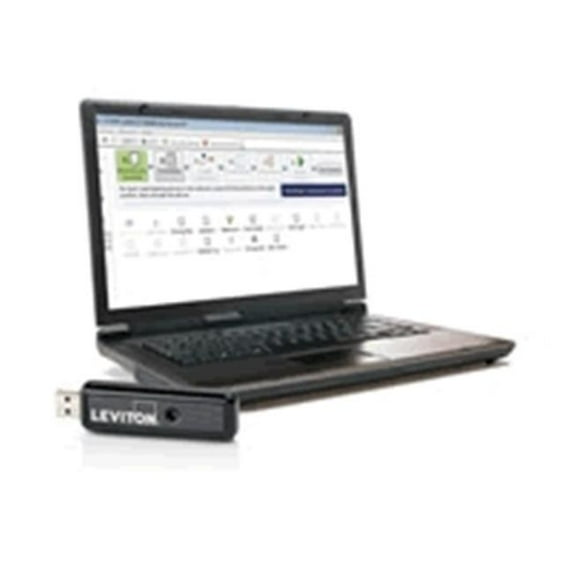
The NEW Vizia RF+ Installer Tool features FREE software designed specifically to program Vizia RF+ lighting control systems as well as products from other Z-Wave manufacturers. The software allows you to create, back up, edit and test a Z-Wave network on any PC running Microsoft Windows. Incorporating the Windows "drag and drop" method familiar to most users, it simplifies the process of creating and saving networks, and defining areas and scenes. Additionally, you can conveniently create rooms, areas and scenes off-site and program the system when returning to the home. To program the system, an RF + Installer USB Stick must be physically plugged into the PC. It gives the installer the ability to create an unlimited number of unique Z-Wave networks.
Features - Set up and program an unlimited number of Z-Wave Home Automation Systems
- Utilize Windows "drag and drop" functionality
- Use a checklist to guide the way through the Vizia RF + installation or advanced programming
- Generate device, controller and area reports
- Put a home on a schedule - schedule groups of devices to turn on/off at various times of the day
- Optimize, repair and recover Z-Wave networks
- SKU: WRTD3468
 WARNING:
 Pickup or delivery?