

Shop Smart Security Solutions for Home Safety



















About Shop Smart Security Solutions for Home Safety - Walmart.com
Smart security helps you monitor doors, entries, and outdoor spaces with connected devices that fit your home and routine. You can compare cameras, smart locks, motion sensors, and video doorbells in one place, then choose setup options that match your system.
If you want smart home security that works with your daily habits, you should start with the device type you need first. You may want a front porch video doorbell, backyard wireless security cameras, or a whole-home mix of sensors and locks.
How to choose smart security for your home
You can build smart security around the spaces you check frequently and the alerts you want to receive first. You should compare entry points, indoor coverage, and outdoor visibility before you choose a single device or a larger setup.
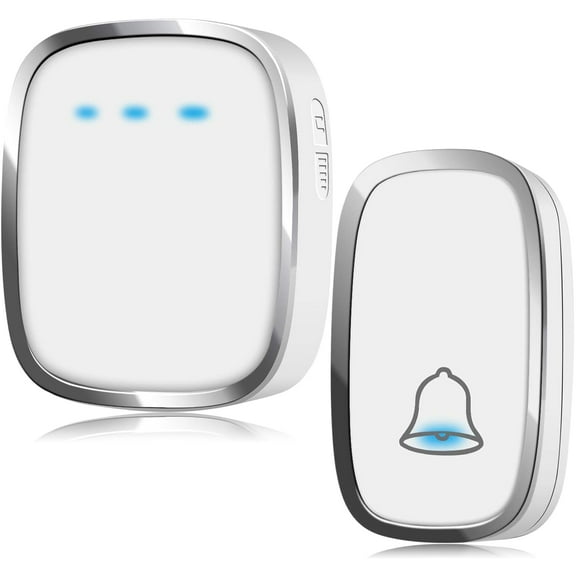
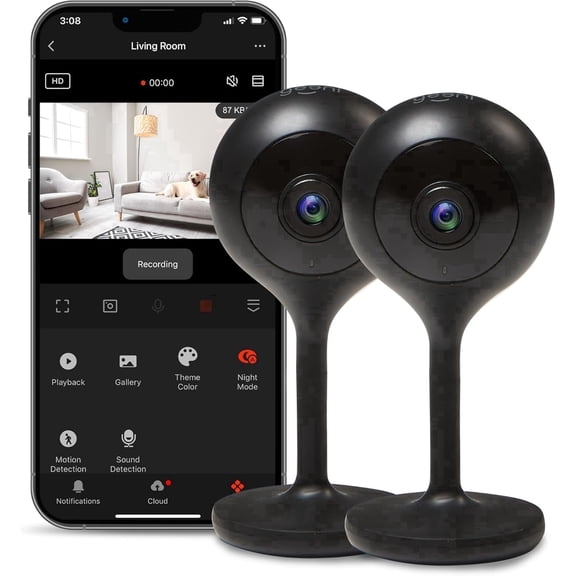
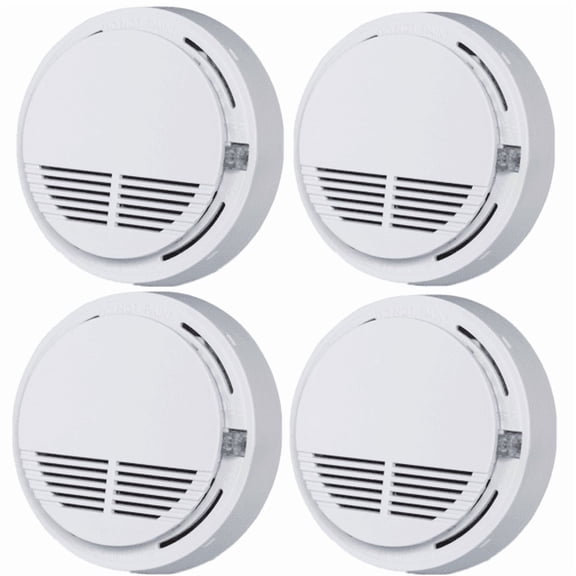
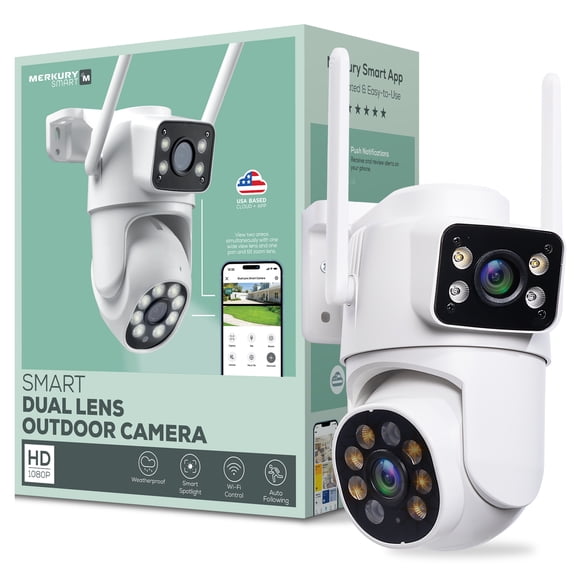
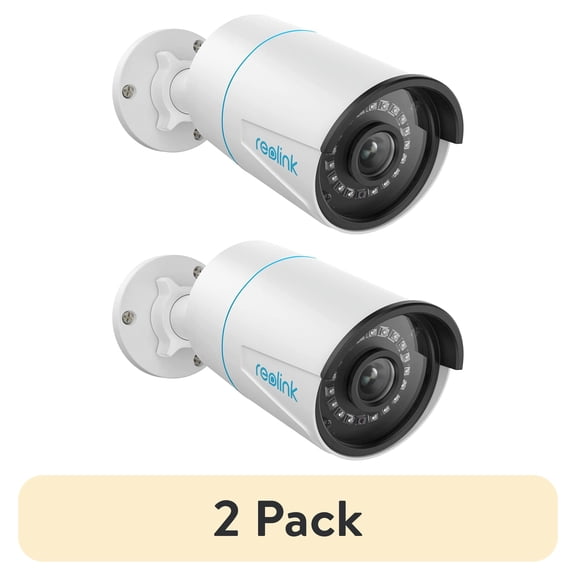
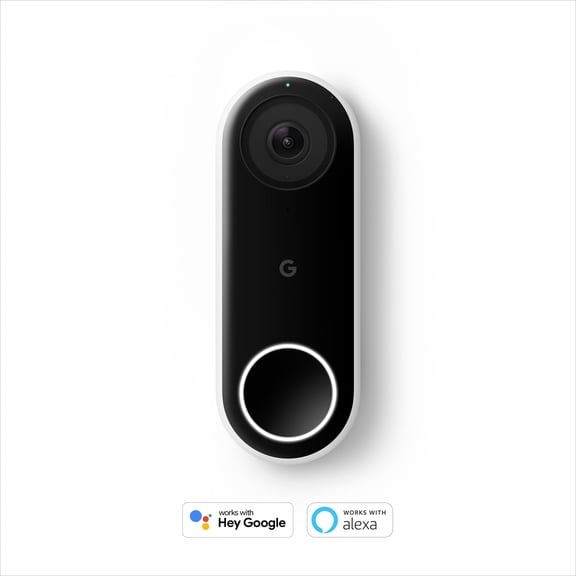
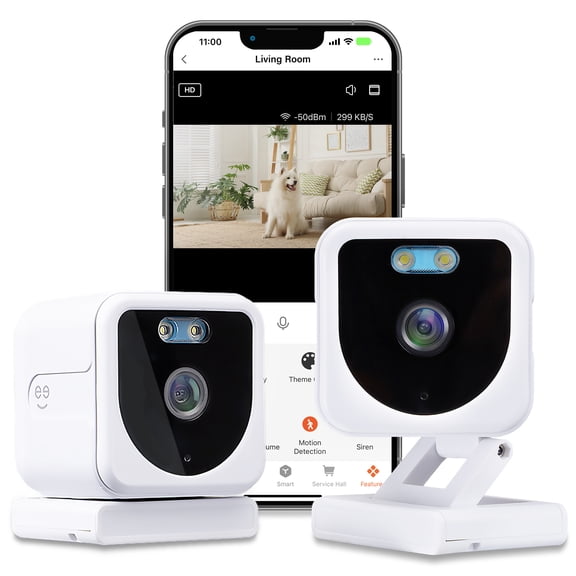
When you compare device types, you can match each one to a specific job in your home. Security cameras help you view rooms and driveways, smart locks help you manage entry, motion sensors track movement, and video doorbells cover visitors and packages.
- You can monitor key areas from your phone with connected cameras and doorbells.
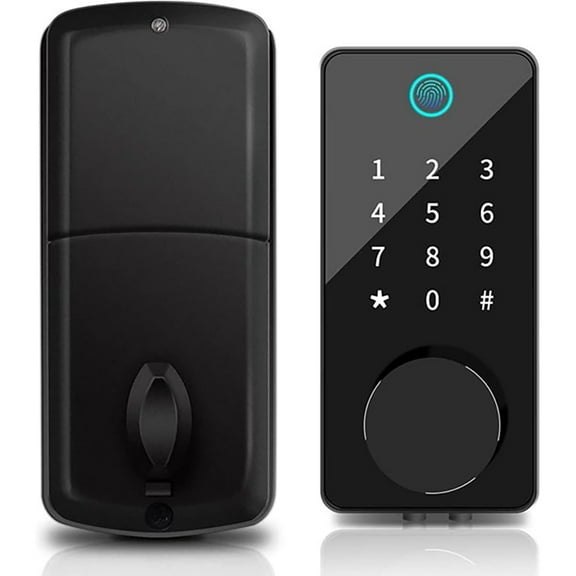
- You can control access with smart locks that fit your entry routine.
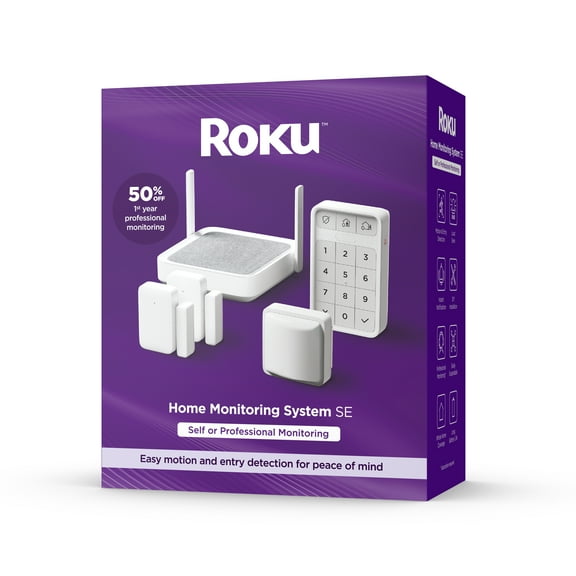
- You can expand home security systems with sensors for windows, halls, and garages.
- You can choose flexible installation styles that fit renters, homeowners, and new smart home setups.
You also get more control when you combine devices instead of relying on one viewing angle. You can place a doorbell at the front entry, add cameras outside, and use sensors inside for broader awareness.
Choosing device type, power, and installation
You should start with the device type that matches your layout and your installation comfort level. If you want simpler setup, you may prefer battery powered or plug-in devices that need fewer permanent changes.
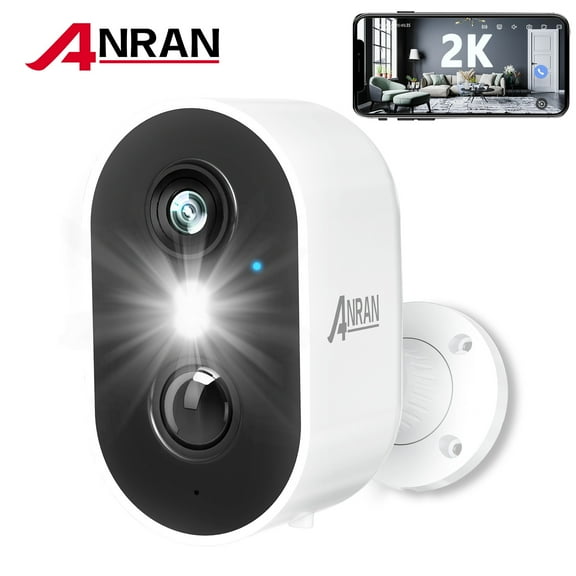
Battery powered options can help you place devices where outlets or doorbell wiring aren't nearby. You should still check battery backup capacity, because you may want recording or alerts to continue during a power outage.
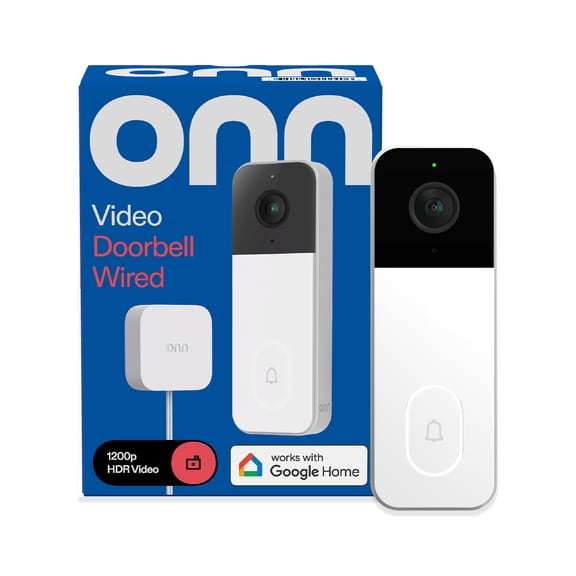
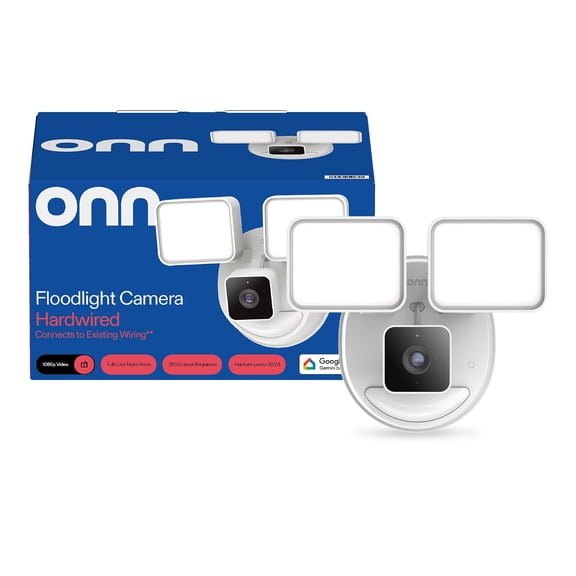
Hardwired models can suit permanent placements where you want steady power and less charging. You may prefer that route for a main entry doorbell or an always-on outdoor camera position.
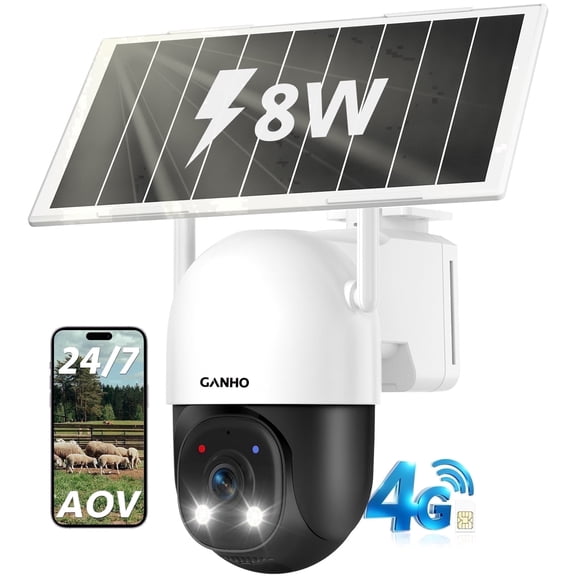
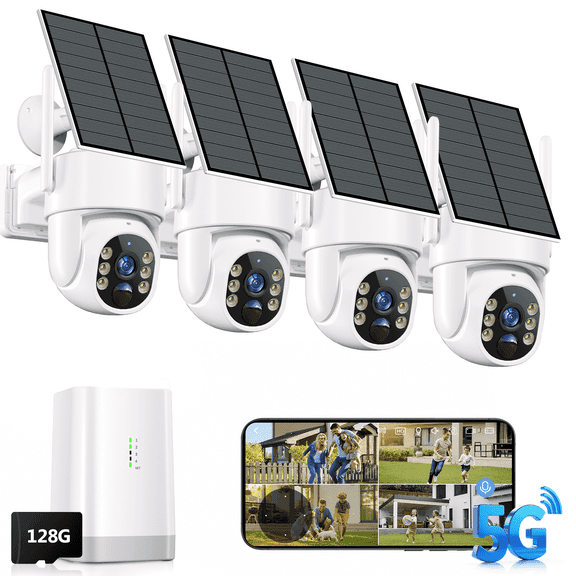
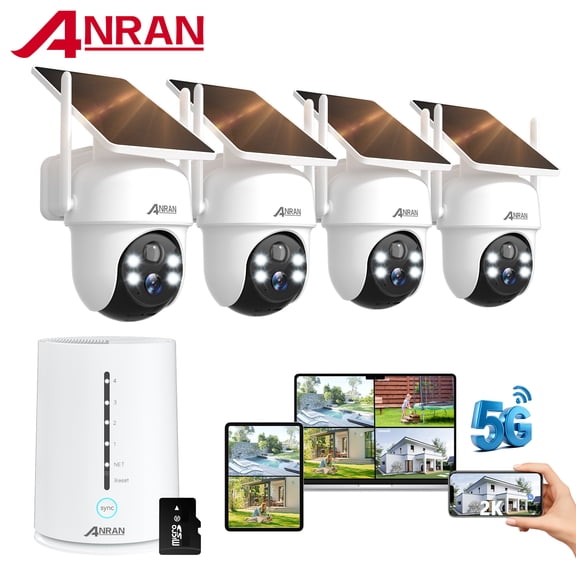
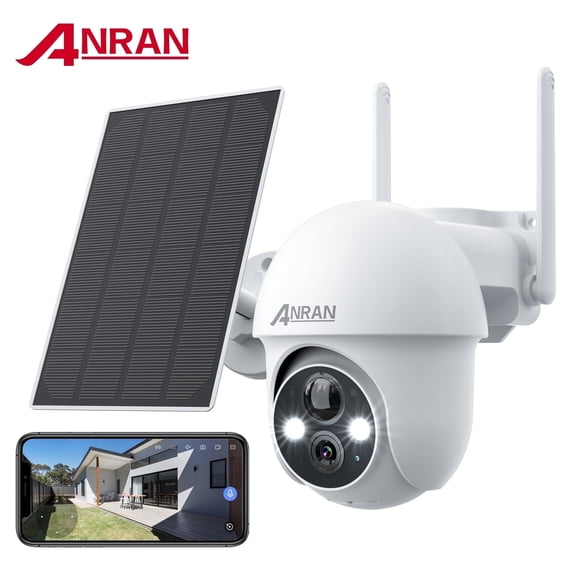
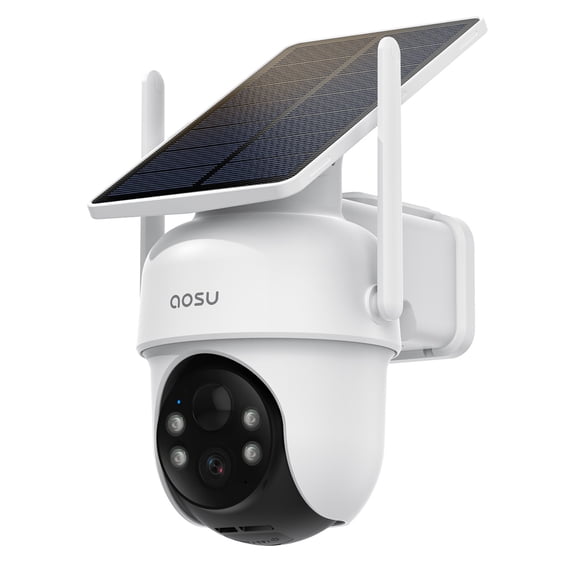
Solar powered cameras can work well where you get regular daylight and want less frequent charging. You should check panel placement and sun exposure so your camera stays ready through your normal routine.
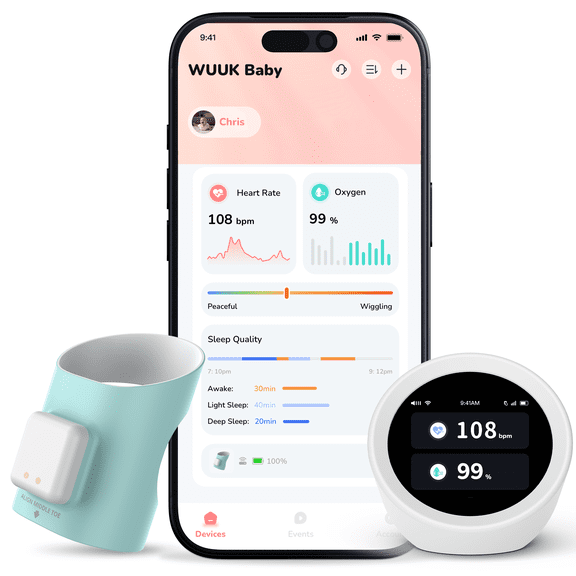
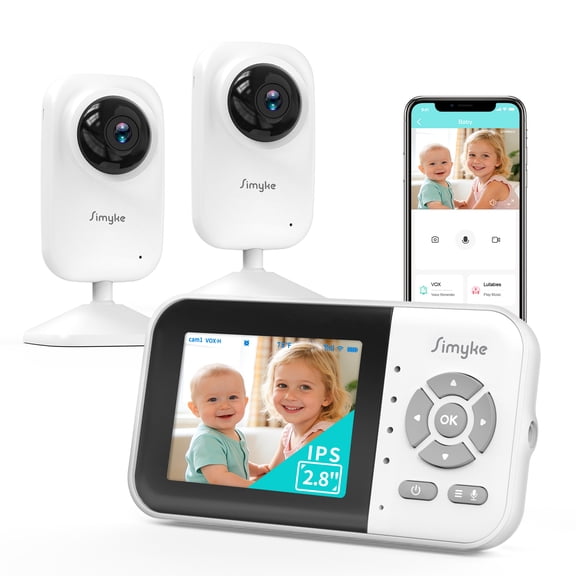
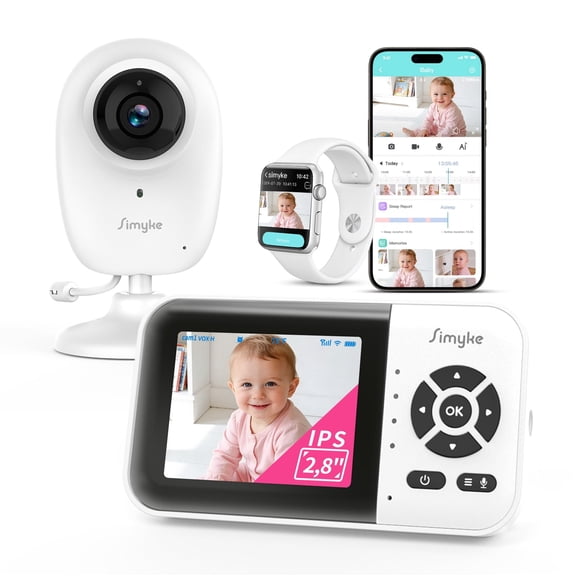
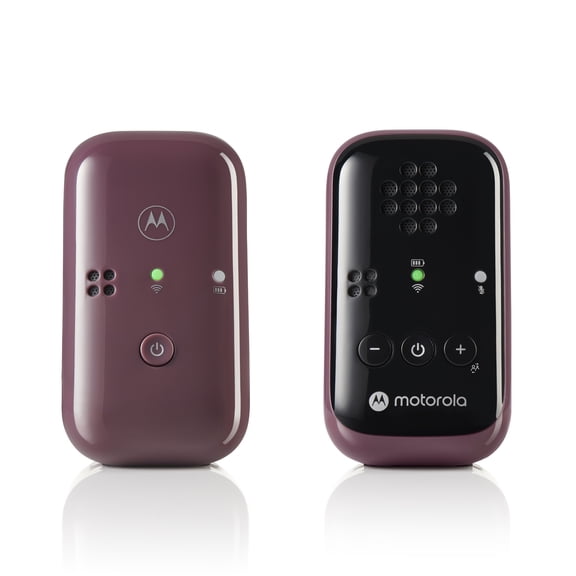
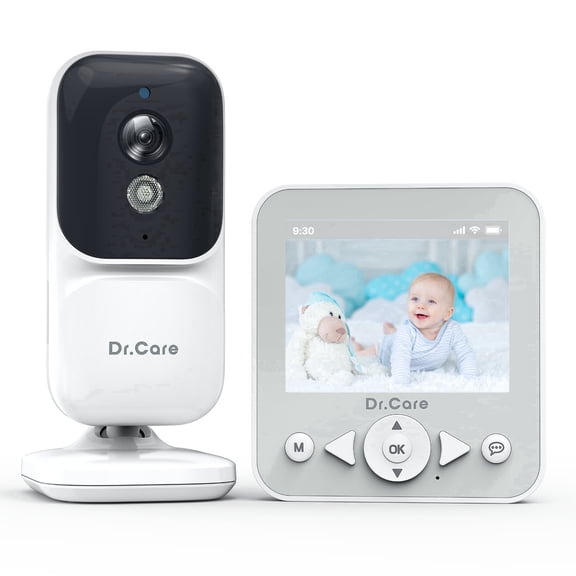
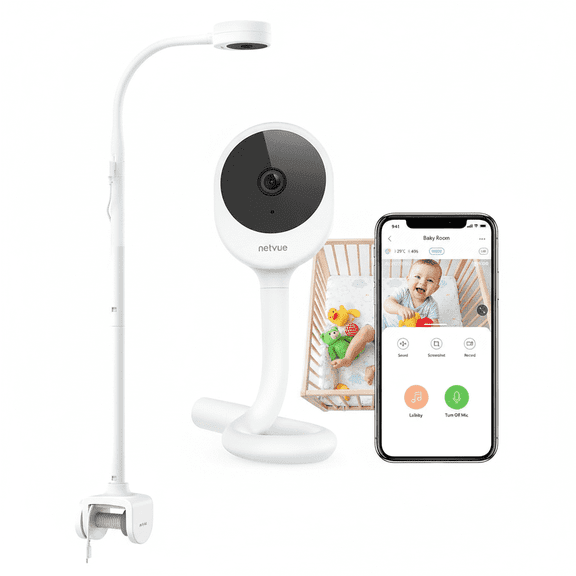
Plug-in devices can make sense indoors where you want simple power access and stable placement. You can often set them up quickly in nurseries, hallways, living rooms, or near a back door.
Comparing connectivity and smart home security compatibility
You should check connectivity before you choose smart home security, because compatibility shapes your daily experience. If your home already uses Wi-Fi, Bluetooth, Z-Wave, or Zigbee, you can narrow your options faster.
Wi-Fi devices usually connect directly to your home network, which can simplify setup for many shoppers. Bluetooth can help with close-range control, while Z-Wave and Zigbee often support broader smart home automation through a hub.
You should also compare ecosystem support if you already use voice assistants or automation scenes. Devices that work with Google Assistant, Amazon Alexa, Apple HomeKit, or SmartThings can fit more naturally into your current routines.
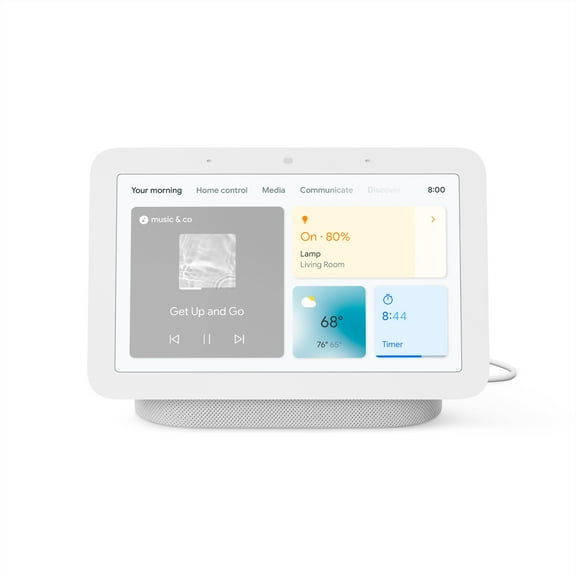
If you unlock doors with voice commands, automate porch lights, or check feeds on a smart display, compatibility matters early. You can avoid setup frustration when you confirm protocol support and ecosystem fit before purchase.
Understanding storage for wireless security cameras
You may wonder whether wireless security cameras need a monthly plan for recording and playback. The answer depends on whether you choose cloud storage, local SD card storage, or an NVR-based setup.
Cloud storage can give you remote access to clips through an app, which many shoppers find convenient. You should check recording limits, event history, and any optional plan structure before you decide.
Local SD card storage can appeal if you want recordings saved on the device without relying on remote servers. You should confirm card capacity and whether your camera supports continuous recording or event-based clips.
NVR storage usually fits multi-camera home security systems that need centralized recording and organized playback. You may prefer that setup if you want several cameras around your property with footage stored in one place.
Matching smart security to everyday use
You can tailor smart security to your living space, schedule, and entry habits instead of choosing the same setup for every home. A small apartment may need a video doorbell and one indoor camera, while a larger property may need cameras, sensors, and smart locks.
If you rent, you may look for battery powered devices with easier DIY installation and fewer permanent changes. If you own your home, you may consider hardwired placements for main entrances and outdoor coverage zones.
You can also build around specific priorities, such as package visibility, keyless entry, or backyard monitoring. When you choose by use case, you can create a setup that feels more practical from the first day.
For connected households, you should check whether alerts, automations, and live feeds work across your preferred app and assistant. That step can help you create routines like door lock reminders, motion alerts, and camera views on demand.
With the right smart security setup, you can cover entry points, compare storage options, and choose compatibility that supports your routine. You end up with connected monitoring that fits your home instead of forcing extra steps every day.