





Computer Components



















About Computer Components - Walmart.com
Prebuilt desktop computers give you a ready-to-use setup for work, school, gaming, and everyday tasks. You can compare processors, RAM, graphics, and form factors in one place, so your decision feels clearer.
How to choose prebuilt desktop computers
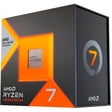
You should start with your daily workload, because your processor and memory shape how smooth your system feels. You can compare Intel Core i5, Intel Core i7, AMD Ryzen 5, and AMD Ryzen 7 by how many apps you run.
If your tasks include browsing, documents, streaming, and video calls, you may only need 8GB RAM and integrated graphics. If you edit large files or multitask often, you may want 16GB RAM or 32GB RAM.
You should also check storage before you choose. You can expect SSD storage to help your desktop start quickly, while larger drives give you more room for games and files.
- You can get a plug-and-play setup that reduces assembly time.
- You can match processor power to gaming, home office, business, or student needs.
- You can choose graphics options that fit light tasks or demanding visual workloads.
- You can compare tower, mini PC, and all in one desktops by space and screen preferences.
Choosing processors, RAM, and storage
You should treat the processor as the pace setter for your whole system. You may prefer Intel Core i5 or AMD Ryzen 5 for everyday work, while Intel Core i7 or AMD Ryzen 7 fits heavier multitasking.
When you compare CPU cores and clock speed, you should focus on what your day actually includes. You can benefit from stronger chips when your workflow includes spreadsheets, creative software, or many browser tabs.
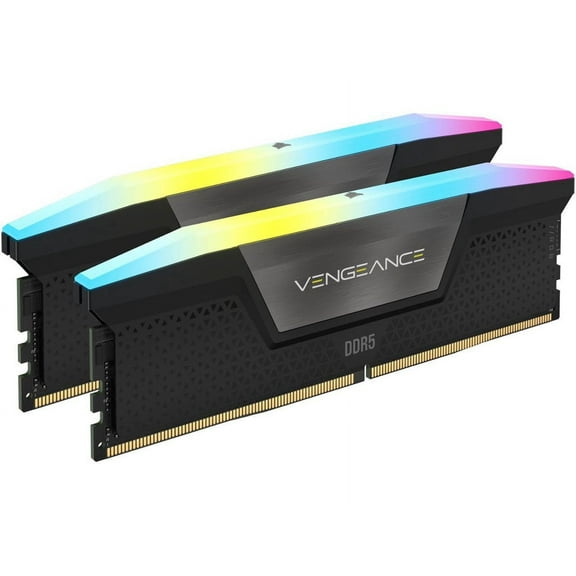
You should size your memory around how many programs stay open at once. You can choose 8GB for lighter routines, 16GB for smoother multitasking, and 32GB for demanding projects.
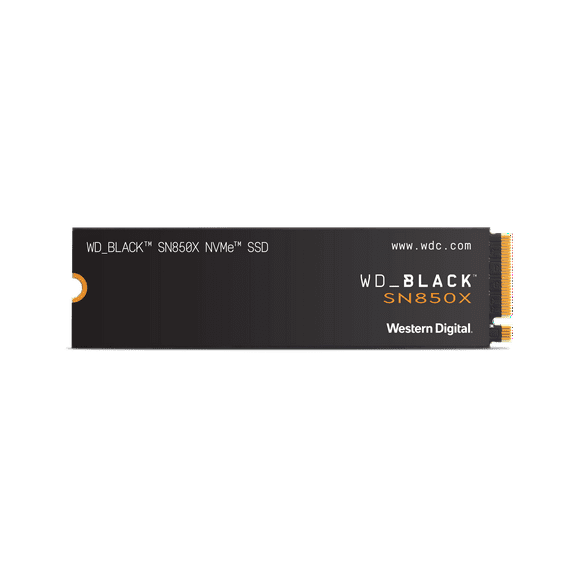
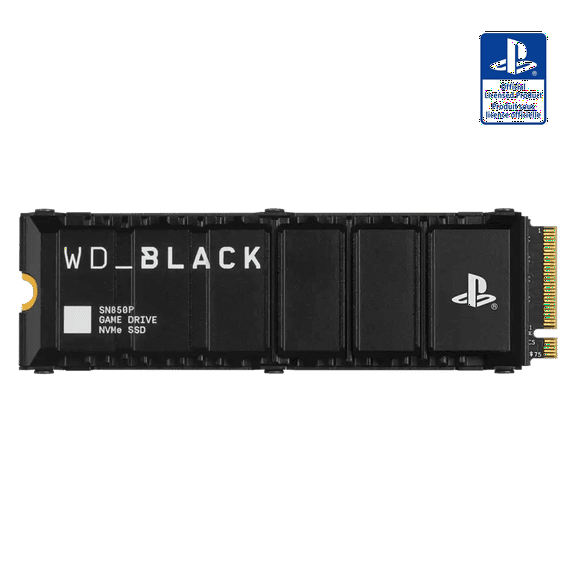
Storage matters just as much as speed when your files keep growing. You should look for SSD capacity that fits your apps, and you should compare larger drives for game libraries.
If you keep photos, videos, and large documents on your computer towers, you may want more gigabytes or even terabytes. You can appreciate that extra room when your desktop stays organized longer.
Choosing graphics and form factor
You should decide early whether your screen work needs a dedicated graphics card. You can often use integrated graphics for email, streaming, office tasks, and classwork without extra hardware.
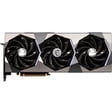
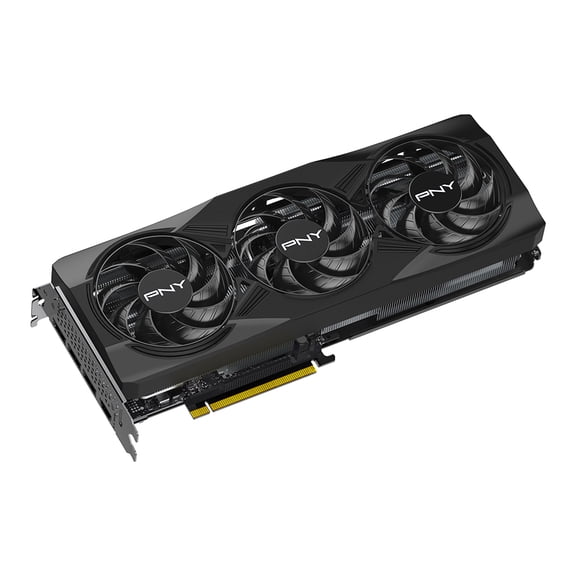
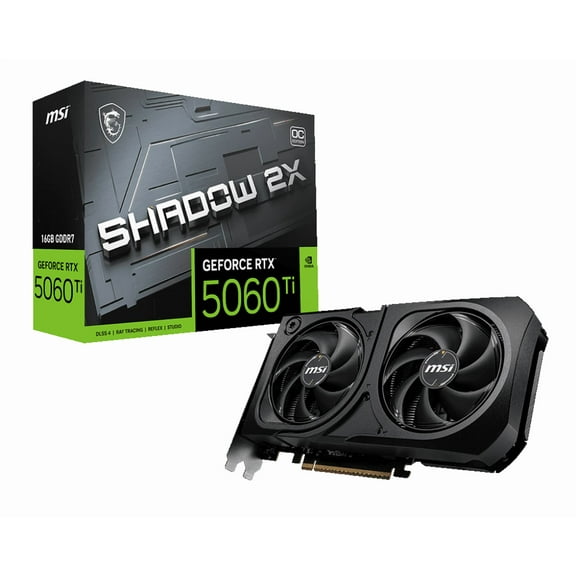
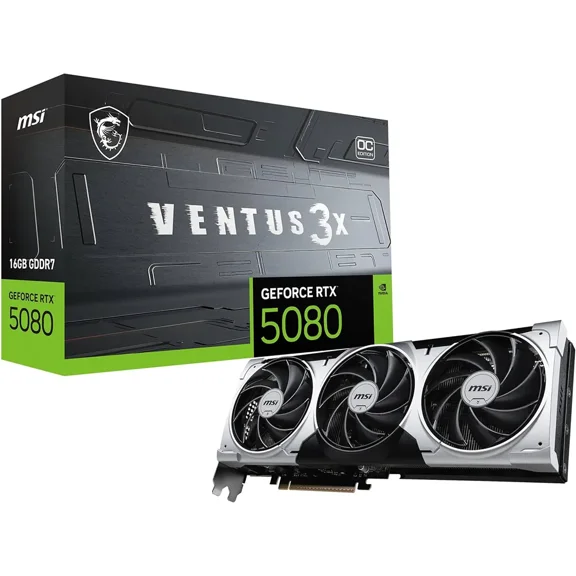
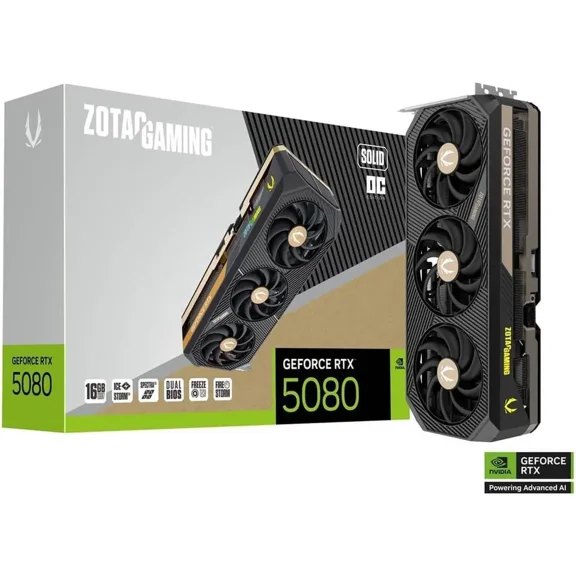
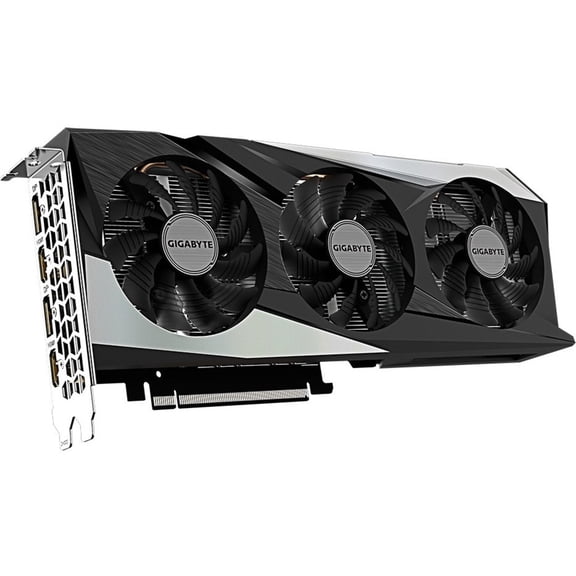
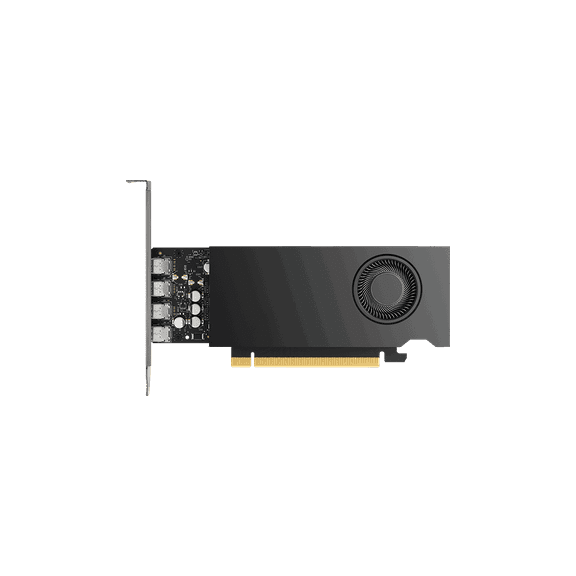
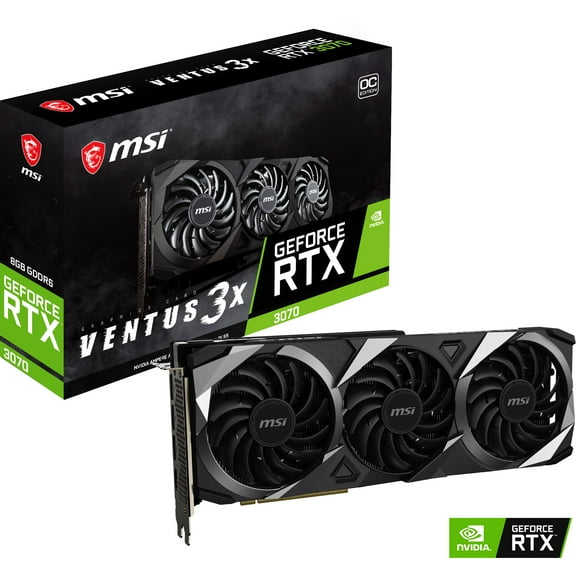
If your setup includes modern games, 3D content, or design software, you may want NVIDIA GeForce RTX or AMD Radeon graphics. You can usually get stronger frame handling and smoother visual output from dedicated GPUs.
You should also compare GPU memory and shared versus dedicated graphics. You can think of dedicated graphics as its own visual engine, while integrated graphics shares system resources.
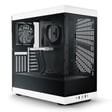
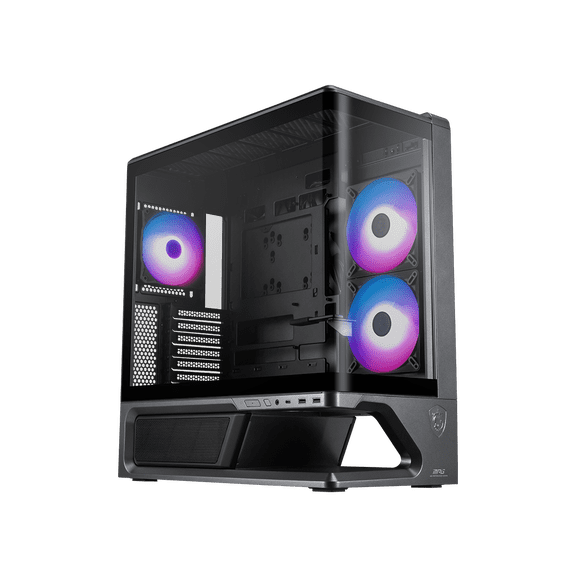
Choose tower desktops for upgrade room, mini PCs for a smaller footprint, and all-in-one desktops for fewer cables. You can match each form factor to your room, your screen setup, and your long-term plans.
If you like pairing your desktop with separate computer monitors, a keyboard, and other accessories, you may lean toward pc towers. If you want a cleaner desk, you may prefer an all-in-one design.
Matching desktop computers to your use case
You should match your system to the way you actually spend time at your desk. You can narrow your options faster when you compare gaming, home office, business, and student use cases.
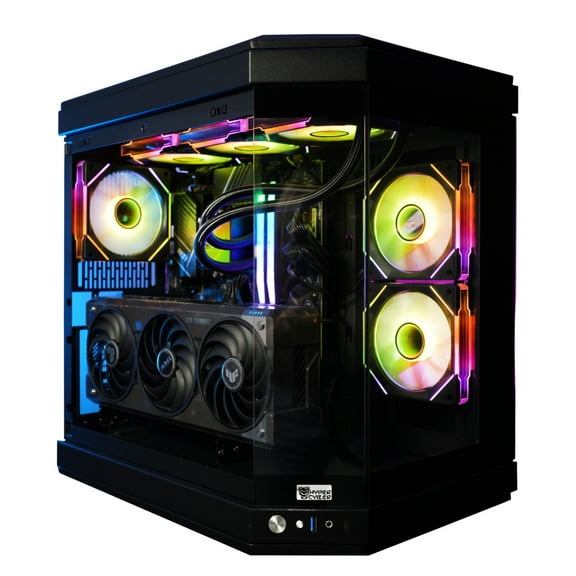
For gaming desktops, you should look for a capable processor, at least 16GB RAM, SSD storage, and dedicated graphics. You can get a setup that handles larger game files and faster scene loading.
For home office computers, you may want a balanced system with strong multitasking, quiet operation, and space for documents and video meetings. You can often find integrated graphics works well for these daily tasks.
If your workday centers on business tasks, you should compare desktop computers with reliable processors, practical storage, and room for multiple peripherals. You can build a productive desk with monitors, mice, and keyboards that fit your workflow.
For student use, you should consider class software, research habits, and available desk space before you choose. You may prefer a mini PC or all-in-one setup when your room needs a simpler footprint.
You should also think about how your desktop may grow with your needs over time. You can often appreciate tower designs when you may add storage, memory, or other components later.
What to look for before you choose
You should check ports, wireless connectivity, and monitor support before you decide. You can avoid setup friction when your desktop matches your display, accessories, and internet needs from day one.
It helps if you compare whether your system supports the screens and devices you already own. You can feel more confident choosing prebuilt desktop computers when each spec connects to your real routine.
You can simplify your decision by focusing on processor type, RAM capacity, graphics, storage, and form factor first. You can end with a desktop that fits your space, your tasks, and your setup goals.
Popular in Computer Components - Walmart.com
- 10 Inch Computer Laptop
- Laptops Linux Computers Tablets
- 10 Inch Laptops
- Laptops Energy Star Computers Tablets
- Laptops Business Computers Tablets
- Laptops Vga Computers Tablets
- Laptop That Can Turn Into A Tablet
- Laptops 3200x1800 Computers Tablets
- Laptops Used Computers Tablets
- Laptops 1366x768 Computers Tablets
- Laptops 1600x900 Computers Tablets
- Visual Land All Laptop Computers