

As Seen on TV Products






Shop by category

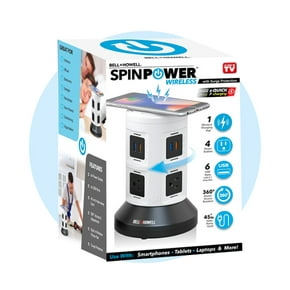
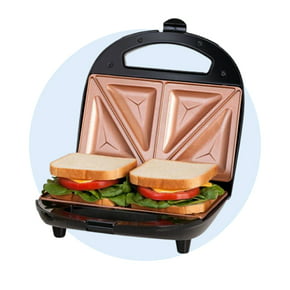
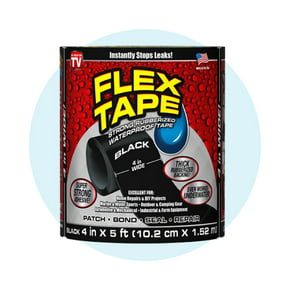



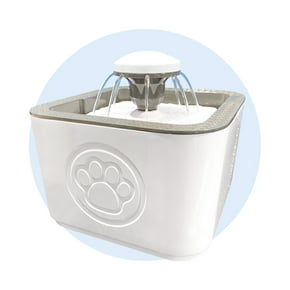


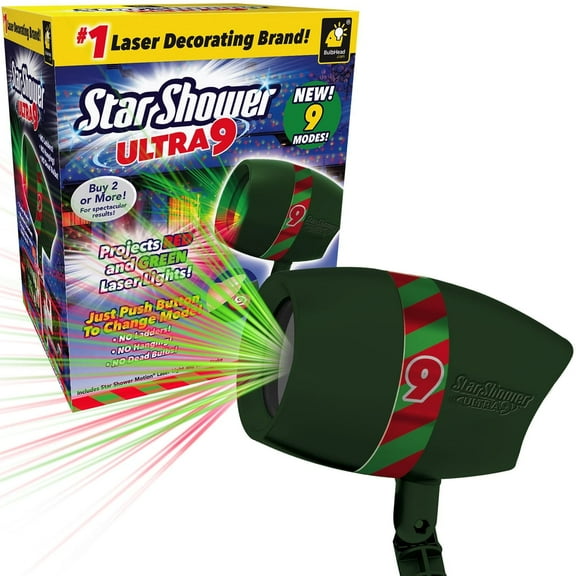

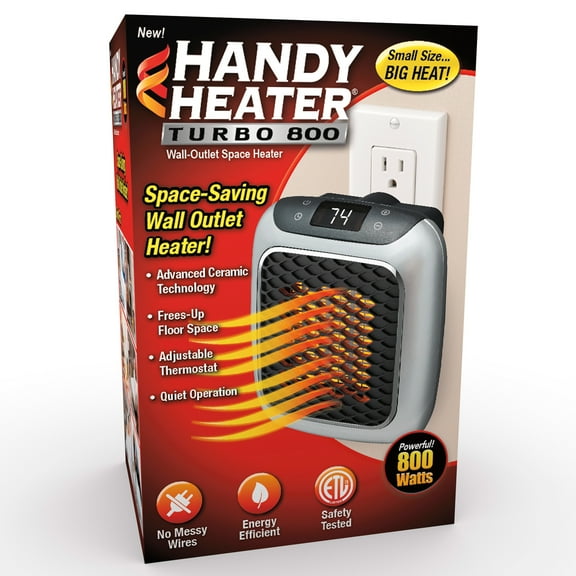

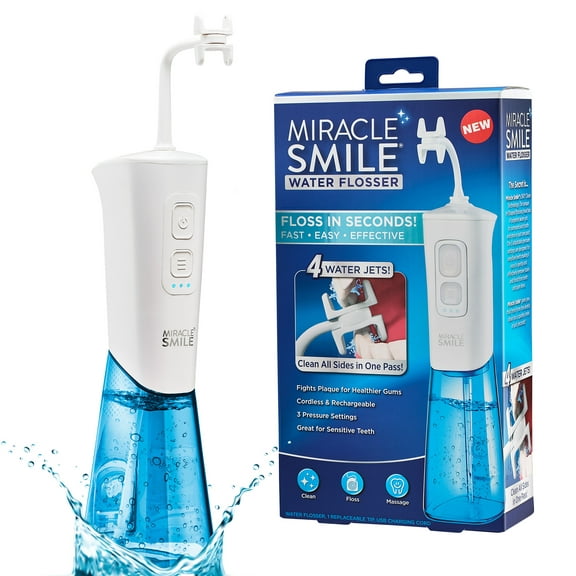


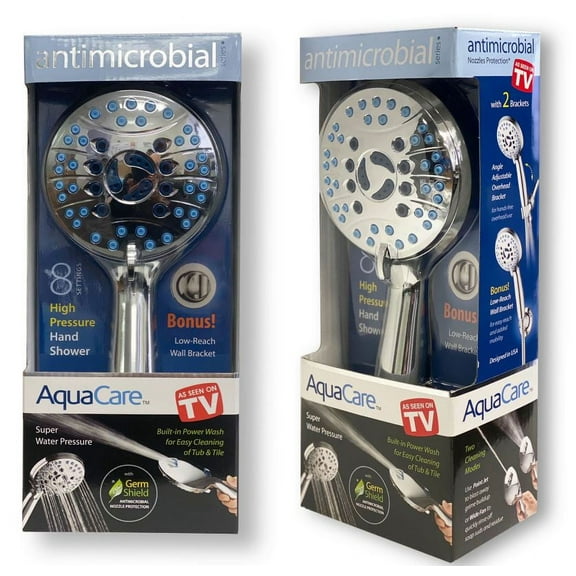



Shop by brand




About As Seen on TV Products - Walmart.com
As Seen on TV
The coolest gadgets, gizmos, and toys for every member of the family are just a click away. These As Seen on TV items are designed to make your life easier and make gift-giving a breeze, too. Browse by category, such as Health and Beauty, or check out our special offers to discover helpful accessories that can simplify your life.
Finding the perfect gift
We all have someone in our lives who seems like the person who already has everything. If you need a gift but aren't sure where to start, a novel As Seen on TV item can be a welcome surprise. First, consider your recipient's interests. Is it someone who enjoys fitness or exercise, or maybe a relative or friend looking for a good night's sleep? Are you considering a toy for a child or a child at heart? Once you choose a category, you can browse items and select a gift that fits your recipient's interest. If you need something for a party this afternoon, look for items marked Free Pickup Today. We'll show you which stores have your item in stock and ready for pickup fast.
- If you have a birthday party at work or are looking to buy something with a specific price point for a holiday party, we make it easy. Select which price point works for you using the filters on the left side of your results page. This helps you narrow your search down and only shows you items in your range.
- When you shop by brand, you can view items from a specific company. This is the best way to shop if you have a pretty good idea of what kind of gadget you want to buy. Look for the list of brands and select the one you're interested in browsing to get started.
- Want the best deals on your favorite As Seen on TV items? Browse our Special Offers and sort by price, store availability, and top brands to narrow your search and find exactly what you need.
Creating a registry
Creating a gift registry has never been easier or more fun. Getting married? Having a milestone birthday? Throwing a housewarming party? Maybe you're hosting a fundraiser. Make gift-giving easy on your guests by creating a registry.
- To get started, visit the Registry page on our website by opening the main menu and clicking Walmart Services. Click on Events and then click Create Registry to begin your list.
- Tell us about the event. Type in the date, event or organization name, and where you want your gifts shipped. This is also the place where you can write a quick note to your guests about the registry. Decide if you want your registry to be public or private. A public registry is visible on our website for anyone who types in your name and state. A private registry isn't searchable, but people can access it through a social media or email link you provide them.
- If you're registering for multiples of an item, make sure you have "wants" and "purchased" options visible to your guests. This means guests can see how many of each item you still need.
- The best part is next. Start adding items to your registry. Instead of clicking "add to cart," select "add to registry."
NextDay Delivery
Many of these popular items are NextDay Eligible, meaning you can order them today and have them arrive at your house on the next business day if you place your order early enough. We offer free NextDay Delivery on eligible orders over $35. The best part? No membership fee is required.
- Look for the "NextDay Eligible" logo on individual product pages to get started. Or, turn on the NextDay Eligible button on the homepage before you start shopping. You'll only see eligible items when you've selected this button. You can turn it off and resume normal shopping at any time.
- NextDay Delivery is an option for items shipped to your home. Type in your ZIP code to see if NextDay Delivery is available in your area.
Walmart App
Are you looking for an easier, smarter way to shop on the go? Try the Walmart Mobile App. With it, you can:
- Choose store pickup options while shopping. We'll notify you as soon as your items are available for you to retrieve from your local Walmart.
- Check prices while shopping in a Walmart store. You can even make shopping lists right on your smartphone.
- Reorder your favorite items.
- Securely send money to over 200 countries.
- Refill or transfer prescriptions with our mobile express pharmacy.