







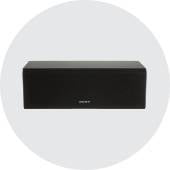


Home Audio, Speakers & Soundbars
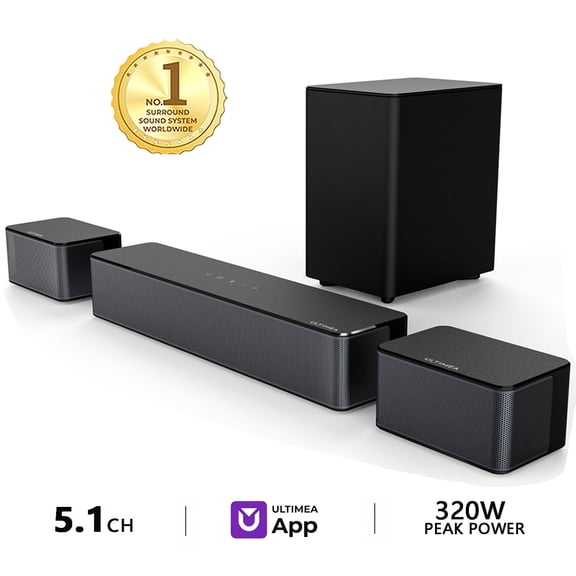











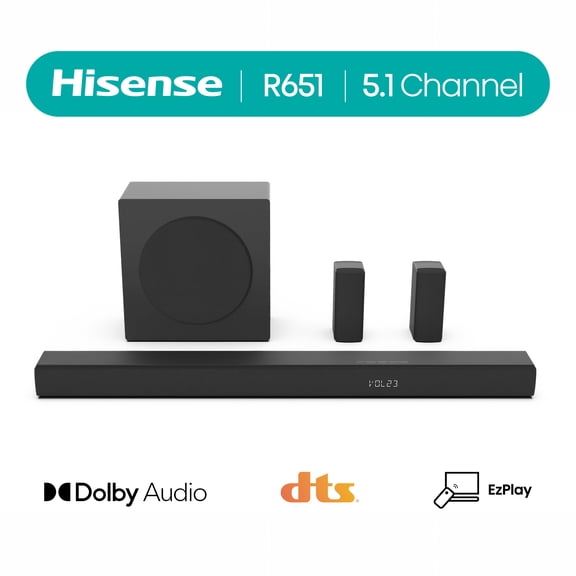
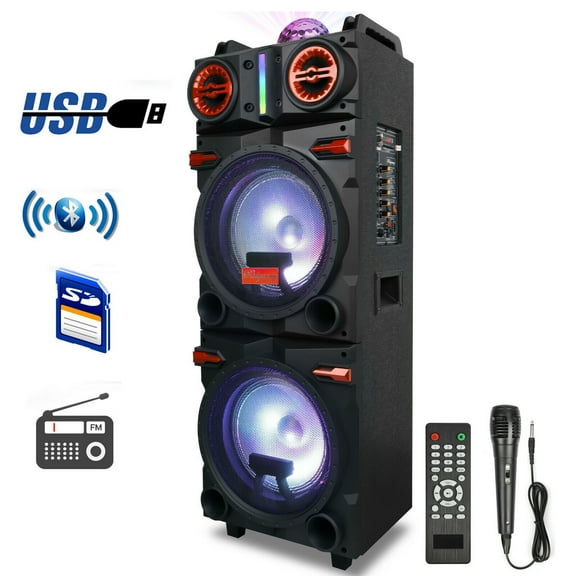



























About Home Audio, Speakers & Soundbars - Walmart.com
Home audio helps you turn everyday streaming, gaming, and movie nights into clear, room-filling sound. You can compare soundbars, stereo receivers, and surround sound speakers by room size, connection type, and setup style.
How to choose home audio systems
You should start with your room size and your listening habits before you compare home audio systems. You may prefer a soundbar in a smaller room, while you may want multiple speakers in a larger space.
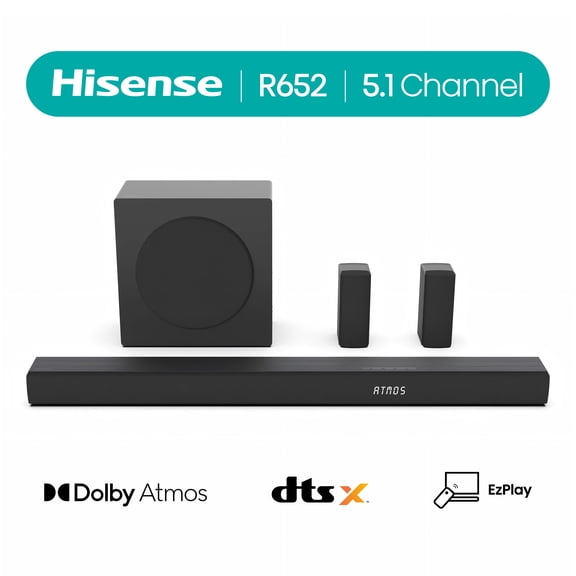
If you want simple TV sound, you can choose soundbars for tv with fewer components. If you want deeper separation for movies, you can consider a surround sound system with rear speakers.
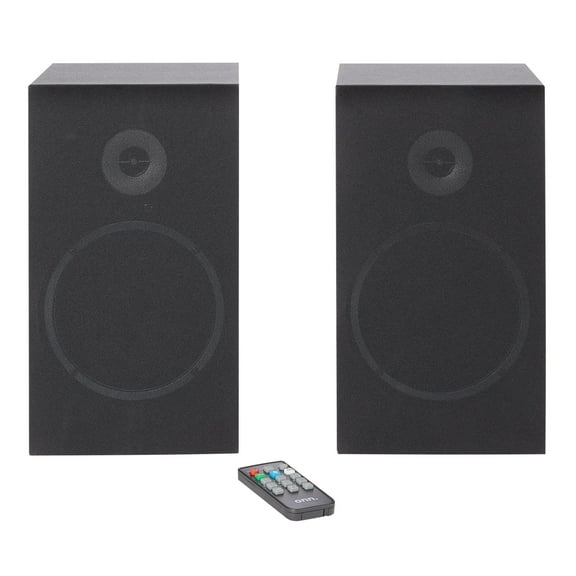
You can also choose shelf speakers when you want music-first listening in an office or living room. You may add a stereo receiver when you want to power separate speakers and connect several sources.
- You can keep setup simple with a single soundbar under your TV.
- You can create fuller home theater audio with front, center, and rear speaker placement.
- You can build a flexible music system with bookshelf or shelf speakers and a stereo receiver.
- You can pick a setup that fits your room without overfilling a small space.
Choosing connectivity for bluetooth home audio
You should check your TV ports before you choose bluetooth home audio or a wired setup. You can avoid connection guesswork when you compare HDMI eARC, optical, Bluetooth, and Wi-Fi support.
If you want one-cable TV audio with easier control, you should look for HDMI eARC. You can use your TV remote for volume on many compatible setups.
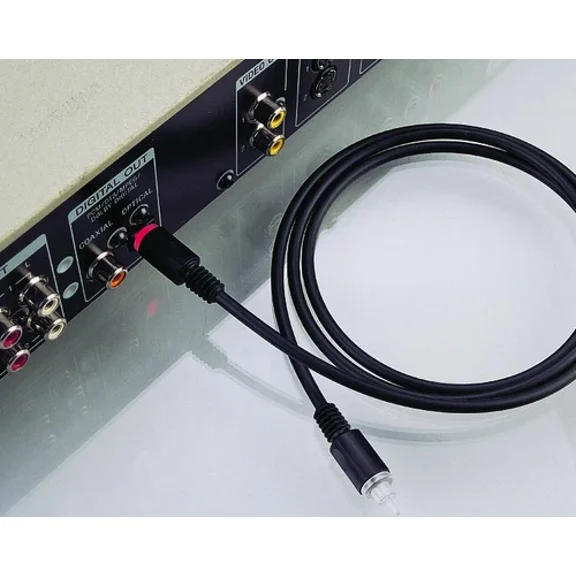
If your TV has older audio outputs, you may choose optical for a straightforward digital connection. You can use optical when you want dependable sound without extra networking steps.
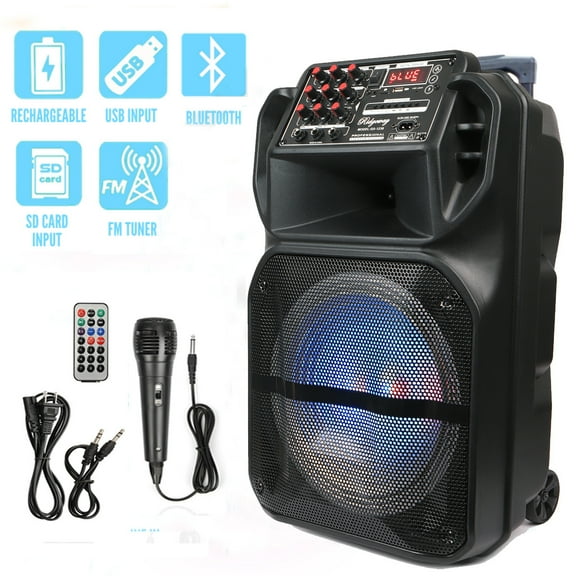
Bluetooth gives you quick music playback from your phone, tablet, or laptop around your home. Wi-Fi can help you stream across rooms when your setup supports app-based listening.
You should also compare wired and wireless speaker layouts before you commit to installation. You may prefer wireless rear speakers for cleaner placement, or wired speakers for a fixed room layout.
Understanding surround sound speakers and channels
You can narrow your options faster when you understand what speaker channels mean in plain language. You should match the channel count to your room, your seating area, and your favorite content.
A 2.1 channel setup usually gives you left and right speakers plus a subwoofer. You can enjoy clearer dialogue and added bass without placing speakers throughout the room.
A 5.1 channel setup adds a center channel and rear speakers for broader movie sound. You can hear effects move around your space with more directional detail.
A 7.1 channel setup adds extra surround channels for larger rooms and more layered placement. You may notice stronger separation when you have enough space behind and beside seating.
If you want sound that feels taller and more enveloping, you can compare Dolby Atmos options. You can use Atmos-enabled systems for overhead effects in action films and concert recordings.
How power output shapes home theater audio
You should compare power output with your room size instead of choosing by numbers alone. You can get balanced home theater audio when your wattage matches your space and speaker design.
Under 100W can work well when you need casual listening in a bedroom, office, or dorm. You can keep your setup compact while still improving TV and music playback.
From 100W to 500W often fits family rooms where you want stronger bass and fuller volume. You can use this range when you stream movies, sports, and playlists in shared spaces.
Above 500W may suit larger entertainment rooms where you want wider coverage and higher output. You should pair higher power with the right speakers so your sound stays controlled.
Matching setup types to your daily use
You can make a smarter choice when you match your setup to how you actually listen. You should consider whether you watch movies, stream music, game, or switch between all three.
If you mostly watch shows after work, you may want a soundbar with HDMI eARC and Bluetooth. You can get cleaner dialogue and easy music streaming without a complicated layout.
If you host movie nights, you may prefer surround sound speakers in a 5.1 or 7.1 channel arrangement. You can create a more immersive seating area with front, center, and rear placement.
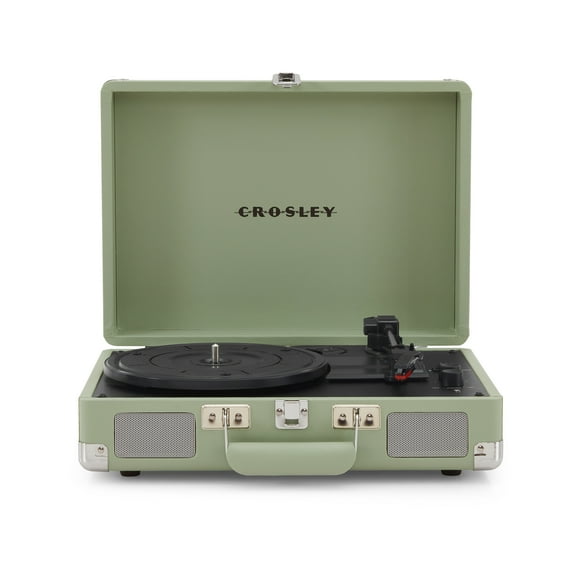
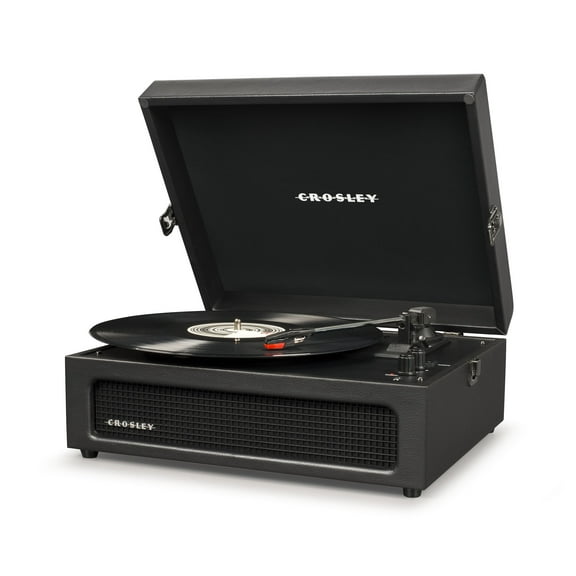
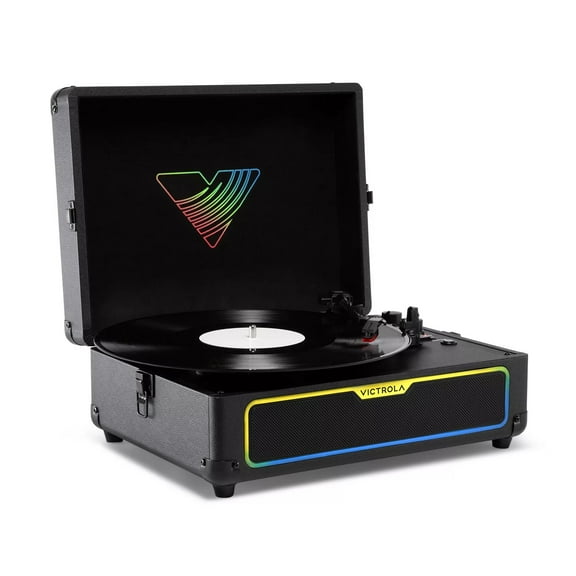
If you focus on albums, vinyl, or hi-fi streaming, you may lean toward shelf speakers and stereo receivers. You can customize inputs, speaker pairing, and placement around your furniture.
For patios or seasonal gatherings, you may also compare outdoor home speakers with weather-ready designs. You can extend your listening beyond the living room when your setup matches the space.
When you compare room size, connectivity, channel count, and installation style, home audio becomes much easier to choose. You can build a setup that fits your TV, your space, and your listening routine with clearer sound every day.