

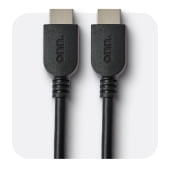
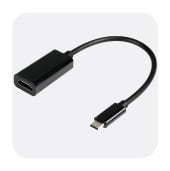
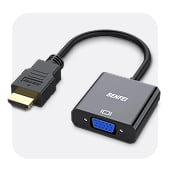
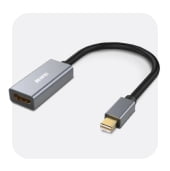
HDMI Cables & Adapters in TV Accessories





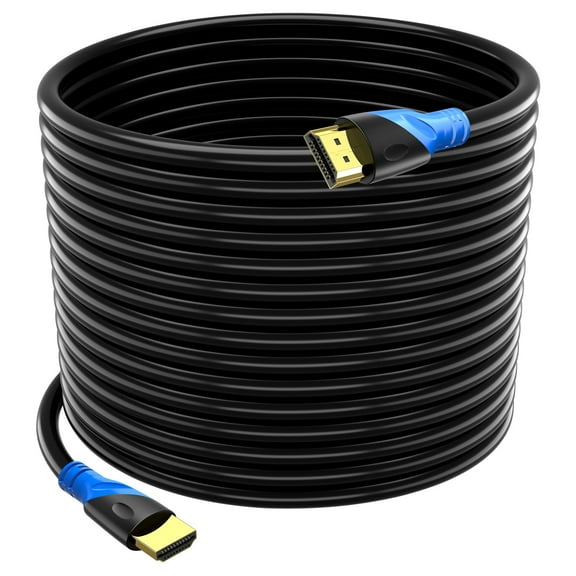

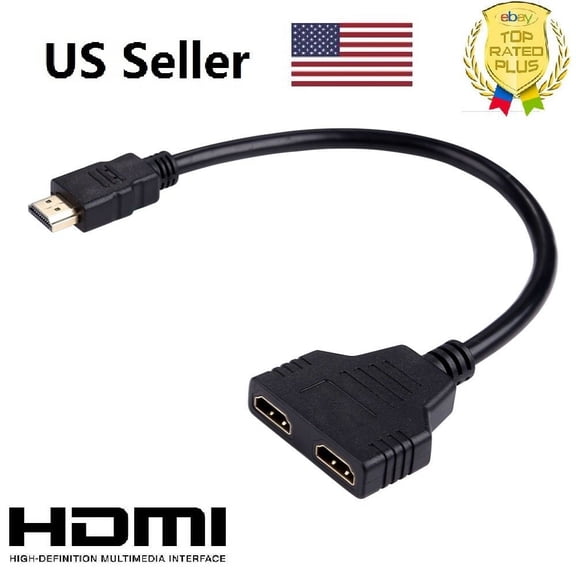
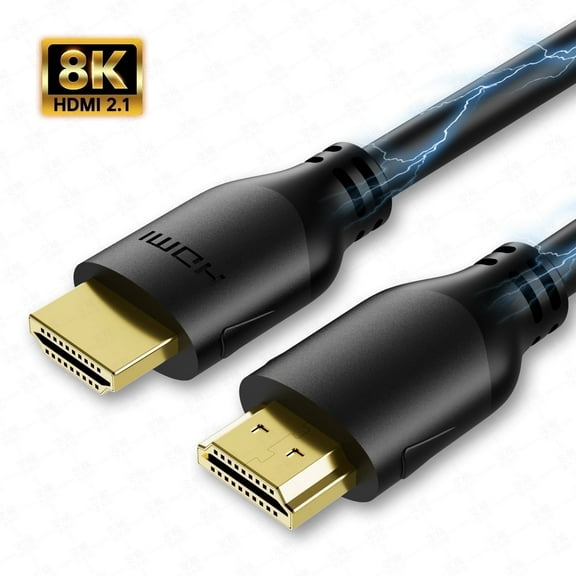
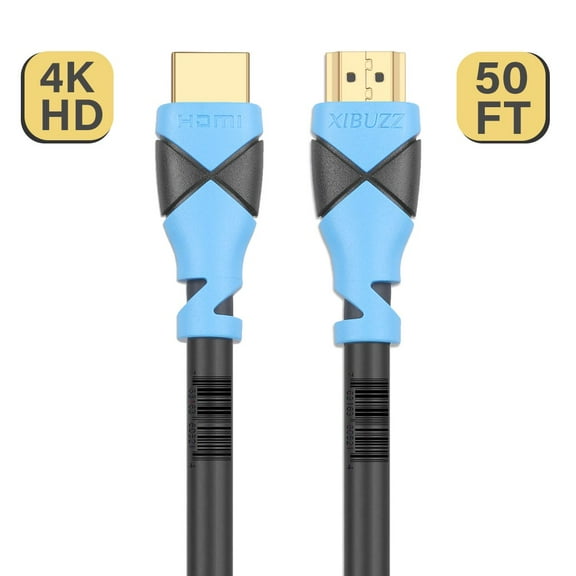

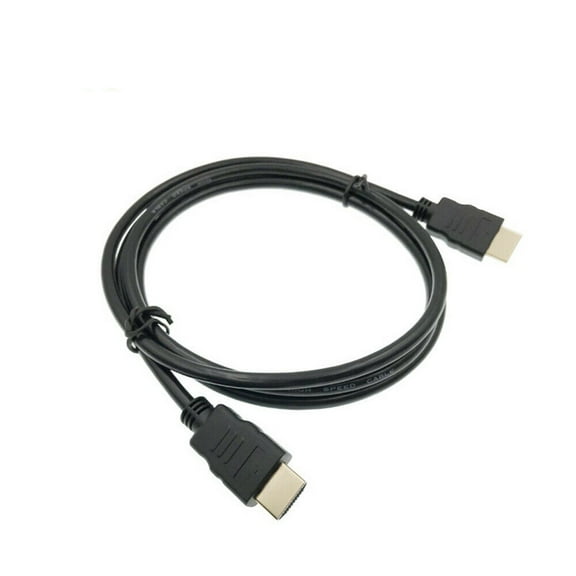
![Fosmon 4K HDMI Cable 30FT, Gold-Plated Ultra High Speed Ethernet [10.2Gbps UHD 2160p@30Hz|3D|HD|1080p] Audio Return, Xbox One, Xbox Series X S, Playstation 3 4 5 PS3 PS4 PS5 PC Laptop Desktop HDTV](https://i5.walmartimages.com/seo/Fosmon-4K-HDMI-Cable-30FT-Gold-Plated-Ultra-High-Speed-Ethernet-10-2Gbps-UHD-2160p-30Hz-3D-HD-1080p-Audio-Return-Xbox-One-Xbox-Series-X-S-Playstation_a3890bdc-4613-46c0-bcb2-1ad10afa8d14.034078def219738fa6041e72a83262d3.jpeg?odnHeight=576&odnWidth=576&odnBg=FFFFFF)
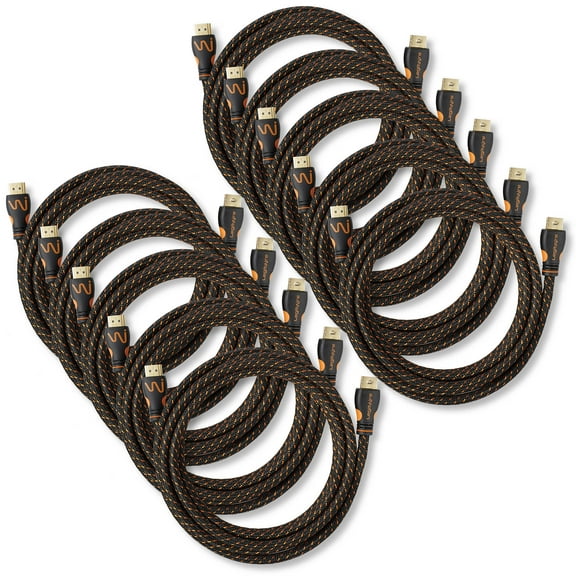
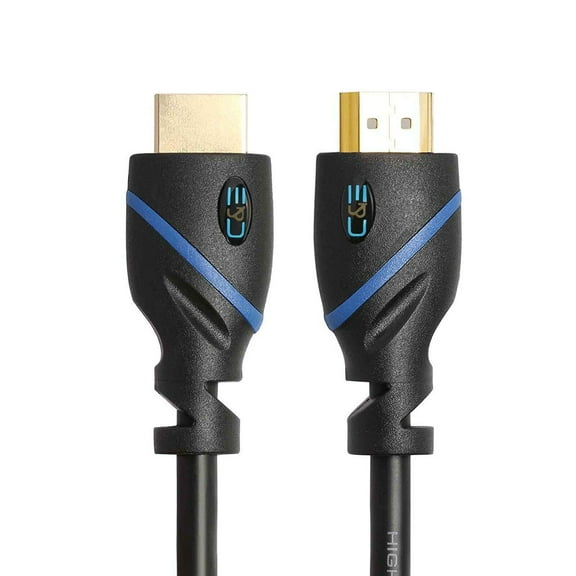
![Fosmon 4K HDMI Cable 3FT (4 Packs), Gold-Plated Ultra High Speed [10.2Gbps UHD 2160p@30Hz 3D HD 1080p] Supports Ethernet, Audio Return, Xbox Playstation PS3 PS4 PC](https://i5.walmartimages.com/seo/Fosmon-4K-HDMI-Cable-3FT-4-Packs-Gold-Plated-Ultra-High-Speed-10-2Gbps-UHD-2160p-30Hz-3D-HD-1080p-Supports-Ethernet-Audio-Return-Xbox-Playstation-PS3_3c01d7a4-7877-46a3-bd2c-a61da2ec923f.234645c19cd15e0ef1d619cd3c000091.jpeg?odnHeight=576&odnWidth=576&odnBg=FFFFFF)



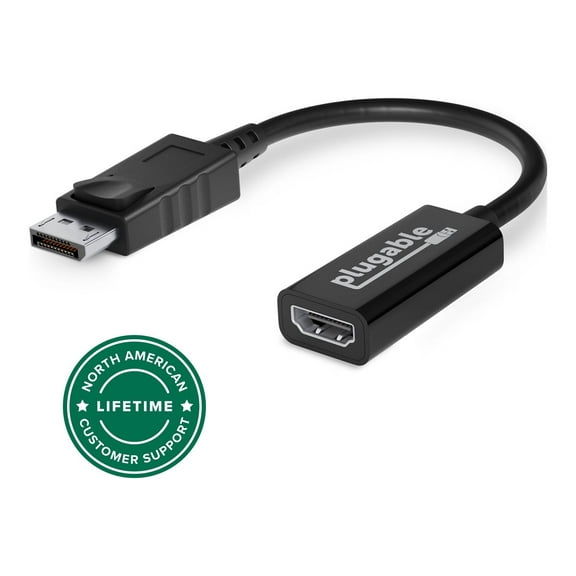

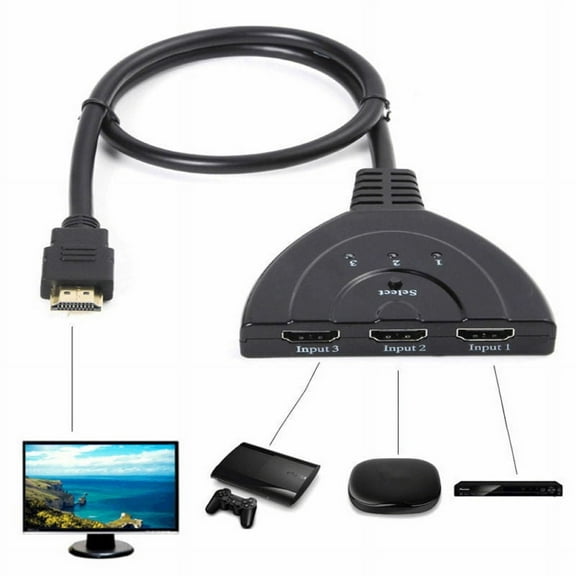

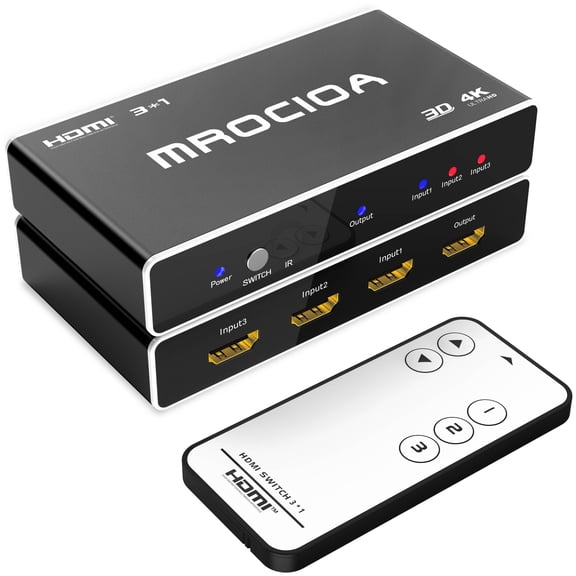




About HDMI Cables & Adapters in TV Accessories - Walmart.com
Your laptop charger choice gets easier when you compare connector type, wattage, and brand fit before you replace a missing or worn adapter. You can narrow options quickly when you match your port style, power needs, and daily setup.
How to choose the right laptop charger
You should start with your original adapter label or your laptop's printed power details. Those numbers help you match voltage and wattage with less guesswork during your search.
Connector type deserves close attention before anything else. You may need USB-C, a barrel tip, or a magnetic connection that matches your laptop exactly.
Your routine also shapes the right pick for your setup. A compact adapter fits commuting, while a longer cord may suit your desk or shared workspace.
- You can match wattage options like 45W, 65W, 90W, or 100W to your laptop's listed requirements.
- You can compare USB-C, barrel tip, and magnetic connectors to fit your charging port correctly.
- You can choose a universal laptop charger, an OEM replacement, or a travel adapter for your routine.
- You can filter by HP, Dell, Lenovo, Asus, or Apple compatibility to shorten your search.
Choosing between a universal laptop charger and brand-specific options
A universal laptop charger works well when your compatible devices share the same connector and power range. You should still compare listed wattage, voltage, and included tips before you decide.
An OEM replacement makes sense when you want your setup to mirror the original adapter more closely. You can use the listed brand and model details to confirm a direct fit.
Your replacement laptop power cord choice may also depend on how you use your laptop each day. If you move between rooms often, you might prefer a lighter adapter with a simpler cable setup.
What to look for in connector type and wattage
Your connector must match your laptop's charging port exactly. If you use a usb c laptop charger, your laptop must support USB-C power input.
A barrel tip charger requires the correct tip size and shape for your device. You can compare your original adapter and laptop model details to avoid trial and error.
Your laptop requires a specific wattage range for normal charging. Many everyday systems use 45W or 65W, while larger laptops may require 90W or 100W.
Voltage matters just as much as wattage when you replace a laptop power adapter. You should compare the printed input and output specs so your new adapter aligns with your device.
Using brand compatibility as a shortcut
Your search often gets faster when you begin with brand compatibility. You may look for options designed for HP, Dell, Lenovo, Asus, or Apple laptops.
That shortcut helps when your laptop line uses a specific connector style or adapter format. You should still confirm your model, wattage, and port type before you finalize your choice.
If your device uses USB-C charging, you may see more crossover options across brands. A universal laptop charger can suit that setup when the listed power standards match your laptop.
Choosing cord length and adapter style for daily use
Your workspace can influence which charger feels practical each day. A longer cord may reach an outlet more easily, while a smaller brick may fit your bag better.
A travel adapter suits commuting, campus use, and tighter packing needs. An OEM replacement may fit better when you want a familiar desk setup with a similar layout.
Your home office may call for a sturdier adapter that stays connected in one spot. If you carry your charger often, a lighter design may feel easier to pack and move.
When different laptop charger setups make sense
A usb c laptop charger fits newer laptops, shared charging stations, and many travel setups. You can switch between rooms more easily when your device uses a common USB-C connection.
A 65W charger often suits everyday work laptops used for email, documents, and meetings. You may need 90W or 100W when your larger system requires higher output.
If your older notebook uses a barrel tip, a model-specific adapter may simplify your search. You can focus on exact tip dimensions along with the listed voltage and wattage.
Your second charger can also support a smoother routine between home, class, and work. You can leave one adapter at your desk and keep another ready in your bag.
Your laptop charger decision becomes simpler when you compare power specs, connector style, and adapter type together. That approach helps you choose a charger that fits your laptop and your routine with less guesswork.