





Computer Mouse & Mouse Pads in Computer Keyboards & Mice































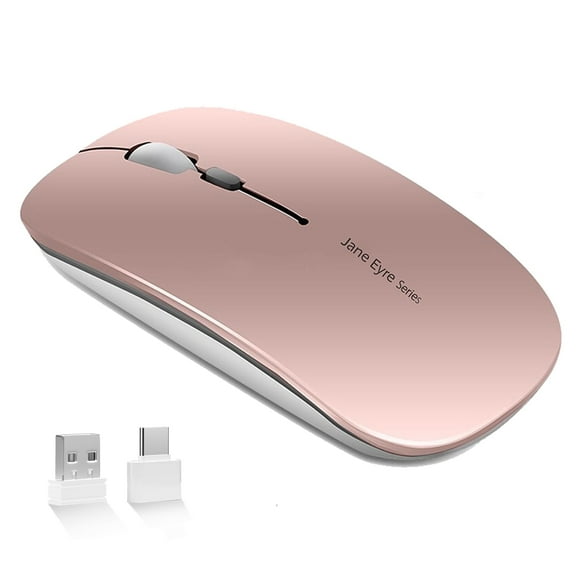


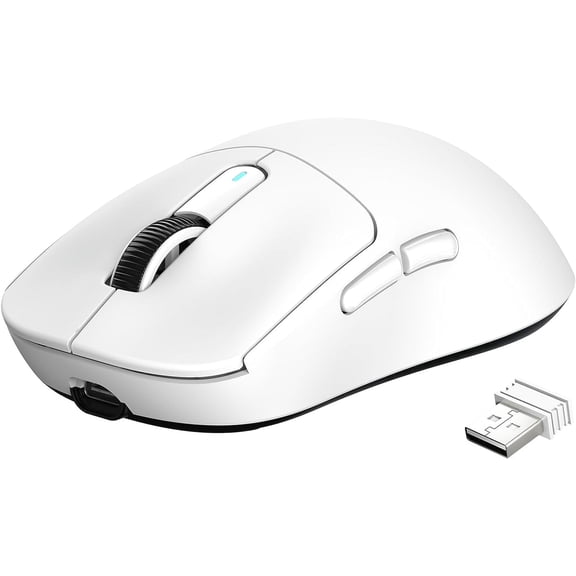


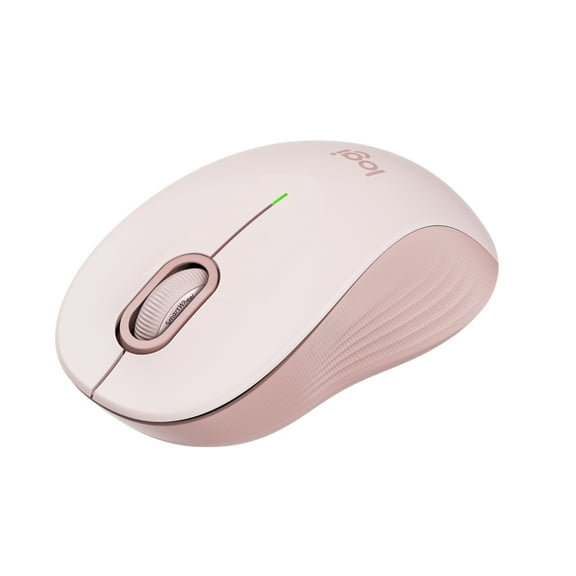


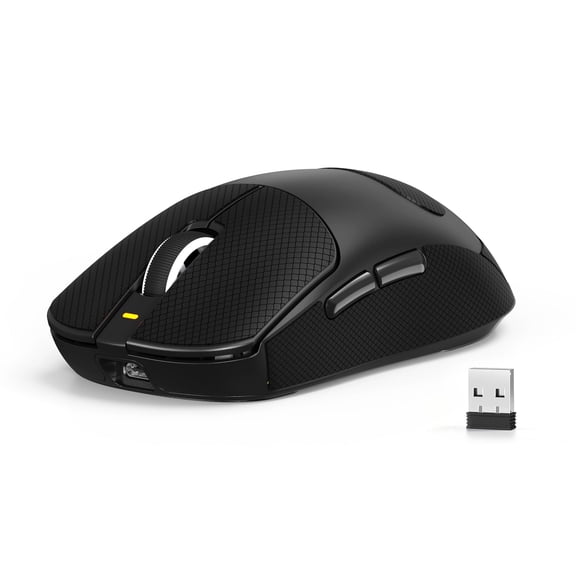




About Computer Mouse & Mouse Pads in Computer Keyboards & Mice - Walmart.com
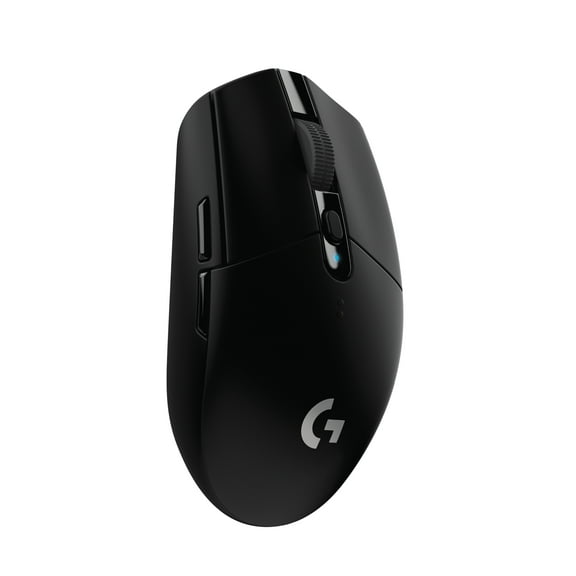
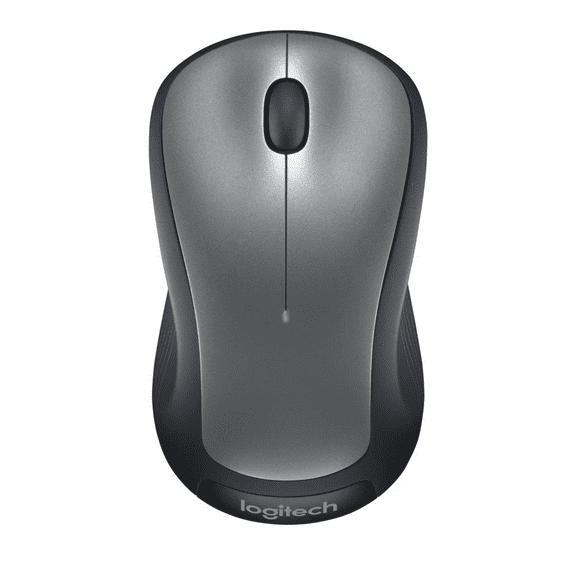
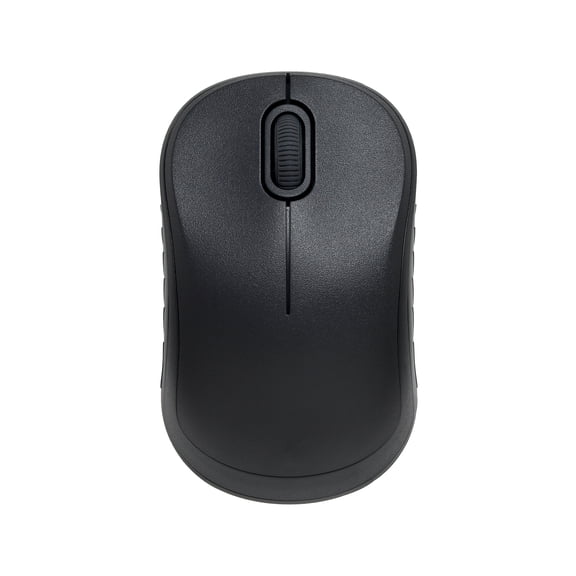
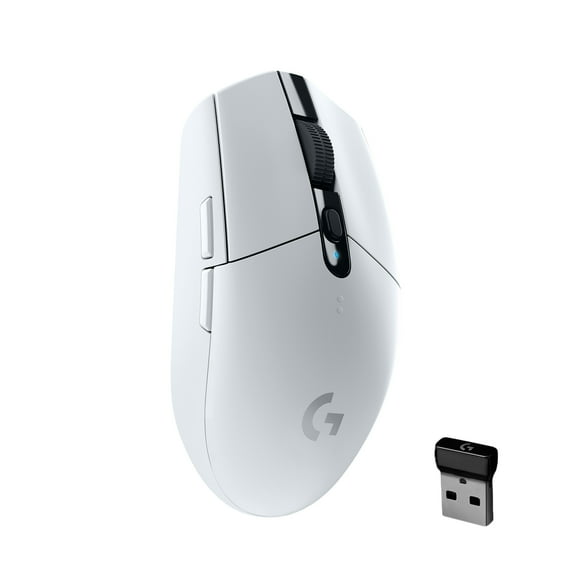
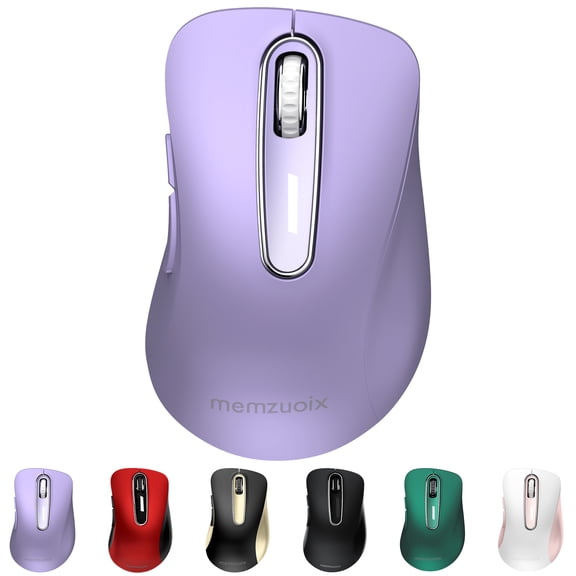
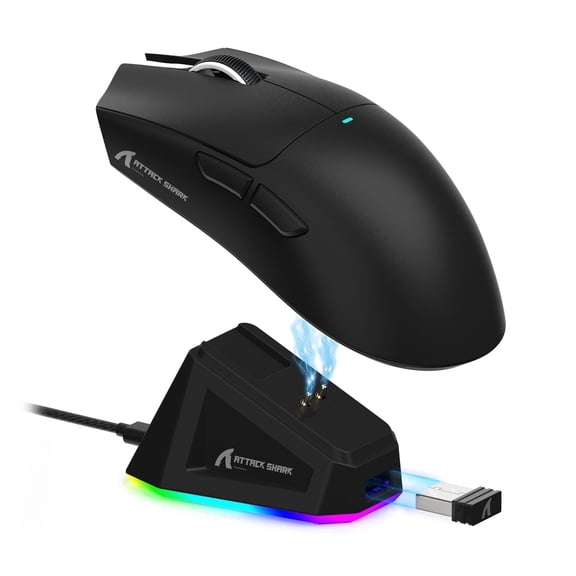
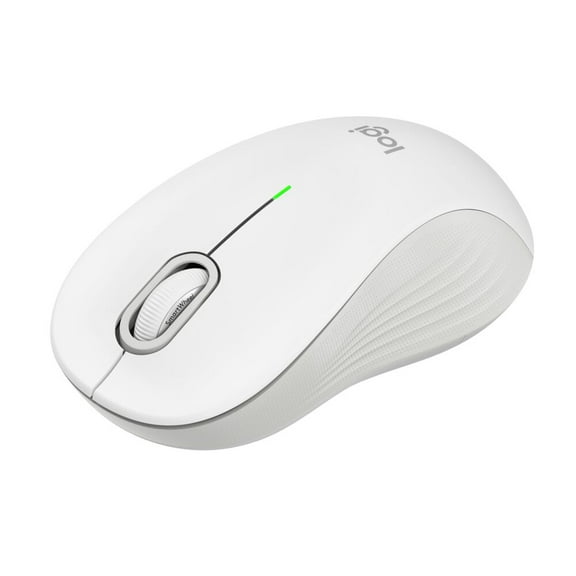
You can refine your setup with computer mouse and mouse pads that match how you work, play, and move through each task. You may notice the right pairing improves cursor control, supports hand position, and keeps your desk more organized.
When you compare category options, you should look at connection type, ergonomic shape, pad material, and size first. You can make a clearer choice when you match those details to office work, gaming sessions, travel, or shared desks.
Choosing computer mouse and mouse pads for your setup
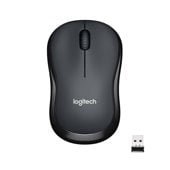
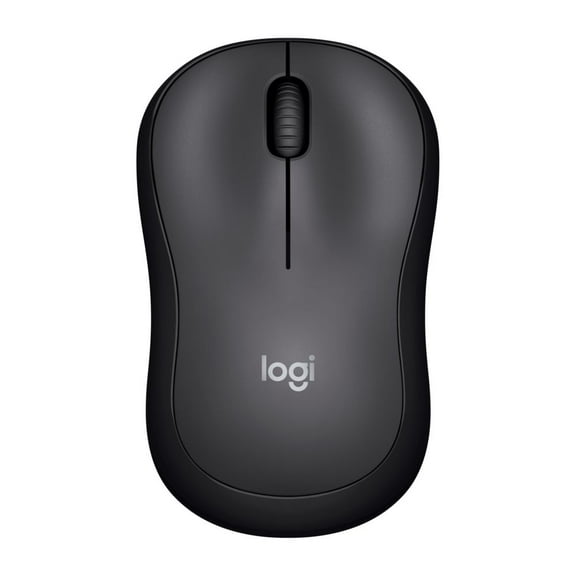
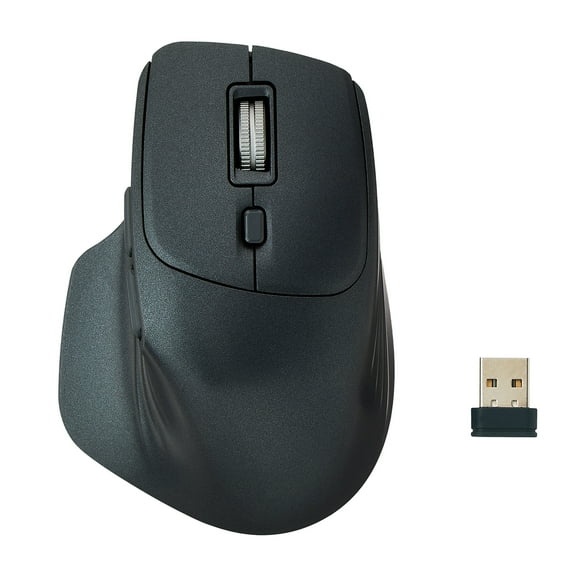
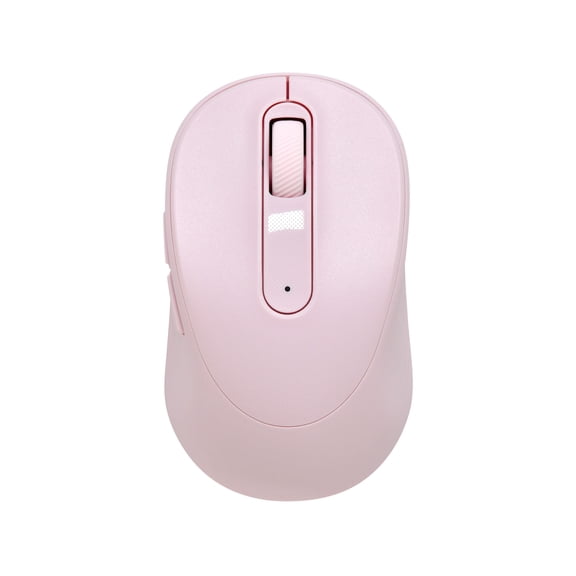
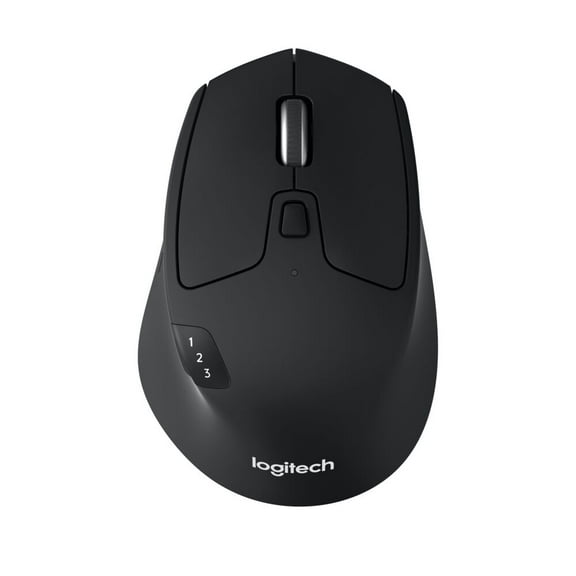
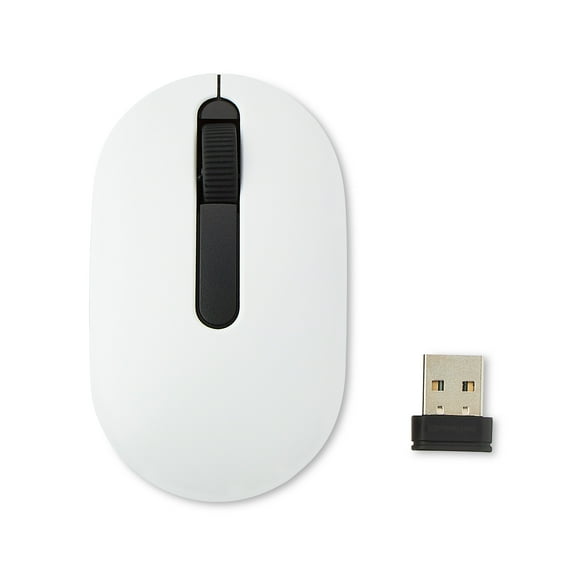
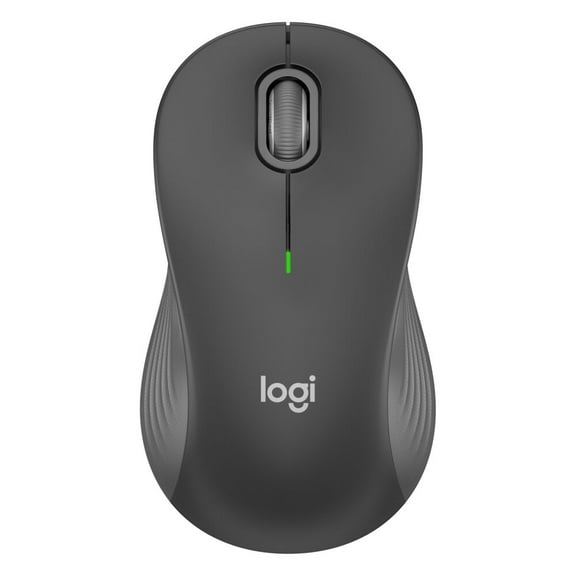
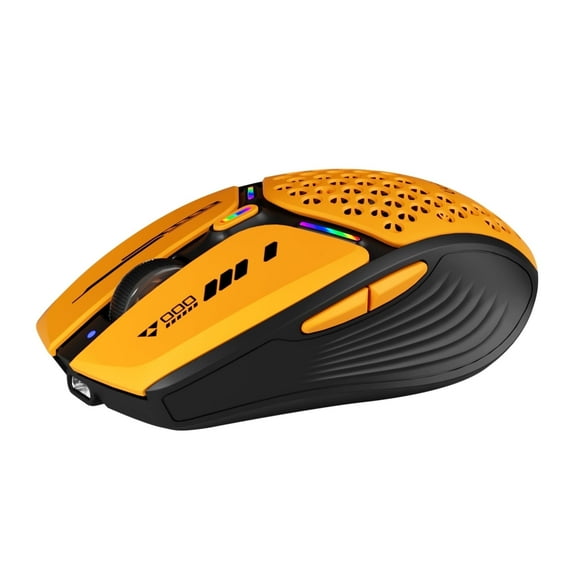
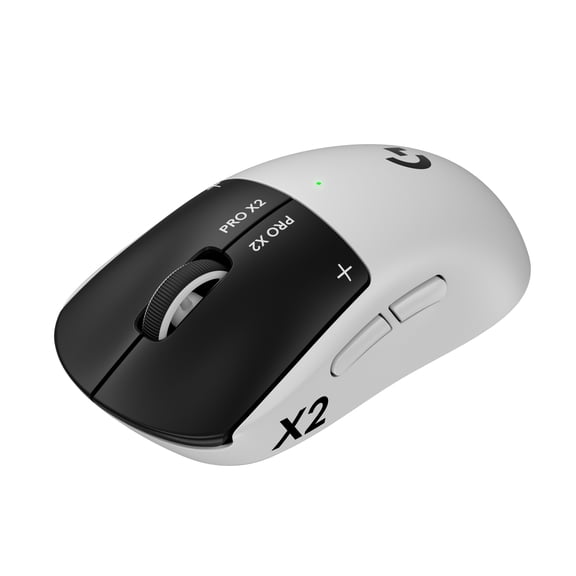
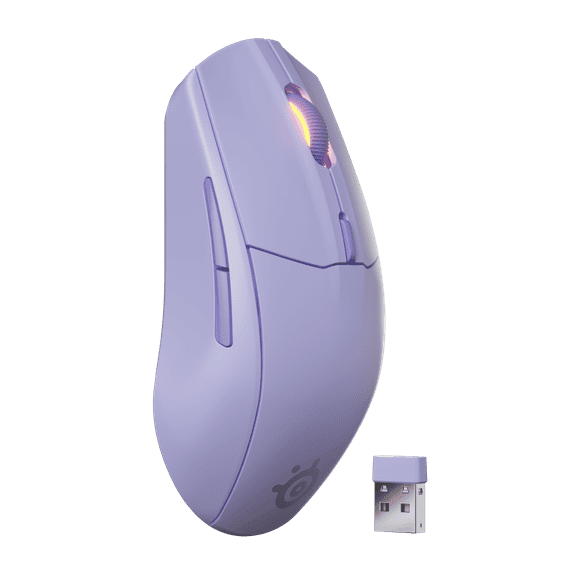
You should start with connection type, because that choice affects convenience and response. You may prefer a wireless computer mouse for cleaner desks, while a wired mouse can suit steady plug-in use.
If you switch between devices, you might want Bluetooth for cable-free pairing without a receiver. You should check compatibility, battery type, and charging style before you narrow your options.
- You can reduce desk clutter with wireless or Bluetooth designs.
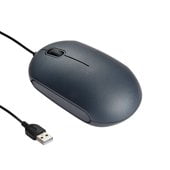
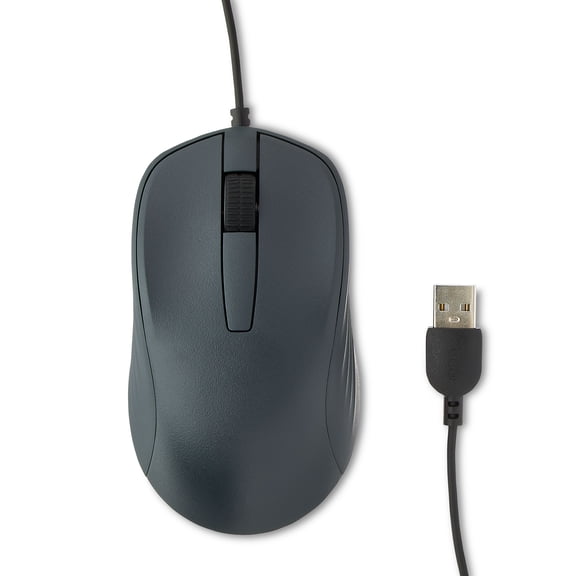
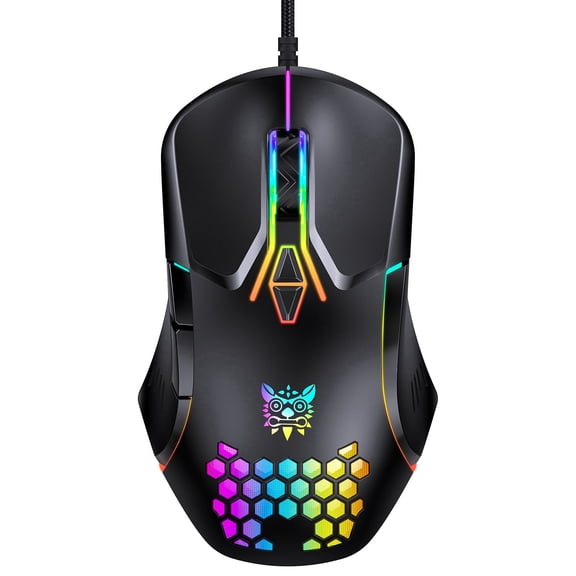
- You can keep dependable response with a wired mouse for daily workstations.
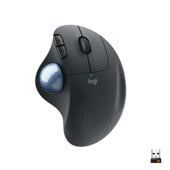
- You can support longer sessions with an ergonomic mouse or vertical shape.
- You can improve glide and control with cloth, hard plastic, or leather surfaces.
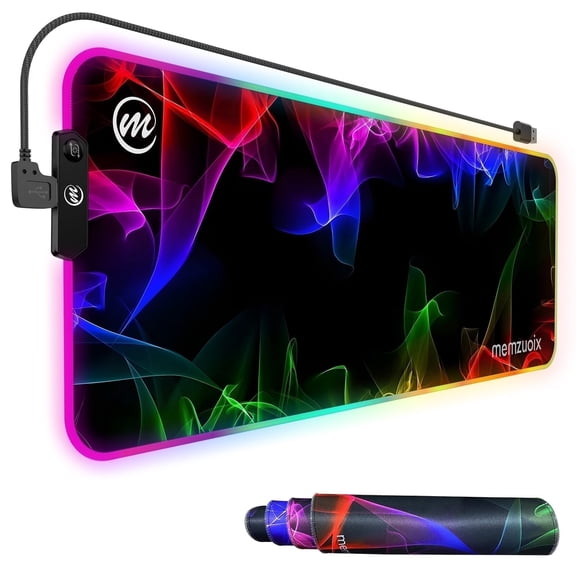
- You can cover more desk space with an extended mouse pad for keyboard and mouse placement.
You may also want a mouse pad that protects your desk finish during daily movement. You can often notice smoother tracking when your sensor has a consistent surface under it.
Comparing wireless computer mouse options and ergonomic mouse shapes
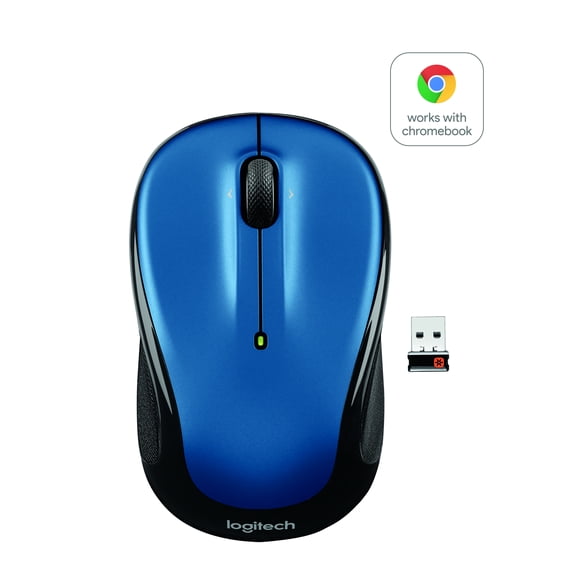
You should compare wireless, wired, and Bluetooth options based on where and how you use your computer. You may appreciate wireless freedom for flexible seating, shared work areas, and cleaner cable management.
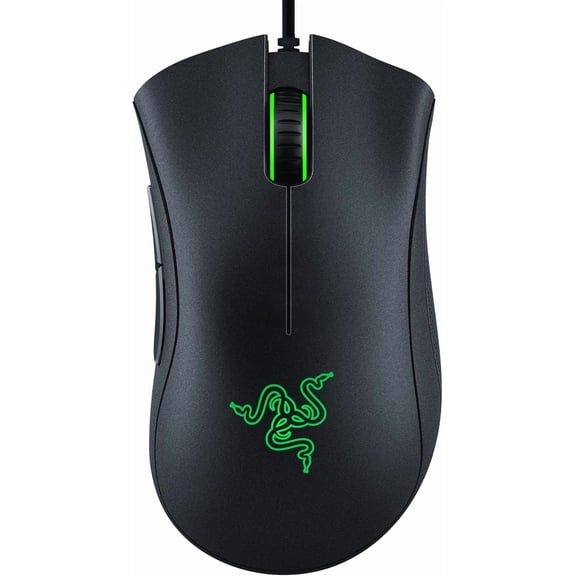
When you need a steady desk connection, you may prefer a wired mouse for uninterrupted use. You can avoid charging concerns, and you can keep your setup ready for long sessions.
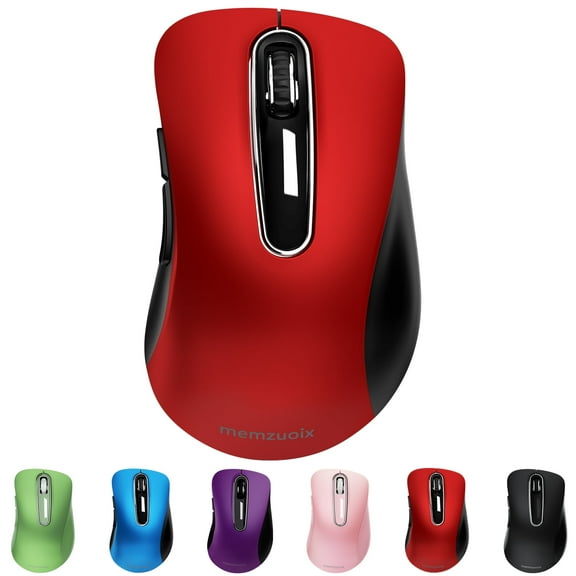
You should also consider shape, because hand position affects how natural each movement feels. You may choose an ergonomic mouse when you want a contoured grip, or pick an ambidextrous shape for either hand.
If you like a more upright hand angle, you can compare vertical designs with standard flat profiles. You should check button placement, scroll wheel position, and overall width before deciding.
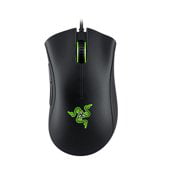
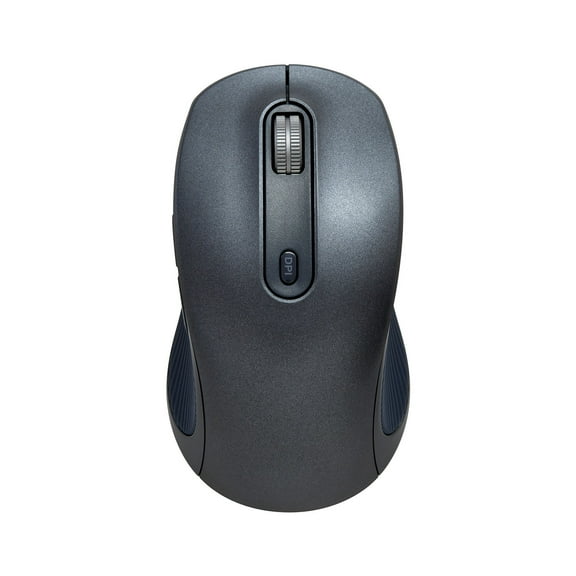
You should pay attention to adjustable DPI settings when you compare mouse performance. You can get finer cursor control for design tasks, while higher sensitivity can help you move quickly across large screens.
An optical computer mouse can work well for everyday browsing, schoolwork, and office tasks. You should pair sensor performance with your usual surface, because tracking can feel different on cloth and hard pads.
Picking gaming mouse pad materials and extended mouse pad sizes
You should compare mouse pad materials by how much speed or control you want from each swipe. You may get more stopping control from cloth, while hard plastic can support swift, responsive movements.
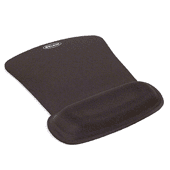
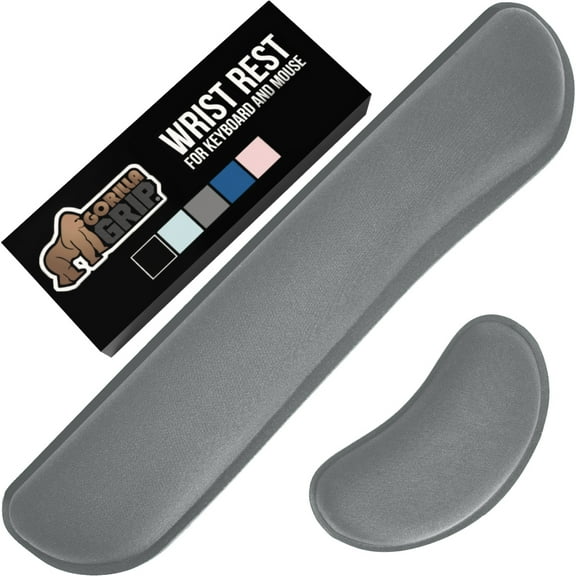
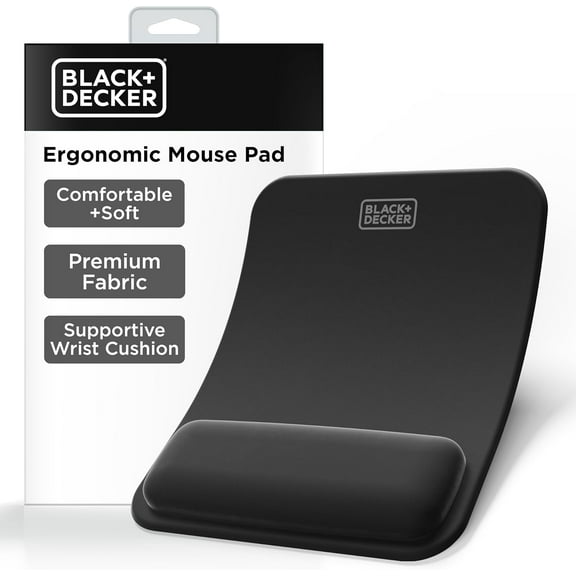
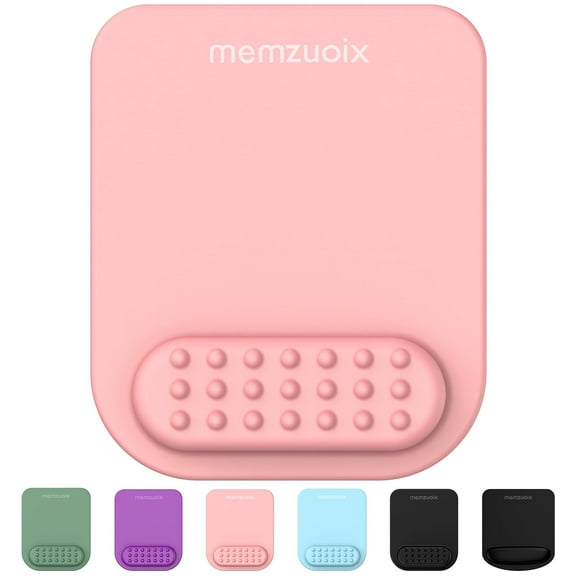
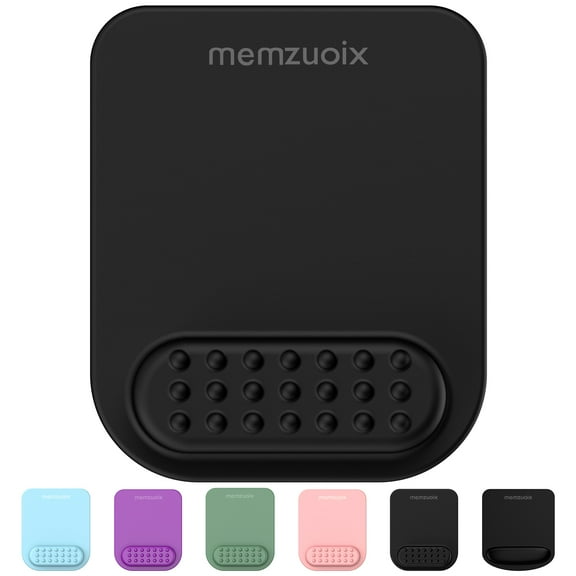
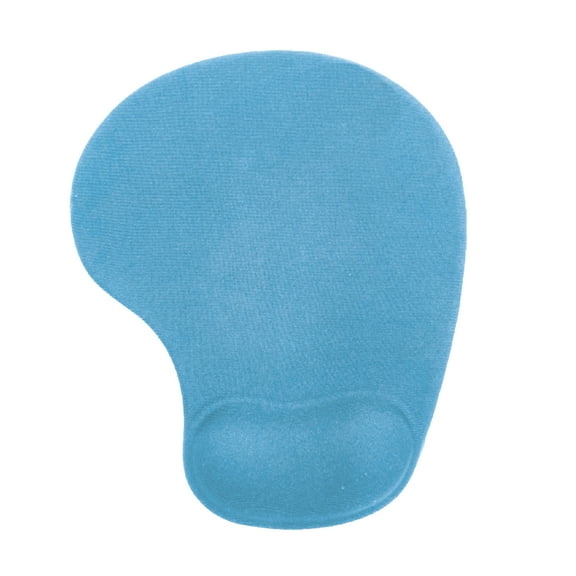
If you want added hand support, you may choose a gel wrist rest mouse pad for a cushioned edge. You should check pad height and wrist position so your keyboard and mouse area feel balanced.
You can also compare leather surfaces when you want a clean, polished desk appearance. You may like how easy they are to wipe, especially in study spaces and home offices.
Size matters because your movement range changes with your screen setup and desk depth. You may want a compact pad for travel, a standard pad for daily tasks, or an extended mouse pad for wider coverage.
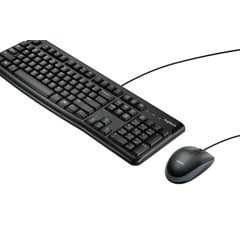
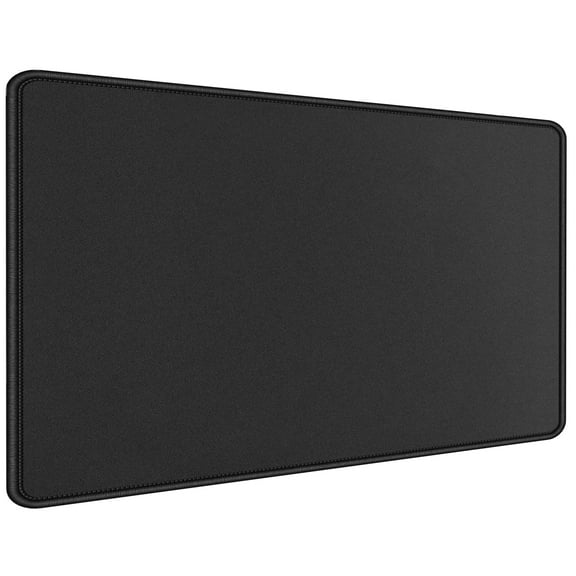
An extended mouse pad can anchor both your keyboard and mouse in one area. You can create a more unified work surface, and you can reduce shifting on slick desktops.
Matching computer mouse and mouse pads to real use cases
You should match your setup to your routine instead of choosing by appearance alone. You can make a smarter pick when you connect each feature to schoolwork, creative projects, gaming, or office tasks.
For everyday productivity, you may want a standard or ergonomic mouse with a cloth pad. You can get controlled movement for spreadsheets, browsing, and document work across long afternoons.
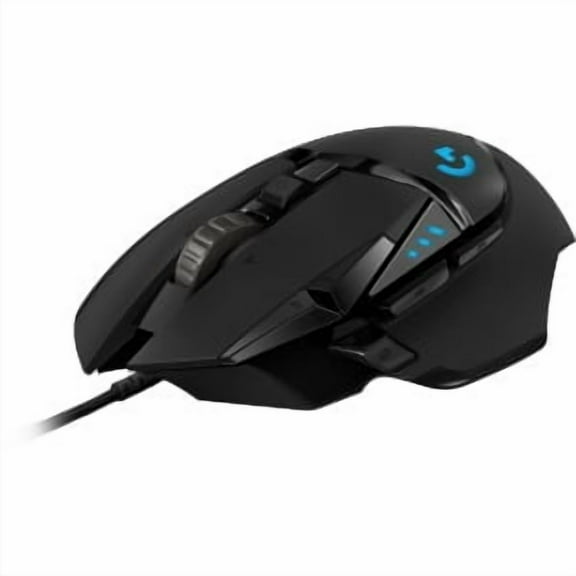
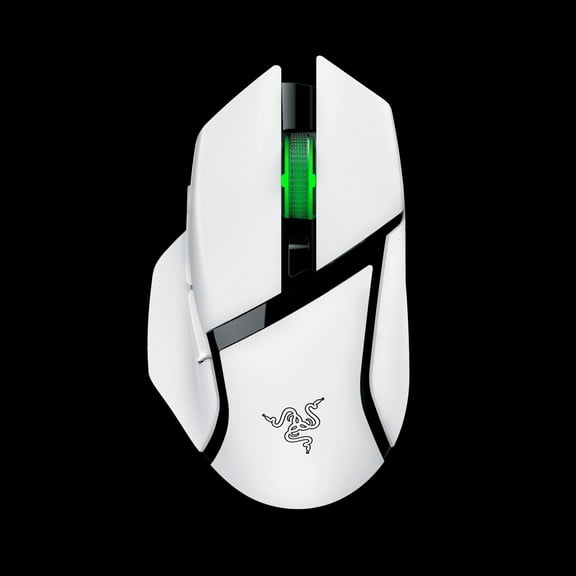
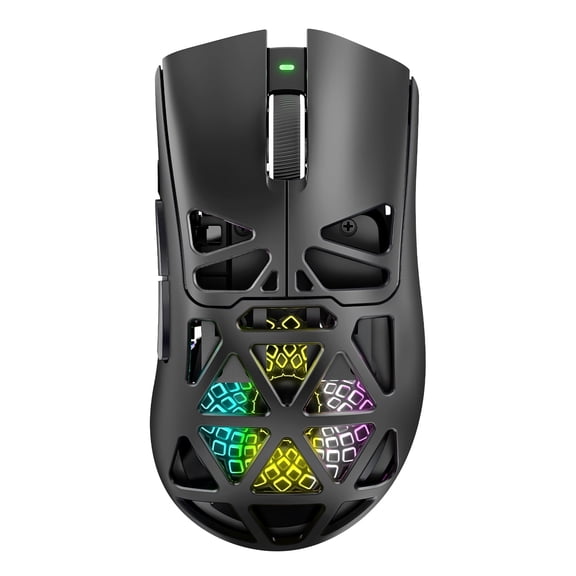
If you play fast-paced games, you might compare adjustable DPI settings with a gaming mouse pad surface. You may prefer an extended mouse pad when you need broad sweeps and room for your keyboard.
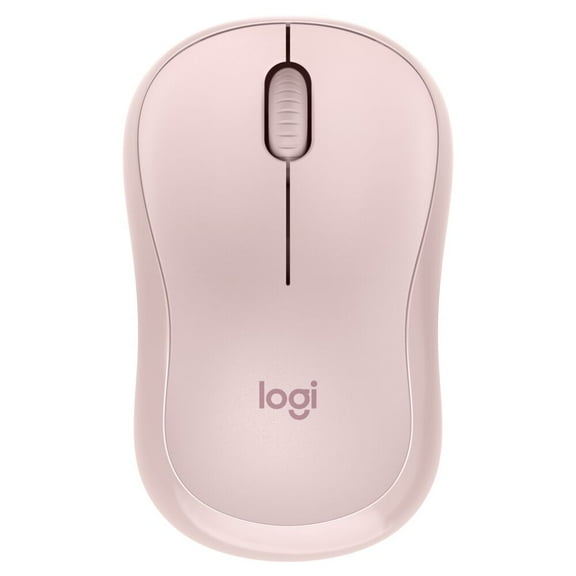
For compact desks, you can pair a smaller mouse with a compact pad that fits tight spaces. You can keep essential movement space without crowding notebooks, monitors, or charging accessories.
If you move between rooms or carry a laptop often, you may lean toward Bluetooth and lightweight accessories. You can appreciate fewer cables, easier packing, and a setup that adapts to changing work spots.
For shared family computers, you might prefer ambidextrous shapes and standard pad sizes that feel familiar. You can make it easier for different users to sit down and get started quickly.
You should also think about related desk items when planning your workspace. You can coordinate your setup with computer keyboards, desk pads, and ergonomic office chairs for a more comfortable workstation.
Choosing computer mouse and mouse pads with the right connection, shape, surface, and size creates a setup that feels easier to use every day. You can notice smoother tracking, steadier hand placement, and a desk layout that supports the way you work.