

Shop Desktops by Type: All-in-One, Apple & Tower PCs








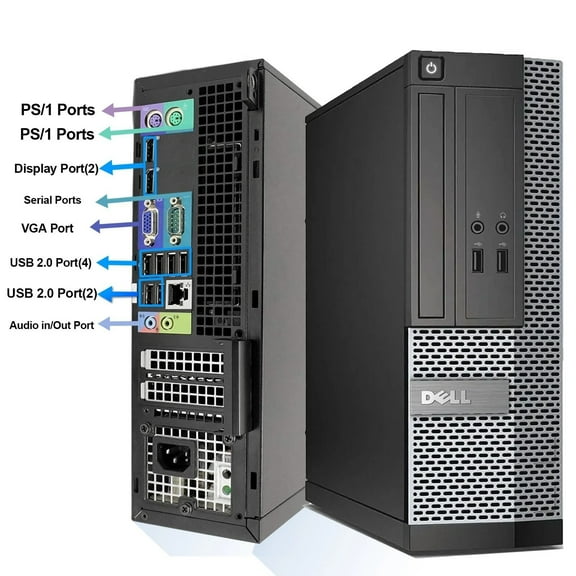
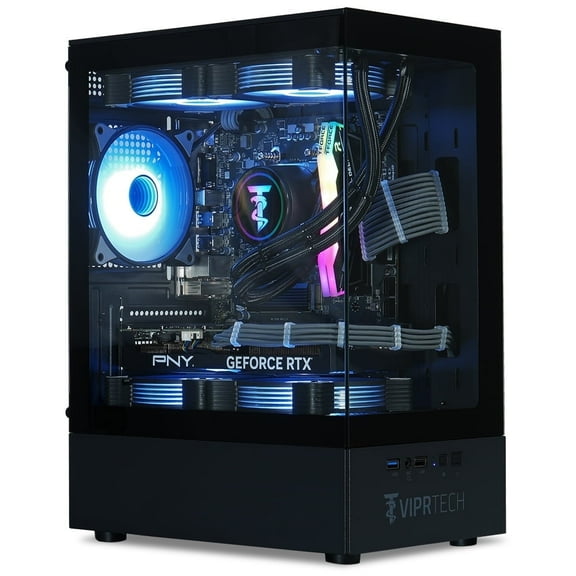
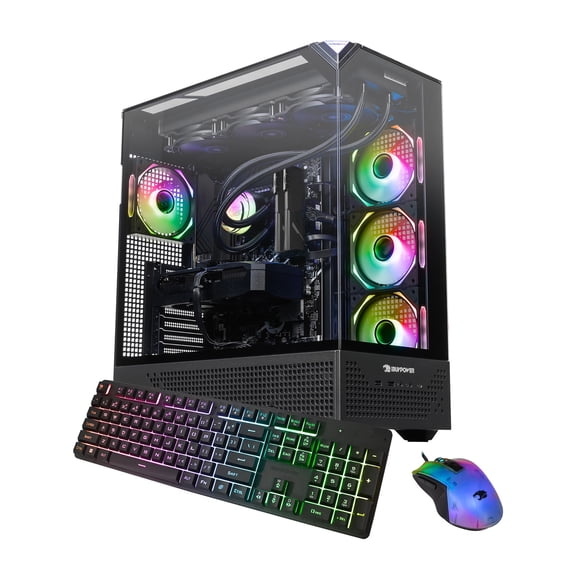

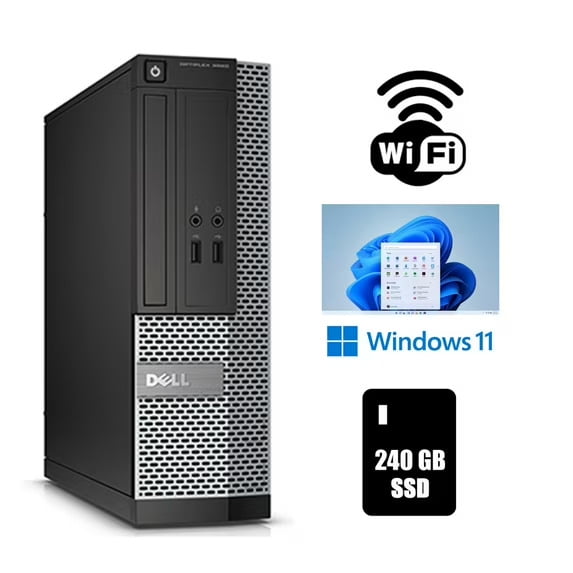











About Shop Desktops by Type: All-in-One, Apple & Tower PCs - Walmart.com
When you shop desktops by type, you can match your desk, software, and daily tasks with less guesswork. You can compare towers, all-in-one models, mini PCs, and Apple desktop options in one place.
If you're replacing an older family computer or setting up a focused workstation, you should start with desktop style. You can narrow your options by form factor, operating system, processor brand, and budget.
How to choose shop desktops by type
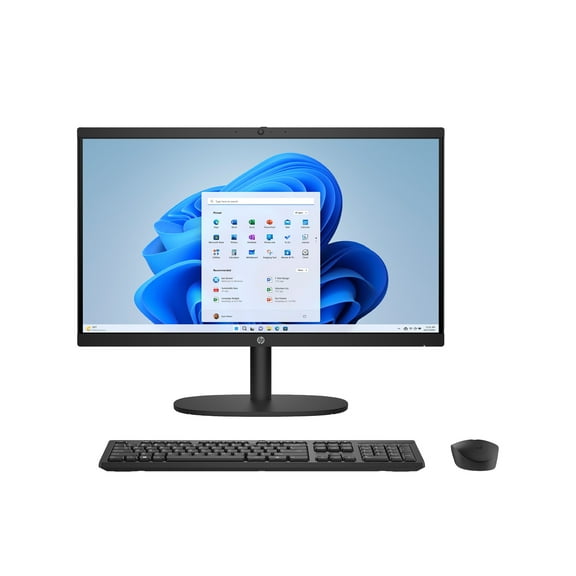
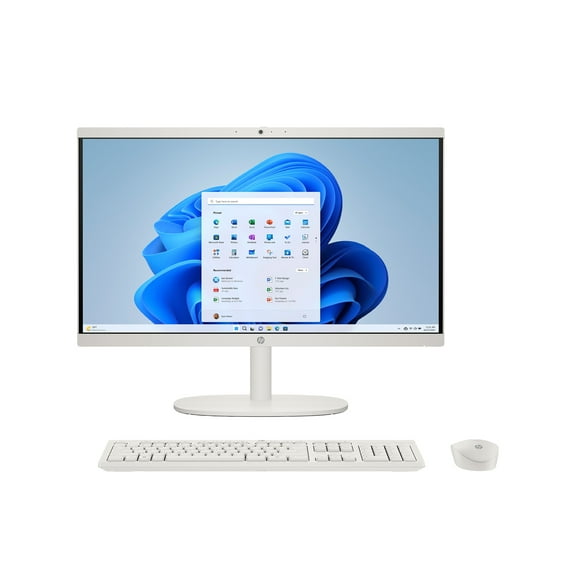
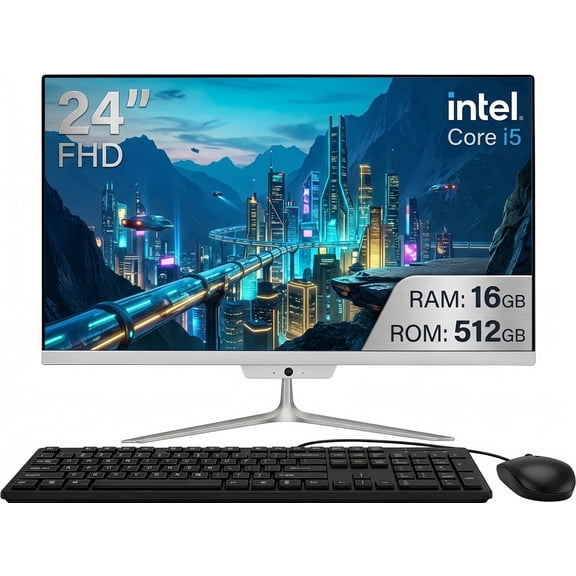
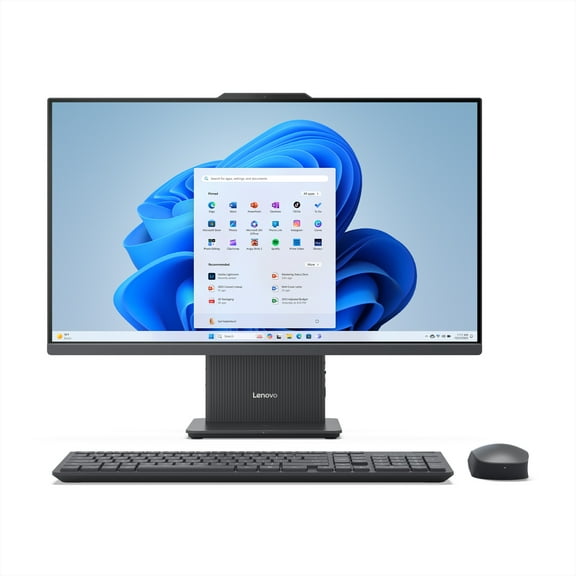
You should compare form factor first because your available space shapes every other decision. You may choose an all-in-one desktop when your setup needs fewer separate parts and less cable spread.
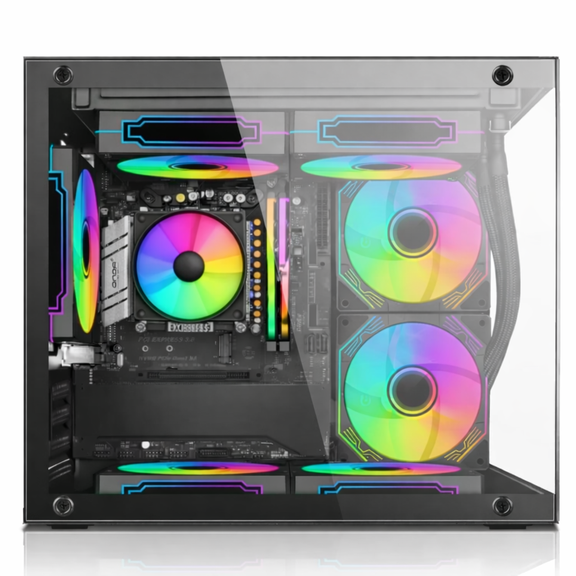
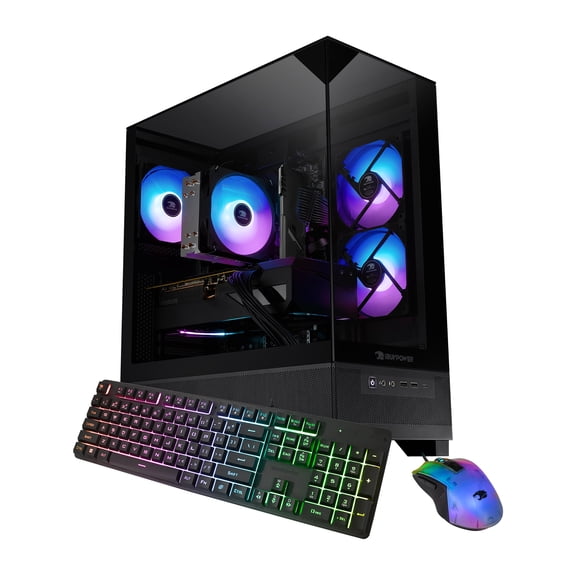
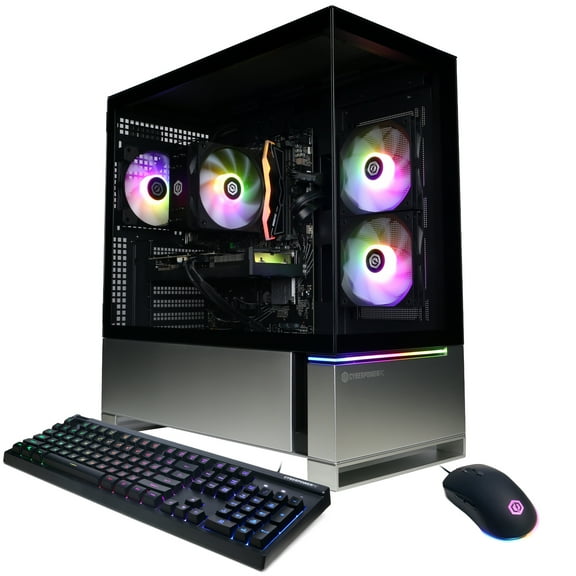
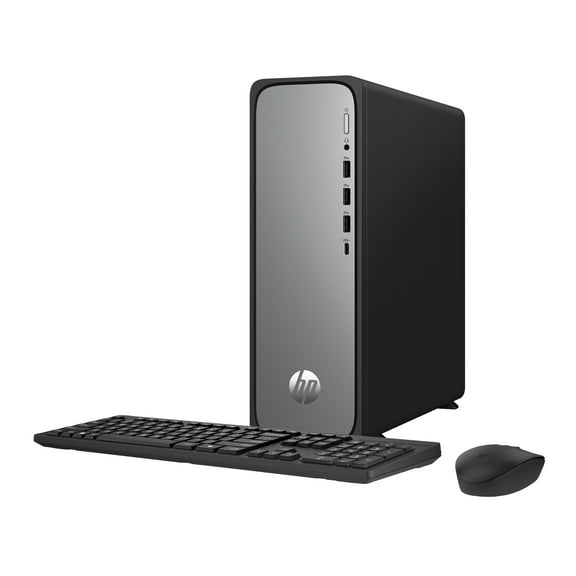
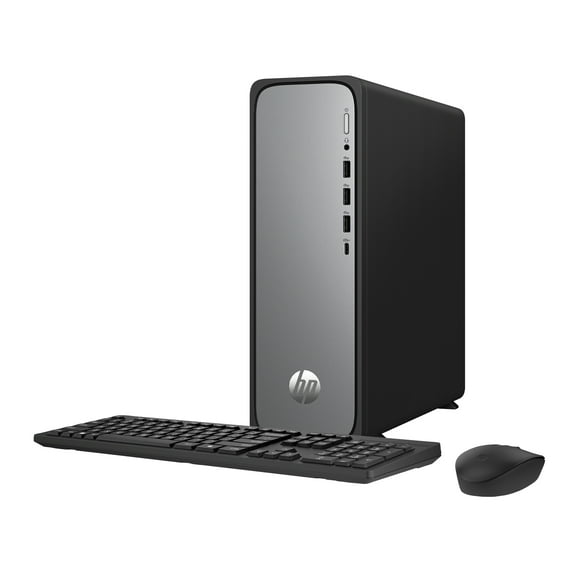
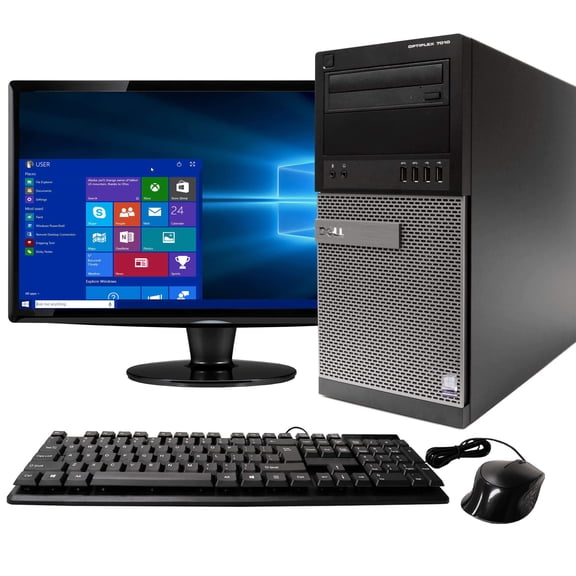
If your desk can hold a larger case, you may consider a tower or micro tower. You can use that style when you want easier access to ports, storage bays, and future component changes.
You can also compare a mini PC when your setup needs a smaller computer body beside a monitor. You should measure your desk depth, monitor size, and accessory space before you decide.
- You can keep your setup neater with an all-in-one desktop that combines the screen and computer.
- You can add accessories more easily with tower and micro tower designs that leave room for expansion.
- You can place a mini PC in tighter spaces when your desk has limited room.
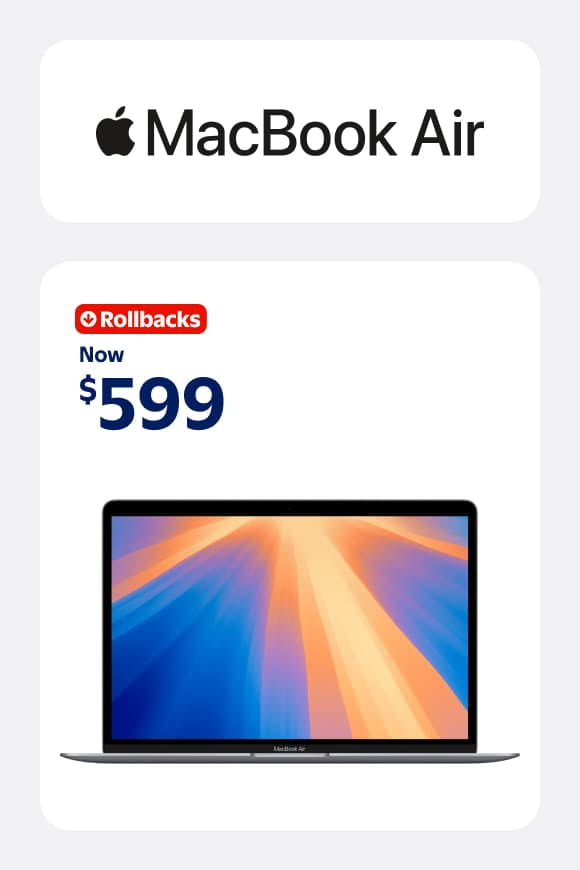
- You can choose an Apple desktop when your workflow already fits macOS and Apple devices.
Choosing between Apple desktop, Windows, and ChromeOS options
You should compare operating systems early because your apps and accessories need to fit your routine. You may prefer an Apple Mac computer when your files, messages, and photos already move across Apple devices.
If your work depends on broad software support, you may look at Windows desktops first. You can also consider ChromeOS when your tasks stay centered on web browsing, email, and cloud documents.
You should check whether your printer, monitor, keyboard, and favorite apps match the system you choose. You can keep setup simple when your desktop fits your software habits from the start.
An Apple desktop can suit creative tasks, media libraries, and familiar Apple menus. A Windows PC can support many office programs, gaming accessories, and varied home setups.
Comparing all in one desktop, tower, and mini PC features
You should measure your workspace before you compare specs because size affects comfort every day. An all in one desktop helps you reduce cable clutter and keeps your display and computer together.
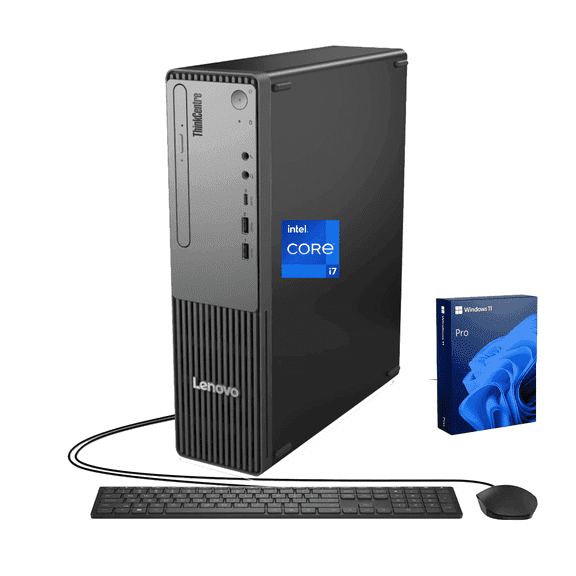
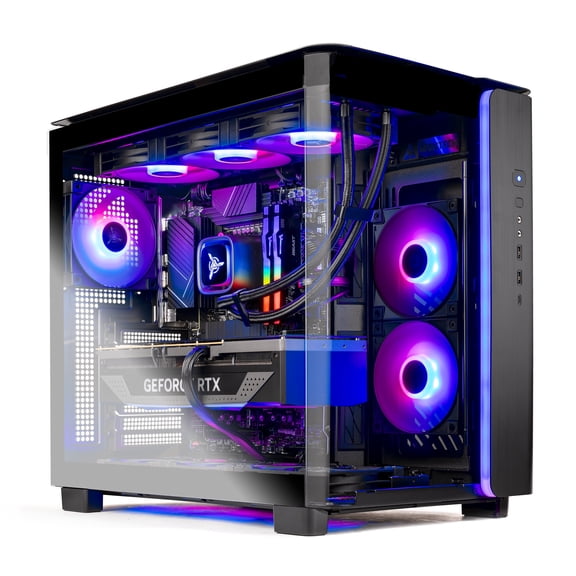
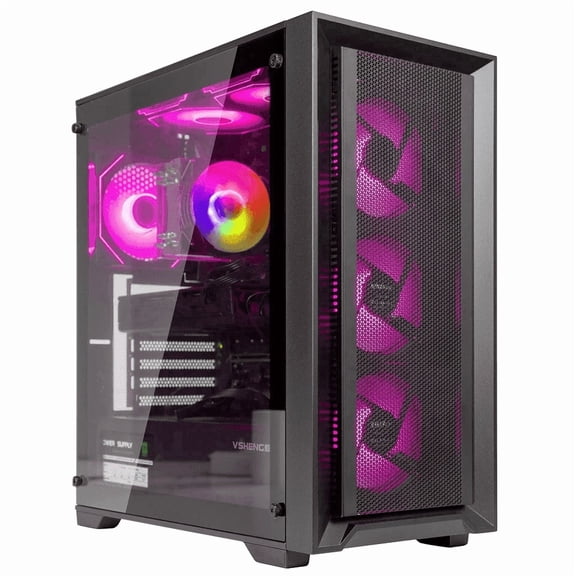
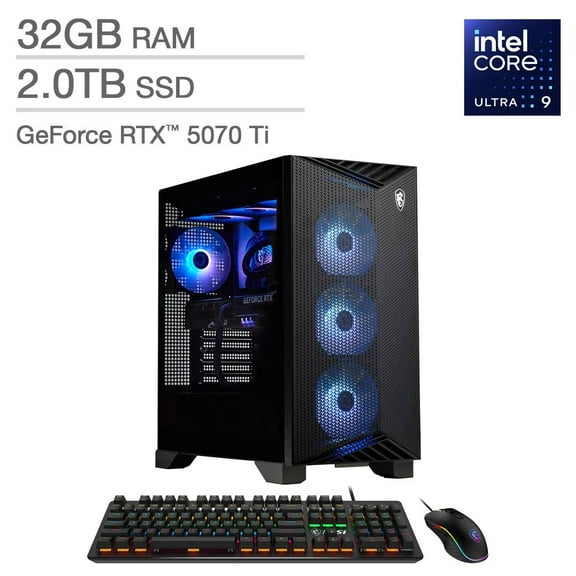
If you want separate monitors or internal upgrades later, you may prefer a tower footprint. You can often add storage, connect more accessories, or choose dedicated graphics support with that style.
A mini PC can fit shared spaces, shelves, and smaller desks with less visual bulk. You can pair it with your own monitor when you want flexibility without a full tower case.
You should also compare processor brands in plain language, not just model names. Intel Core and AMD Ryzen can fit everyday tasks or heavier workloads, while Apple M-Series supports macOS-focused computing.
If you mostly browse, stream, email, and handle schoolwork, you may not need advanced hardware. You should look for more memory and a stronger processor when your routine includes editing or gaming.
Choosing a PC under 500 or moving up by price tier
You should set your budget after you choose your form factor and operating system. A PC under 500 can cover homework, browsing, email, and basic office work for many households.
If you need more storage or efficient multitasking, you may move into a higher tier. You can compare under $500, $500 to $1000, and over $1000 options with clearer expectations.
You should check memory, storage type, and processor level across each budget range. You can keep your search focused when your spending matches your daily workload.
For shared family use, you may want a simple desktop with room for school projects and streaming. For editing, gaming, or larger file libraries, you should compare models with more robust performance and expansion room.
Matching desktop types to real uses
You can choose an all in one desktop for a kitchen counter, dorm room, or home office with limited space. You may prefer that style when your routine calls for a streamlined setup and quick organization.
If you're building a workstation with dual monitors, you may lean toward a tower or micro tower. You can connect a full keyboard, external drives, and more peripherals with less compromise.
An Apple Mac computer can fit creative desks where you organize photos, music, and design projects. You may also choose it when your daily routine already includes other Apple devices.
If you need a straightforward household computer, a PC under 500 can suit lighter daily tasks and shared use. You can step up to stronger configurations when your schedule includes editing, gaming, or heavier multitasking.
You should compare desktop types with your room layout, software list, and performance goals in mind. You can choose with more confidence when the computer's shape and system fit how you actually work.
When you use these decision points, you can sort desktop computers by type with less uncertainty. You can build a setup that fits your desk, supports your programs, and stays practical for everyday use.
Popular in Shop Desktops by Type: All-in-One, Apple & Tower PCs - Walmart.com
- Business Desktop Computer
- Desktop Complete
- Business Desktop Computers
- Top Rated Products in Desktop Computers By Type
- Top Rated Products in Desktop Computers
- Rollback in Desktop Computers
- Special Buy in Desktop Computers
- Sprint Desktop
- Custom Built Desktop Computers
- Top Rated Products in Refurbished Desktops
- Clearance in Desktop Computers By Type
- Rebuilt Desktop Computers