


Handheld Games & Retro Consoles



























![FVBADE [32000 Game in 1] 78S Pandora Box Retro Games Arcade Game Console with Two Separate Host for PC & Projector & TV 3D Games 1-4 Players Category Favorite List Save/Search/Hide/Pause/Delete](https://i5.walmartimages.com/seo/FVBADE-32000-Game-1-78S-Pandora-Box-Retro-Games-Arcade-Game-Console-Two-Separate-Host-PC-Projector-TV-3D-Games-1-4-Players-Category-Favorite-List-Sav_f41209fe-b432-4532-bd4c-dd71da06f6f6.39c6d9ef61306841b437235065087fd1.jpeg?odnHeight=576&odnWidth=576&odnBg=FFFFFF)




About Handheld Games & Retro Consoles - Walmart.com
Retro arcade consoles bring classic cabinet play into your home with formats that fit your space, your game preferences, and your setup comfort. You can compare cabinet, tabletop, handheld, and console styles to match how you want to play and display.
How to choose retro arcade consoles by type
Console type shapes how your setup looks and how much room you need. You should measure your floor, shelf, or media area before you compare retro arcade machines.
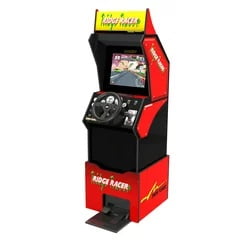
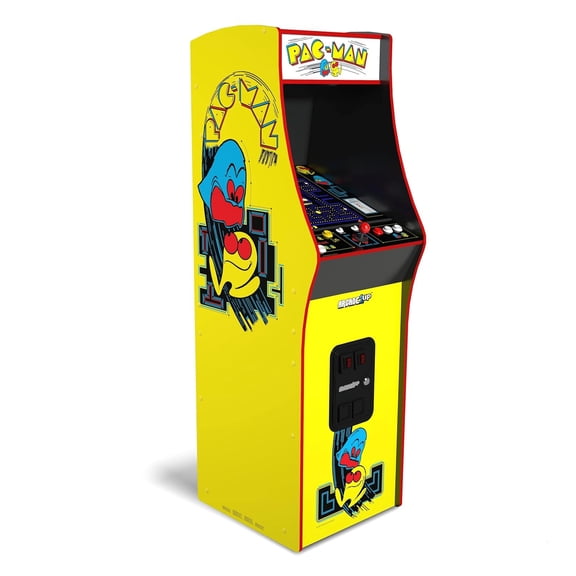
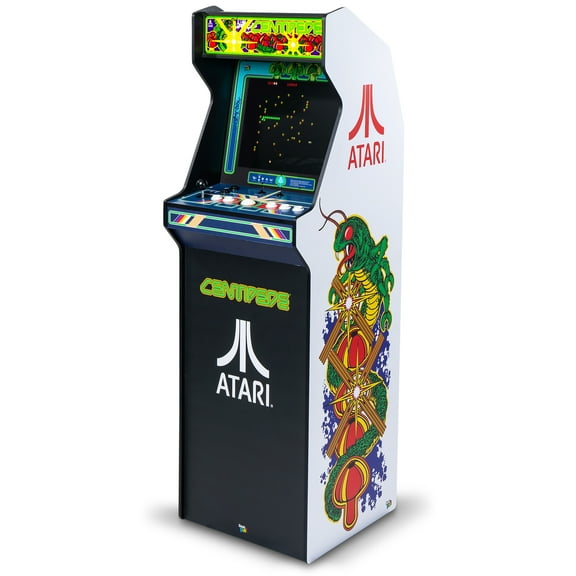
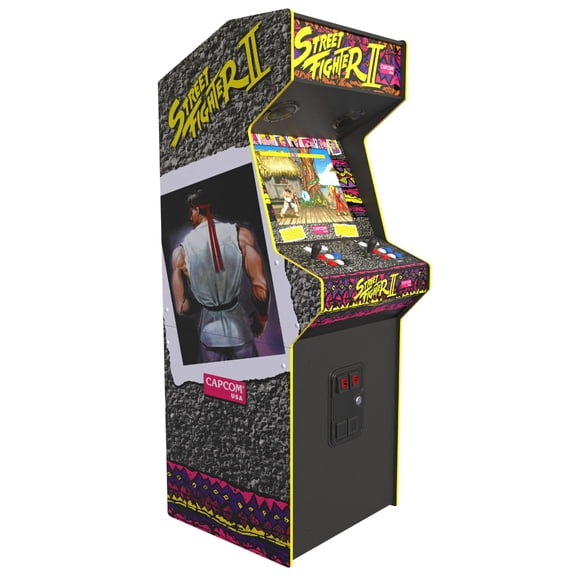
A full cabinet gives you the classic upright feel with a larger control deck and stronger room presence. You may prefer this style when your game room can handle a dedicated footprint.
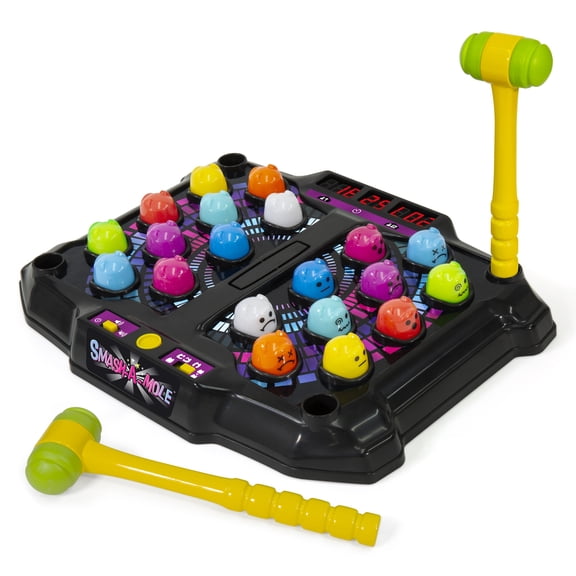
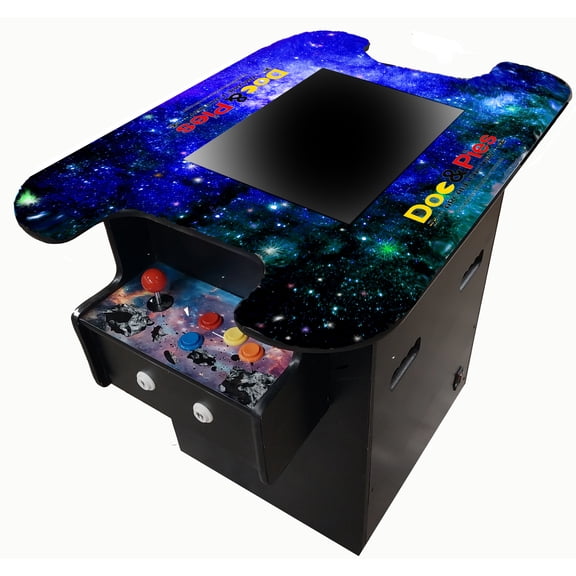
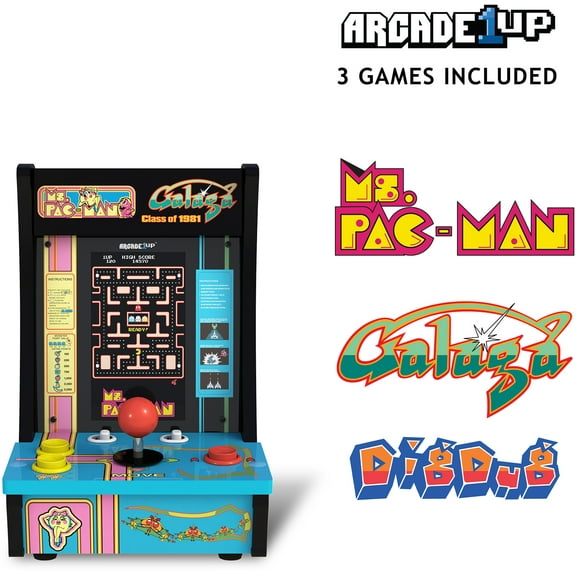
A tabletop unit gives you arcade controls in a smaller format that can sit on a counter, desk, or sturdy table. You can move it more easily when you want flexible placement.
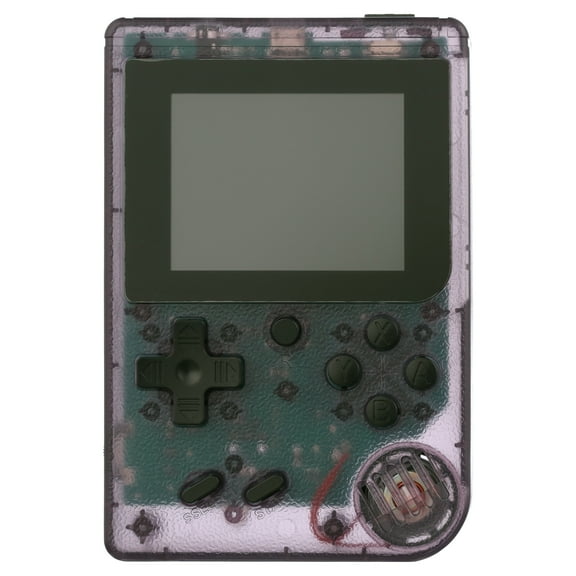
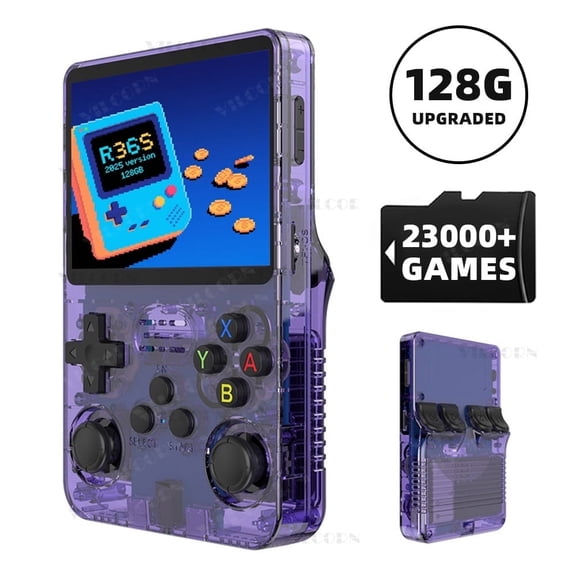
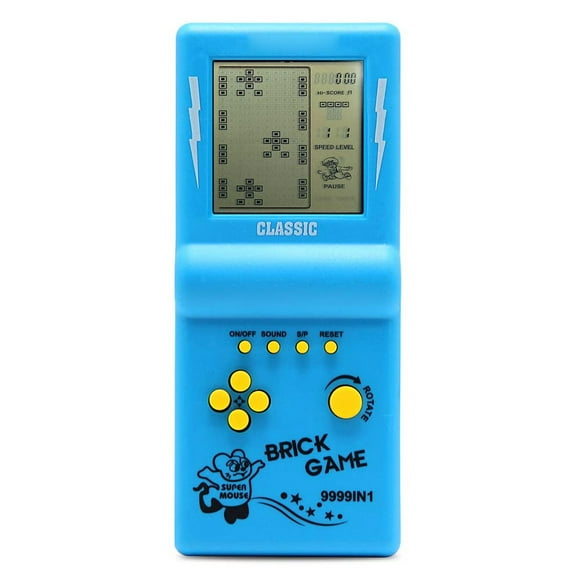
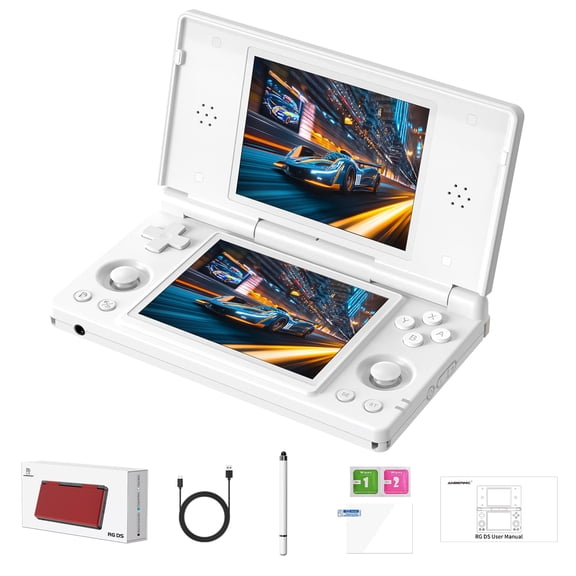
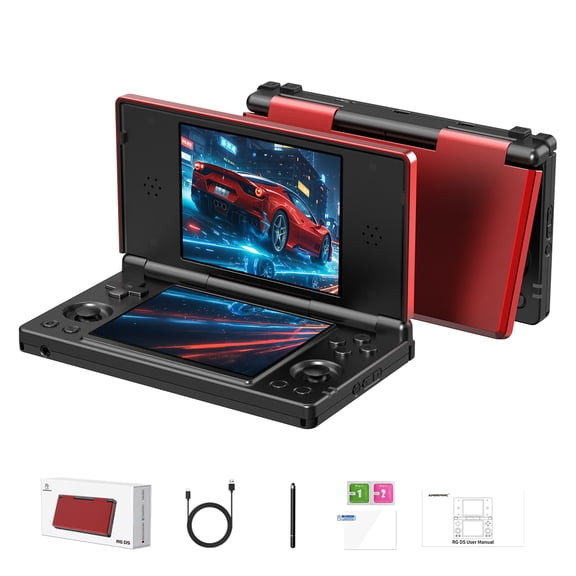
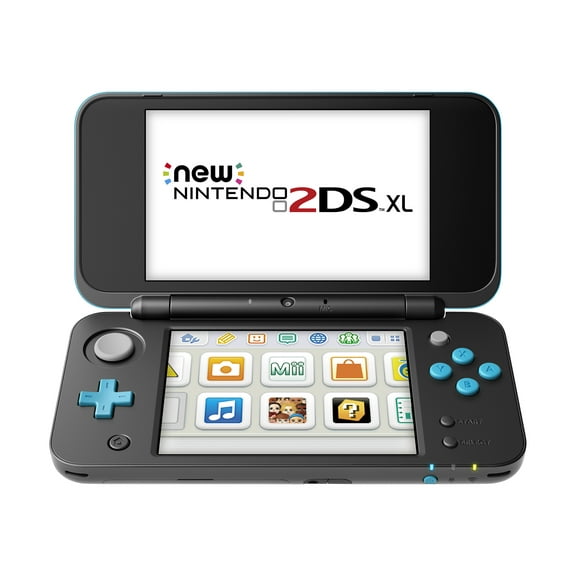
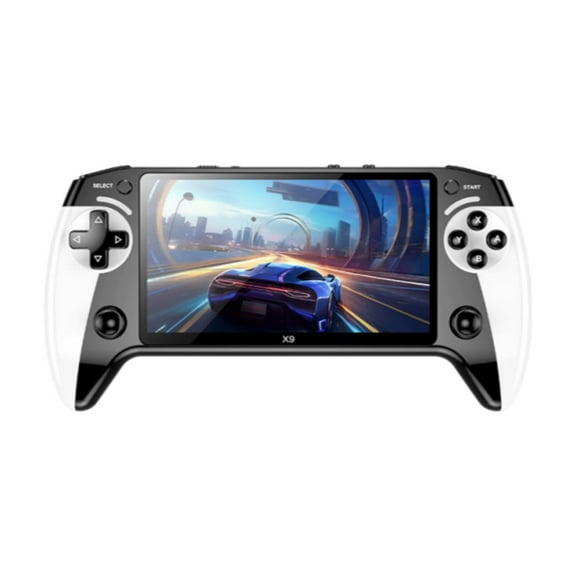
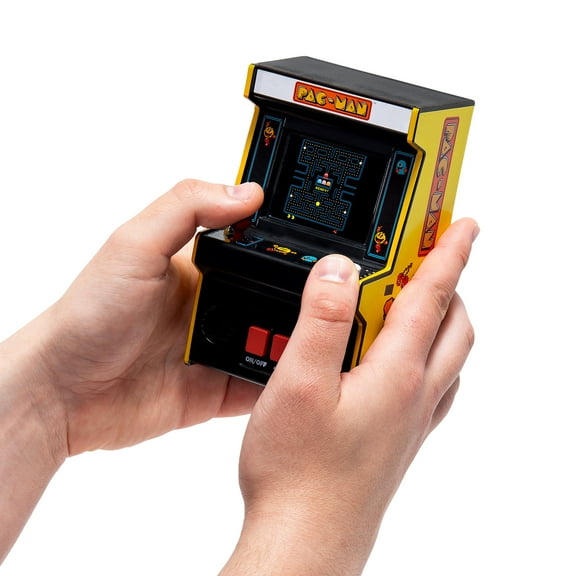
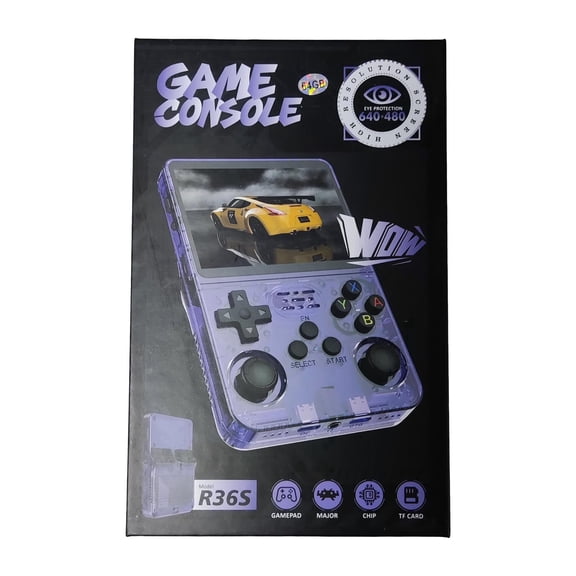
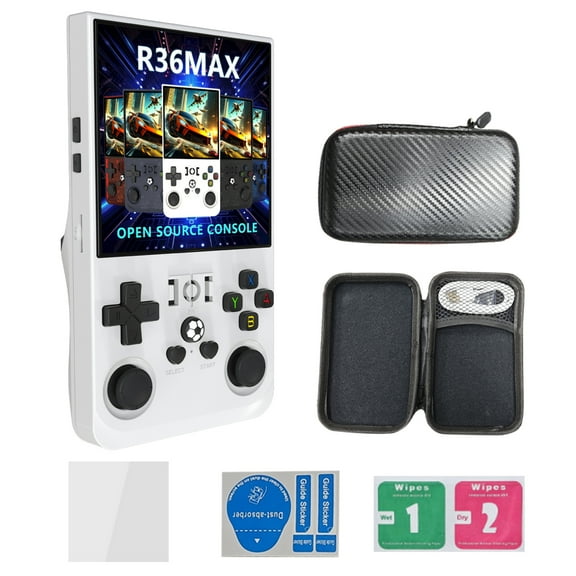
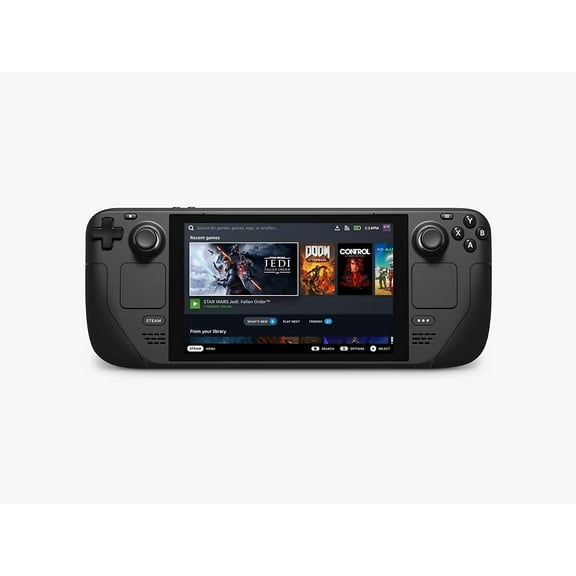
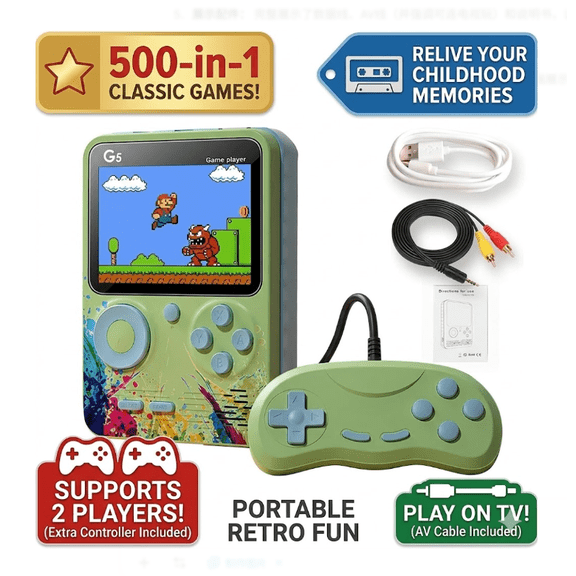
A handheld option keeps classic controls and compact screens in a portable design. You might choose this format when you want quick play sessions without committing floor space.
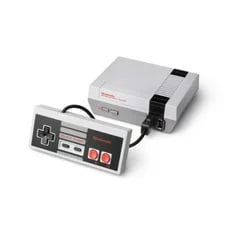
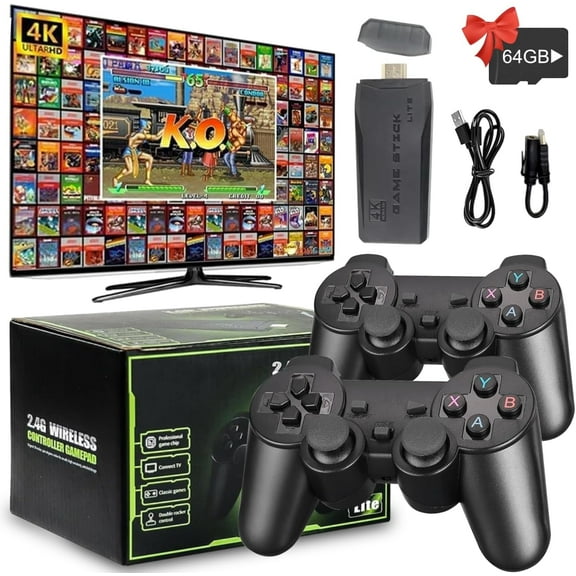
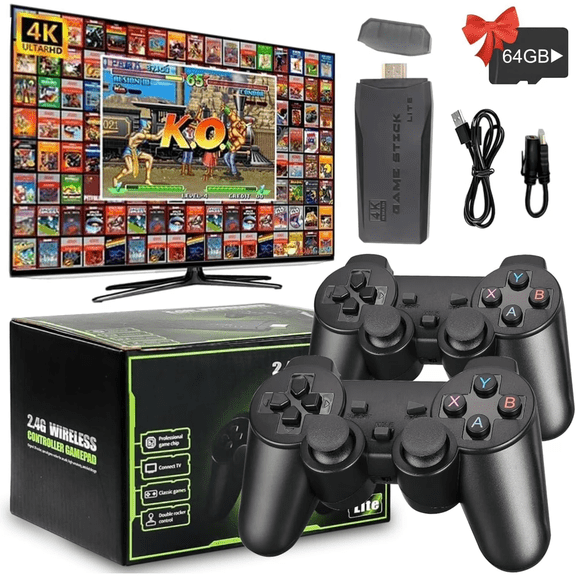
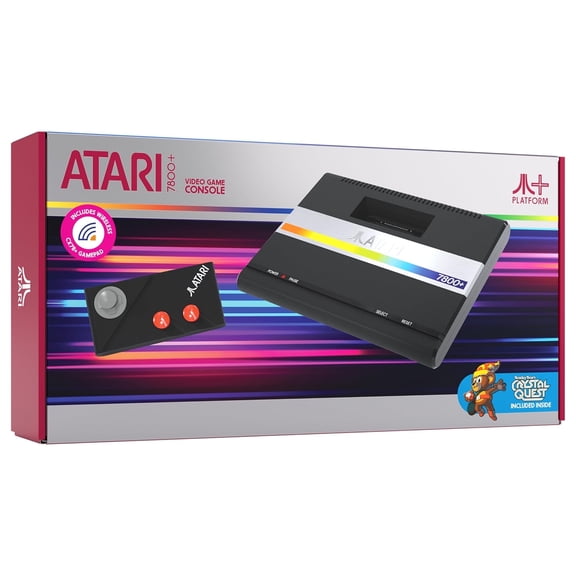
A console-style unit connects your retro gaming library to a TV or monitor for a living room setup. You can pick this route when your seating layout matters more than cabinet styling.
Comparing game selection and retro arcade consoles
Game selection affects replay variety and how closely your setup matches your favorite era. You should compare multi-game, single-game, and expandable formats before you choose.
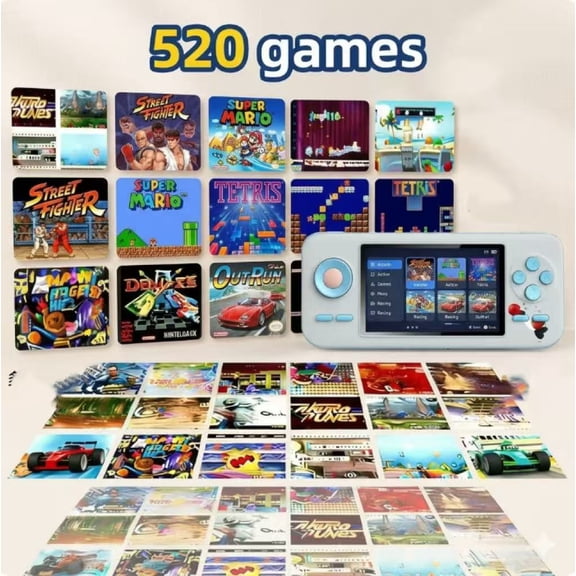
A multi-game system gives you a broader library in one unit, which helps when your household likes mixed genres. You may see fighting, racing, puzzle, and classic action titles together.
A single-game model centers your setup around one iconic title or franchise look. You can use that option when your goal is a focused cabinet theme with familiar controls.
An expandable design gives you room to grow your library through supported updates, cards, or connected content. You should check compatibility details before you plan future additions.
Licensing details matter when you compare included titles and platform claims. You should look for clearly described game sources, including officially licensed ROMs or supported emulation formats.
Emulation can shape menu style, game accuracy, and how the system organizes titles. You can compare those details when you want a familiar arcade feel and a clear game list.
- You can choose multi-game units for varied family play.
- You can choose single-game cabinets for a focused nostalgic look.
- You can choose expandable systems when your library needs flexibility.
- You should review licensing and emulation details for clearer expectations.
What to look for in player capacity and screen size
Player capacity changes how your setup feels during solo sessions or group play. You should match one-player, two-player, or four-player layouts to your usual gaming routine.
A one-player design keeps the cabinet narrower and often fits tighter rooms. You may prefer it when your setup centers on personal high-score sessions.
A two-player layout supports side-by-side play without demanding the width of a larger cabinet. You can use it for head-to-head matches and co-op sessions at home.
A four-player model creates a more social control deck with added elbow room and wider cabinet dimensions. You should plan extra floor space and access around the unit.
Screen size also affects visibility, cabinet scale, and where the unit fits. You can compare 17-inch, 8-inch, and 4.3-inch screens based on distance and room size.
A 17-inch display works well when you want a home arcade machines setup with stronger visual presence. An 8-inch or 4.3-inch screen suits tighter desks, shelves, or mini arcade cabinet designs.
Choosing controls, accessories, and assembly
Controls can shape whether gameplay feels smooth, responsive, and familiar. You should look for arcade-grade joysticks and microswitches when control precision matters to your favorite genres.
Microswitch-based buttons can deliver a distinct click and quick input response during repeated moves. You may notice that difference during fighting games, shooters, and classic platform play.
Joystick layout, button spacing, and deck width also affect comfort over longer sessions. You should compare control placement when multiple players will share the cabinet.
Arcade cabinet accessories can help you round out your setup without changing the core system. You can look for risers, stools, replacement controls, protectors, and themed add-ons that match your cabinet style.
Assembly requirements vary across this category, so setup time can differ a lot. You should check whether you want a pre-built unit, a mostly assembled cabinet, or a DIY kit.
A pre-built option gets you playing faster with fewer setup steps in the room. A DIY format can suit you when you enjoy assembling panels, screens, and control sections yourself.
Matching use cases to your room and play style
Your room size and play goals can narrow the field quickly. You can match specific combinations of type, game selection, and capacity to get a cleaner fit.
If your apartment or office has limited space, you may want a tabletop unit with an 8-inch screen and one-player controls. You can keep the arcade look without giving up a full corner.
If your family wants shared play in a bonus room, you might choose a cabinet with two-player or four-player controls. You can pair that format with a multi-game library for broader appeal.
If your goal is a collectible look, you may prefer a mini arcade cabinet with a single-game theme. You can display it on a shelf or desk while keeping classic art front and center.
If your living room centers on couch play, a console-style unit may fit your routine more naturally. You can connect it to a larger screen and keep your setup easier to rearrange.
When your priority is minimal setup, you should focus on plug-and-play models with clear included-game lists. When your priority is customization, you can compare expandable systems and accessory options.
With retro arcade consoles, you can build a setup that fits your space, your favorite titles, and your preferred control style. You can feel more confident when you compare cabinet type, game source, controls, and assembly before you choose.