

Results for "Networking Cables & Accessories"


























![Network Cable Tester,Poe Wire Checker Stp Cable Continuity Tester Poe Wire Utp Stp Cable With Network Cable Tester Rj45/rj11/r]12/cat5/cat6/cat7 Utp Wire Utp Wire Tool Checker Receiver Utp](https://i5.walmartimages.com/seo/Network-Cable-Tester-Poe-Wire-Checker-Stp-Cable-Continuity-Tester-Poe-Wire-Utp-Stp-Cable-Network-Cable-Tester-Rj45-rj11-r-12-cat5-cat6-cat7-Utp-Wire_25af6261-4555-46ea-b072-0abec6c23c45.82d4aeb5716db8ff6079dc841bc54732.jpeg?odnHeight=576&odnWidth=576&odnBg=FFFFFF)


About
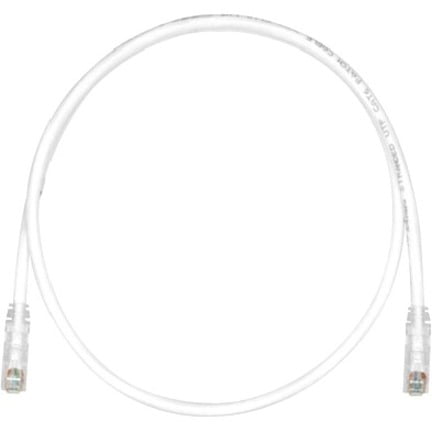
Ethernet cables help you create a direct, dependable connection for gaming, streaming, and work. You can compare cable category, length, shape, and shielding to match your devices and rooms.
If your wireless network feels crowded, you can use an ethernet cord for a steady wired link. You can also choose options that fit short desk connections or longer room-to-room runs.
How to choose ethernet cables for your setup
You should start with cable category because it affects speed, bandwidth, and future device support. You can then narrow your choice by length, routing path, and shielding needs.
When you compare Cat5e, Cat6, Cat6a, Cat7, and Cat8, you’re comparing network headroom. You may prefer a cat6 ethernet cable for everyday home internet and office equipment.
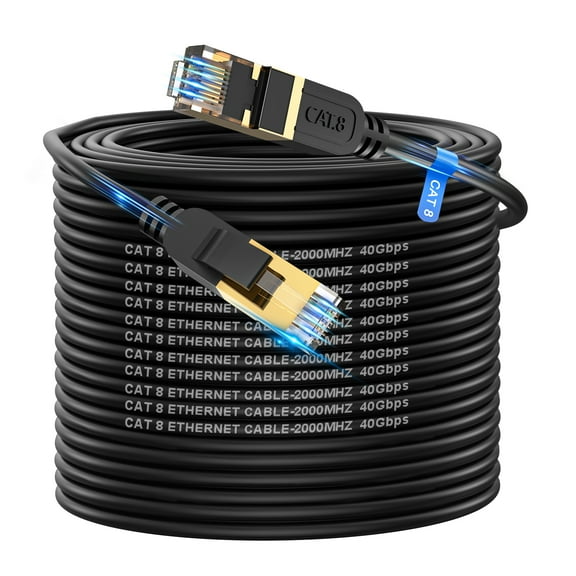
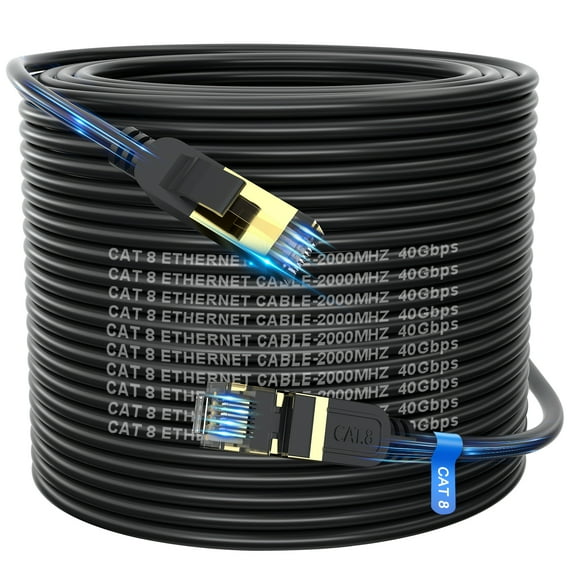
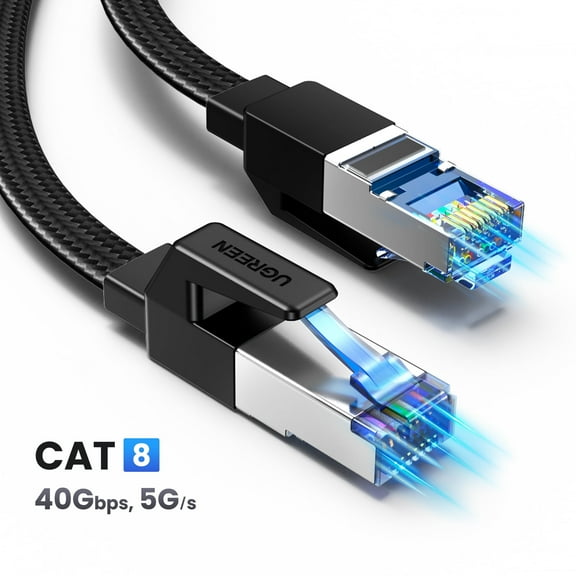
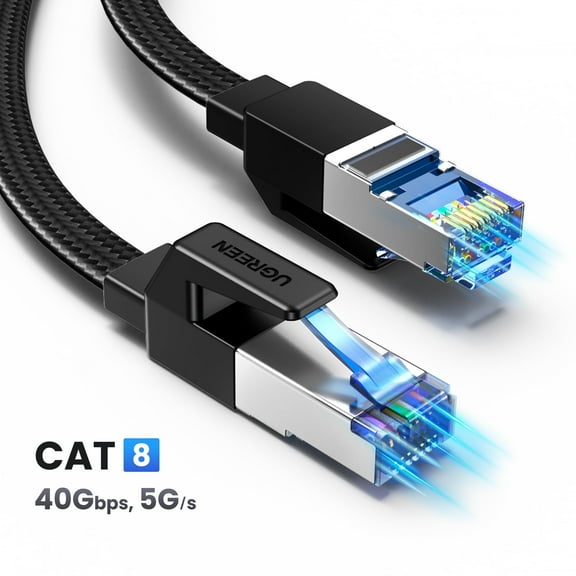
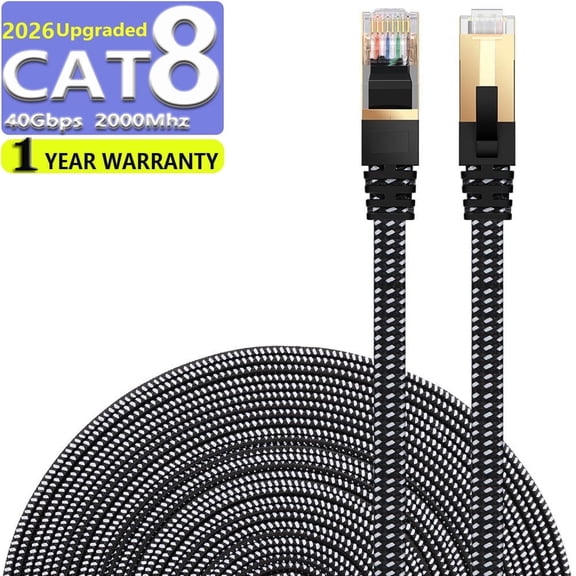
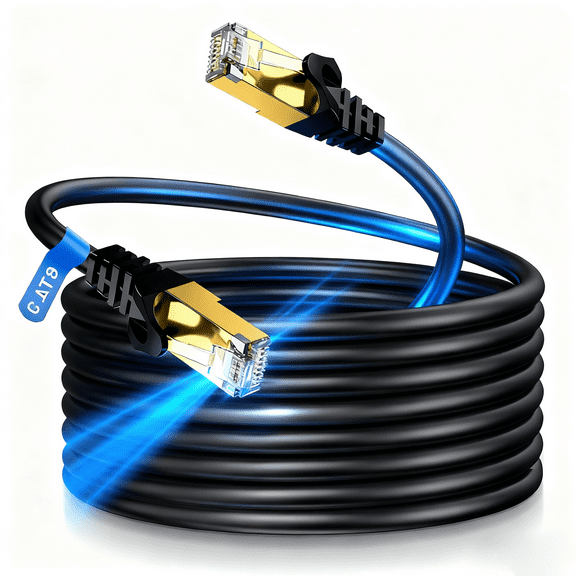
If you want support for high-speed networking hardware, you can look at Cat6a or Cat8 options. You may often notice cat8 ethernet cable choices in demanding gaming or advanced network setups.
What you gain from the right network cable
You can get consistent download and upload performance when you connect devices with a wired line. You can also reduce interruptions during video calls, cloud backups, or online matches.
For entertainment spaces, you can use a high speed ethernet cable with smart TVs and media boxes. Your movies, live sports, and large game downloads can feel dependable.
In work areas, you can keep desktops, docking stations, printers, and switches connected without relying only on wireless signals. Your setup can stay organized when you match the cable path to your room.
- You can support gaming, streaming, and video meetings with a direct network connection.
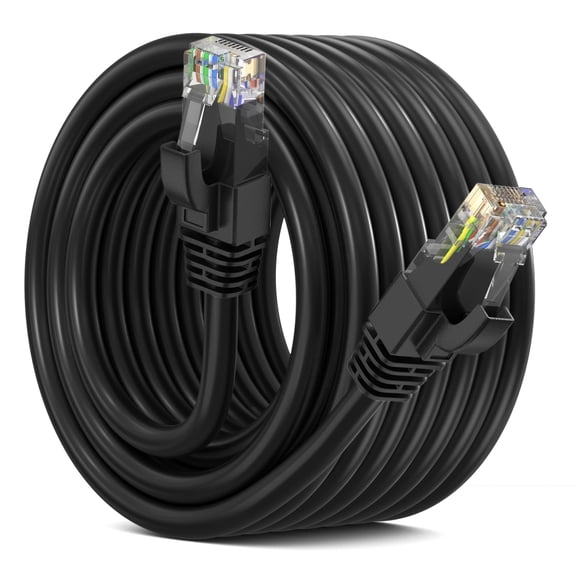
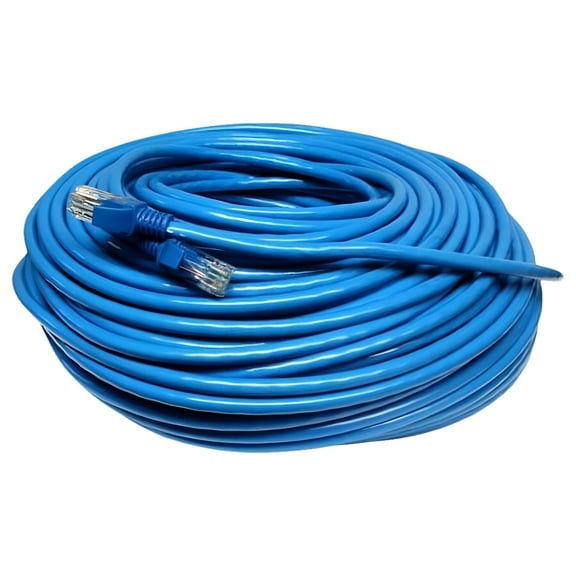
- You can choose short lengths for desks or a long ethernet cable for larger rooms.
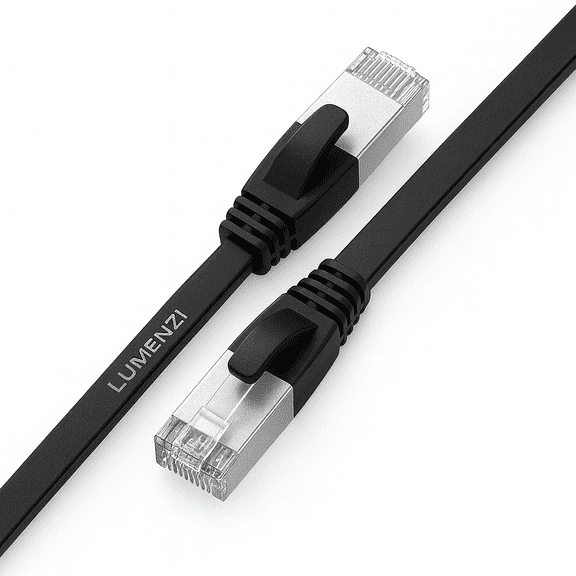
- You can route a flat ethernet cable under rugs or along baseboards with less bulk.
- You can select UTP or shielded ethernet cable designs based on nearby electronics.
Choosing cable category, speed, and bandwidth
You should compare category ratings first if speed is a priority in your setup. Your cable category helps determine how much data your network can carry cleanly.
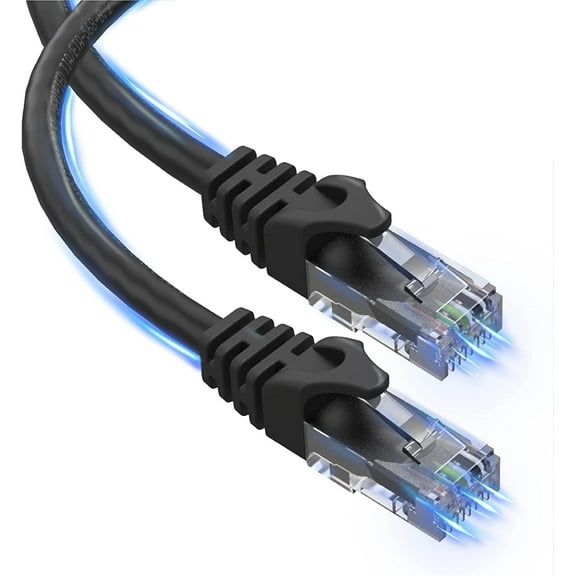
A cat6 ethernet cable is a common choice when you want strong performance for home offices, consoles, and streaming devices. You may often see Cat6 associated with Gigabit speeds and higher bandwidth support.
If you’re planning a more advanced network, you can compare Cat6a, Cat7, and Cat8. You should check your router, switch, and internet plan so your cable matches your equipment.
MHz ratings can help you compare bandwidth capacity in technical listings. You don’t need extra headroom if your internet plan and devices won’t use it.
Choosing the right length and cable shape
You should measure your route before you choose a cable length. Your setup may need 3-foot or 5-foot cables for desks, or 25-foot to 100-foot lengths for larger spaces.
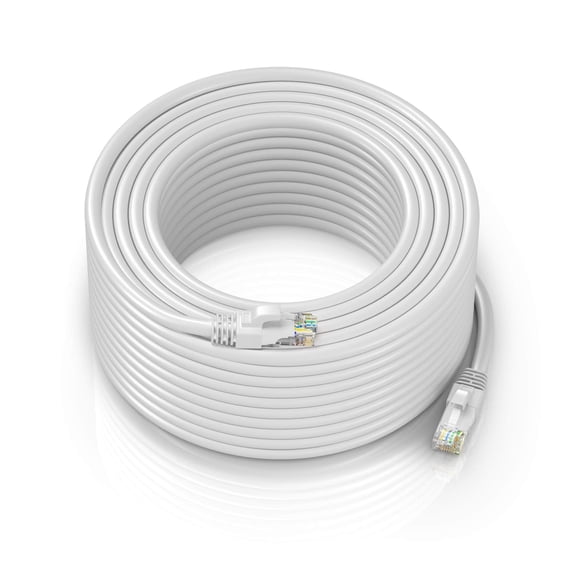
A long ethernet cable can help you reach a modem, router, or switch across a room. You should leave a little extra slack so your cable doesn’t pull tightly around furniture.
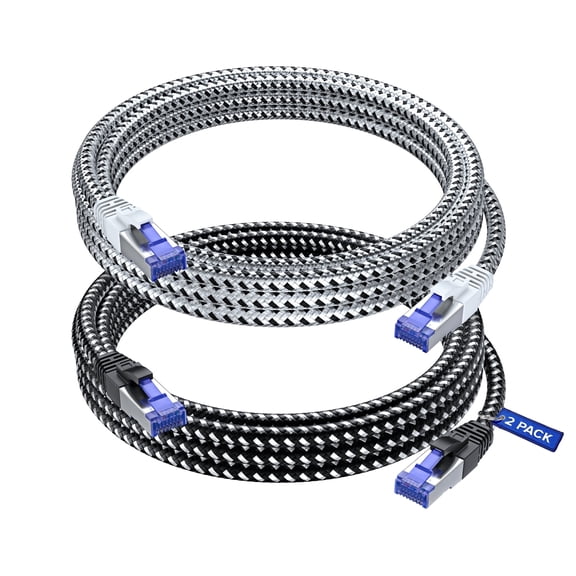
When you compare round and flat designs, you’re deciding how the cable travels through your space. You may prefer round cables for standard runs and frequent handling.
If you need a lower-profile path, you can choose a flat ethernet cable for edges, baseboards, or under carpets. You should check door clearance and corner turns before you install it.
Choosing UTP or shielded ethernet cable options
You should think about nearby electronics, power cables, and office equipment when you compare shielding. Your environment affects whether UTP or STP makes more sense.
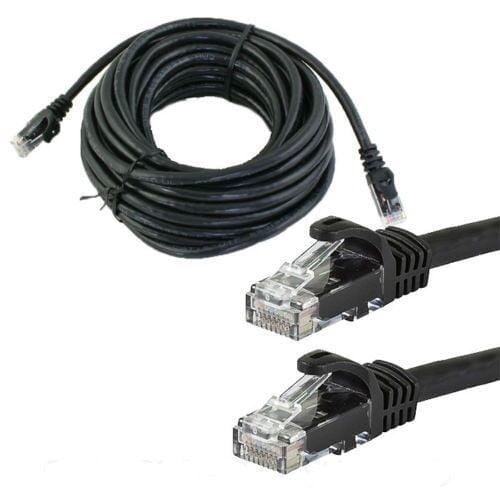
UTP, or unshielded twisted pair, works well in many homes and simple desk setups. You can choose it when your cable path stays clear of heavier electrical interference.
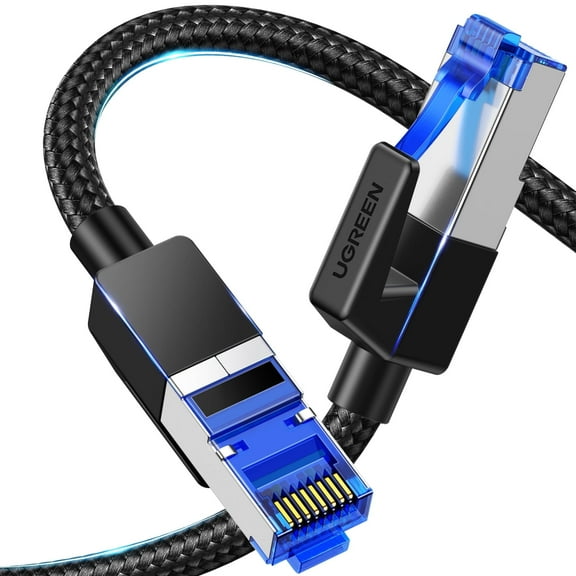
STP, or shielded twisted pair, adds extra protection around the cable pairs. You may want a shielded ethernet cable when your line runs near dense equipment or busier office installations.
Electromagnetic interference sounds technical, but you can think of it as signal noise from nearby devices and wiring. You should consider shielding when your route passes crowded equipment areas.
What to look for in jacket material and placement
You should also check jacket material and intended placement before you decide. Your cable may need a flexible design for indoor corners or a tough jacket for exposed areas.
For everyday rooms, you can use standard indoor cables behind desks, media stands, and shelving. You should confirm connector fit and route clearance for a clean installation.
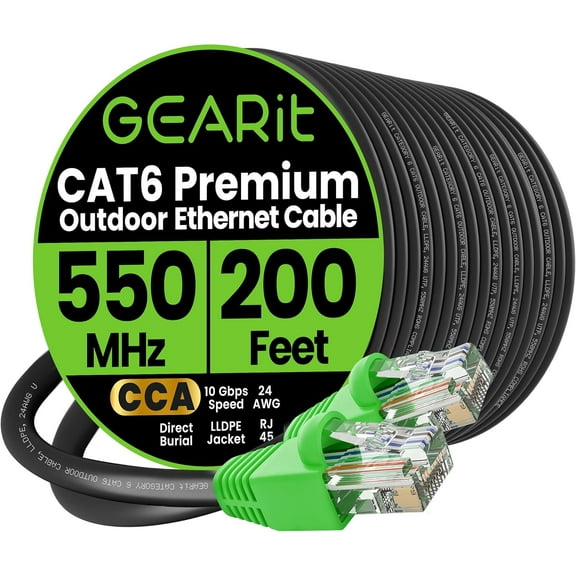
If your run passes through garages, patios, or other exposed areas, you should review the product details carefully. Your setup may call for weather-ready construction and a rugged outer jacket.
Matching ethernet cables to real uses
For gaming, you can pair a high speed ethernet cable with a console or PC for steady online play. You may also want Cat6 or higher if your network gear supports faster throughput.
For remote work, you can choose a Cat6 cable in a desk-friendly length for laptops, docks, and phones. Your calls and file transfers can stay consistent during busy hours.
In apartments or shared rooms, you can use a flat ethernet cable when you need a discreet route. You may appreciate that slim profile along walls or beneath room-edge coverings.
For larger homes, you can use a long ethernet cable to connect rooms without moving your router. Your smart TV, switch, or desktop can stay on a wired connection where you need it.
If you’re connecting switches, access points, or newer hardware, you can compare Cat6a and Cat8 listings closely. You should align the cable rating with your network speed goals and port compatibility.
With the right ethernet cables, you can match speed, length, shape, and shielding to your exact space. Your connection can feel stable, organized, and ready for everyday internet use.